The standard definition of call transcription is fifteen years out of date. Here is what modern tools actually do, and where most people quietly lose hours assuming nothing better exists.
Call transcription converts spoken audio from phone calls, meetings, or voice messages into written text. That definition is accurate. It is also about fifteen years out of date.
The common assumption is that there is no middle ground between doing it yourself and paying enterprise prices, so most people resign themselves to manual transcription or accept rough auto-captions. The gap between what people picture and what modern tools do is where most people quietly lose hours every week. Tools built for this job today do far more than swap audio for words.

See our AI transcription for how this works in practice.
Call transcription is the process of taking recorded or live spoken audio and producing written text that can be read, searched, edited, and shared. Modern transcripts carry speaker labels, word-level timestamps, and inferred punctuation, so a 45-minute client call becomes a structured document rather than a wall of undifferentiated text. Whether any given tool delivers on that depends almost entirely on factors the standard definition never mentions.
Automatic speech recognition (ASR) replaced human typists as the primary transcription method over the past decade. Manually transcribing one hour of audio takes between four and six hours of human effort. ASR collapses that to minutes.
Speed without accuracy is faster failure. The quality ceiling rose sharply while the floor stayed uneven across different voices.
Speed without accuracy is just faster failure.
This is where the real gap lives. In Stanford research on major speech recognition systems, word-error rates for Black American English speakers ran nearly twice as high as for white American English speakers. Separate research showed that non-native English accents can push word-error rates above 40% on systems trained predominantly on standard American speech. A transcript with a 40% error rate does not save time; it creates a different job: error correction instead of retyping. The hidden cost was never the subscription; it was the cleanup hour that followed every inaccurate output. Knowing what call transcription is only gets you halfway.
Key takeaways
-
Manual transcription of a one-hour call consumes four to six hours, nearly a full working day spent producing a document that should already exist.
-
Free platform auto-captions are not a shortcut; they trade accuracy for speed, and the cleanup time on a real-world accent or a noisy line often exceeds the time saved.
-
Most 'best transcription tool' lists are built around live-call bots that require a Zoom invite, a team seat, and a CRM connection, none of which help if you already have a recording file sitting on your desktop.
-
The call transcription market has split into two distinct categories: live-call bots built for enterprise workflows, and upload-based tools built for anyone with a file and a deadline.
-
For one-person teams, the pain hits at a specific moment, a 45-minute discovery call just ended, three other tasks are already overdue, and the transcript still needs to become a deal note or an action-item list.
-
Cockatoo's AI transcription closes that gap by accepting any uploaded audio or video file and returning an editable transcript with speaker recognition, word-level timestamps, and automatic punctuation, backed by a 95% accuracy quality guarantee and up to 99.8% accuracy, no bot invite or enterprise contract required.
How Call Transcription Works in Four Steps Most Tools Hide From You
The four-step pipeline below is where the gap between a polished demo and a garbled real-world transcript actually opens up. Most people searching for a transcription fix have already tried the obvious routes, platform auto-captions that drop every third word, or a colleague who types faster than they do. Neither reliably survives real-world call audio. In reality, automatic speech recognition pipelines move through four distinct stages: audio capture, speech processing, machine learning text conversion, and output integration. Each stage can fail quietly, and the failure is rarely visible until the transcript lands in your inbox.
"Users are unaware of the hidden, multi-step process behind call transcription tools, the industry's shift to AI-driven transcription happened without transparency, leaving workers blindsided by how automated the pipeline had become."
--- what we hear from call center workers
1. Audio Capture - Live Phone Lines, VoIP Streams, and Uploaded Media
Call transcription begins the moment audio enters the system, whether tapped directly from a live SIP/VoIP stream, recorded via a telephony integration on an active call, or ingested as an uploaded MP3 or WAV file after the fact. Most tools obscure this step entirely, but the capture method determines latency, audio quality, and compliance exposure. Teams on legacy PBX systems often face the steepest compatibility hurdles here.
2. Speech Processing - Noise Filtering and Speaker Diarisation
Raw call audio is rarely clean. Before any words are recognised, AI noise-suppression algorithms strip background hiss, hold music bleed, and HVAC rumble using spectral subtraction or deep-learning models. Simultaneously, speaker diarisation splits the audio into labelled segments, 'Agent' and 'Customer', so the transcript reflects who said what. Accuracy degrades noticeably on calls with heavy accents, cross-talk, or low-bitrate VoIP codecs.
3. ML Text Conversion - Punctuation, Capitalisation, and Speaker Labels Applied
Automatic speech recognition (ASR) models convert the cleaned, segmented audio into raw word sequences, then a second-pass language model layer inserts punctuation, applies correct capitalisation, and attaches speaker labels to each utterance. This is the stage most vendors treat as a black box. The tradeoff is latency versus accuracy: streaming models produce near-instant output but sacrifice roughly 5-15% word-error-rate compared to offline batch models.
4. Output and Integration - Search Indexing, Keyword Analysis, and CRM Sync
The finished call transcription is rarely the end product, it is the raw material. Transcripts are indexed for full-text and semantic search, scanned for keywords like competitor mentions or compliance phrases, and pushed via webhook or native connector into CRM platforms such as Salesforce or HubSpot. Live call transcription delivers this output in real time during the conversation; upload-and-process workflows deliver it minutes to hours later, trading immediacy for higher accuracy and lower infrastructure cost.
The Call Transcription Use Cases That Actually Save Time for One-Person Teams
For that one person, the pain arrives at a specific moment: a 45-minute discovery call just ended, three other tasks are already overdue, and the transcript still needs to become a deal note, an action-item list, or a signed-off record of what was agreed. The options most people reach for first, platform captions, a fast typist, or a voice memo app, share the same failure mode: they produce text that still needs substantial correction before it can be trusted downstream. That person is a sales rep, an operations admin at a 10-person agency, a freelance consultant, someone for whom a mis-attributed label or missed sentence is not an abstract accuracy problem but a concrete liability that now lives in every system downstream.
Cockatoo is built for exactly this: a self-serve tool that returns a transcript on the first upload, with no setup and no credit card required. The use cases below are theirs.
1. Customer Support Quality Review - Spot Service Gaps Without Listening to Every Call
Customer support teams use transcription to review client interactions and assess service quality without replaying every recording. A searchable transcript lets a manager scan for repeated complaints, missed escalations, or scripted phrases that never landed, in the time it would take to listen to a single call. For a one-person support function, there is no QA team to share the load. Transcribing calls after the fact means a week of interactions can be reviewed in an hour, not a day, and patterns become visible that audio alone would bury.
Cockatoo's Free tier handles this without any commitment, no credit card, no setup, offering up to three transcripts per day across files up to 30 minutes each, with AI Notes included to pull structure out of the raw text automatically. For a support lead managing a backlog of shorter calls, that is a meaningful starting point. When call volume grows beyond those daily limits, Pro adds unlimited transcription and unlimited AI Notes, with files up to 10 hours in length, so an entire week's call queue can be processed in a single session. Transcripts can be exported as PDF, DOCX, TXT, or subtitles, making it straightforward to drop a cleaned record into any existing QA workflow.
2. Sales Call Logging - Auto-Capture Competitor Mentions, Action Items, and Talk Ratios
Sales teams use transcription to log competitor mentions, action items, and talk-to-listen ratios directly from recorded calls. For a solo rep running five calls a day, manual transcription overhead consumes time that should be going into CRM entries and follow-up emails. Court reporters, professionals whose entire livelihood is accurate verbatim capture, bill by the page precisely because manual transcription is slow, skilled labour; for a solo rep without that training, the drag is even steeper.
Automated transcription changes the math. A transcript surfaces the moment a recording is uploaded to Cockatoo, no replay, no retyping. The rep reviews it, confirms action items in the AI Notes editor, and moves on.
For individuals, Pro is Cockatoo's most popular tier, covering unlimited transcription, unlimited transfers, and unlimited AI Notes in one plan. For a small sales team, the Team tier extends that to centralised billing, shared transcript editing, and priority support across a minimum of three seats, practically useful when call notes need to move from rep to manager to CRM without being re-keyed at each handoff.
3. Compliance and Legal Archiving - Build a Searchable Record of Regulatory Conversations
Compliance and legal teams use transcription to maintain searchable archives of regulatory discussions, replacing audio files that cannot be queried with text records that can. A financial planner or independent legal consultant who needs a reliable, searchable record of every client conversation faces the same core problem: audio is opaque, and opaque records cannot be audited quickly. A transcript converts each call into a document that can be searched, exported, and stored alongside the other paperwork a matter generates.
Cockatoo's private and secure cloud-based storage, protected by state-of-the-art security and cryptography, means transcripts are not sitting in a local folder that can be lost with a laptop. Files can be shared via transfer links and exported to PDF or DOCX for filing in case management systems. For a small compliance or legal operations team, the Team tier adds shared transcript editing so one person can flag a passage and a colleague can annotate it without anyone emailing attachments back and forth. All of this is self-serve: no contract negotiation, no implementation project, no vendor onboarding call required before the first transcript appears.
4. Voicemail-to-Text - Read Missed Messages Instantly Without Playing Audio
Voicemail transcription converts missed voice messages into readable text delivered straight to your inbox or CRM, letting you triage urgency, extract phone numbers, and respond in context without ever hitting play. For a solo operator juggling client calls and deep work blocks, this eliminates the friction of audio scrubbing entirely. The limitation: transcription accuracy drops noticeably on low-quality mobile recordings or heavy accents, occasionally requiring a listen-through anyway.
5. Interview and Meeting Recording to Editable Word or PDF - No Retyping Required
Freelancers, researchers, and independent consultants use call transcription to turn recorded interviews or client meetings into fully editable Word documents or PDFs in minutes, answering the common question of how to view a call transcript without specialist software. Microsoft Word's built-in Transcribe feature handles this natively for Microsoft 365 subscribers. The key limitation: free-tier transcription caps monthly audio minutes, so heavy users hit paywalls quickly and need a dedicated tool. On iPhone, iOS 18 added native call recording with transcription, though it announces the recording to all participants and keeps the output inside the Notes app rather than in an editable document.
Key Benefits of Call Transcription That Free Auto-Captions Will Never Deliver
A one-hour call recording typed up by hand consumes four to six hours, nearly a full working day spent producing a document that should already exist. Free auto-captions built into video-call platforms seem like the obvious escape from that, and the instinct to reach for them is understandable. The problem is that speed without accuracy is a trap.
1. Hours Returned Instantly - AI Call Transcription vs. Manual Typing
Manual transcription of a one-hour call routinely consumes four to six hours of a working day, time sales reps, researchers, and support leads simply cannot spare. Accurate AI call transcription collapses that to minutes. The real tradeoff: speed gains only hold when accuracy is high enough to skip heavy editing, so raw turnaround time alone is a misleading benchmark without a paired accuracy figure.
2. Searchable, Shareable Records - The Documentation Power of a Clean Transcript
A clean transcript is a searchable asset. Sales teams can search for competitor mentions across fifty calls; operations staff can pull the exact moment a client described a problem. Findable records reduce duplicated effort far more than faster note-taking does. Free auto-captions rarely produce text clean enough to index reliably, because speaker diarisation degrades under real conditions like crosstalk and compressed audio.
Cockatoo does offer direct export to Word (docx) and PDF formats, so users can download a finished transcript in those formats without copy-pasting or reformatting. Pro users get exports in PDF, DOCX, TXT, and subtitle (SRT) format, which means the same source file can feed a written record, a shared document, and published video captions without any extra work. For teams recording interviews, client calls, lectures, or podcasts, that flexibility turns a transcript from a private note into a shareable, editable asset the moment it lands.
3. Accent and Dialect Accuracy - The Dimension That Separates Real Tools from Free Captions
Research on commodity speech recognition shows word error rates climbing sharply for non-native and accented English speakers compared to benchmarks derived from clean audiobook audio. Free caption engines are evaluated against studio-quality recordings, not actual call audio with codec compression and background noise. Overlapping voices, domain jargon, and regional accents are exactly where accuracy collapses and cleanup time compounds.
Cockatoo's Trustpilot reviews surface a consistent pattern: accent accuracy recurs across verified reviews as a primary reason users stayed, with non-native English speakers and users recording in regional-accented English citing it most explicitly. One verified reviewer, a non-native English speaker recording client calls in Australian-accented English, reported that generic auto-captions missed every second sentence; switching to a model trained on broader accent data eliminated the correction step entirely. Cockatoo supports transcription in 90+ languages, which means the engine is built around real linguistic range rather than the narrow accent profile that causes free caption tools to fail the moment a call moves outside standard broadcast English.
Whenever a recording exists and the words are needed as text, interviews, calls, lectures, podcasts, video, that breadth is what keeps the transcript usable without a correction pass.
4. Immediate Turnaround - Minutes from Upload, Free to Verify on Your Own Audio

Manual transcription benchmarks consistently place the effort at four to six hours per recorded hour, accounting for rewind, retype, and review cycles. AI transcription collapses that to minutes. With Cockatoo, a transcript comes back on the first upload, no setup, no credit card required to get started, so the time saving is immediate and unconditional. Time reclaimed only stays reclaimed if the transcript is accurate enough to use without heavy editing; a rough draft requiring line-by-line correction quietly returns most of those hours to the pile. Cockatoo's Free tier gives you three transcripts per day at no cost, which is enough to test the accuracy on your own call audio before committing to anything.
5. Export Flexibility - PDF, DOCX, TXT, and SRT So the Transcript Fits Every Next Step
A call transcription that locks output to a single format forces manual reformatting before the text can move into legal review, coaching decks, subtitle tracks, or CRM notes. Best-in-class tools export to PDF, DOCX, plain TXT, and SRT subtitle files without extra steps. The tradeoff: teams with highly specific formatting requirements, timestamped legal transcripts, for instance, should verify that speaker-label and timestamp fidelity survive the export format they need most.
Related Reading
-
Best AI Transcription
-
Interview Transcription Software
-
Best AI Summarizer
-
Otter AI Alternatives
The 30 Best Call Transcription Tools Worth Your Time in 2026
Search any list of "best call transcription software" and you will find the same pattern: twelve tools, ten of which require you to invite a bot into a Zoom call, accept a team seat, and connect a CRM. If you already have a recording file sitting on your desktop, most of those lists cannot help you at all. The call transcription market has split into two distinct categories:
-
Live-call bots built for team workflows
-
Upload-first tools built for individuals
Most competitor listicles never make that distinction explicit, which means individuals consistently end up on the wrong shortlist.
The 30 tools below are mapped with that split in mind. Each entry flags whether the tool works for someone with a file and no team seat, or whether it requires a live-call workflow.
One honest caveat: advertised accuracy percentages are nearly meaningless for predicting real-world performance on your specific calls. Benchmark word-error rates are built on clean-audio test sets, and speaker diarisation is a distinct, separately failing system. A tool claiming 99% accuracy in marketing copy may still produce a transcript of your noisy, crosstalk-heavy, jargon-dense call that needs more correction than a tool rated lower on a clean-audio benchmark.
The only meaningful accuracy test is uploading a representative sample of your own recordings.
1. cockatoo.com
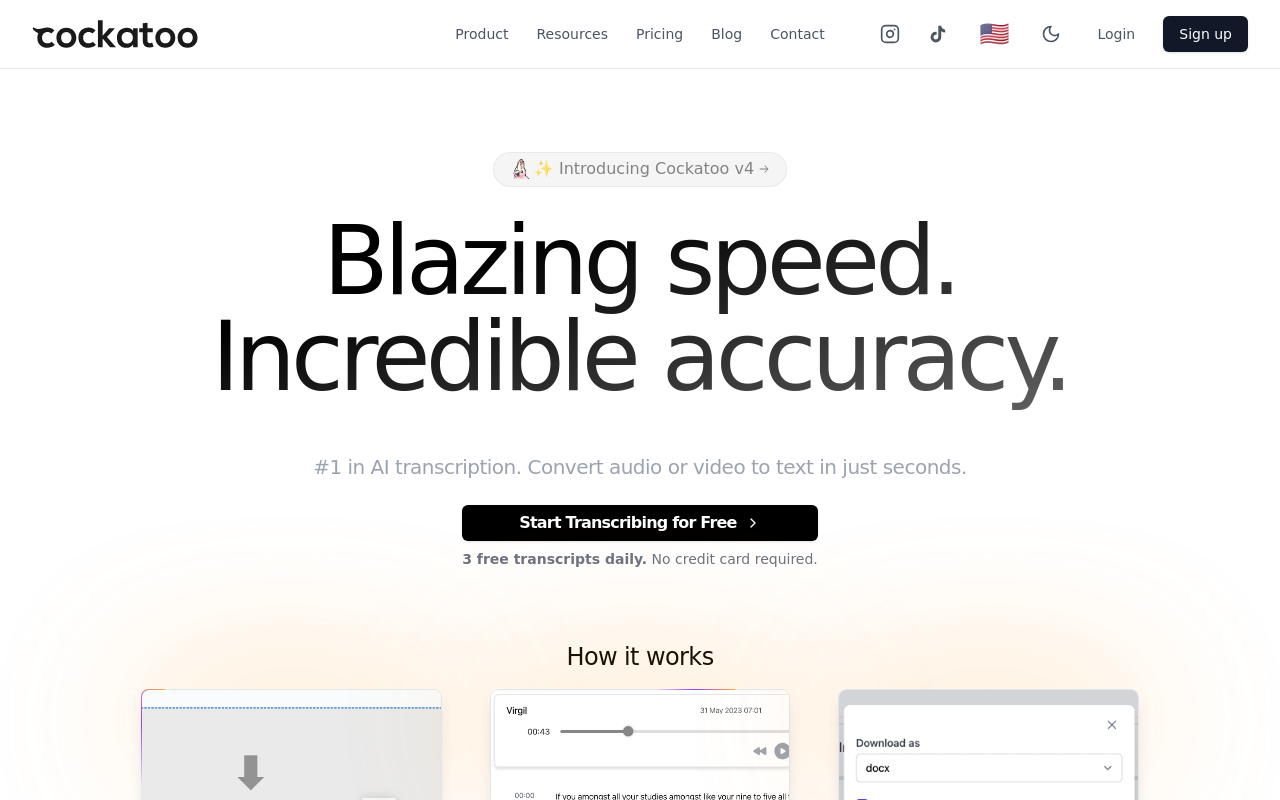
Cockatoo is the upload-first option on this list: give it any call recording, audio or video, and an editable transcript comes back with speaker labels, word-level timestamps, and punctuation applied, at up to 99.8% accuracy across 90+ languages. AI Notes then pulls action items and key points from the transcript in the same editor. The free tier includes three transcripts per day on files up to 30 minutes, no credit card required; Pro extends that to unlimited transcription and files up to 10 hours, with export to PDF, DOCX, TXT, and SRT.
2. Fireflies.ai - Best for Collaborative Call Search and Team Recap Sharing
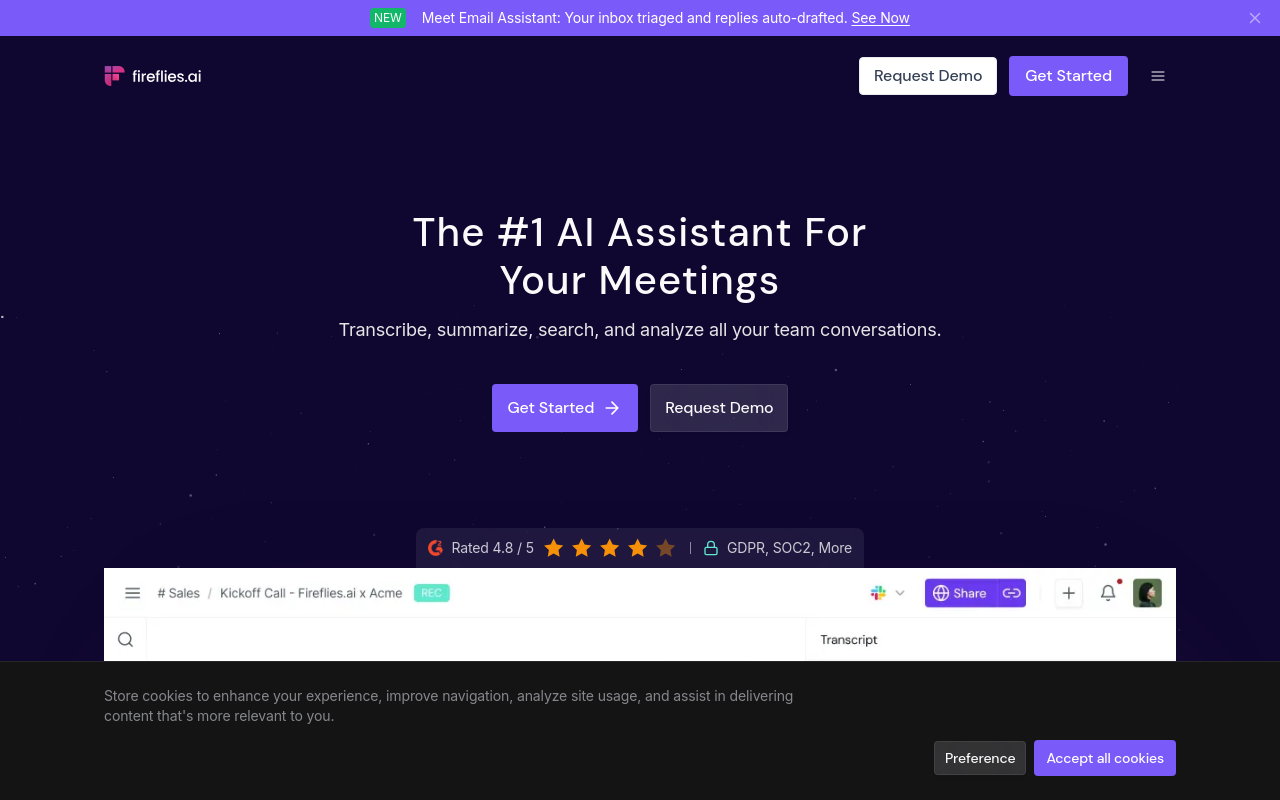
Fireflies.ai joins your Zoom, Teams, or Meet call as a bot participant, transcribes it live, and makes the transcript searchable across your whole team. The free plan covers unlimited transcription storage but caps AI summaries and search, so high-volume teams will hit the ceiling quickly. Its search layer is a genuine differentiator: querying across every call a team has ever recorded in seconds is meaningfully useful for sales managers tracking objection patterns or team leads doing call coaching at scale. The structural tradeoff is that Fireflies.ai is built entirely around the live-call workflow. If you have a pre-recorded file rather than a scheduled meeting on the calendar, it is not the right starting point.
3. Fathom - Best Free AI Notetaker for Individual Sales and Customer Calls
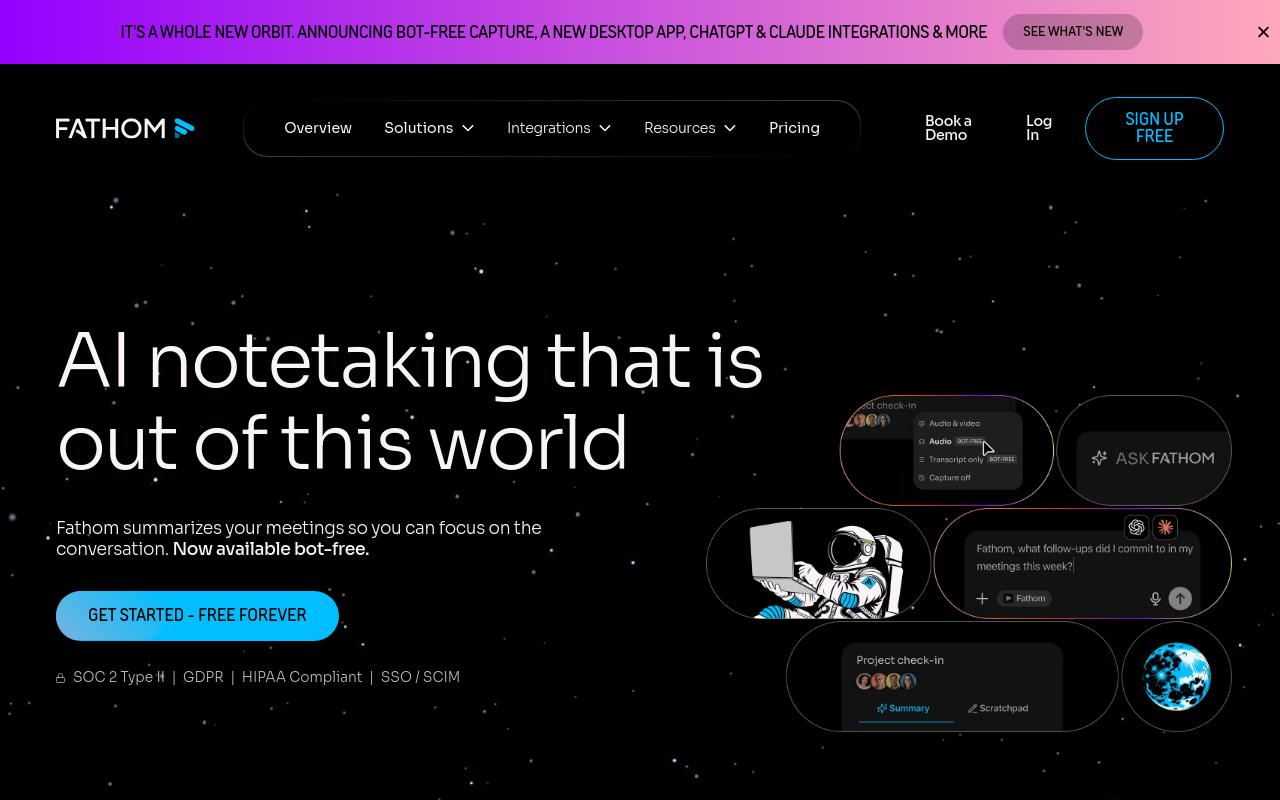
Fathom joins calls as a bot, records, transcribes, and produces a summary with action items at no cost on the free tier, with no hard minute cap on recordings, which sets it apart from tools that restrict storage or processing time. The limitation is structural: Fathom is purpose-built for live calls through Zoom, Google Meet, and Microsoft Teams. Upload a standalone audio file and you have no path forward. Pick Fathom when every call you need transcribed is a scheduled video meeting you are already attending.
4. Fellow - Best Call Transcription Paired with Meeting Agenda Management
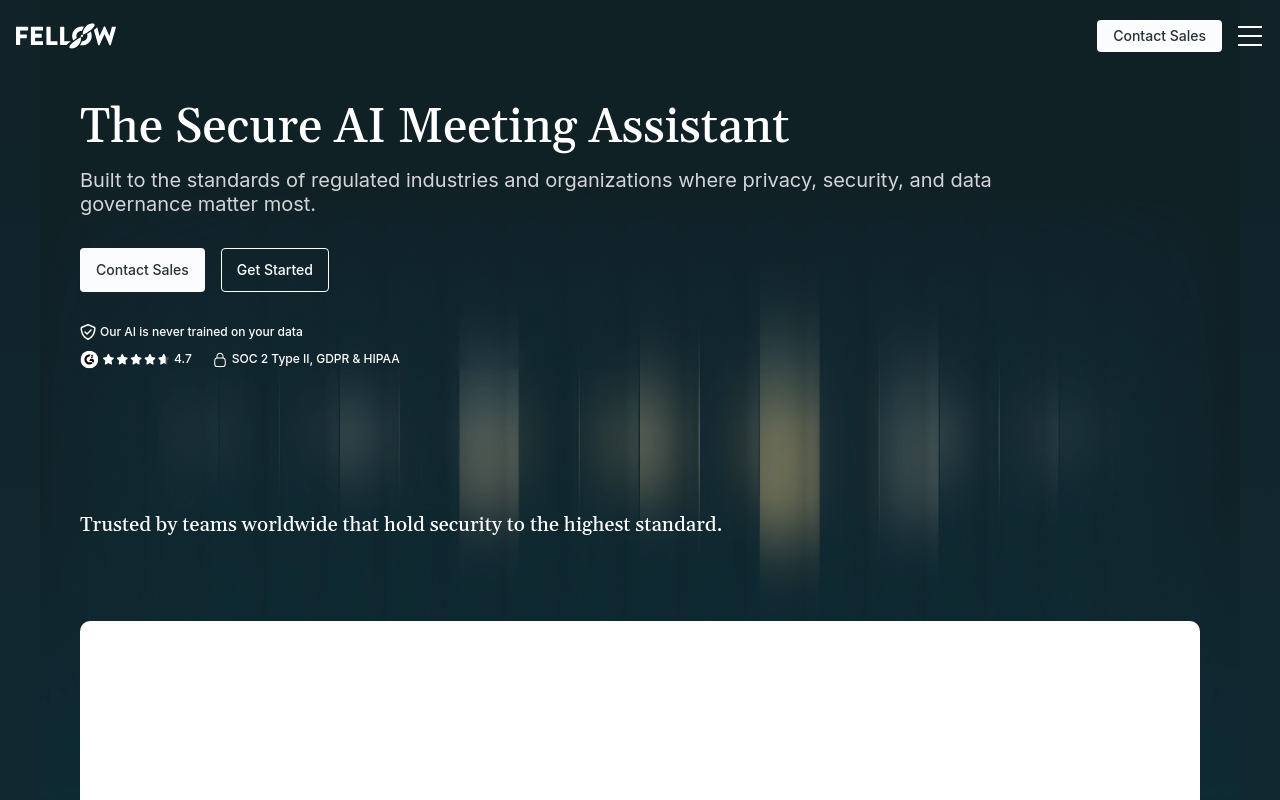
Fellow combines pre-meeting agenda building, live transcription via a call bot, and post-meeting action-item tracking in one workspace. For teams already using Fellow for meeting management, the transcription layer adds genuine value because the transcript is immediately tied to the agenda and assigned actions. For an individual who just needs a transcript, the agenda-first structure adds friction. Fellow is the right pick when your transcription need is inseparable from a recurring team meeting cadence; it is overkill for one-off recordings.
5. ElevenLabs Scribe - Best for Multilingual Audio Transcription with Accent Robustness
ElevenLabs Scribe is a consumption-based transcription API that has drawn attention for strong performance on accented and non-English audio. Pricing is per hour of audio processed, which keeps costs low for occasional use but climbs quickly for anyone transcribing several hours of calls per week. The tool is genuinely strong on multilingual content, making it a practical option for researchers or journalists working across languages. The tradeoff: Scribe's feature set and documentation are oriented toward technical users and API integrations; individuals who want a point-and-click upload-and-edit experience will find browser-first tools like Cockatoo or Notta a more direct fit.
6. Otter.ai - Best Real-Time Call Transcription for Live Meeting Note-Taking
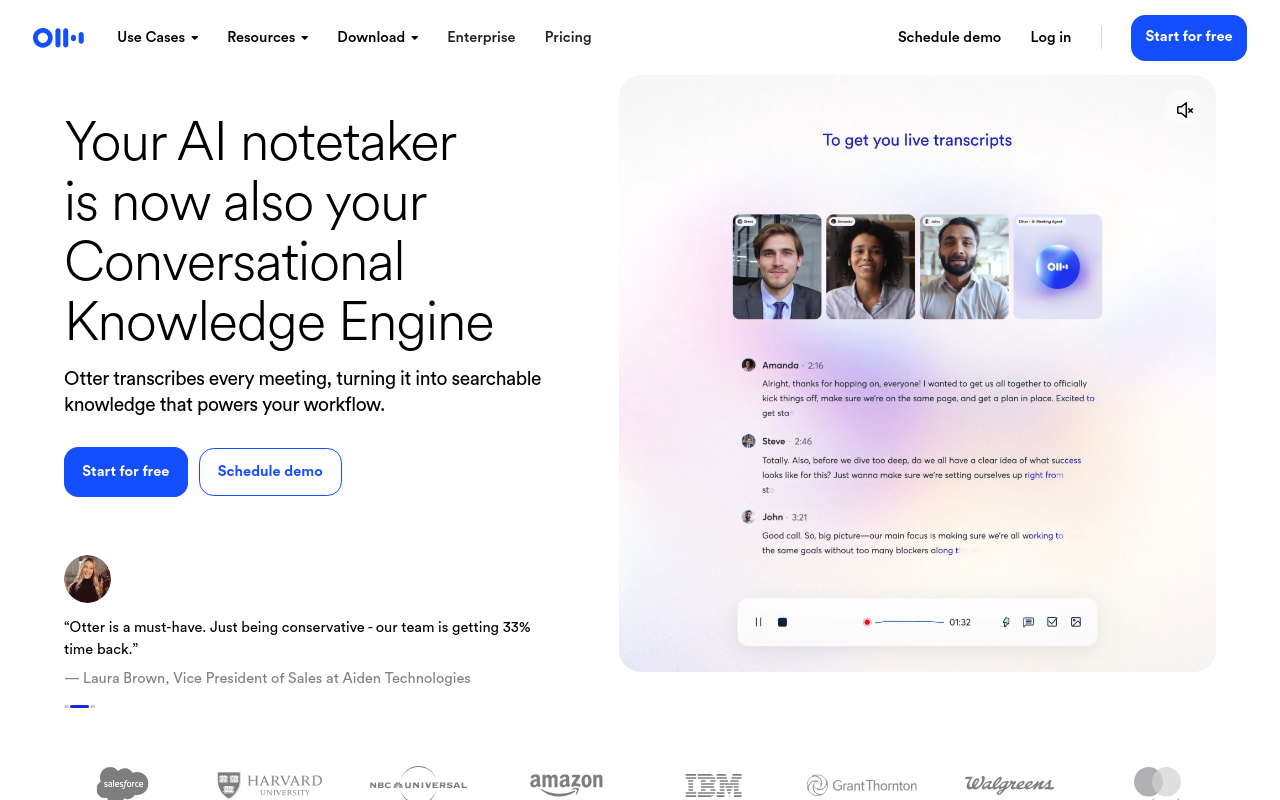
Otter.ai's real-time caption display during a call is genuinely useful for anyone who needs to follow along and search the transcript while the conversation is still happening. The free plan includes limited transcription minutes per month; paid tiers add AI summaries and team channels. Otter does support file uploads on paid tiers, but its interface, pricing structure, and feature set are built around the live-call and team-knowledge-management workflow. Users whose primary need is processing a library of standalone recordings will find the tool better suited to meeting-first teams. It works best as a live companion, not a file processor.
7. Riverside.fm - Best for Podcast Interview Transcription with Multi-Format File Support
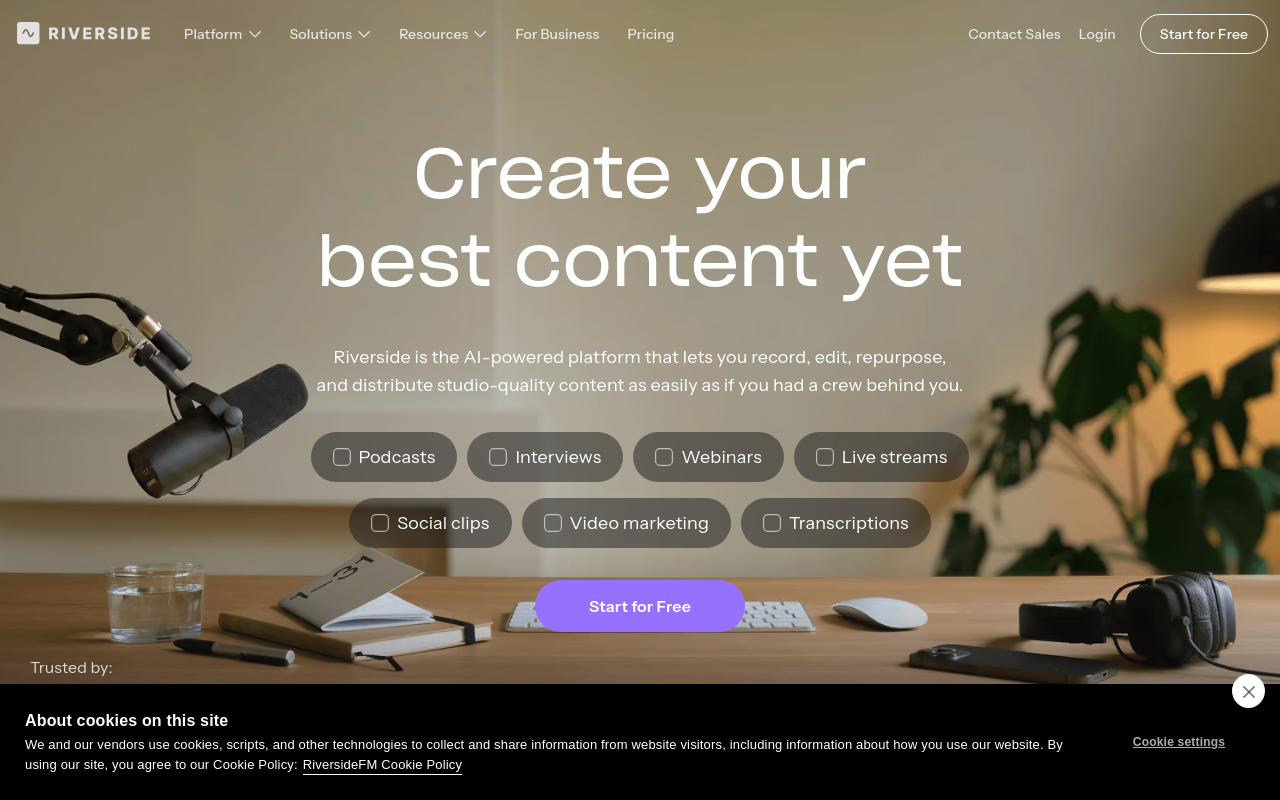
Riverside.fm is built for podcast and video interview production, recording each participant's audio locally for studio-quality output and generating a transcript from the combined track. The transcript is editable inside the platform, and you can use text-based editing to cut audio by deleting words. For a podcaster or content creator, this is a genuinely integrated workflow. For someone who needs to transcribe a phone call or business meeting audio file, Riverside is more tool than the job requires, and the pricing reflects its production-studio positioning.
8. Whisper GUI (OpenAI Whisper) - Best Local Privacy-First Transcription for Technical Users
Whisper GUI wraps OpenAI's open-source Whisper v2 model in a graphical interface, letting technically capable users run call transcription entirely on their own machine with no data leaving their device. Accuracy on the largest model is excellent. Best for archivists, researchers, or privacy-focused individuals who own a capable Nvidia GPU. Tradeoff: requires local setup, Python knowledge, and significant processing time even on fast hardware, not suitable for non-technical users.
9. GoTranscript - Best Human-Assisted Transcription for Maximum Accuracy on Difficult Audio
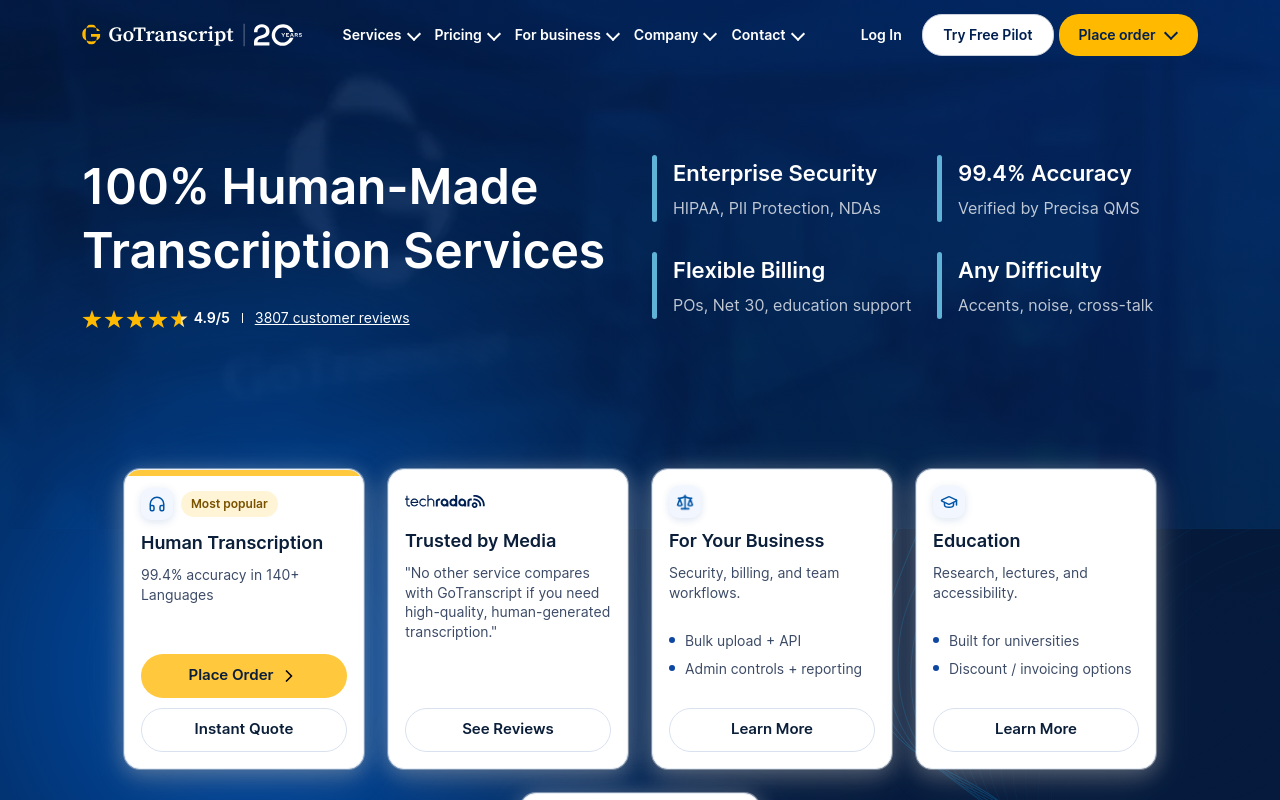
GoTranscript pairs AI-assisted processing with human transcriptionists to deliver near-perfect accuracy on challenging call recordings, heavy accents, crosstalk, poor audio quality, where pure AI tools fall short. Wirecutter named it a top pick for transcription services. Best for legal, academic, or archival use cases where errors are costly. Tradeoff: turnaround takes hours to days and per-minute pricing makes it expensive for high-volume individual users.
10. noScribe - Best Free Open-Source Desktop Transcription for Archivists
NoScribe is a free, open-source desktop application built on Whisper that archivists and oral historians have switched to enthusiastically for transcribing long interview recordings. It runs locally, produces clean output, and costs nothing. Best for individuals with archival or research workflows who want a polished local tool without cloud dependency. Tradeoff: like all local Whisper wrappers, it requires a reasonably modern computer and offers no collaborative or cloud storage features.
11. Rev - Best On-Demand Human Transcription Service with Fast Turnaround
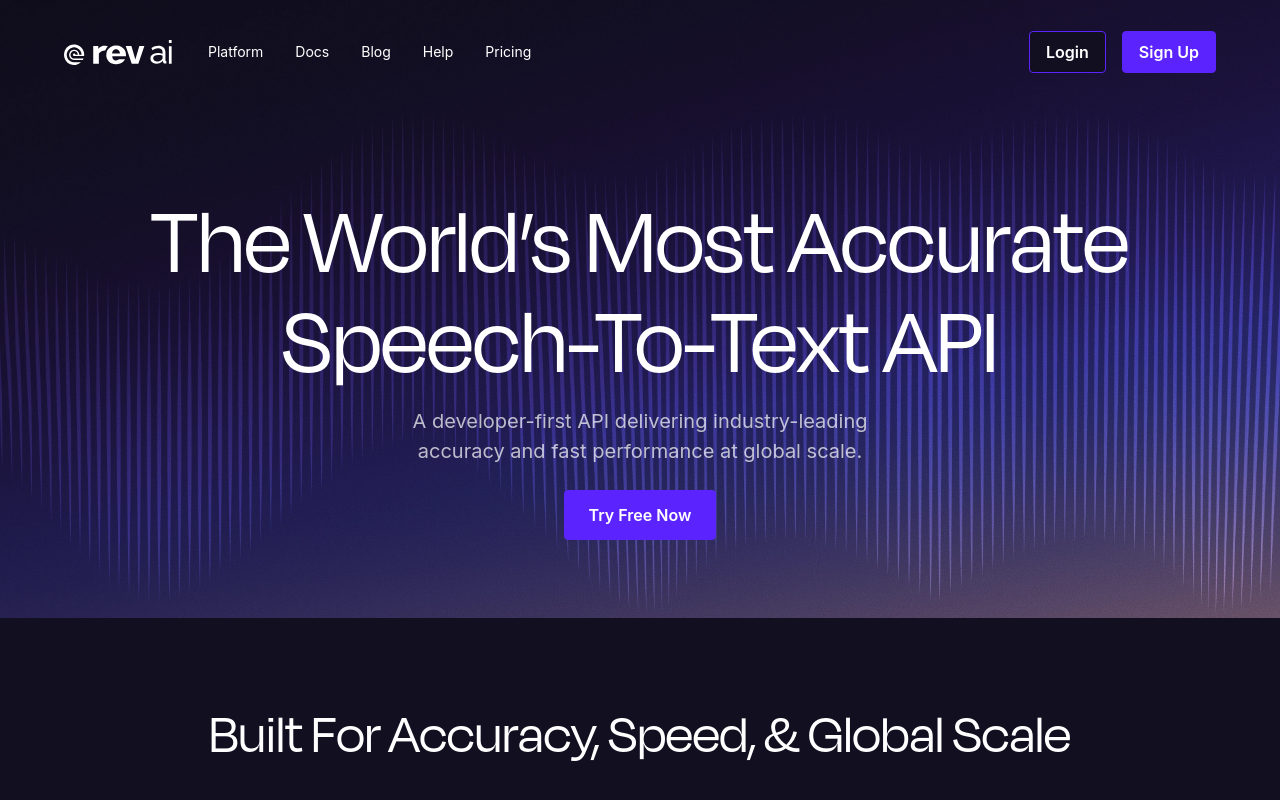
Rev offers both AI-only and human-reviewed call transcription, with human transcripts typically delivered within 12 hours at a per-minute rate. It's a go-to for journalists, legal professionals, and researchers who need reliable transcripts of recorded calls without managing software. Best for individuals who occasionally need high-stakes transcripts. Tradeoff: human transcription costs add up fast for regular users, and the AI-only tier is priced above many self-serve upload tools.
12. Descript - Best for Call Transcription Integrated with Audio and Video Editing
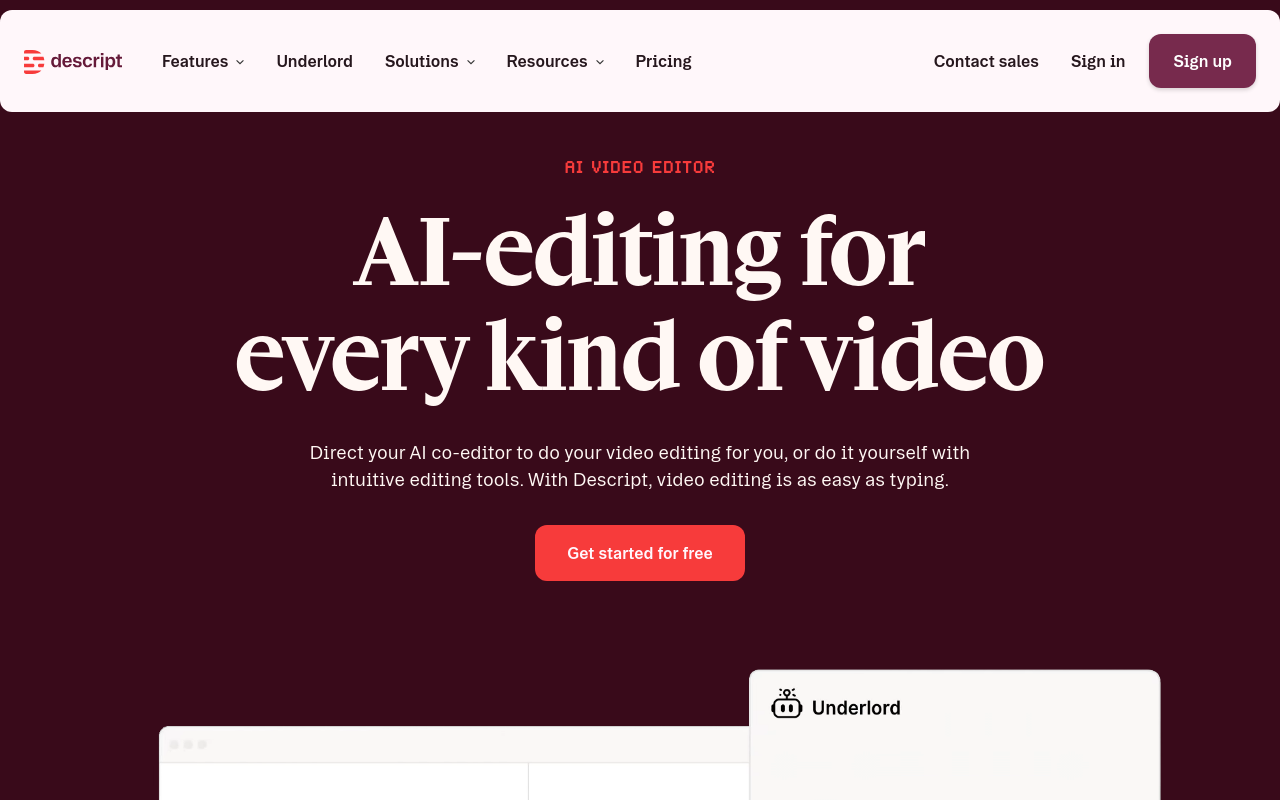
Descript transcribes uploaded audio and video files and then lets users edit the media by editing the transcript text, deleting a word in the transcript removes it from the recording. Best for podcasters, video creators, and solo content producers who want transcription and editing in one workflow. Tradeoff: the editing-first design adds complexity for users who only need a plain transcript export and don't intend to edit the underlying media.
13. Sonix - Best Automated Transcription for Multilingual Research Teams
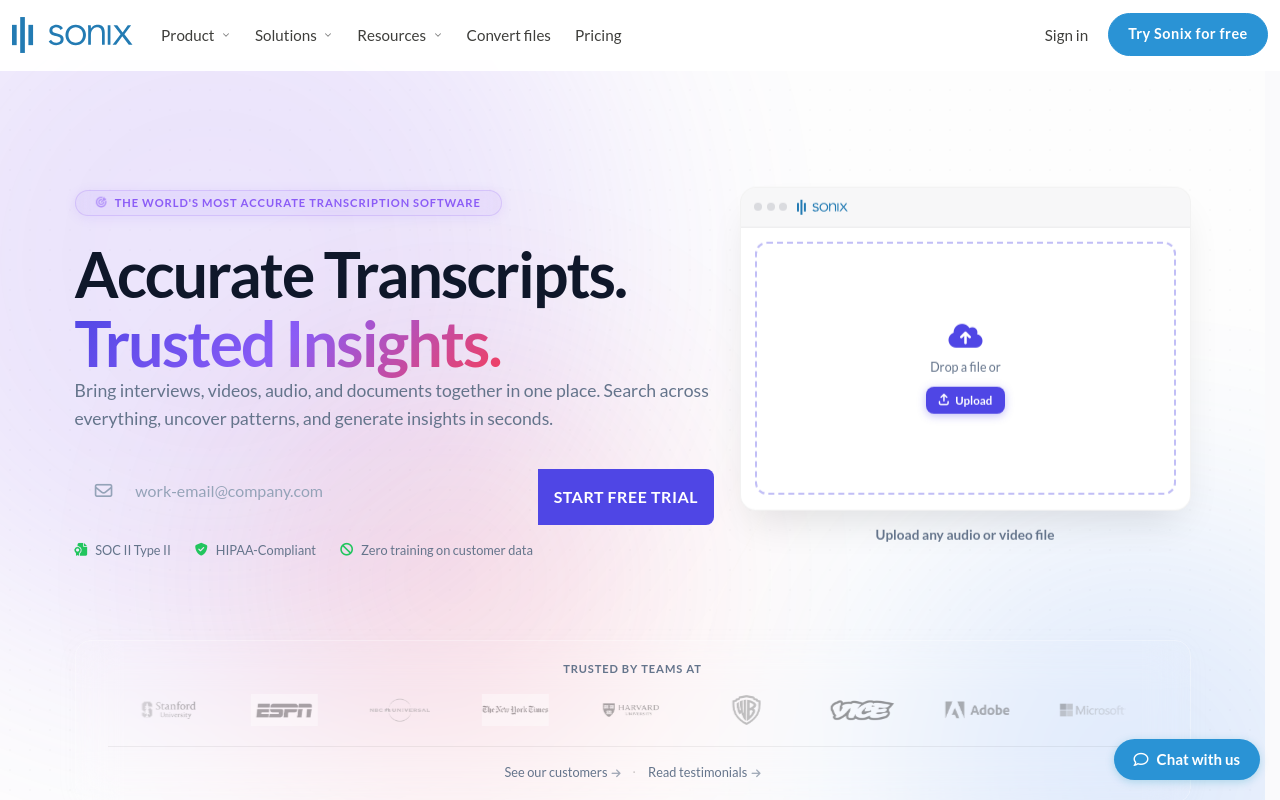
Sonix supports automated transcription in 40+ languages with a clean in-browser editor for reviewing and correcting transcripts, making it popular with academic researchers and qualitative analysts who work across languages. It offers per-hour pricing alongside subscriptions. Best for small research teams handling multilingual interview recordings. Tradeoff: the per-hour pay-as-you-go model becomes expensive for heavy users compared to flat-rate subscription alternatives.
14. Trint - Best Call Transcription with Collaborative Editing for Journalism Teams
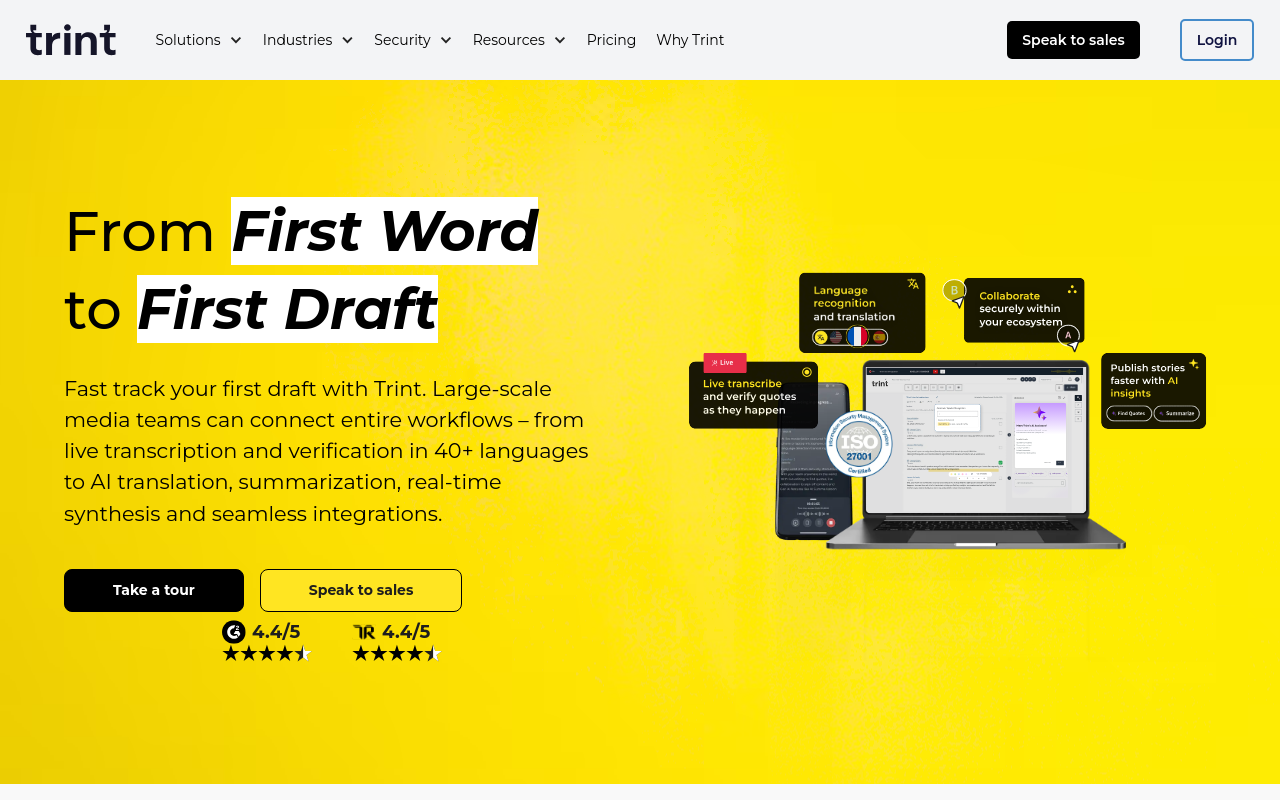
Trint is designed for newsrooms and journalism teams, offering AI transcription of uploaded call recordings alongside a collaborative editor where multiple team members can annotate, highlight, and export quotes. It supports 40+ languages. Best for small editorial teams producing content from recorded interviews. Tradeoff: subscription pricing is aimed at professional teams and is higher than most self-serve tools, making it hard to justify for solo users.
15. Notta - Best All-in-One Call Transcription with Real-Time and Upload Modes
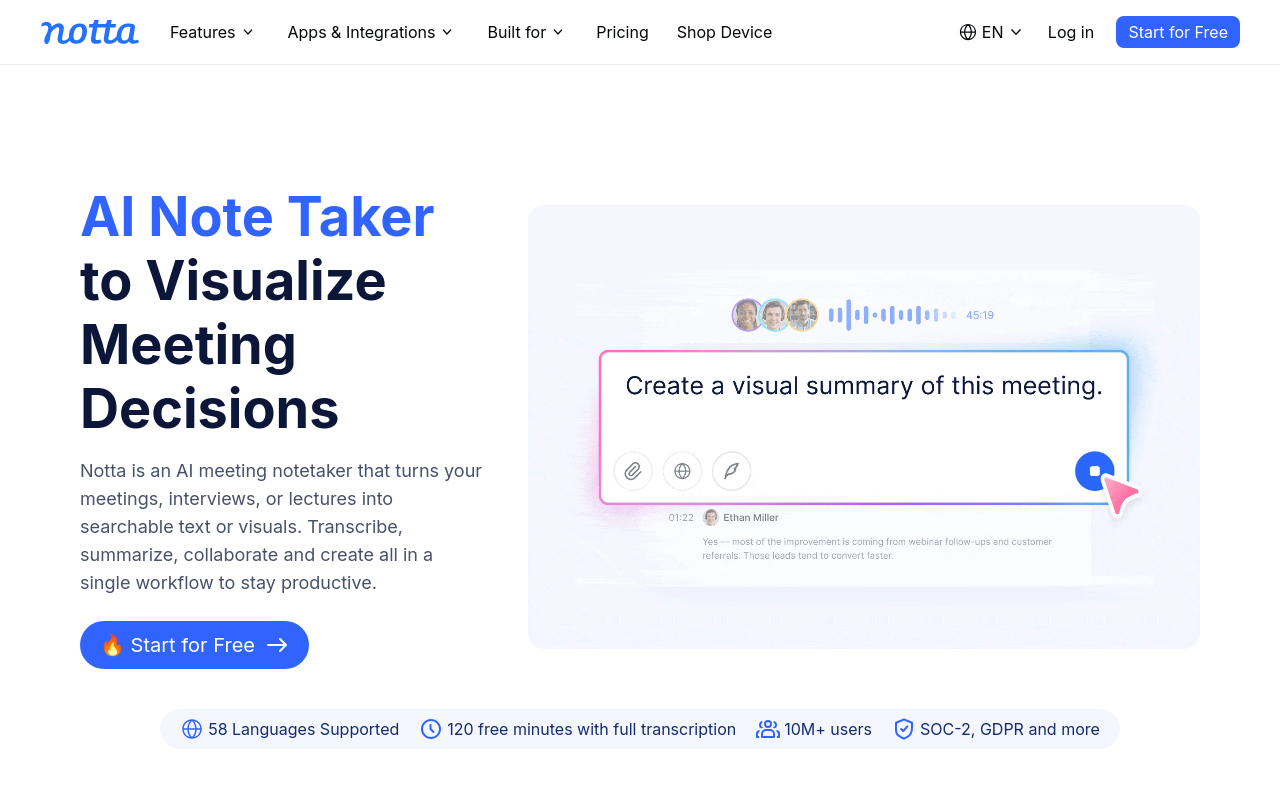
Notta supports both live call transcription and file upload transcription in one platform, covering 104 languages and offering automatic summaries. It works across web, iOS, and Android. Best for individuals and small teams who need flexibility between live recording and uploading pre-recorded calls. Tradeoff: the free plan is limited to short recordings and a small number of monthly transcription minutes, pushing most real-world use cases to a paid tier.
16. Tactiq - Best Chrome Extension for Live Call Transcription Without a Bot
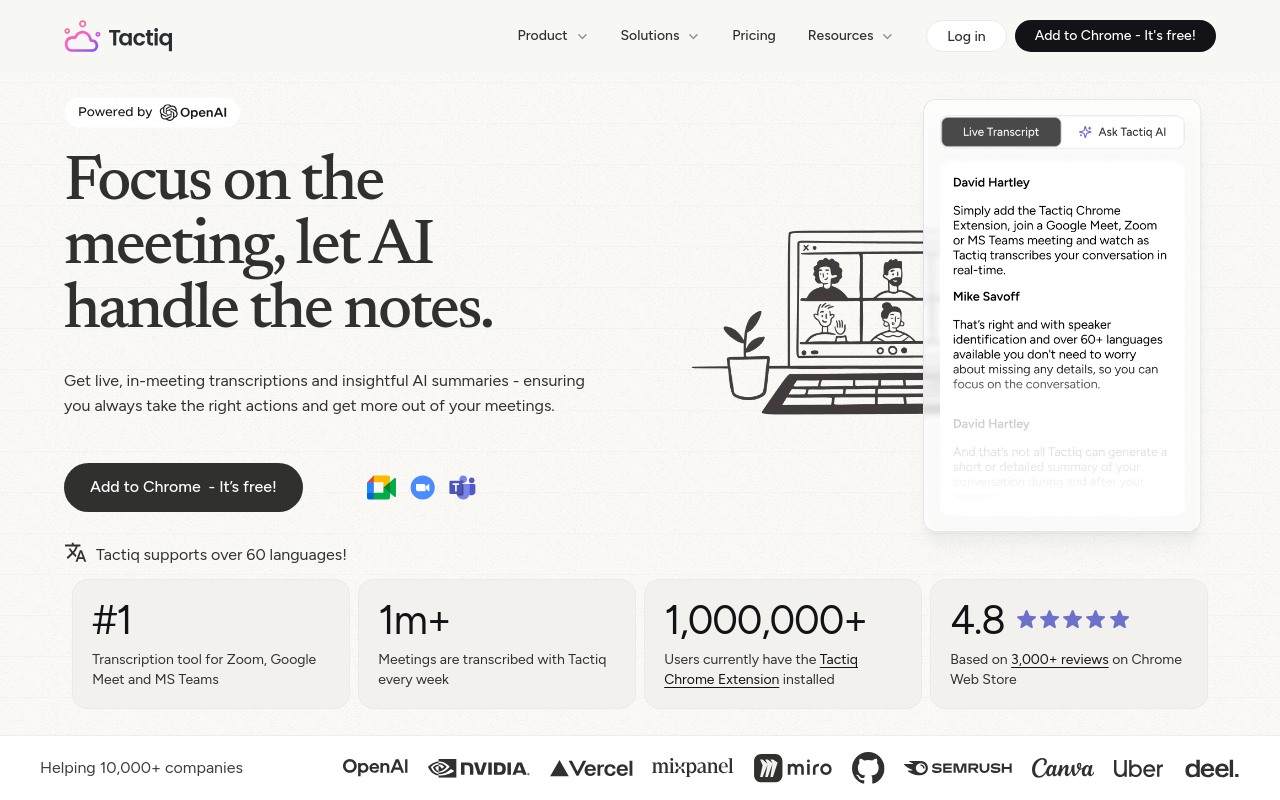
Tactiq runs as a Chrome extension that captures live call transcripts from Google Meet, Zoom, and Teams directly in the browser without joining as a separate bot participant. It generates AI summaries and action items post-call. Best for individuals who want discreet live transcription without a visible bot in their calls. Tradeoff: it only works in Chrome on desktop and cannot process pre-recorded audio file uploads, limiting its utility outside live call contexts.
17. Grain - Best Call Transcription with Video Highlight Clipping for Sales Teams
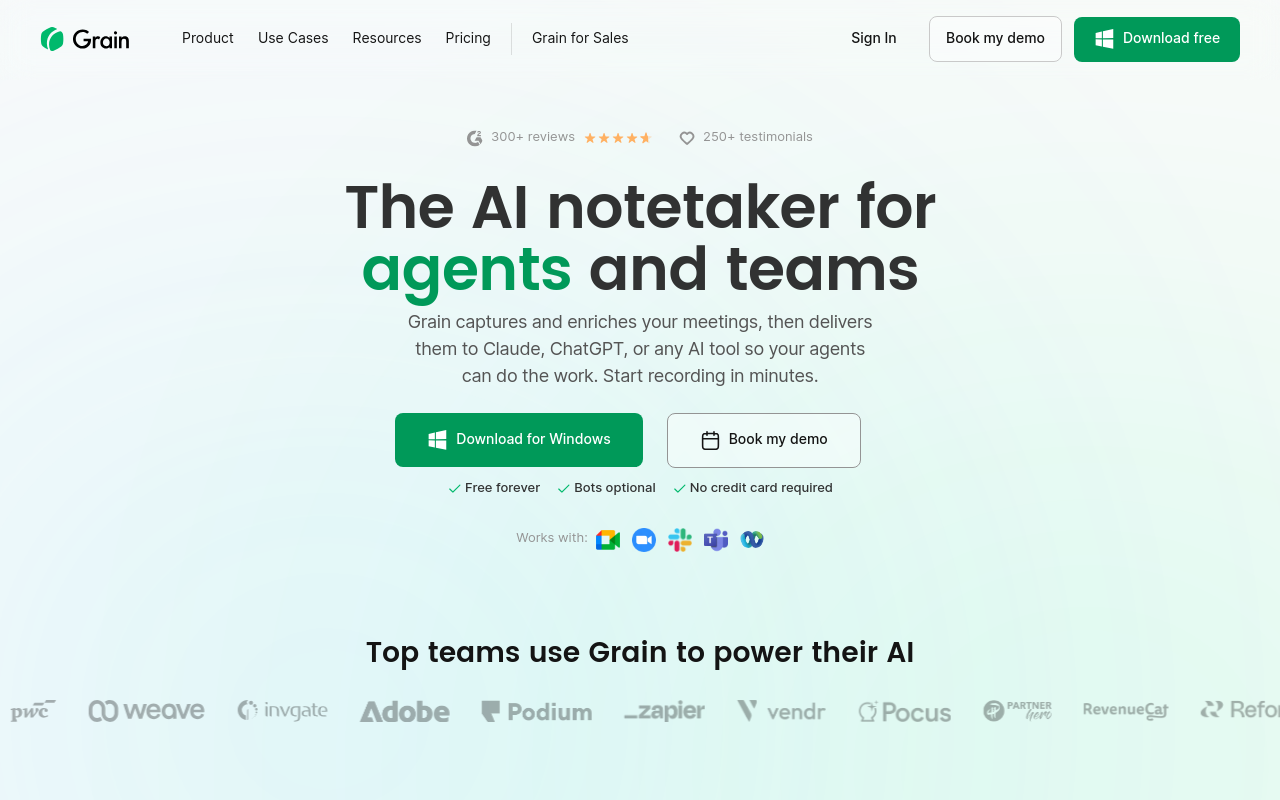
Grain transcribes recorded sales and customer calls and lets users clip short video highlights from the transcript to share with teammates or prospects. It integrates with CRMs for note syncing. Best for small sales teams who want to share call moments as video clips rather than text excerpts. Tradeoff: the video-clip-first design means it's overkill for users who only need a plain text transcript and don't need to share call highlights externally.
18. Happy Scribe - Best Upload-Based Transcription for Subtitles and Caption Export
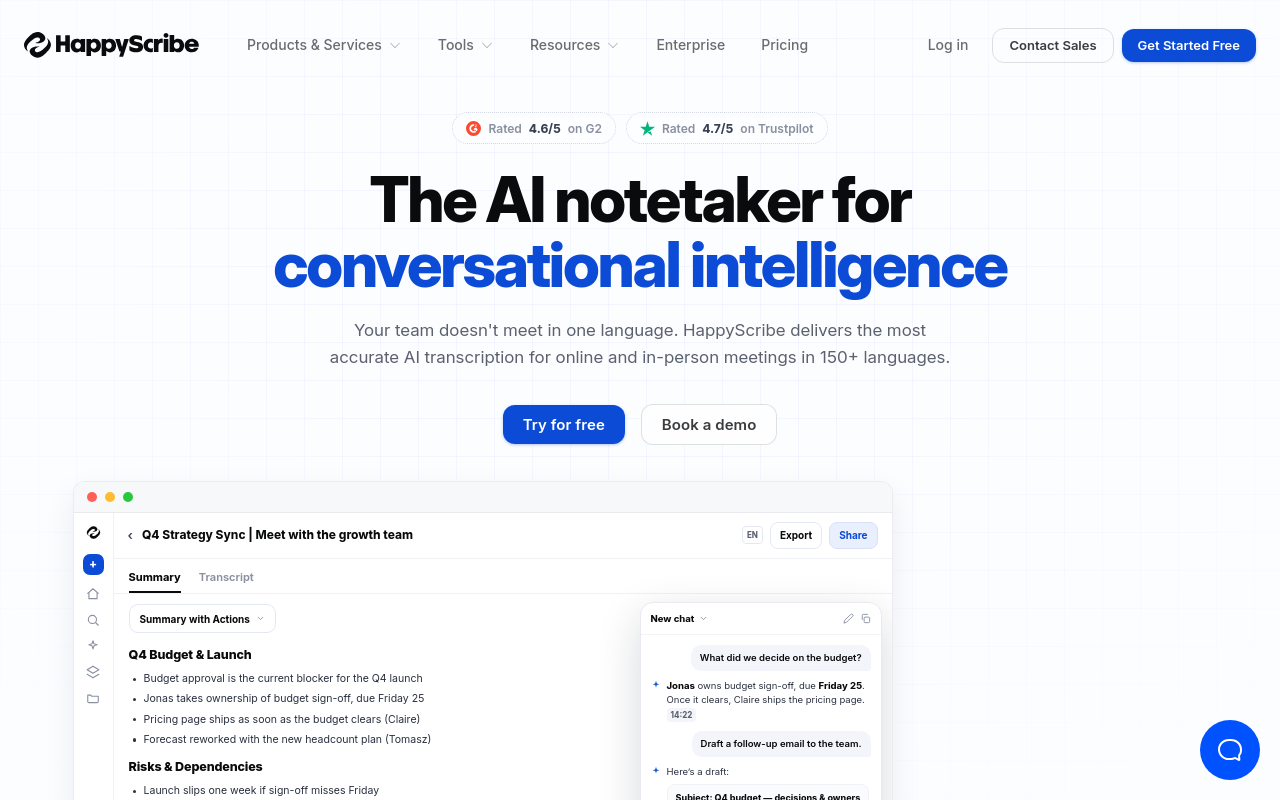
Happy Scribe focuses on transcription and subtitle generation from uploaded audio and video files, supporting 60+ languages and exporting in SRT, VTT, and plain text formats. It's popular with video creators and podcasters who need captions alongside transcripts. Best for solo creators producing content for YouTube or social media. Tradeoff: per-minute pricing without a meaningful free tier means costs accumulate quickly for users with large backlogs of call recordings.
19. Verbit - Best High-Accuracy Transcription for Legal and Academic Institutions
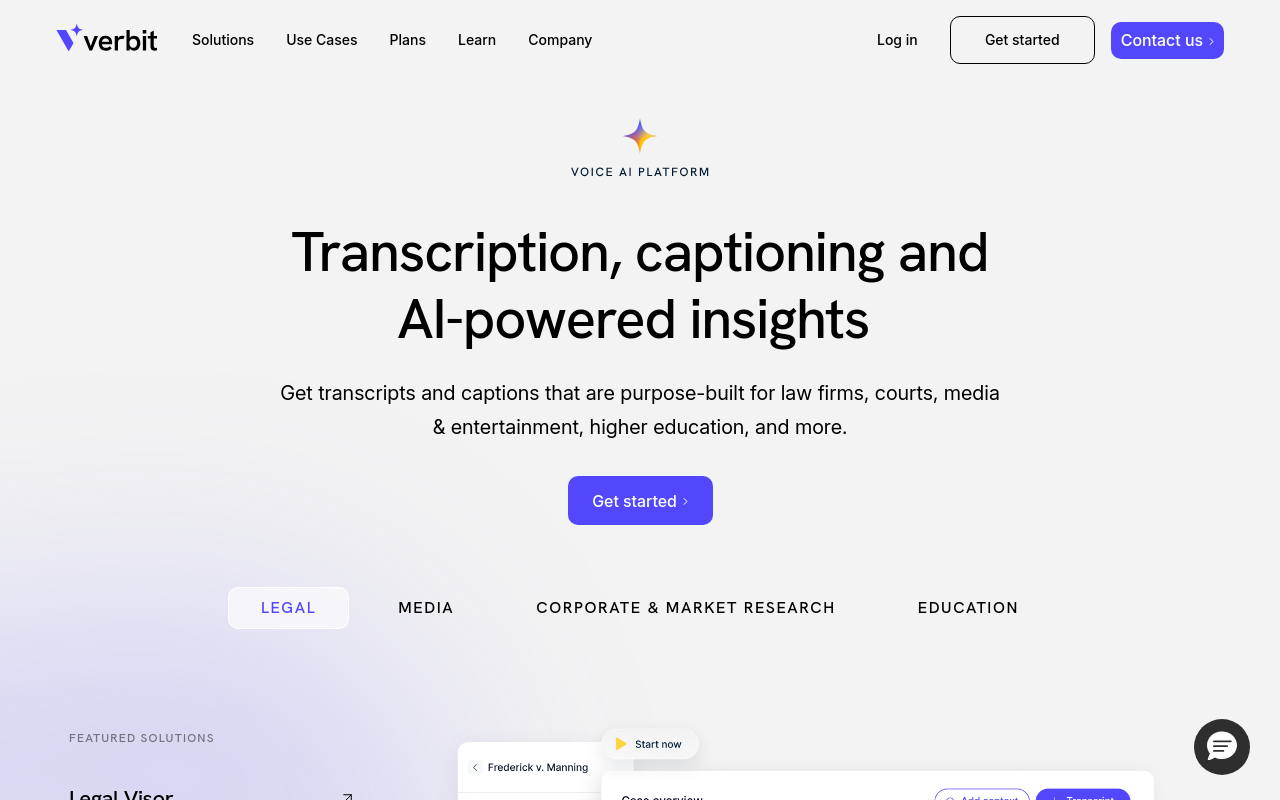
Verbit combines AI transcription with professional human review to serve legal, academic, and media organisations that require certified-accuracy transcripts of recorded proceedings and interviews. It offers captioning and transcription with compliance features. Best for institutions needing audit-ready call transcripts. Tradeoff: Verbit is priced and scoped for institutional buyers, individual users and small teams will find it over-engineered and cost-prohibitive for everyday call transcription needs.
20. Castmagic - Best Call Transcription with AI Content Repurposing for Podcasters
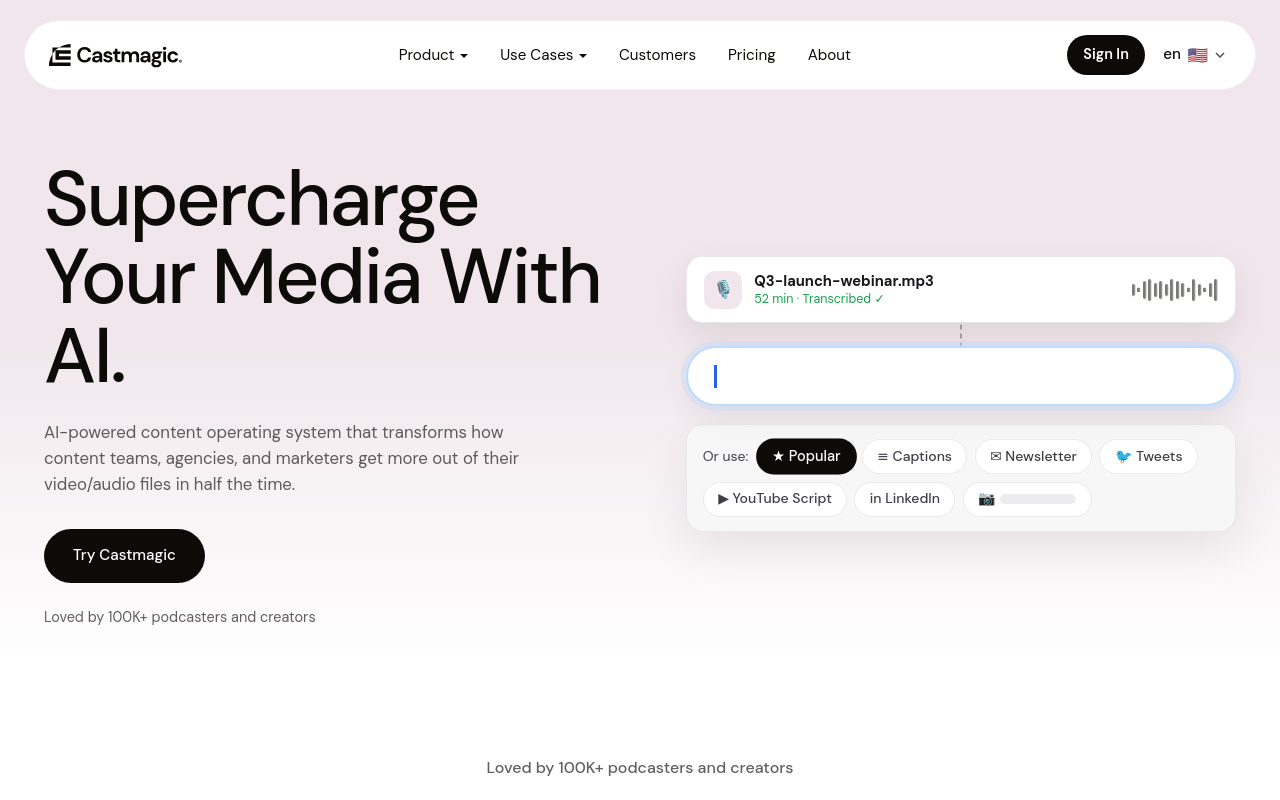
Castmagic transcribes uploaded podcast episodes and call recordings and then automatically generates show notes, social media posts, blog drafts, and email newsletters from the transcript. Best for solo podcasters and content creators who want to repurpose call content across multiple formats without extra editing work. Tradeoff: the content generation features are the main value proposition, users who only need a clean transcript will find the pricing hard to justify.
21. Transkriptor - Best Simple Upload Transcription for Students and Individual Researchers
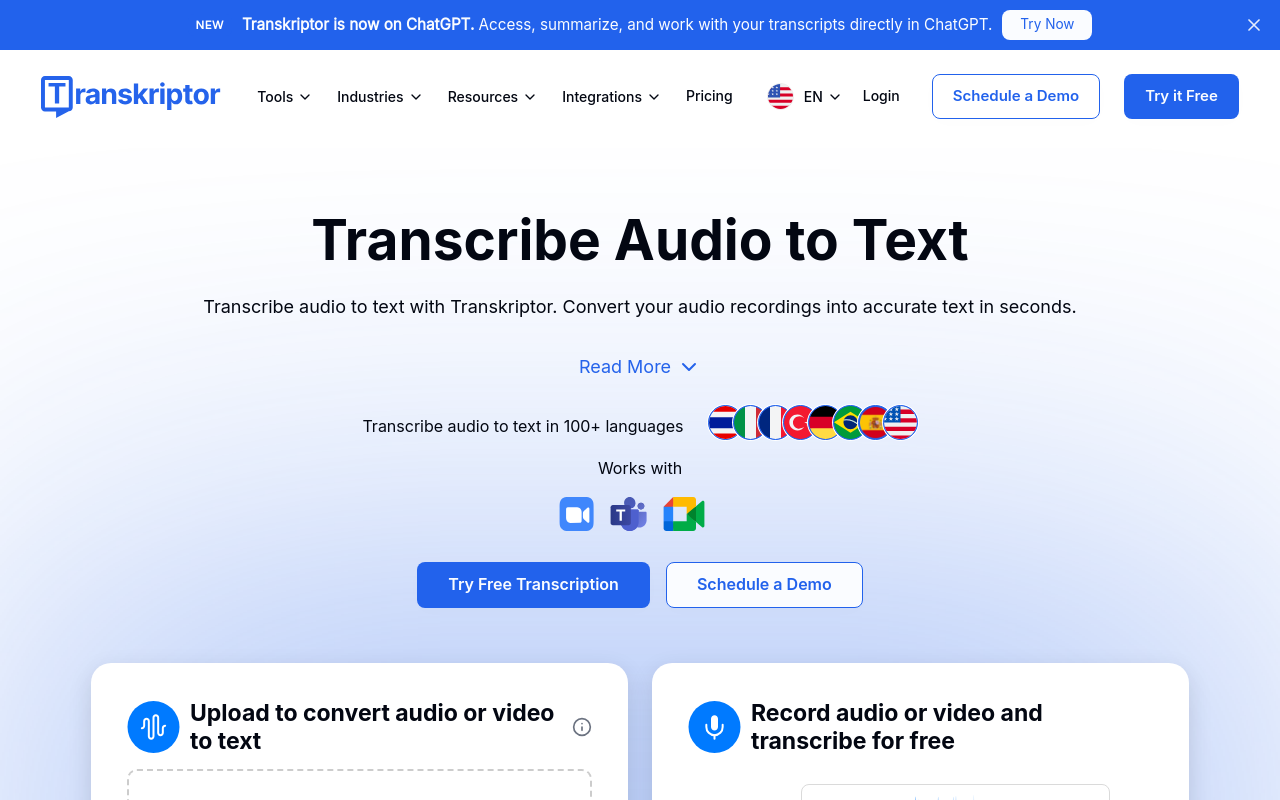
Transkriptor offers a straightforward upload-and-transcribe workflow supporting 40+ languages with a clean editor for corrections, targeting students and individual researchers who need affordable transcripts of lectures, interviews, and recorded calls. A free trial is available. Best for individuals with occasional transcription needs. Tradeoff: accuracy on heavily accented or low-quality audio lags behind premium tools, and the free tier is limited enough that most users will need a paid plan quickly.
22. Cleft - Best Lightweight Browser-Based Transcription for Quick One-Off Call Files
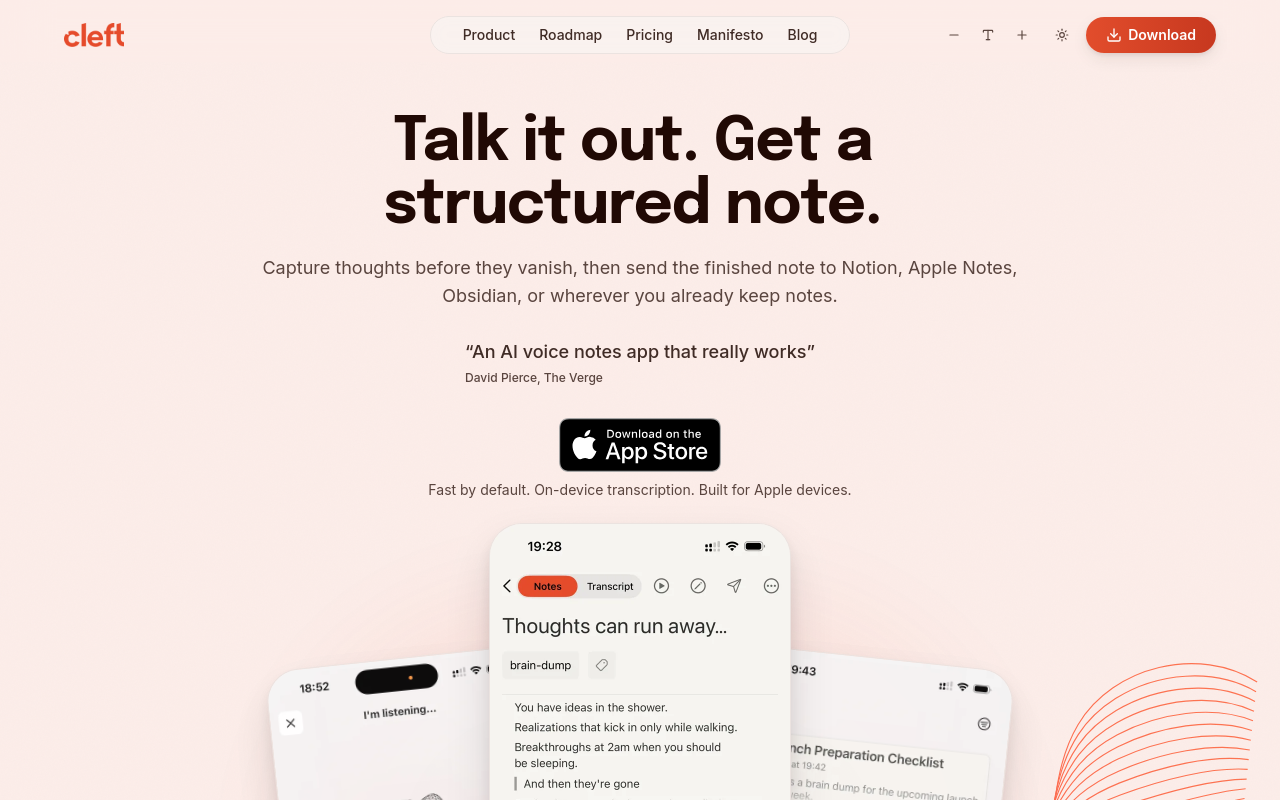
Cleft is a minimal browser-based transcription tool that lets users upload a call recording and receive a plain-text transcript with no account required for short files. It prioritises zero-friction access over feature depth. Best for individuals who need a fast one-off transcript without signing up for a subscription. Tradeoff: it lacks speaker diarisation, language selection breadth, and any editing or export formatting options that regular users will eventually need.
23. Speak AI - Best Call Transcription with Built-In Qualitative Data Analysis
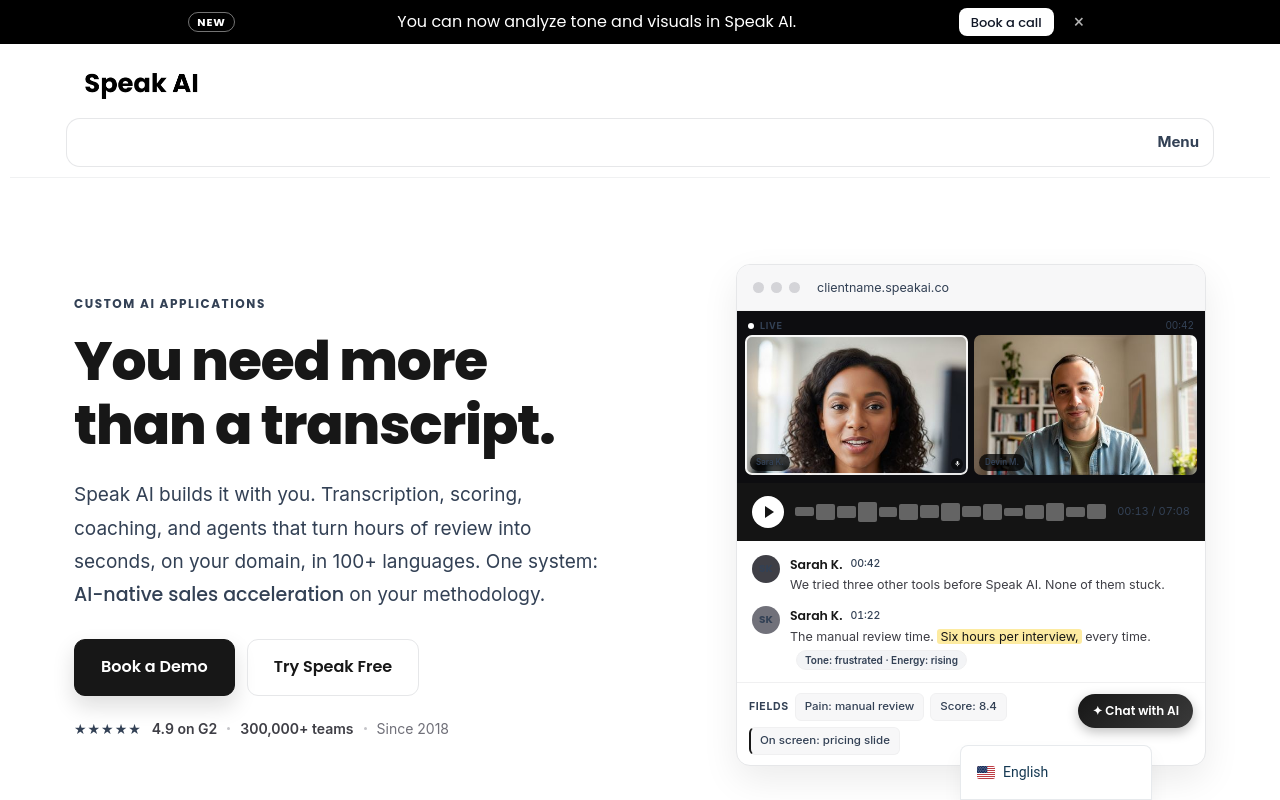
Speak AI transcribes uploaded call and interview recordings and layers on sentiment analysis, keyword extraction, and theme detection, making it a strong fit for UX researchers and market researchers who need to analyse patterns across multiple call transcripts. Best for small research teams running customer interview programmes. Tradeoff: the analysis features add cost and complexity that solo users who just need a readable transcript will find unnecessary.
24. Microsoft Word Dictation and Transcription - Best for Office 365 Subscribers Needing Occasional Transcripts
Microsoft Word includes a built-in audio upload transcription feature for Microsoft 365 subscribers, allowing users to upload recorded calls and receive a transcript without additional software. It's free for existing subscribers. Best for individuals already paying for Microsoft 365 who have occasional, non-urgent transcription needs. Tradeoff: accuracy on real-world call recordings is noticeably lower than dedicated AI transcription tools, often requiring significant manual correction time.
25. YouTube Auto-Captions - Best Zero-Cost Transcription Workaround for Uploaded Video Calls
Uploading a call recording to YouTube as an unlisted video and copying the auto-generated captions is a widely used free workaround for basic call transcription. It costs nothing and works for English-language recordings with reasonable audio quality. Best for individuals with a tight budget and low accuracy requirements. Tradeoff: it requires a Google account, the transcript lacks speaker labels and timestamps in usable form, and accuracy on multi-speaker calls is inconsistent.
26. Laxis - Best AI Call Transcription with CRM Note Sync for Individual Sales Reps
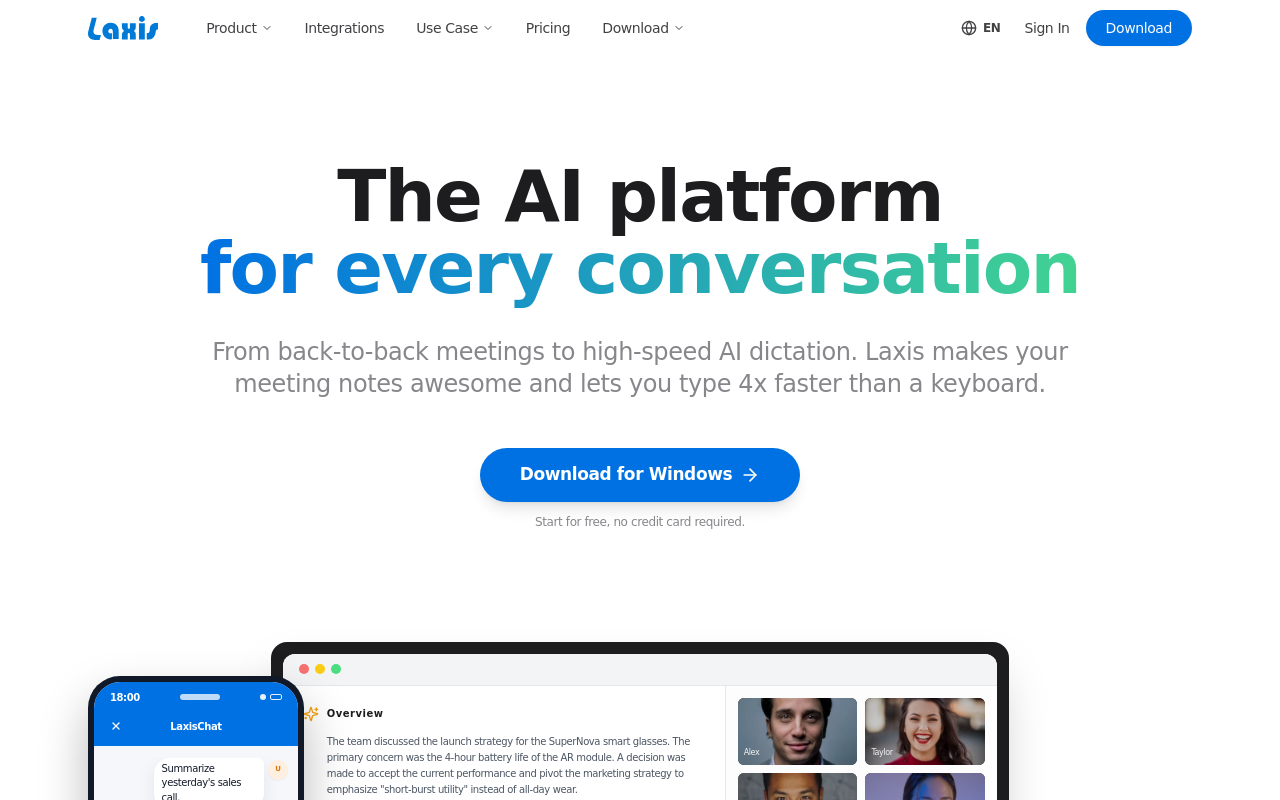
Laxis records and transcribes sales calls and automatically pushes structured notes and action items into CRM platforms like HubSpot and Salesforce. It's designed for individual sales reps who want call transcription without manual CRM data entry. Best for solo salespeople managing a high call volume. Tradeoff: the CRM sync is the core value driver, users who don't use a supported CRM will find Laxis's transcription features alone don't justify the subscription cost.
27. Avoma - Best Call Transcription with Conversation Intelligence for Small Sales Teams
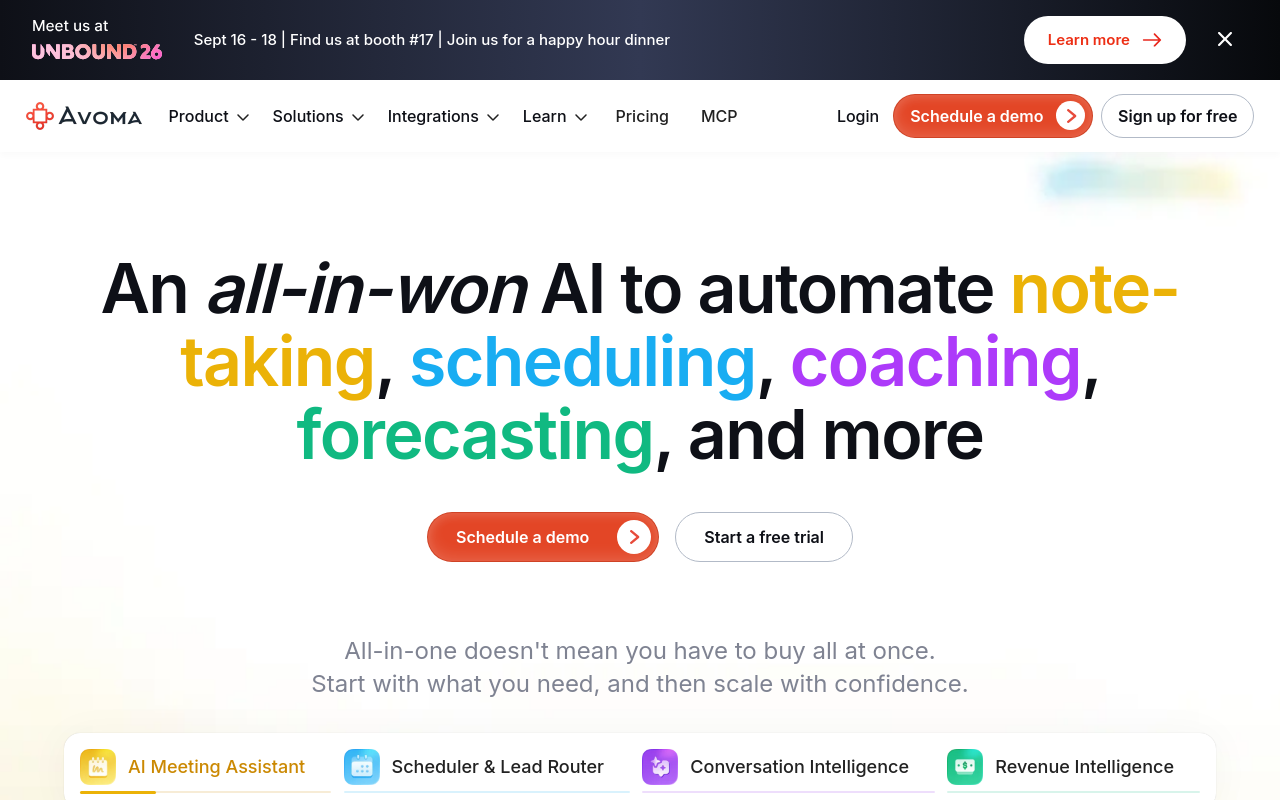
Avoma transcribes recorded sales and customer success calls and overlays conversation intelligence metrics, talk-to-listen ratio, topic tracking, filler word frequency, to help small teams improve call quality over time. Best for small sales or customer success teams that want coaching insights from call transcripts. Tradeoff: the conversation intelligence layer adds pricing tiers that make it expensive for individuals who only need basic call transcription without analytics.
28. Scribie - Best Affordable Human Transcription for Individuals on a Budget
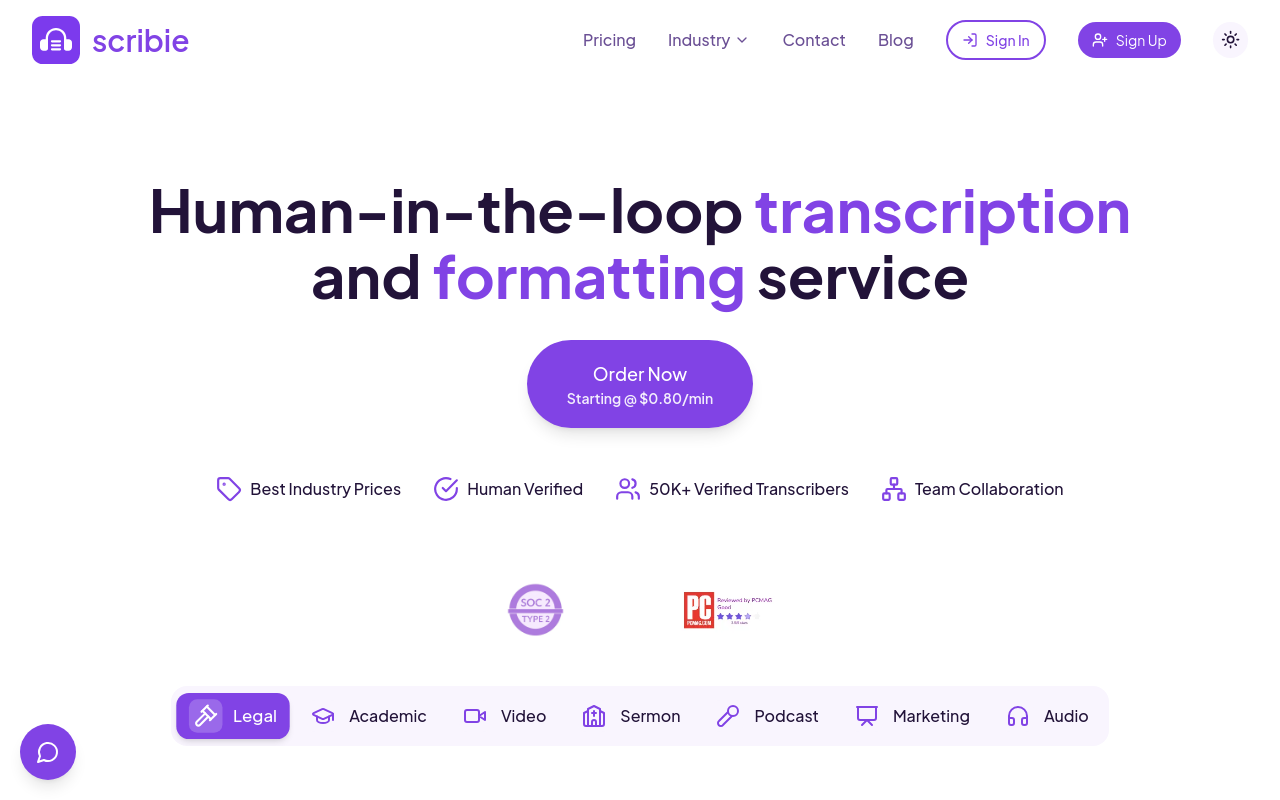
Scribie offers human-reviewed call transcription at some of the lowest per-minute rates among professional services, with a four-hour turnaround option for standard files. It's a practical choice for individuals who need better-than-AI accuracy on recorded calls without paying premium service rates. Best for students, journalists, and researchers on tight budgets. Tradeoff: turnaround times are slower than AI-only tools, and very long or complex multi-speaker call recordings can take significantly longer.
29. Editeddy - Best Free SRT Subtitle Export from Call and Podcast Recordings
Editeddy gained attention in podcasting communities for offering free SRT subtitle file downloads from uploaded audio recordings, making it useful for creators who need timed captions from call recordings for video publishing. Best for podcasters and video creators who need subtitle files rather than plain text transcripts. Tradeoff: it was in beta at time of community discovery and feature depth, reliability, and long-term pricing are less established than mature transcription platforms.
30. LiteScribe - Best Minimalist Browser Transcription for Privacy-Conscious Individuals
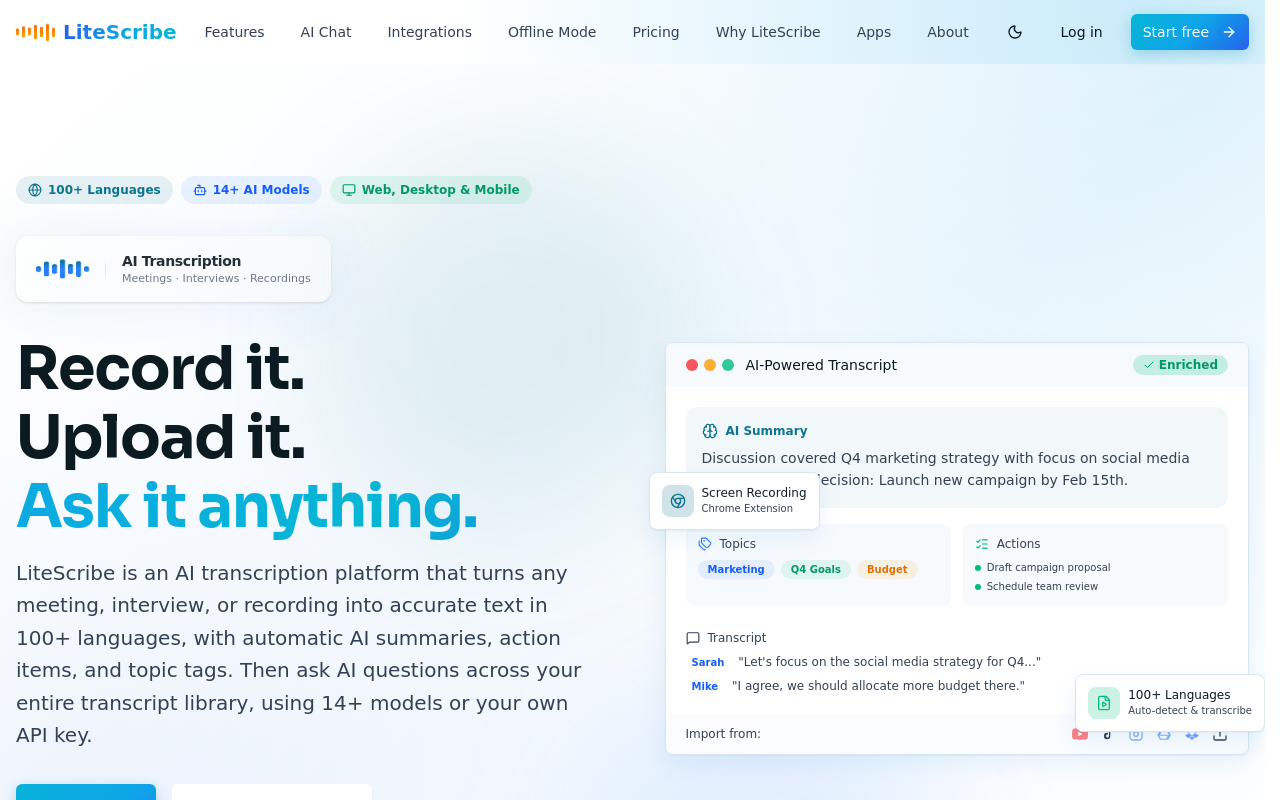
LiteScribe is a lightweight browser-based transcription tool that emphasises a clean interface and straightforward upload workflow for individuals who want fast call transcription without account bloat or aggressive upselling. It targets privacy-aware users who prefer minimal data collection. Best for individuals who want a no-fuss upload experience. Tradeoff: it lacks advanced features like speaker diarisation, multi-language breadth, and team collaboration tools that growing users will eventually outgrow.
Related Reading
-
Best Call Recording Software
-
Best App to Record and Transcribe Meetings
-
Transcribe a Podcast
Next steps
If your call recordings are piling up because manual transcription eats the day and free auto-captions need so much cleanup that the time saving disappears, the path forward starts with recognizing that the free-vs-enterprise binary no longer exists. A self-serve upload tool now returns a speaker-labeled, punctuated transcript in minutes, at a price that needs no budget approval. Start with our AI transcription.
The compounding accuracy trap in free auto-captions means that the moments mattering most on a real call, overlapping voices, codec-compressed audio, domain jargon, are exactly where those tools fail hardest, quietly returning most of the saved hours to your pile. The break-even math on a paid alternative is also simpler than it looks: because a single hour-long call takes three to four hours to transcribe manually, even one call per month processed by a low-cost self-serve tool likely recaptures more in labor than the tool costs. Together, those two realities point to one action: test the accuracy on your own audio before committing to anything.
Start with AI transcription on Cockatoo's free tier, which gives you three transcripts per day with no credit card required. Upload a representative sample of your actual call recordings, check the speaker labels, and export the result in whatever format your workflow needs.
Frequently Asked Questions
Does it matter whether my call was recorded live or if I'm uploading a file afterward?
Yes, the source meaningfully affects quality. Live phone lines and VoIP streams are compressed in transit by codecs like G.711 or Opus, which strips out acoustic detail the speech model relies on. Uploaded recordings give the pipeline a fixed, complete file to work from, and that single difference sets up everything that follows in the transcription process.
How accurate is AI call transcription really, especially if the speakers have accents?
Accuracy varies significantly by accent and audio conditions. A Stanford study found that major ASR providers produced error rates nearly twice as high for Black American English speakers, and non-native English accents can push word-error rates above 40% on systems trained predominantly on standard American speech, meaning a transcript at that error rate creates a correction job rather than saving time. Cockatoo's Trustpilot reviews consistently cite accent accuracy as a primary reason users stayed, with non-native English speakers reporting that switching to a model trained on broader accent data eliminated the correction step entirely.
Will the transcript show me who said what, or is it just one big block of text?
Modern transcripts include speaker diarisation, each speaker's turns get their own label so the output is a structured document rather than a wall of undifferentiated text. That said, diarisation accuracy degrades when speakers overlap or audio quality is poor, which is where cheap and mid-tier tools tend to collapse into a single unpunctuated block or swap speaker labels mid-conversation.
How can a sales rep actually use call transcription day-to-day?
A transcript surfaces the moment a recording is uploaded, so a rep can review competitor mentions, action items, and talk-to-listen ratios without replaying the call or retyping notes. For a solo rep running five calls a day, that eliminates the manual overhead that would otherwise consume time needed for CRM entries and follow-up emails. Cockatoo's AI Notes editor lets the rep confirm action items directly in the transcript before moving on.
Can transcripts actually be used for compliance or legal recordkeeping?
Yes, a transcript converts each call into a searchable document that can be exported and stored alongside other case paperwork, replacing audio files that cannot be queried. Cockatoo stores transcripts in private, secure cloud-based storage protected by state-of-the-art security and cryptography, and files can be exported to PDF or DOCX for filing in case management systems. For small teams, shared transcript editing means one person can flag a passage and a colleague can annotate it without emailing attachments back and forth.