Most AI note taking app lists test the wrong category entirely. Here is how to find the tool that fits your actual audio, not just your calendar.
The common assumption is that free or cheap AI transcription is basically the same quality, that they all produce rough transcripts that need heavy editing, so you might as well use whatever comes free with your video platform. That assumption is why so many people searching for the best AI note taking app come back with a list of tools that join your Zoom call, when they are probably looking at the wrong category entirely. Tools like Cockatoo exist precisely because the recording most people need to transcribe is already sitting in a folder, not waiting inside a scheduled meeting. See our AI transcription for how this works in practice.
At its core, any AI note taking tool does one thing: it converts spoken audio into readable text, then applies a layer of processing on top. That processing might be speaker labels, timestamps, a summary, or action items. What the definition does not tell you is which input the tool accepts.

That detail changes everything. There are two genuinely different product categories wearing the same label. Meeting bots join a live video call via a calendar invite, record the session in real time, and deliver a transcript when the call ends.
File-upload transcription tools accept a pre-existing audio or video file and return a transcript in minutes. The criteria for evaluating them are completely different: bots are judged on calendar integration and action-item extraction; file-upload tools are judged on accuracy, turnaround speed, and format support. Most comparison lists test only bots.
That is a structural problem for anyone whose recording already exists. Think about where audio actually accumulates. A marketing coordinator gets handed a 45-minute client interview recorded on a phone.
A student captures a lecture and needs clean text by morning. A solo operator records a client call and needs it in a Word document before the follow-up. None of these workflows involve a calendar invite or benefit from a bot, which has no native ability to accept an audio file and return a transcript.
What a bot can do is summarise text you paste into it, placing it downstream of a transcription step, not in place of one. The question behind most of these searches is simple: is there one tool that does everything? The honest answer is not yet.
Key takeaways
-
Most 'best AI note taker' lists are built around meeting bots that join a live Zoom call, a use case that covers a fraction of the audio that actually needs transcribing.
-
If your recording already exists as a file, accuracy and turnaround speed are the only metrics that matter; whether an app can attend a calendar invite is irrelevant.
-
Low-accuracy transcription isn't cheap, a rough transcript that needs heavy editing costs more in human time than the subscription it came with.
-
Free transcription bundled with your video platform trades accuracy for convenience, and that trade shows up the moment you try to use the output as a real document.
-
Speaker recognition, word-level timestamps, and automatic punctuation are the three output features that separate a usable transcript from a cleanup project.
-
Four distinct workflow archetypes, live meeting capture, file-based transcription, personal knowledge management, and written-note organisation, require different tools, and most ranked lists collapse them into one.
-
Cockatoo's file-upload transcription closes the gap for recordings that already exist: upload any audio or video file, get an editable transcript with speaker labels, word-level timestamps, and automatic punctuation back fast, backed by up to 99.8% accuracy and a 95% accuracy quality guarantee, no meeting bot required.
Why Most AI Note Taker Reviews Set You Up for a Cleanup Nightmare
Most AI note taker roundups rank apps on features and price, then leave you to discover the accuracy problem yourself, usually mid-cleanup on a 7,800-word transcript. The real cost of a low-accuracy tool only shows up after you've committed to it, when free auto-caption errors stack into hours of editing that wipe out any savings. What follows breaks down exactly where that hidden cost comes from and what accuracy actually needs to look like before a transcript is worth using.

Why Low-Accuracy AI Note Taking Apps Cost More Than They Save
The common assumption is that free or cheap AI transcription is the same quality, producing rough transcripts that need heavy editing, so you might as well use whatever comes free with your video platform. The numbers tell a different story. Spoken English in a meeting or interview runs at roughly 130 words per minute, around 7,800 words in a one-hour recording.
Free auto-caption tools, including platform-native options, carry word error rates of 15-25% in independent benchmarks, putting you at between 1,200 and 1,900 corrections before the document is usable. At even a modest $25 per hour for an ops or admin role, that cleanup session costs more than a month of most paid transcription tools.
The "free" option is almost always the most expensive once you count your time.
15-25%
Word error rate on free auto-caption tools
A purpose-built AI transcription tool with accuracy up to 99.8%, like Cockatoo's AI transcription software, compresses that to minutes. The gap between 80% and 99% accuracy changes the profile of the document entirely: one you can hand to someone, versus a rough draft that still needs a full editing pass.
99.8%
Accuracy that compresses cleanup to minutes
Platform-Native Auto-Captions Are Not Transcription - They Just Look Like It
Auto-captions built into video platforms are optimised for display, not for producing an editable document. They drop punctuation inconsistently, rarely identify speakers, and are not designed to export into a clean Word or PDF file. The output looks like a transcript until you try to use it as one.
The Accent and Language Gap That Kills Recommendations for Non-English Speakers
A peer-reviewed study found that automatic speech recognition systems produced significantly higher error rates for non-native English speakers, with accuracy dropping sharply for speakers from South and East Asian language backgrounds. Most comparison lists are written by and tested on native English speakers, so their accuracy claims reflect a narrow slice of real-world use. Multilingual transcription requires genuine training data across languages, not just a checkbox. Tools that support 90+ languages with documented accuracy are a different category from tools that technically accept a non-English file and return a garbled result.
Best AI Note Taking Apps for Meeting Transcription and Audio Capture
Three tools dominate every "best meeting transcription" list right now. But before you sign up for any of them, ask one question first: does your audio exist as a live call, or does it already exist as a file? The answer changes everything about which tool belongs in your workflow.
What Makes a Meeting Transcription Tool Different From a File Upload Transcriber
The dominant AI note-taker model is optimised for a narrow slice of the actual transcription market, and evaluating file-upload tools as lesser alternatives to live-meeting bots mistakes a distribution channel for a capability hierarchy, systematically steering buyers away from the architecture that fits their workflow. The majority of audio that needs converting to text, pre-recorded interviews, voice memos, lecture recordings, client call recordings, already exists as a file and cannot be live-streamed to a bot.
Meeting bots are purpose-built for one scenario: a live, scheduled video call on a supported platform. The moment your audio already exists as a recorded file, a meeting bot adds zero value. Several of the most-recommended tools in this category, including Granola, cannot process uploaded files at all, and discovering that after you have paid happens more often than the listicles suggest. For recordings that already exist as files, accurate file-upload transcription handles what meeting bots cannot touch, with up to 99.8% accuracy and no per-seat pricing that kills the purchase before it starts.
Laxis - Best Overall for Sales and CRM-Heavy Workflows
Laxis combines meeting transcription, native HubSpot and Salesforce integration, and a voice-to-text dictation keyboard into one tool. Sales reps running eight discovery calls a day get action items pushed directly into their CRM without a manual copy-paste step. If you are not managing a pipeline, the CRM depth is overhead you will never use.
| Tool | Best For | Key Strengths | Key Limitation |
|---|---|---|---|
| Laxis | Sales and CRM-heavy workflows | Meeting transcription, native HubSpot and Salesforce integration, voice-to-text dictation keyboard | CRM depth is overhead if you are not managing a pipeline |
| Fathom | Free unlimited meeting summaries | Free tier with unlimited AI meeting summaries and call recording | Bot-based; no standalone file-upload workflow |
| Cockatoo | File-upload transcription | Up to 99.8% accuracy, no per-seat pricing, processes pre-recorded files | Not a live meeting bot, designed for files that already exist |
Best AI Note Taking Apps for Personal Knowledge Management and Organizing Written Thoughts
Researchers and writers searching for a "personal knowledge management app" often land on the same ranked lists as people hunting for a Zoom transcription bot. The tools look similar on the surface, but they solve entirely different problems, and choosing the wrong category wastes weeks of setup time on software that was never designed for your actual job. The "AI note-taker" category has quietly split into two entirely different product types with almost no overlap in core job: one captures and transcribes spoken audio, while the other organises and surfaces patterns across accumulated written text. Conflating them, as most roundup reviews do, guarantees that buyers optimising for transcript accuracy end up evaluating apps whose AI was never designed to touch audio at all, and vice versa.
"Handwriting/photo OCR in AI note-taking apps is still unreliable and considered the 'flakiest link in the chain,' making direct handwriting-to-AI transcription workflows risky."
--- what we hear from AI note-taking app users

PKM vs. Transcription - Two Different Products
PKM tools are a fundamentally different product category from audio transcription tools. As Forte Labs defined in their review of the current generation of second-brain apps, a PKM tool "organises written notes, surfaces connections between ideas, and acts as an external cognitive system." It was never designed to capture or convert audio. Judging a PKM tool by its Zoom integration, or dismissing it because it lacks a meeting bot, is a category error that sends knowledge workers toward the wrong tool entirely.
This matters in practice because the cognitive problem each category solves is genuinely different. Trying to comprehend a lecture, interview, or client call while simultaneously writing notes in real time creates a well-understood cognitive bottleneck. You can follow the thread of thinking or you can document it, but not both at once.
That is an audio-capture problem, and no amount of tagging or graph-view sophistication in a PKM tool removes it. A knowledge worker who needs recordings turned into clean, searchable documents should filter out the entire second-brain / PKM tier before comparing a single feature. Evaluating these tools on transcription accuracy is like rating a library by its parking lot.
Evaluating these tools on transcription accuracy is like rating a library by its parking lot.
Where the two categories do share a genuine friction point is onboarding cost. Subscription fatigue is real, many people in this space are actively seeking free or one-time-payment alternatives, and free tiers are frequently perceived as too restricted to demonstrate real value, which makes committing to a paid upgrade feel like a leap of faith. That scepticism is legitimate, which is why the clearest signal a transcription tool can give is a first result with no setup friction whatsoever.
Cockatoo is built for the audio-and-video side of this split. Upload a recording, an interview, a lecture, a podcast, a client call, or a video, and a transcript comes back in minutes, with no setup and no credit card required. The Free tier lets anyone start immediately, offering:
-
Three transcripts per day
-
Files up to 30 minutes
-
Transcription across 90+ languages
-
Translation of PDF, DOCX, PPTX, XLSX, and TXT files
-
2 GB of encrypted cloud storage
That is enough to confirm whether the core job, turning spoken words into clean text, actually works for your material before you spend a dollar.
Once a transcript exists, Cockatoo's AI Notes editor does the synthesis work: rather than handing you a wall of text, it lets you distil a long recording down to what actually needs acting on. That moves the product meaningfully beyond raw transcription without crossing into PKM territory. It is still anchored to the audio source, not to an accumulated library of written notes.
For individuals who record regularly, the Pro plan removes every usage ceiling, including:
-
Unlimited transcription
-
Unlimited file translations
-
Unlimited transfers
-
Unlimited AI Notes
-
Files up to 10 hours long
-
Export to PDF, DOCX, TXT, and subtitles (SRT)
-
2 TB of storage
Teams of three or more get everything in Pro plus shared transcript editing, priority support, and centralised billing, so collaborative workflows around recorded content scale without breaking into separate tool stacks.
Mem - The Self-Organising Second Brain
Mem is best for personal knowledge management, building an automated second brain that surfaces related notes without manual tagging. Its AI agent works across your accumulated written notes, making connections, as Forte Labs described in their hands-on comparison of Obsidian, Tana, and Mem. That capability is genuinely impressive inside its category. But it is a written-text system: it has no mechanism for ingesting audio or generating a transcript, which means the cognitive bottleneck of real-time note-taking during a recording is entirely outside its scope. Tools such as Notion and Reflect occupy similar written-text territory, powerful for organising and linking ideas, but equally dependent on clean text arriving before any AI layer can do useful work.
One common workaround, photographing handwritten notes and pushing them through OCR into a PKM, remains the flakiest link in the chain. Handwriting-to-AI workflows are unreliable enough that building a serious research or documentation process on top of them is a risk most practitioners would rather not take.
The cleaner path is to record, transcribe accurately first, and then bring clean text into whichever organisation layer you prefer. As reviewers who have tested the leading second-brain apps extensively note, the concept itself creates unrealistic expectations, and tool-hopping between categories compounds the problem rather than solving it.
Key takeaway: If your primary need is turning recorded audio or video into accurate, actionable text, start with a transcription tool and reach for a PKM layer only once clean text already exists. Reversing that order is where weeks of setup time quietly disappear.
28 Best AI Note Taking Apps I Tested Ranked by Real-World Accuracy
Your audio file is sitting in your Downloads folder right now. You have a one-hour interview, a lecture recording, or a client call that someone needs turned into a document by end of day. You open a search tab and type "best AI note taking app," and every result sends you to a list of tools that join your Zoom call.
That mismatch is why so many prosumers spend an afternoon cleaning up a transcript that was supposed to save them the afternoon. The list below covers tested tools and flags every single one for file-upload capability versus meeting-bot capability. That distinction is the filter most comparison lists skip entirely, and it determines whether a tool fits your actual workflow in the first thirty seconds or wastes an hour before you figure out it does not.
How to Know Which Type of AI Note Taking App You Actually Need
Most "best AI note taking app" roundups assume the audio you need transcribed is happening inside a live video call. That assumption fits a specific workflow. It leaves out the majority of recordings that actually need transcribing.
Interviews conducted in person, lecture recordings made on a phone, podcast episodes, field audio from a voice recorder, client calls captured in a separate app: none of these benefit from a meeting bot. For those workflows, the only things that matter are upload accuracy, turnaround speed, language support, and how much cleanup the output requires. The honest prosumer need is not a calendar integration.
It is: "I have a file. I need it to become a document. Accurately, fast, without retyping every second sentence."
Buyers should identify their worst-case audio scenario first, then evaluate tools against that scenario. The gap between tools is negligible under ideal conditions and potentially enormous under the real conditions that define their actual workflow. Every item below declares its workflow type upfront. File-upload tools are flagged as such.
Meeting-bot tools are flagged as such. Hybrids are noted. Read the flag first, then the detail.
One category that warrants special attention in any ranked list: AI note-taking tools used in sensitive professional contexts, therapy, legal, healthcare, financial advisory. In those settings, a single workflow can route audio through three or four separate third-party vendors: a transcription service, a large-language-model provider, a storage layer, and sometimes a separate summarisation API. Each handoff is an additional surface for data exposure.
That is not a hypothetical concern. It is the structural reality of how most AI note-taking stacks are assembled today. Tools that handle transcription, summarisation, and export within a single, auditable platform materially reduce that surface area.
It is a variable every comparison list should surface explicitly, and most do not.
1. Cockatoo - Best AI Note Taking App for File-Upload Transcription Accuracy
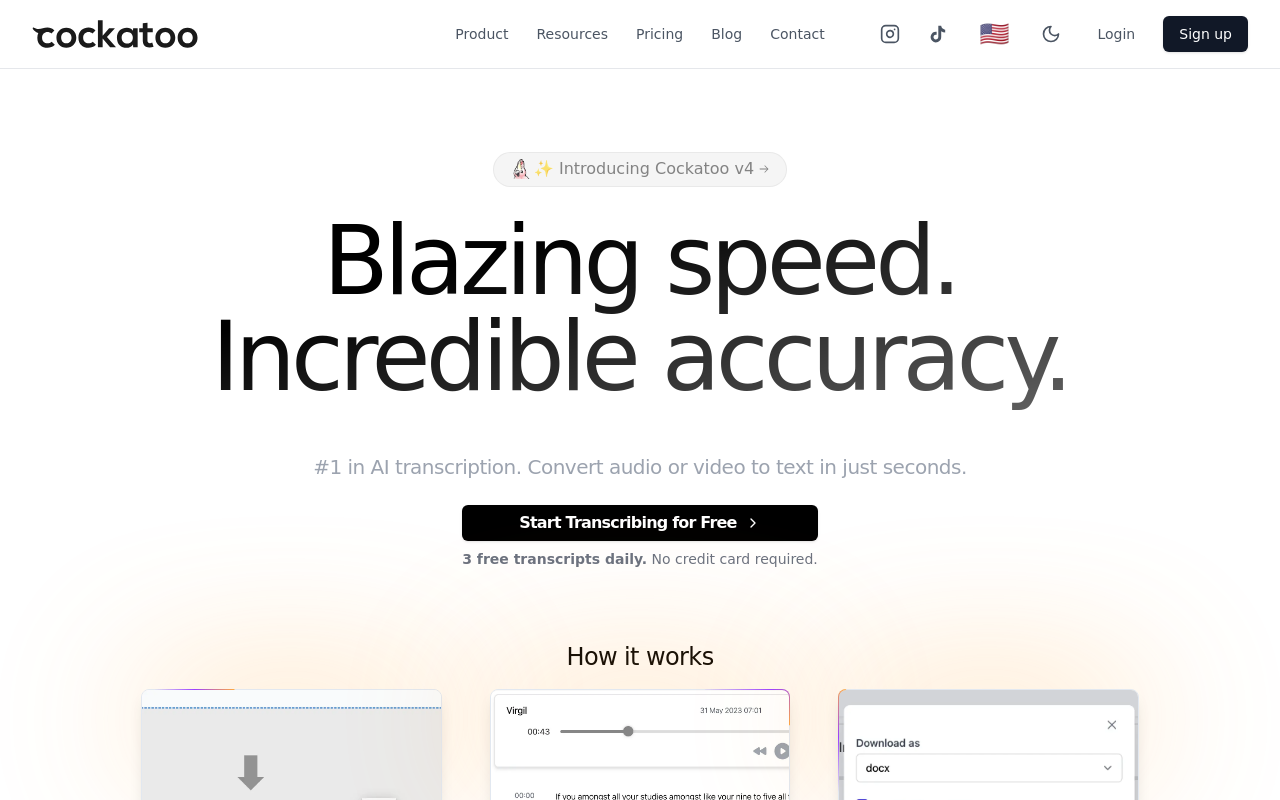
File-upload tool. Drag in an audio or video file and a transcript comes back in minutes on the first upload, no setup, no credit card, no meeting bot to configure. The output includes speaker labels, word-level timestamps, and automatic punctuation. The core job the tool does well is summarising a long recording down to what actually needs acting on: rather than handing a 60-minute transcript back to the person who needs to act on it, Cockatoo's AI Notes editor surfaces the decisions, action items, and key moments, so the document that leaves your workflow is already edited, not raw. That single capability addresses one of the most common frustrations in this space: receiving a faithful wall of text and still having to spend an hour finding the three things that mattered.
Cockatoo is purpose-built for the moments when a recording exists and the words are needed as text, interviews, calls, lectures, podcasts, video. That covers the overwhelming majority of transcription work that never involves a live meeting bot at all.
The free tier gives you three transcripts per day at up to 30 minutes per file with no credit card required, 2 GB of encrypted cloud storage, transcription in 90+ languages, and the AI Notes editor included, enough to test the tool against your own audio across multiple sessions before spending anything. Translation covers PDF, DOCX, PPTX, XLSX, and TXT files. Transfer links are supported up to 10 GB per month and expire after seven days.
The Pro plan, marked "Most Popular" on the pricing page, removes the file-length cap entirely, files up to 10 hours, adds unlimited transcription and file translations, unlimited transfers, unlimited AI Notes, and exports to PDF, DOCX, TXT, and subtitle (SRT) formats. When a video needs published captions or subtitles as well as a clean transcript, those subtitle exports, delivered in minutes, mean the same upload handles both deliverables without a second tool. Storage steps up to 2 TB. That is a price an individual contributor can approve without a budget conversation, and the free tier makes it verifiable against your own audio before spending anything.
For teams of three or more, the Team plan adds transcript sharing and editing across seats, priority support, and centralised billing. Each person on the plan gets 2 TB of their own encrypted storage.
The one real limitation: no meeting bot. If live call capture is your primary need, you will need a second tool. But for every workflow where the recording already exists, interviews, calls, lectures, podcasts, video, Cockatoo's file-upload path is the shortest distance between a file and a finished document.
2. Otter.ai - Best AI Note Taking App for Live Meeting Capture
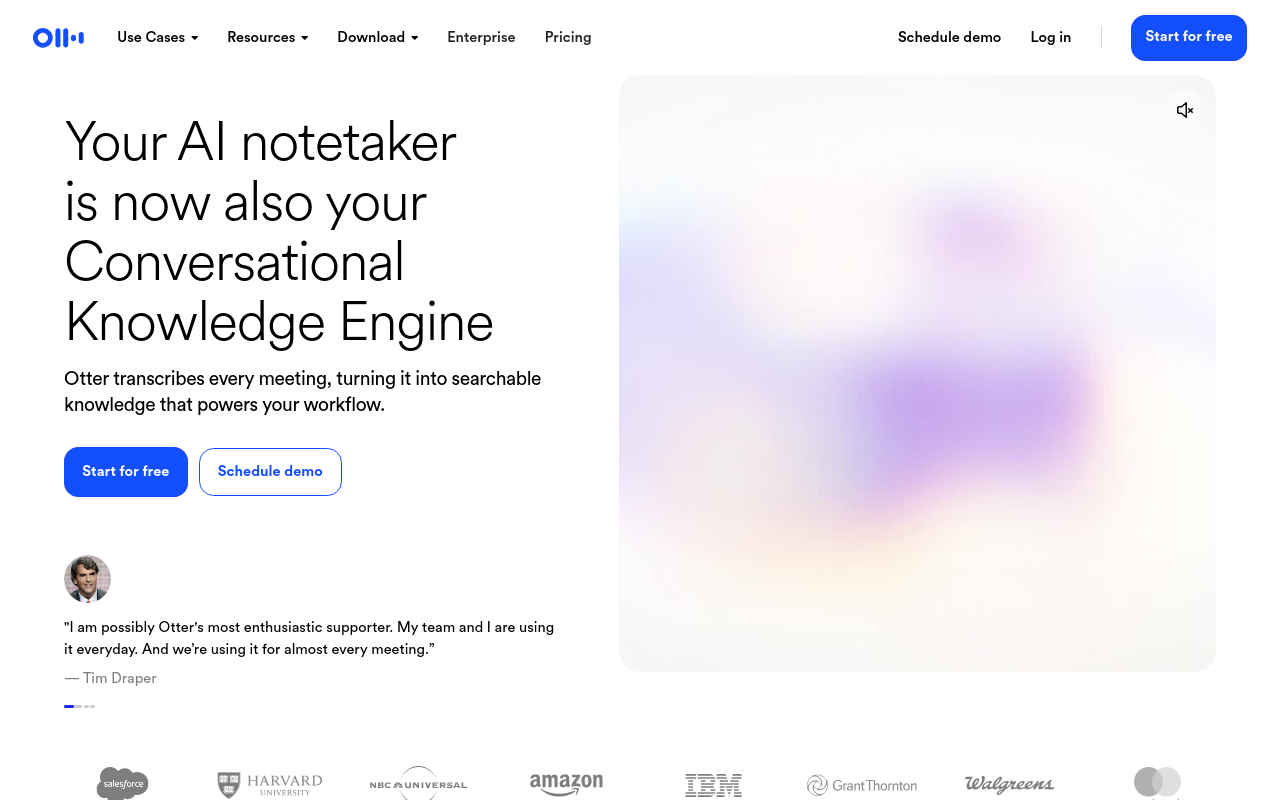
Meeting-bot tool, with limited file-upload support. Otter.ai joins Zoom, Teams, and Google Meet calls automatically, produces a live transcript, and generates AI-powered summaries and action items immediately after the call ends. The free tier allows 300 minutes of transcription per month, a hard wall for students, since a typical university semester runs well over 2,700 minutes of recorded content.
Paid plans remove the cap but are priced per-seat, which makes them expensive for solo users. Best for: professionals who primarily need notes from scheduled video calls and want action items auto-generated. Not ideal for: users with existing audio files or anyone outside the Zoom/Teams/Meet ecosystem.
3. Fireflies.ai - Best AI Note Taking App for CRM-Connected Meeting Notes
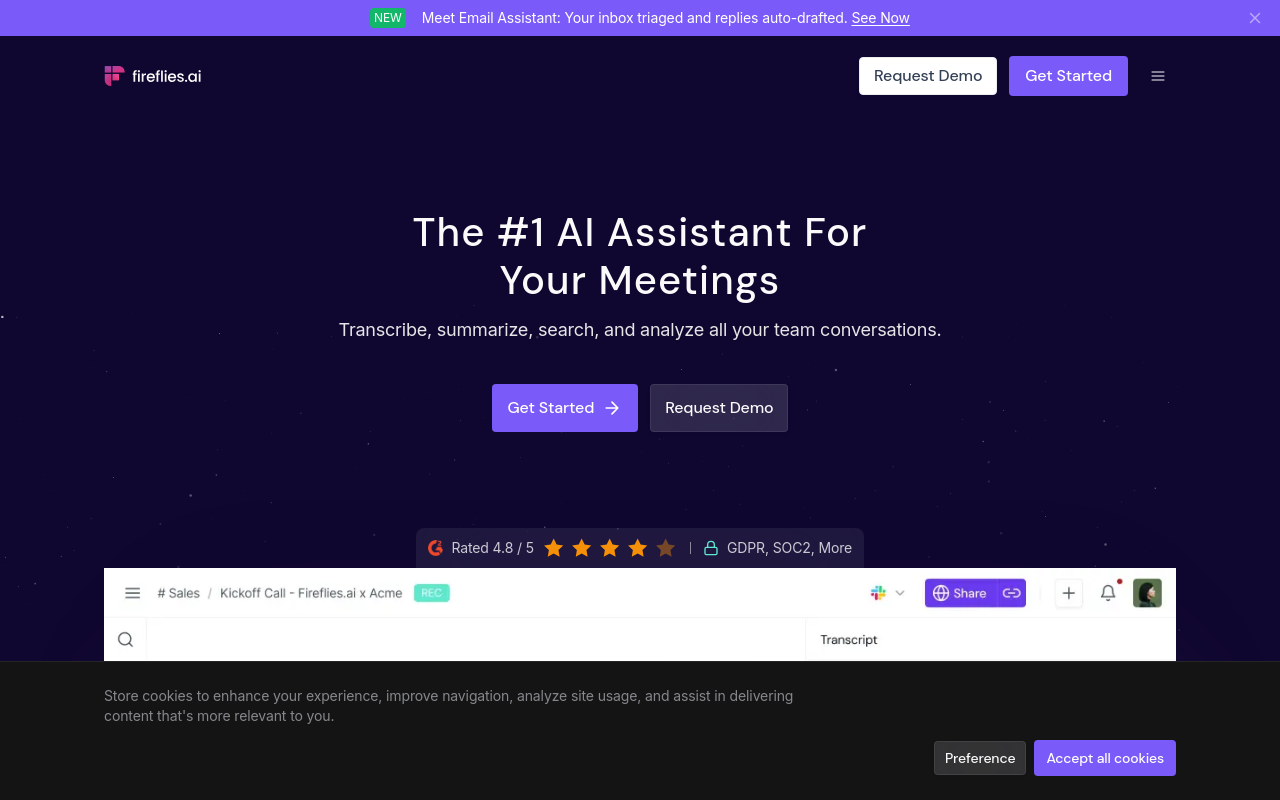
Meeting-bot tool with file-upload support. Fireflies.ai joins calls, transcribes them, and pushes structured notes directly into Salesforce, HubSpot, and other CRMs, the feature that separates it from most meeting bots. The AI search across meeting history is useful for sales teams who need to pull up what was said in a call from three months ago.
File upload works, but the tool is optimised for the live-call workflow. Best for: sales and customer success teams who need meeting notes to flow into their CRM without manual data entry. Solo users or anyone outside a CRM-driven workflow will pay for features they never use.
4. Fathom - Best Free AI Note Taking App for Unlimited Meeting Summaries
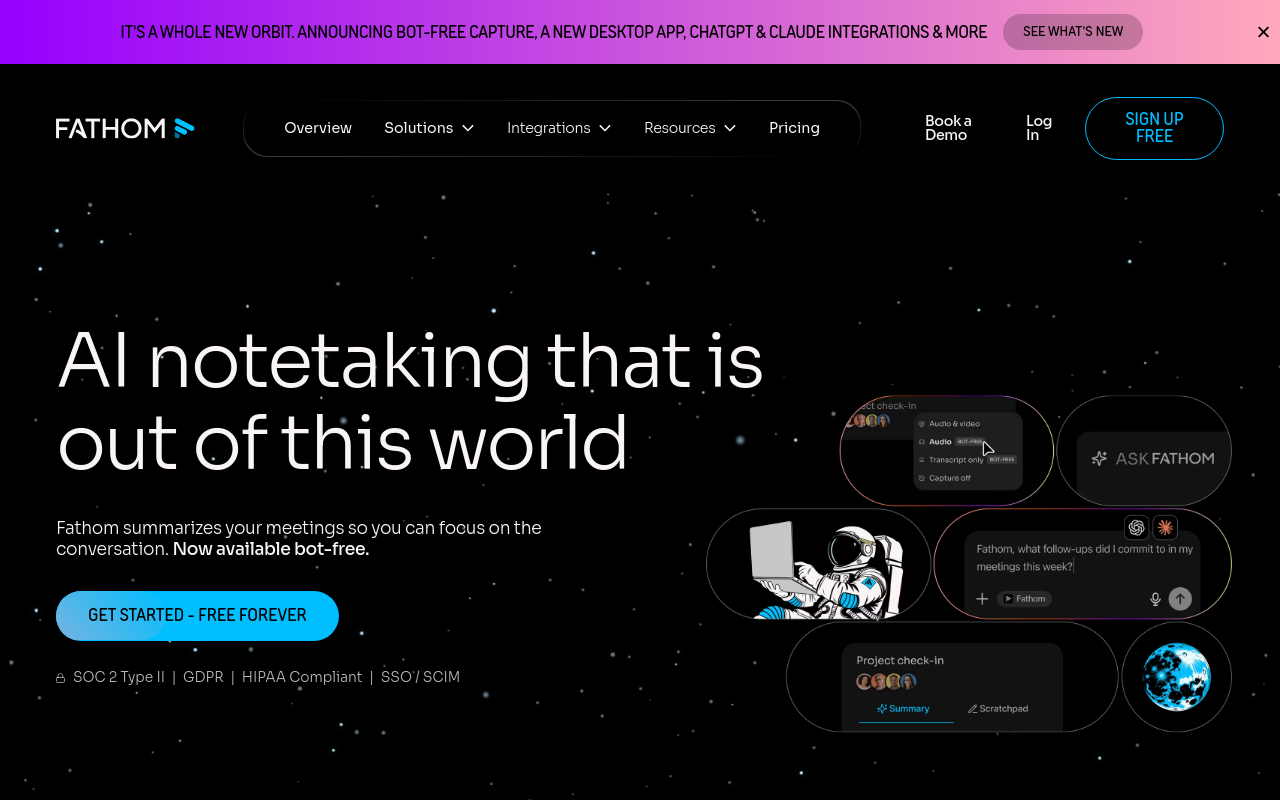
Fathom is a meeting recording and AI note-taking tool. It offers a free tier with unlimited AI-generated meeting summaries, transcription, and call recording, joining Zoom, Google Meet, and Teams calls as a bot. Tradeoff: it is built for live calls - upload a standalone audio file and you have no path forward.
5. Notion AI - Best AI Note Taking App for All-in-One Knowledge Management
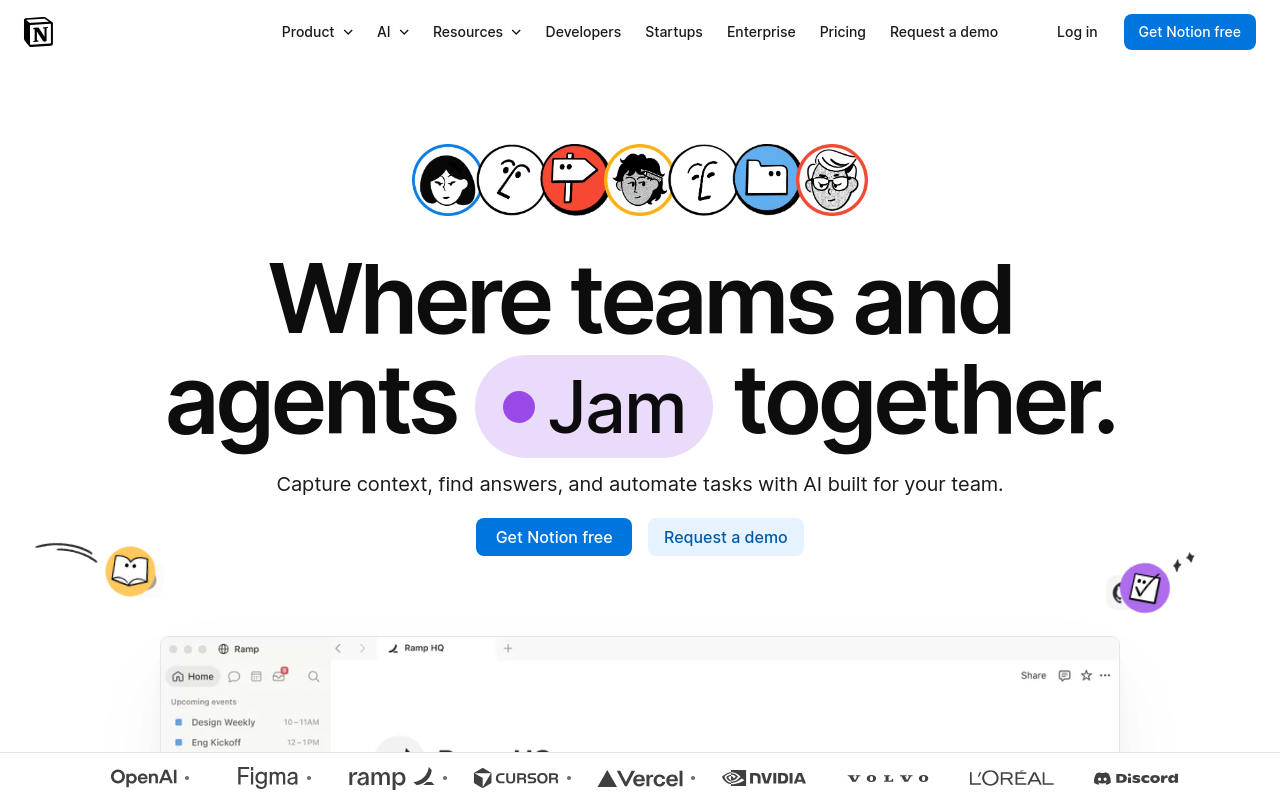
Notion AI is a writing and knowledge management layer built on top of Notion's database and page structure. It can summarise, rewrite, and generate text inside your existing Notion workspace, and it can process a transcript you paste in, but it cannot transcribe audio or video files on its own. Best for: teams or individuals who already live in Notion and want AI-assisted writing and summarisation inside that environment. If you are searching for a transcription tool and land on Notion AI, you will need a separate transcription step before it adds any value to your audio workflow.
6. Mem - Best AI Note Taking App for Autonomous Note Organization
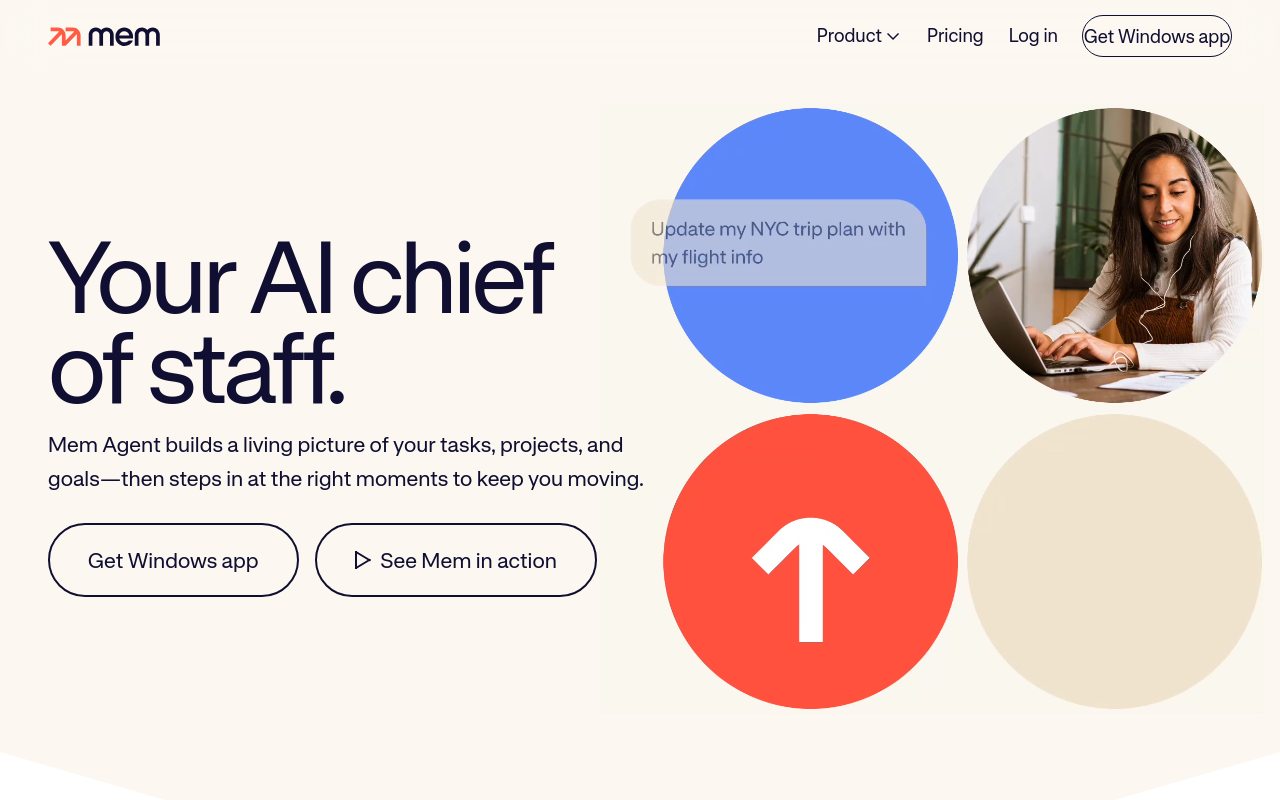
Not a transcription tool. Mem is a personal knowledge management app that uses AI to surface connections between your written notes, auto-tag content, and surface relevant past notes when you start writing something new. It does not transcribe audio. Best for: knowledge workers who want a second-brain tool for written content. Evaluating Mem as a transcription alternative will leave you disappointed. The two tools solve adjacent but different problems.
7. Granola - Best AI Note Taking App for Bot-Free Meeting Notes on Mac
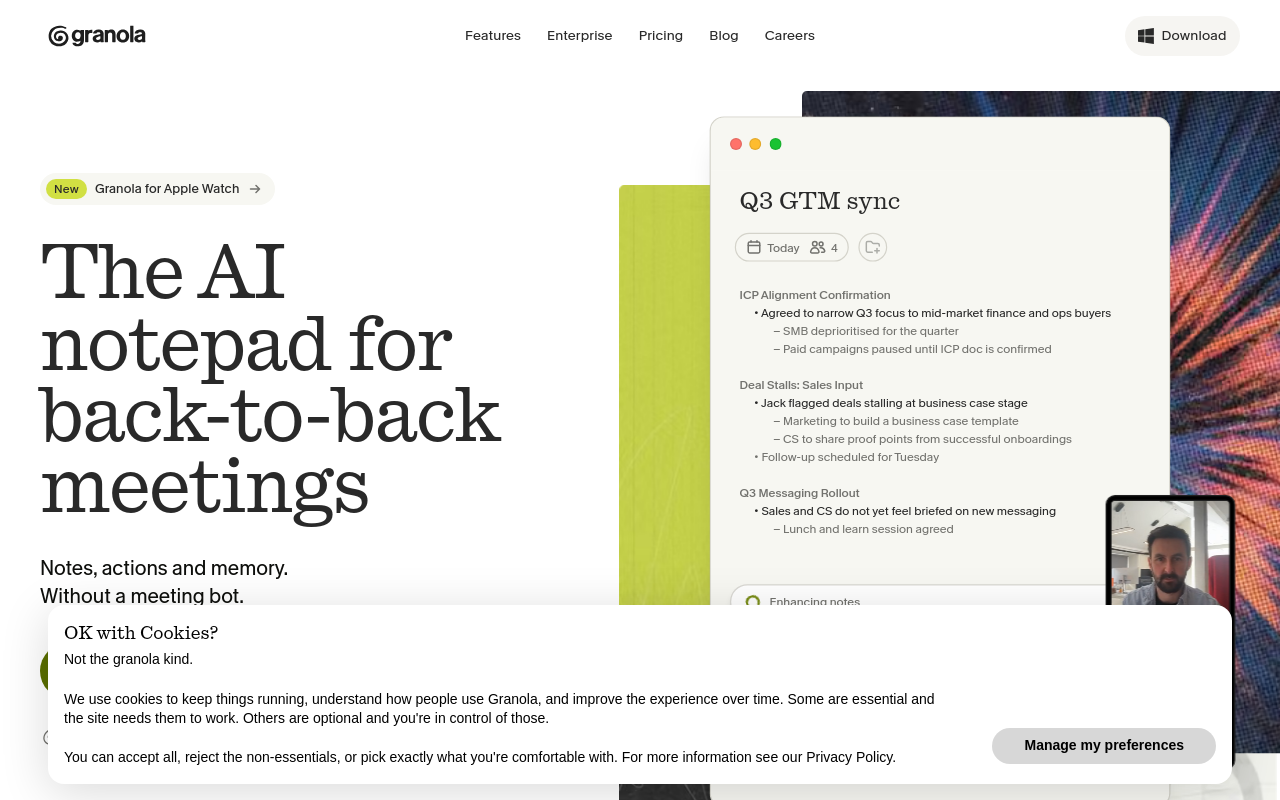
Hybrid tool, Mac only. Granola runs locally on your Mac, listens to system audio, and generates structured notes after the meeting ends. No bot appears in the call, no participant sees a recorder join. Best for: Mac users who attend a high volume of video calls and want clean, private meeting notes without a visible bot presence. The limitations are real: Mac only, no file-upload transcription, and accuracy depends on system audio quality rather than a dedicated microphone feed.
8. Laxis - Best AI Note Taking App for Sales Call Intelligence
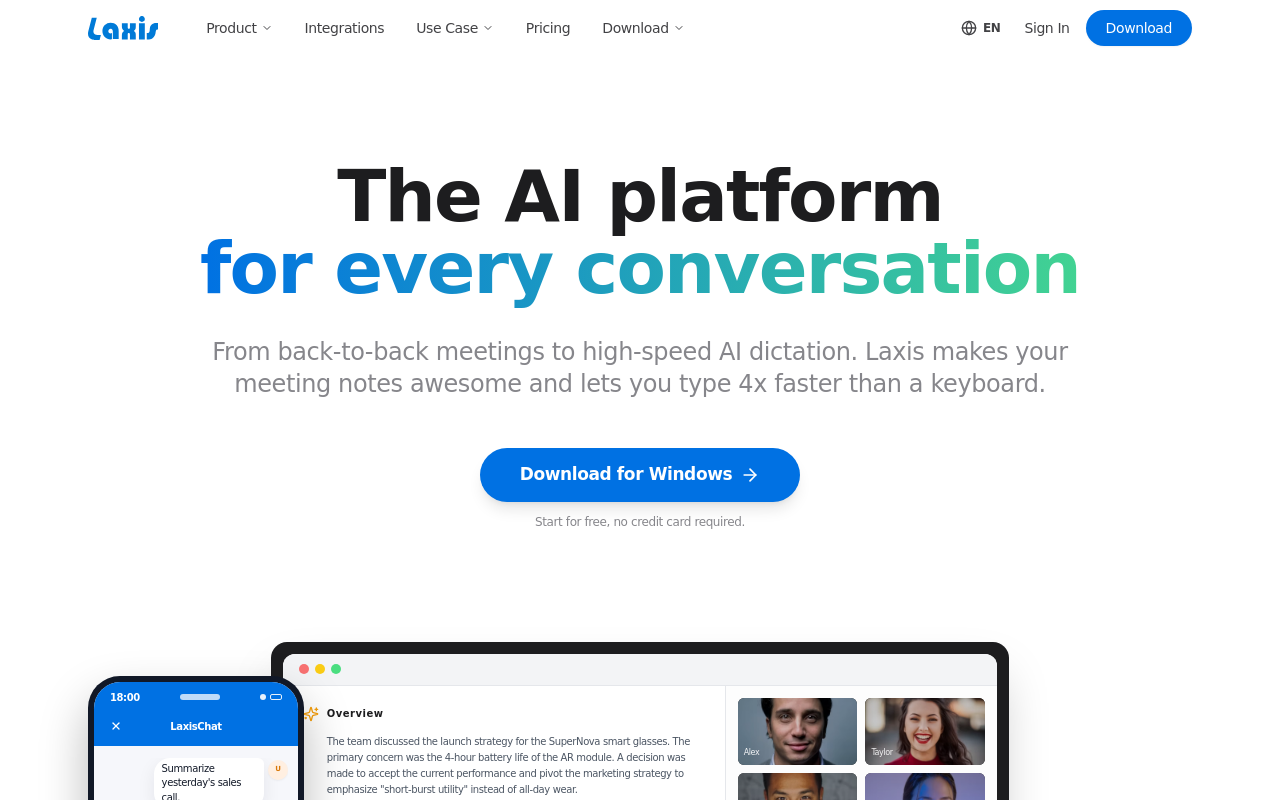
Laxis is purpose-built for revenue teams, offering real-time transcription during sales calls alongside AI-generated follow-up emails, CRM auto-fill, and deal-stage tracking. Its meeting bot joins major platforms and tags speaker sentiment and objections automatically. Pricing starts at $16.99/month per user; a limited free tier exists. Does not support file uploads of offline recordings. Tradeoff: the sales-specific feature set makes it overkill and overpriced for non-sales use cases like research or academia.
9. Reflect - Best AI Note Taking App for Networked Thought and Daily Notes
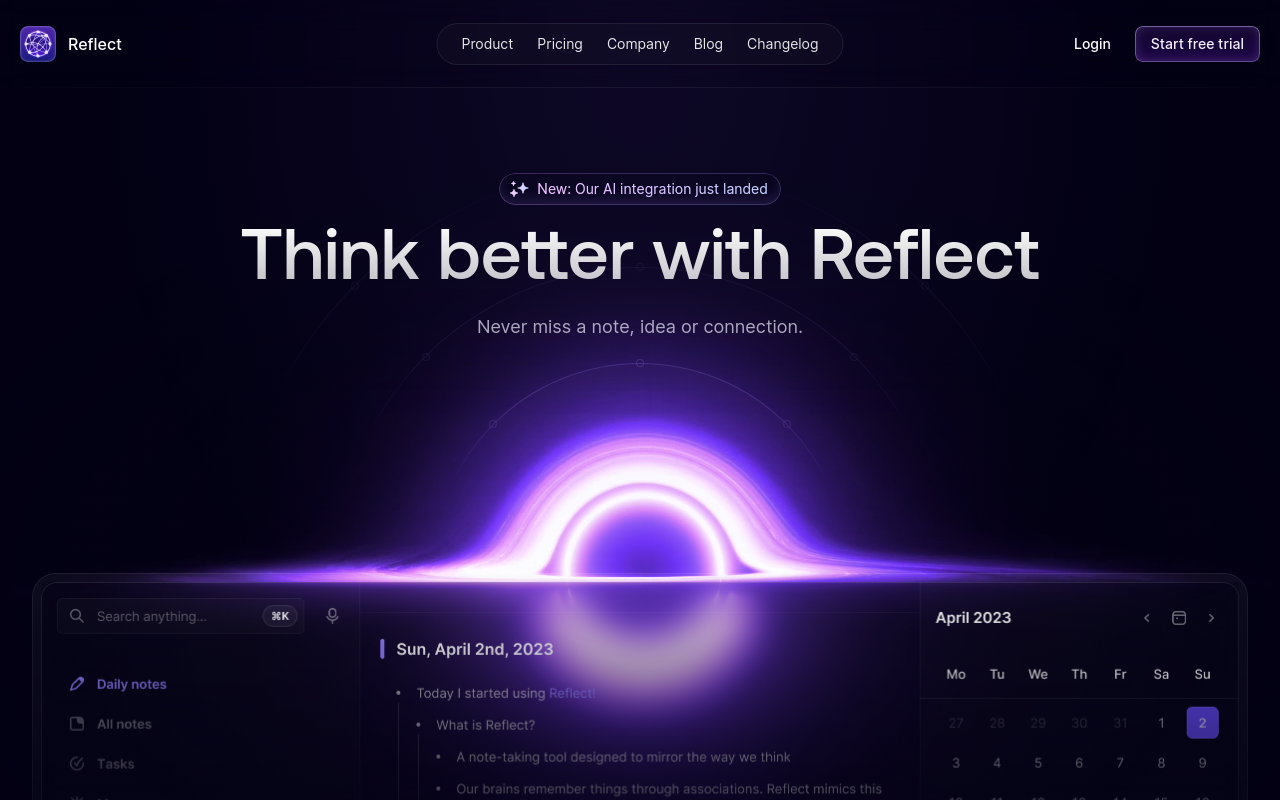
Reflect combines a daily notes journal with a networked backlink graph, letting ideas connect across entries automatically, similar to Roam Research but with a cleaner UI and built-in AI writing assistant. It's the right pick for writers, researchers, and thinkers who want a private second brain. Costs $10/month with no free tier. Does not transcribe audio or join meetings. Tradeoff: the lack of a free plan and audio features makes it a poor fit for anyone whose primary need is meeting transcription.
10. TurboScribe - Best AI Note Taking App for Bulk File-Upload Transcription
TurboScribe is designed for high-volume file-upload workflows, letting users batch-upload audio and video files and receive transcripts quickly using Whisper-based models. It supports 98+ languages and is popular with podcasters, journalists, and researchers processing large archives. Free tier allows 3 transcriptions per day; Unlimited plan is $10/month. Does not join live meetings, file upload only. Tradeoff: summary and note-taking features are minimal; it's a transcription engine, not a full note-taking suite.
11. Sonix - Best AI Note Taking App for Multilingual Broadcast and Media Transcription
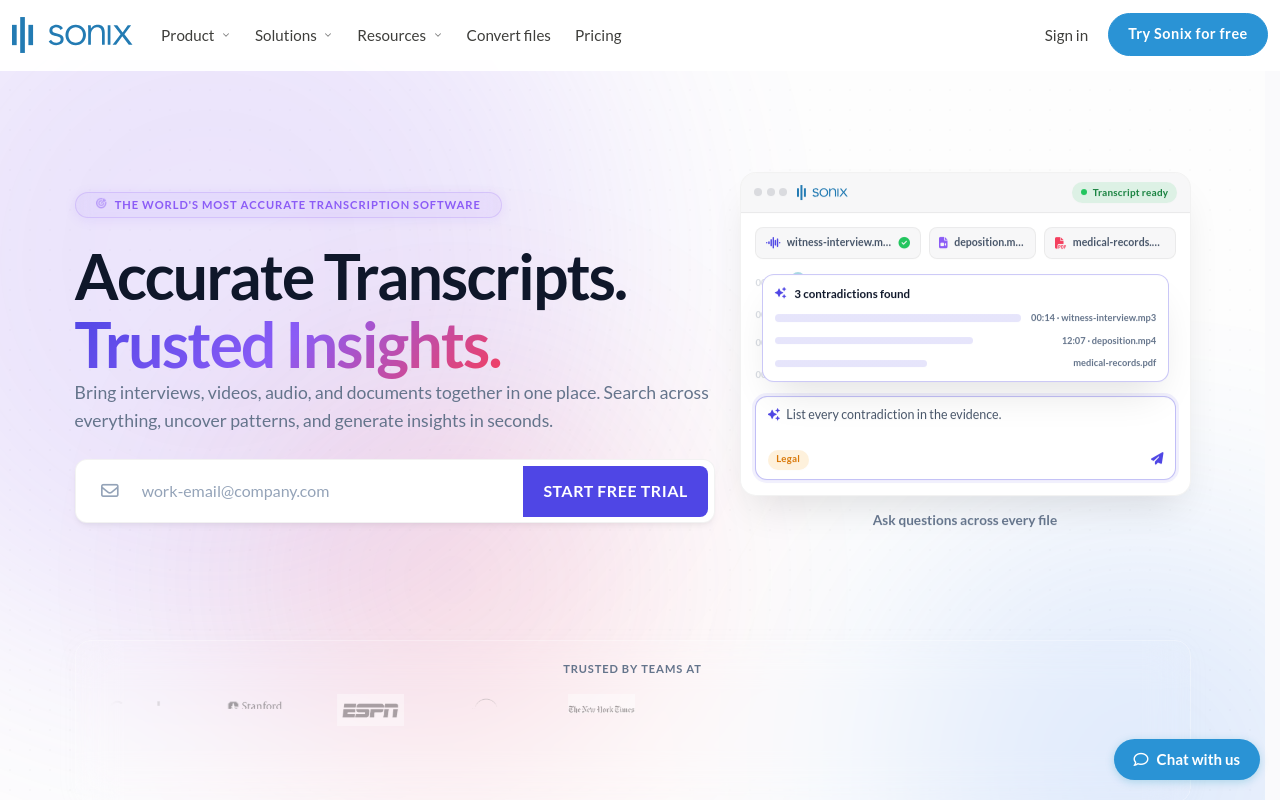
Sonix claims 99% accuracy across 49+ languages and is widely used by journalists, documentary makers, and media teams who need polished transcripts from uploaded audio and video files. Its in-browser editor lets you correct transcripts and export to multiple formats including SRT, DOCX, and JSON. Pricing is $10/hour pay-as-you-go or $22/month for a subscription. File-upload only; no meeting bot. Tradeoff: the hourly pay-as-you-go model gets expensive fast for high-volume users.
12. Krisp - Best AI Note Taking App for Windows Users Needing Lecture Notes
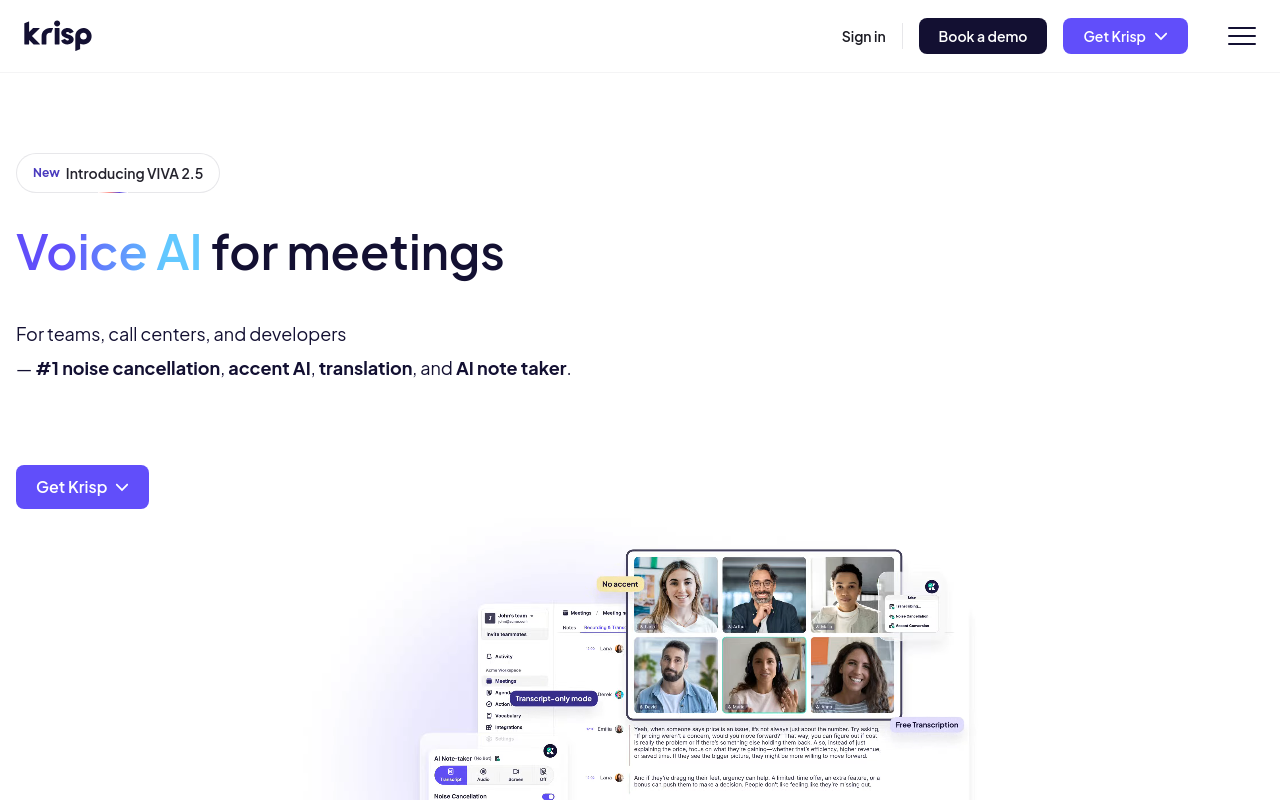
Krisp runs locally on Windows and Mac, recording device audio without a bot, making it one of the few strong options for Windows-based students who need lecture transcription. It generates structured bullet-point summaries and handles long sessions well. The free trial currently offers unlimited minutes; paid plans start at $8/month. Does not support file uploads of pre-recorded lectures. Tradeoff: noise cancellation is its heritage feature, so AI summary depth lags behind dedicated note-taking tools.
13. Sembly - Best AI Note Taking App for Structured Meeting Intelligence
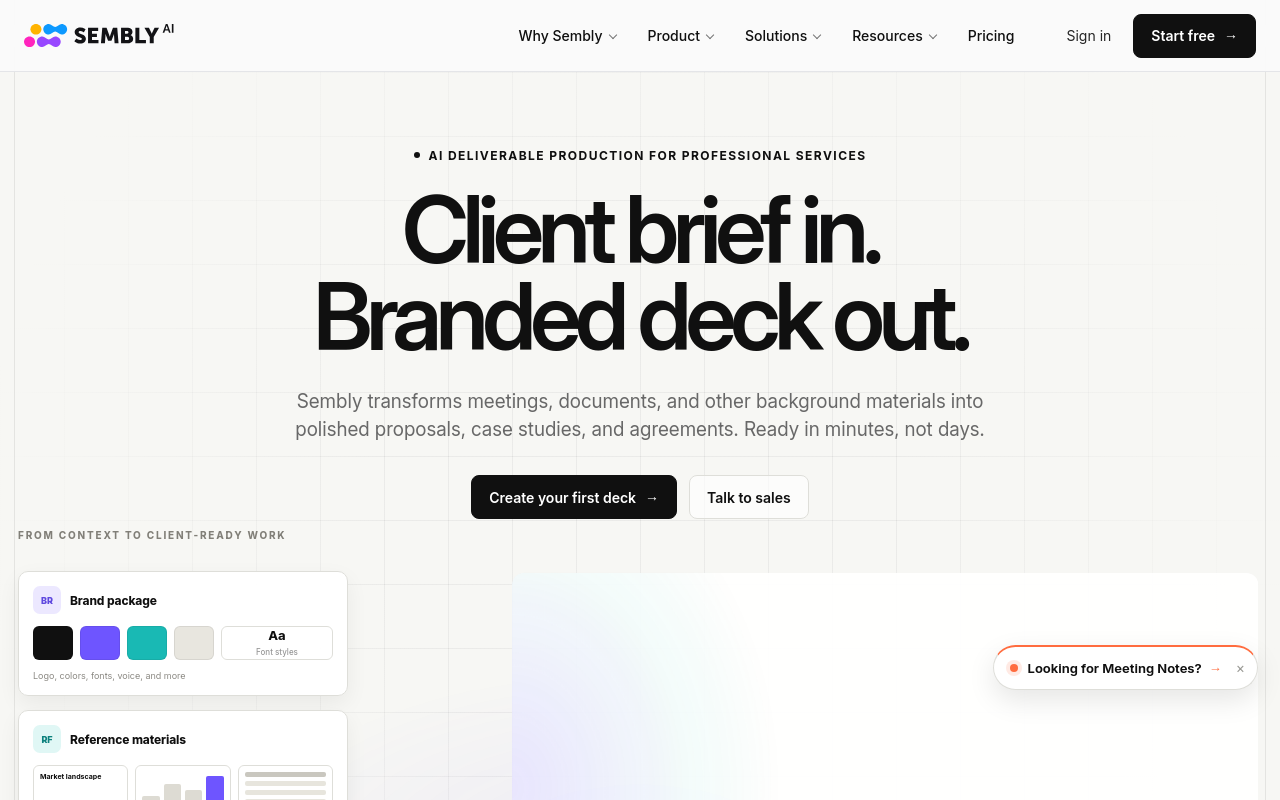
Sembly attends meetings as a bot and produces structured outputs including smart summaries, action items, decisions, and risks, going beyond raw transcription to deliver meeting intelligence. It's well-suited for project managers and ops teams who need accountability tracking from meetings. Free tier is limited; Personal plan starts at $10/month. Supports file uploads on paid tiers. Tradeoff: the bot model means it's visible to all participants, which can affect meeting dynamics in sensitive contexts.
14. Whisper by OpenAI - Best Free AI Note Taking App for Local Offline Transcription
OpenAI's Whisper is an open-source speech recognition model that runs locally on your machine, making it the top pick for privacy-conscious users, journalists, researchers, and clinicians, who cannot send audio to the cloud. It handles multiple languages and even code-switching between languages in a single recording. Completely free to self-host. Requires technical setup; no GUI out of the box. Tradeoff: non-technical users need a wrapper like MacWhisper to make it usable without command-line knowledge.
15. Tiro - Best AI Note Taking App for Foreign Students Needing High-Quality Translation
Tiro is a paid lecture transcription tool praised by international students for its high-quality translation feature, allowing non-native English speakers to receive lecture notes in their native language. It's particularly valued by students studying in a second language who need both transcription and translation accuracy. Requires a paid subscription with unlimited usage. Does not support file uploads of pre-recorded audio. Tradeoff: no free tier makes it a harder sell for budget-constrained students.
16. Roam Research - Best AI Note Taking App for Networked Daily Note-Takers
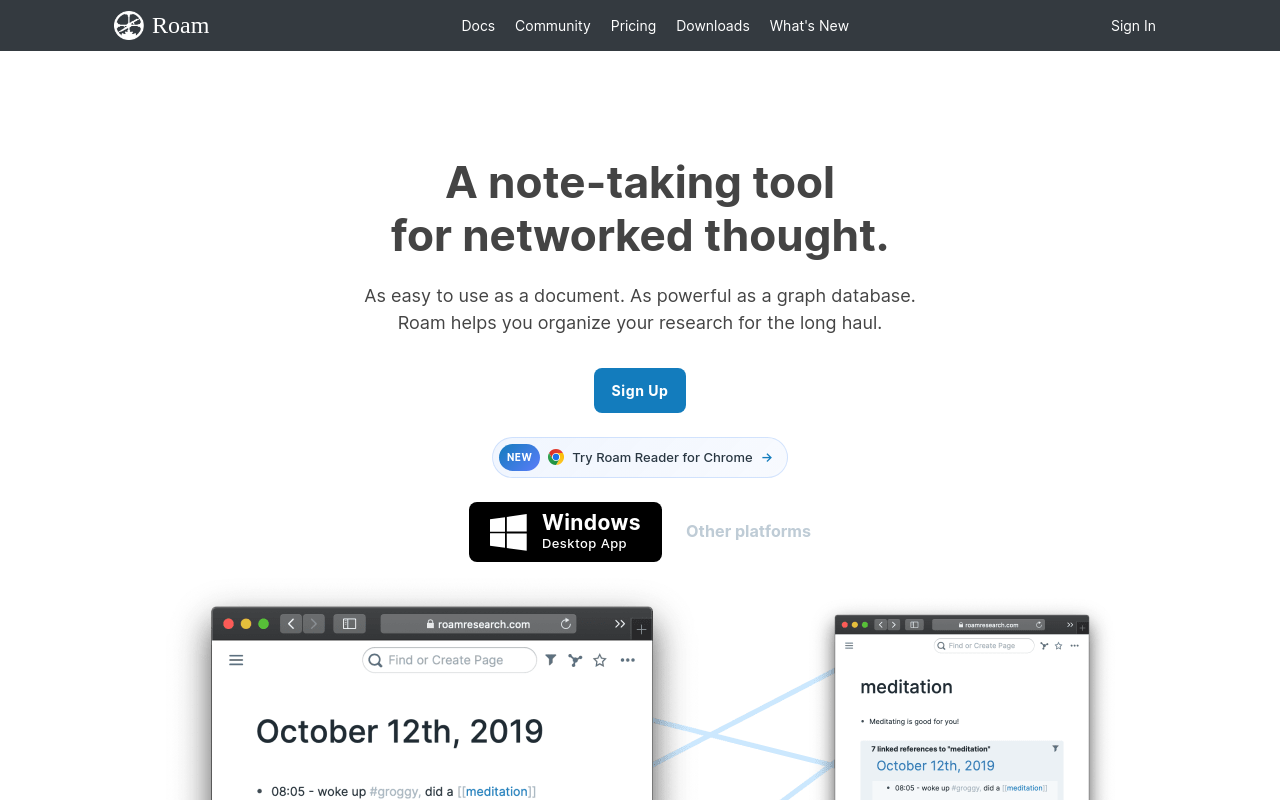
Roam Research pioneered the bidirectional-link note-taking paradigm and remains the tool of choice for academics and researchers who think in networks rather than hierarchies. Its block-level referencing and daily notes structure make it powerful for connecting ideas across months of notes. Costs $15/month or $165/year. Does not transcribe audio or join meetings natively. Tradeoff: the steep learning curve and dated UI have pushed many users toward newer alternatives like Logseq or Reflect.
17. Logseq - Best Free AI Note Taking App for Open-Source PKM
Logseq is a free, open-source outliner with bidirectional links and a local-first storage model, making it the top free alternative to Roam for privacy-conscious knowledge workers. Its plugin ecosystem includes Whisper-based audio transcription. Completely free for the desktop app; a cloud sync service is in development. Does not join meetings or transcribe audio natively without plugins. Tradeoff: the outliner-first structure feels rigid for users who prefer freeform prose-based notes.
18. Anarlog - Best AI Note Taking App for Bot-Free Private Meeting Notes
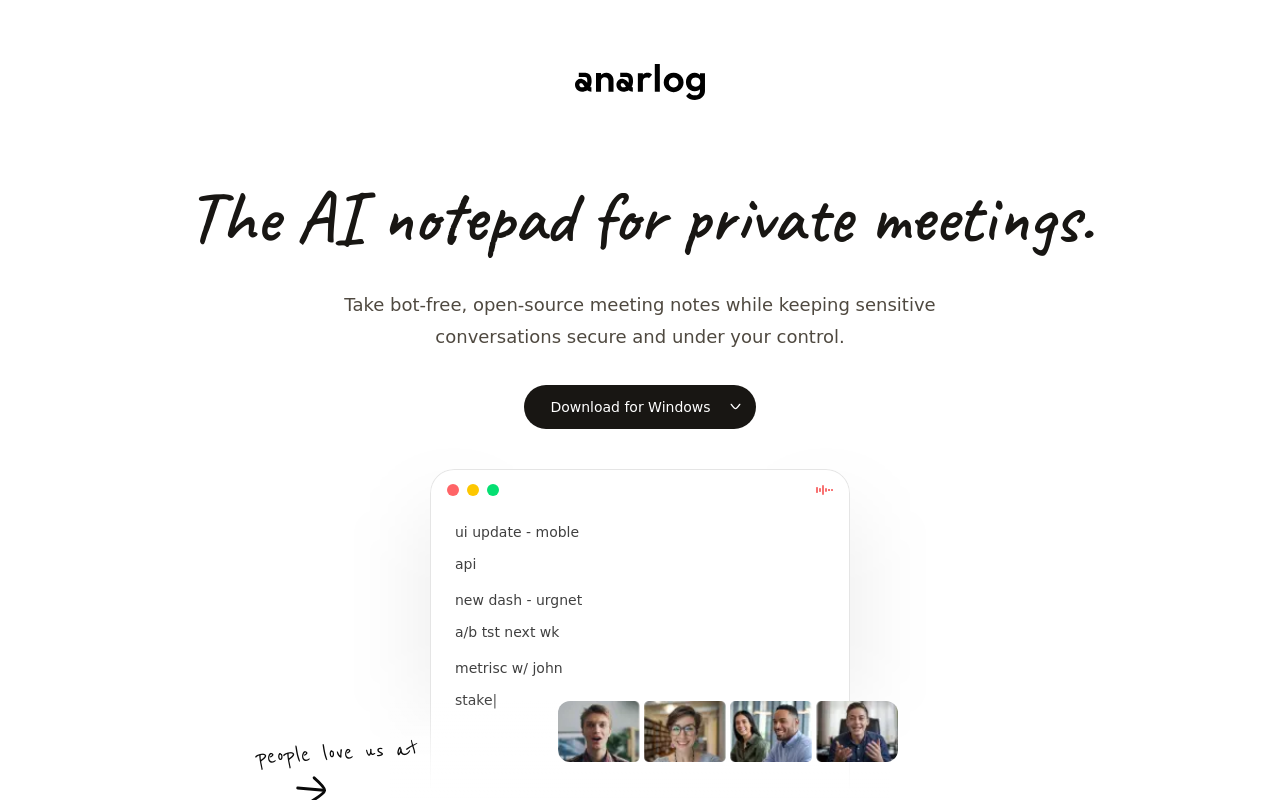
Anarlog is a local-first, bot-free meeting note tool that processes audio on-device, giving privacy-sensitive users, lawyers, therapists, executives, full data ownership with no cloud exposure. It supports BYOK (bring your own key) AI models for maximum control. Free tier available; paid plans unlock more AI features. Does not support file uploads of pre-recorded audio beyond live capture. Tradeoff: on-device processing means transcription speed and quality depend on local hardware capabilities.
19. TwinMind - Best AI Note Taking App for Continuous Ambient Life Capture
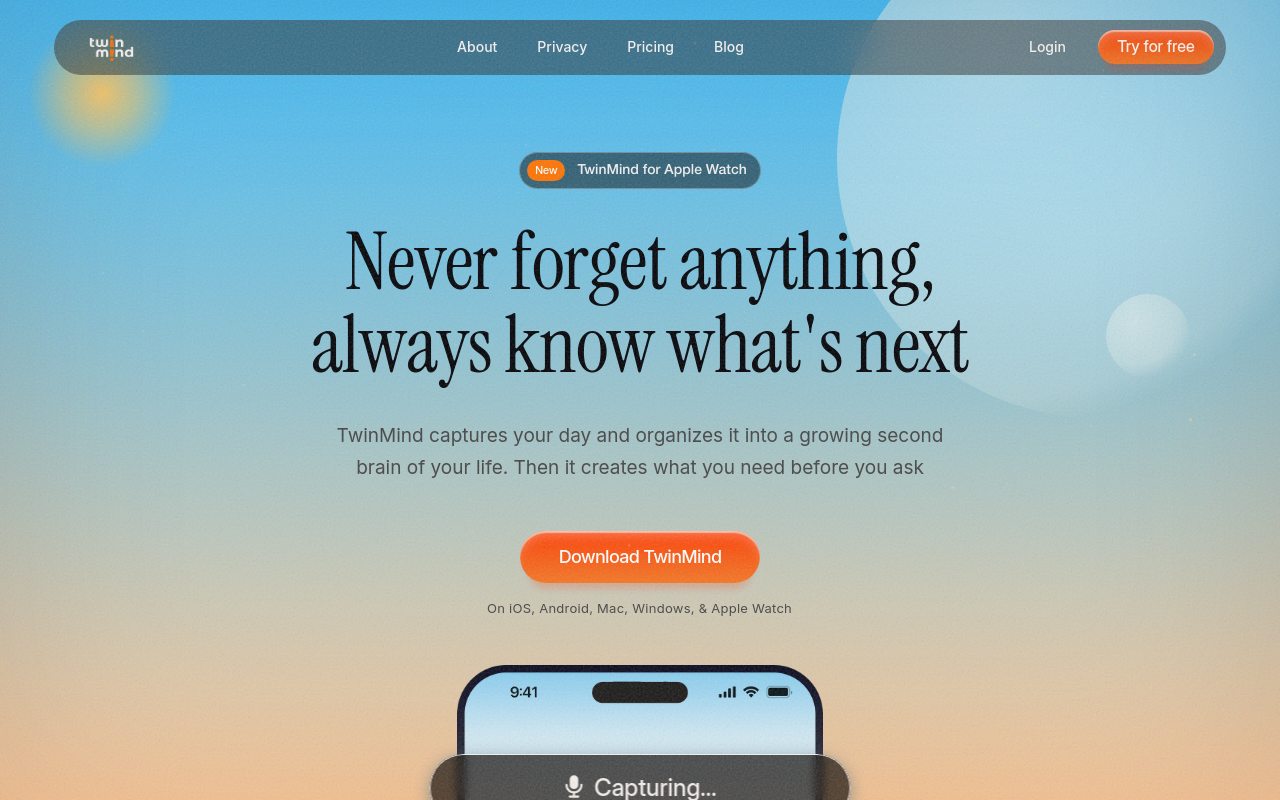
TwinMind runs continuously in the background, capturing and indexing everything you hear throughout the day, meetings, lectures, conversations, and making it all searchable via AI. It's the right pick for users who want a persistent memory layer rather than discrete meeting notes. Currently in early access with impressive user feedback. Does not require a meeting bot. Tradeoff: always-on audio capture raises significant privacy concerns that make it unsuitable for shared or sensitive environments.
20. Deepgram - Best AI Note Taking App API for Developers Building Transcription Features
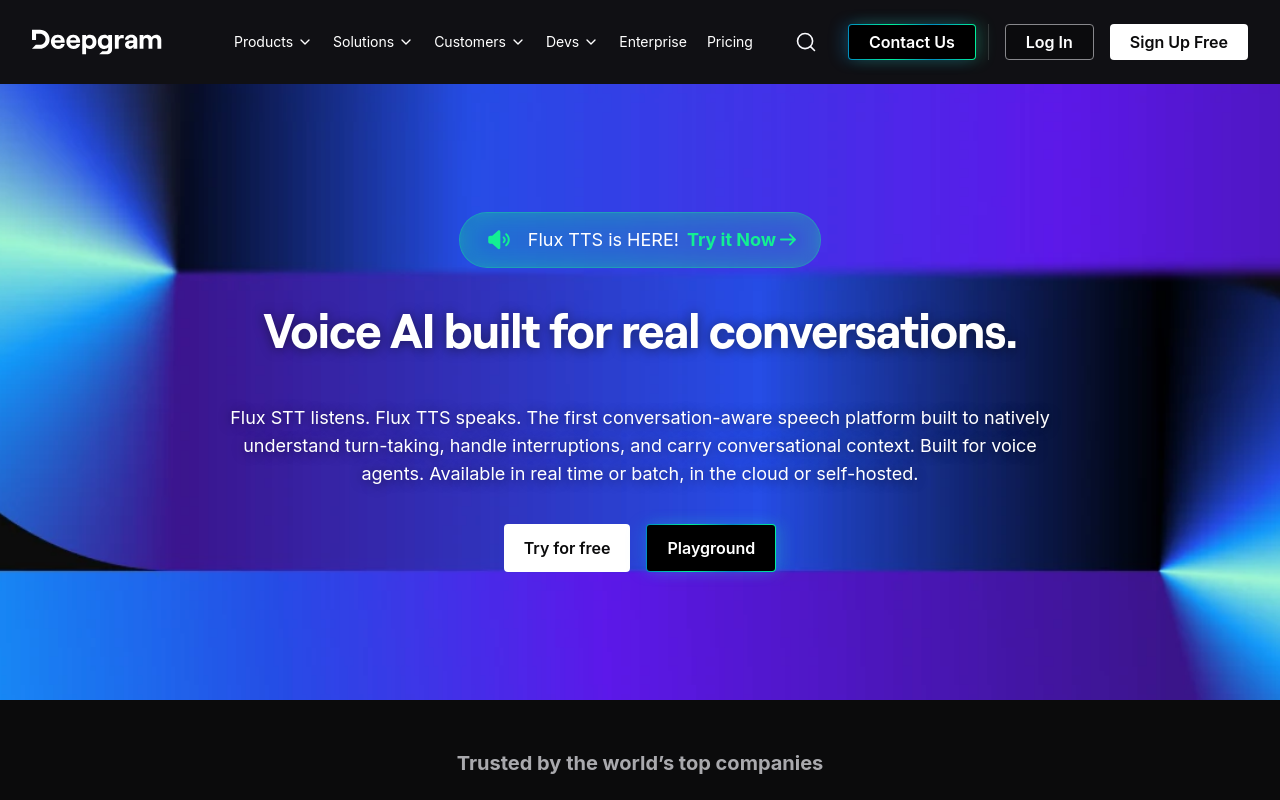
Deepgram's Nova-3 model delivers some of the lowest word error rates in 2026 benchmarks, particularly on noisy and meeting audio, making it the top choice for developers embedding transcription into their own products. It supports real-time streaming and file-upload APIs with 30+ language models. Pay-as-you-go pricing starts at $0.0043/minute. Not a consumer app, requires API integration. Tradeoff: there is no end-user interface; non-developers cannot use it without a wrapper application built on top.
21. AssemblyAI - Best AI Note Taking App API for Multilingual Developer Transcription
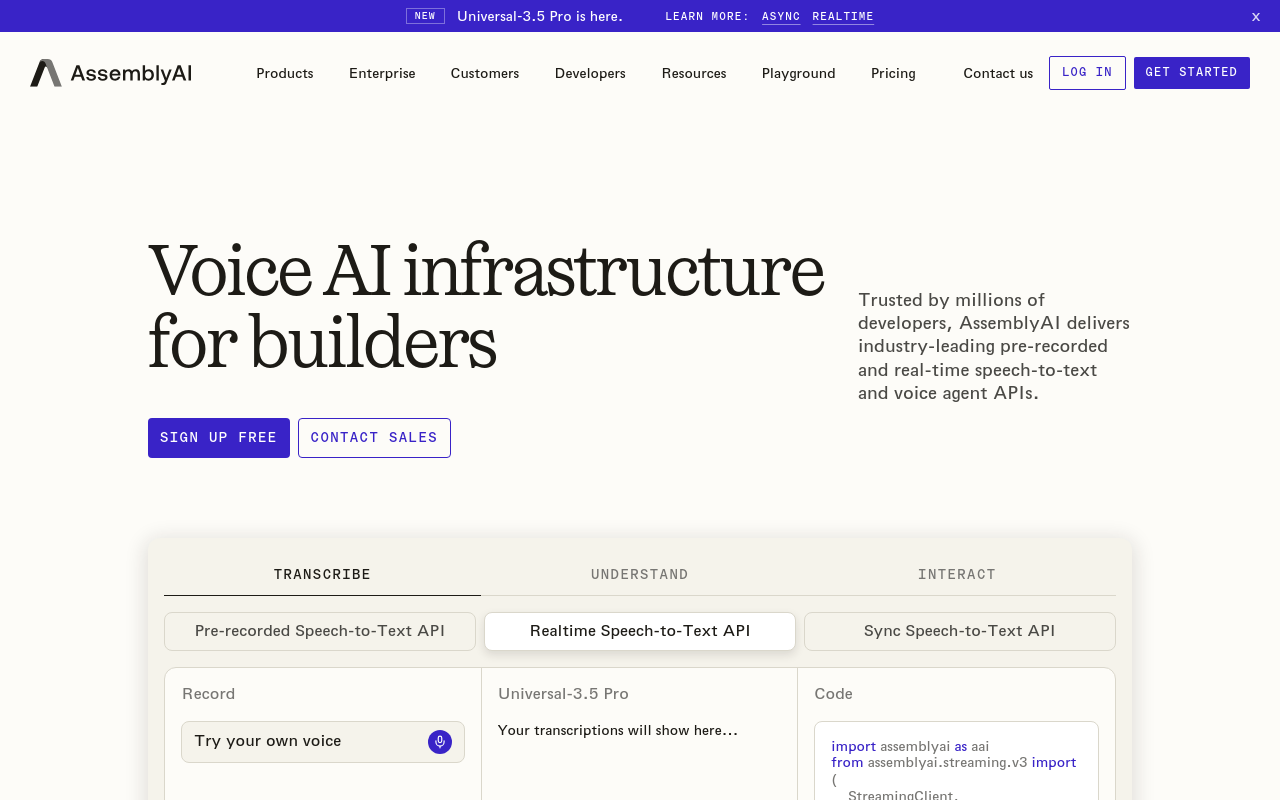
AssemblyAI's Universal-2 model offers strong multilingual transcription accuracy with built-in speaker diarization, sentiment analysis, and PII redaction, making it the developer API of choice for building HIPAA-compliant or multilingual transcription products. Supports file uploads and real-time streaming. Free tier includes $50 of credits; paid usage is $0.37/hour. No consumer UI. Tradeoff: like Deepgram, it requires developer integration and is not usable out of the box by non-technical end users.
22. Speechmatics - Best AI Note Taking App for Heavily Accented and Dialect Speech
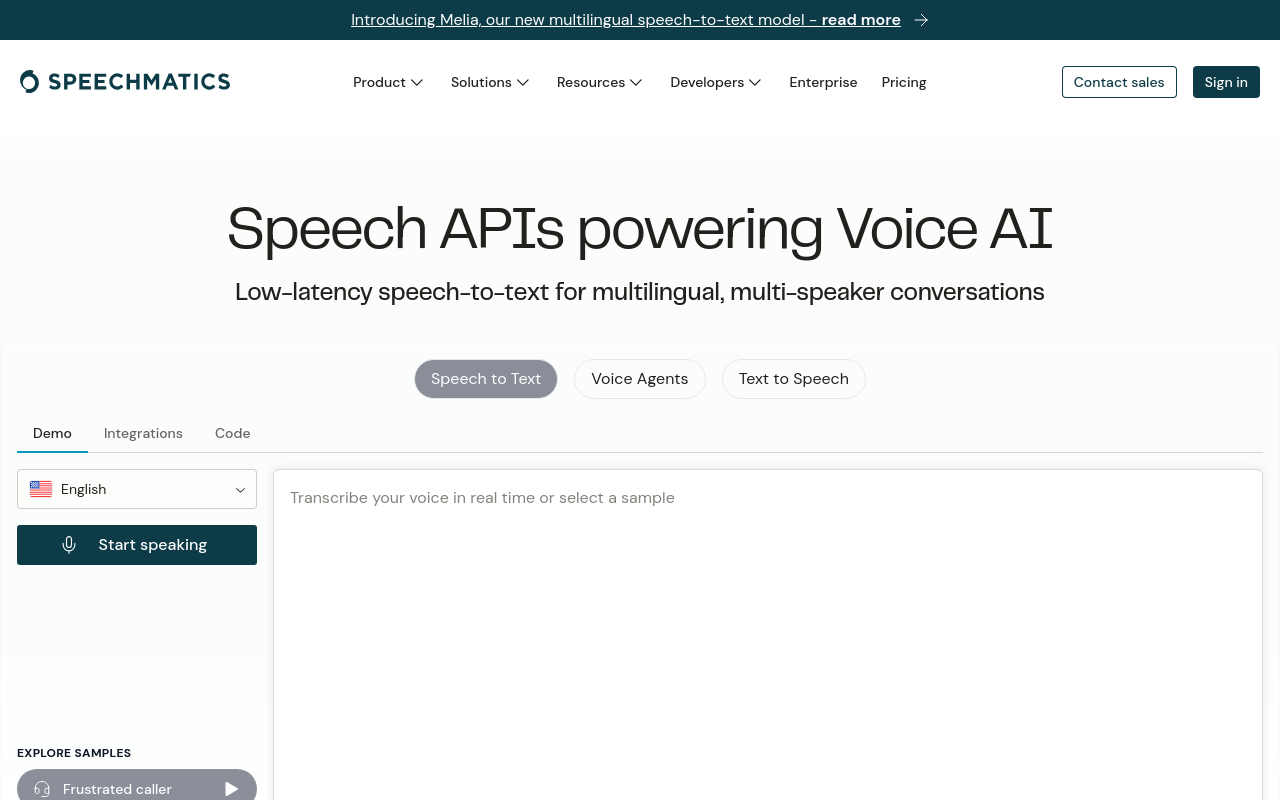
Speechmatics' Ursa 3 model consistently outperforms competitors on accented English and regional dialect audio in 2026 WER benchmarks, making it the right pick for global enterprises with diverse speaker pools. It supports 50+ languages and offers both file-upload and real-time APIs. Enterprise pricing is custom; a self-service tier is available. No consumer note-taking UI. Tradeoff: pricing is opaque and typically enterprise-grade, making it inaccessible for individual users or small teams.
23. VexaScribe - Best AI Note Taking App for Comparing Transcription Engine Accuracy
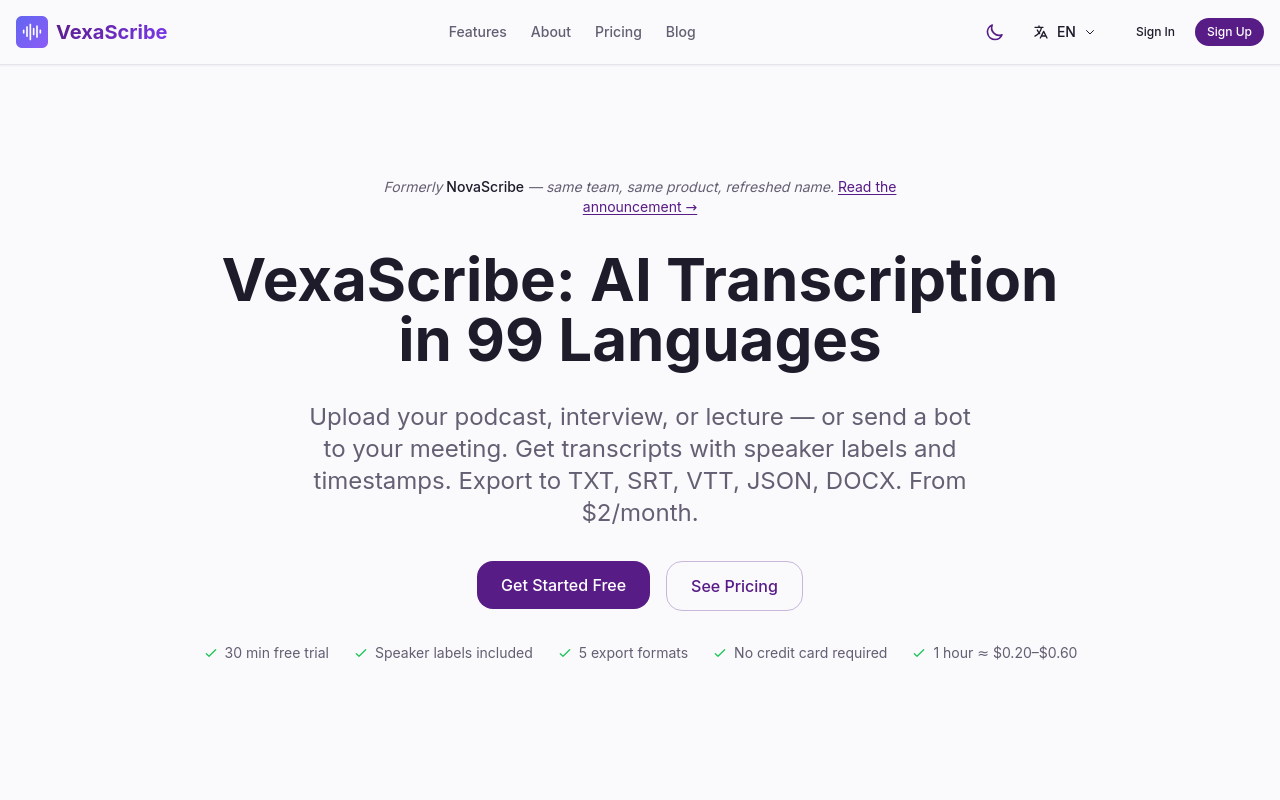
VexaScribe is a transcription tool and resource hub that lets users upload audio files and choose between multiple underlying ASR engines, Whisper, Deepgram, AssemblyAI, comparing outputs side by side. It's ideal for researchers and power users who want to benchmark accuracy on their specific audio type before committing to a tool. Free tier available; paid plans unlock higher volumes. Supports file uploads only; no meeting bot. Tradeoff: the multi-engine comparison adds complexity that casual users don't need.
24. Polar Notes AI - Best AI Note Taking App for Student Study Pack Generation
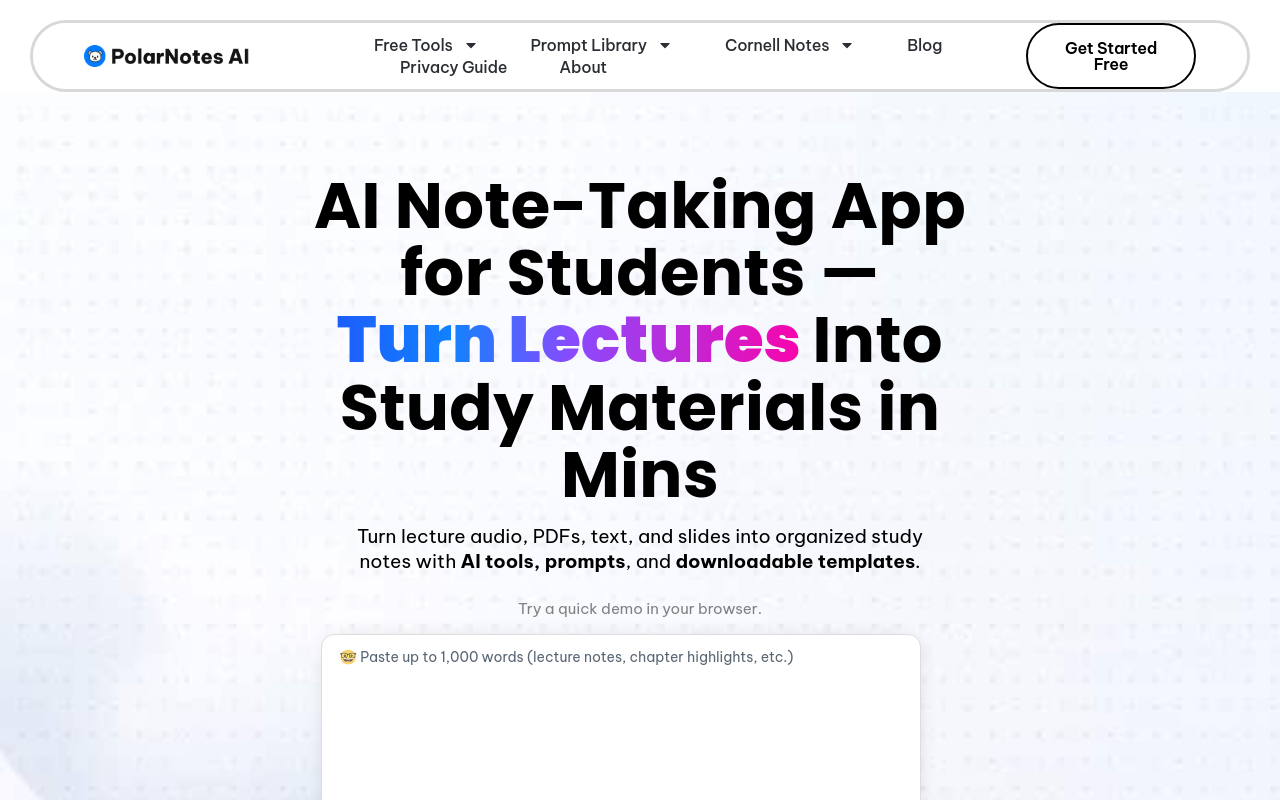
Polar Notes AI converts YouTube videos, PDFs, and lecture recordings into structured study packs, summaries, flashcards, and quiz questions, making it a standout for students who learn from diverse media types. It's particularly strong for converting YouTube lecture content into reviewable notes. Free tier available; paid plans unlock unlimited conversions. Supports file uploads and YouTube URLs. Tradeoff: the study-pack output format is optimized for students and feels too rigid for professional or research use cases.
25. WhispriNote - Best Free AI Note Taking App for Students Needing Flowcharts and Mind Maps
WhispriNote offers a free plan with all premium features for the first 5 notes, including accurate transcription, bullet-point summaries, flowcharts, and mind maps, making it uniquely visual among student note-taking tools. It's the right pick for visual learners who need more than text output from their lectures. Weekly paid plans are affordable. Supports file uploads. Tradeoff: the 5-note free limit is quickly exhausted, and the weekly subscription model is unusual and potentially more expensive long-term than monthly alternatives.
26. OpenModeAI - Best AI Note Taking App for Lecture Slide Integration
OpenModeAI is praised by students for its ability to process lecture slides alongside audio, aligning spoken content with the corresponding slide, a feature that makes reviewing structured academic content significantly easier. It's the right pick for students whose lecturers share slide decks. Used daily by active student users. Supports file uploads of slides and audio. Tradeoff: the slide-alignment feature is its defining strength but also its limitation, it adds less value for unstructured conversations or meetings without visual materials.
27. Hedy AI - Best AI Note Taking App for Real-Time Meeting Coaching
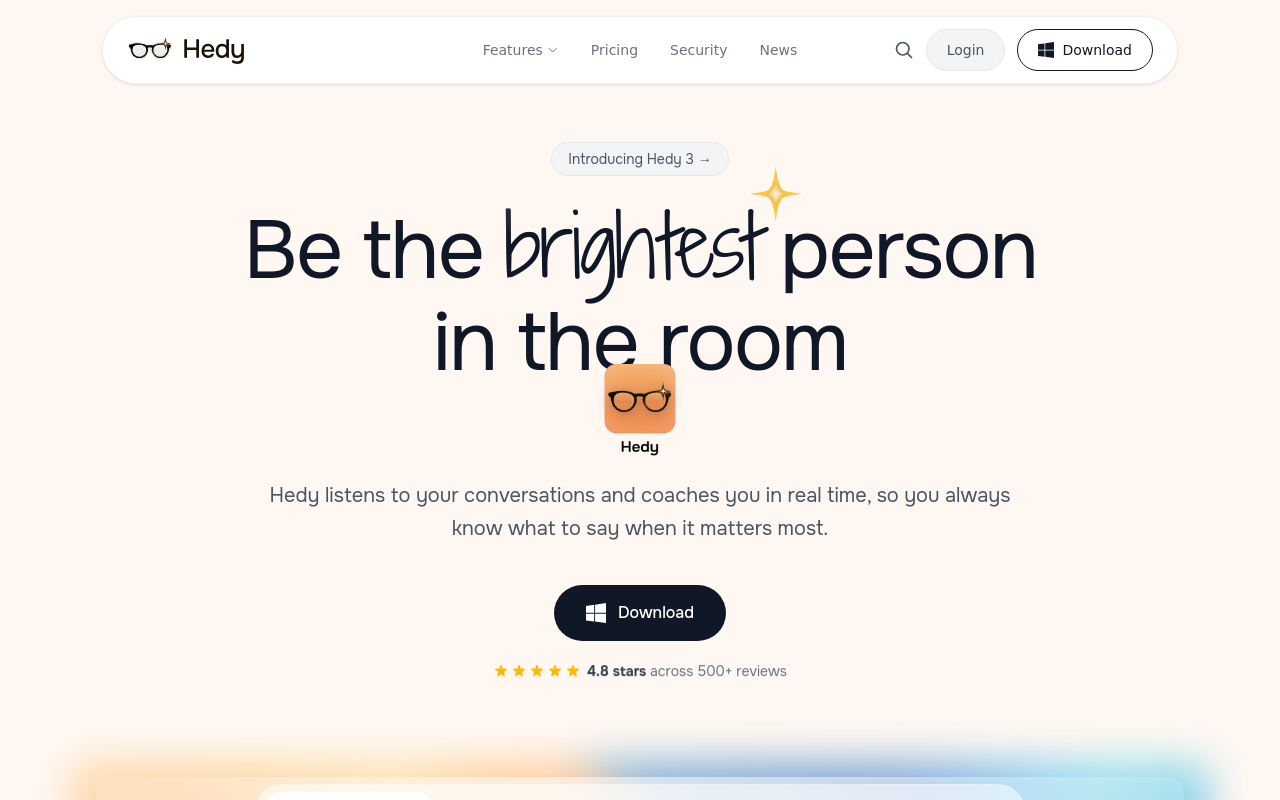
Hedy AI listens to meetings in real time and provides live coaching prompts, suggesting questions to ask, flagging topics to address, and surfacing relevant context, rather than just transcribing after the fact. It's the right pick for sales reps, consultants, and interviewers who want in-meeting guidance, not just post-meeting notes. Pricing is subscription-based. Meeting-bot and device-audio modes available. Tradeoff: the real-time coaching overlay can be distracting for users who prefer to focus entirely on the conversation.
28. MeetStream - Best AI Note Taking App API for Building Custom Meeting Bot Pipelines
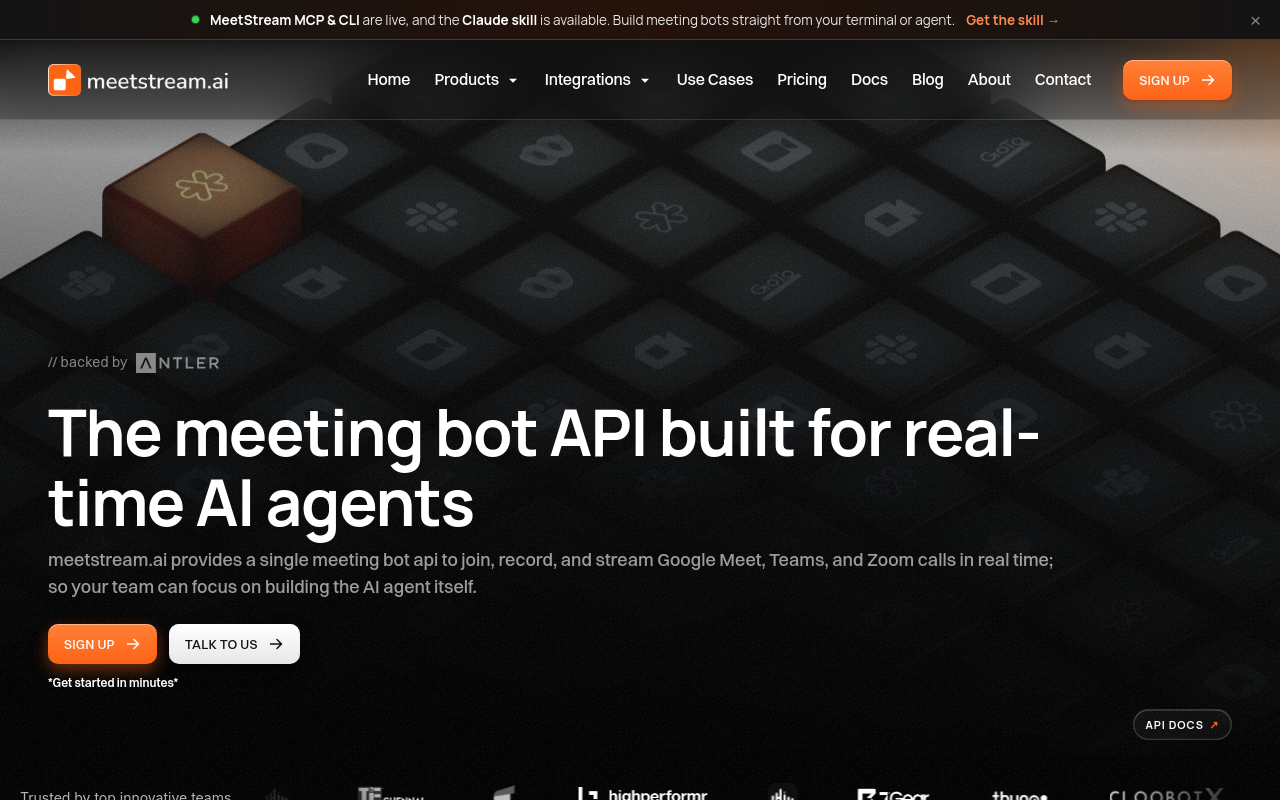
MeetStream provides a meeting bot API that lets developers and AI agent builders deploy custom bots into Zoom, Meet, and Teams calls with configurable transcription providers, custom vocabulary, and webhook-based output pipelines. It's the right pick for teams building proprietary meeting intelligence products at scale. Pricing is usage-based. No consumer UI, developer API only. Tradeoff: the API-first model means zero value for non-developers; it is infrastructure, not an end-user note-taking application.
Related Reading
-
Best AI Summarizer
-
Otter AI Alternatives
-
Best AI Transcription
-
Interview Transcription Software
Which AI Note Taking App Actually Fits Your Workflow
Those 28 tools do not sort neatly by a single axis, and that is precisely the problem most comparison guides create for themselves. Ranking by live-meeting performance looks decisive until your actual workflow never touches a live meeting, at which point the entire ranking becomes noise.

The Four Workflow Archetypes
Four patterns cover nearly every transcription need:
-
The file-based solo worker (downloaded interview, saved client call, voice memo)
-
The live-meeting team user (Zoom or Meet, needs action items pushed to a CRM)
-
The multilingual researcher (non-English audio, needs a transcript in the source language)
-
The knowledge organiser (written notes, no audio at all)
Each maps to a different tool category. Matching the category to the archetype is the decision. Everything else is detail.
File-Upload vs. Live Meeting Bot
Why picking the wrong category costs you hours of cleanup.
Most audio that needs transcribing never happens inside a scheduled meeting. It is a recorded interview in a Downloads folder, a client call saved to the cloud, a lecture file from last Tuesday. For those files, a live meeting bot adds nothing. What matters is upload-and-go accuracy, turnaround speed, and language coverage.
Accuracy thresholds carry real editing consequences. A transcript at 85% accuracy forces line-by-line verification of every sentence rather than light skimming of a mostly-correct document, multiplying total editing time by three to five times. Two tools that look close on a feature table can differ by hours of real work per recording.
Use-Case Match Matrix - Best Pick by Recording Type, Budget, and Language Need
| Workflow | Tool category | Key requirement |
|---|---|---|
| Downloaded interview, one person | File-upload transcription | Accuracy, speed, export formats |
| Daily Zoom calls, sales team | Meeting bot with CRM push | Live join, action-item extraction |
| Non-English audio | Multilingual file-upload tool | 90+ language support, source-language output |
| Written notes, second brain | PKM app | Note linking, AI summarisation |
For the solo prosumer, one person with one existing recording and no budget approval path, AI transcription software like Cockatoo is the concrete match: file-upload-first design, up to 99.8% accuracy, and individual self-serve Pro pricing with no minimum seat requirement.
Next steps
If your recordings keep turning into cleanup marathons instead of finished documents, the path forward starts with recognising that free transcription is almost never free once you count your hourly rate against the correction time it creates. Start with our AI transcription.
The true cost of a low-accuracy transcript is not the errors themselves but the compounding labour cost of fixing them, where a single 85%-accurate hour of audio can cost more to correct than a month of premium software. And accuracy thresholds are not linear in their editing consequences: a transcript at 85% accuracy does not require 15% more editing effort than a 97%-accurate one, it requires a fundamentally different and far slower verification workflow, multiplying total editing time by three to five times. Together, these two realities point to one practical action: test a purpose-built transcription tool against your own files before assuming the free platform option is good enough.
Start with AI transcription via Cockatoo's free tier (three transcripts per day, files up to 30 minutes, no credit card). Upload the recording sitting in your Downloads folder right now and compare the output to whatever your current tool returns. The first transcript tells you everything you need to know.
Frequently Asked Questions
Can I use an AI note taking app if my recording already exists as a file, not a live call?
Yes, and for most recordings this is actually the right approach. Meeting bots are purpose-built for live, scheduled video calls, so the moment your audio already exists as a recorded file, a meeting bot adds zero value. File-upload transcription tools like Cockatoo are designed specifically for this: upload a pre-existing interview, lecture, or client call recording and a transcript comes back in minutes.
Is there a free AI note taking app I can try without a credit card?
Cockatoo's Free tier lets anyone start immediately with no credit card required, offering three transcripts per day, files up to 30 minutes, transcription across 90+ languages, and 2 GB of encrypted cloud storage. That is enough to confirm whether the core job, turning spoken words into clean text, actually works for your material before you spend a dollar.
Why does accuracy matter so much - aren't all AI transcription tools roughly the same quality?
The difference is much larger than it appears. Free auto-caption tools carry word error rates of 15-25% in independent benchmarks, which translates to between 1,200 and 1,900 corrections on a one-hour recording running at roughly 130 words per minute. At even a modest $25 per hour for an ops or admin role, that cleanup session costs more than a month of most paid transcription tools, making the 'free' option almost always the most expensive once you count your time.
Will an AI note taking app work for a lecture or in-person recording made on a phone?
A file-upload transcription tool is the right fit for this workflow, not a meeting bot. Recordings made on a phone, in person, or in the field cannot be live-streamed to a bot, so the only things that matter are upload capability, accuracy, and format support, all of which Cockatoo is built around, with up to 99.8% accuracy and support for 90+ languages.
Can I use ChatGPT instead of a dedicated AI note taking app to transcribe my audio?
No, ChatGPT has no native ability to accept an audio file and return a transcript. What it can do is summarise text you paste into it, placing it downstream of a transcription step, not in place of one. You still need a dedicated transcription tool first.