Free transcription tools are not created equal. The wrong pick doesn't save you time, it just trades typing for editing, and the difference shows up in the hours you lose fixing a transcript that looked done.
Picking the first free transcription tool you find feels like a smart move. No budget approval needed, no subscription to justify, just upload and go. The common assumption is that all free transcription tools are roughly equivalent, they're all a bit rough, so you just pick the one with the most generous usage cap. The real cost rarely shows up on a pricing page. It shows up at 4 p.m. when you're still editing a transcript you expected to finish before lunch. See our AI transcription for how this works in practice.
According to Rev's 2024 transcription research, the average person takes approximately 4 hours to transcribe 1 hour of audio by hand. A free tool that saves you from typing every word sounds like a clear win against that number. The problem is that error-dense output doesn't save you from the work. It just moves it. Fixing a garbled transcript sentence by sentence can take longer than typing from scratch, because you're reading, comparing, correcting, and reformatting all at once instead of just listening and typing.

4 hours
to transcribe just 1 hour of audio
Free auto-caption tools degrade sharply on the audio conditions most real recordings carry: background noise, overlapping speakers, accented voices, and domain-specific vocabulary. Rev's research notes that these factors compound the correction burden disproportionately on low-quality free tiers.
A marketing coordinator who spends two hours correcting speaker mix-ups and misheard jargon from a 45-minute stakeholder interview hasn't saved time; she's spent more time than the recording itself ran.
Key takeaways
-
Free transcription tools are not roughly equivalent, the gap between first and fifteenth place comes down almost entirely to what happens when the audio gets hard: accented speech, overlapping speakers, background noise.
-
Accuracy figures on most tool review sites were measured on clean studio recordings with a single American English speaker, which tells you nothing about how a tool handles a real interview or field recording.
-
The real cost of a bad free tier is not the price, it is the afternoon you spend correcting a transcript that got every third sentence wrong.
-
Three specific traps, misleading headline accuracy, punishing file-length caps, and export formats your colleagues cannot open, make some free tools worse than typing the transcript yourself.
-
The break-even point between free and paid transcription is not a price threshold; it is the number of correction hours per week your workflow can absorb before a paid tier pays for itself.
-
Cockatoo's AI transcription closes that gap by returning an editable transcript from any audio or video file, with speaker recognition, word-level timestamps, and automatic punctuation, backed by a 95% accuracy quality guarantee and a free tier that needs no credit card.
Three Traps That Make Free Transcription Software Worse Than Useless
The common assumption among people who have to turn recordings into text is that all free transcription tools are roughly equivalent, they're all a bit rough, so you just pick the one with the most generous usage cap. The headline accuracy figure looks reassuring until you realise what it was measured on: a clean studio recording, a single speaker, standard American English. Real-world files are none of those things.
1. Accent and Domain Vocabulary Blindness - When 'High Accuracy' Only Means American English
ASR engines are trained predominantly on US and UK English data, and that training shows. According to industry research, headline word error rate figures are measured on clean, standard English audio, and tools that score well on those benchmarks can perform significantly worse on accented speech, regional dialects, or domain-specific vocabulary. A podcast producer in Glasgow or Chennai using a tool ranked highly on a US-focused list may find the transcript nearly unusable on first pass.
Technical jargon compounds the problem. Medical terms, legal phrases, and industry acronyms sit outside most free models' training data. The result is a transcript that looks plausible but contains errors throughout, harder to fix than obvious gibberish because you must read every line to catch them.
2. The Generous-Sounding Cap That Runs Out Mid-Project
Most free tiers impose a 30-minute file length cap and a small daily allowance. That sounds reasonable until you upload a 45-minute client call. The tool stops mid-file, leaving you splitting audio manually or waiting for tomorrow's quota.
3. The Missing Middle - Free Tier to Enterprise with Nothing in Between
Several well-regarded transcription tools offer a workable free tier, then price their next plan at $80-$100 per seat per month, a jump sized for corporate procurement, not a solo researcher or small agency. Freelancers and independent professionals who outgrow the free limits have no affordable stepping-stone; they must either tolerate the restrictions or absorb an enterprise bill, making the tool effectively useless for anyone in between.
How We Evaluated and Tested These Free Transcription Tools
Most transcription tool reviews treat accuracy like a tiebreaker, tested on a clean studio recording with a single American English speaker. That works if your audio sounds like a professionally produced podcast. Most real-world recordings do not.
The Three Audio Samples Used to Test Every Tool
Every tool was tested on the same three recordings. First: a 10-minute interview with a Scottish English speaker discussing legal terminology, because accented professional speech is where word error rates diverge fastest between tools. Second: a Portuguese-language business call, because a vast share of the world's population speaks English as a second language or not at all, and a review that ignores non-English audio ignores most of the world. Third: a podcast segment with overlapping speakers and background noise, the kind of file a solo operator actually uploads on a Tuesday afternoon.
Working in a language other than English is where many tools quietly fall apart: menus stay English-only, output formatting breaks on non-Latin scripts, and support documentation assumes you are transcribing in American English. A tool worth recommending has to be genuinely non-English-first in both interface and output. Cockatoo transcribes in 90+ languages and exports transcripts in SRT, DOCX, PDF, and TXT formats, so a Portuguese business call or a multilingual lecture is a standard workflow.
Why Accent and Dialect Accuracy Outweighs Usage Volume in Our Scoring
A loose usage cap on a tool that mangles accented speech saves you nothing. Independent research shows word error rates on accented English can run two to three times higher than on standard American English, even for tools that perform well on benchmark datasets. The real cost of a free transcription tool is measured in word error rate on your specific audio, not in how many minutes the free tier allows.
The real cost of a free transcription tool is measured in word error rate on your specific audio, not in how many minutes the free tier allows.
One pain point beginners consistently underestimate is supply-chain risk in free and open-source transcription tools, specifically, downloading binaries without checksum verification. When a tool asks you to install a local binary to unlock its free tier, you have introduced a security variable that a cloud-native service removes entirely. Cockatoo's free tier is self-serve and runs in the browser with no credit card and nothing to download or install; a transcript comes back on the first upload, with no setup. Files are held in encrypted cloud storage, which at least removes the local-binary attack surface from the equation.
How We Defined Genuinely Free Across File Length Caps, Daily Limits, and Export Walls
Some tools cap files at 30 minutes; others restrict daily uploads to three or fewer. Several offer unlimited transcription but lock every useful export format behind a paid plan. A tool was counted as genuinely free only if its free tier produced a complete, exportable transcript without a credit card. If the export wall hit before the file finished, the tool was scored as limited-free and flagged accordingly.
Evaluating "free" without a clear benchmark is one of the hardest parts of this market. Accuracy and correctness are the real differentiator between free and paid tiers, yet most free-tier comparisons stop at minute caps and ignore what the output actually looks like. Here is how Cockatoo's tiers map to that framework concretely:
-
Free tier (no credit card required): Transcribes up to 3 transcripts per day in 90+ languages.
-
Includes a built-in browser-based text editor for transcripts.
-
The ceiling is real, but the output is exportable and complete within those limits.
-
Pro tier: Unlimited transcription and file translations, files up to 10 hours, unlimited transfers, unlimited AI Notes, and exports in PDF, DOCX, TXT, and SRT subtitle format, with 2 TB of Cockatoo Drive storage.
-
This is the tier where the file-length cap and the export wall both disappear.
-
Team tier (minimum 3 people): Everything in Pro plus team transcript sharing and editing, priority support, centralised billing, and 2 TB of storage per person.
Knowing exactly where each wall sits, 3 transcripts a day, means you can stress-test any tool against your actual upload volume before spending a dollar.
14 Best Free Transcription Software Tools Tested in 2026
Fourteen tools made the final list, and the gap between first and fifteenth comes down almost entirely to what happens when the audio gets hard. Spend a week transcribing interviews with a tool that handles standard American English well, and you might never notice the problem. Spend a week transcribing interviews where one speaker has a regional accent, or where half the conversation is in Portuguese, and the problem becomes impossible to ignore.
You end up with a transcript that looks complete but reads like a rough draft, and the cleanup work quietly eats the time the tool was supposed to save you. That is the hidden cost most listicles never name. They rank free transcription tools by how many minutes per month they offer, as if a bigger cap automatically means a better pick.
A generous cap on a tool that mangles accented speech just gives you more broken transcripts to fix. The real question is how much correction work the tool hands you afterward. The tools below are ranked on that basis.
Each entry leads with how the tool performs on real-world audio, including accented English and non-English recordings, before covering free-tier limits and upgrade pricing.
1. Cockatoo - Best Free Transcription for Personal and Multilingual Use
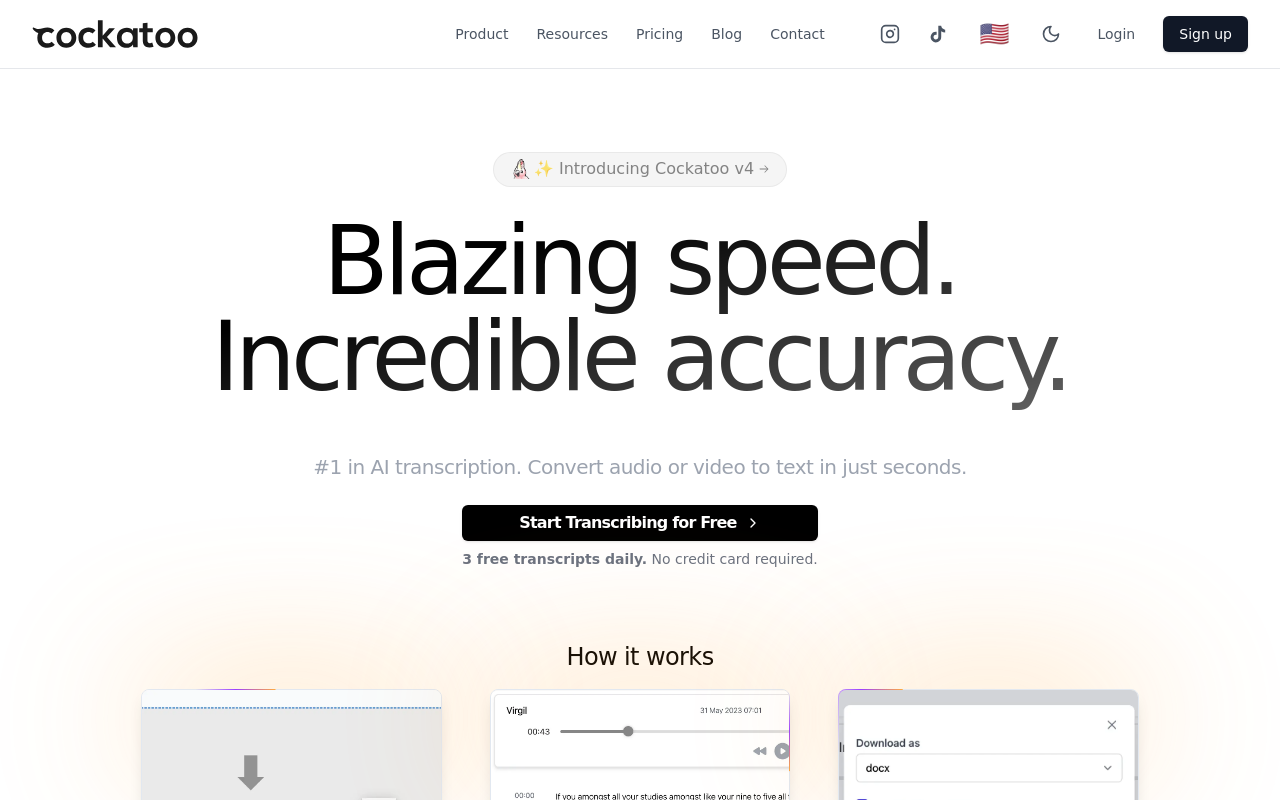
Cockatoo's AI transcription runs on Whisper-based accuracy and supports 90+ languages, making it the most practical free pick for anyone whose recordings include accented speech or non-English audio. The free tier gives you 3 transcripts per day, a 30-minute file cap, and 2 GB of encrypted storage, with no credit card required. The AI Notes editor is included on the free plan, so you can clean up and export your transcript in the browser immediately after it lands. Most users working through a backlog of short interviews or meeting recordings will find the daily limit workable. When volume or file length grows beyond the free tier, Pro is available as an individual plan - check the pricing page for the current rate.
2. TurboScribe - Best Free Tier for Unlimited Monthly Volume
TurboScribe's free tier limits users to 3 file uploads per day (not unlimited), with each file capped at 30 minutes; unlimited transcriptions require a paid Unlimited plan at $10/month (billed yearly). The limitation surfaces on accuracy with non-standard audio. For clean, single-speaker English recordings, TurboScribe performs reliably.
For accented speech or multilingual content, first-pass accuracy drops enough that manual correction becomes a regular part of the workflow. If your recordings are consistent and English-first, TurboScribe's free tier is hard to beat on sheer generosity. If they are not, the unlimited cap stops feeling like an advantage.
3. Otter.ai - Best Free Transcription for Live Meeting Notes
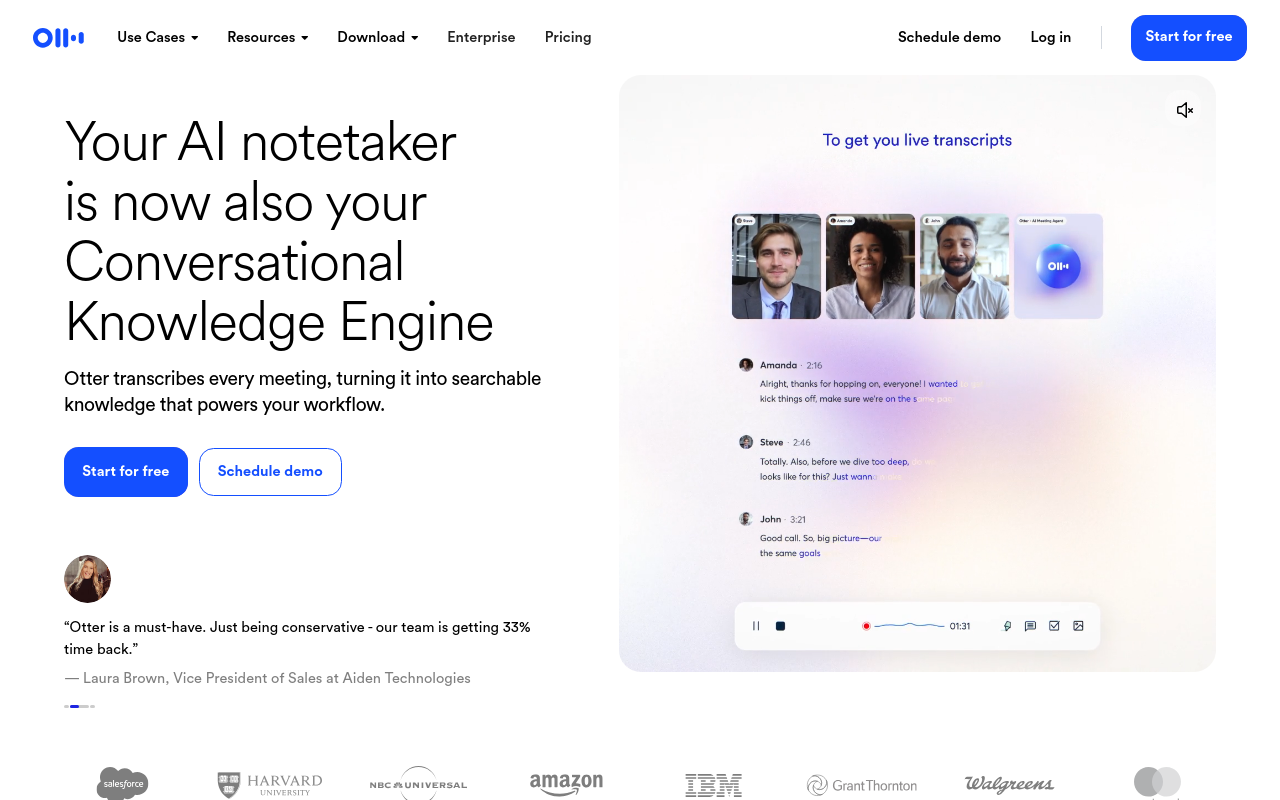
Otter.ai is built around its meeting bot, which joins Zoom, Google Meet, and Microsoft Teams calls and transcribes in real time. That focus makes it strong for live meeting notes and weak for standalone file uploads. The free plan includes 300 minutes per month and a 30-minute per-conversation cap, though these limits have changed before and should be verified before you commit to a workflow. If you are uploading pre-recorded interviews or podcast audio, the tool's architecture is not designed for that use case, and the minute cap will feel tight quickly.
4. Google Cloud Speech-to-Text - Best for Developers Needing API Access
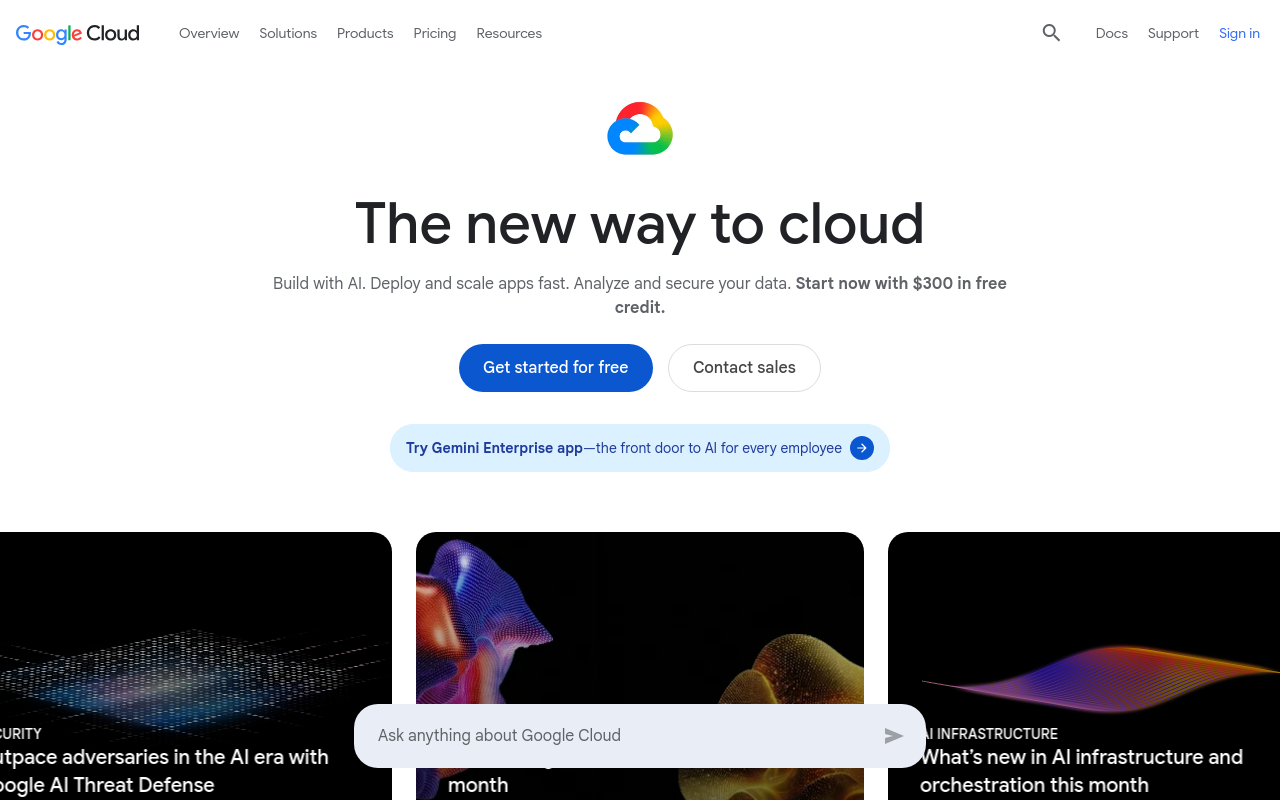
Google Cloud Speech-to-Text is a developer API, not a consumer transcription tool, and that distinction matters before you invest time setting it up. It offers a free usage tier for short audio files, strong accuracy on standard English, and multilingual support across a wide range of languages. The tradeoff is that everything requires code: there is no upload interface, no browser editor, and no export button. For a developer building a transcription pipeline, it is a credible free starting point. For a single person who needs to turn a recording into editable text today, the setup overhead is a real cost.
5. OpenAI Whisper - Best Open-Source Transcription for Local Privacy
Whisper powers a growing number of tools on this list, and running it locally means your audio never leaves your machine. That matters for journalists, researchers, and anyone handling sensitive interviews who cannot send recordings to a third-party cloud service. The tradeoff is real: you need Python installed, comfort with a command line, and a machine with enough processing power to run inference at a useful speed. Accuracy on accented and non-English audio is strong relative to most cloud alternatives, though published benchmarks specific to accented English are still thin - test on your own audio.
6. WhisperAI.com - Best Browser-Based Whisper Wrapper for Non-Coders
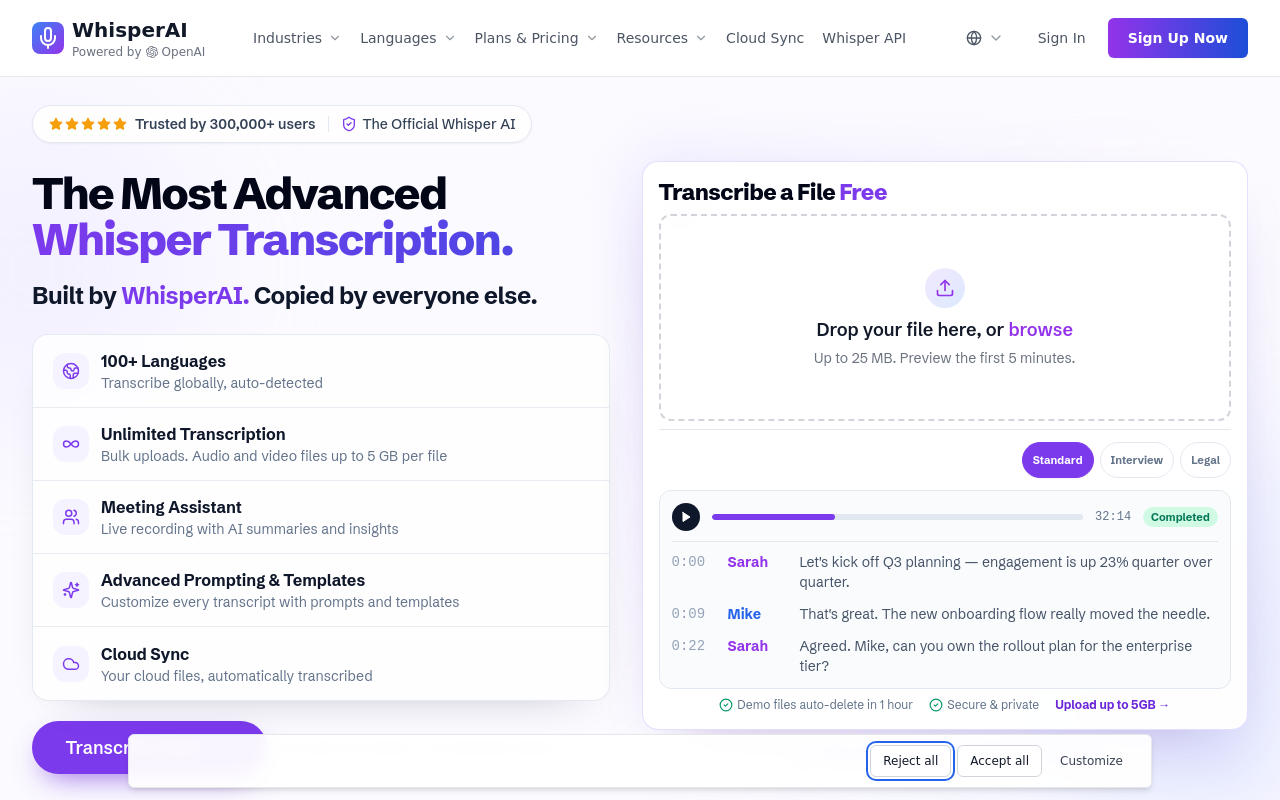
WhisperAI.com gives non-technical users access to Whisper's accuracy without requiring a local Python environment. Files are uploaded through a browser interface and processed using the same underlying model, so the accuracy story is similar to local Whisper for most audio types. The key difference is that audio is sent to a server for processing, so the privacy argument for local Whisper does not apply here. Free-tier limits vary and should be confirmed on the site before you build a regular workflow around it.
7. Sonix - Best Free Trial for Professional Interview Transcription
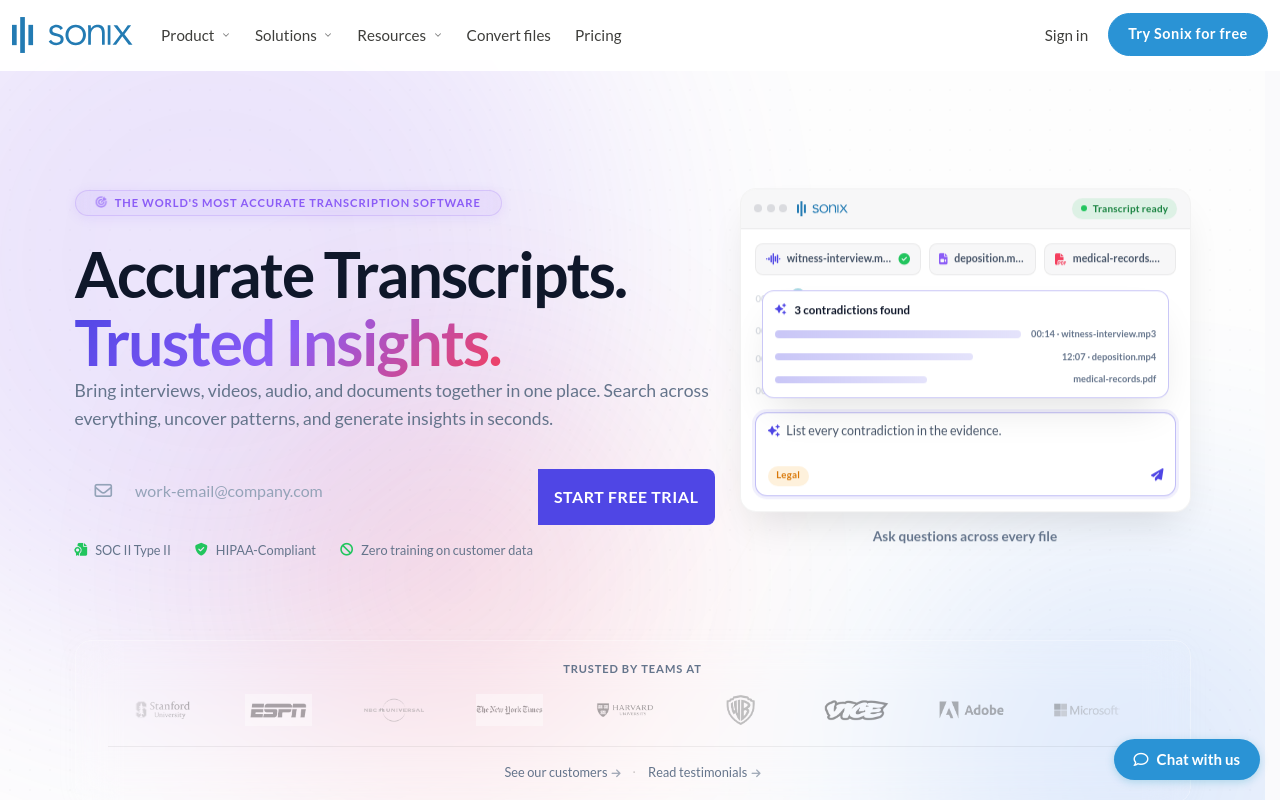
Sonix offers automated transcription in 40+ languages with a clean in-browser editor for reviewing and correcting transcripts before export. New accounts get a free trial with included transcription minutes rather than an ongoing free tier.
Its strength is accuracy and a clean editing interface; its limitation is that free access is a trial, not a sustainable free tier.
8. Descript - Best Free Transcription for Video Caption Workflows
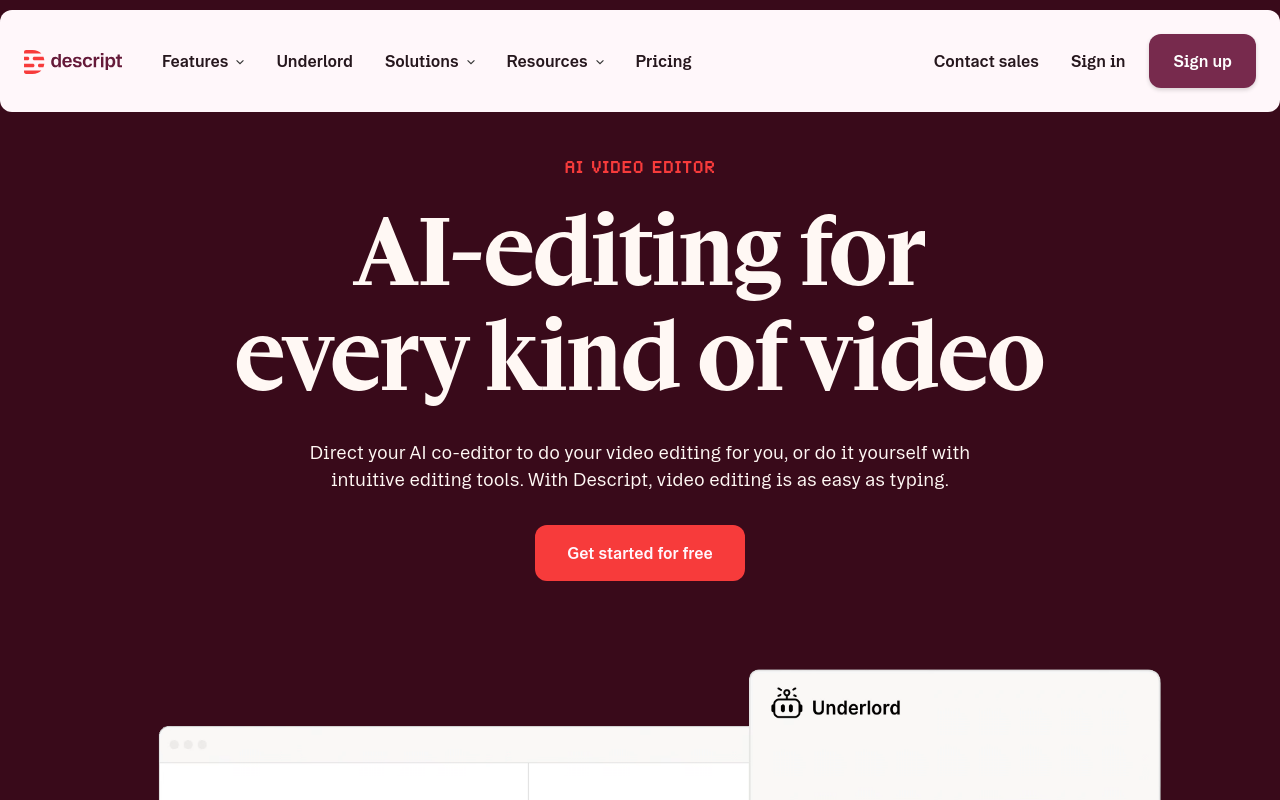
Descript combines transcription with a video editor, making it the right pick when the end goal is captions rather than a standalone text file. The free tier includes limited transcription hours and watermarked video exports, enough to evaluate the workflow but constraining for regular production use. The editing experience, where you edit the transcript and the video cut updates to match, is useful for video producers. Descript is a video editing tool that includes transcription, not a transcription tool that also handles video. If you only need text output, the added complexity is overhead you do not need.
9. Rev.ai - Best Free API Tier for Accurate Accented-Speech Transcription
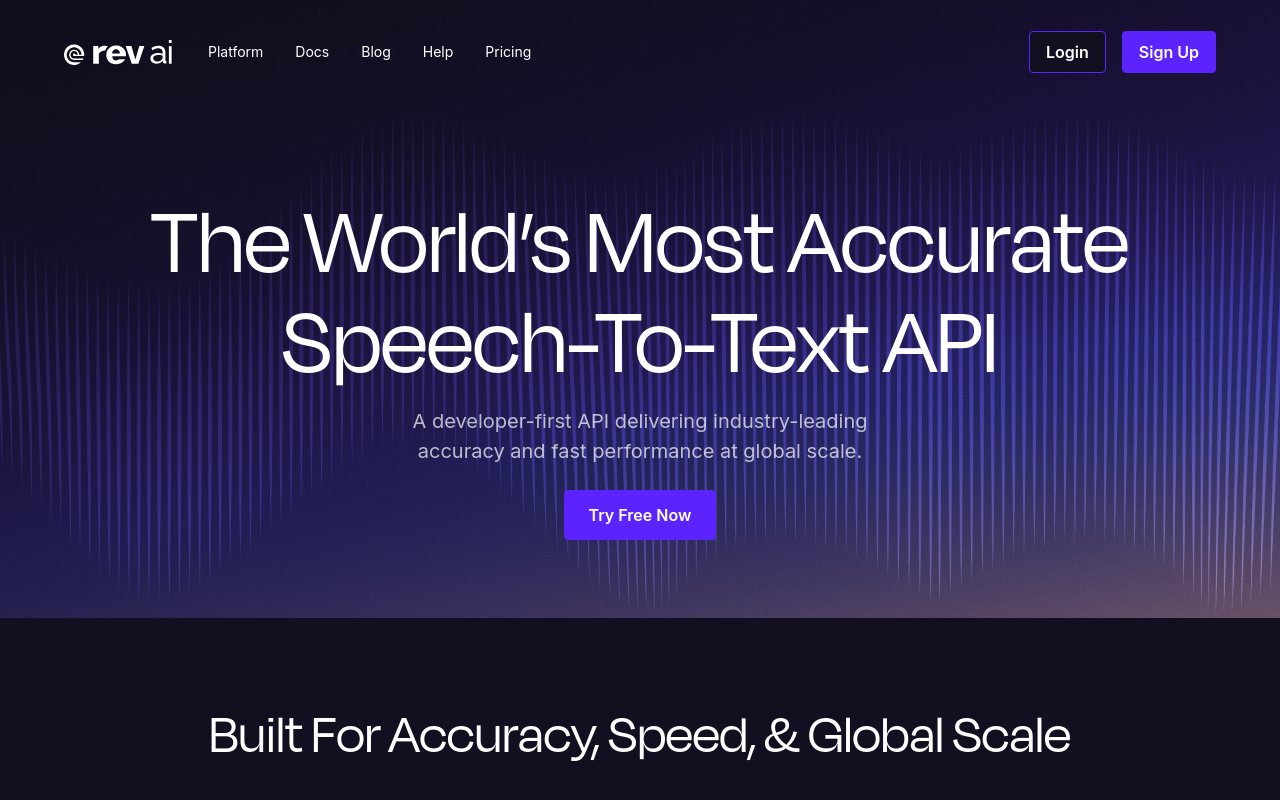
Rev.ai is the developer-facing product from Rev, and new signups can try it free. Accuracy on accented English is one of Rev.ai's documented strengths. For a non-technical user who needs a browser-based tool, the API-first design makes other options on this list more practical.
10. Notta - Best Free Transcription for Multilingual Interview and Meeting Upload
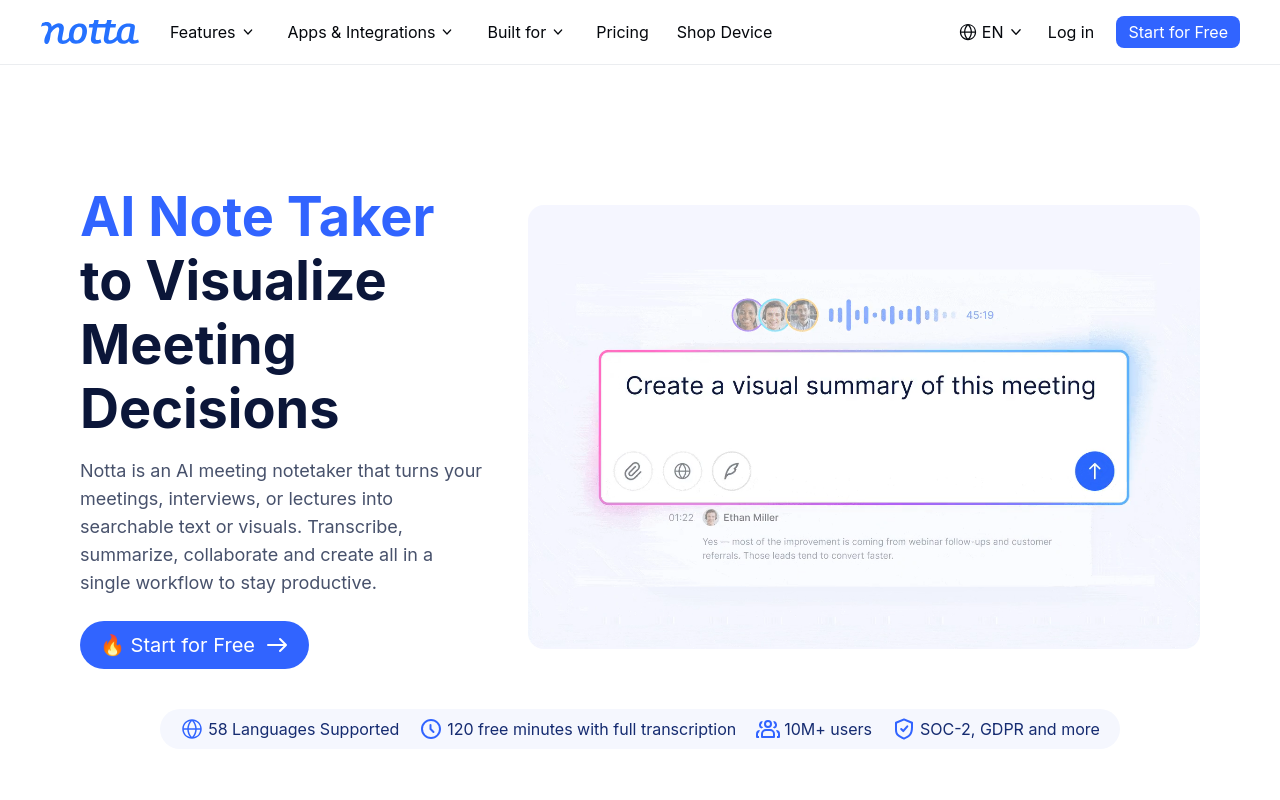
Notta supports a broad range of languages and handles both file uploads and live recording. The free tier includes a monthly minute allowance, but the more significant constraint is a short per-file cap that makes it impractical for long-form audio. That per-file limit is the decisive factor for anyone working with long-form audio: a 45-minute interview cannot be transcribed in a single pass on the free plan.
The 3-minute cap is easily overlooked when comparing tools by monthly totals, so confirm it on Notta's current pricing page before committing. For short clips and multilingual spot-transcription, Notta is useful. For full interview files, the per-file cap is a hard blocker.
11. Fireflies.ai - Best Free Transcription for Sales and Team Meeting Intelligence
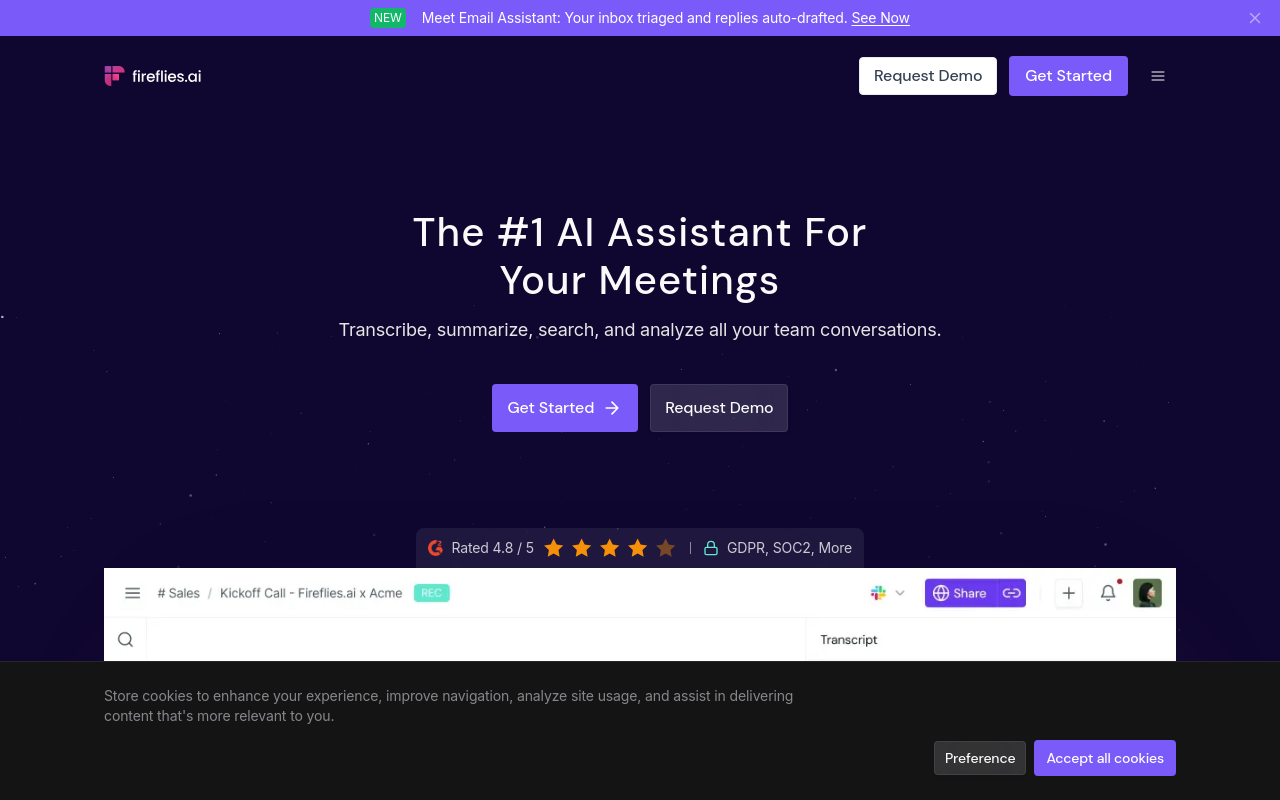
Fireflies.ai is built for teams that want transcription plus meeting intelligence: speaker identification, topic tagging, action item extraction, and searchable meeting history. Fireflies.ai's free tier limits the amount of stored meeting content, though the platform has adjusted its free-tier limits before and the current figure should be confirmed on the Fireflies.ai pricing page. The tool's strength is its meeting-intelligence layer, which makes it more useful than a plain transcription tool for sales teams tracking conversation patterns. For a solo prosumer, most of that intelligence layer is designed for team use, and the storage cap makes it impractical as a long-term archive.
12. Happy Scribe - Best Free Transcription for Subtitle and SRT File Export
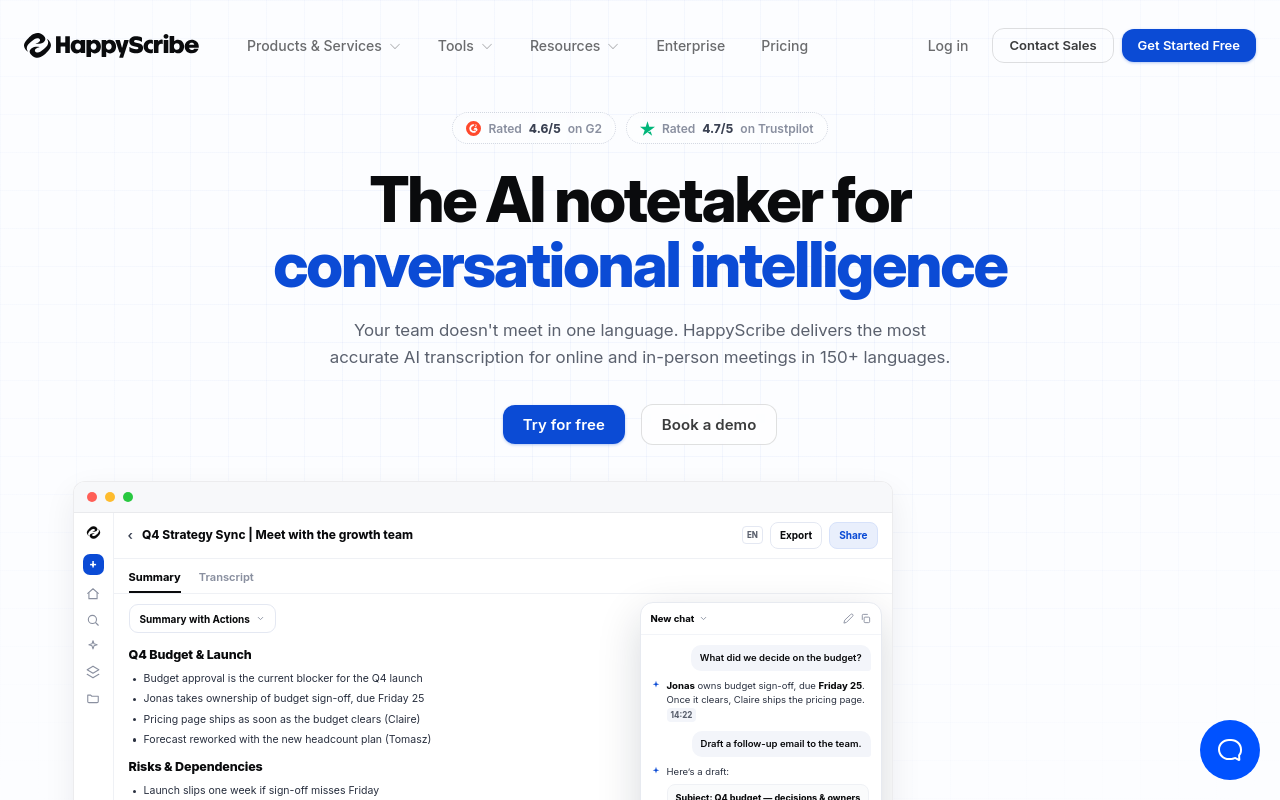
Happy Scribe offers a free tier with limited minutes and direct SRT, VTT, and subtitle file export, a workflow advantage for video producers who need caption files rather than plain text. It supports 60+ languages with decent accuracy on European-language audio. Best for video editors and localization teams producing subtitles for multilingual content. Limitation: free-tier minute allowance is low, and the per-minute pay-as-you-go pricing for overages is higher than most competitors.
13. ChatGPT (GPT-4o Audio) - Best AI Chatbot Option for Ad-Hoc Audio Transcription
Can ChatGPT do audio transcription? Yes, GPT-4o accepts audio file uploads and returns transcriptions directly in the chat interface, with strong accuracy on English and many other languages. Free-tier ChatGPT users have limited access to GPT-4o, while Plus subscribers get broader usage. Best for users who already live in ChatGPT and need occasional transcription without switching tools. Limitation: it is not a dedicated transcription tool, there are no SRT exports, speaker labels, or batch processing capabilities.
14. oTranscribe - Best Free Offline Transcription Tool for Manual Interview Workflows
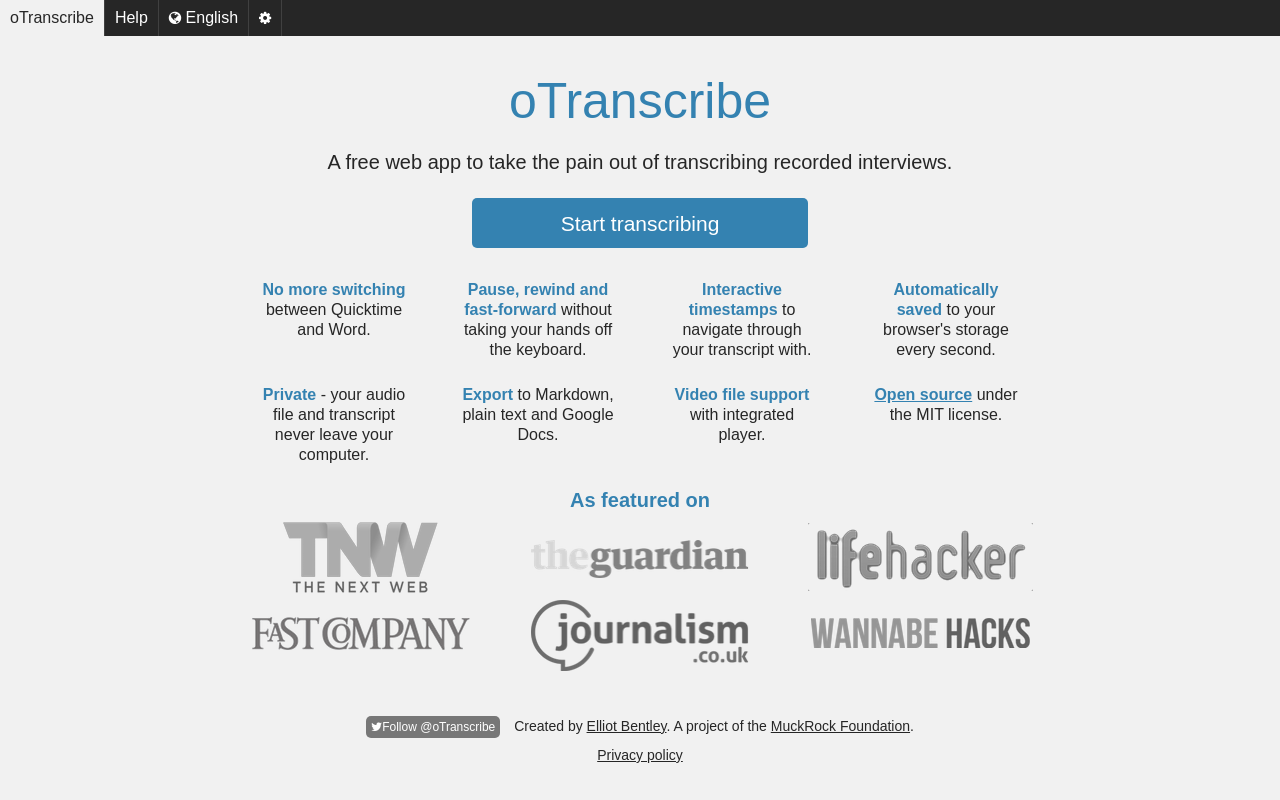
oTranscribe is a free, browser-based manual transcription editor that pairs the audio player with a text editor, keyboard shortcuts, and timestamps. No AI transcription is involved, so accuracy is entirely human-controlled. Best for journalists, oral historians, and qualitative researchers who prefer manual transcription with full control. Limitation: no automated speech recognition means it is slower than AI tools for long recordings.
Related Reading
-
Best AI Summarizer
-
Otter AI Alternatives
-
Best AI Transcription
-
Interview Transcription Software
Free vs Paid Transcription Software - When Upgrading Actually Pays Off
For most researchers, the break-even point is about how many hours a week disappear into fixing what a free tier got wrong. File length and daily volume are the two variables that determine whether those hours stay manageable or quietly consume an entire afternoon, and the thresholds where free tiers begin to buckle are specific enough to be worth mapping out before you commit to any tool.
Free tiers work well for light, predictable workloads. If your recordings run under 30 minutes and you rarely need more than two or three transcripts a day, most free plans cover you without friction; those limits map directly to the file-length caps and daily quotas nearly every major free tier enforces. The constraint becomes real the moment your workflow drifts outside it. A weekly 60-minute team call forces you to split the file before uploading, then stitch transcripts together afterward, a workaround that costs time every week.

What Paid Plans Universally Unlock That Free Tiers Withhold
The features that change your workflow: longer file support (typically up to several hours), unlimited daily transcripts, and export formats like PDF and DOCX that others can open without a login. Speaker labels and subtitle export (SRT) appear on most paid tiers too, and both matter the moment a file goes to a client or video editor. They determine whether a transcript is usable on the first pass or requires a second round of work.
The Working Hours Upgrade Test - Calculating Whether a Paid Plan Is Cheaper Than Your Time
According to industry research, manual transcription takes roughly four hours for every one hour of recorded audio. A 90-minute interview transcribed by hand consumes a significant portion of your working day. If a free-tier file cap forces you to split files, retranscribe, or clean up error-heavy output even once a month, the math resolves quickly. Cockatoo's Pro plan costs less per month than most freelancers bill for a single hour. One avoided cleanup session pays for the month.
When 'Free' Stops Working - Four Trigger Events That Force the Decision
Four situations reliably break the free-tier arrangement: your file exceeds the length cap, your daily quota runs out mid-batch, your speaker's accent pushes the error rate past fixable, or your client needs a format the free tier will not export.
Quick Upgrade Decision Checklist
Use this checklist to decide whether your workload has outgrown a free tier:
-
File length: Do any of your recordings exceed 30 minutes? → Free tier will require manual splitting.
-
Daily volume: Do you need more than 3 transcripts on any given day? → Daily quota will block you.
-
Language / accent: Do your speakers have regional accents or speak a language other than standard American/British English? → Test accuracy on a real sample before committing.
-
Export format: Do you need to deliver a DOCX or PDF to a colleague or client? → Confirm the free tier exports that format without a paywall.
-
Speaker labels: Does your output need labelled speakers for client-facing use or video editing? → Most free tiers omit this; verify before building a workflow.
-
Frequency: Do you transcribe more than 2-3 files per week on an ongoing basis? → Calculate the monthly correction-hours cost against a paid plan priced for individuals.
If you checked two or more boxes, a paid tier is likely cheaper than your time.
Which Free Transcription Tool Fits Your Actual Use Case
The label "best overall" tells you nothing useful. What matters is whether the tool handles your specific recording, in your language, and gives you a file your colleague can actually open. The four jobs below map to real workflows, not marketing categories.
"When I try to access free transcription tools, I keep running into broken or non-functional links, the link just doesn't work for me, and it makes me give up immediately."
--- what we hear from transcription tool users
Turning an Interview Recording Into Editable Text
Journalists, researchers, and HR professionals share one requirement: the transcript has to land in a format someone else can open and edit without installing anything. A real friction point in this workflow is the final-mile problem: a tool produces a transcript, but it lands as a plain TXT file that the next person in the chain cannot do anything useful with. The gap opens at export. Cockatoo's Pro plan exports transcripts in SRT, DOCX, PDF, and TXT formats, closing the "now what do I do with this file" problem that wastes the final 20 minutes of an otherwise fast workflow.
A second friction point worth naming: many free transcription tools are English-only, which quietly disqualifies them for a large share of real interviews. Cockatoo transcribes in multiple languages and translates across file formats including PDF, DOCX, PPTX, XLSX, and TXT, so the workflow holds whether the recording is in English, Spanish, Mandarin, or anything in between. Working with a tool whose interface and output are not English-only matters more than most comparison guides acknowledge.
The free tier gets you started with no credit card and no setup: a transcript comes back on the first upload. You get 3 free transcripts per day and can handle files up to 30 minutes each, enough to validate the output quality on your own recordings before committing to anything.
Captioning a Video Before It Goes Live
The transcript is not the end product here; the caption file is. Industry experience shows that video producers often spend a significant portion of their time correcting auto-captions, erasing most of the time saving a free tool was supposed to deliver. Accuracy on the first pass matters more than the upload limit when your publishing deadline is two hours out.
The practical test: does the tool export SRT on the free tier? Many do not. Cockatoo's Pro plan exports SRT, DOCX, PDF, and TXT, so the caption file is ready to upload the moment the transcript is confirmed. Pro also removes the file-length ceiling; files up to 10 hours are supported, which matters for long-form video content that free tiers routinely reject. A transcript comes back in minutes, not hours, so a tight publishing window stays workable.
Getting a Podcast Transcript With Speaker Labels
Podcast transcripts serve several jobs at once. According to RSS.com's State of Podcasting report and the DataReportal Digital 2025 Global Overview, podcast listenership continues to grow globally, which means the discoverability gap between shows with searchable transcripts and those without is widening. Searchable show notes, accessibility compliance, repurposed newsletter content, and SEO-indexed episode pages all start from the same source file: a clean, complete transcript of the episode.
The workflow breaks down in two predictable places. First, some free tools simply do not work; broken upload flows and non-functional links create immediate friction that causes abandonment before a single minute of audio is processed. Cockatoo's free tier is self-serve with no credit card required, and a transcript returns on the first upload, so the tool proves itself in the first session rather than asking for trust upfront. Second, for teams running high volumes, producers handling multiple episodes a week, or podcast networks coordinating across several shows, the manual overhead of converting audio into structured notes compounds fast. Cockatoo offers an in-browser text editor and AI Summaries, giving you a place to review and condense a raw transcript without needing a separate tool.
For teams coordinating across multiple shows or seats, the Team plan (minimum 3 people) adds shared transcript editing, centralised billing, priority support, and 2 TB of encrypted cloud storage per person, everything in Pro, extended for collaborative workflows.
Next steps
If your recordings keep handing you a second job after the transcription finishes, the path forward starts with matching the tool to your actual audio, not to the most generous minute cap you can find.
ASR engines trained on standard American and British English degrade measurably on accented speech and domain vocabulary, meaning a tool that scores well on a benchmark dataset can produce a near-unusable first draft the moment your speaker has a regional accent or uses technical jargon. That cleanup burden, as Rev's research confirms, can consume more time than typing the recording out from scratch. Together, those two facts point to one practical action: test any free tool on a real sample of your own audio before you build a workflow around it, because the headline accuracy figure was not measured on your file.
Start with AI transcription at Cockatoo, which runs on Whisper-based accuracy across 90+ languages, requires no credit card, and returns a complete, exportable transcript on your first upload. Three free transcripts per day and files up to 30 minutes are included before you spend anything, and Pro adds exports to DOCX, PDF, TXT, and SRT. If your files run longer or your volume grows, the Pro plan removes both the length cap and the daily limit. One avoided cleanup session covers it.
Frequently Asked Questions
How long does it actually take to fix a bad transcript versus just typing it yourself?
It can take longer than typing from scratch. The average person takes approximately 4 hours to transcribe 1 hour of audio by hand, but fixing a garbled transcript means reading, comparing, correcting, and reformatting all at once, which can easily exceed that time.
Why do free transcription tools struggle so much with accented speech?
Most ASR engines are trained predominantly on US and UK English data, so their headline accuracy figures are measured on clean, standard English audio. Word error rates on accented English can run two to three times higher than on standard American English, even for tools that perform well on benchmark datasets.
What's the catch with "free" transcription tools that advertise generous minute caps?
The two most common hidden walls are a per-file length cap, most free tiers stop at 30 minutes, so a 45-minute recording can't be processed in one pass, and export restrictions that lock every useful file format behind a paid plan. A tool was only counted as genuinely free in this review if it produced a complete, exportable transcript without a credit card.
Is it safe to download a free transcription tool as a local binary?
Downloading local binaries without checksum verification introduces a security variable that cloud-native services remove entirely. Cockatoo's free tier runs entirely in the browser with no credit card and nothing to download or install, and files are held in encrypted cloud storage.
Can a free transcription tool handle languages other than English?
Many tools quietly fall apart on non-English audio, menus stay English-only, output formatting breaks on non-Latin scripts, and support documentation assumes American English. Cockatoo transcribes in 90+ languages and exports in SRT, DOCX, PDF, and TXT formats, so a Portuguese business call or a multilingual lecture is treated as a standard workflow rather than a special case.