)Most transcription tools are built for live calls, not the recording already on your desktop. Here is how to pick the one that actually fits the job.
Bot-based tools require calendar access, a live call to join, and often a paid team seat before basic features appear. If you have an MP4 from Zoom or an M4A from a phone interview, these tools offer you nothing useful. Buyers who already have a recording file are systematically matched with the wrong category of product by nearly every listicle on the topic. Bot-free, upload-first tools skip the calendar entirely. Drop in a file, get a transcript back. See our AI transcription for how this works in practice.
Auto-captions feel like a reasonable fallback, free, fast, and built into most video platforms. The problem is what comes after. Manual transcription of audio is a time-intensive process for a professional. A bad automatic transcript does not eliminate that cost; it redistributes it into error-hunting. The editing hour that follows every poor transcript is the real cost.

Key takeaways
- Bot-based transcription tools require calendar access, a live call to join, and often a paid team seat - if you already have a recording file, they offer you nothing useful.
- The market conflates two completely different jobs: joining a live call versus processing a file you already have. Pick the wrong category and every other feature comparison is irrelevant.
- Vendor accuracy percentages are benchmarked on clean, studio-quality audio, not the accented, overlapping, background-noise recordings most people actually produce.
- Accent robustness is the accuracy variable that matters most in practice, and it varies dramatically across tools even when headline WER numbers look identical.
- Most 'best transcription app' lists rank bot-based tools by default, which systematically steers buyers who already have a recording toward the wrong product.
- Cockatoo's upload-and-transcribe tool closes that gap: drop in any audio or video file and get back an editable transcript with speaker recognition, word-level timestamps, and automatic punctuation, backed by a 95% accuracy quality guarantee and up to 99.8% accuracy, with no calendar access or live call required.
How to Choose the Right Meeting Transcription App for Your Actual Job
Pick the wrong category of tool and every other feature you compare stops mattering. The common assumption is that transcription accuracy is roughly the same across all major tools, and that any errors must be unavoidable given a particular accent or language. Most buyers also treat meeting transcription as a single market. It is not. The tools split into two distinct product types, and the decision you make at that fork determines whether the rest of your research is useful or wasted.

The One Decision That Makes Every Other Feature Comparison Irrelevant - Bot vs. Upload
Bot-join tools send an AI participant to your live call, capture audio in real time, and return a transcript when the meeting ends. Upload-and-transcribe tools do something different: you give them a file you already have, and they process it. These are built for different jobs.
The fork matters because the wrong choice cannot be worked around, and because the dominant bot-join tools carry a cost beyond mere inconvenience. Popular apps like Otter.ai and Fireflies are widely perceived as invasive and privacy-violating; one common description frames them as "barnacles" that attach to a meeting without meaningful consent, and there is active litigation over privacy breaches in that product category. If you already have a recording and need the words as text, a live-bot tool is useless regardless of its accuracy scores or AI summary features, and inviting one into future calls raises consent questions you may not want to answer.
Cockatoo is an upload-first tool. You bring a file, an interview, a call recording, a lecture, a podcast episode, a video, and a transcript comes back on your first upload, with no setup and no credit card required. There is no bot, no calendar permission request, and no requirement to schedule a future meeting. The free tier starts at $0, supports up to 30 minutes per file, gives you three transcripts per day, and includes encrypted cloud storage, all without touching a payment form.
What Transcription Accuracy Actually Means for Non-Native Speakers
Accuracy figures from vendors describe performance on clean, studio-quality audio with native English speakers. Real meetings sound different. According to Zoom's own meeting statistics and broader meeting research, the scale of remote collaboration is enormous, meaning the share of calls that include non-native speakers, regional accents, and mixed-language participants is substantial. Accent robustness is a mainstream requirement, not a niche one.
Word error rate is the standard benchmark, but it hides what matters: a tool can score well on average while failing badly on regional dialects, overlapping speakers, or background noise. The practical test is whether the output on your audio needs light editing or a full rewrite. Because Cockatoo's free tier requires no credit card, you can run that test on your own real audio before spending anything; the answer appears in minutes, not after a sales call.
The Non-Negotiable Features Checklist
Use this checklist before committing to any tool. Every row is a go/no-go criterion for the prosumer who already has a recording file.
| Feature | Why It Matters | Red Flag to Watch For |
|---|---|---|
| Upload-first workflow | Lets you process files you already have without a live call | Tool requires calendar access or bot join to function |
| Word-level timestamps | Jump to any moment without scrubbing the recording | Timestamps only at sentence or paragraph level |
| Speaker labels (diarisation) | Tells you who said what the moment there are 2+ speakers | Single-speaker output only, or labels cost extra |
| Export formats (PDF, DOCX, SRT, TXT) | Transcript is actually usable in downstream tools, get it into a Word or PDF file that someone else can edit | Export locked behind higher paid tier |
| File-length limit | Determines whether your 90-min all-hands fits in one upload | Limit not disclosed until after signup |
| Language and accent support | Covers your speakers' actual languages and dialects | Accuracy stats cited only for clean, native-English audio |
| Free tier or trial without credit card | Lets you test accuracy on your own audio before paying | Trial requires card or is limited to a 60-second demo file |
On these criteria, Cockatoo's free tier clears every row: the workflow is upload-only (no bot), exports to PDF and DOCX are available, the 30-minute file cap and three-transcript daily limit are disclosed before you sign up, transcription runs across 90+ languages, and the free tier requires no credit card. The Pro plan, the most popular paid option, extends file length significantly, adds unlimited transcription and translation, adds PDF, DOCX, TXT, subtitles (srt) export, and includes unlimited AI Notes.
The 13 Best Apps to Record and Transcribe Meetings in 2026
1. Cockatoo - Best for Uploading and Transcribing Recordings with Accent Accuracy
The hard test for any transcription tool is a recorded panel discussion with four speakers from four different countries. Cockatoo is built for exactly that harder job: it supports 90+ languages and dialects, with user-verified testimonials praising its accuracy with different accents. Upload any audio or video file and get back a word-level timestamped transcript, with speaker labels and punctuation applied automatically, at up to 99.8% accuracy.
Critically, AI transcription supports output in 90+ languages natively, so a speaker can transcribe a recording in their own language rather than being forced to work through English as an intermediary, a meaningful distinction for multilingual teams, international researchers, and anyone whose source material is not native English.
The free tier delivers a transcript on the first upload with no credit card required, gives you 3 transcripts per day for files up to 30 minutes, and includes encrypted cloud storage plus the AI Notes editor. The Pro plan, the most popular tier on the pricing page, covers unlimited transcription and significantly longer files, with exports available as PDF, DOCX, TXT, and subtitles (SRT), making it equally suited to video captioning workflows. The one real limitation: there is no meeting bot, no calendar integration, and no live-call recording.
If you need a tool that joins your next Zoom call automatically, this is not it. If you already have the recording, it is the fastest path to a clean, editable transcript across 90+ languages, starting at $0, no credit card, no setup.
99.8%
Cockatoo's maximum stated transcription accuracy
There is also a genuine privacy dimension here that the bot-based category cannot match. A real pattern among people shopping for transcription tools is discomfort with the consent and data-handling practices of bot-based platforms. Litigation around lack of consent and privacy breaches has been raised publicly in connection with some of the most widely used meeting notetakers. Cockatoo's upload model sidesteps this entirely: no bot enters the call, no participant is notified, and nothing is recorded on a third-party server mid-meeting. You control when and what gets uploaded.
2. Fireflies.ai - Best for Automated Bot Coverage Across All Major Platforms
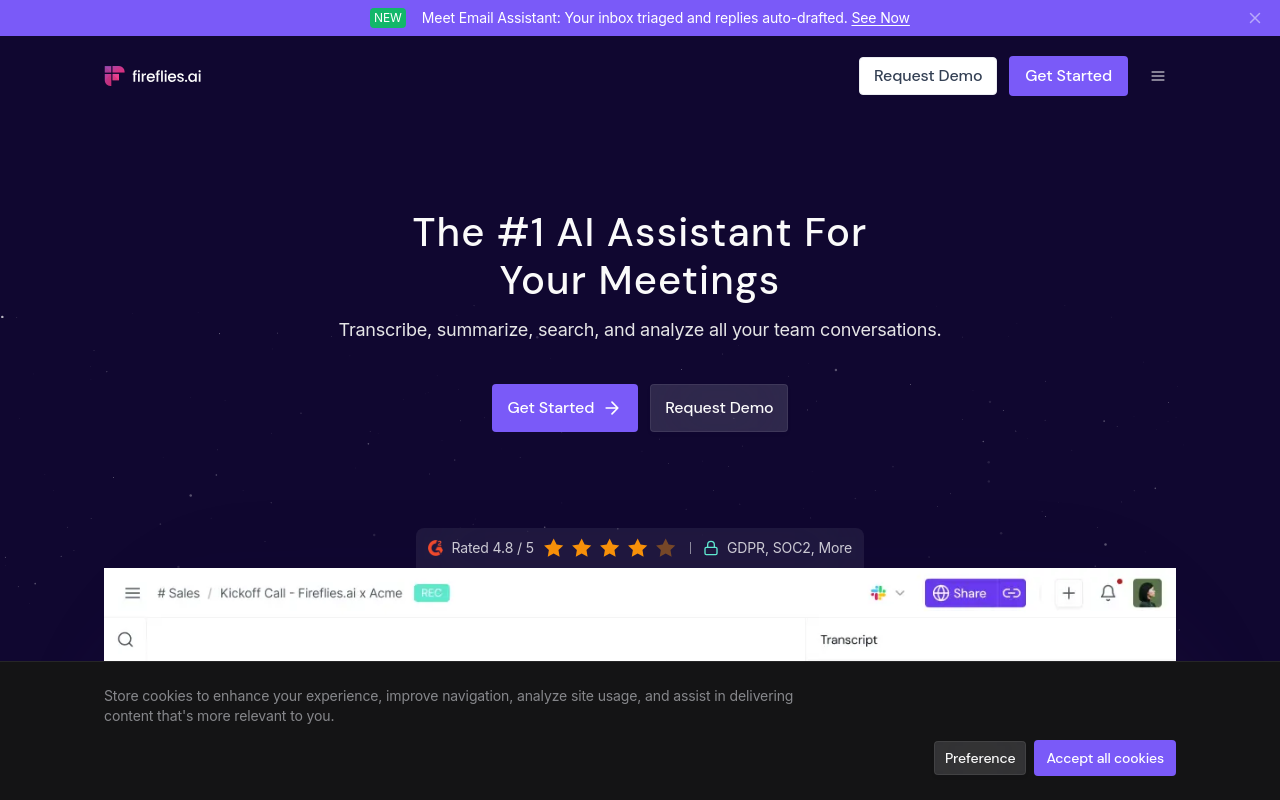
Fireflies automatically dispatches an AI notetaker to Zoom, Google Meet, and Microsoft Teams without manual intervention; the bot joins, records, transcribes, and surfaces action items post-meeting. The free tier is limited in storage and restricts AI-powered features like summaries and search. The per-seat model works well for teams but prices out the solo prosumer who needs to process only a handful of recordings each month.
The bot presence is also a genuine tradeoff: consent and privacy concerns around bot-based meeting recorders are serious enough that some organisations treat uninvited AI participants the way they treat unauthorised software, and that perception, warranted or not, changes how participants speak and what they are willing to say on a recorded call. For any workflow where the recording already exists, an upload-based tool removes this tension entirely.
3. Otter.ai - Best for Real-Time Live Collaboration During the Meeting
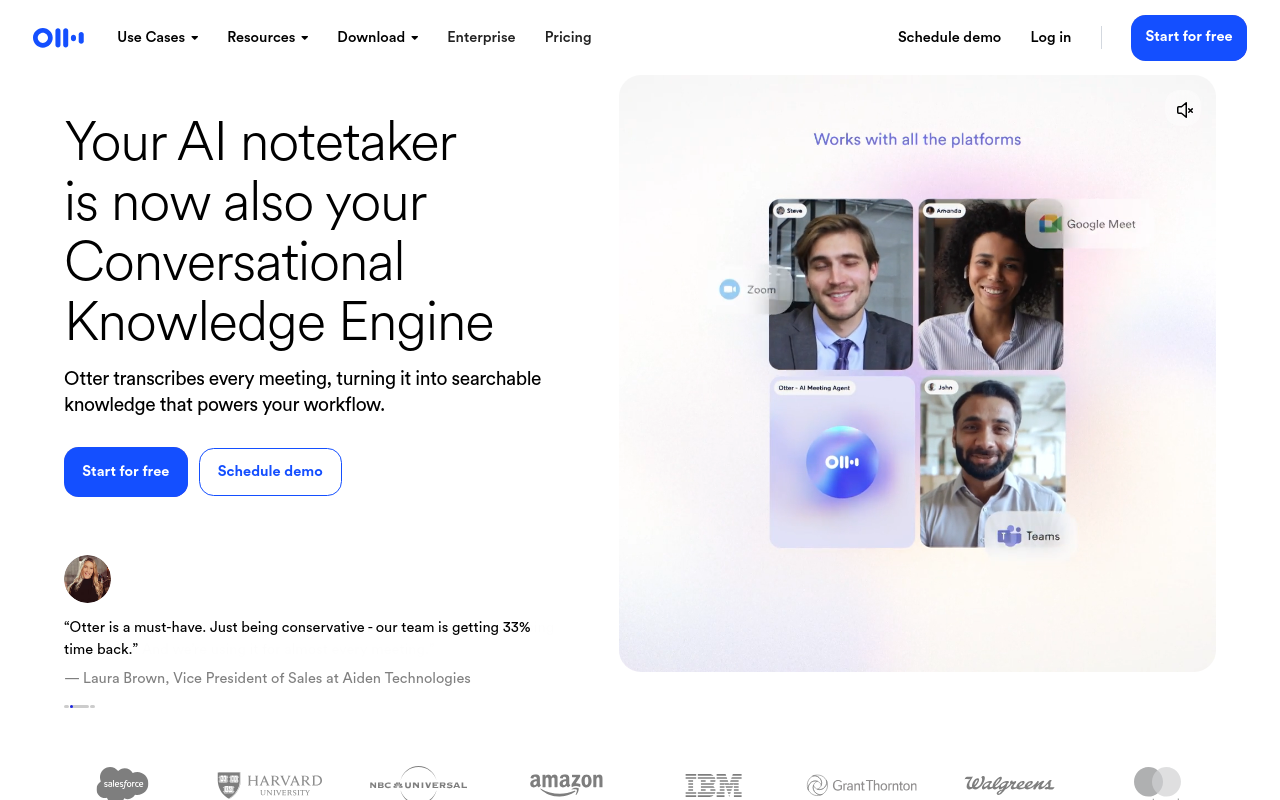
Otter's clearest strength is live collaboration: team members can highlight key moments, add comments, and assign action items while the call is still running, something most bot-based tools add only after the meeting ends. The free plan caps users at a limited monthly transcription allowance, which runs out fast for anyone in back-to-back calls. Pricing varies by tier, with paid plans available for individuals and teams.
The recurring tradeoff is the same one that follows most bot-based tools: the bot shows up as a named participant, creating friction in sensitive client calls, investor conversations, or interviews where a visible AI recorder changes how people speak. Privacy and consent concerns around bot-based notetakers in this category are documented and real. For workflows where trust and discretion matter more than live collaboration, an upload-based tool is the cleaner choice.
4. Granola - Best Bot-Free AI Note Augmentation for Mac Users
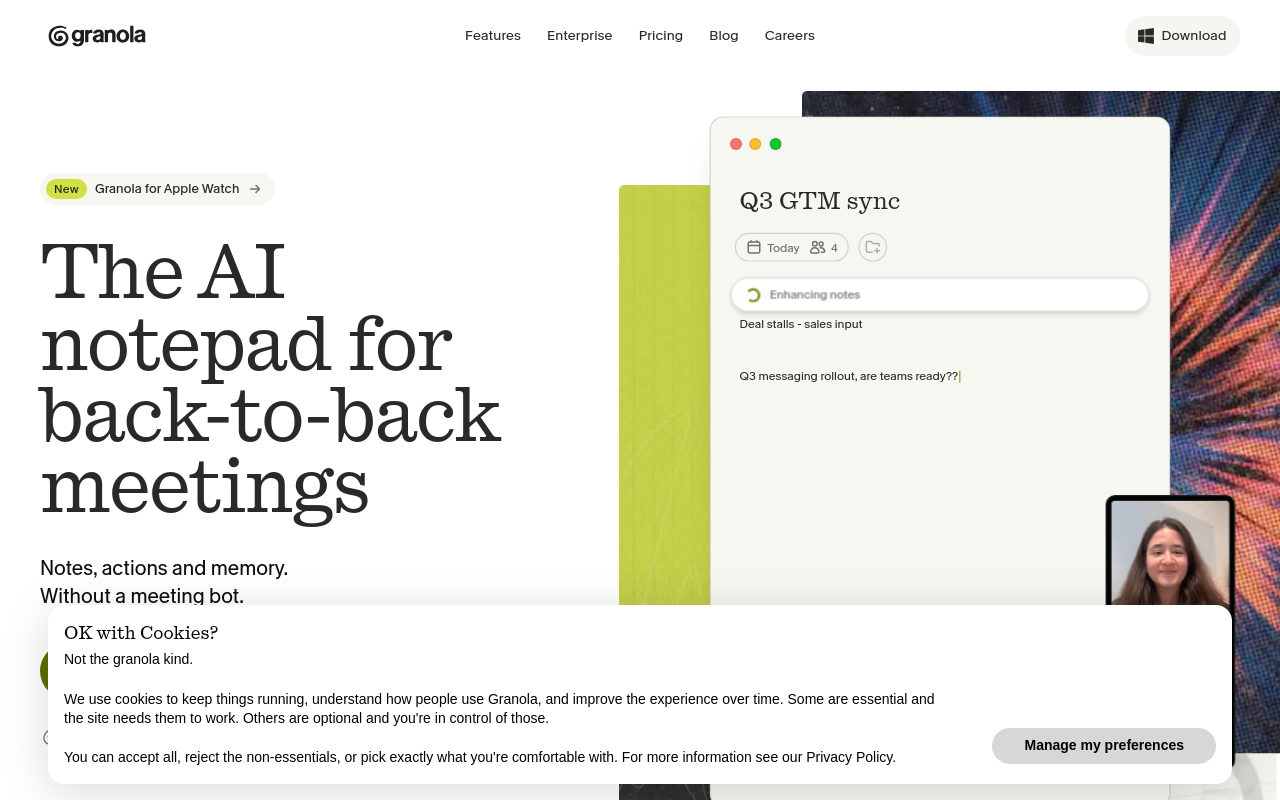
Granola runs locally on your Mac, captures system audio in the background, and combines whatever rough notes you typed during the call with an AI-generated summary after it ends. No bot joins. No participant slot is taken.
The result feels less like a transcript and more like polished meeting notes written by someone who was paying attention. The limitation is significant: it is Mac-only, requires the meeting to happen on your machine, and produces structured notes rather than a full word-level transcript with timestamps. If you need a verbatim record for legal, compliance, or captioning purposes, Granola is not the right tool.
5. Krisp - Best Bot-Free Option for Hybrid and Noisy Meeting Environments
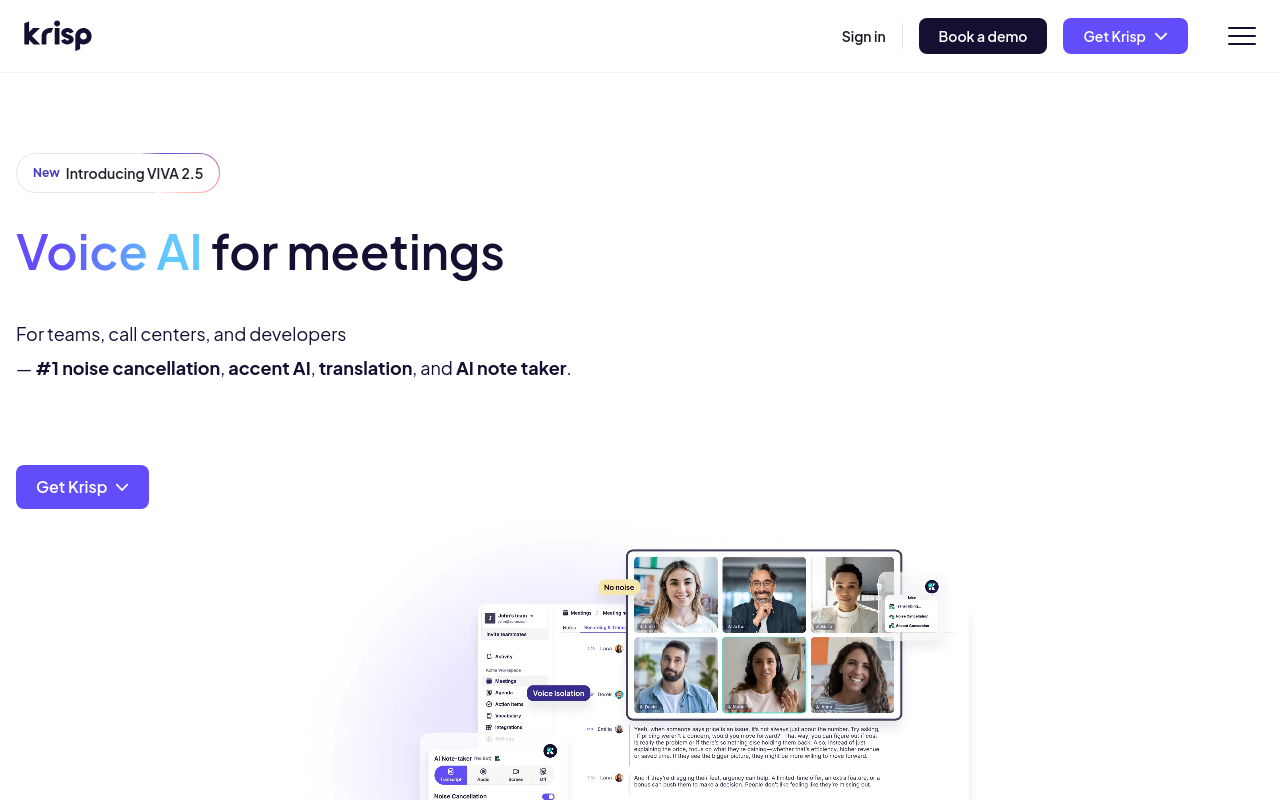
Krisp started as a noise-cancellation layer between your microphone and your meeting platform. The transcription capability came later and inherits that same local, bot-free architecture: nothing joins the call, and audio never has to leave your device to be cleaned up. That makes it a practical pick for hybrid teams where someone is calling in from a coffee shop or open-plan office. The tradeoff is that Krisp's transcript output is less feature-rich than dedicated transcription tools; speaker diarisation and export options are more limited, and the tool works best when noise cancellation is the primary need and transcription is secondary.
6. Native Microsoft Teams Recording and Transcription - Best for Microsoft 365 Enterprises
If your organisation runs on Microsoft 365 and everyone in the meeting is inside the same tenant, built-in Teams transcription requires no third-party extensions, no additional logins, and no bot participant. Transcripts are stored in SharePoint and linked to the meeting record automatically. The catch is access: transcription is gated behind specific Microsoft 365 licence tiers and works most reliably when all participants are internal. External guests or mixed-licence environments can create gaps in coverage.
For a solo prosumer or small business without a Microsoft 365 subscription, this option is not available.
7. Native Google Meet Transcription - Best for Google Workspace Teams Needing Zero Setup
Google Meet's built-in transcription follows the same logic as Teams: no third-party tool, no bot participant, no additional setup for teams already on Google Workspace. Transcripts are saved automatically to Google Drive and linked to the calendar event. The limitations mirror Teams: the feature is gated behind paid Workspace tiers, accuracy on accented or non-native English speech is not a documented strength, and the transcript format is basic compared to dedicated tools. It is the right pick when simplicity and Workspace integration outweigh accuracy and export flexibility.
8. TurboScribe - Best for Unlimited Transcription Volume at a Flat Low Price
TurboScribe offers unlimited transcription at a flat monthly rate significantly lower than most per-minute or per-seat competitors, making it the go-to for content teams, podcasters, and organizations with very high transcription volume. You upload audio or video files and receive accurate transcripts quickly. Like Cockatoo, it is upload-based rather than live. Tradeoff: it lacks live meeting integration, bot attendance, or collaborative features, it is a pure transcription engine, not a full meeting assistant.
9. Read.ai - Best for Meeting Intelligence and Engagement Analytics Across Platforms
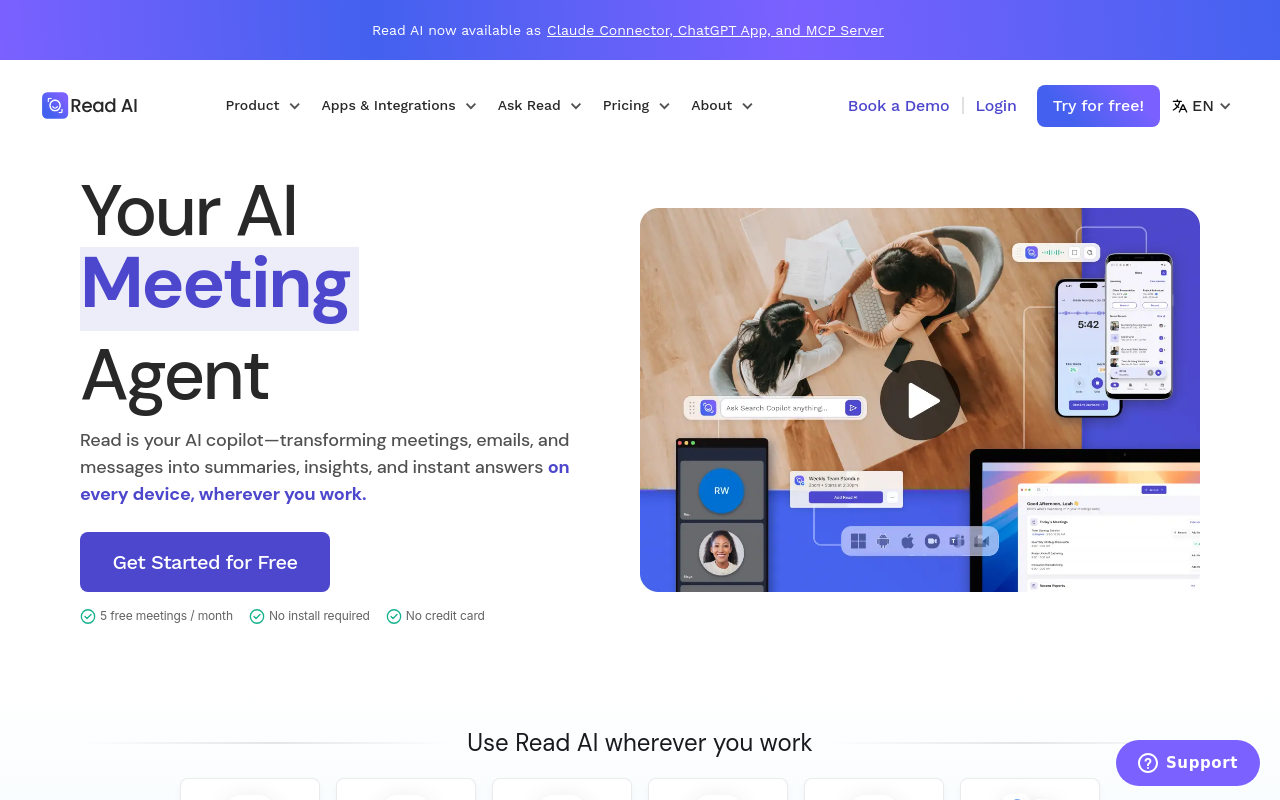
Read.ai goes beyond transcription to score meeting engagement, track speaker talk-time ratios, and surface sentiment signals alongside the transcript. It integrates with Zoom, Google Meet, and Microsoft Teams via a bot or browser extension. Best for people managers, HR teams, and leadership who want data on meeting effectiveness, not just a record of what was said. Tradeoff: the analytics layer adds cost and complexity that smaller teams or individual users rarely need.
10. Zoom AI Companion - Best for Teams Already All-In on the Zoom Ecosystem
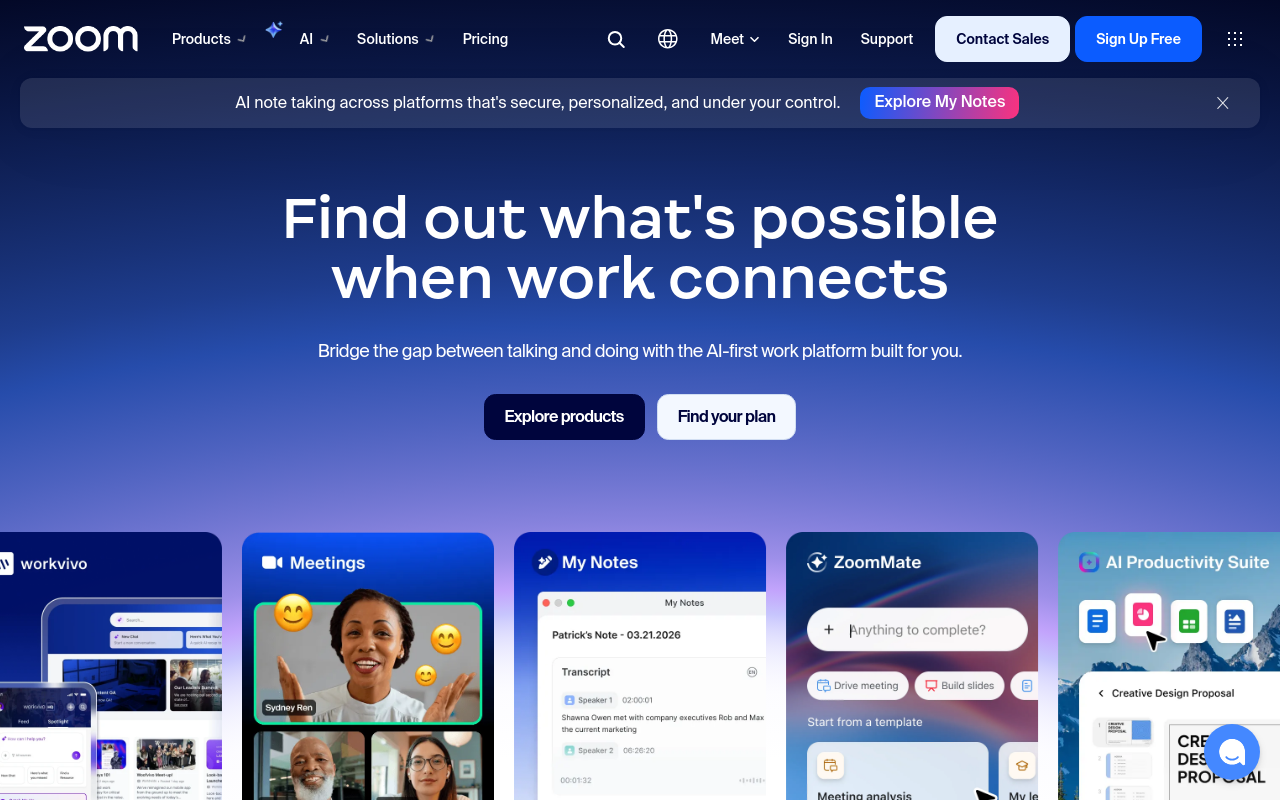
Zoom's native AI Companion provides in-meeting transcription, automated summaries, and smart chapter generation without any third-party tool. Included at no extra cost for paid Zoom plans, it requires zero configuration for existing Zoom customers. The right pick for organizations standardized on Zoom who want capable transcription without adding another vendor. Tradeoff: it only works inside Zoom, teams using Google Meet or Microsoft Teams get no coverage, making it a poor fit for multi-platform environments.
11. Fathom - Best Free Bot-Based Notetaker for Individual Sales Professionals
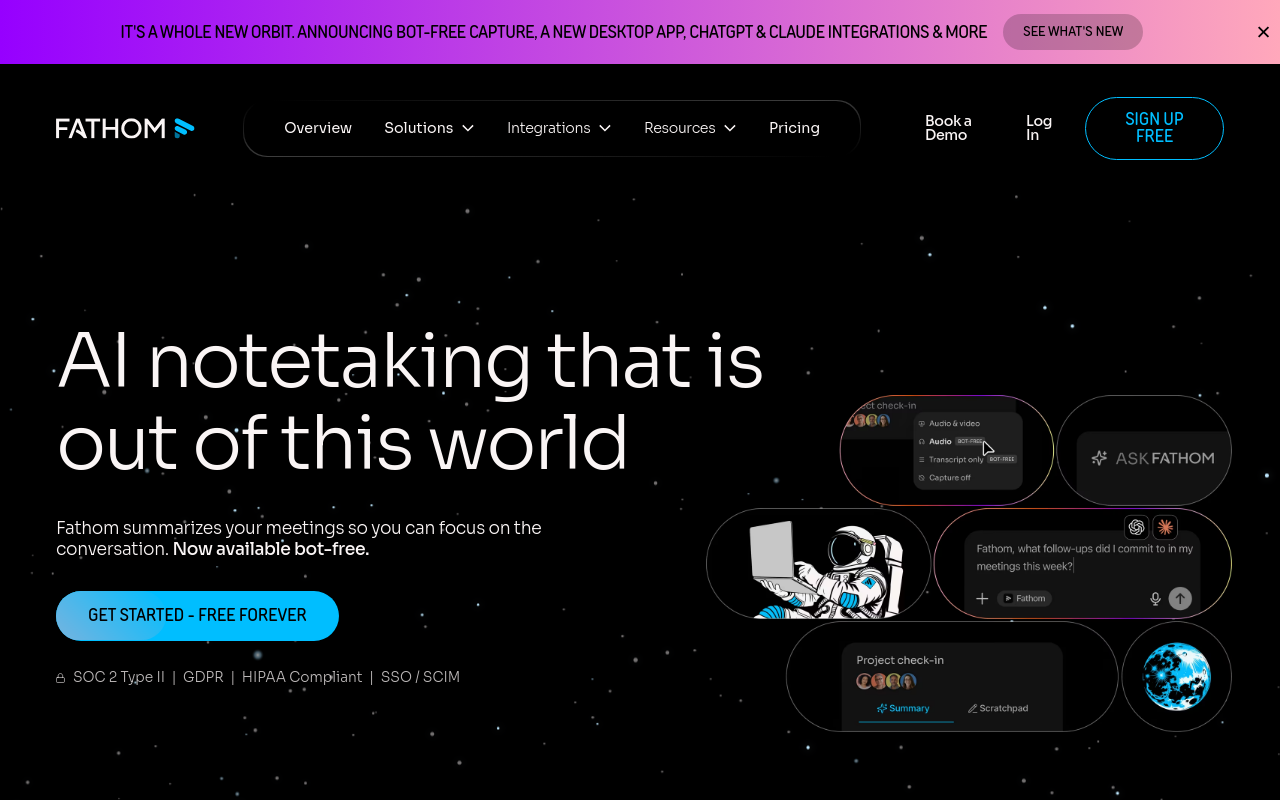
Fathom offers a genuinely capable free tier with unlimited recording and AI summaries, making it the most accessible entry point for individual contributors, especially in sales, who need meeting notes without a budget. It joins calls as a bot on Zoom, Google Meet, and Teams, then delivers highlights and summaries immediately after. Tradeoff: team-level features, CRM sync, and advanced analytics require a paid plan, and the free tier lacks the accent-accuracy edge that tools like Cockatoo provide for multilingual teams.
12. Avoma - Best for Revenue Teams Needing CRM-Integrated Conversation Intelligence
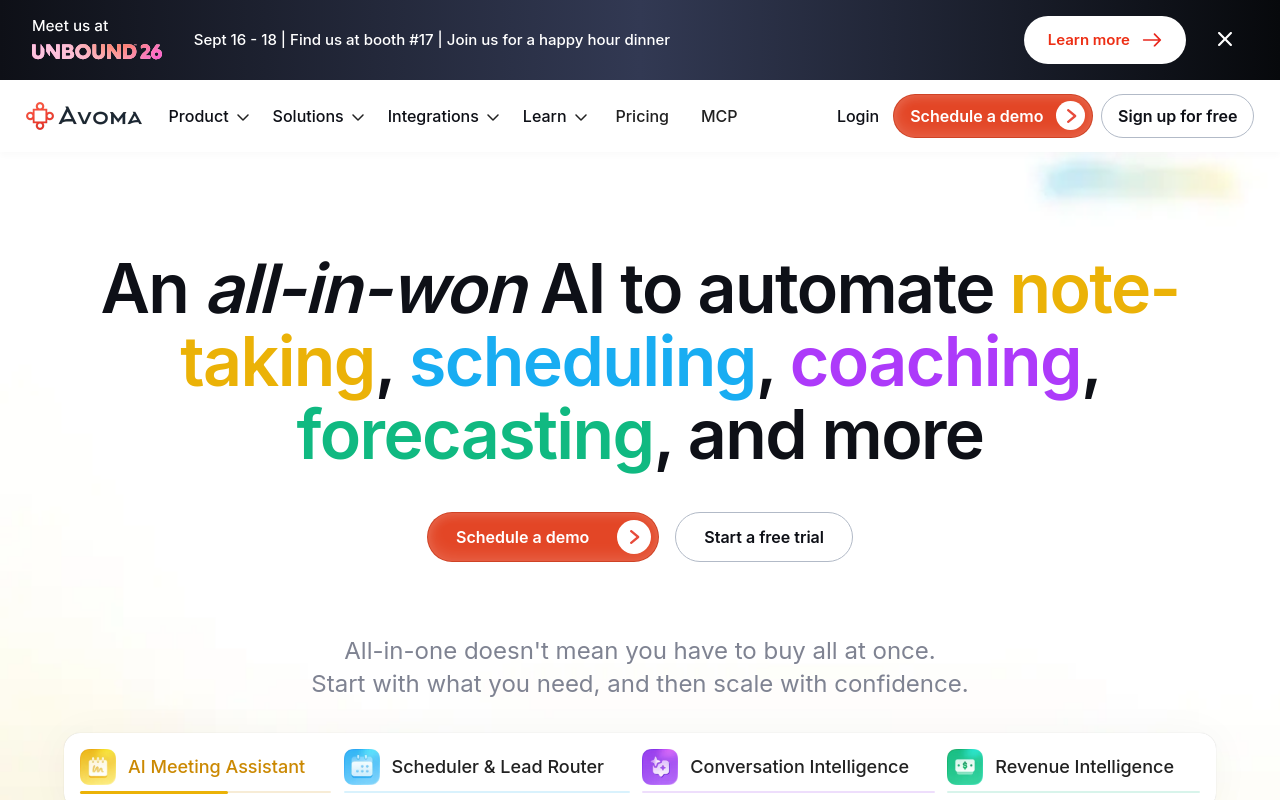
Avoma combines meeting transcription with conversation intelligence purpose-built for sales and customer success teams, syncing notes, action items, and deal signals directly into Salesforce and HubSpot. It attends meetings as a bot across Zoom, Google Meet, and Teams. Best for B2B revenue organizations that need transcription tied to pipeline data. Tradeoff: pricing is among the highest in this list, and the CRM-centric feature set is overkill for internal team meetings or non-sales use cases.
13. Notta - Best for Multilingual Teams Needing Real-Time Translation Alongside Transcription
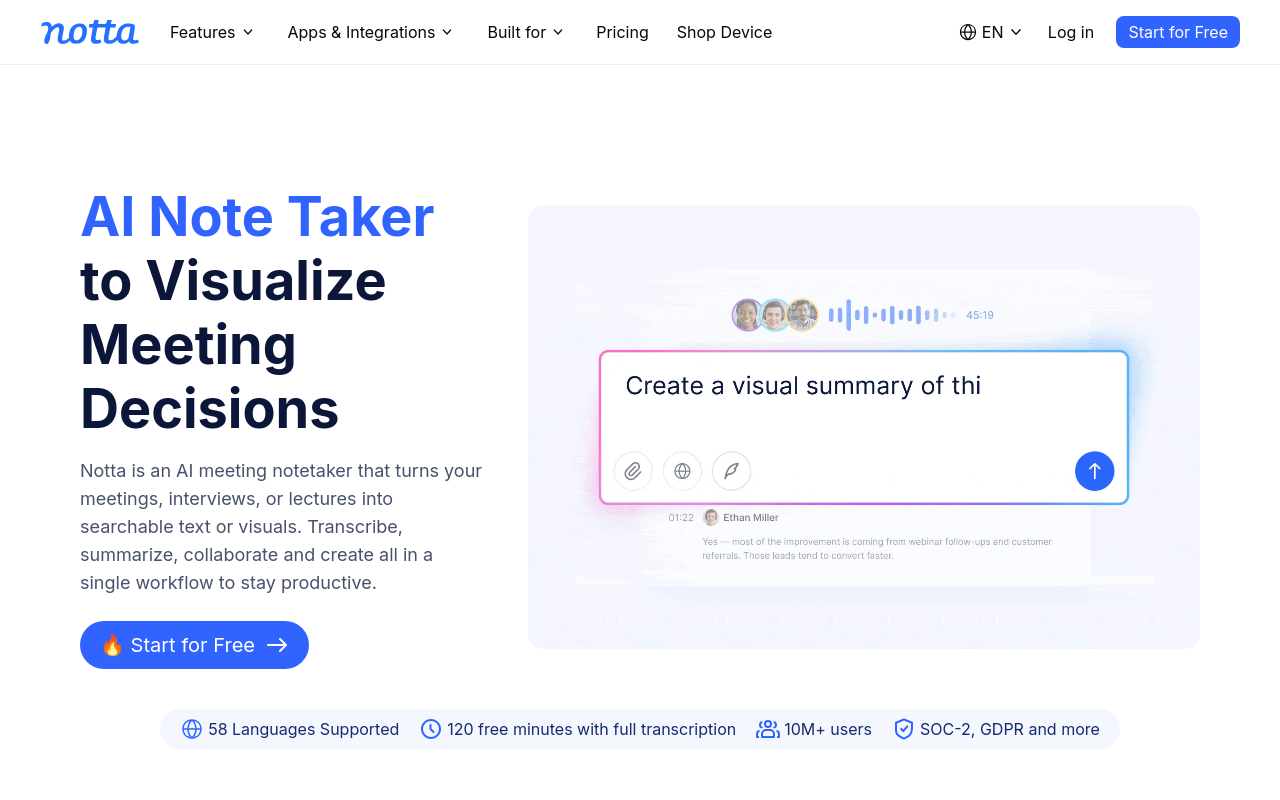
Notta supports transcription in over 50 languages with real-time translation, making it the strongest pick for globally distributed teams where participants speak different native languages in the same meeting. It works via bot on Zoom and Google Meet and also accepts file uploads. Tradeoff: translation accuracy degrades on technical jargon and domain-specific vocabulary, and the per-minute pricing model becomes expensive for organizations with very high meeting volume compared to flat-rate alternatives like TurboScribe.
Related Reading
- Best Call Recording Software
- Transcribe a Podcast
Transcription Accuracy Compared Across Tools and Why Accent Robustness Changes Everything
Accuracy claims from transcription vendors look compelling until your meeting audio arrives with overlapping accents, a dropped connection, or a speaker who switches languages mid-sentence. What a tool does with that kind of audio, rather than a clean benchmark recording, is what actually determines whether your transcript is usable or needs to be rewritten from scratch. The sections below break down why vendor accuracy numbers are measured in conditions you will never replicate, and how the choice between a real-time bot and an upload-based tool like Cockatoo shapes what happens when your audio gets difficult.
Why Vendor Accuracy Percentages Are Measured on Audio You Will Never Record
The accuracy number on a vendor's marketing page tells you almost nothing about how that tool will perform on your actual recordings. According to Deepgram's benchmarking analysis, Word Error Rate (WER), the standard metric vendors use to advertise accuracy, is typically measured on clean, single-speaker benchmark datasets that bear little resemblance to real meeting audio. The practical consequence is stark: a model that achieves 2.7% WER on audiobook recordings can climb past 20% WER on accented or multilingual speech. That is the difference between a usable transcript and one that needs a full rewrite.
"I've tried multiple transcription tools that failed to meet accuracy expectations, and there seems to be widespread dissatisfaction with transcription quality across popular tools."
— what we hear from transcription tool users
How Bot-Based Tools Trade Accuracy for Speed and Who Pays the Price
Real-time meeting bots must return a transcript while the call is still happening, which forces a trade-off: the model must be fast, meaning lighter processing and fewer retries. When a speaker has a regional accent or switches languages mid-sentence, a bot cannot pause, apply a heavier model, or re-run the audio. The error compounds in real time and lands in your transcript permanently.
Upload-and-transcribe tools face no such constraint. Because the file already exists, the tool can apply heavier processing to difficult audio and let you re-run the file if the first pass misses something. That architectural difference matters far more than the headline accuracy figure.
Related Reading
- Best AI Transcription
- Interview Transcription Software
- Best AI Summarizer
- Otter AI Alternatives
Next steps
If your recordings keep coming back with errors on accented speakers or regional dialects, the path forward starts with matching the tool architecture to the job. Picking a bot-based notetaker when you already have a file is the category mismatch that most comparison guides never name, and it is where most of the cleanup time originates, not the audio itself. Start with our AI transcription.
Headline accuracy figures are measured on clean, single-speaker audio that bears no resemblance to a real meeting, which means a tool advertising low error rates can silently double or triple your editing time the moment a non-native speaker appears. At the same time, flat-rate upload-and-transcribe tools offer a fundamentally better economic fit for anyone processing large volumes of already-recorded audio, because per-seat pricing compounds the cost exactly where meeting volume is highest. Together, those two facts point to the same action: test an upload-first tool on your own real audio before committing to anything.
Start with AI transcription on Cockatoo's free tier, which gives you three transcripts per day on files up to 30 minutes, across 90+ languages, with no credit card required. Drop in a file from your actual workflow, one with the accents and audio conditions that matter to you, and read the result. If the output holds, you have your answer in under three minutes.
Frequently Asked Questions
What's the difference between a bot-based and a bot-free transcription tool, and does it actually matter?
Bot-based tools send an AI participant into your live call to record and transcribe in real time, while bot-free upload tools let you hand over a file you already have and get a transcript back without joining any call. It matters enormously: if you already have a recording, a bot-based tool is completely useless to you regardless of its accuracy or feature set, and inviting a bot into future calls raises consent and privacy questions, with active litigation documented around some of the most popular bot-based notetakers.
Is there a free option that doesn't require a credit card to test on my own audio?
Yes. Cockatoo's free tier starts at $0, delivers a transcript on your first upload with no credit card required, supports files up to 30 minutes, and gives you three transcripts per day, plus encrypted cloud storage and the AI Notes editor. Because no payment details are needed, you can test accuracy on your own real audio in minutes before spending anything.
Can these tools tell apart multiple speakers in a recorded meeting?
Speaker identification, called diarisation, is a key feature to check before committing to any tool, and single-speaker-only output is a red flag to watch for. Cockatoo applies speaker labels automatically, so a recorded panel or multi-person interview comes back showing who said what without extra steps or added cost.
How well do these apps handle non-native English speakers and different accents?
Most vendor accuracy figures are measured on clean, studio-quality audio with native English speakers, so they don't reflect real meeting conditions. Cockatoo explicitly supports transcription across 90+ languages and dialects, and a speaker can transcribe a recording in their own language rather than being forced to work through English, a meaningful distinction for multilingual teams and international researchers.
Do any of these tools generate AI summaries or notes after the meeting, not just a raw transcript?
Yes. Cockatoo's free tier includes the AI Notes editor, and the Pro plan, the most popular paid tier, includes unlimited AI Notes alongside unlimited transcription, translation, and exports in PDF, DOCX, TXT, and SRT formats. Granola also produces polished AI-generated meeting notes, though it outputs structured notes rather than a full word-level transcript and is Mac-only.