Free transcription tools are not equal, and the wrong one turns a quick upload into a line-by-line rescue job. Here is how to pick the one that skips the cleanup.
The common assumption is that all free transcription tools are roughly equal, and that the only way to get better accuracy is to pay a human transcriptionist or a premium per-minute service. Free podcast transcription sounds like an easy win. Upload the file, grab the captions, move on.
The reality, for anyone who has tried it with a real interview recording, is considerably less clean. The distinction matters. A draft is a starting point full of errors you still have to find and fix.

A transcript is edit-ready text you can drop directly into show notes, a blog post, or a subtitle file. See our AI transcription for how this works in practice.
Auto-captions from platforms like Apple Podcasts or YouTube give you the first thing while feeling like the second, and that gap is where your morning disappears. Across the market, free auto-caption tools struggle with accents and fast speech, turning a nominally free workflow into a major time sink. A 45-minute interview with a fast-talking guest or a speaker whose accent differs from the model's training baseline can come back with a significant share of the file reduced to phonetic guesswork, with no warning from the tool.
The damage is silent. The tool does not flag low-confidence words or mark mangled sentences. What most teams report is that some AI tools silently drop or garble words without any error notification, so the producer only finds the problem during cleanup, already deep into a line-by-line edit with no early exit.
The tool does not flag low-confidence words or mark mangled sentences.
Not all AI transcription tools create the same cleanup burden. Accuracy varies dramatically by tool, and price is a poor proxy for which one will save your morning. Wirecutter's September 2025 review of transcription services confirmed that AI tools differ significantly from one another in accuracy, not just from human services, meaning a tool that costs nothing can outperform a paid competitor on the same audio file. The next section breaks down what different tiers, free AI, paid AI, and human transcription, actually deliver, so you can match the right option to your recording before you spend time on cleanup.
Key takeaways
- Free auto-captions fail loudest on the audio that matters most, accented speakers, crosstalk, and fast talkers, and they fail silently, so you don't know until you're an hour into cleanup.
- The real cost of a weak transcription tool isn't the subscription fee you avoided; it's the half-day you spend fixing what it got wrong.
- Manual transcription runs about four hours per hour of audio, AI closes that gap to minutes, but only if the accuracy is high enough that you're not trading one time sink for another.
- Accuracy gaps between AI tools are measurable and meaningful; the instinct to compare AI against human transcription on price misses where the cleanup burden actually differs, tool against tool.
- Export format is where solo producers quietly lose another 30 to 45 minutes per episode, a transcript with no speaker labels, no timestamps, and no usable file format isn't done, it's just started.
- Cockatoo's AI transcription accepts any audio or video file and returns an editable transcript with speaker recognition, word-level timestamps, and automatic punctuation, backed by a 95% accuracy quality guarantee and up to 99.8% accuracy, with three free transcripts daily and no credit card required.
What AI and Human Transcription Actually Deliver at Different Price Points
The gap between AI transcription tools is real and measurable, but it is not the gap most producers are looking for. The instinct is to compare AI against human transcription on price; the more useful comparison is AI tool against AI tool on accuracy, because that is where the cleanup burden actually differs.

AI Transcription Is the Fastest and Most Affordable Option
In reality, automated AI transcription is the fastest and most affordable option for podcast producers. A file that would take a human several hours to type comes back in minutes, and Cockatoo's self-serve free tier includes 3 transcripts daily with no credit card required.
What the "AI is good enough" framing misses is that accuracy within the AI tier varies sharply. According to Wirecutter's September 2025 review of transcription services, AI tools differ significantly from one another in accuracy, not just from human services. Crosstalk, accented speakers, and domain-specific vocabulary expose those differences fast. A tool that handles a clear studio recording well can fall apart on a remote interview with two people talking over each other.
Human Transcription Is the Most Accurate, but Not a Weekly Workflow
Human transcription is the most accurate option available. Human transcription typically costs between $1.50 and $3.00 per audio minute, $90 to $180 for a single 60-minute episode. For a solo producer with no formal budget, that price point is not viable for regular production. It is a one-off option for a critical recording, not a weekly workflow.
The most damaging accuracy failure is not a garbled word. It is a missing one. Some AI tools drop segments entirely and return a clean-looking transcript with no error flag. Silent omissions affecting a significant share of audio content have been documented on generic automated tools, with no indicator in the output to prompt a review, meaning a clean-looking transcript can be materially incomplete without any signal that something was missed. If you are not listening back to the full recording alongside the transcript, you will not catch it.
Cockatoo's Flat-Rate Plan Covers Transcription, AI Notes, and Exports Without Per-Minute Billing
Beyond the transcript itself, the more consequential problem for working producers is what to do with a long recording once it exists. Sitting through an hour of audio to find the three decisions that actually need acting on is its own time cost, one that compounds across every episode. Cockatoo's AI Notes editor, included on every plan including the free tier, is built for exactly this: it summarises a long recording down to what actually needs acting on, so the edit session starts with clarity rather than a second full listen.
This is where Cockatoo's flat-rate pricing model stands out for individual producers. Rather than charging per minute or gating core features behind a higher-tier plan, Cockatoo's Pro plan, the most popular option for individual producers, offers unlimited transcription, unlimited file translations, and unlimited AI Notes on a flat monthly subscription. The free tier includes limited access to those AI features, so producers who need unrestricted volume will want the paid plan, with no per-minute billing. Check the pricing page for the current monthly rate.
Exports are available in pdf, docx, txt, and subtitles (srt) format, and files up to ten hours long are supported, covering the full range of interview, lecture, and podcast formats without a length cap that forces you to split recordings.
Best Free AI Podcast Transcription Tools That Actually Save Time
Brand recognition is a poor proxy for accuracy on real podcast audio, and producers discover that the hard way, usually an hour into cleanup on a transcript that quietly dropped half the guest's sentences. The best podcast transcription tools for a working producer share two qualities:
- They handle difficult speech without silently skipping words.
- They return output ready to use without a formatting detour.
Price matters, but it is the third criterion, not the first. Here are the five tools worth putting on your shortlist.
Which Free Podcast Transcription Tool Fits Your Show Type
The free-versus-paid debate is a red herring, and the real accuracy gap between tools is driven by audio quality, not price tier. Because bad audio can multiply a professional human transcriptionist's time by 3-5×, and because free-tier AI engines now achieve 5-8% word-error rates on clean audio, a level once reserved for human experts, a solo producer who invests in clean audio before hitting record will get more accuracy improvement from mic placement and room acoustics than from upgrading to a paid tool.
Tool selection matters most when the audio is difficult: accented guests, crosstalk, non-English speech, fast talkers. That is the moment brand recognition fails and actual accuracy on difficult speech becomes the only criterion worth using. Knowing which tool fits your podcast type is only half the decision. The other half is knowing exactly how to move from raw audio file to clean, exported transcript in the fewest possible steps. The next section walks through that process from upload to export so you can run your first transcription in under five minutes.
Which Free Podcast Transcription Tool Should You Use? (Decision Table)
| Your situation | Best free tool | Key constraint to know |
|---|---|---|
| Guest has a regional or non-US accent | Cockatoo | 3 free transcripts daily; no credit card required |
| You edit audio by cutting words in text | Descript | 1-hour/month free cap; SRT export requires paid plan |
| Interview show with 2+ speakers | Otter.ai | Monthly minute cap; resets each billing cycle |
| One critical episode where accuracy is non-negotiable | Rev or another human transcription provider | Human transcription typically runs $1.50-$3.00 per audio minute; confirm current rates directly, not viable as a weekly workflow |
| Non-English episode (Spanish, French, etc.) | Happy Scribe | 90% word accuracy on real business meetings; varies by language and audio quality |
1. Cockatoo - Best Free Tool to Transcribe a Podcast With Non-Standard Accents
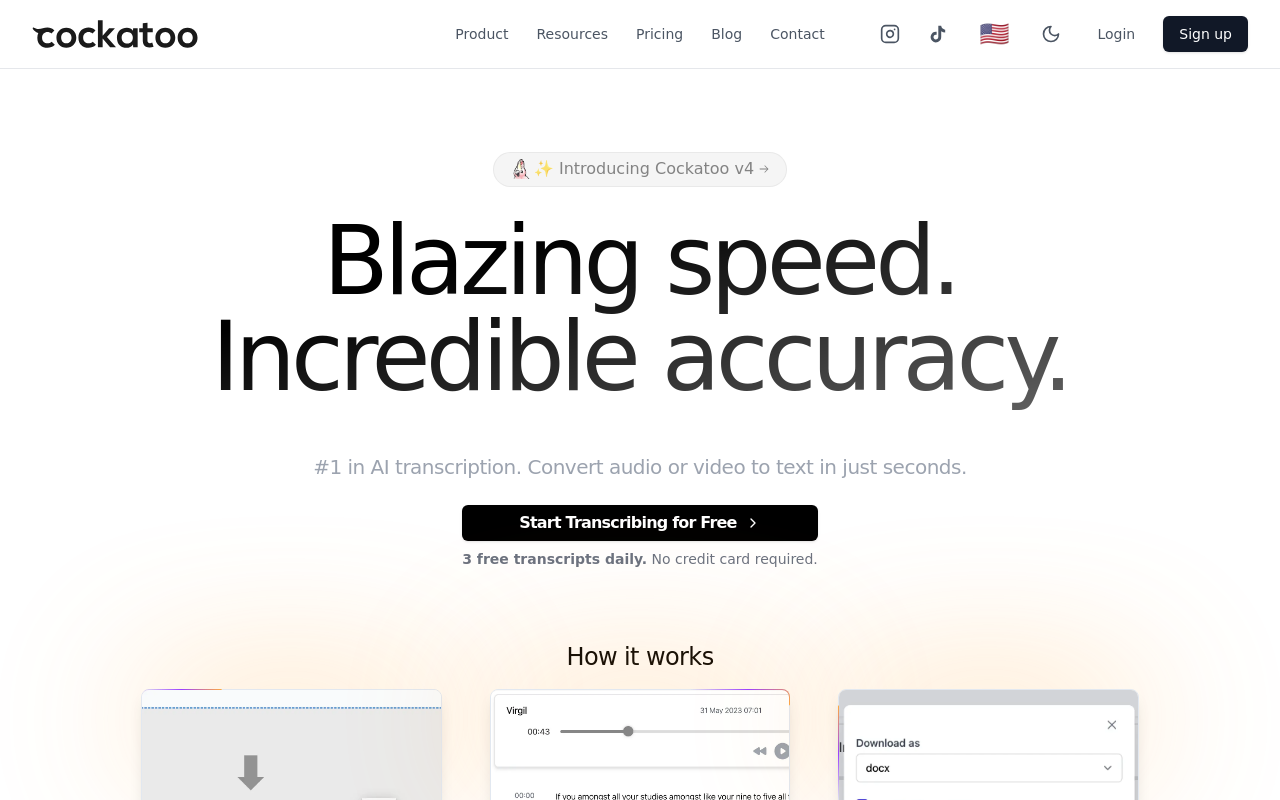
The pattern that surfaces most often with free transcription tools: a guest speaks with a regional accent, the generic AI model quietly drops phrases, and the producer only finds the gaps during cleanup. Cockatoo's free tier addresses that directly. The tool offers 3 free transcripts daily with no credit card required. The real tradeoff is the 30-minute file cap, which means a 60-minute interview needs to be split before upload. For producers running bilingual episodes or interviewing guests whose accents trip up standard models, that split is worth it.
2. Descript - Best Free Option for Producers Who Edit Audio by Editing Text
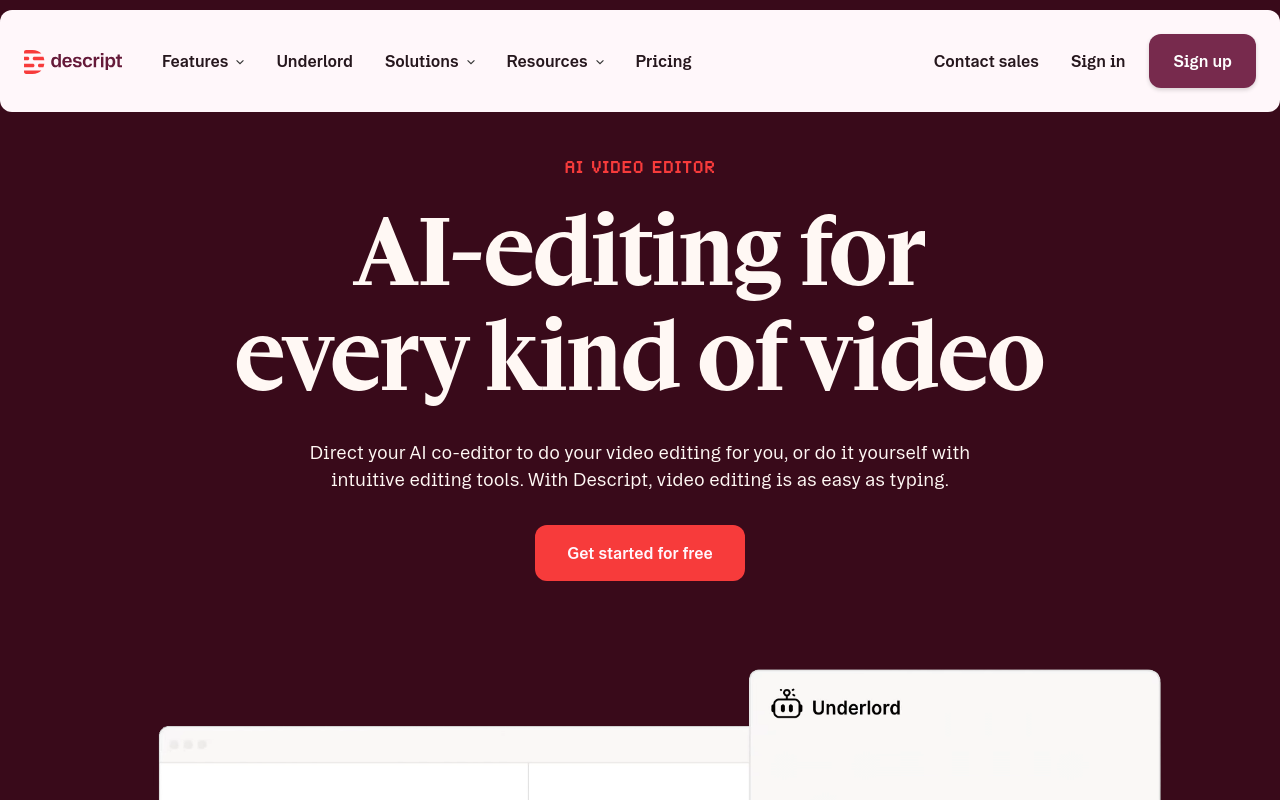
Descript earns its place for one specific workflow: cutting a verbal stumble by deleting a word in the transcript rather than scrubbing a waveform. The free tier includes transcription, but the hour cap is tight for weekly long-form episodes, and exporting clean subtitle files requires a paid plan. Pick Descript when editing speed matters more than raw transcript volume; skip it if you only need a text file and never touch the audio after recording.
3. Otter.ai - Best Free Tool to Transcribe a Podcast With Multiple Speakers
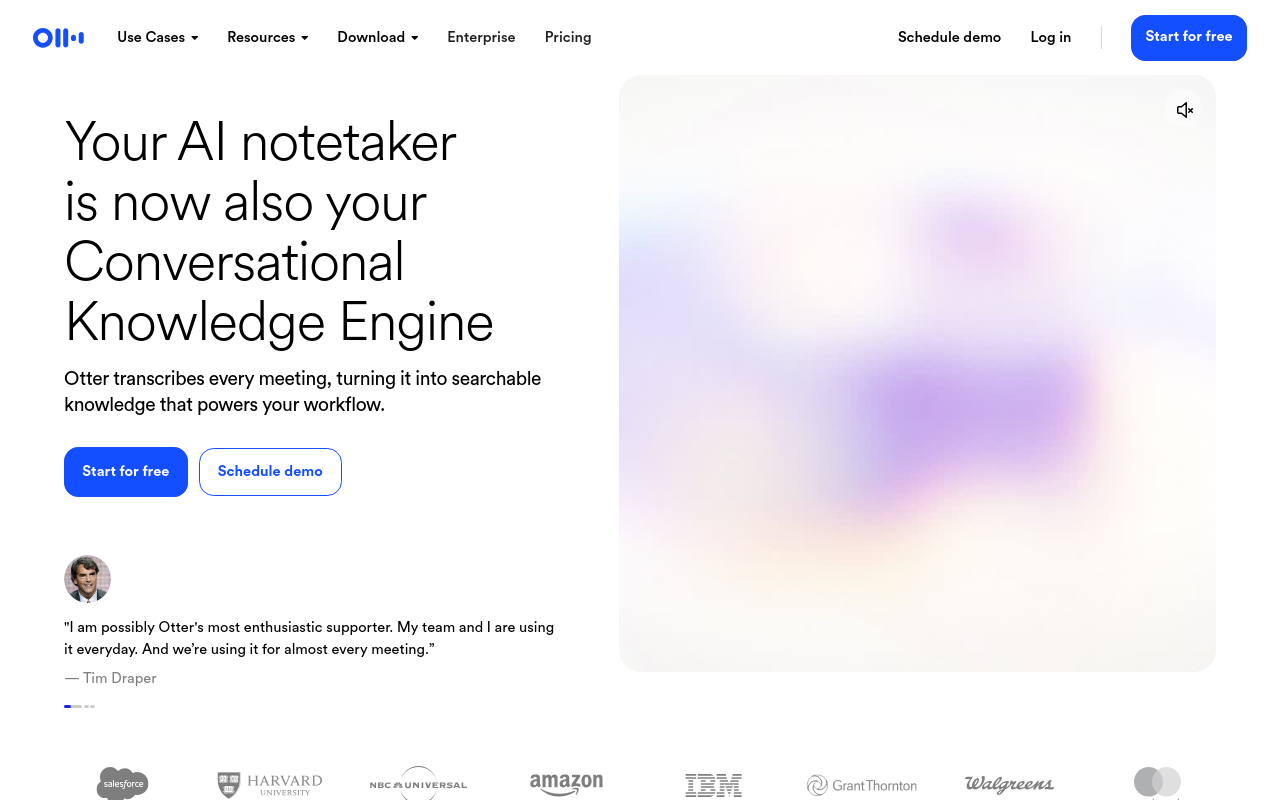
Otter.ai is best known as a live-meeting transcription tool. It can join a Zoom or Google Meet call in real time, but for podcast producers working from recorded files, its automatic speaker labelling and timestamped output make it a strong free option for interview-format shows. Otter.ai outperforms generic auto-caption tools on real interview recordings. The limitation that catches producers off guard is the free plan's monthly minute cap, which runs out quickly for anyone producing 45-to-90-minute episodes weekly.
It works well for occasional transcription or short-form content; for high-volume weekly production, you will hit the ceiling mid-month and face a choice between waiting or paying.
4. Rev - Best When You Need a Human Transcription Fallback for Critical Episodes
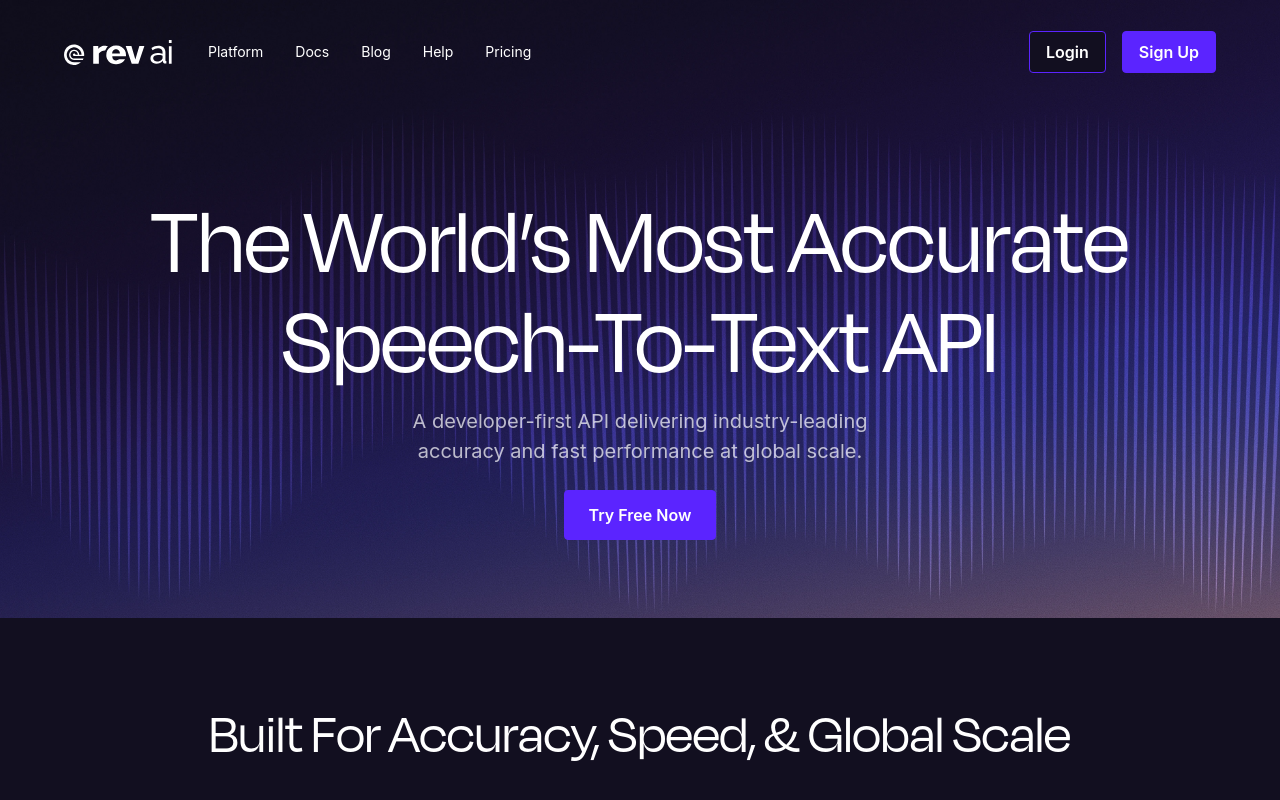
Rev has repositioned itself primarily around legal and investigative workflows, and its pricing and tooling are oriented toward those use cases rather than podcast production. Its human transcription service is still available and capable, but producers should expect a professional-services experience rather than a self-serve podcasting dashboard. For the occasional critical episode where a misquote would be a real problem, human transcription from any reputable provider, Rev included, is a viable one-off option; it is not a cost-effective weekly workflow.
5. Happy Scribe - Best Free Tool to Transcribe a Podcast in a Non-English Language
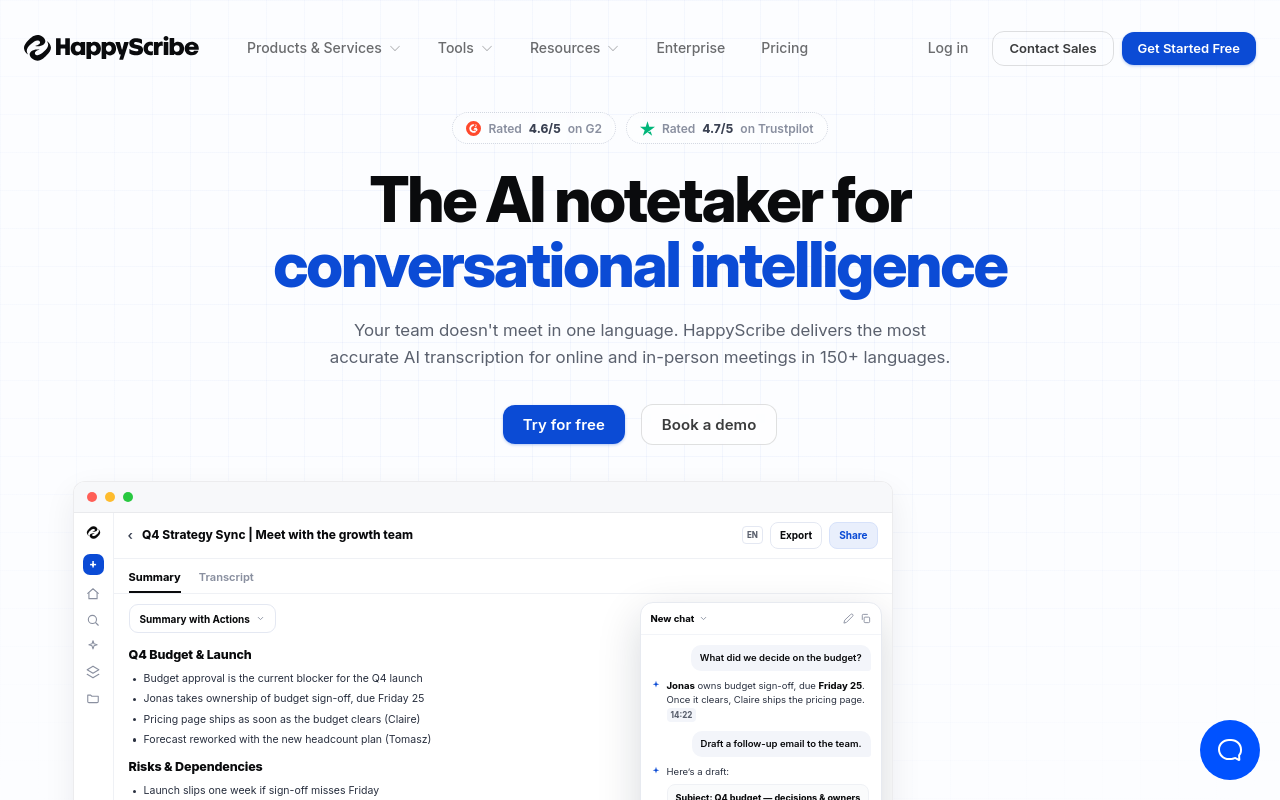
The best free tool for non-English podcast transcription is Happy Scribe, which supports a wide range of languages and returns timestamped, speaker-labeled output. Happy Scribe's own pages cite 90% word accuracy on real business meetings and up to 99% accuracy on clear audio; treat both as best-case figures rather than a guaranteed range. That distinction is honest: accuracy on a clean studio recording in Spanish will look different from accuracy on a noisy phone call in a less-resourced language.
The free tier limits monthly minutes, so non-English producers running long episodes will hit the ceiling faster than they expect. Use it to evaluate accuracy on your specific language before committing to a paid plan.
Related Reading
- Best AI Transcription
- Interview Transcription Software
- Best AI Summarizer
- Otter AI Alternatives
How to Transcribe a Podcast Step by Step Using a Free AI Tool
Three steps stand between a raw podcast recording and a usable transcript. Most producers assume the gap is wider than that, which is why they keep tolerating workflows that touch four different apps before anything is ready to publish.

Upload Your Podcast Audio File
Upload the file you already have. MP3, WAV, M4A, and MP4 cover the vast majority of what podcast production software outputs. Cockatoo's free tier accepts audio or video uploads, so you can get started with the file you already have. The free tier supports files up to 30 minutes per upload, which fits a standard interview segment or a solo episode recorded in blocks. If your episode runs longer, split it at a natural break point before uploading. This is an honest limitation worth knowing upfront, not a workaround you discover mid-session.
One thing worth flagging before you start: if your guest recorded in French, Spanish, Portuguese, or any of the 90+ languages Cockatoo supports, you do not need to work from an English recording as a prerequisite. Cockatoo lets you transcribe a recording in the speaker's own language directly, rather than routing everything through English first. That matters when your interview was conducted natively in another language and you want the transcript to reflect it accurately.
AI Transcription Processing Time
How long does transcription take? According to Typedef Transcript Processing Efficiency Stats, AI transcription tools can process audio up to 60 times faster than real-time, returning a transcript of a 60-minute podcast episode in roughly one minute. A 28-minute MP3 interview comes back in well under two minutes. In practice, Cockatoo returns a transcript on the first upload with no setup and no credit card required.
That speed is only useful if accuracy holds. The same Typedef data notes that leading AI engines now achieve word-error rates as low as 5 to 8 percent on clean audio, a level previously only attainable with professional human transcriptionists. The practical outcome for podcast producers: you spend your time reviewing, not retyping.
That said, accuracy is where real frustration lives. Transcription becomes inconsistent the moment speakers talk over each other, audio quality dips, or a recording was made in a noisy environment, situations that are common in interview-format podcasts. It is also why podcasters who have tried the built-in transcription bundled with their podcast hosting platform often find themselves looking for an external alternative: platform-native tools tend to prioritise convenience over accuracy, and the difference shows up in transcripts that require heavy manual correction. Cockatoo is built specifically for transcription quality rather than as a feature tacked onto a hosting dashboard, which is a meaningful distinction when audio conditions are less than ideal.
Review and Edit Your Transcript Before Exporting
AI transcription is fast, but it is not infallible. Proper nouns, brand names, and technical terms are where errors cluster most. A guest named "Roisin" or a niche product name will trip up any automated system without flagging the miss. You have to catch them yourself. Two minutes of focused reading catches most of what matters. Look at speaker labels first, then scan for any sentence that reads oddly. A punctuated, word-level-timestamped transcript makes this pass faster because you are correcting, not formatting from scratch.
Cockatoo's AI Notes editor, included on every plan, including the free tier, gives you a place to work on the transcript directly without switching apps. Once the review pass is done, Pro users can export in PDF, DOCX, TXT, or SRT subtitle format, so the corrected text moves cleanly into whatever publishing step comes next.
Can You Transcribe a Podcast Directly from Spotify, YouTube, or an RSS Feed?
Short answer: not directly from Spotify or an RSS feed. Spotify's API restrictions prevent third-party tools from pulling audio from a Spotify link. If you only have a Spotify URL, you will need to source the audio file separately before uploading. YouTube is a different case. Some tools, including Cockatoo, support YouTube share-link import, so a public YouTube URL can be submitted without downloading the file first. RSS feeds carry links to hosted files, not the audio itself, so an RSS URL alone is not a valid upload source.
What You Can Do With the Transcript Beyond a Raw Text File
A transcript is raw material, not a finished product. Transcripts serve as ready-made source material for show notes, blog posts, social media clips, and email newsletters, and they improve accessibility for deaf and hard-of-hearing audiences. Writing show notes from a blank page takes most solo producers 45 to 60 minutes per episode; a transcript cuts that to a skimming and editing pass, because the words are already on the page.
For video content, Cockatoo also supports subtitle export in SRT format, so the same source file that produces your podcast transcript can produce published captions for a YouTube or social video version of the same episode, without a separate captioning workflow.
How to Download and Export Podcast Transcripts in the Format You Actually Need
The transcript came back in minutes. Then the real work started. That gap between "transcription done" and "file ready to use" is where solo producers quietly lose 30 to 45 minutes per episode.
The transcript exists, but it is a wall of text: no speaker labels, no paragraph breaks, no timestamps, and not in the format your editor, video platform, or blog CMS needs. So many transcripts get opened once and never returned to. Export format is where the value of an accurate transcript either carries forward or collapses into another reformatting task.

"Podcast and audio transcripts often sit as an unmanageable 'wall of text' that users never return to, making them difficult to actually use."
— what we hear from podcast producers and content creators
PDF, DOCX, TXT, SRT and Which Export Format Serves Which Job
Four formats cover the main downstream jobs:
- SRT is the right choice for captions: YouTube, Vimeo, and most major video platforms accept it natively, and Cockatoo generates subtitle-ready SRT files in minutes from the same screen where your transcript lives, no separate captioning tool, no re-upload.
- DOCX is the working format for editors and writers; it preserves formatting, accepts tracked changes, and drops cleanly into Google Docs or Word.
- TXT is the lightest option, useful for pasting into a CMS where you want no inherited formatting.
- PDF works for archiving or sharing a read-only version with a client or sponsor.
Downloading the wrong one means reformatting before you can start.
Why a Raw Text Dump Is Not a Finished Transcript
A plain .txt export with no speaker labels and no timestamps is raw material for a finished transcript, and raw material that most producers never get back to. A wall of unbroken text is psychologically difficult to re-enter after the recording session ends. Existing tools compound the problem: Apple Podcasts' built-in transcript feature is notoriously unreliable, and manual workarounds like exporting Markdown highlights are cumbersome enough that producers actively look for automated alternatives.
A finished transcript looks different. Speaker labels appear at every turn. Timestamps sit at regular intervals so an editor can jump to any moment.
Paragraphs break at natural speech pauses. That structure is what makes a transcript edit-ready rather than a formatting project. Cockatoo's AI Notes editor goes one step further: rather than handing you the full wall of text and walking away, it lets you summarise a long recording down to what actually needs acting on, the decisions, the action items, the quotable moments, so the transcript becomes a working document rather than an archive no one reads.
The Hidden Time Cost of Multi-Tool Podcast Transcript Workflows
Most producers accept a multi-tool workflow as normal: transcribe in one place, format in a second, convert to SRT in a third. Those extra steps add up. Research from Ollar Studios Entertainment puts post-production assembly time at 30 to 45 minutes per episode across separate applications. Ten episodes is five hours of reformatting work that accurate AI transcription was supposed to eliminate. The tool-switch tax is real: every handoff between apps is a chance to lose formatting, misalign timestamps, or spend ten minutes diagnosing why an SRT file is not loading.
How to Export Your Podcast Transcript in One Step (Without Reformatting)
Cockatoo's Pro plan, the most popular tier for individual producers, exports directly to PDF, DOCX, TXT, and SRT from the same screen where the transcript lives. Video captions and subtitle files are generated in minutes alongside the transcript itself, so the file you need for the next step is one click away with no conversion tool and no copy-paste into a separate formatter. If you want to test the workflow before committing, the free tier includes three transcripts per day with no credit card required, so the first upload is risk-free.
Next steps
If your mornings keep disappearing into transcript cleanup that the tool never warned you about, the path forward starts with choosing an AI tool built for difficult audio rather than assuming price separates good from bad. Start with our AI transcription.
Two things point in the same direction. Free-tier AI engines now achieve 5 to 8 percent word-error rates on clean audio, a level once reserved for professional human transcriptionists, which means the accuracy ceiling for no-cost tools is far higher than most producers realize. But tools that silently drop words without any error flag convert that accuracy advantage into invisible correction debt, turning a nominally free workflow into 30 to 45 minutes of unpaid repair per episode. A tool that flags nothing and skips freely is not cheaper than a paid service; it is more expensive once your time is counted. Together, these two realities point to one action: test a purpose-built AI transcription tool on your own audio before deciding anything about your workflow.
Start with AI transcription on Cockatoo's free tier, which gives you three transcripts daily with no credit card required. Upload a real interview recording, export the result in the format your next step actually needs, and measure the correction time against what you are used to.
Frequently Asked Questions
What is podcast transcription?
Podcast transcription is the conversion of a recorded audio episode into edit-ready text you can use directly in show notes, a blog post, or a subtitle file. The key distinction is between a rough draft full of errors you still have to fix and a true transcript you can drop straight into production without a formatting detour.
What audio file formats can I upload to transcribe a podcast?
MP3, WAV, M4A, and MP4 cover the vast majority of what podcast production software outputs, and Cockatoo's free tier accepts both audio and video uploads in those formats.
How accurate is AI podcast transcription compared to a human transcriptionist?
Leading AI engines now achieve word-error rates as low as 5 to 8 percent on clean audio, a level previously only attainable with professional human transcriptionists. The important caveat is that accuracy drops when speakers talk over each other, audio quality dips, or a recording was made in a noisy environment, and some tools silently drop segments with no error flag in the output.
Can I transcribe a podcast episode recorded in a language other than English?
Yes. Cockatoo supports 90+ languages, so you can transcribe a recording directly in the speaker's own language, Spanish, French, Portuguese, and many others, rather than routing everything through English first.
Is it worth paying for human transcription instead of using a free AI tool?
Human transcription is the most accurate option available but typically costs between $1.50 and $3.00 per audio minute, $90 to $180 for a single 60-minute episode, making it viable as a one-off choice for a critical recording rather than a sustainable weekly workflow. For regular production, free-tier AI tools that handle difficult speech without silently skipping words offer a far more practical balance of speed, cost, and accuracy.