Most call recording tools capture clean audio and stop there. If you need usable text, you are solving a second problem, and this guide shows you how to solve both without paying twice.
Most prosumers at a small business (the one person who has to turn the recording into text) think that all call recording software tools produce roughly the same transcript quality, so any well-reviewed recorder will handle the transcription side just fine. That assumption covers only half the job. If you need that recording turned into accurate, editable text, you are solving a second problem entirely, and most listicles never tell you that.
The gap shows up fast. A freelance journalist downloads a top-rated recorder, exports the audio, and then spends hours cleaning up auto-captions before a deadline. The recorder did its job.

The transcript did not exist.
Audio capture and transcription require different engineering. A recorder optimised for clean audio on an Android device is not built to handle speaker separation, punctuation, or accent variation in the output text. Industry reviewers consistently note that many tools marketed as call recording software are built primarily to capture audio files, not to produce usable, searchable text. Transcription capability, when present at all, is typically added as a secondary feature rather than engineered as a core output.
The hidden cost is the cleanup time that follows. Free auto-captions carry word error rates high enough that fixing them takes longer than typing the transcript from scratch, particularly for audio with background noise or non-standard accents. Tools like Cockatoo collapse both jobs into one upload, returning an editable, speaker-labelled transcript, with punctuation and word-level timestamps already applied, so the recording and the usable text arrive together rather than as two separate problems.
Key takeaways
- Most 'best call recording software' lists rank tools on interface and integrations - transcription accuracy is almost never a scored dimension, which means the rankings are optimised for the wrong job.
- Recording the call is the easy part. Turning that audio into accurate, exportable text is where hours disappear - industry data puts manual transcription of one hour of audio at several multiples of that in typing time.
- Meeting-bot tools (the ones that join your Zoom and take notes) dominate the top of most listicles. If you record phone calls, mobile calls, or VoIP dials, that shortlist is nearly useless to you.
- Difficult accents and dialects expose the gap between recorders faster than any benchmark - tools that score well on clean studio audio routinely fail on real-world calls.
- Free tiers on dedicated recorders typically give you the audio file and nothing else. Transcription, speaker labels, and editable exports sit behind a paywall on almost every platform.
- Cockatoo closes the loop: upload any audio or video file and get back an editable transcript with speaker recognition, word-level timestamps, and automatic punctuation, at up to 99.8% accuracy, backed by a 95% accuracy quality guarantee.
How to Choose Call Recording Software Without Paying for Two Tools
Three binary questions decide which recorder fits, and they expose a fourth assumption worth killing immediately: that any well-reviewed recorder will handle transcription well enough to skip a dedicated tool. Get that wrong and you end up with two subscriptions, a folder of audio files, and a transcript that still needs an hour of manual fixes.
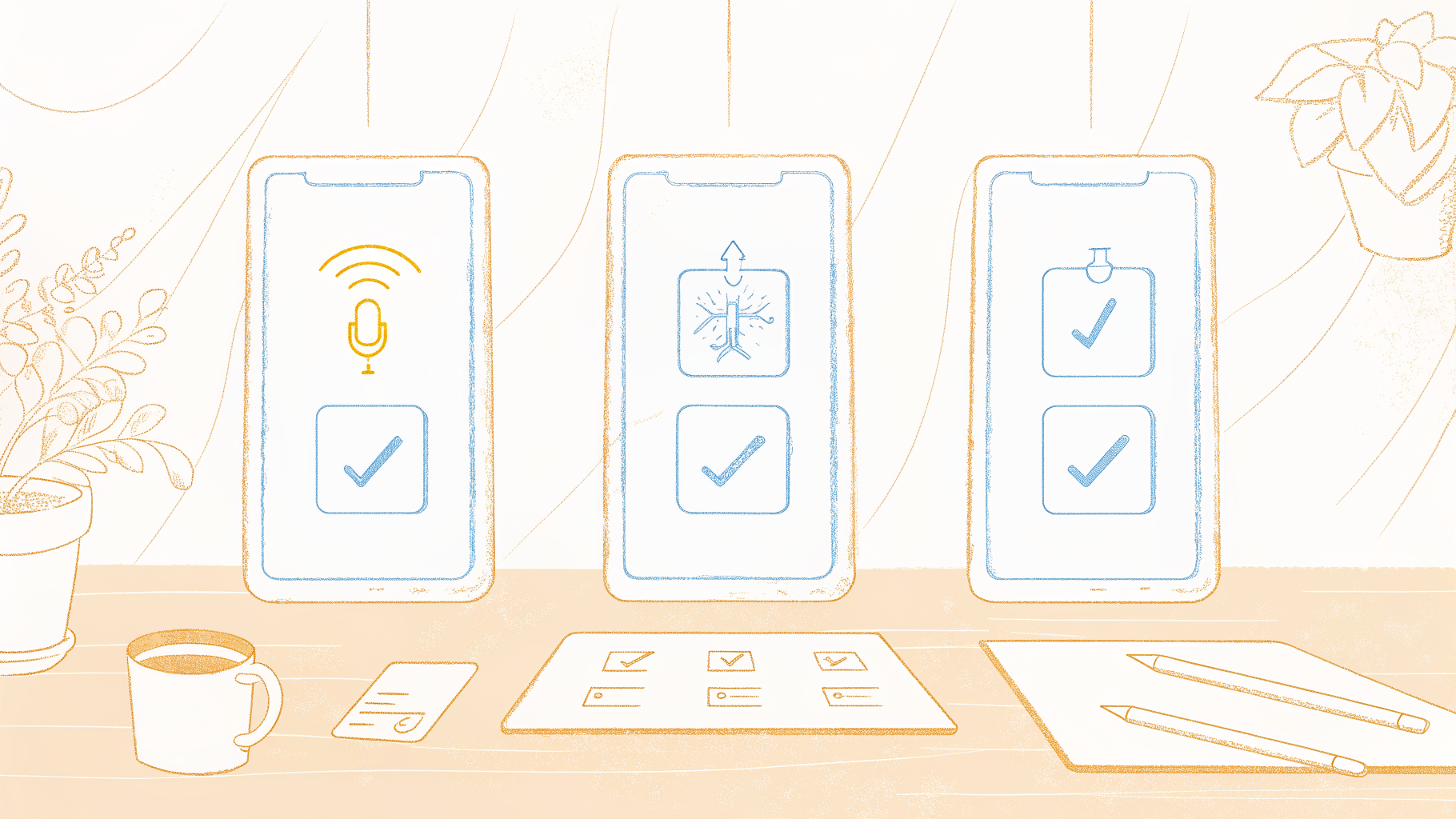
Decision Axis 1 - Personal Mobile Capture vs. VoIP Dialler Recording
Where does your call actually happen? If you record on a smartphone, you need an app that intercepts audio at the device level. Android gives third-party apps more access here than iOS does, which is why the Android ecosystem has more capable standalone recorders. If your calls run through a VoIP dialler, common for freelancers, remote workers, and one-person support roles, recording happens at the system level and a phone app is irrelevant. Choosing before you browse cuts the available tools roughly in half.
Decision Axis 2 - Audio-Only or Audio Plus Accurate Text
This is the question most buyers skip, and it costs them most. Auto-captions bundled into free or cheap recorders can require significant manual correction on calls with accented speakers, crosstalk, or background noise. The time saved by not typing disappears in cleanup. Before shortlisting any tool, ask:
- What is the stated accuracy on real-world audio, not studio recordings?
- Does the tool handle accented speakers and crosstalk, or only clean audio?
- Is transcription included in the base price, or is it a separate add-on?
In practice, a solo prosumer can upload any recording to Cockatoo and get a clean, editable transcript backed by a 95% accuracy quality guarantee, with no per-seat pricing and no second invoice.
Decision Axis 3 - Per-Seat Team Pricing vs. Flat Individual Price
A recurring frustration for solo operators is finding a tool that looks right, then discovering the minimum purchase is three seats. If you are the one person managing recordings at a small business, a team plan is a budget barrier, not a feature upgrade. Look for flat individual pricing before you read a single feature description.
The 12 Best Call Recording Software Tools for 2026
Twelve tools made the cut, each one evaluated against platform compatibility, storage model, and consent requirements before anything else.
Pick up any "best call recording software" roundup and you will notice something: the tools at the top are ranked on recording reliability, interface design, and integration count. Transcription accuracy rarely appears as a scored dimension. That gap is not a small editorial oversight, and it points to a synthesis claim worth naming directly: a "best-of" list ranking is a near-useless signal for transcription quality, because the accuracy scores behind those rankings are almost always generated on clean, studio-quality audio, yet real-world call recordings involving accents, background noise, and crosstalk can push manual correction time to 4-6× the length of the call itself.
A recorder that earns five stars in a lab benchmark can cost a solo operator an entire workday of cleanup on a single two-hour interview, meaning the ranking tells you almost nothing about the cost that actually matters. That is the reason so many buyers end up with clean audio files and transcripts they cannot actually use. The tools below are organized by use case, not by brand recognition.
Each one wins a specific job. Where a tool has a meaningful limitation for the solo prosumer who owns the recording-to-text workflow alone, that limitation is named plainly.
Quick Comparison of the 12 Tools
| Tool | Best For | Recording Type | Transcription Quality | Starting Price |
|---|---|---|---|---|
| Cockatoo | Accurate transcription of uploaded recordings | File upload | Up to 99.8% accurate; accent-robust | Free tier (3 transcripts/day); Pro available, see cockatoo.com for current pricing |
| Cube ACR | Android mobile and VoIP call recording | Mobile/VoIP | Basic (separate tool needed) | Low annual fee after trial |
| TapeACall | iPhone call recording | Mobile iOS | Basic (separate tool needed) | Subscription required |
| Dialpad | Business VoIP with real-time transcription | VoIP/cloud | AI-powered, real-time | Per-seat; verify with vendor |
| CloudTalk | Sales and support CRM-integrated recording | VoIP/cloud | Standard | Per-seat; verify with vendor |
| RingCentral | Enterprise cloud communications | VoIP/cloud | Standard | Pricing upon request |
| JustCall | SMB sales VoIP recording | VoIP/cloud | Standard | Per-seat; verify with vendor |
| Nextiva | UCaaS with analytics | VoIP/cloud | Standard | Per-seat; verify with vendor |
| Talker ACR | Lightweight Android recording | Mobile | Basic | Free/paid |
| Rev Call Recorder | Free iPhone recording | Mobile iOS | Basic (Rev transcription sold separately) | Free |
| Google Voice | Free VoIP for Google Workspace | VoIP | Basic | Free (Workspace required) |
| Otter.ai | AI meeting transcription with live notes | Meeting/VoIP | Good on clean audio | Free tier available |
1. cockatoo.com
Cockatoo is not a call recorder - it is the transcription layer for the recordings you already have. Upload any audio or video file and an editable, speaker-labelled transcript comes back with punctuation and word-level timestamps applied, at up to 99.8% accuracy, across 90+ languages. The AI Notes editor can then condense the transcript into key points and action items in the same window. The free tier includes three transcripts per day on files up to 30 minutes, no credit card required. Trade-off: Cockatoo does not capture calls itself, so pair it with whichever recorder below fits your device.
2. Cube ACR - Best Android Call Recording App for VoIP and Mobile Calls
The best Android call recording app for VoIP and mobile calls is Cube ACR. It supports recording across standard cellular calls and VoIP services including WhatsApp, Skype, Signal, Viber, and Telegram, using an App Connector plugin that requests accessibility permission to capture audio from third-party apps. That breadth of VoIP coverage is what makes it the most technically advanced option for Android users who record across multiple platforms. Pricing is a low annual fee after a seven-day free trial; verify the current figure directly on the Cube ACR listing before purchasing.
Trade-off: Cube ACR captures audio but does not produce a usable transcript. For anyone who needs accurate text output, a separate transcription layer is required after recording.
3. TapeACall - Best iPhone and iOS Call Recording App
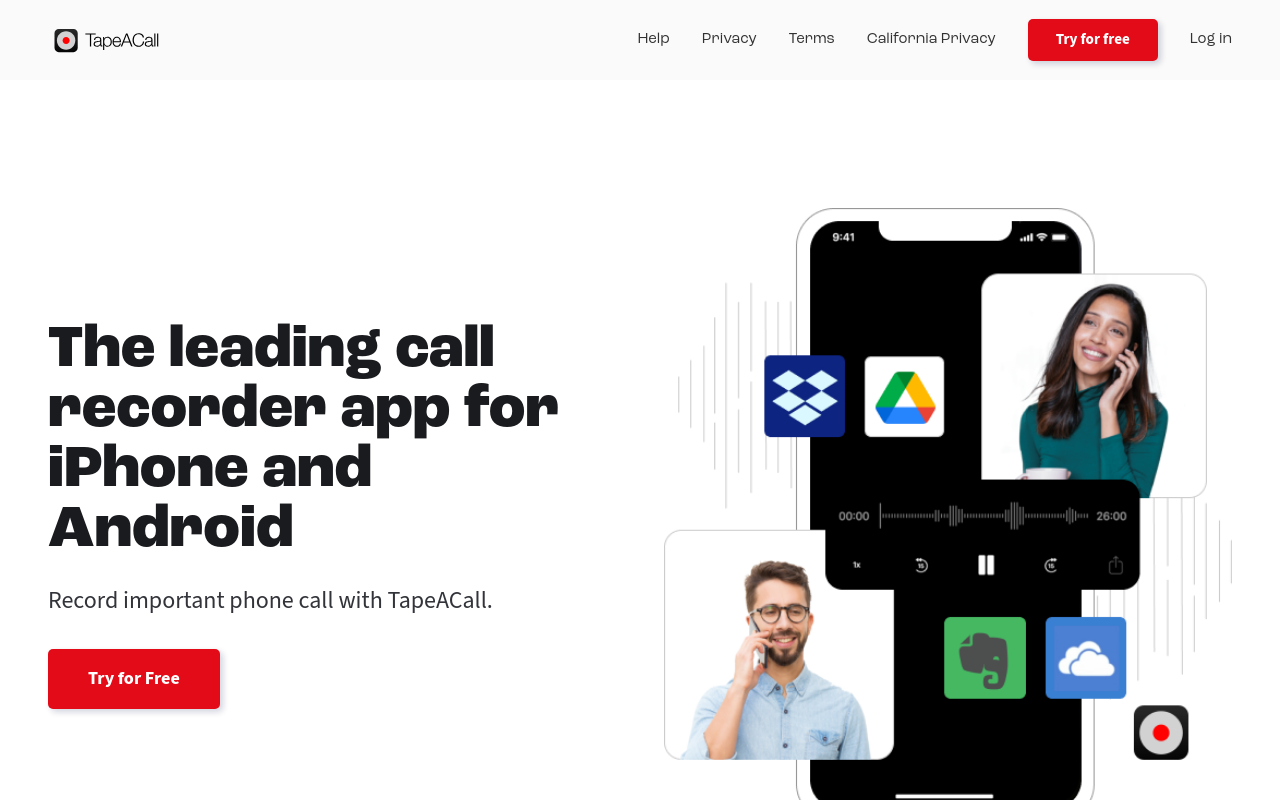
For iPhone users, TapeACall is the most established call recording option. It works for incoming calls, outgoing calls, and calls already in progress, using a three-way calling merge system to capture audio without special hardware. The app exports recordings to cloud storage including Google Drive and Dropbox. TapeACall's marketing points to a substantial global user base, which signals meaningful scale for a tool in a category where platform restrictions make recording genuinely difficult.
Trade-off: Transcription accuracy is described on TapeACall's site as "99% effective," but that figure is self-reported and not independently benchmarked, particularly on accented speech or calls with background noise.
4. Dialpad - Best AI-Powered Business VoIP with Real-Time Transcription
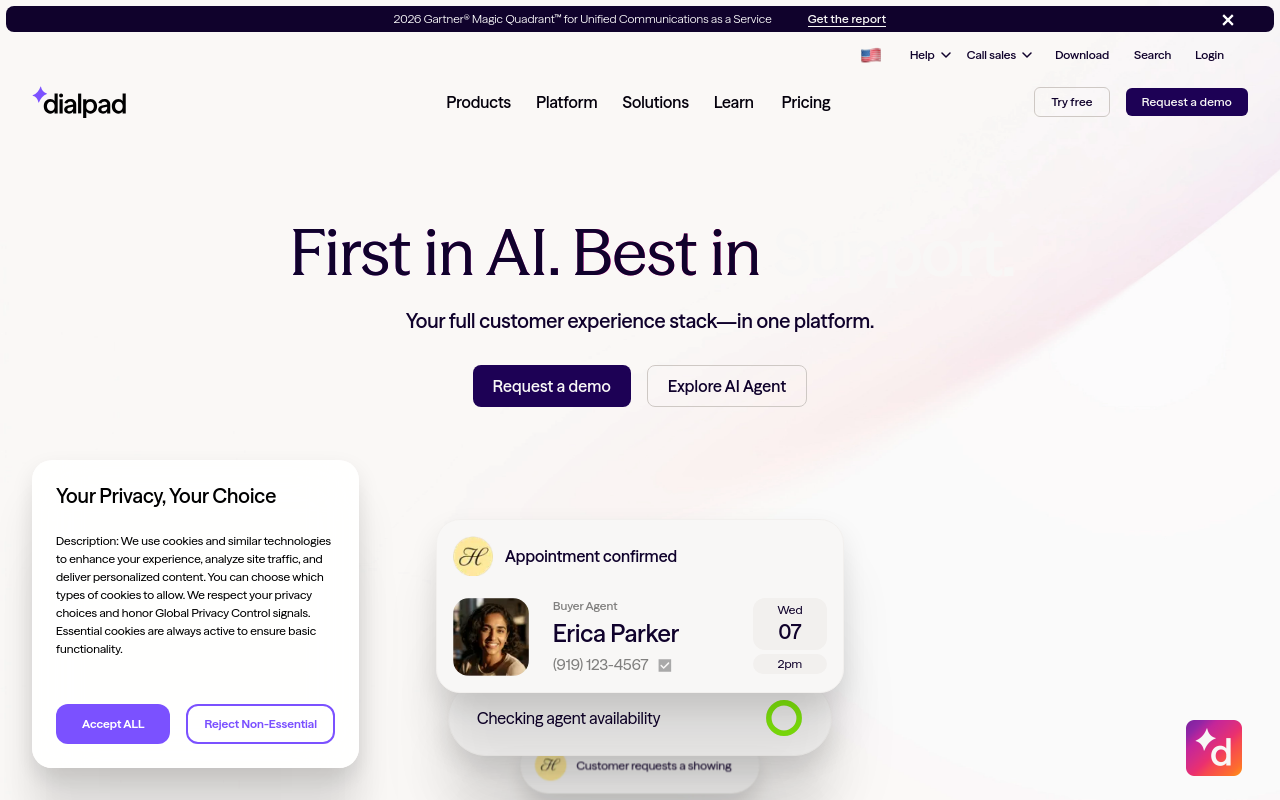
For teams that need transcription happening during the call rather than after it, Dialpad is one of the most capable options, with real-time AI transcription that surfaces keywords and action items as the conversation unfolds. Automatic call archiving is built into the platform. Pricing is per-seat; verify current figures directly with Dialpad before budgeting.
Trade-off: Dialpad is a full business VoIP system, not a standalone transcription tool. A solo prosumer who needs to upload a recording file and get accurate text back is paying for far more infrastructure than the job requires.
5. CloudTalk - Best CRM-Integrated Call Recording for Sales and Support Teams
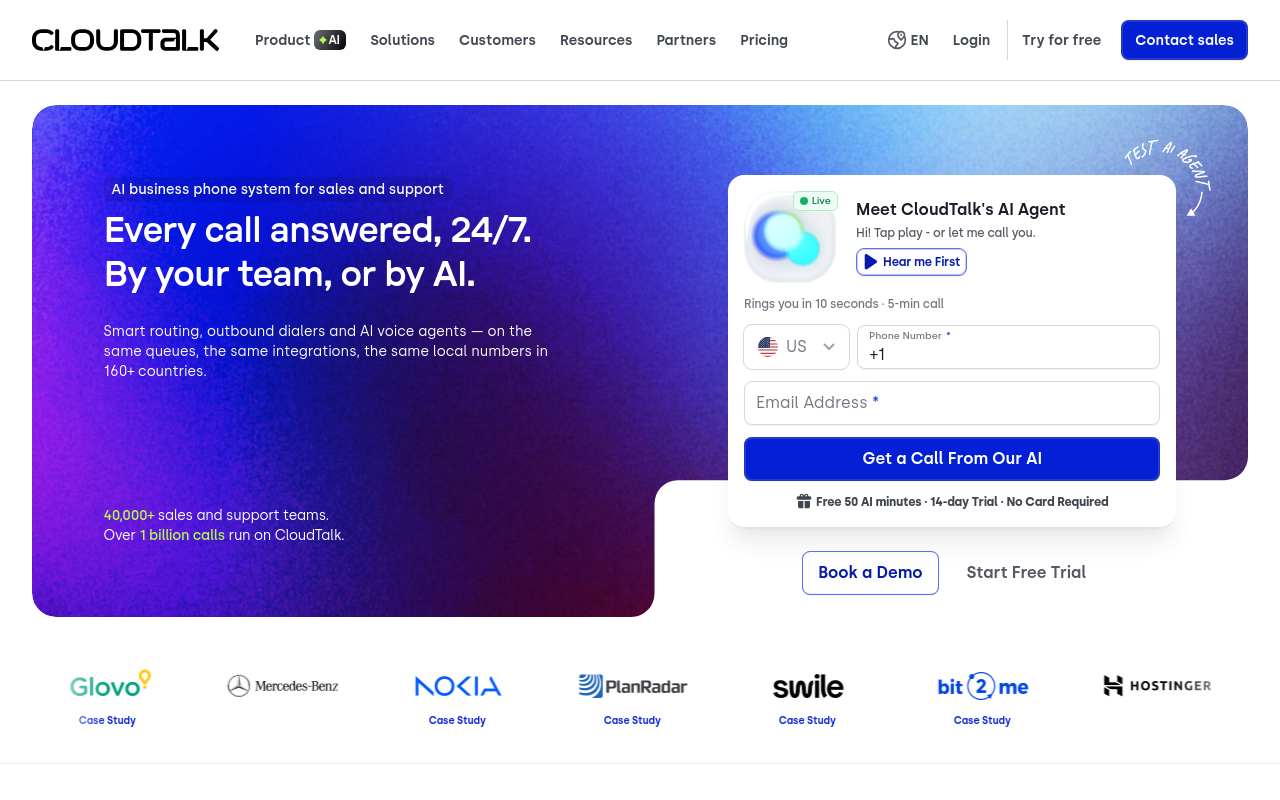
Sales and support teams that need call recordings to flow directly into their CRM will find CloudTalk the most practical fit. It handles automatic call logging, call tagging, and follow-up notes, with integrations connecting to HubSpot and Salesforce. Pricing is structured on a per-seat, annually billed model; check CloudTalk's current pricing page for up-to-date figures.
Trade-off: The per-seat pricing model makes it an awkward fit for the single operator managing the full recording-to-text pipeline alone; you are paying a team price for a solo job.
6. RingCentral - Best Enterprise Cloud Communications Platform with Call Recording
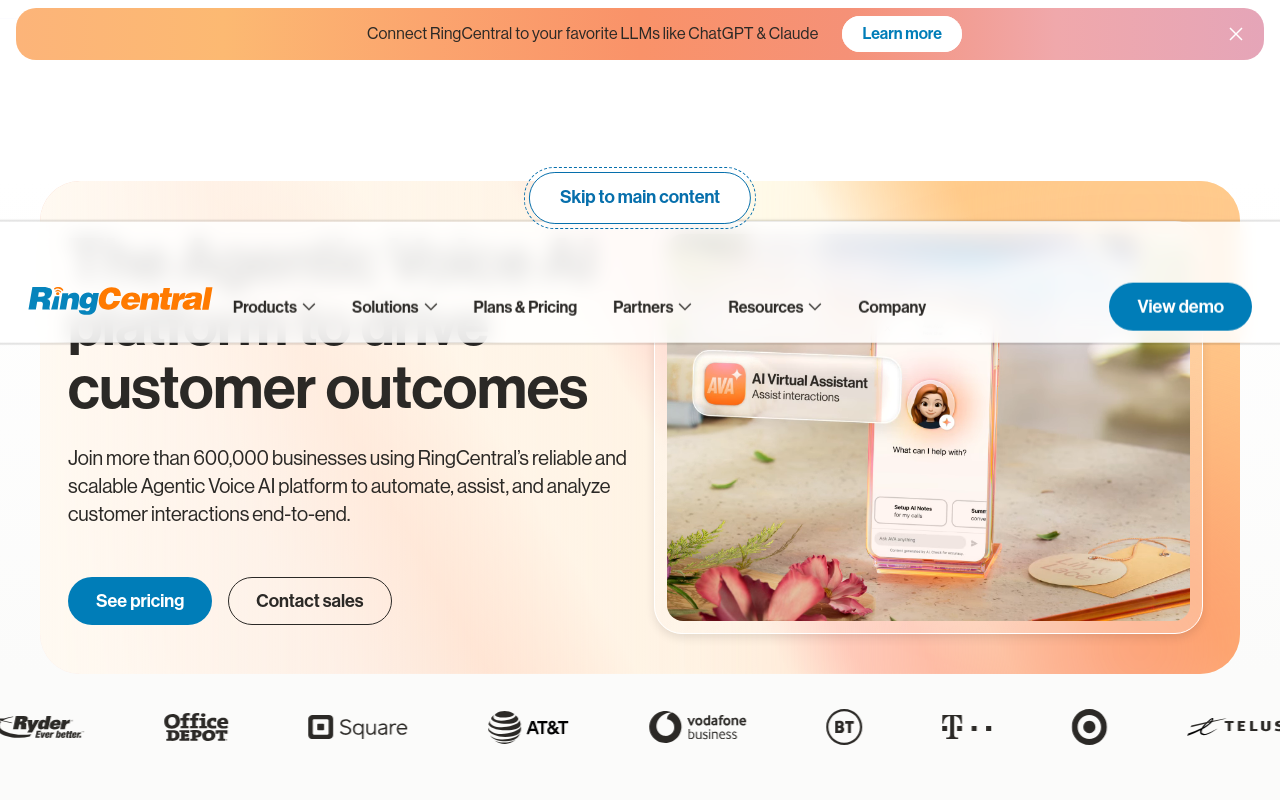
For larger organisations that want call recording embedded in a full unified-communications platform alongside voice, video, and messaging, RingCentral is the most comprehensive option. Its integration ecosystem is extensive, which suits teams that want a single vendor for the entire communications stack.
Trade-off: RingCentral is designed for multi-user organisations with dedicated setup and administration resources. A solo operator or small-business individual who simply needs to record calls and get accurate text back will find the platform's scale and pricing structure well beyond what the job requires.
7. JustCall - Best VoIP Call Recording Platform for SMB Sales Teams
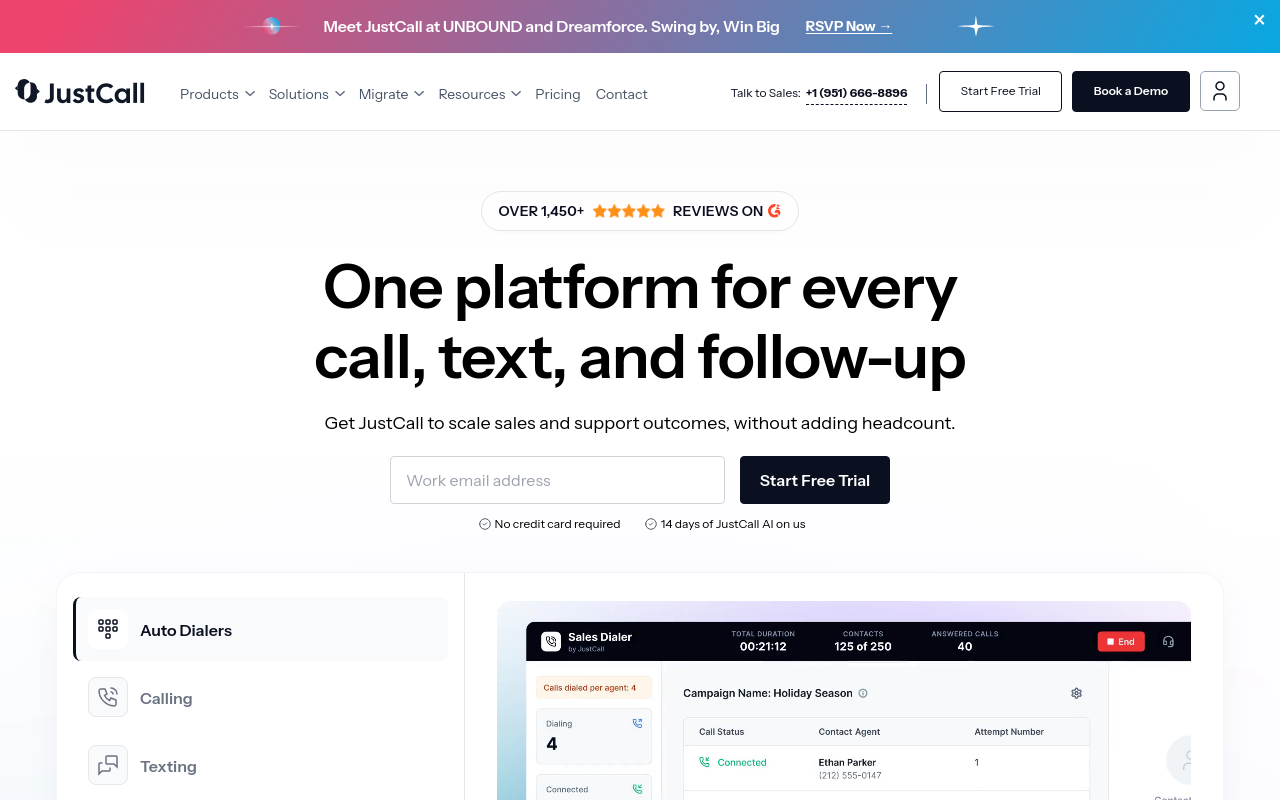
JustCall targets small and mid-sized sales teams that need a straightforward cloud phone system with built-in call recording, SMS, and CRM sync, without the enterprise price tag. It connects to HubSpot, Pipedrive, and Zoho out of the box and includes AI call scoring on higher tiers. Pricing is accessible for teams of five to fifty. The tradeoff: call quality and uptime SLAs are not as robust as Dialpad or RingCentral, which matters for high-volume outbound operations.
8. Nextiva - Best UCaaS Platform with Unified Call Recording and Analytics
Nextiva combines voice, video, SMS, and team chat into a single UCaaS platform with call recording and conversation analytics included on business plans. It is particularly strong for customer-facing teams that need call recordings tied to customer journey data. U.S.-based support is a differentiator for compliance-sensitive industries. The limitation: Nextiva's interface feels dated compared to newer AI-first competitors, and advanced analytics require the higher-cost tiers.
9. Talker ACR - Best Lightweight Android Call Recording Alternative
Talker ACR is a lean, no-frills Android call recording app suited to users who find Cube ACR's feature set excessive. It records calls automatically, stores files locally, and keeps the interface minimal, ideal for personal use or freelancers who just need reliable recordings without subscription complexity. A free tier is available. The limitation: it lacks VoIP recording support for apps like WhatsApp or Skype, making it a poor fit for anyone recording internet-based calls.
10. Rev Call Recorder - Best Free iPhone Call Recording App
Rev Call Recorder is a completely free iOS call recording app backed by Rev's transcription infrastructure. It uses a conference-call method similar to TapeACall but charges nothing for the recording itself, revenue comes from optional human or AI transcription add-ons. It is the right pick for iPhone users who record calls infrequently and cannot justify a TapeACall subscription. The limitation: the free model means no offline storage and recordings are hosted on Rev's servers, raising privacy considerations.
11. Google Voice - Best Free VoIP Call Recording for Google Workspace Users
Google Voice offers free incoming call recording for personal accounts and automatic recording options on Google Workspace business plans, making it the lowest-friction entry point for teams already in the Google ecosystem. It handles VoIP calls over Wi-Fi and integrates natively with Gmail and Google Meet. The significant limitation: outgoing call recording is not supported on personal plans, and the feature set is too basic for sales teams that need CRM sync or AI analysis.
12. Otter.ai - Best AI Meeting and Call Transcription Tool with Live Notes
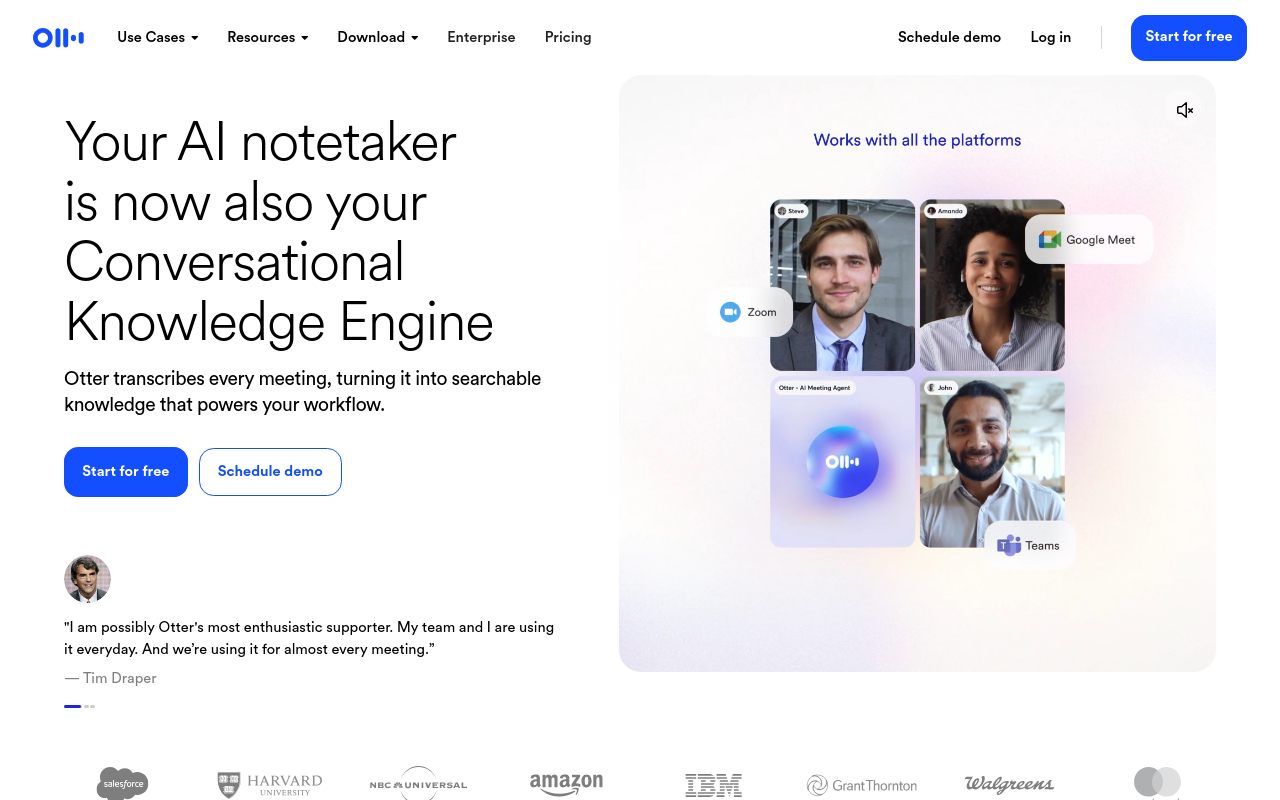
Otter.ai focuses on transcribing and summarizing recorded calls and meetings rather than capturing them, making it a strong companion tool for teams using Zoom, Google Meet, or Microsoft Teams. It generates live transcripts, speaker-labeled summaries, and action items automatically. A free tier covers basic use. The tradeoff: like Cockatoo, Otter requires a separate recording source - it does not record phone calls directly.
Related Reading
- Transcribe a Podcast
- Best App to Record and Transcribe Meetings
Free Call Recording Options Worth Knowing Before You Pay
Free call recording tools exist, but the cost of using them rarely stays at zero. What looks like a budget-friendly shortcut often shifts the work rather than eliminating it, and in some states it quietly introduces legal exposure on top of that. This section breaks down what free actually delivers in 2026 and why the hidden labour and compliance risks matter before you decide a paid option is not worth it.

What Actually Free Looks Like in 2026
Free call recording tools fall into two categories:
- Dedicated Android apps like Cube ACR
- Built-in recording features in VoIP dialers
Cube ACR's free tier captures calls and stores them locally, fine for occasional use, but transcription is not included. You get the audio file, nothing more. Business VoIP platforms often gate recording behind a paid plan entirely, so "free" frequently means a 14-day trial with a credit card already on file. The real ceiling is accuracy on difficult audio.
The Hidden Labour Tax - How Cleanup Time Erases Every Minute Free Tools Save
Auto-captions from low-accuracy free tools look like transcripts until you try to use them. Professional transcriptionists report that 60 minutes of poor-quality audio with accents or background noise can take four to six hours to clean up manually. That is a full working day spent correcting words a free tool got wrong. The free tool moved the time. What this reveals is a compounding trap unique to free recorders: in all-party-consent states, tools that typically lack built-in consent disclosures or compliance beep tones silently expose users to potential criminal liability, while simultaneously delivering the weakest transcript accuracy, meaning the apparent $0 cost carries both legal risk and maximum cleanup labour at once.
The free tool did not save time. It moved the time.
"People are confused about whether free or freemium call recording apps actually solve the core problem. One person explicitly noted they couldn't test the app because it's premium, highlighting a paywall barrier to evaluation."
— what we hear from call recording app users
Cockatoo's Free Tier - What You Actually Get
Cockatoo's free plan gives you three transcripts per day on files up to 30 minutes each, with no credit card required and 2 GB of encrypted cloud storage included. That is a meaningful real-world test: enough to run a full morning of short interviews or sales calls through the engine before you spend anything. Where the free tier ends, longer files, unlimited daily volume, and full export formats, is where the Pro plan begins. The distinction is transparent and the ceiling is specific, which is more than most 'free' tools offer.
Related Reading
- Best AI Transcription
- Interview Transcription Software
- Otter AI Alternatives
- Best AI Summarizer
Next steps
If your recordings keep producing audio files that take longer to fix than to retype, the path forward starts with recognizing that recording reliability and transcription accuracy are separate engineering problems that most ranked lists never separate. Start with our AI transcription.
A best-of ranking built on studio-quality audio benchmarks tells you almost nothing about how a tool performs on a real call with accented speakers or background noise, where correction time can reach four to six times the length of the recording itself. That gap explains why solo operators end up paying twice: once for a recorder, once for a transcription layer they never budgeted for. Together, those two realities point to choosing a single tool that handles the full chain from uploaded audio to exportable, speaker-labeled text, rather than assembling two tools that were never built to work together.
Start with AI transcription via Cockatoo's free tier, which gives you three transcripts per day on files up to 30 minutes, no credit card required. Upload a recording from any device, and a punctuated, speaker-labeled transcript comes back in minutes, ready to edit and export.
Frequently Asked Questions
Do I need a separate transcription tool on top of my call recorder?
In most cases, yes. The majority of call recording tools are built primarily to capture audio files, not to produce usable text, transcription is either absent or added as a secondary feature. Uploading your recording to Cockatoo collapses both jobs into one step, returning an editable, speaker-labelled transcript with punctuation and word-level timestamps already applied.
How long does it actually take to clean up a transcript from a free auto-caption tool?
On difficult audio, calls with accents, background noise, or crosstalk, cleanup can take four to six hours for every 60 minutes of recorded audio, which is a full working day spent correcting a single file. The free tool does not save time; it moves the time from recording to editing.
What is the difference between recording a mobile call and recording a VoIP call?
Mobile call recording happens at the device level and requires an app that can intercept audio there, Android gives third-party apps more access for this than iOS does. VoIP call recording happens at the system level, so a phone app is irrelevant; identifying which type of call you make first cuts the available tools roughly in half.
What does Cockatoo's free plan actually include?
The free tier gives you three transcripts per day on files up to 30 minutes each, with no credit card required and 2 GB of encrypted cloud storage included, enough to run a full morning of short interviews or sales calls through the engine before spending anything. Longer files, unlimited daily volume, and full export formats are where the Pro plan begins.
Why should a solo operator avoid per-seat team pricing when choosing call recording software?
Many tools that look right for a solo use case require a minimum purchase of three seats, turning what should be a single-user tool into a team-sized budget commitment. If you are the one person managing recordings at a small business, a flat individual pricing model is worth confirming before you read a single feature description.