
Most AI summarizer roundups skip the step that kills your workflow before it starts. Here is what actually works, tested from raw recording to finished summary.
For the one person at a small business who has to turn a recording into text, the common assumption is that summarizer tools are for text, and that transcription is a separate problem you solve first, before you ever open a summarizer. Most roundups treating the best AI summarizer tools as a simple copy-paste problem miss the real obstacle. Before a single sentence gets condensed, most users face a step the list never mentions. See our AI transcription for how this works in practice.
A large share of business content never starts as text. The majority of business meetings are now recorded as video or audio files, so most of the content people need summarized exists as a recording, not a document. Every roundup that skips this fact is quietly recommending two tools and two workflows while pretending to recommend one.

Cockatoo - Transcription and Summarization in a Single Workflow
Manual transcription runs at roughly four hours per one hour of audio, according to industry benchmarks from Rev. That is most of a working day gone before the summarizer opens. The missing transcription step takes back everything the tool was supposed to save. A single-workflow transcription tool changes the calculation entirely. Cockatoo addresses both steps in one place:
- Cockatoo transcribes audio and video directly in the browser.
- A one-click AI summary is available inside the same editor once transcription is complete.
- The two-step detour simply does not exist.
Language Coverage - The Gap Most Roundups Never Test
Non-English speakers represent the vast majority of global internet users, as broader internet usage trends consistently show in 2024 data. Most roundups are written by US-based authors for US-based readers, so language coverage rarely gets tested. A tool that handles English beautifully may produce broken output in Spanish, Hindi, or Japanese, discovered only after signing up.
Key takeaways
- Most AI summarizer roundups test tools on clean, pre-written text, the format almost nobody actually starts with in 2026.
- If your content begins as a recording, any summarizer that can't also transcribe forces you to solve two problems instead of one, and that upstream step is where most of the time goes.
- Extractive summarizers lift sentences verbatim; abstractive ones rewrite meaning, the distinction determines whether the output reads like a highlight reel or an actual brief, and most tools only do one well.
- Free tiers exist across nearly every tool on this list, but file-length caps and language restrictions cut them off exactly when real workloads start.
- The tools worth using in 2026 are the ones that handle the full chain, audio in, clean summary out, without a manual detour in the middle.
- Cockatoo's in-browser editor lets you correct and work with a transcript directly, then generate a one-click AI summary from it, closing the gap between raw recording and shareable output in a single workflow, with unlimited AI Notes on Pro.
What an AI Summarizer Actually Does When It Works Properly
Most people treat AI summarization as a black box: text goes in, shorter text comes out. But the method a tool uses, and whether it actually handles the full pipeline from raw audio or document to finished output, determines whether what you get is genuinely useful or quietly wrong in ways that cost you later. Here is what a summarizer is actually doing when it works, and what to check for when it does not.

Extractive vs Abstractive Summarization and Why the Distinction Changes What You Get
There are two fundamentally different approaches. Extractive summarization lifts verbatim sentences from the source and stitches them together.
Abstractive summarization reads the full content and writes something new, the way a person would after taking notes. NLP benchmarks from 2023 and 2024 consistently show abstractive models score higher on fluency and coherence, while extractive models score higher on factual fidelity. The right choice depends on your use case: verbatim extracts for a client who wants proof, or a clean summary for a colleague who needs action items.
One failure mode that matters regardless of which approach a tool uses: factual drift. An AI summarizer that gets key story or argument details wrong, inverting cause and effect, misattributing who said what, or flattening a nuanced position into something simpler, produces output that actively misleads. This is a real risk to manage, and it is why review against the original transcript remains a necessary step before any summary is acted on.
The Four Things a Properly Working AI Summarizer Actually Produces
A properly working summarizer delivers four things: a condensed narrative, a list of key decisions or action items, topic labels for retrieval, and an exportable format you can hand off without reformatting. The action-item layer is where most text-only summarizers fail. Identifying that three people agreed to a deadline and one raised an unresolved concern requires understanding intent, not just word frequency. Cockatoo's AI Notes editor, included on every plan, including the free tier, is built around exactly this: distilling a long recording down to what actually needs acting on, rather than returning a compressed version of everything that was said.
A second failure point is language. A summarizer that operates only in English is a tool for one language. Cockatoo transcribes in 90+ languages, which means the workflow, record, transcribe, summarize, is not English-only at any stage.
Why "Paste Your Text Here" Fails for Audio and Video
Industry data from professional transcription services consistently shows that manual transcription of one hour of audio takes a typical knowledge worker around four hours of focused work, most of a working day before a summarizer even opens (Rev). But the transcription bottleneck is only one part of the friction. Most AI summarizers operate on a one-file-at-a-time basis, requiring users to manually locate each recording, open it, generate a transcript elsewhere, paste that text, and only then run a summary. Every handoff in that chain is a place where the workflow stalls or breaks.
Cockatoo removes the handoff entirely. Upload an interview, call, lecture, podcast, or video and a transcript comes back on the first upload, no setup, no credit card required on the free tier. From there, AI Notes works directly on that transcript, so the condensed, actionable output is produced in the same tool, not assembled across three separate products. Pro users get unlimited transcription and file translations, unlimited transfers, and unlimited AI Notes, with exports in PDF, DOCX, TXT, and subtitle (SRT) formats ready to hand off without reformatting. Files up to ten hours long are supported on Pro, which covers the recordings that create the most friction when handled manually.
How We Tested These AI Summarizer Tools to Find the Ones Worth Your Time
Ranking AI summarizer tools is easy when you test them the way nobody actually uses them: paste a clean paragraph of English text, click summarize, note the output quality, move on. Real work rarely starts that way. It starts as a 47-minute client call recording, a slide deck in German, or a podcast episode someone needs turned into a written brief before a 3 p.m. deadline. Testing the first scenario tells you almost nothing about performance in the second.

The Five Evaluation Axes Every Honest Summarizer Test Must Include
Five criteria shaped every ranking:
- Input format support (audio, video, PDF, and plain text)
- Summary accuracy measured against ROUGE scoring and human evaluation panels
- Non-English language handling
- Free-tier usability under realistic daily volume
- Workflow step count from raw file to finished summary
According to Statista Research Department, English accounts for nearly half of all websites worldwide, so Spanish, German, Mandarin, and dozens of other languages collectively represent the majority of global web content. That reality makes multilingual audio and document handling a genuine evaluation axis. ROUGE scores measure overlap between a generated summary and a reference summary, producing a reproducible number rather than an editorial impression.
Human evaluation panels then scored coherence and factual fidelity on the same test files. Both methods were applied across all eleven tools.
Non-English language handling was tested end-to-end, not just on typed text. That meant uploading recorded audio and video in languages other than English and evaluating whether a tool could transcribe and translate in one self-serve flow. Cockatoo handles this in a single pass: upload an audio or video file, and a transcript comes back in minutes, no setup, no credit card required on the free tier, and transcription available across 90+ languages. For document-based work, the free tier also covers translation of PDF, DOCX, PPTX, XLSX, and TXT files, which directly mirrors how multilingual source material actually arrives in a real workflow. That breadth of format support mattered in scoring because a tool that handles the recording but forces a separate step for the slide deck is still creating friction.
90+
Languages Cockatoo transcribes audio and video in
Free-tier usability was evaluated under realistic daily volume for a single self-serve user. A tool that puts its most useful features behind a paywall or a sales call was scored lower on accessibility. Cockatoo's free tier includes three transcripts per day, files up to 30 minutes in length, and AI Notes, enough for a solo researcher or freelancer to complete a genuine workday task without entering payment details. The Pro tier, available to individuals without a minimum-seat requirement, extends that to unlimited transcription, files up to 10 hours, unlimited transfers, and export to PDF, DOCX, TXT, and subtitle formats including SRT, which is directly relevant to the video captioning use case that kept appearing in our workflow-step analysis.
Why Tools That Force a Separate Transcription Step Were Penalized
Manual transcription takes around four hours per recorded hour under real working conditions, so a tool that requires it as a prerequisite moves the time cost upstream rather than eliminating it. Any tool that accepted only pasted text was penalized in our workflow-step count accordingly. The benchmark here is straightforward: a recording goes in, a transcript comes back in minutes, and that transcript feeds directly into summarization, one person, self-serve, no integrations to configure. Tools that collapsed those steps into a single upload-to-summary flow scored best. Tools that did not scored accordingly.
A tool that requires it as a prerequisite does not save time so much as move the time cost upstream.
The 11 Best AI Summarizer Tools That Actually Save Hours in 2026
You already know the time you're trying to save. You've got a recording from a client call, a team meeting, or a research interview, and you need a clean summary in someone's inbox before end of day. The question is not whether AI can help.
The question is which tool gets you from that audio file to a finished summary without a detour. Most roundups skip that question. They test tools on pre-written paragraphs and rank them on interface polish, producing a list that fails the moment your content starts as a recording rather than a Word document.
Every tool below is assessed on one practical question: does it handle the full path from raw content to shareable summary, or does it quietly require you to transcribe first? That hidden step is where promised time savings disappear. Tools that close the gap are labeled clearly.
So are the tools that don't.
"Users of mainstream AI tools like ChatGPT and Gemini frequently hit usage limits when trying to summarize PDFs, forcing them to wait 24 hours before resuming, a core frustration that AI summarizer tools in a 'best of' list must address."
— what we hear from AI tool researchers and power users
1. cockatoo.com
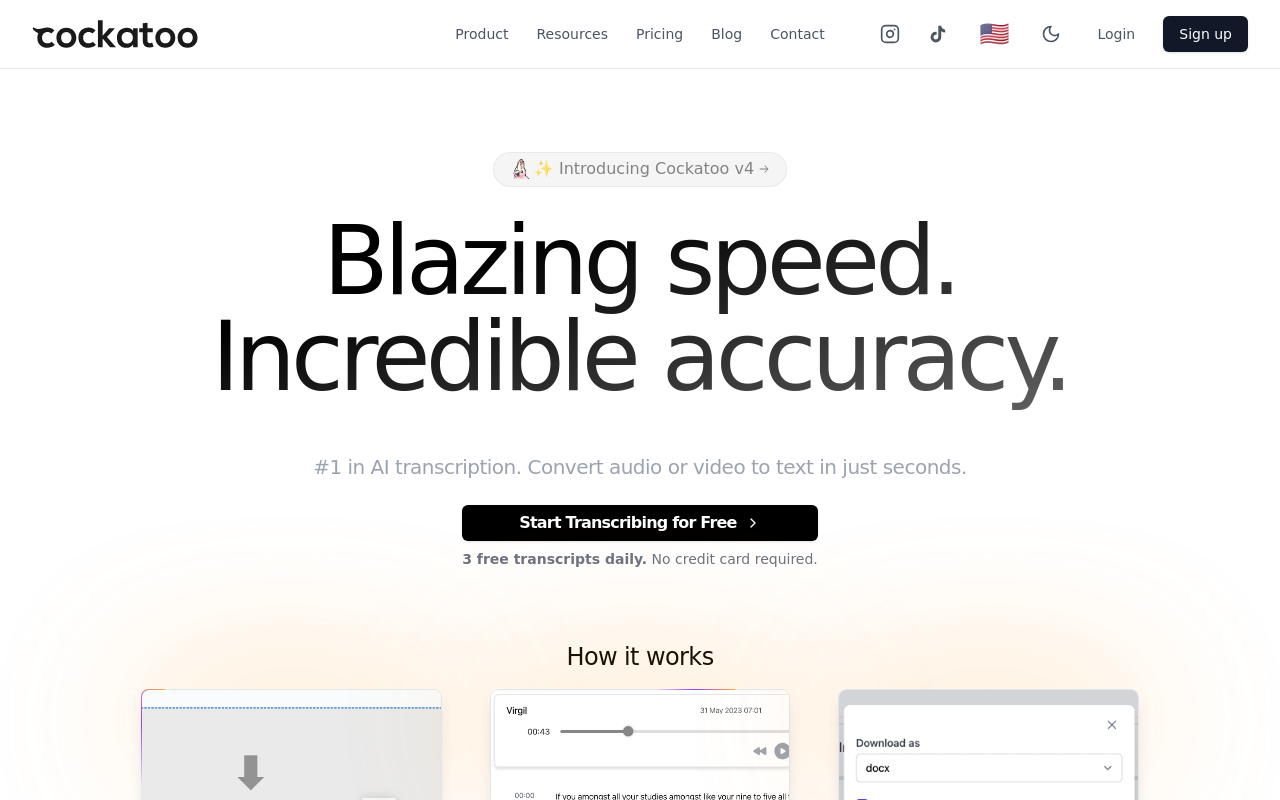
The core problem with most summarizer workflows is that they start too late. You upload a recording, realize the tool only accepts text, and spend the next 20 minutes transcribing manually before you can open the summarizer. Cockatoo closes that gap entirely: upload an audio or video file, get a transcript in 90+ languages, then click AI Notes for a one-click summary, all inside the same browser window.
The free tier gives you 3 transcripts per day, each up to 30 minutes, with AI Notes included and no credit card required. Check the pricing page for the current rate, as promotional pricing applies. The one real tradeoff: Cockatoo transcribes uploaded files but does not join live calls as a bot, so if your workflow is live meeting capture rather than recorded file processing, you will need a different tool for that job.
2. TurboScribe - Best for Unlimited-Volume Transcription & Summarization
TurboScribe is built for one scenario: a large backlog of recordings you need transcribed without counting files or watching a usage meter. Its flat-rate unlimited plan covers high-volume transcription across a wide range of languages, making the per-file economics attractive for anyone processing interviews, podcasts, or call recordings at scale. The tradeoff is that TurboScribe's summarization layer is an add-on to transcription rather than a tightly integrated notes editor, so the workflow still involves a handoff between transcript output and summary generation. Worth shortlisting if raw volume is your primary constraint and you are comfortable managing that handoff yourself.
3. Otter.ai - Best AI Summarizer for Live Meeting Notes
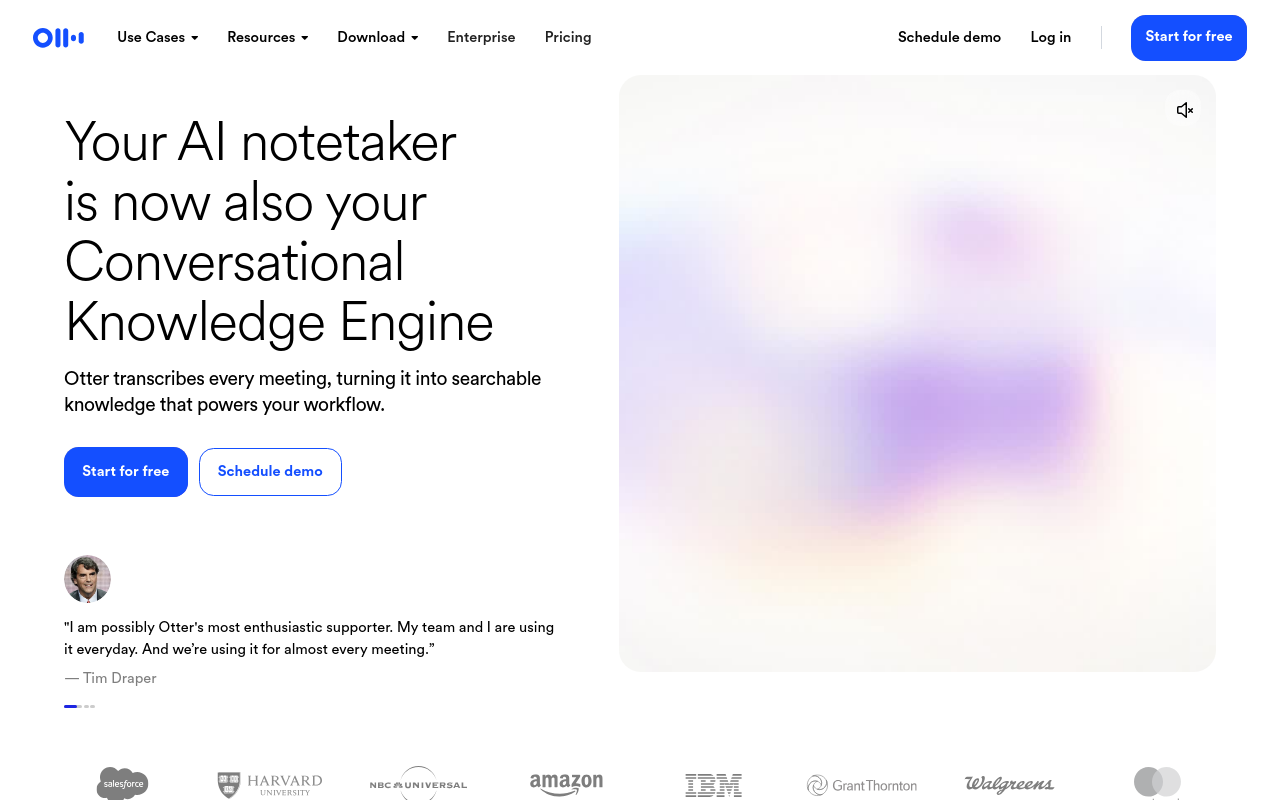
Otter.ai's strongest use case is a bot joining your Zoom or Google Meet call in real time and producing a running transcript with speaker labels and action items. For that specific job, it is genuinely well-executed. Otter.ai's free plan covers 300 minutes of transcription per month, with individual meetings capped at 30 minutes, per its published plan details.
That is a reasonable allowance for someone attending a handful of calls a week. Teams with longer or more frequent meetings will find the paid tier the more comfortable fit. Otter.ai's meeting-bot architecture is more tool than you need for occasional use, but for live-call capture, it remains one of the better-executed options available.
4. QuillBot - Best Free AI Summarizer for Text-Only Content
QuillBot's summarizer is fast and useful for condensing articles, reports, or pasted notes. The free tier supports abstractive summarization with a word limit of 1,200 words per input, per published free-tier specifications. That ceiling holds for short articles but breaks down on anything longer, such as a full research paper or a lengthy meeting transcript. QuillBot also accepts text only, so audio and video files require a separate transcription step before you can use the tool at all. The right pick when you already have clean text and need a fast, free summary of a document under the word cap.
5. Recall - Best AI Summarizer for Multi-Format Knowledge Management
Recall saves and summarizes content from across your digital life, YouTube videos, articles, PDFs, and notes, then connects them into a searchable personal knowledge base. For someone building a research library or tracking themes across many sources over time, that connective layer is genuinely useful. Recall is not a quick-turnaround tool for a single recording or document; it is a system you build into your daily workflow. If you need a summary ready in five minutes from a single file, Recall is more architecture than you need.
6. Glasp - Best AI Summarizer with Social Highlighting & YouTube Support
Glasp is built around the idea that summarization is more useful when social. You highlight and summarize web content and YouTube videos, and those highlights are visible to others in your network, a real advantage for researchers or writers who learn by seeing what peers find worth saving.
The practical limitation is scope: Glasp works on web content and YouTube, not on uploaded audio files or private recordings. If your content lives behind a paywall, inside a desktop video file, or in a private call recording, Glasp cannot reach it without a prior conversion step.
7. Wordtune - Best AI Summarizer for Professional Writing Workflows
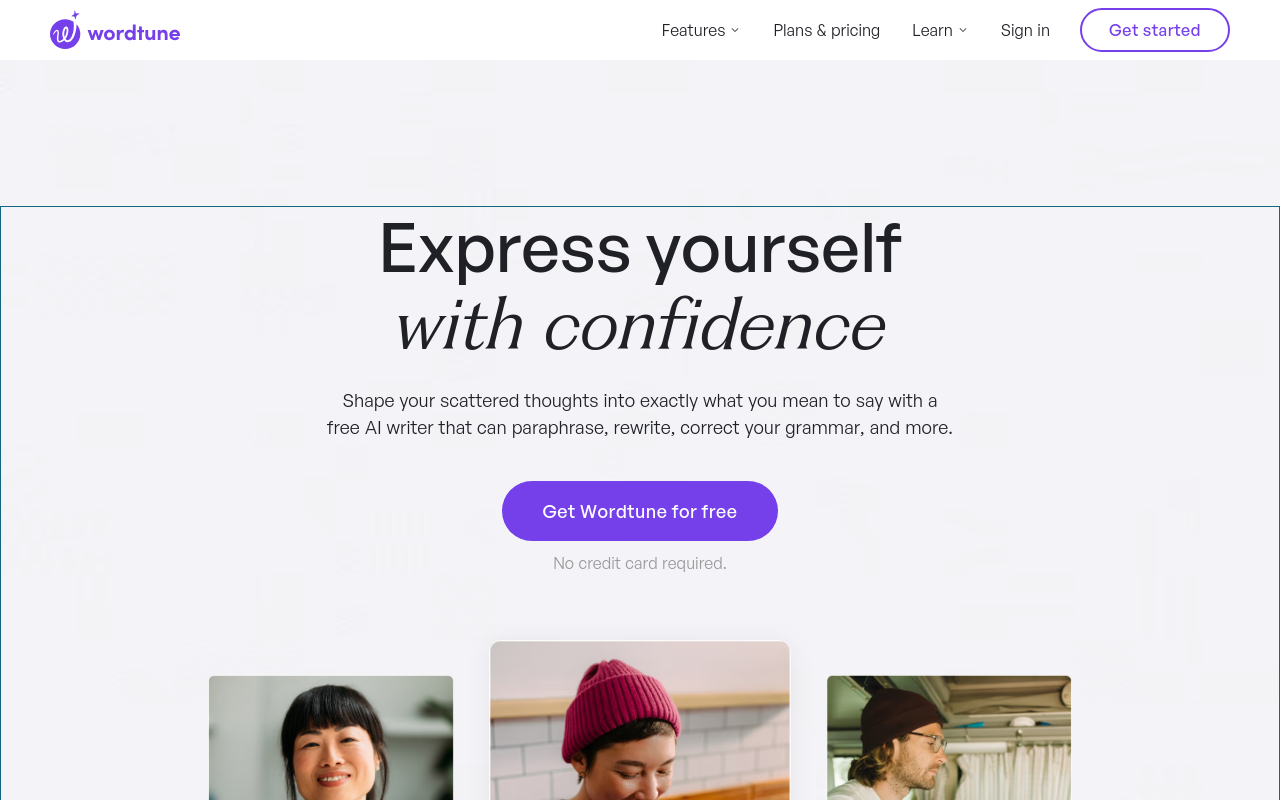
Wordtune sits at the intersection of summarization and writing assistance. It can condense a long document into key points, but its real strength is helping you rewrite and refine the output until it reads the way you want, making it a strong pick for anyone who needs a summary they can send to a client or publish without a second editing pass. The limitation is input format: Wordtune works on text, so recordings require transcription first. It is also priced as a writing tool rather than a summarization tool, so if summarization is your only need, you are paying for features you may not use.
8. TLDR This - Best One-Click Web Article Summarizer
TLDR This does one thing well: paste a URL or a block of text, and it returns a condensed summary in seconds, with no account required for basic use. The constraints are clear, URLs and text only, no audio or video support, and the free version limits output length and removes advanced features like keyword extraction. For anyone whose need is "I have an article I do not have time to read," TLDR This earns its place. For anything involving a recording, it is the wrong starting point.
9. Jasper - Best AI Summarizer for Marketing Teams
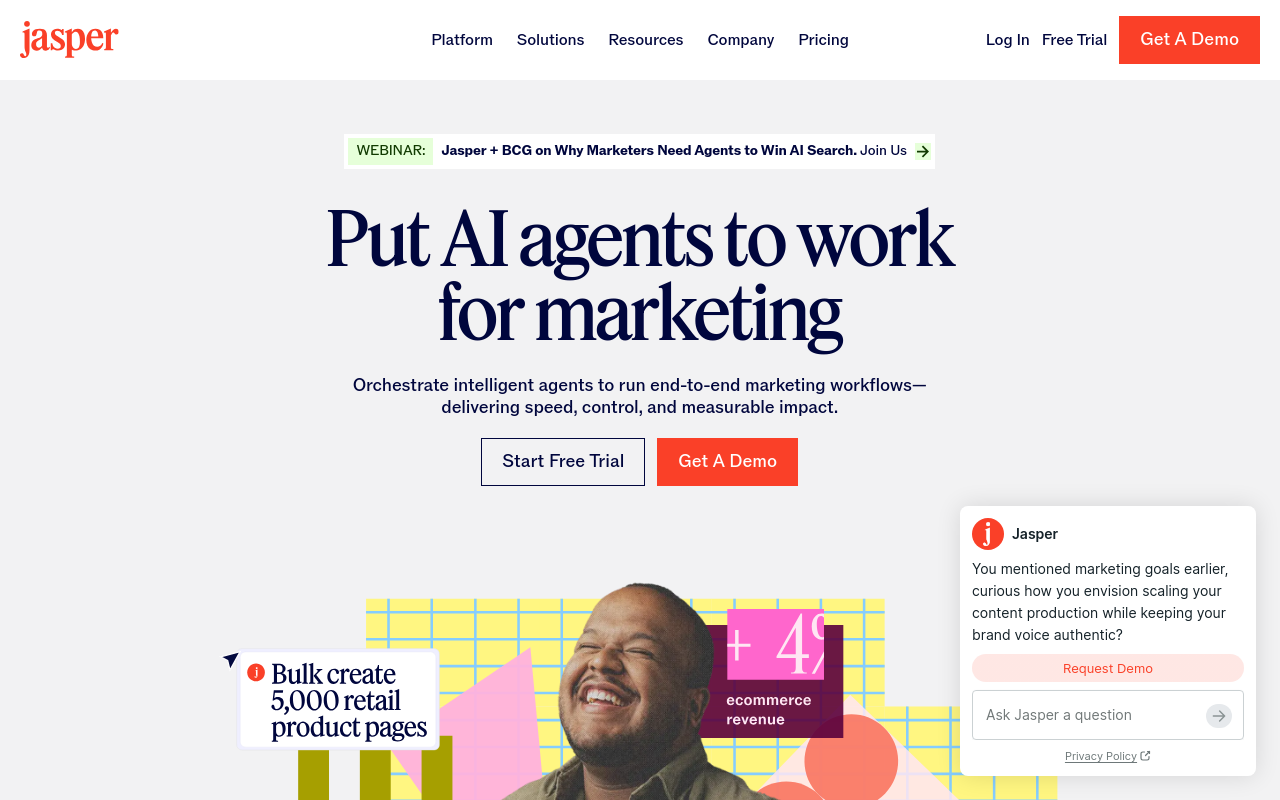
Jasper is a content generation platform that includes summarization as one capability among many. For a marketing team already using Jasper to draft copy, repurpose content, and build campaign assets, the summarization feature fits naturally into an existing workflow. For someone who only needs summarization, Jasper's pricing reflects its broader positioning and is unlikely to make sense on that basis alone. It also accepts text rather than audio files, so recorded interviews or calls require transcription first. The right fit for teams already inside the Jasper ecosystem, not for solo operators looking for a single-purpose tool.
10. MindMap AI - Best AI Summarizer for Visual Thinkers
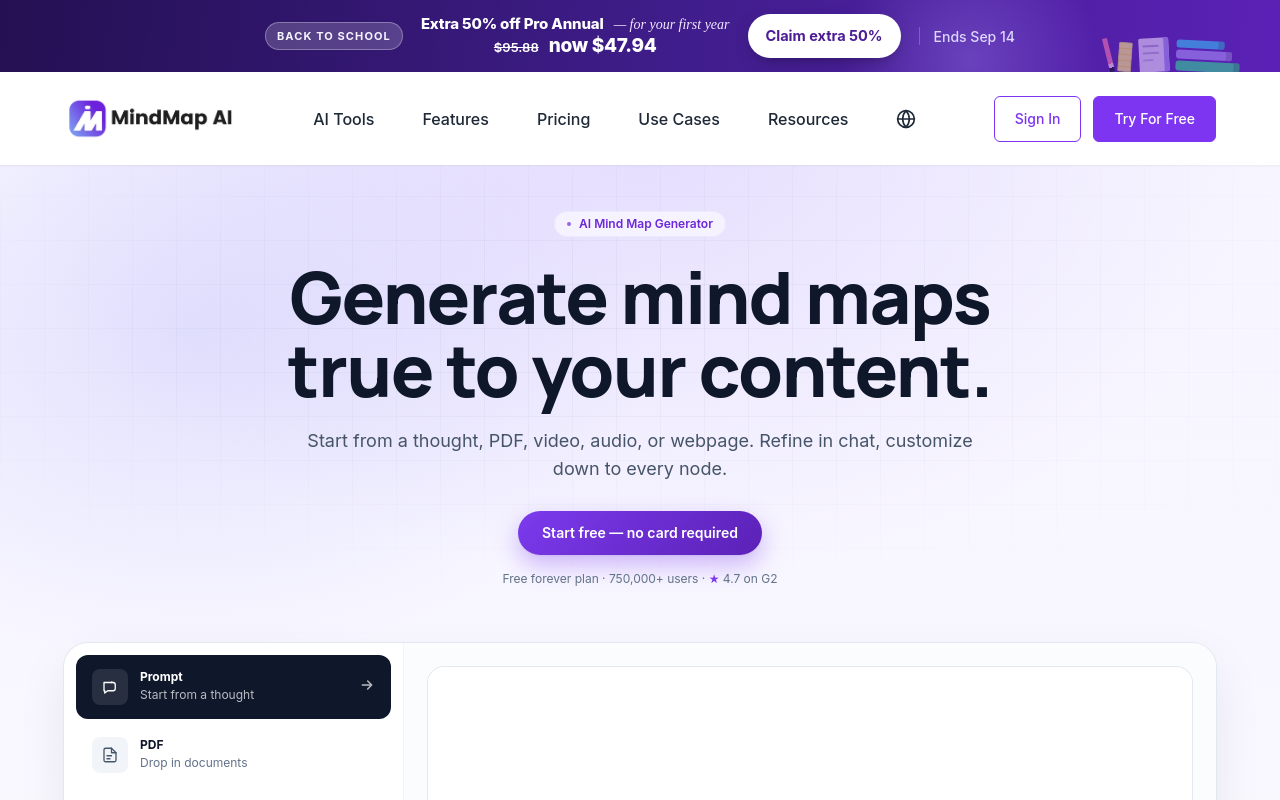
MindMap AI converts summarized content into visual mind maps rather than linear text, a genuine differentiator for anyone who processes information spatially or needs to present a summary showing relationships between ideas. The limitation is the same as most tools here: input is text-based, so audio or video content needs transcription first. The visual output also adds a step if your final deliverable is a written document. Worth considering when your audience thinks visually and a bullet-point format would undersell the content.
11. Gemini - Best AI Summarizer for Prompt-Controlled Flexibility
Gemini's practical advantage for summarization is its context window. Google's Gemini 2.5 Pro supports a context window of up to 1 million tokens, per published model specifications, which means it can process extremely long documents, transcripts, or multi-document inputs in a single pass without chunking, genuinely useful for lengthy research, legal documents, or long interview transcripts. The tradeoff is that Gemini is a general-purpose model, not a purpose-built summarizer: you get out what you prompt for, which rewards users who write precise instructions and produces inconsistent results for those who don't. Audio file support exists in some Gemini interfaces, but the workflow is less direct than a dedicated audio-to-text tool.
Related Reading
- Best AI Transcription
- Interview Transcription Software
- Otter AI Alternatives
How to Use an AI Summarizer So You Stop Doing Half the Work Yourself
Recording a meeting is the easy part. What happens after is where the hours go. Most people picture a simple two-step process: get your content into text, then paste it into a tool. That mental model is also where the real time cost hides.

The Two-Step Trap - Why "Paste Your Text" Instructions Assume Work You Haven't Done Yet
The phrase "just paste your transcript" assumes you already have one. Manual transcription takes roughly four hours per recorded hour, from transcription researchers and professional transcribers. A 45-minute client interview costs you most of a working morning before a summarizer even opens.
This is the hidden tax. The summarizer tool works fine. The workflow around it is broken.
The most important choice you make when selecting an AI summarizer is not which output format it produces; it is whether it can natively ingest your input format. For most knowledge workers whose content starts as a Zoom recording, podcast, or voice memo, a tool that accepts only pasted text forces that four-hour manual conversion step before the tool's advertised workflow even begins. Choosing based on input-format compatibility first, output features second, is the decision sequence that actually determines how many hours you save.
The Single-Workflow Method - From Raw Recording to Shareable Summary Without Leaving One Tool
The fix is choosing a tool where transcription and summarization happen in the same continuous pass. Upload the file, get a correctable transcript, trigger a summary. No tab-switching, no copy-pasting, no reformatting. That sequence matters most when your content starts as audio or video, which, for most knowledge workers, it does.
Cockatoo Walkthrough - Upload Audio or Video to Transcript to One-Click AI Summary to Export
Cockatoo handles the complete path in one browser session. Upload an audio or video file and the transcription engine processes it in 90+ languages, producing an editable transcript in the browser. One click on AI Notes generates a structured summary, key points, decisions, and action items from that transcript without leaving the editor. From there you can export as PDF, DOCX, TXT, or subtitles, or share via a transfer link. The free tier covers files up to 30 minutes with three transcripts per day and no credit card required; Pro removes those limits entirely.
Next steps
If your recordings sit untouched because every summarizer you've tried demands clean text you don't have yet, the path forward starts with choosing tools based on input-format compatibility first and output features second. That decision sequence is what actually determines how many hours you recover. Start with our AI transcription.
The step most summarizers quietly skip is the step that costs most of your day. Stitching a standalone transcriber to a standalone summarizer compounds that problem further, because transcription errors enter the pipeline as clean text with no mechanism to catch them before they reach your final summary. Together, those two realities point to one action: use a tool that keeps transcription and summarization inside a single continuous workflow, so neither problem has room to develop.
Start with AI transcription on the free tier, no credit card required. Upload a recording, get an editable transcript, and click AI Notes for a structured summary covering key points and action items, all inside the same browser window.
Frequently Asked Questions
How did you actually test these summarizer tools - did you just paste in sample text?
No, testing was done the way real work actually arrives: as recorded audio and video files, documents in non-English languages, and content under realistic daily volume constraints. Every tool was evaluated across five axes: input format support (audio, video, PDF, and plain text), summary accuracy using ROUGE scoring and human evaluation panels, non-English language handling tested end-to-end with real audio uploads, free-tier usability under realistic daily volume, and total workflow step count from raw file to finished summary.
Which summarizer should I use if my content starts as a meeting or call recording?
Cockatoo is built for exactly this: upload an audio or video file, get a transcript in 90+ languages, then click AI Notes for a one-click summary, all inside the same browser window, with no separate transcription step required. The free tier includes 3 transcripts per day (up to 30 minutes each) and AI Notes with no credit card required, and the Pro tier extends that to unlimited transcription and files up to 10 hours long.
How do I choose between extractive and abstractive summarization?
It depends on your use case. Extractive summarization lifts verbatim sentences from the source, making it the better choice when a client wants proof of what was said. Abstractive summarization reads the full content and writes something new, more like a person taking notes, and scores higher on fluency and coherence according to NLP benchmarks from 2023 and 2024, making it the stronger pick when a colleague needs clear action items rather than a transcript excerpt.
Why should I care about the transcription step when I just want a summary?
Because most business content, including the majority of meetings, starts as a recording, not a document, and manual transcription runs at roughly four hours per one hour of audio. That means the transcription step alone can consume most of a working day before a summarizer even opens, effectively canceling out any time the summary tool was supposed to save.
Does Cockatoo work if my recordings or documents aren't in English?
Yes, Cockatoo transcribes in 90+ languages and handles translation of PDF, DOCX, PPTX, XLSX, and TXT files, so the full workflow of record, transcribe, and summarize is not English-only at any stage. This matters because non-English speakers represent the vast majority of global internet users, and most other summarizer tools were only tested on English content by US-based authors for US-based readers.