Most AI transcription roundups rank meeting bots, not file-upload tools. Here is how to find the one that actually fits the audio sitting on your desktop.
Picking the best AI transcription software sounds simple: search for a roundup, find the top-ranked tool, install it. The common assumption is that accurate AI transcription is either out of reach for solo users or only works well in English for standard American accents, so most people accept rough auto-captions and spend hours cleaning them up. The problem is that most roundups are not actually comparing the same thing you need done. See our AI transcription for how this works in practice.
The top platforms have specialised, and the right choice depends entirely on whether you are transcribing a live meeting, editing a podcast, or uploading a file you already have and waiting for accurate text back. That last group is the largest, and it is the most poorly served by popular comparison articles, which overwhelmingly focus on meeting-bot workflows.

The majority of "best AI transcription" lists are built around tools that send a bot to join your Zoom or Teams call. Most comparison articles focus on meeting-bot tools while overlooking file-upload workflows, which serve the majority of real-world transcription jobs. A marketer who picks a meeting-bot plan because it topped a listicle, only to discover it will not process the podcast interview file on their desktop, has not made a bad decision. They have been handed the wrong map.
They have been handed the wrong map.
Tools like Cockatoo are built specifically for this workflow: upload any audio or video file, get an editable transcript back in minutes, and export it as a PDF or Word document. No bot. No calendar integration required.
Key takeaways
- Most 'best AI transcription' roundups rank tools by how well they join a live Zoom call, a metric that tells you nothing if you're holding a recorded file you need turned into text today.
- Accuracy on difficult accents and raw turnaround speed are the two variables that separate a useful transcription tool from one that costs you an afternoon of cleanup.
- Free options like OpenAI Whisper are genuinely capable but require a developer to run, 'free' in transcription almost always trades money for time.
- AI transcription already matches human accuracy on the vast majority of file-upload jobs; the cases where human transcription still wins are narrower than most buyers assume.
- Meeting-bot tools (Otter.ai, Fireflies, Fathom) are optimised for live calls, that architecture is a liability, not a feature, when your audio already exists as a file.
- Cockatoo closes that gap: upload any audio or video file and get an editable transcript back with speaker recognition, word-level timestamps, and automatic punctuation, the site backs it with a 95% accuracy quality guarantee and claims up to 99.8% accuracy on clean recordings.
What Makes AI Transcription Software Worth Paying For
The real question in any transcription software comparison is which tool holds up when the audio gets hard, the budget is tight, and you are the only person who needs to get this done. The common assumption is that accurate AI transcription is either out of reach for solo users or only works well in English for standard American accents, so most people accept rough auto-captions and spend hours cleaning them up.

Accuracy on Difficult Audio
Clean studio audio is not the problem. The problem is the hour-long interview recorded on a phone in a coffee shop, the client call with two non-native English speakers talking over each other, or the field recording with an air conditioning unit humming in the background. In real-world testing, word error rates on accented or noisy speech can run two to four times higher than rates on clean, standard-accent audio.
That gap translates directly into correction time. A non-professional transcribing one hour of audio by hand takes roughly four to six hours.
A tool with poor accuracy on difficult recordings moves the work from typing to fixing.
File-Upload Workflow vs. Meeting-Bot Architecture
Most transcription tools reviewed in comparison articles are built around a meeting bot that joins a live call. That architecture does not help the person who already has a file. When a tool is designed primarily to join calendar events, its file-upload experience is often an afterthought: slower processing, fewer format options, and no way to handle a file recorded six months ago. The practical test is simple. Can you upload a file right now, with no setup, and get a transcript back in minutes?
Export Formats and Turnaround Speed
Speed matters on a deadline. A transcript that arrives in twenty minutes instead of two is a real problem if you need captions before a video goes live. Export format is equally decisive: a journalist needs a clean DOCX; a video producer needs an SRT file; a researcher needs a specific format for their workflow.
Quick Decision Checklist - Does This Tool Fit Your Workflow?
Before comparing pricing or feature lists, run through these four criteria against any tool you are considering:
- File-upload support: Can you upload an existing audio or video file without connecting a calendar or joining a live call?
- Accent and noise handling: Has the tool been independently tested on noisy, accented, or non-native-English audio, not just clean studio recordings?
- Language depth: Does the tool support your target language at English-equivalent accuracy, or is multilingual support a marketing checkbox?
- Export formats: Does the tool output the specific format you need (SRT, DOCX, PDF, TXT) without a manual conversion step?
If a tool fails two or more of these checks for your specific use case, cross it off the shortlist before trialling it.
8 Best AI Transcription Tools Ranked for File Upload Speed and Accuracy
Scroll through any "best AI transcription" roundup and you will notice something odd: most top-ranked tools are described by how well they join a Zoom call. That is genuinely useful, and almost completely irrelevant if you are sitting in front of a recorded interview, a podcast episode, or a field recording you need turned into editable text today. Tools that win live-meeting benchmarks are optimised for live audio streams.
File-upload accuracy, accent handling, and raw turnaround speed are different engineering problems, and they determine whether a transcript is usable or just a cleanup project. The ranking methodology most comparison articles use is quietly biased toward meeting-bot features, which means popular recommendations can be actively misleading for solo file-upload, accent-diverse, or non-English use cases. That gap is what this list is built to close.
Every tool below is evaluated on the criteria that matter for uploaded files: accuracy on difficult accents and noisy recordings, language support, file-length caps, pricing that works for one person, and output formats you can hand to someone else.
1. Cockatoo - Best Overall AI Transcription for File Upload Speed and Accent Accuracy
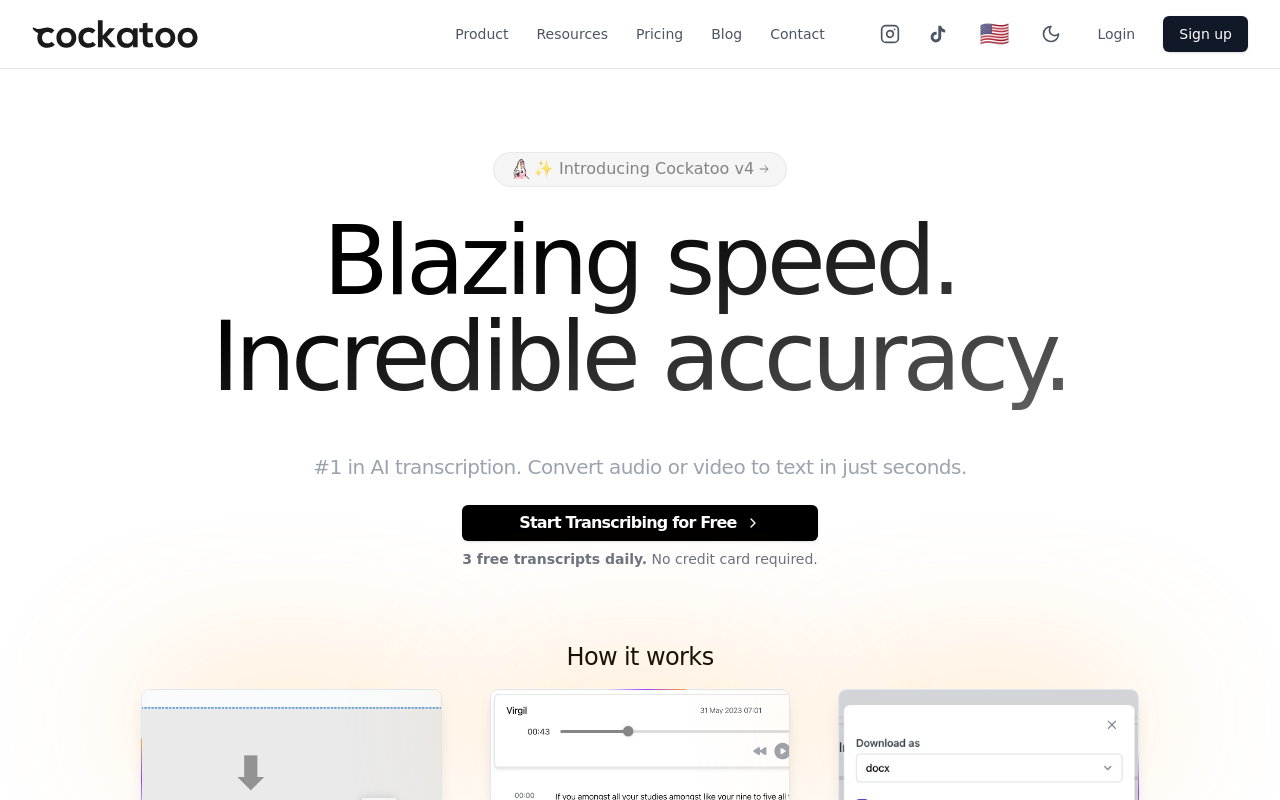
Cockatoo earns the top slot because it is the only tool here purpose-built for the file-upload workflow rather than live-call capture, filling the gap that meeting-bot tools leave wide open. The Pro plan offers unlimited transcription across 90+ languages and exports to SRT, DOCX, PDF, and TXT. The free tier gives you 3 transcripts per day on files up to 30 minutes, no credit card required. The honest tradeoff: Cockatoo has no meeting bot and no live-call capture, so if joining a Zoom call automatically is your primary need, look elsewhere.
2. Otter.ai - Best AI Transcription for Live Meetings and Real-Time Speaker Diarization
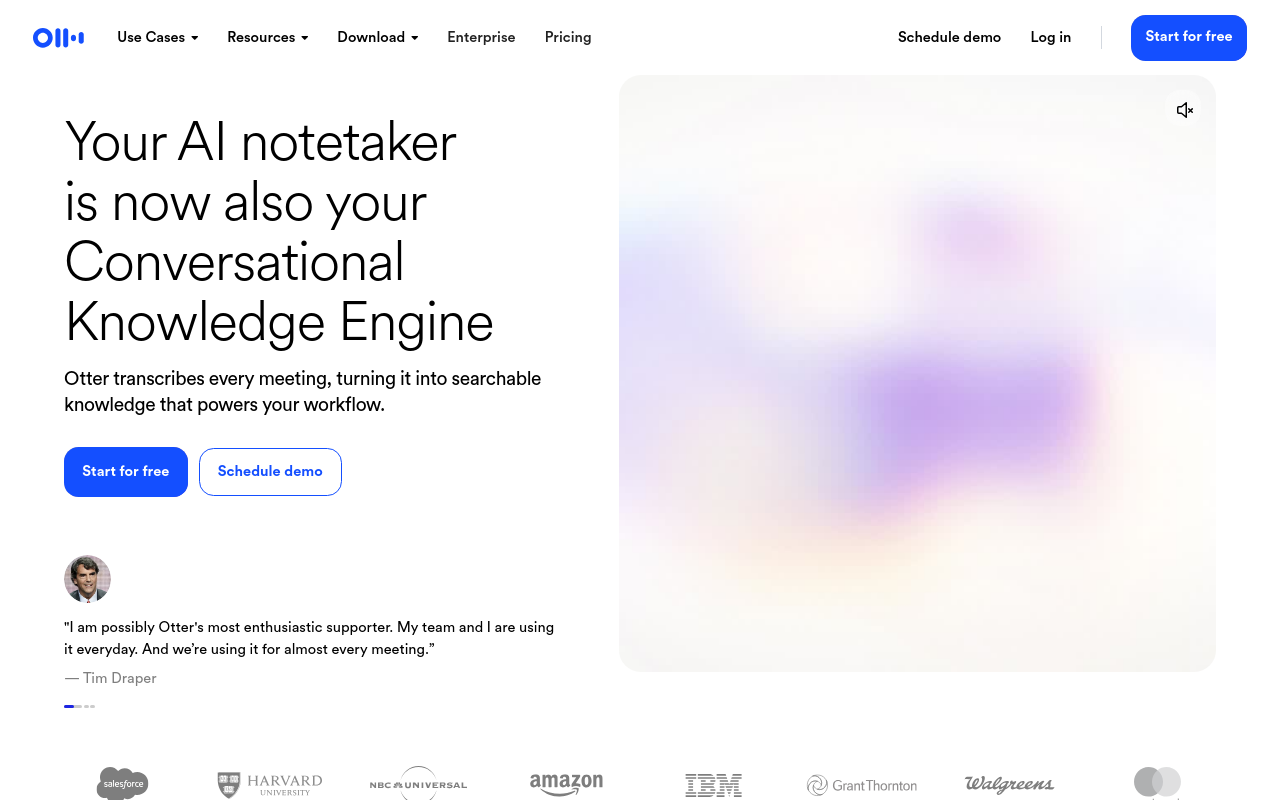
Otter.ai is the right pick when your primary job is capturing a live meeting you cannot stop to manage. Its OtterPilot bot automatically joins Zoom, Teams, or Google Meet calls and tags speakers in real time, well designed for teams running back-to-back calls. The tradeoff is meaningful for anyone uploading a pre-recorded file: Otter.ai's accuracy on non-native English speakers and regional accents lags behind tools built for file-upload workflows, so a heavily accented interview or field recording can come back requiring significant cleanup. Pick it for live meetings; reconsider it for difficult uploaded audio.
3. Descript - Best AI Transcription for Podcast and Video Editors
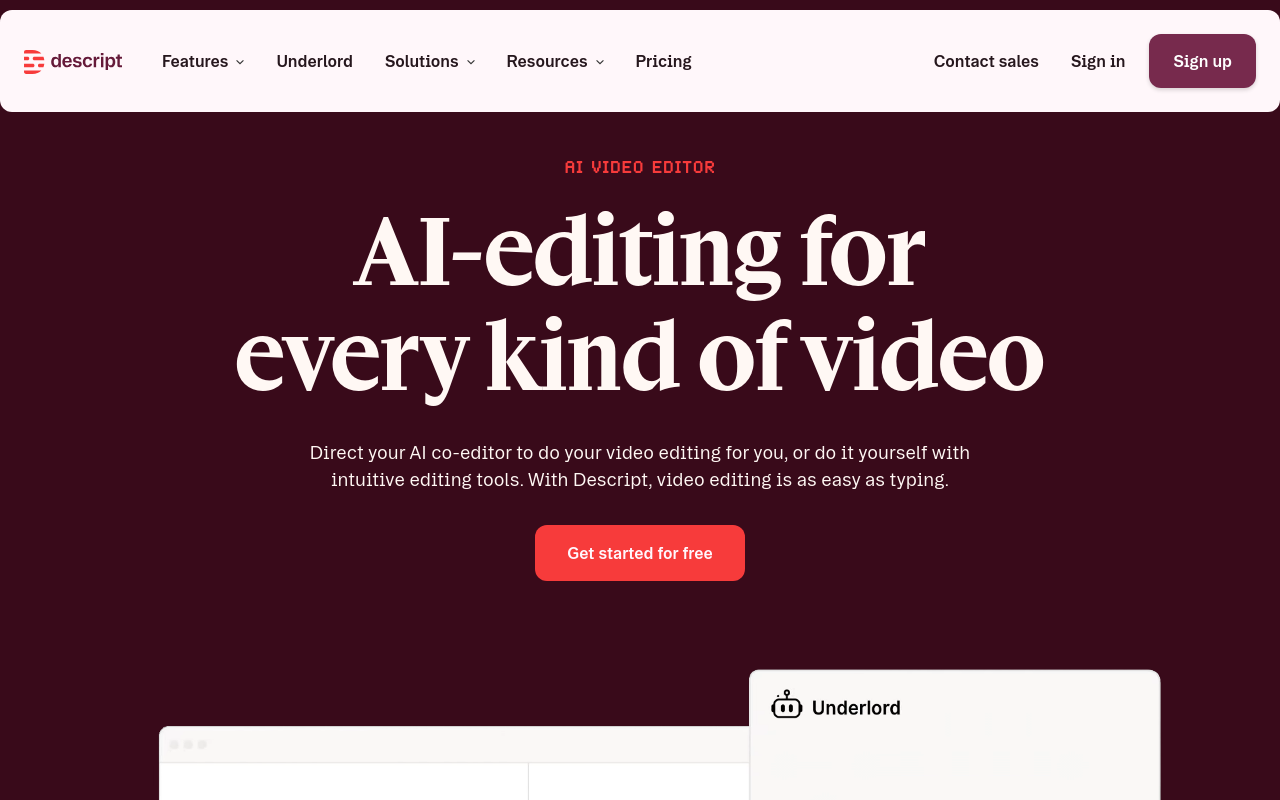
Descript lets you edit audio and video by editing the transcript text. Deleting a sentence from the transcript automatically cuts the corresponding audio or video. For podcast producers and video editors who need to cut filler words, rearrange segments, or remove a bad take without touching a timeline, Descript is the purpose-built pick - its text-based editing complements the timeline rather than replacing it. The tradeoff: Descript is a full media editing suite, not a transcription tool, and its pricing reflects that.
Editors in podcasting communities have reported accuracy inconsistencies after the platform expanded its AI feature set, so if raw transcript accuracy on a difficult recording is the primary goal, a dedicated transcription tool will serve you better.
4. Sonix - Best AI Transcription for Raw Accuracy on Difficult Field Recordings
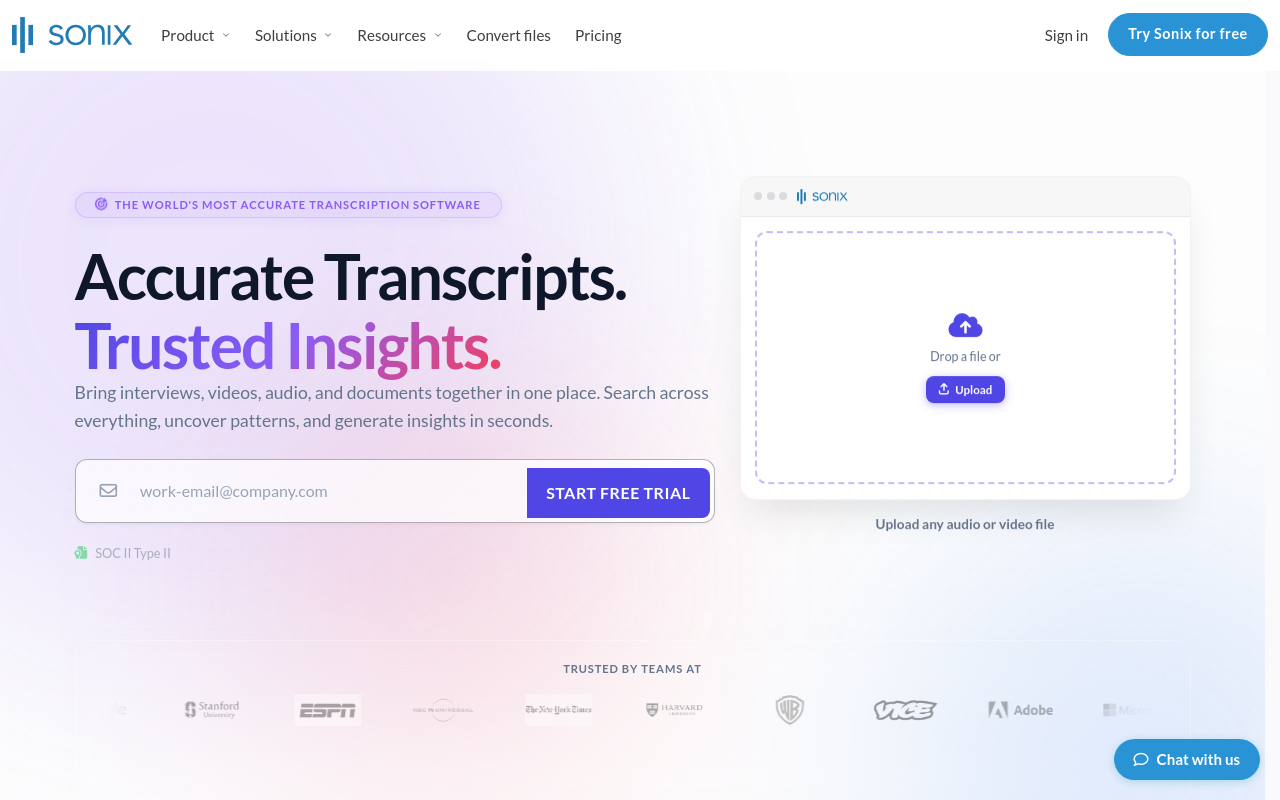
Sonix is the strongest choice when the recording itself is the problem: background noise, overlapping speakers, low-quality microphones, or complex technical terminology. Sonix delivers strong accuracy on messy field recordings; in multiple independent tests it outperformed other tools on noisy and overlapping-speaker audio, the conditions that matter most to journalists, researchers, and documentary producers.
It supports a broad range of languages and includes in-browser editing so you can correct the transcript without downloading it first. The tradeoff is cost: Sonix charges per hour of audio, which adds up quickly for anyone with a large backlog. It is the right call for a critical recording where accuracy cannot be compromised; harder to justify for routine high-volume work.
5. Rev - Best AI Transcription with Optional Human Verification Layer
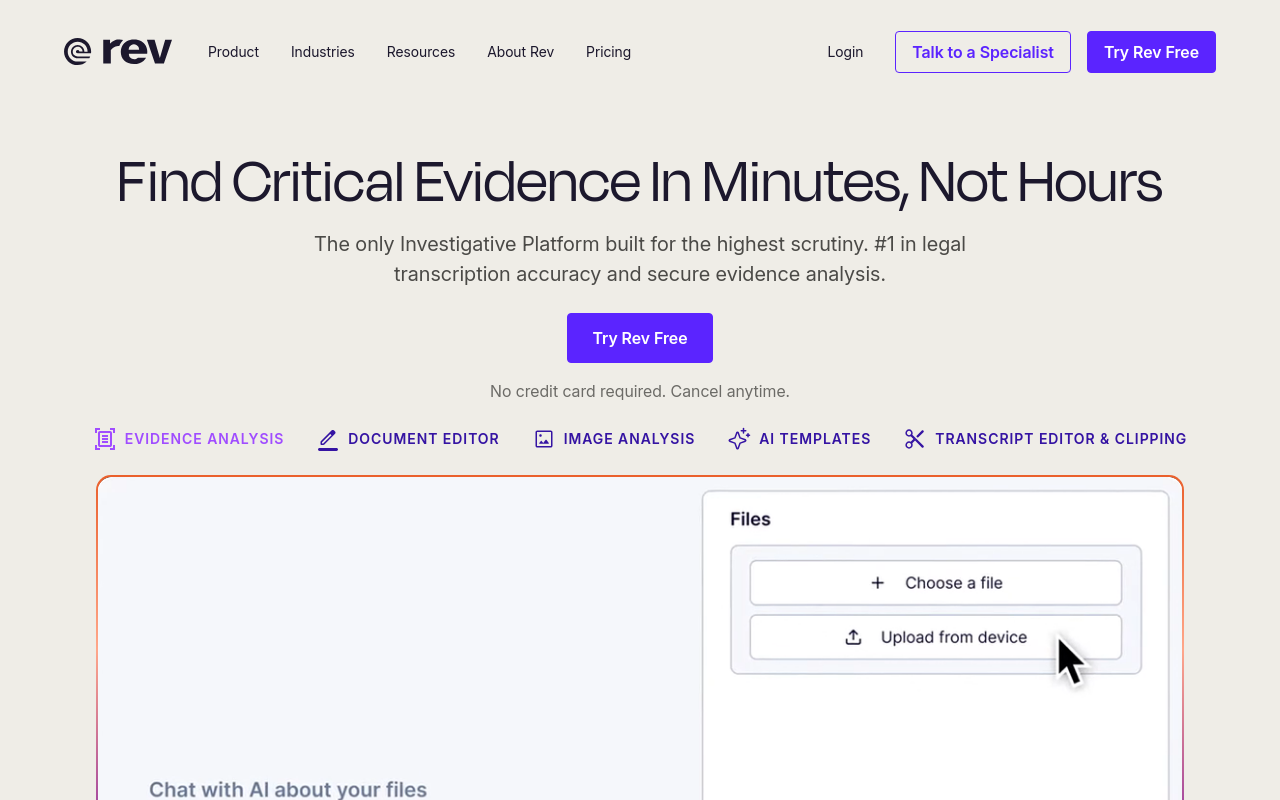
Rev has repositioned itself primarily as an "Investigative Intelligence Platform" for legal and law enforcement use cases, offering AI-powered evidence analysis, document editing, and image analysis alongside its human-verified transcription services. It is not simply a dual-layer AI-plus-human transcription tool. The tradeoff is direct: Rev's human transcription tier is priced per minute, and for anyone processing more than a few hours of audio per month, that cost compounds fast against a flat-rate AI tool. Use Rev when the recording is high-stakes and the budget exists to match.
6. Wispr Flow - Best AI Tool for System-Wide Voice Dictation into Any App
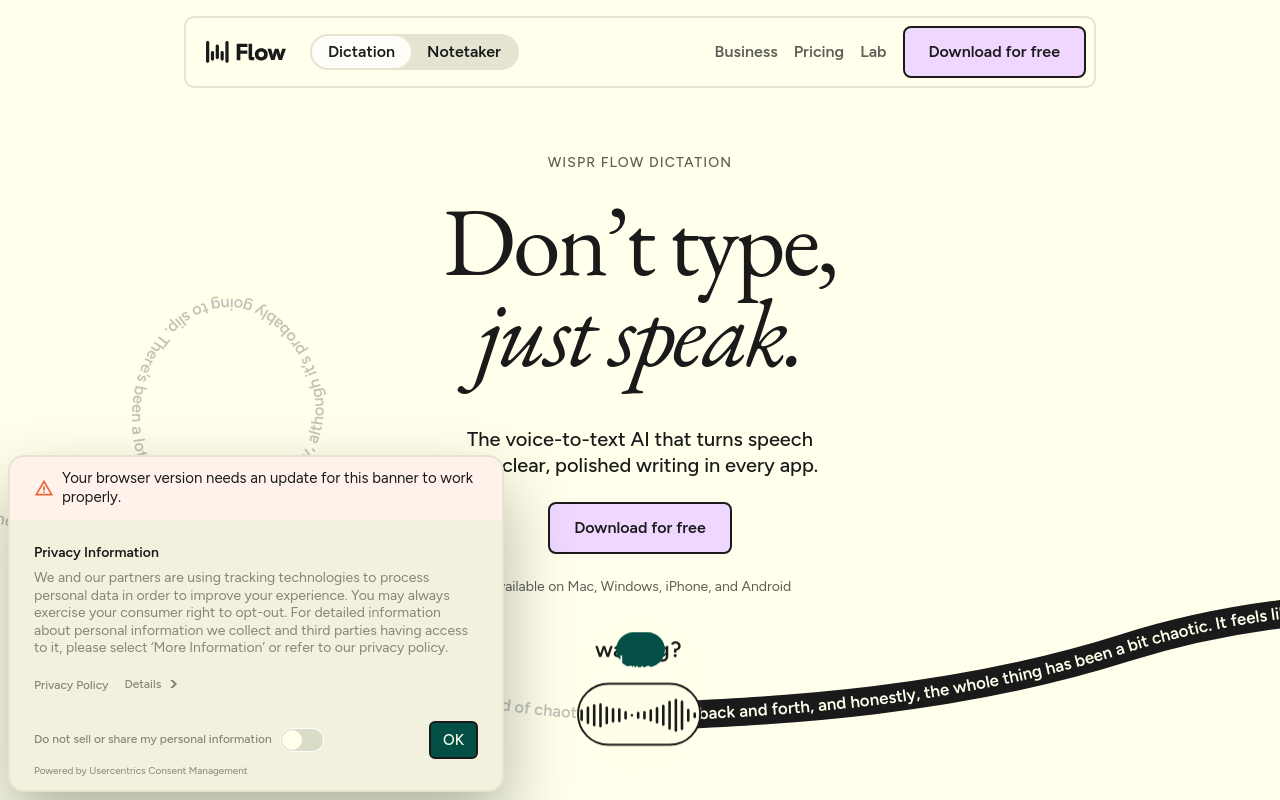
Wispr Flow answers a different question than the rest of this list. It is a voice dictation tool that works system-wide across any application. Trigger it with a hotkey, speak, and it drops formatted text directly into whatever field is active, whether an email, Slack message, document, or form. The limitation is clear: it does not process pre-recorded audio files, produce a downloadable transcript, or offer speaker diarization. If your job is turning a recording into an editable document, this is not the right category of tool.
7. OpenAI Whisper - Best Free Open-Source AI Transcription for Developers
OpenAI Whisper is genuinely free and genuinely accurate. The model supports a large number of languages and achieves competitive word error rates on clean audio. The limitation is equally genuine: no browser interface, no drag-and-drop upload, and no export formats out of the box.
Running it requires developer setup, comfort with a command line, and either local hardware or a cloud environment you configure yourself. The API version also imposes a 25 MB file-size cap, ruling out most hour-long recordings without pre-processing. Multiple industry sources cite local setup difficulty and privacy trade-offs relative to paid cloud tools as the two friction points that stop non-developers from using it.
Pick Whisper if you have the technical background and want zero ongoing cost; choose a browser-based tool if you need a transcript today without configuration.
8. TurboScribe - Best Budget-Unlimited AI Transcription for High-Volume Solo Users
TurboScribe is built around one value proposition: unlimited transcription volume at a low flat price, with no per-minute charges and no file caps that punish heavy users. For a solo operator transcribing dozens of hours per month, that pricing removes the anxiety that comes with metered tools. TurboScribe supports 98+ languages for transcription and offers unlimited storage on its paid plan.
If accuracy on difficult accents or non-English audio is the deciding factor, compare output quality on your actual recordings before committing to volume pricing alone. Knowing which tool wins for your use case is only half the decision. The other half is whether the price, language support, and output format actually match your workflow.
The next section puts all eight tools side by side in a single comparison table so you can make that call in under two minutes.
Related Reading
- Interview Transcription Software
- Best AI Summarizer
- Otter AI Alternatives
AI Transcription Tools Compared Across Price Accuracy and Workflow
The comparison table that follows cuts through exactly that confusion, but a pattern worth naming first: scan any transcription software roundup and you will notice every tool earns a checkmark for "multiple languages" and "free tier," yet nothing tells you whether the tool actually fits the recording sitting on your desktop right now. That gap reflects a deeper confusion about what these tools are built to do.

Meeting Bot vs. File Upload - The Fork That Splits All Eight Tools
The single most important question before reading any feature list: does the tool join a live call, or does it accept a file you already have? Tools built around a meeting bot are optimised for structured outputs like summaries and action items from a Zoom call. Tools built around file upload are optimised for accuracy on audio that already exists. These are different products, and the distinction runs deeper than interface design.
That architectural split matters more today than it ever has. Raw word-level accuracy is no longer the hard problem; most modern engines already operate in the upper 90s. The real bottleneck is speaker diarization: correctly attributing every line to the right person across an interview, a lecture, or a multi-voice podcast recording.
A meeting-bot tool optimised for structured Zoom summaries is not built with that problem at the centre. A file-upload tool is. Otter.ai does support file-upload transcription of audio/video (via its Dropbox integration and direct upload capability) and offers live transcription in multiple languages, yet tools whose product identity centres on structured meeting outputs still tend to underserve the solo user who arrives with a backlog of diverse audio, not because of raw AI capability, but because their core design priorities lie elsewhere.
Privacy is the other dimension most roundups skip entirely. Meeting-bot tools like Otter.ai and Fireflies insert themselves into live calls, and that model has attracted serious scrutiny. Otter.ai is the subject of ongoing litigation over consent and privacy practices. When session audio passes through a chain of vendors, transcription provider to LLM provider and back, every handoff is a new exposure point. For anyone transcribing sensitive material, a file-upload architecture where you control when and what you upload is a meaningful structural difference.
Choosing by brand recognition rather than architecture match is how buyers end up mid-trial, staring at a wall with no clear path forward, when all they had was an MP3. For anyone with a large backlog, eighty hours of interview audio, a semester of recorded lectures, a podcast archive, the stakes are higher still. Per-minute pricing or opaque usage caps can stall a project mid-flight on tools that were never built for that workload. Cockatoo's Pro plan is built around unlimited transcription and unlimited file translations with files up to ten hours long, so a heavy workload does not trigger a cutoff or a surprise overage.
Cockatoo is built entirely around the file-upload model: upload a recording and a transcript comes back in minutes, with no calendar connection, no bot to authorise, and no credit card required to start. It transcribes in 90+ languages, not English-first, not English-only, which matters the moment your audio contains an accent, a second language, or a non-English speaker entirely. That is a product decision, not a marketing claim: an interface and output that are not English-only serve a genuinely different audience than tools that treat every other language as a secondary feature.
Side-by-Side Comparison Table
| Tool | Best For | Starting Price | Languages | File Cap | Key Differentiator |
|---|---|---|---|---|---|
| Cockatoo | File upload accuracy | Free tier; Pro individual plan | Wide range | 10 hours | Unlimited transcription; accent accuracy; no bot required; 4.3-star Trustpilot rating |
| Descript | Podcast and video editing | Varies by plan | Limited | Not published | Edit audio by editing transcript text |
| Otter.ai | Live meeting notes | Varies by plan | Multiple languages | Meeting-length | Bot joins Zoom, Teams, Meet; bot-free recording via desktop app also available |
When AI Transcription Beats Human Transcription and When It Doesn't
Choosing between AI and human transcription feels like a budget decision. The real dividing line is narrower, and understanding it can save you money and a frustrating afternoon of cleanup.
"Most AI transcription tools require cloud uploads, creating privacy concerns and dependency on third-party infrastructure, a gap human transcription doesn't inherently have."
— what we hear from privacy-conscious transcription buyers

Where AI Transcription Wins on Everyday Recordings
For the vast majority of file-upload jobs, modern AI transcription already matches human accuracy on clean-to-moderate audio. Human transcription typically costs more than AI alternatives. On a 60-minute interview, that gap is substantial; human transcription can cost many times more than an AI alternative. Turnaround is just as stark: human services can take a day or more on standard orders; AI returns the same file in minutes.
Accuracy on clean-to-moderate audio is the less obvious win. The assumption that paying more buys meaningfully better accuracy does not hold for standard interviews, podcast recordings, or meeting files with decent audio quality.
The Narrow Cases Where Human Transcription Is Still the Right Call
Human transcription remains the right call in one specific situation: legal proceedings. Human transcriptionists can be held accountable for their output in ways AI cannot, which matters for court-ready documents, depositions, and chain-of-custody requirements. That distinction is real, and a condition most solo operators and small-team users will never face.
What "Up to 99.8% Accuracy" Actually Means for Your Audio
Headline accuracy figures describe best-case conditions: clean audio, a single speaker, a standard accent. Real-world accuracy drops on noisy recordings, heavy accents, or overlapping speakers.
Free AI Transcription Options and the Hidden Cost of Using Them
The instinct to start with free tools makes complete sense. Why pay before you know whether a tool works on your specific audio? The problem is that "free" in transcription hides two very different costs: developer time and cleanup time. Neither shows up on a pricing page.

OpenAI Whisper Is Genuinely Free and Genuinely Requires a Developer to Run It
OpenAI Whisper is open-source and costs nothing in licensing. But the API enforces a hard 25 MB file-size cap per upload request. This ceiling exposes a structural mismatch that Whisper's reputation as a free, state-of-the-art model consistently obscures: for solo users without developer skills, any recording longer than roughly 30 minutes must be manually split and reassembled, breaking sentence continuity at every cut and adding pre-processing overhead that eliminates the time saving the tool was supposed to deliver. A typical hour-long recording blows past that ceiling immediately. The tool is free in licensing terms, but it carries a hidden time tax that makes it more expensive in practice than a paid file-upload tool for anyone who cannot absorb that overhead comfortably.
Why Free Auto-Captions Fail the Cleanup Math
Typing one hour of audio by hand takes four to six hours of labour.
Next steps
If you have a recorded file sitting on your desktop and every tool you have looked at turns out to be a meeting bot in disguise, the path forward starts with matching tool architecture to your actual workflow. The roundup problem identified earlier is real: most comparison articles optimise for live-call bots and never test file-upload accuracy, which means popular recommendations actively mislead the majority of people who just have an audio or video file they need transcribed today. Start with our AI transcription.
The meeting-bot bias means solo file-upload users are being evaluated on the wrong metric entirely. The hidden time tax of cleaning up inaccurate output means a technically free or cheap tool can cost more in practice than a paid alternative, once correction time converts back into hours. Together, they point to choosing a purpose-built file-upload tool with verified accent accuracy at a price one person can pay without a budget conversation.
Start with AI transcription on Cockatoo's free tier, no credit card required. Upload your file, get a speaker-labelled, timestamped transcript back in minutes, and judge accuracy on your actual audio before committing to anything.
Frequently Asked Questions
What actually makes transcription software worth paying for?
The real test is how a tool handles difficult audio, noisy recordings, accented speakers, and non-native English, not just clean studio audio. Industry research shows that word error rates on accented or noisy speech can be two to four times higher than on clean, standard-accent audio, and that gap translates directly into hours of correction time.
Does it matter whether a tool uses a meeting bot or a file-upload model?
Yes, it's the single most important question before comparing any other feature. Meeting-bot tools are optimised for live calls and structured outputs like summaries, while file-upload tools are optimised for accuracy on audio you already have. Picking the wrong architecture is how you end up with a tool that won't process the podcast interview sitting on your desktop.
Which transcription tool is best for podcast and video editing workflows?
Cockatoo is the top-ranked tool for file-upload workflows and exports to SRT, DOCX, PDF, and TXT, the formats video producers and podcast editors need. Descript is a strong text-based media editing suite, but if raw transcript accuracy on a difficult recording is the primary goal, a dedicated transcription tool will serve you better.
Do these AI transcription tools support multiple languages, or is that just a marketing checkbox?
Verify whether a tool supports your target language at English-equivalent accuracy, rather than treating multilingual support as a given. Cockatoo supports transcription in 90+ languages, and you should still test output quality on your actual recordings before committing to any tool based on a language count alone.
Is there a free way to try AI transcription before paying?
Cockatoo offers a free tier with a daily allowance of shorter transcripts and no credit card required, so you can test it on your own audio before committing to a paid plan.