Auto-transcription only saves time if the output is accurate enough to use. Here is how to pick the tool that cuts your correction time, not adds to it.
The common assumption is that any tool that uses AI transcription will save significant time over manual transcription, so the cheapest or most popular option is good enough. Choosing the right interview transcription software comes down to whether the transcript you get back saves time or quietly creates more work than it eliminates.
According to GMR Transcription Services, manually transcribing one hour of audio typically takes 4 to 6 hours for an average typist, most of a working day, gone before you have written a single sentence of analysis. The promise of auto-transcription is that it collapses that cost. The problem is that promise only holds when the output is accurate enough to use.
4 to 6 hours
to transcribe just one hour of audio
The correction pass is where the hidden cost lives. A transcript with frequent errors does not save you 4 hours. It trades 4 hours of typing for 3 hours of editing, and editing a bad transcript is arguably harder than transcribing from scratch because you are constantly second-guessing whether the word on screen is what was actually said. The feature table never shows you correction time.
The feature table never shows you correction time. Entry-level tools are trained primarily on standard accents in a small number of languages.
When a speaker has a regional accent, a non-native cadence, or code-switches mid-sentence, error rates climb sharply. Professional transcribers make the point plainly: when audio difficulty is high, automated transcripts require equivalent re-listening and editing, erasing the time saving entirely.
Key takeaways
- Automatic transcription only saves time if the transcript comes back clean, a tool that struggles with accented speech or overlapping voices quietly hands you a correction job that can eat most of a working day.
- Feature checklists across the top 2026 tools are nearly identical, so comparing them by checkboxes tells you almost nothing about which one will perform on your actual audio.
- Accuracy on difficult accents and regional dialects is the one differentiator a feature table cannot fake, and it is the variable most roundups skip entirely.
- AI transcription now matches human accuracy for most research interviews recorded in a quiet room; the narrow band where human transcription still wins is high-stakes audio where a single wrong word changes a finding.
- Pricing spans free to over $100 per audio hour, but the number that matters most, time spent fixing the transcript, never appears on any pricing page.
- Three decisions made before you upload (file quality, language setting, speaker count) determine whether your transcript is clean in minutes or broken for hours.
- Cockatoo closes the loop for solo researchers and small teams: upload audio or video, get a transcript across 90+ languages, edit it in the built-in AI Notes editor, store and share files via Cockatoo Drive, and capture new interviews on the go with the iOS app, no team seat or approval chain required.
What Key Features Should You Look for in Interview Transcription Software
Scan a vendor's feature page and you will find the same list almost everywhere: Zoom recording, mobile app, Word export, speaker labels. Those features matter. But they do not tell you what happens when your interviewee has a strong regional accent, two speakers talk at once, or the conversation is in Portuguese. That gap is where transcription tools quietly separate from each other, and where your cleanup time either stays at 20 minutes or balloons to two hours.
The real pressure point most comparison guides miss is the sheer volume of audio that professionals accumulate. A four-hour research interview is not unusual, and retyping even a fraction of it manually is not a realistic option. That is the core reason people turn to automated transcription in the first place: turning a call, meeting, lecture, or podcast recording into accurate text without retyping a single word. The common assumption is that any tool that transcribes automatically will save significant time, so the cheapest or most popular option is good enough. That assumption breaks down the moment your recordings move outside ideal conditions.

Accent Robustness and Dialect Handling - The Feature No Comparison Table Shows You
Most tools advertise a headline accuracy figure. Few specify whether that figure holds on accented speech. Industry analysis shows that accent handling and dialect robustness are the features that separate transcription tools in real-world use but never appear on standard comparison tables. The same analysis quantified a 20-to-30-minute correction overhead per hour of accented audio across commonly used tools. Multiply that across a five-interview research project and you have lost a full working day to edits that a more robust engine would have made unnecessary.
20-to-30-minute
correction overhead per hour of accented audio
A second, less-discussed problem compounds this: once you have corrected a transcript manually, there is often no reliable way to prove the final document is an authentic record of what was said. Transcription software rarely embeds timestamps or speaker labels granularly enough to satisfy an institutional reviewer or legal requirement, leaving researchers and professionals vulnerable to challenges about whether the transcript is genuinely human-verified. Tools that export with structured speaker labels and timestamps built in address that directly. A Word or PDF file someone else can open, edit, and treat as a citable, traceable record carries far more credibility than a plain text dump.
The practical test before committing to any tool is simple: upload a recording with a non-native English speaker on the free tier and inspect the output before spending anything. Cockatoo's free plan provides 3 free transcripts daily with no credit card required, letting you stress-test accent handling against your own audio in minutes rather than reading marketing copy.
Speaker Diarization Reliability - Knowing Who Said What Without Guessing
Speaker diarization is the ability to label who said what across a multi-person recording. Industry research notes that it varies dramatically in reliability across tools, making it a critical differentiator beyond basic transcription. A tool that lists "speaker identification" as a feature but collapses to a single-speaker label when voices overlap moves the correction work from retyping to manually re-attributing every exchange.
For anyone conducting interviews, facilitating calls, or capturing multi-participant meetings, that distinction is the difference between a transcript that is immediately usable and one that requires another hour of reconstruction before it can be shared. The export formats a tool offers matter here too: getting the final output into a PDF or Word file that a colleague, client, or supervisor can open and edit without specialist software is the last step that determines whether the transcript actually gets used.
Related Reading
- Best AI Note Taking App
- Best Free Transcription Software
- Call Transcription
- Note GPT
The 12 Best Interview Transcription Software Tools for 2026
The tools evaluated here range from consumer upload tools to developer APIs. Each serves a different combination of accuracy needs, language requirements, and budget constraints, and the right pick depends almost entirely on what your audio actually sounds like, not what the tool's feature page says. Here is the problem with how most people choose.
They open a feature comparison table, check boxes for speaker labels, language count, and export formats, then pick the cheapest tool that ticks the most boxes. That logic works for clean, studio-quality audio with a native English speaker. It falls apart the moment a speaker has a regional accent, a non-native inflection, or the recording happened outside a quiet room.
Headline accuracy figures are measured on exactly that kind of clean audio. OpenAI's Whisper large-v3, one of the strongest open-source models available, posts impressive word error rates on controlled benchmarks, but those numbers shift noticeably on accented or field-recorded speech. A researcher on a tight deadline does not discover the problem until they are already three hours into a correction session that was supposed to take twenty minutes.
There is also a structural pricing problem that never appears in comparison tables. Tools built around team seats and meeting-bot integrations charge solo users for multi-seat minimums or lock interview-specific features behind business tiers. The effective per-user cost for a solo practitioner is often a multiple of the headline price, while accuracy is calibrated for clean boardroom audio rather than the accented, multilingual, field-recorded interviews that define their actual workload.
Most solo researchers accept that trade-off as fixed: either pay a premium for accuracy, or spend hours cleaning up a cheap transcript. The 12 tools below are evaluated through one lens: how well does each hold up when the audio is not perfect and the speaker is not a native English speaker from a major metropolitan area?
That is the test that matters for journalists, academic researchers, and qualitative analysts doing real interview work.
1. Cockatoo - Best for Accented and Non-English Interview Audio
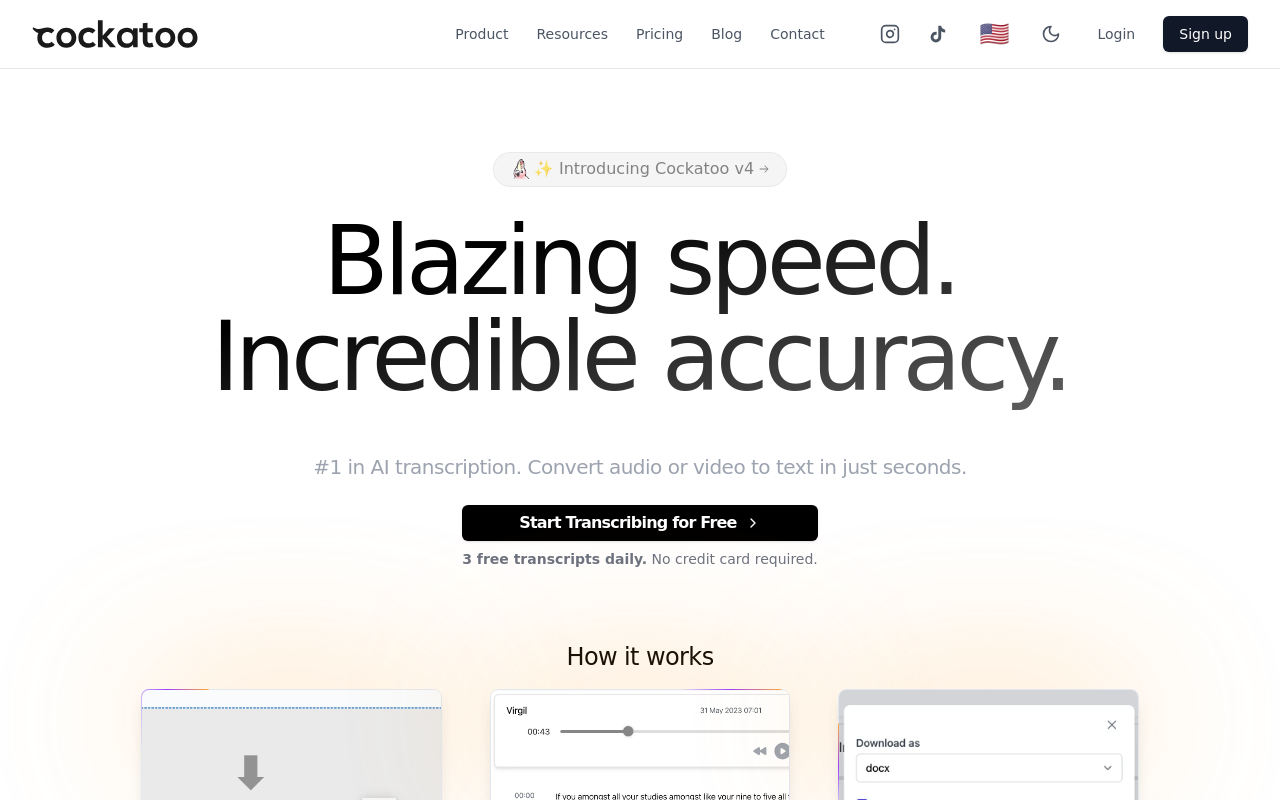
Reviewers repeatedly cite usable transcripts on accented and non-English speakers as the reason they chose Cockatoo over alternatives, precisely the condition where most tools in this list underperform. The free tier delivers 3 transcripts per day up to 30 minutes each across 90+ languages with no credit card required, so you can test it on your own difficult audio before committing. The paid plan gives unlimited transcription, files up to 10 hours, AI Notes, and exports to PDF, DOCX, TXT, and SRT.
The honest trade-off: Cockatoo transcribes uploaded files and has no live meeting bot, so if your workflow centers on auto-joining Zoom calls, you will need a separate tool for that.
2. Otter.ai - Best for English Meeting Transcription on a Budget
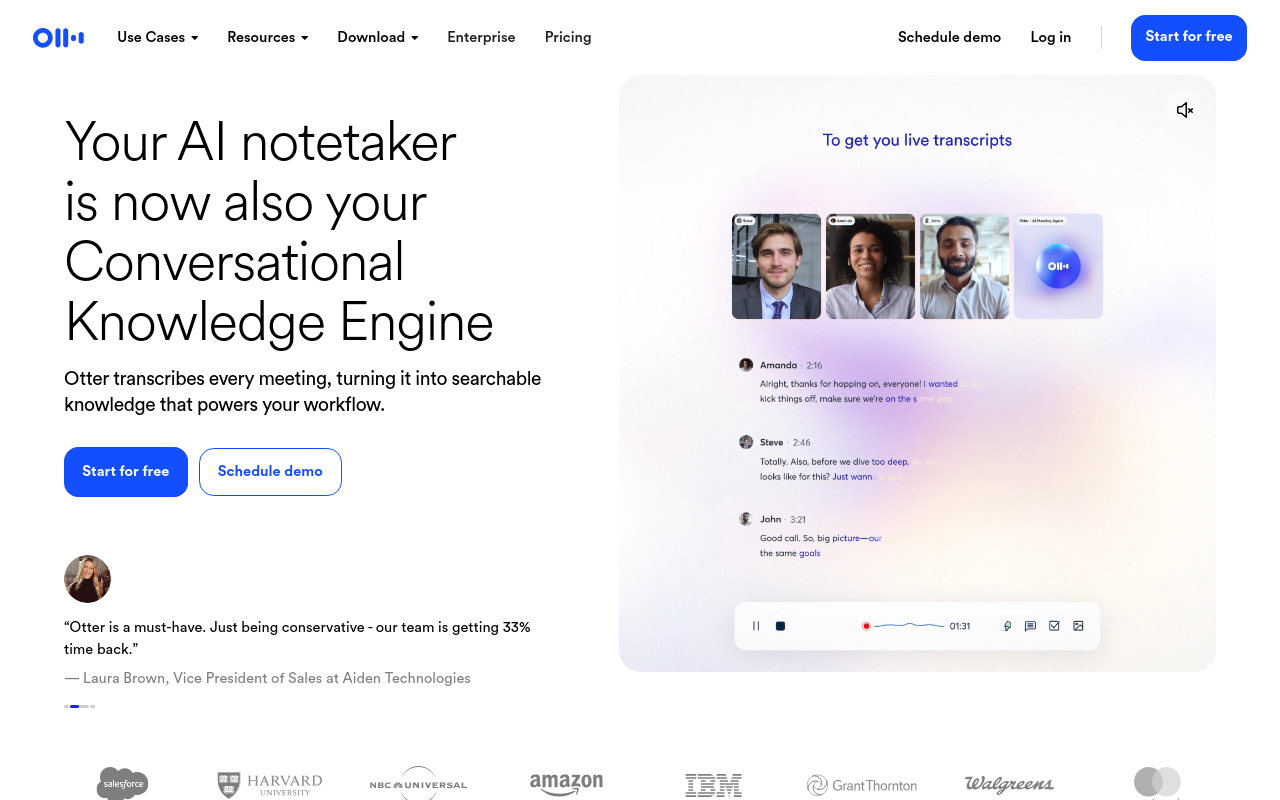
Otter.ai is a strong pick for meeting transcription, supporting live transcription in multiple languages and offering automated AI summaries, a chat interface for querying transcripts, and a free tier with meaningful monthly minute limits. The limitation that matters for this audience: accuracy on accented or non-native English speech is noticeably weaker than on standard American or British English, and the tool is architected around live meeting capture rather than uploaded interview files. Researchers working with diverse speaker pools will hit that ceiling quickly.
3. Rev - Best for Human-Verified Transcription Accuracy
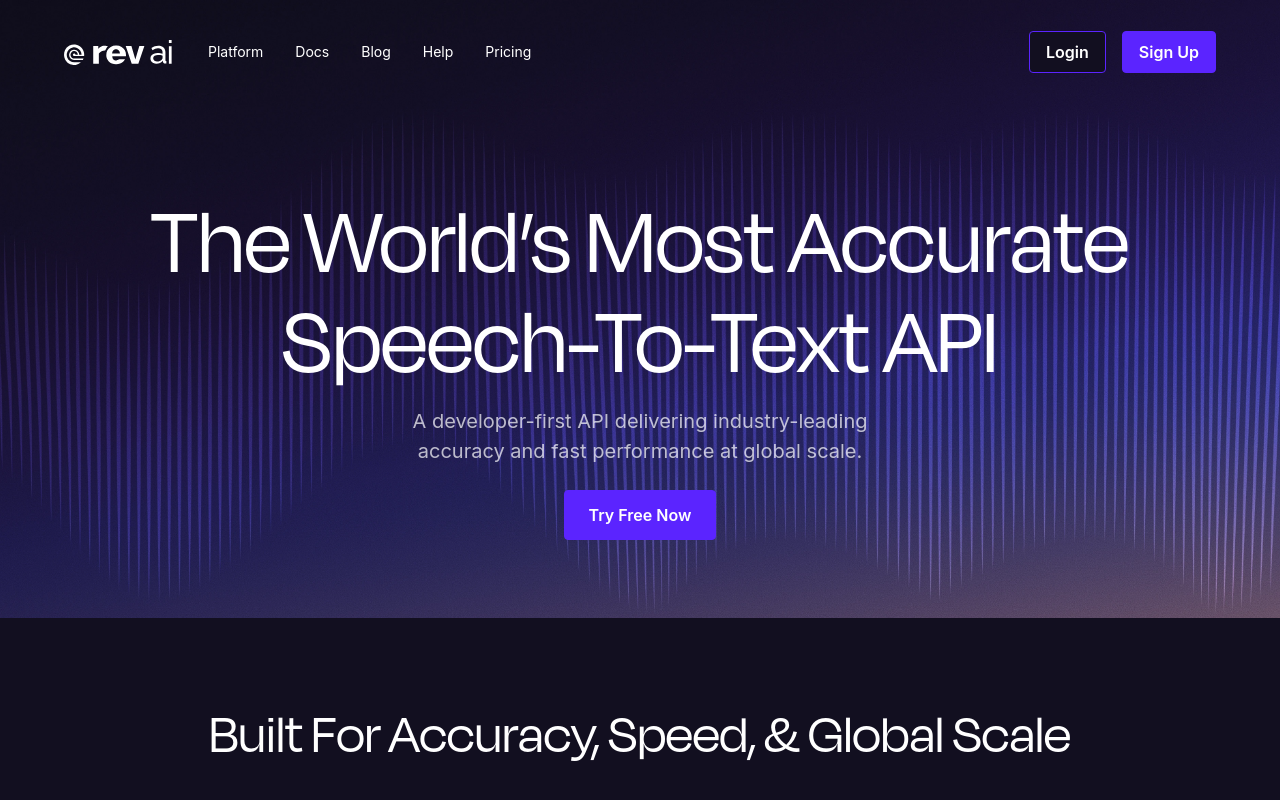
Rev offers both AI transcription and a human transcription service, making it the practical fallback when accuracy cannot be approximate. The human tier costs significantly more per audio minute than any AI tool in this list, but for legally sensitive interviews, publication-grade quotes, or recordings where a single misheard word changes meaning, that cost is often justified. The honest limitation: turnaround time for human transcription is measured in hours or days, not seconds, and the per-minute cost makes it impractical as a default tool for high-volume workflows.
4. AssemblyAI - Best for Developers Building Interview Transcription Pipelines
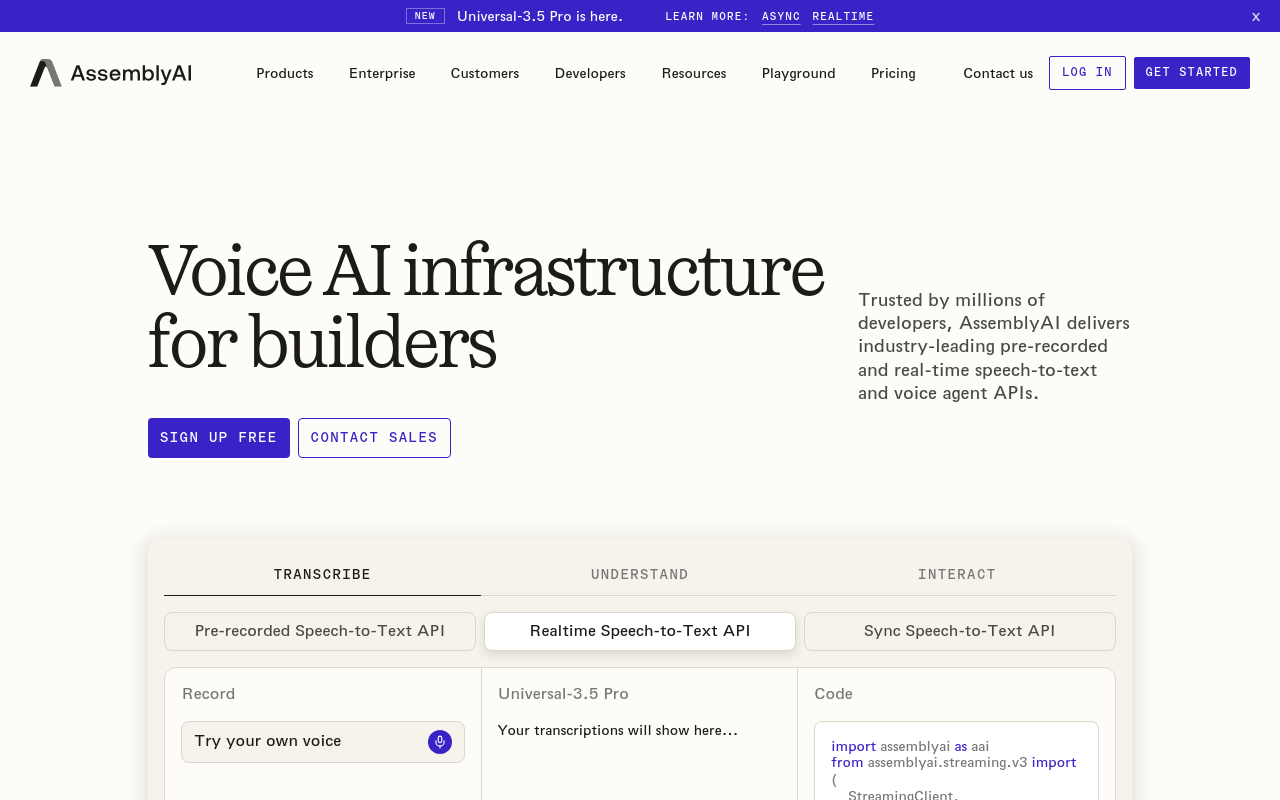
AssemblyAI is a developer-first API platform, not a self-serve transcription tool. If you are building a custom interview processing pipeline or automating speaker diarization at scale, AssemblyAI's accuracy and feature depth are genuinely impressive. For the solo researcher or journalist who wants to upload a file and get a transcript back without writing code, it is the wrong category of product. Evaluate it only if you have engineering capacity to build and maintain the integration.
5. Whisper (OpenAI) - Best Open-Source Option for Privacy-Conscious Researchers
Whisper large-v3 is the strongest open-source transcription model available and the right choice when audio cannot leave your own infrastructure. The practical trade-off is real: setup requires technical comfort with Python environments, GPU access meaningfully speeds up processing, and there is no managed interface. Accuracy on multilingual audio is strong by open-source standards, but the operational overhead makes it unsuitable for anyone who needs a transcript in minutes without configuration.
6. Deepgram - Best for Real-Time Interview Transcription with Low Latency
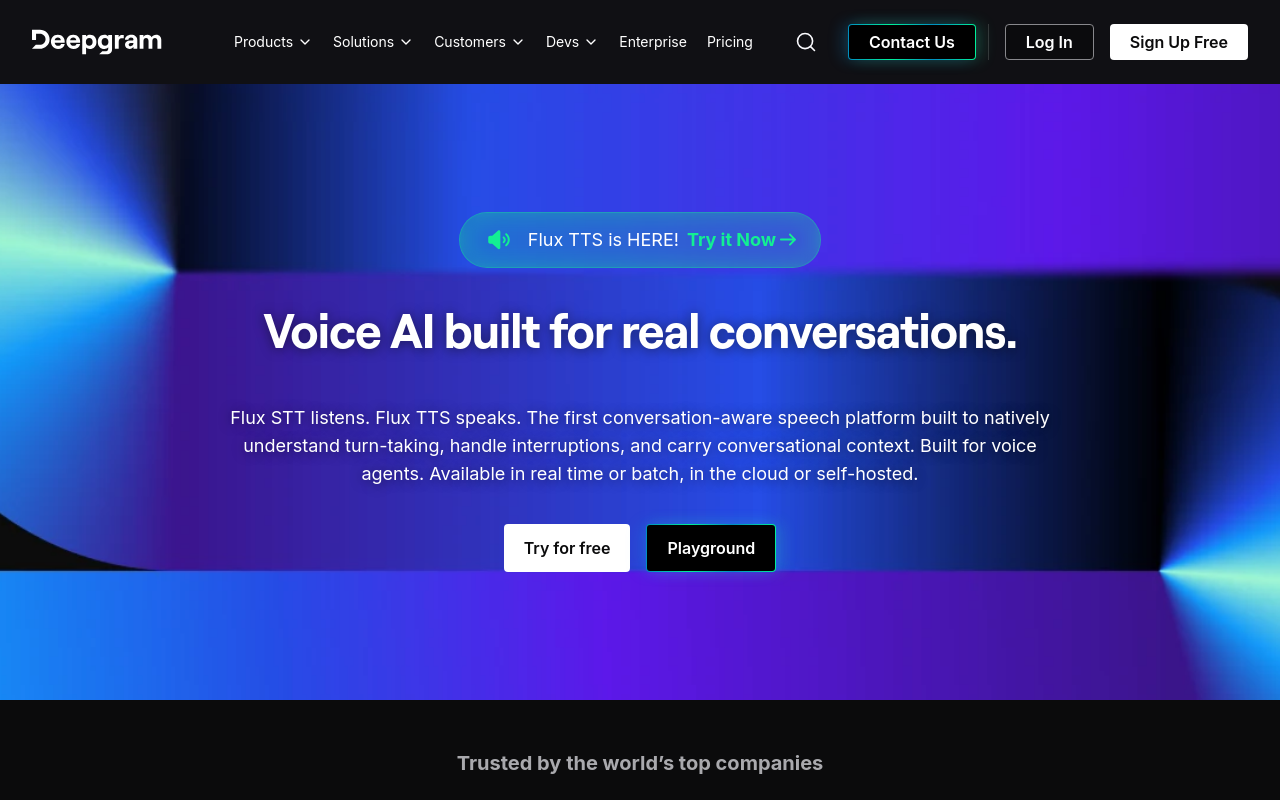
Deepgram's architecture is optimized for low-latency streaming, making it the right tool when you need live transcription during an interview rather than post-upload processing. Broadcast journalists doing live captioning or researchers who want a real-time transcript as a conversation unfolds will find its speed genuinely differentiated. For pre-recorded interview files, the latency advantage disappears and the comparison shifts to accuracy and price, where several tools in this list are competitive. It is also API-first, so self-serve use requires comfort with developer tooling.
7. Speechmatics - Best for Accent Diversity Across Global Interview Subjects
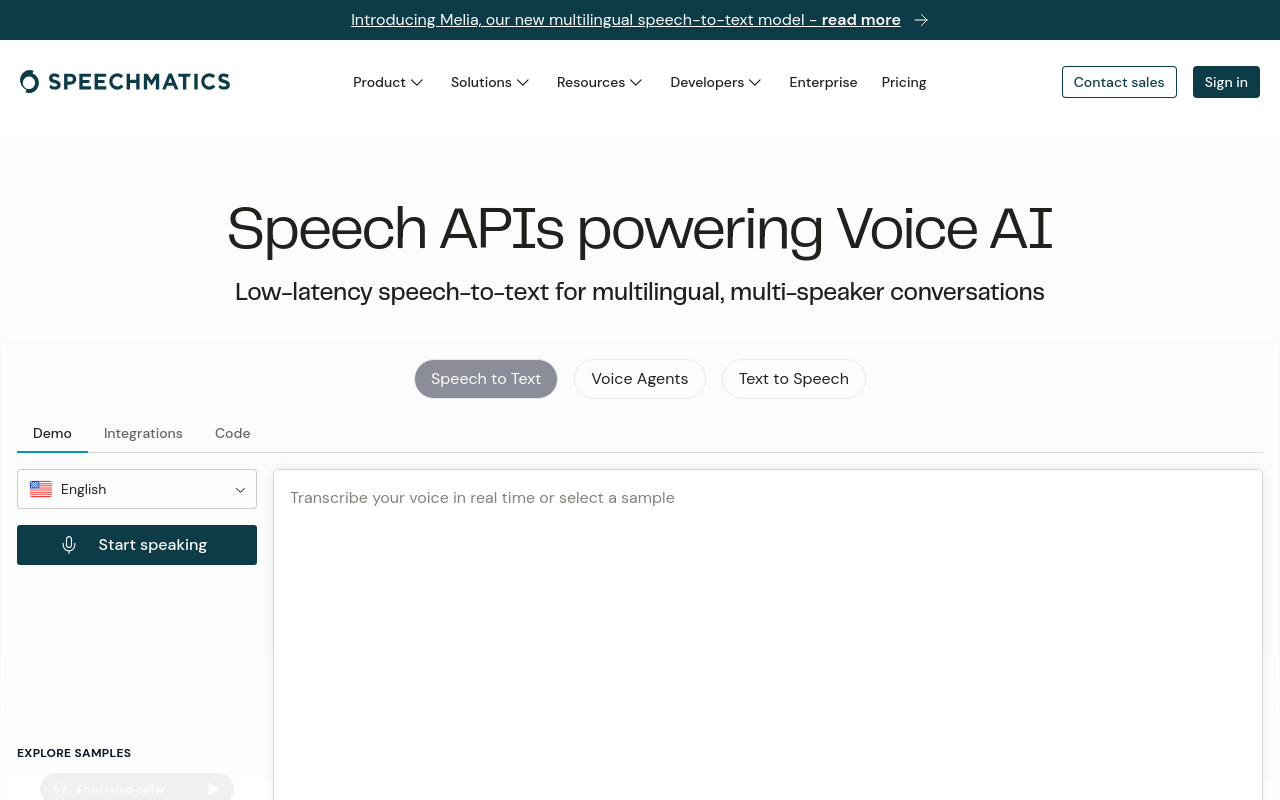
Speechmatics has built a specific reputation for handling accent diversity, including regional accents and non-standard dialects that most mainstream tools struggle with. The tool is primarily sold through an API and enterprise channel rather than a simple self-serve upload interface, which creates friction for individual researchers without technical support. If accent robustness across a genuinely global speaker pool is the primary requirement and you have the technical capacity to integrate, Speechmatics deserves serious evaluation.
8. Sonix - Best for Multilingual Export Workflows and Team Collaboration
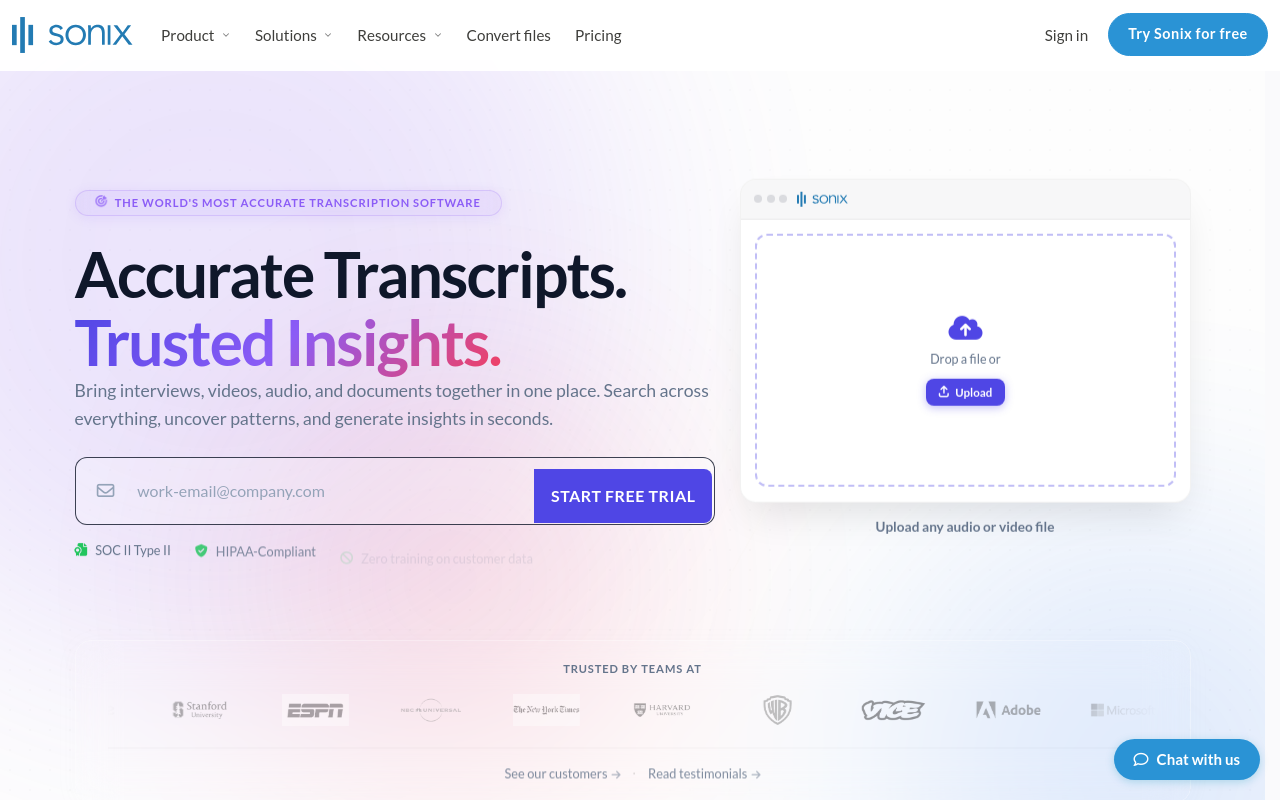
Sonix makes cost predictable for researchers who can estimate their monthly volume. It supports a wide range of languages and includes an in-browser editor for correcting and annotating transcripts before export, with collaboration features practical for small teams. The limitation for solo practitioners: the per-hour model can become expensive on high-volume months, and the cost advantage over flat-rate monthly tools depends heavily on how much audio you actually process.
9. Descript - Best for Interview Transcription Tied to Audio/Video Editing
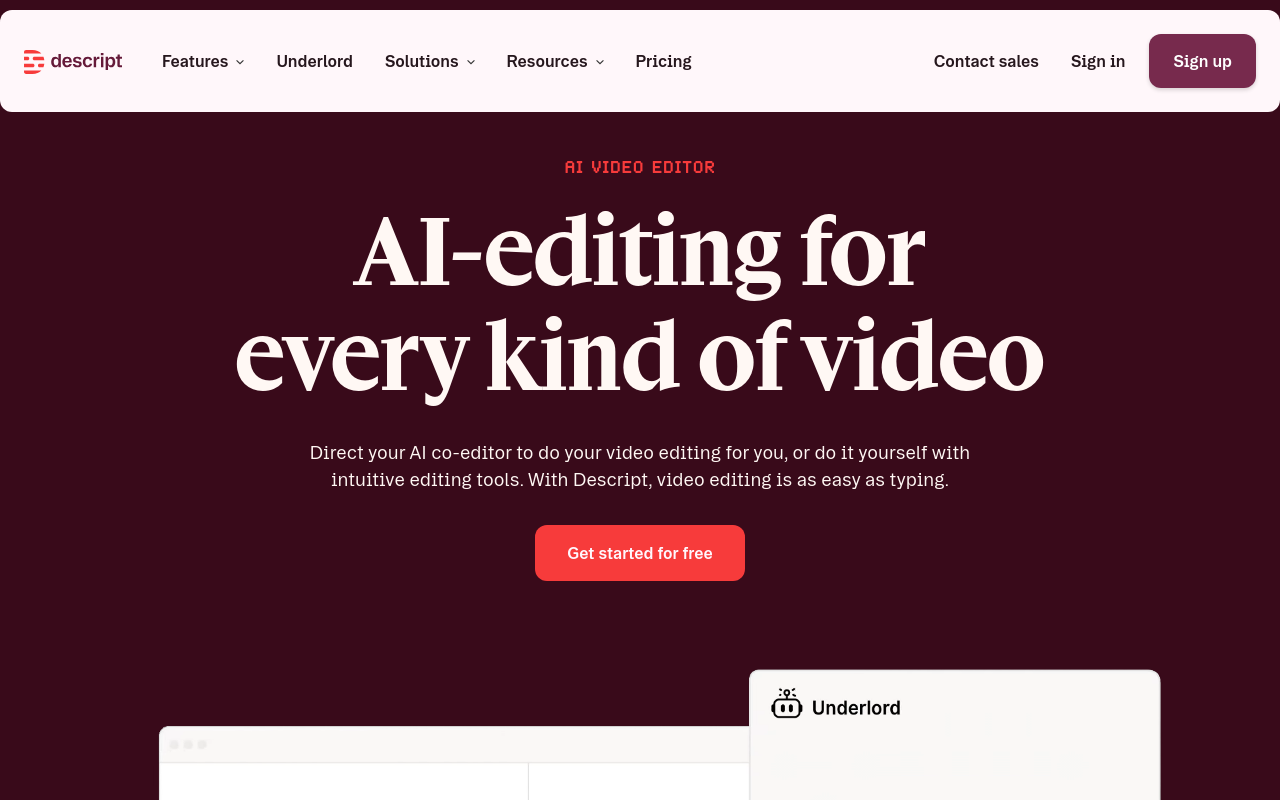
Descript's core capability is editing audio and video by editing the transcript text directly, a genuinely different workflow from every other tool in this list. For journalists or documentary researchers who need to cut interview footage and produce a transcript simultaneously, that integration removes a full production step. For anyone who only wants a clean text transcript with no editing workflow attached, Descript's pricing and interface complexity exceed what the job requires. It is a production tool that includes transcription, not a transcription tool with editing bolted on.
10. Trint - Best for Broadcast Journalists Needing Searchable Interview Archives
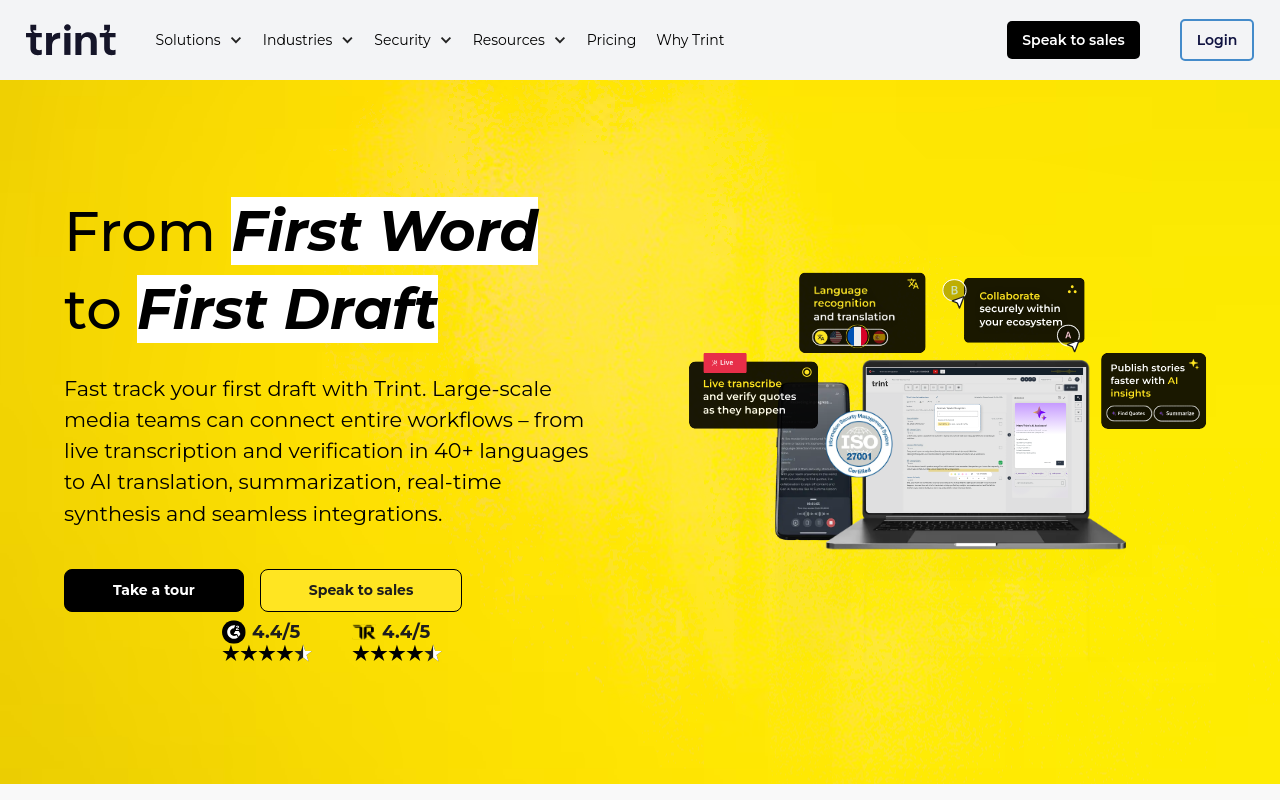
Trint is built for broadcast and editorial workflows, with searchable transcript archives, team collaboration, and an interface designed around the journalist's review-and-publish process. Finding a specific quote across dozens of interview files is faster in Trint than in most general-purpose transcription tools. Trint's plans are priced for editorial teams rather than individual contributors, and the features that justify the cost are most valuable when you are managing a library of interviews rather than processing one or two files per week.
11. Notta - Best for Individuals Wanting Affordable Multilingual AI Transcription
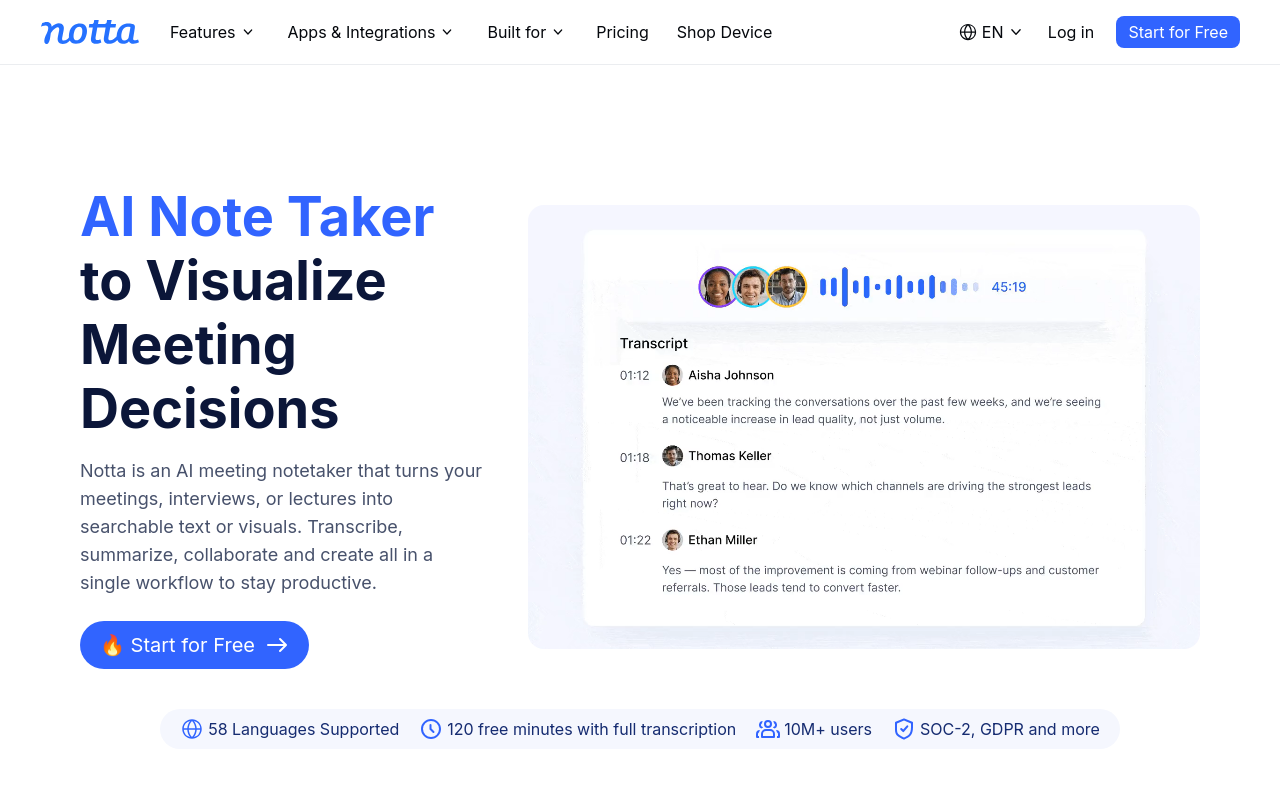
Notta offers transcription in 104 languages with a consumer-friendly upload interface, real-time transcription, and a Pro plan priced accessibly for individual researchers and students. It handles common non-English interview languages including Spanish, French, Mandarin, and Hindi with reasonable accuracy on clean recordings. The key limitation is accuracy degradation on heavily accented speech or overlapping speakers, it is best suited to one-on-one interviews with clear audio rather than group discussions.
12. Fireflies.ai - Best for Automatically Capturing and Summarizing Remote Interviews
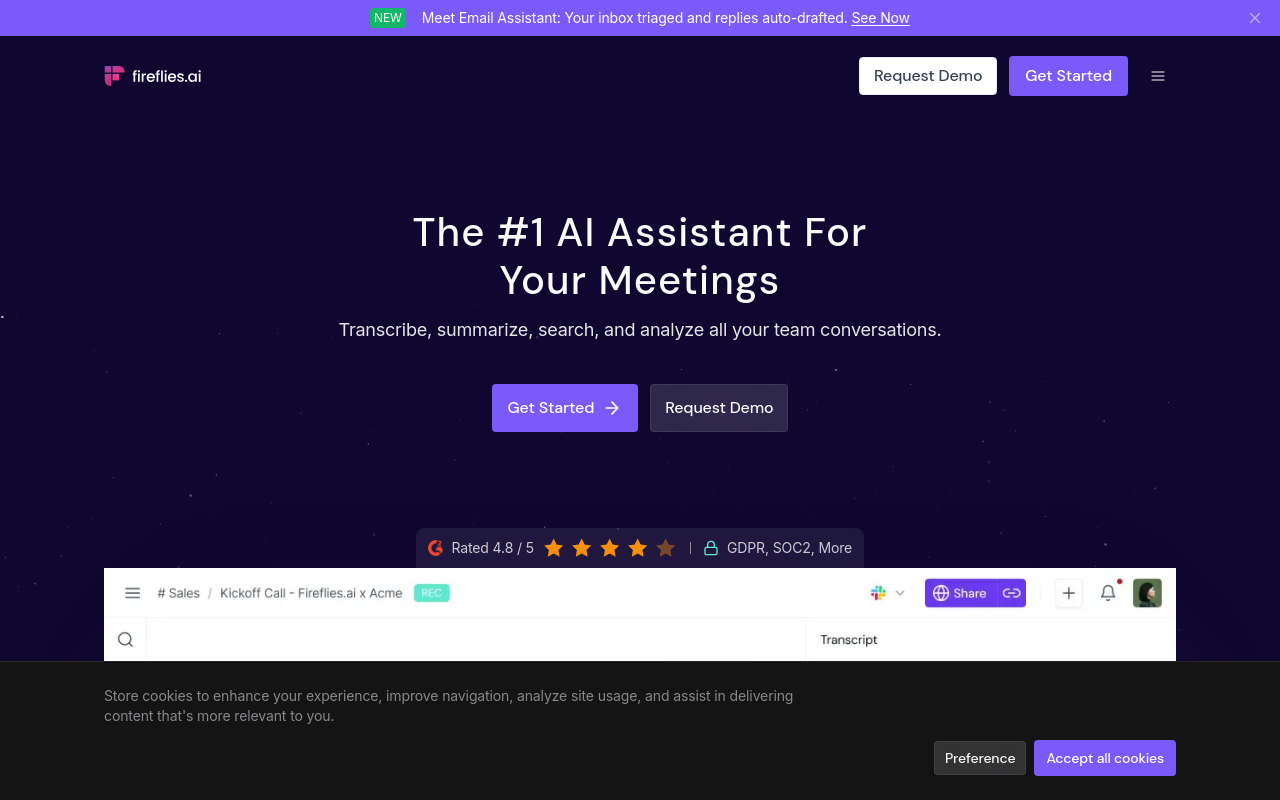
Fireflies.ai joins video calls automatically as a bot, transcribes in real time, and generates AI summaries and action items, making it the most hands-off option for researchers conducting remote interviews via Zoom, Teams, or Google Meet. The free tier is functional for light use. The limitation is that its AI summaries, while convenient, can introduce paraphrasing errors that distort interview meaning, researchers needing verbatim accuracy should always verify the raw transcript rather than relying on summaries.
How Different Transcription Tools Compare for Researchers Journalists and Qualitative Analysis
Feature lists across the top tools are nearly identical in 2026, which makes the choice feel simpler than it is. Picking the wrong one doesn't just waste money; it wastes the hours you were trying to save in the first place. The real question was never which tool has the most checkboxes, but which one fits the specific job on your desk right now.
Qualitative Researchers Need Timestamp-Linked Exports, Not Just a Text File
For qualitative research transcription, the export format is the product. MAXQDA and NVivo both support timestamped imports, but they require timestamps embedded at the segment level, not just at the start of the file. A plain `.txt` export drops that structure entirely. A researcher who codes twenty interview segments only to find the timestamps are gone has to re-listen to locate each passage, turning a two-hour coding session into a four-hour one. The tool that produces a clean `.docx` or structured export with speaker-turn timestamps wins here, regardless of what its accuracy percentage says on the feature page.
Journalists Live and Die by Accent Accuracy on Short-Form Interviews
For interview transcription for journalists, turnaround speed matters, but accent accuracy matters more. Industry research shows that word error rates on accented English can run two to three times higher than on standard American English for the same tool. That gap means twenty to thirty minutes of correction per hour of audio, erasing the speed advantage entirely. Journalists covering communities with regional dialects or non-native English should test any tool on a representative sample before committing. An accuracy figure measured on clean, standard-accent audio tells you almost nothing about a street interview in Birmingham or a phone call with a non-native speaker.
Solo Practitioners Are Priced Out of Enterprise Tools Before They Even Log In
The pricing structure of most professional transcription tools assumes a team. A three-seat minimum is common, with per-seat team plans regularly starting at fifteen to twenty dollars per person per month and no individual option offered at all. Most solo practitioners default to free tools with poor accent handling, then spend the correction time they were trying to avoid. Cockatoo's self-serve Pro plan is priced for an individual, with no seat minimum, unlimited transcription, and verified reviewer praise specifically for accuracy on difficult accents, closing the gap between "free and rough" and "enterprise and inaccessible."
Related Reading
- Best AI Summarizer
- Otter AI Alternatives
- Best AI Transcription
AI Transcription vs Human Transcription for Interviews and When Each Is Worth It
The choice between AI and human transcription for interviews is not really an accuracy debate. It is a risk question: what happens downstream if one word is wrong?
Where AI Matches Human Accuracy, and Where It Still Does Not
For most research interviews recorded in a quiet room with a clear speaker, AI transcription now performs at a level that rivals a human typist working under time pressure. According to AssemblyAI, leading models achieve word error rates as low as 5 to 8% on clean audio, putting accuracy in the 92 to 95% range. That is good enough for thematic analysis, background journalism, and qualitative coding. The narrow band where humans still hold an edge is specific: legally sensitive depositions, on-record published quotes where a single misheard word creates liability, and recordings so degraded that no model recovers them cleanly.
One underappreciated downstream risk is the AI-detection problem. Verbatim human interview transcripts are increasingly flagged as AI-generated by tools like Turnitin, not because they were machine-written, but because natural spoken language (filler words, repetitive phrasing, simple sentence structures) mimics the predictive text patterns those detectors are trained to catch. This means the case for AI transcription is not just speed; it is that a machine-produced transcript of genuinely human speech carries the same false-positive risk as one typed by a person, so the objection largely collapses.
Pros and Cons at a Glance
| ✓ Pros | ✗ Cons |
|---|---|
| AI accuracy rivals human typists on clean audio (92-95% accuracy) | Accuracy drops significantly on accented or dialectal speech |
| Speed advantage over manual transcription | Benchmarks built on clean, standard-accent audio, misleading for real-world use |
| Verbatim transcripts carry same AI-detection false-positive risk as human-typed ones | Legally sensitive depositions still require human transcription |
| Removes cognitive load of manually writing notes in real time | Severely degraded audio may not be recoverable by any AI model |
The Accent and Dialect Variable
Accuracy on a standard accent tells you almost nothing about accuracy on a speaker from Lagos, Glasgow, or rural Queensland. Most tools' benchmarks are built on clean, standard-accent audio, so the WER figures look impressive until your actual interview plays back. Researchers and journalists who record dozens of hours of multi-accent material often discover this only after spending hours manually cleaning output that was never going to be accurate, a burden that negates the entire time argument for AI transcription.
Tools that hold accuracy across accents and dialects are the ones that actually save time. Cockatoo's Trustpilot reviewers consistently cite accent accuracy as the primary reason they stayed. Multiple reviewers note usable first-draft transcripts on non-native English speakers where competing tools required near-full rewrites. A feature table cannot surface that signal.
For researchers who want to verify this before committing, Cockatoo's free tier requires no credit card and no setup. A transcript comes back on the first upload, covering up to 3 transcripts per day on files up to 30 minutes. That is enough to run your own accent test on real material before spending a dollar.
When Human Transcription Is Still Worth the Cost
Human transcription is worth the cost in a short, honest list of scenarios:
- On-record verbatim quotes in published journalism where a misquote creates legal or editorial liability
- Legal depositions where accuracy is a formal requirement
- Audio so poor that no AI model recovers it cleanly
Outside those three scenarios, interviews, calls, lectures, podcasts, recorded meetings, AI transcription is the practical default, and the cognitive load of manually writing notes in real time is a cost that compounds across every project. Cockatoo's Pro plan removes that entirely: unlimited transcription and file translations, files up to 10 hours, and export to PDF, DOCX, TXT, or SRT subtitles.
How Much Interview Transcription Software Costs Across Every Tier
Pricing for interview transcription software spans from zero to well over a hundred dollars per audio hour, but that range is misleading as a simple cost comparison. The number that matters most never appears on any pricing page: the time you spend fixing a transcript after the tool hands it back.
The Four Pricing Tiers That Define the Market Right Now
| Tool | Tier | Price | Key Limits |
|---|---|---|---|
| Google Pinpoint | Free | $0 | Lower accuracy; no speaker identification |
| Cockatoo Free | Free | $0 | 3 transcripts/day, 30 min per file, 2 GB storage, 90+ languages |
| Otter.ai Pro | Mid-tier paid | $16.99/mo | Meeting-focused; individual plan |
| Good Tape | Mid-tier paid | $16.95/mo | GDPR-compliant; EU servers; no mobile app |
| Happy Scribe | Mid-tier paid | $16.85/mo | Strong speaker ID; EU-based |
| Sonix | Pay-as-you-go | $10/hr (Standard) or $22/mo + $5/hr (Premium) | Per-hour billing compounds fast |
| Descript | Mid-tier paid | $24+/mo | Audio-editing canvas; higher price floor |
| Rev | Human review | $100+/hr range | Human accuracy; slow turnaround |
The market clusters into four bands: free tools, self-serve AI subscriptions roughly in the $12 to $25 range, pay-as-you-go per-hour billing, and professional human transcription at the top. Each band solves a different problem for a different buyer. Prices move often - verify current rates on each vendor's site before budgeting.
Why the Free Tier Is Often the Most Expensive Option You Can Choose
The central claim this section makes is one that no pricing page will ever state directly: free and entry-level transcription tools, including platform captions from Zoom, YouTube, and Microsoft Teams, create a hidden labor trap for researchers, where the nominal zero cost routinely conceals a real-world cost that rivals or exceeds manual transcription from scratch. For any research team whose interviews involve non-standard accents, multilingual speakers, or suboptimal audio, "free" is functionally the most expensive option available.
Most people approaching this market for the first time frame the decision as a binary: free versus not free. That framing is the mistake. The real question is what each tier actually delivers, and what correction work it silently offloads onto you. Spending three hours fixing a 50-minute file is a routine experience at the free end of the market, and once that happens once, even a $29.99/mo tool starts looking like a bargain. The hidden cost is always time, and it always shows up in your calendar rather than your bank statement.
Free tools carry a real cost. It just shows up in your calendar, not your bank statement. Research consistently shows that correcting an AI-generated transcript takes roughly four to five times the length of the original recording when accuracy is poor. Accuracy collapses on accented or non-English speech, and poor audio quality can multiply human correction time further still.
Cockatoo's free tier is a useful benchmark for understanding what "free" can legitimately deliver when the underlying accuracy is high. It requires no credit card, covers transcription in 90+ languages, includes 2 GB of encrypted cloud storage, and returns a transcript in minutes on the very first upload, no account setup, no configuration, no IT request. The file-length cap of 30 minutes per file and the daily limit of three transcripts are real constraints, but for researchers evaluating whether AI transcription fits their workflow before committing budget, those limits are workable. The tier also includes the AI Notes editor, PDF/DOCX/PPTX/XLSX and TXT translation, and transfer links of up to 10 GB per month.
The moment a project outgrows those constraints, longer interviews, higher daily volume, subtitle exports, or files running up to 10 hours, the calculus shifts toward Cockatoo Pro, an individual self-serve plan - check the pricing page for the current rate. Pro removes all transcription and translation limits, extends storage to 2 TB, and adds export to PDF, DOCX, TXT, and SRT subtitle formats. For teams, the Team tier starts at a minimum of three people and adds shared transcript editing, centralised billing, and priority support on top of everything in Pro.
The practical takeaway: the sticker price printed on a pricing page is the least useful number for a researcher to fixate on. A free tool that costs you three hours of correction labor per interview is more expensive, in the only currency that actually matters, than a paid tool that hands back a clean transcript in minutes and lets you move directly into analysis.
Related Reading
- Transcribe a Podcast
- Best App to Record and Transcribe Meetings
- Best Call Recording Software
How to Transcribe an Interview Step by Step
Three decisions made before you click upload determine whether your transcript is clean in minutes or broken for hours. Most people skip them, then wonder why the correction pass takes longer than the interview itself. And that correction pass is where beginners most often get blindsided: manually typing out even a thirty-minute interview can consume most of a working day, a burden that feels completely disproportionate until you understand what clean preparation and the right tool can eliminate.
"Manually typing out interview recordings is extremely time-consuming, making the transcription step far more burdensome than beginners anticipate when learning how to transcribe an interview step-by-step."
— what we hear from beginner transcriptionists
Prepare Your Audio File First
File format matters more than most people expect. Professional transcribers have known this for years: poor audio quality, background noise, and overlapping speakers can multiply transcription time substantially compared to clean audio, regardless of which tool you use. A WAV file recorded in a quiet room gives any AI engine its best shot at accuracy.
A compressed MP3 recorded in a café gives it a much harder problem. Trim silence, split files longer than your tool's limit, Cockatoo's Pro plan handles files up to 10 hours while the free tier covers up to 30 minutes per file, and if you recorded in a noisy space, run a free noise-reduction pass first. These two minutes of prep protect everything that follows.
Configure Speaker Count and Language Settings
Set the speaker count before you run anything. Speaker diarization, labeling who said what, works reliably for two speakers but degrades as voices increase. Three or more participants, or frequent crosstalk, produces label errors that are time-consuming to fix manually.
Language and accent settings carry equal weight. A common beginner mistake is assuming transcription only works well in English. Cockatoo supports transcription in multiple languages, so if your recording was made in the speaker's own language rather than English, you can transcribe it natively, which yields a far cleaner first draft than transcribing in one language and translating afterward. Confirm the correct language model is selected before you hit upload.
Run the Transcription
Upload, confirm your settings, and let the engine work. With Cockatoo, a transcript comes back in minutes on the first upload, no setup, no credit card required on the free tier. That speed is the entire case for using a tool. As documented in professional transcription circles, even experienced human transcribers working with clean audio can take a full working day to produce what AI returns in minutes.
Resist the urge to edit as the file processes. Wait for the full draft.
Review Speaker Labels and Accent-Specific Errors
Transcription error is unevenly distributed. A single difficult interview with overlapping speakers or a heavy accent can generate correction work equivalent to typing the whole thing from scratch, while a clean two-person interview costs almost nothing to fix. Focus your review on two things: speaker label swaps and accent-driven word substitutions, where a phonetically similar but wrong word slipped through. Reading every word is rarely necessary and almost always wastes time.
Once the draft looks solid, a second problem tends to surface: a long interview transcript becomes a wall of text that no one returns to or actually uses. This is where Cockatoo's AI Notes editor earns its place. It is included on every plan, including the free tier, and lets you shape the raw transcript into structured, scannable notes rather than leaving it as an unbroken block of words.
Export in the Right Format for Your Workflow
Before you export, ask one question: who receives this file and what software do they use? A journalist needs a Word document. A qualitative researcher needs plain text for analysis software. A video editor needs an SRT subtitle file. Cockatoo's Pro plan includes SRT export, so a recorded interview or lecture becomes a captioned video in minutes with no third-party conversion step. Pro also exports to PDF, DOCX, and TXT. The right export format means the finished file is usable the moment it arrives, with no extra work on either end.
Next steps
If your correction pass is eating the hours that auto-transcription was supposed to save, the path forward starts with matching your tool to the audio conditions you actually record in, not the clean benchmarks vendors publish. Start with our AI transcription.
The 20-to-30-minute correction overhead per hour of accented audio means a five-interview project can cost you a full working day in edits before you write a single line of analysis. The hidden labor trap of free and entry-level tools means that nominal zero cost routinely conceals a real-world burden that rivals typing the whole thing from scratch. Together, they point to one action: test accent accuracy on your own audio before committing to any tool, paid or free.
Start with AI transcription on Cockatoo's free tier, no credit card required, and upload a recording that features your actual speakers and accents. If the transcript comes back clean enough to edit in minutes, you have your answer.
Frequently Asked Questions
How much time does it actually take to transcribe an hour of audio manually?
According to GMR Transcription Services, manually transcribing one hour of audio typically takes 4 to 6 hours for an average typist. That is most of a working day gone before you have written a single sentence of analysis.
Is free transcription software good enough, or do I need to pay for a plan?
It depends on your audio. Free tiers can be a useful starting point, Cockatoo's free plan, for example, provides 3 transcripts daily with no credit card required, letting you test accent handling on your own audio before spending anything. The real cost of a free or cheap tool shows up in correction time: a transcript with frequent errors can trade 4 hours of typing for 3 hours of editing, which may be worse.
When does it make sense to use human transcription instead of AI?
Human transcription is worth the cost when accuracy cannot be approximate, for legally sensitive interviews, publication-grade quotes, or recordings where a single misheard word changes meaning. The trade-off is that turnaround is measured in hours or days rather than seconds, and the per-minute cost makes it impractical as a default tool for high-volume workflows.
Does transcription software handle interviews with multiple speakers reliably?
Speaker diarization, the ability to label who said what, varies dramatically in reliability across tools. A tool that lists speaker identification as a feature but collapses to a single-speaker label when voices overlap does not meaningfully solve the problem; it just moves the correction work from retyping to manually re-attributing every exchange, which can add another hour of reconstruction before a transcript can be shared.
What happens to accuracy when my interviewee has a strong accent or speaks non-native English?
Accuracy drops significantly. Industry analysis has quantified a 20-to-30-minute correction overhead per hour of accented audio across commonly used tools - multiply that across a five-interview research project and you lose a full working day to edits. Upload a recording with a non-native English speaker on a free tier and inspect the output before committing to any tool.