
Otter's limits hit hardest mid-project, not at signup. Here is how to find a tool built around files you already have, not meetings you forgot to invite a bot to.
Leaving a transcription tool behind rarely feels clean. You hit a wall, the pricing page loads, and suddenly you're being asked to pay for a sales team's worth of features when all you needed was a text file of last Tuesday's interview. That frustration is pushing a lot of people toward the search bar right now. The common assumption is that switching from Otter means picking a different meeting-bot, because that is the only category of accurate transcription tool that exists. Before you swap one for another, it's worth understanding exactly what pushed you off the original, because the problem is more specific than price.
As of March 2025, Otter's free tier caps users at 300 transcription minutes per month, limits each conversation to 30 minutes, and allows only 3 lifetime file imports. That last restriction is the one that catches people mid-project. You upload your third interview recording, and the door closes. Across the market, Otter's plans have grown more expensive while bundling in meeting-bot features, calendar sync, and CRM push integrations. A solo researcher or journalist does not need OtterPilot joining their Zoom. They need a transcript.

3
Lifetime file imports before Otter locks you out
Otter's product roadmap has consistently prioritised its live meeting assistant over file-upload transcription. Journalists, podcasters, and freelance researchers consistently describe the same experience: they came for file transcription and ended up paying for a bot they never turned on.
A cheaper version of the same architecture does not fix a file-first workflow. In August 2025, a class-action lawsuit was filed against Otter alleging that the platform recorded and stored user conversations without adequate consent disclosures. Professionals bound by confidentiality obligations, from legal to healthcare to corporate HR, have flagged that uploading recordings to a cloud-connected meeting bot creates compliance exposure.
Key takeaways
- Most 'Otter AI alternatives' lists swap one meeting bot for another, which solves nothing if your actual problem is transcribing pre-recorded audio files without a live call hijacking your calendar.
- Meeting bots and file-first transcription tools are two different product families, and picking the wrong family means discovering three weeks later that the tool doesn't fit your workflow at all.
- Four criteria actually separate a useful Otter alternative from a lateral move: accuracy on difficult accents, raw processing speed, file-upload support, and pricing that doesn't assume you're running a sales team.
- The AI transcription market is projected to grow from $3.86 billion toward $29 billion, which means more tools, more noise, and more lists that conflate genuinely different products.
- Manually transcribing one hour of audio costs a skilled typist roughly four hours of work, that's half a working day gone before a single sentence of the actual deliverable exists.
- Cockatoo closes that gap by letting you upload any audio or video file and returning an editable transcript with speaker recognition, word-level timestamps, and automatic punctuation, no meeting bot, no calendar connection, no per-seat pricing, and up to 99.8% accuracy backed by a 95% accuracy quality guarantee.
What to Look for in an Otter AI Alternative That Actually Fits Your Workflow
Four criteria separate a genuinely useful Otter alternative from a lateral move to another meeting bot. Get them wrong and you discover three weeks later that your chosen tool cannot touch the interview recording sitting in your downloads folder.

File-First vs Bot-First - The Architecture Question That Disqualifies Most Tools Immediately
The single most important question is not "how accurate is it?" Meeting-bot tools are built around a calendar invite. They join your Zoom call, capture audio live, and generate a transcript from that session.
If you missed the call, recorded a podcast last Tuesday, or received a client interview as an MP3, the bot has nothing to join. This is not a niche problem. Journalists, podcast producers, researchers, and solo operators regularly work with pre-recorded audio, not scheduled meetings.
A file-first tool accepts your upload directly and returns a transcript in minutes, no calendar permissions required.
Cockatoo is built on exactly that architecture. Upload any recording, interview, lecture, podcast, or video, and a transcript comes back on the first upload, with no setup and no credit card. The Free tier handles files up to 30 minutes long at no cost, with three free transcripts per day and no credit card required. That covers a wide range of real-world recordings immediately.
One failure mode worth naming directly: many transcription tools fail silently on common real-world recording lengths, a 40-minute client call, for instance, with no upfront warning about file size or duration limits. When that meeting was one-time and irreplaceable, discovering the cap after the fact is a genuine workflow disaster. Cockatoo surfaces its limits clearly: the Free tier caps files at 30 minutes, and upgrading to Pro lifts that ceiling to files up to 10 hours, so you know exactly what you can process before you commit.
Accuracy Beyond the Headline Number - What Dialect and Accent Handling Actually Reveals
Headline accuracy percentages are a marketing metric. AI transcription can hit 99% accuracy in optimal conditions, but real-world performance drops significantly with accents, dialects, and non-English speakers. A tool trained on standard American English will stumble on a Glasgow interviewee, a Lagos client call, or a non-native speaker at a conference. Ask for accuracy on your audio, not a clean studio recording. That gap is where transcription projects fall apart.
Headline accuracy percentages are a marketing metric.
Cockatoo supports transcription in 90+ languages, which matters precisely because accent and dialect performance is tied to training breadth. A narrow language base compounds the real-world accuracy gap caused by accents, dialects, and non-English speakers. Once the transcript is back, AI Notes distils a long recording down to what actually needs acting on, so you are not manually hunting through an hour of text to find the three decisions that matter.
Pricing Model Fit - Why Per-Seat Team Plans Are a Dead-End for Solo Prosumers
Per-seat pricing requires a minimum team size, IT approval, and a budget cycle. Self-serve individual plans are the only viable path for independent professionals evaluating tools outside a corporate procurement process. A solo prosumer needs a monthly or annual plan they can buy with a personal card in under two minutes.
Cockatoo's Free tier, no credit card, no commitment, lets you test the tool on real audio before spending anything. When you need more, the Pro plan is the "Most Popular" individual tier, offering:
- Unlimited transcription
- Unlimited file translations
- Unlimited transfers
- Unlimited AI Notes
For teams of three or more, the Team plan adds shared transcript editing, priority support, and centralised billing, with 2 TB of storage per person. There is no minimum seat count that forces a solo operator onto an enterprise plan they do not need.
Export Flexibility - Editable Files That Travel Into Your Existing Workflow
A transcript locked inside a proprietary viewer is a half-finished job. Getting a transcript into a Word or PDF file that someone else can edit, an editor, a colleague, a client, is where the work actually moves forward. Cockatoo's Pro plan exports to PDF, DOCX, TXT, and subtitles (SRT), covering the formats that matter in real editorial and production workflows. The Free tier translates PDF, DOCX, PPTX, XLSX, and TXT files, so even without a paid plan you can move content between languages and hand it off in a format your collaborators can open and edit immediately.
17 Best Otter AI Alternatives Ranked for Every Workflow
Seventeen tools share space on most "best Otter AI alternatives" lists, yet they belong to two completely different product families, and picking the wrong family costs you more than money. The four filters above collapse that list quickly, but the market context behind them is worth stating plainly, because no comparison article does: the AI transcription market's growth from $3.86 billion to $29.45 billion by 2034 is almost entirely a meeting-bot story, yet that same market data quietly confirms that file-first upload tools serve a structurally separate set of use cases, podcasts, interviews, archival recordings, that live-call bots are physically incapable of addressing. The fastest-growing market segment and the most underserved user segment are two different things, and comparison articles that rank tools by meeting-bot features are handing file-first users a shopping list for the wrong aisle.
$3.86 billion to $29.45 billion
AI transcription market growth by 2034
The AI transcription market is growing fast, driven almost entirely by meeting-bot infrastructure: bots that join Zoom, Teams, or Google Meet, capture live audio, and sync notes to a CRM. That story dominates the market data, the investor decks, and the listicles, and quietly buries a structurally separate set of use cases: the journalist uploading a 90-minute interview, the podcast editor processing last week's episode, the solo operations person who receives client call exports every Friday and needs clean text by Monday. Live-call bots cannot serve those workflows because there is no live call to join.
The frustration is specific. A common pattern among solo and small-team workers is landing on a "top alternatives" list, signing up for the number-one result, and discovering the upload experience was an afterthought: degraded accuracy, stripped export options, and per-seat pricing that assumes a procurement team approved the purchase. The hidden cost is a worse transcript in a format you cannot export cleanly, priced at a rate you cannot justify alone, with calendar permissions you never wanted to grant.
File-first tools are built differently. They process whatever audio or video file you hand them, with no calendar connection, no bot invitation, and no live-call dependency. Cockatoo is one of the clearest examples: upload a 90-minute interview and the tool returns a punctuated transcript, exportable as SRT, DOCX, PDF, or TXT.
The Pro plan supports files up to 10 hours, and the free tier gives you three transcripts per day with no credit card required, a self-serve path one person can approve in under two minutes. Every entry below tells you whether the tool is bot-first or file-first, so you can filter by workflow as you read. Bot-first tools require calendar and video-conferencing permissions; they are the right pick when your job is live-meeting notes synced to a CRM.
File-first tools work with any pre-recorded audio or video; they are the right pick when your job is turning recordings into editable text. Neither category is better in the abstract. Choosing the wrong one for your workflow is.
1. Cockatoo - Best File-First Transcription for Accuracy-Led Workflows
File-first. Cockatoo is built entirely around uploaded files, earning its accuracy claim on the audio you actually have rather than a live call it can optimize for. The Pro plan covers files up to 10 hours, unlimited transcription, and export to DOCX, PDF, SRT, and TXT. The free tier gives you three transcripts per day at up to 30 minutes each, no credit card required. The honest trade-off: there is no meeting bot and no live-call capture, so live meeting notes need a different tool. Most beneficial when you work with pre-recorded interviews, podcast episodes, or client call exports and need a clean, editable file without granting calendar permissions.
2. Fireflies.ai - Best CRM-Integrated Meeting Bot for Sales Teams
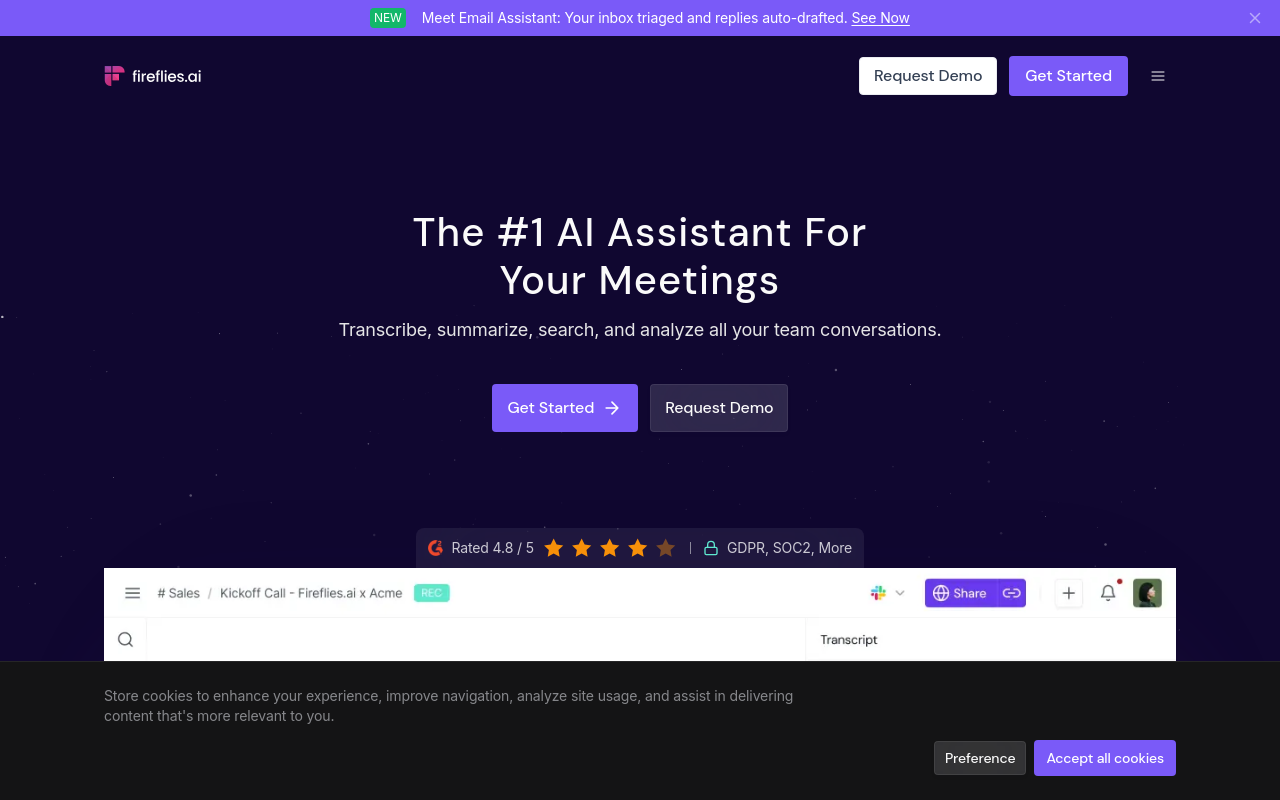
Bot-first. Fireflies.ai earns its reputation through deep native integration with Salesforce and HubSpot: the tool automatically logs call transcripts, action items, and deal notes directly to the relevant CRM record without manual copy-paste. The trade-off is structural; Fireflies.ai is a meeting bot, so it joins calendar-connected calls. The file-upload path exists but is not where the product's accuracy and automation are concentrated. Most beneficial when a sales rep's primary need is live-call documentation synced to a CRM deal record.
3. Fathom - Best Free Unlimited Transcription with No Monthly Minute Cap
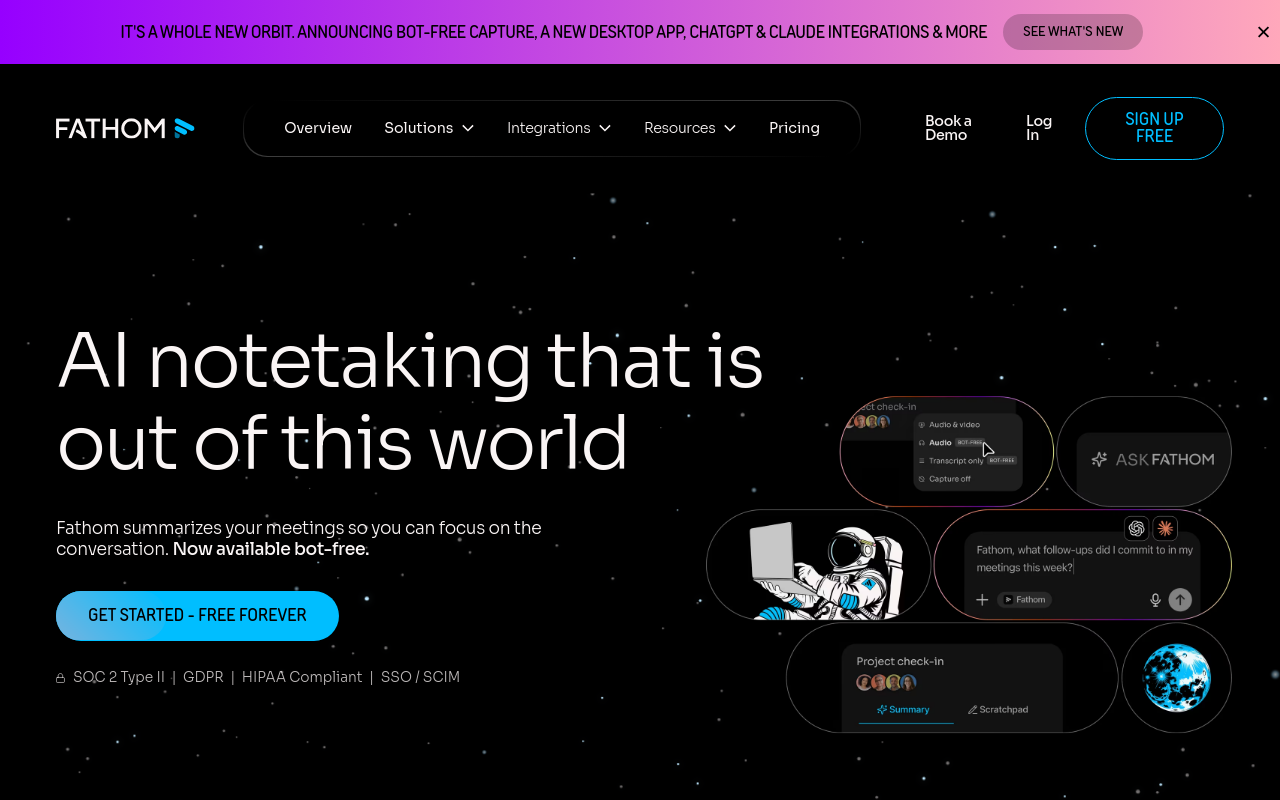
Bot-first. Fathom is a meeting transcription and recording tool that offers a free unlimited plan with no monthly minute cap; it joins live calls via calendar integration and produces transcripts and summaries without charging per minute or per seat at the free tier. Most beneficial when your team needs unlimited meeting transcription without committing to a paid plan.
4. Notta - Best Multilingual Transcription Across 58 Languages (vs. Otter AI)
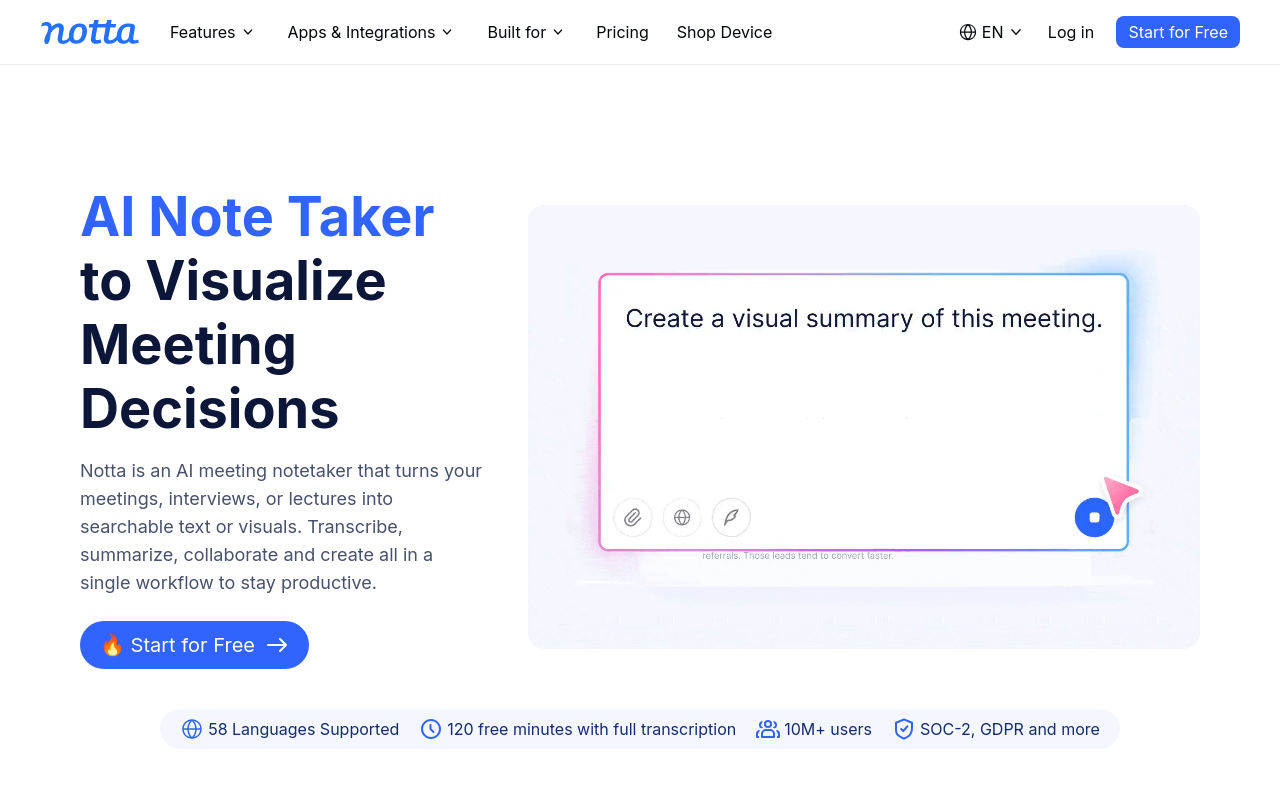
Hybrid (bot-first and file-first). Notta supports transcription in 58 languages, which is the most important differentiator for teams whose audio is not in English. Otter AI's transcription is built primarily around English, making Notta a materially better pick for multilingual workflows, international interview projects, or recordings where the speaker's first language is not English. Notta also accepts file uploads, bridging both workflow types. The trade-off: 58 languages is strong but not the widest available; verify your specific language is supported before committing to a paid plan. Most beneficial when recordings regularly include speakers in languages other than English.
5. Fellow.ai - Best for Enterprise Privacy with Contractual No-AI-Training Commitment
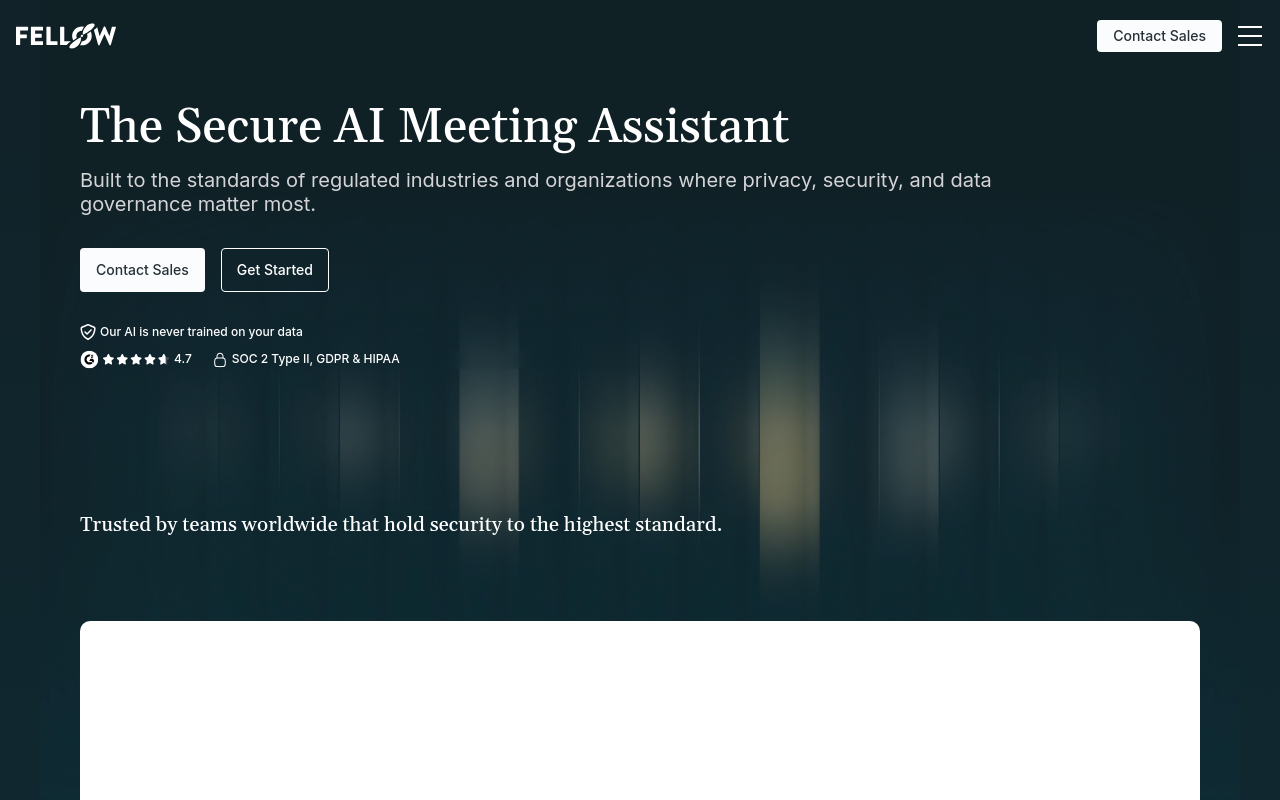
Bot-first. Fellow.ai makes a contractual commitment that it never trains its AI models on customer meeting data, a meaningful distinction from tools that reserve that right in their terms of service. Fellow also supports SSO with no seat minimum, unlike competitors that require 100 seats before SSO is available, and supports real-time transcription in 92 or more languages. The trade-off is that Fellow is a meeting-management platform first; transcription is built around live meetings. Most beneficial when privacy compliance is a genuine organizational requirement and the team attends structured meetings that benefit from shared agendas and documented follow-ups.
6. Grain - Best for Video Highlight Clipping and Sharing from Sales Calls
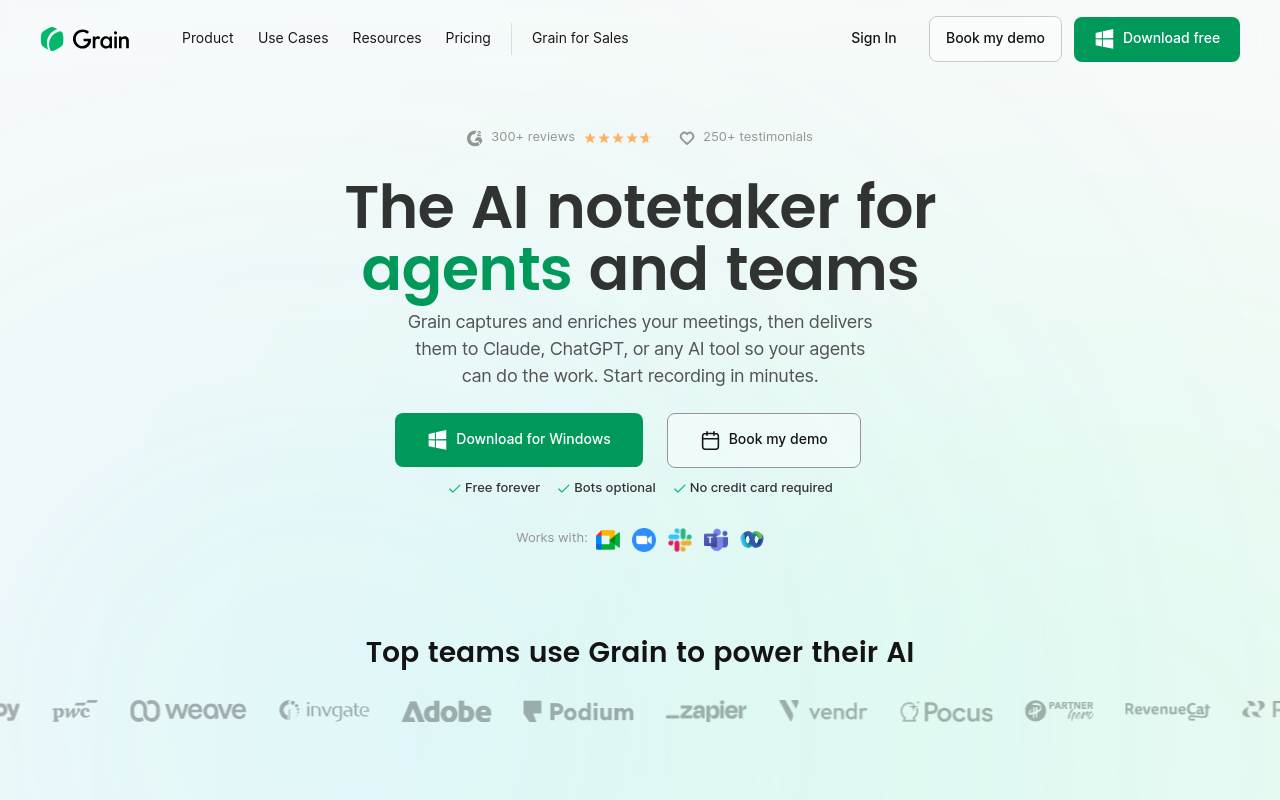
Bot-first. Grain creates shareable video highlights and clips from recorded sales calls, a capability in a different category from plain transcription. The use case is specific: a sales manager wants to share a 45-second clip of a customer objection with the wider team, or a rep wants to send a prospect a clip of a key call moment. The trade-off is that if your deliverable is a text transcript rather than a video clip, Grain is more tool than you need. Most beneficial when your team's primary need is creating and sharing video moments from calls, not producing editable text documents.
7. Read.ai - Is Read AI or Otter AI Better? A Neutral Comparison
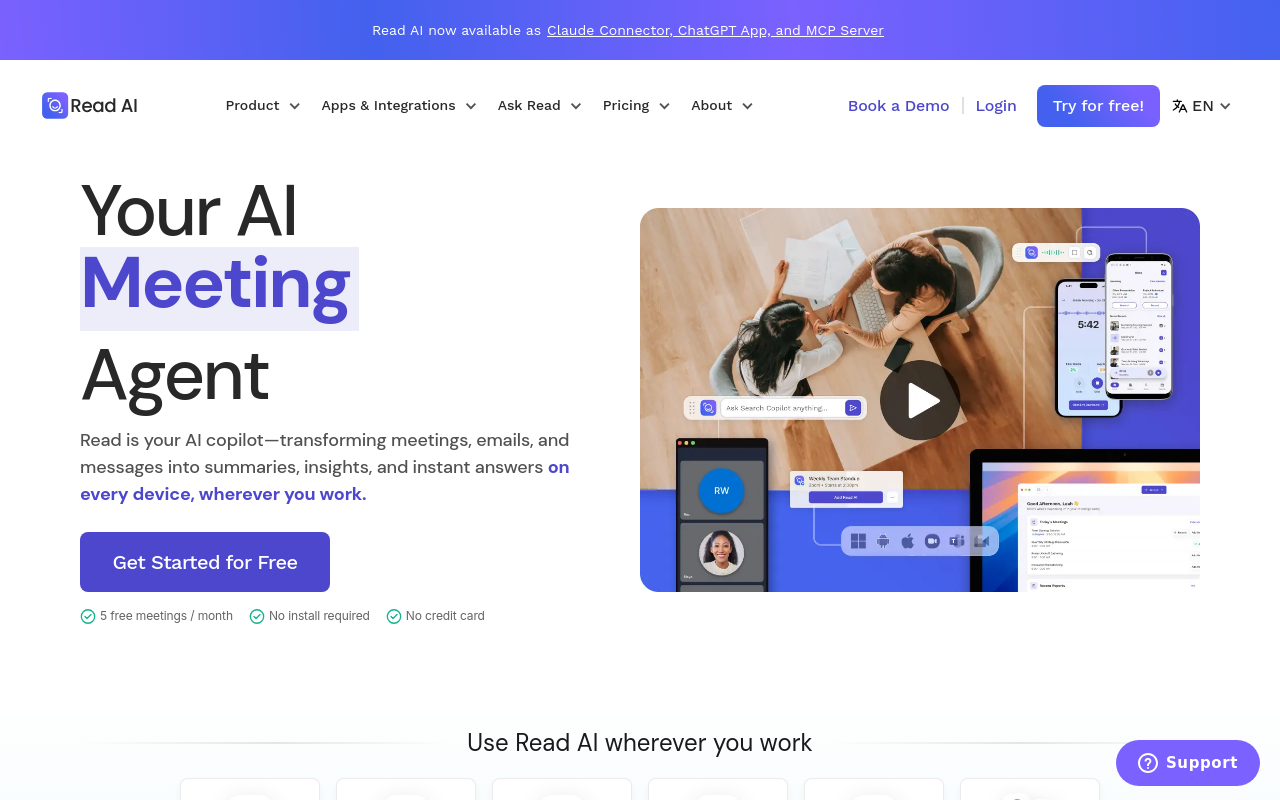
Bot-first. Read.ai and Otter AI are direct competitors in the meeting-bot category: both join live calls, produce transcripts and summaries, and target teams that want searchable meeting knowledge. Read.ai differentiates with meeting analytics, engagement scores and talk-time data, which Otter does not surface as prominently. Worth knowing: Read.ai's value extends well beyond live-meeting analytics, encompassing email summaries, cross-platform search across meetings and messages, a Digital Twin AI agent (Ada), and inbox insights from Gmail and Outlook, meaning users who attend few meetings can still derive value from non-meeting features. Most beneficial when a team lead wants behavioral data on meeting dynamics alongside the transcript.
8. Sonix - Best Automated File-First Transcription for Media Professionals
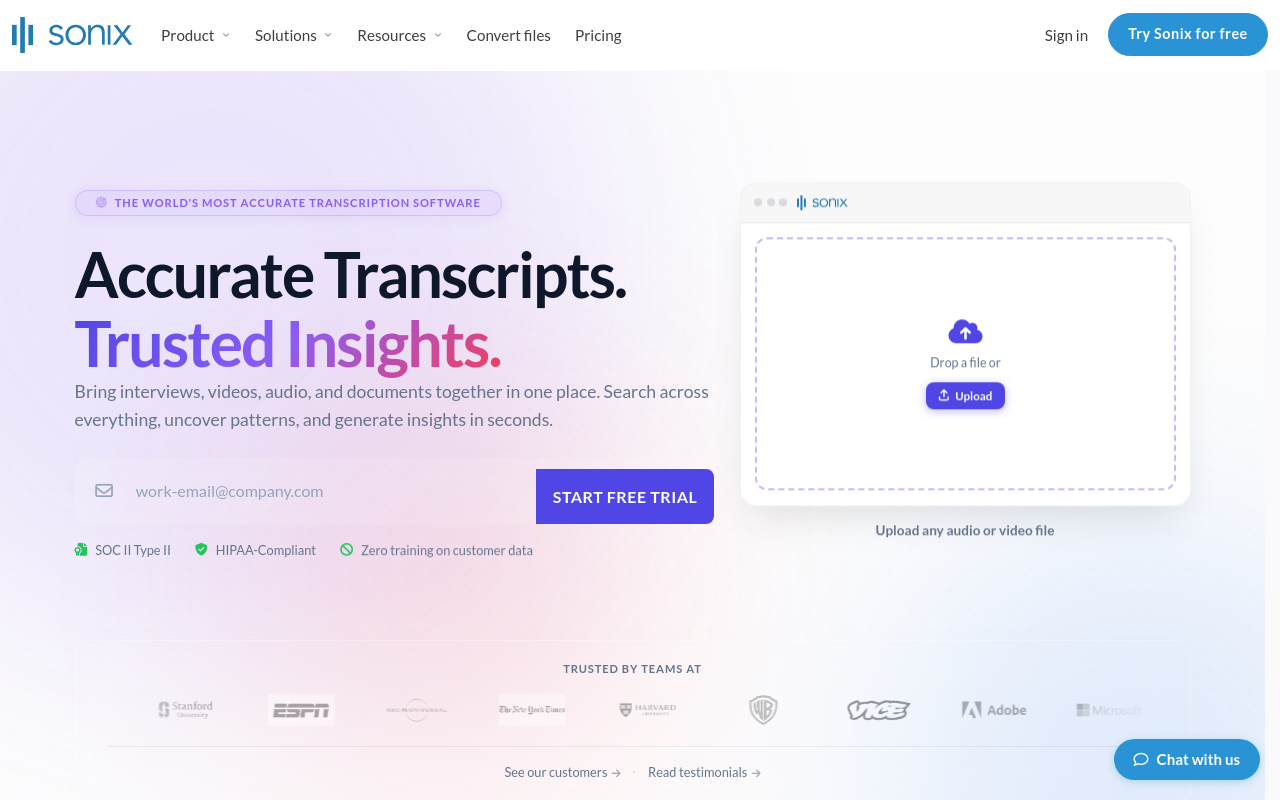
File-first. Sonix is a long-standing file-upload transcription tool aimed at journalists, researchers, and media production teams. It accepts a wide range of audio and video formats, returns transcripts with speaker labels and timestamps, and includes an in-browser editor for corrections. Pricing is pay-as-you-go or subscription, which suits irregular workloads better than flat monthly seat fees. The trade-off: per-hour pay-as-you-go pricing adds up quickly for high-volume users; the subscription tier is more cost-effective but requires a volume commitment. Most beneficial when you process media files intermittently and want a polished editing environment alongside the raw transcript.
9. TurboScribe - Best Unlimited File Transcription at the Lowest Prosumer Price
TurboScribe offers unlimited transcription minutes on its paid plan for a flat monthly fee well below most competitors, making it the budget-first pick for prosumers who upload large volumes of audio or video files. It uses Whisper-based AI under the hood, supports 98+ languages, and exports to TXT, SRT, and DOCX. The tradeoff: no meeting bot, no live transcription, and the interface is bare-bones compared to Otter AI or Notta.
10. Descript - Best All-in-One Transcription and Podcast/Video Editing Platform
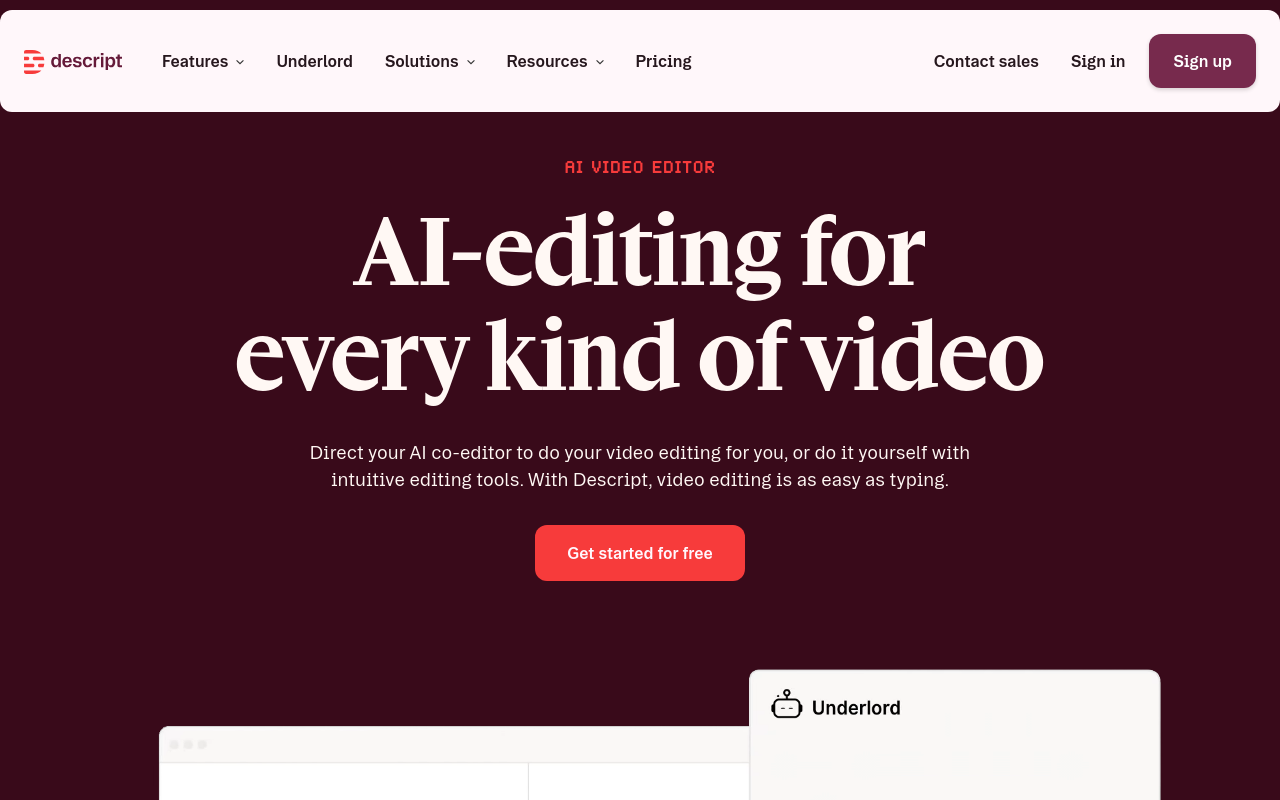
Descript combines file-first transcription with a full audio and video editor, letting users edit media by editing the transcript text, a workflow unique in this category. It's the right pick for podcasters, course creators, and video marketers who want transcription and production in one tool. The limitation: Descript is overkill and more expensive than pure transcription tools for users who only need text output from meetings or interviews.
11. Rev - Best Human-Reviewed Transcription for Legal and Compliance Accuracy
Rev offers both AI-automated and human-reviewed transcription, making it the safest pick when accuracy is non-negotiable, legal depositions, medical dictation, or compliance documentation. Human transcription is priced per minute and delivers near-perfect output. The clear limitation for Otter AI switchers: Rev is file-first and pay-per-use with no live meeting bot, and human review turnaround times mean it's not suited for same-day meeting notes.
12. Trint - Best Collaborative Transcript Editing for Newsrooms and Content Teams
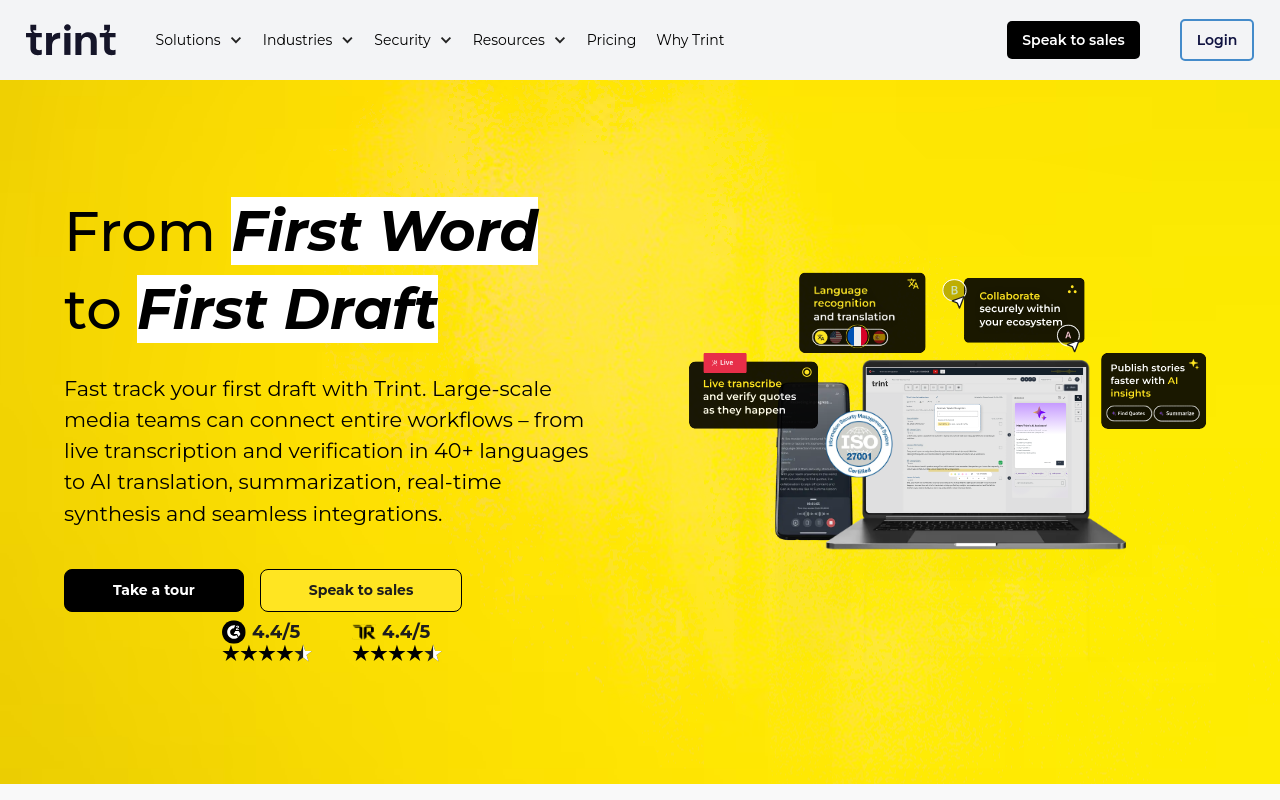
Trint is a file-first transcription platform designed for collaborative editorial workflows, multiple team members can highlight, comment, and tag transcript segments simultaneously, making it the top pick for newsrooms, documentary teams, and content agencies. It supports 40+ languages and integrates with Slack and Google Drive. The limitation: Trint's per-seat pricing is expensive for solo users, and it has no live meeting bot capability.
13. Riverside.fm - Best File-First and Live Recording Platform for Podcast Interviews
Riverside.fm records local high-quality audio and video tracks from each participant separately, then transcribes the combined output, making it the best pick for podcast hosts and interview creators who need studio-quality source files alongside transcripts. It supports file uploads and live recording. The limitation: Riverside is production-first, not meeting-intelligence-first, so it lacks CRM integrations, action-item extraction, and the meeting-bot workflow Otter AI users expect.
14. Whisper (Local AI) - Best Offline, Privacy-First Transcription with No Data Upload
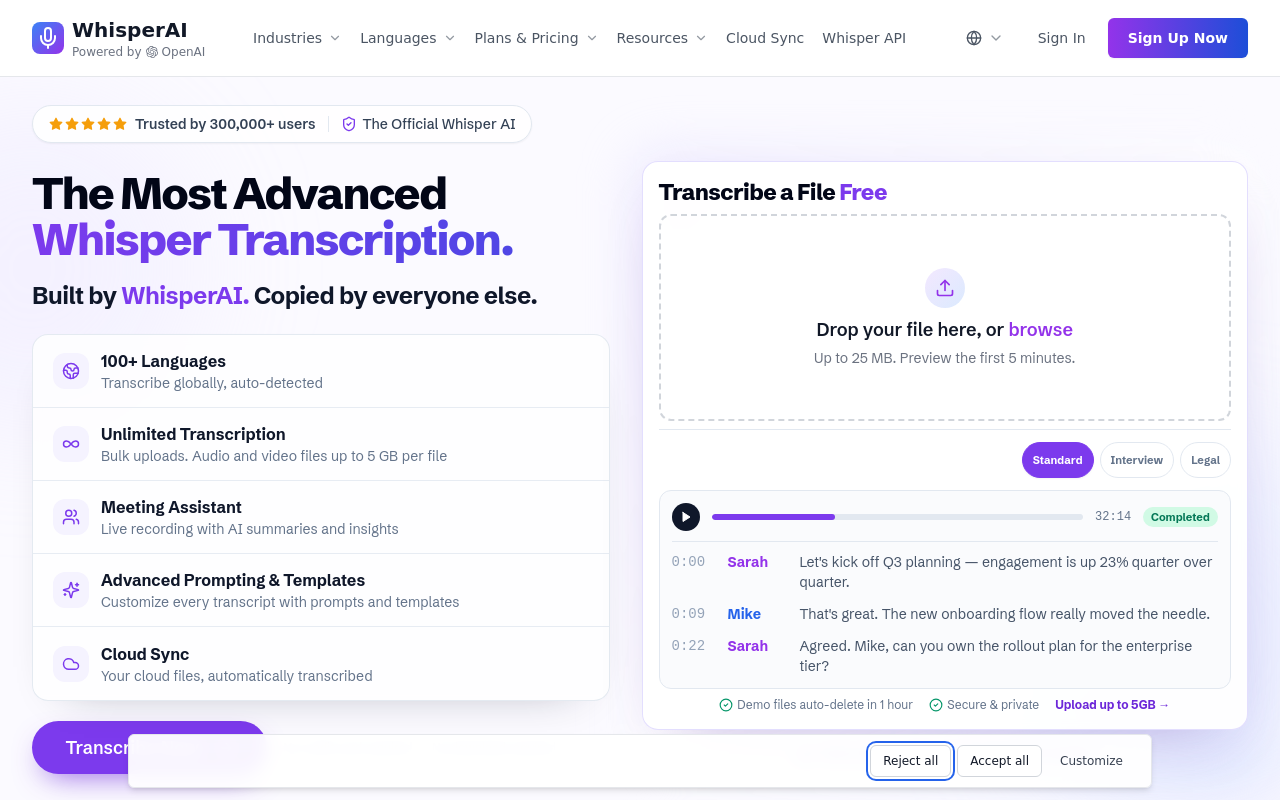
OpenAI's Whisper run locally is the right pick for developers, researchers, and security-conscious users who cannot send audio to any cloud server. It's free, open-source, supports 99 languages, and delivers accuracy competitive with paid SaaS tools. The honest limitation: setup requires command-line comfort, there is no GUI, no meeting bot, no summaries, and processing speed depends entirely on local hardware, it is not a plug-and-play Otter AI replacement.
15. Tactiq - Best Chrome Extension for Real-Time Google Meet and Teams Transcription
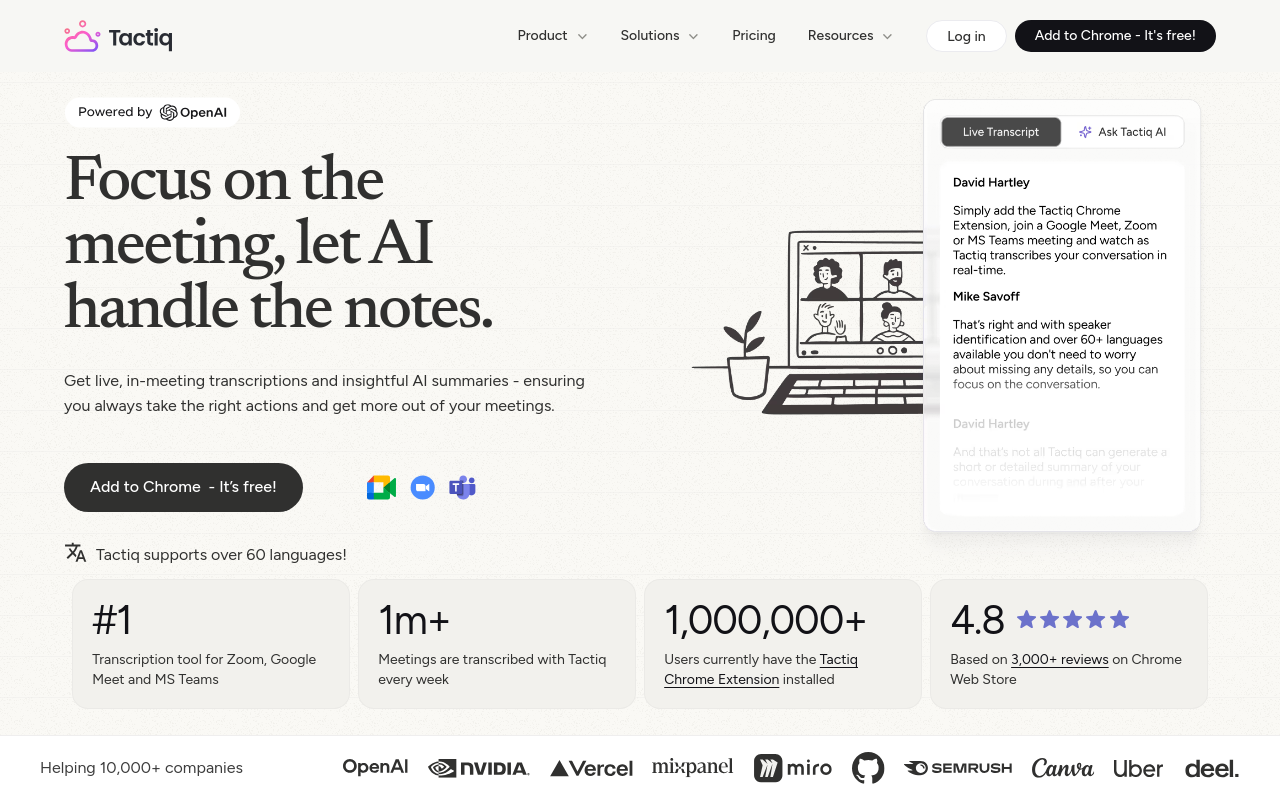
Tactiq runs as a Chrome extension that overlays live captions directly inside Google Meet, Zoom, and Microsoft Teams without deploying a bot into the call, making it the stealthiest real-time transcription option for users whose organizations block third-party meeting bots. It exports transcripts and AI summaries instantly. The limitation: Tactiq is browser-dependent, has no file-upload capability, and its free tier caps monthly transcript exports.
16. Clover - Best AI Meeting Assistant for Apple Ecosystem and Native macOS Users
Clover is a macOS-native meeting assistant that records system audio locally without a bot joining the call, making it invisible to other participants and compatible with any conferencing platform. It transcribes, summarizes, and stores notes on-device, appealing to Mac-first professionals who prioritize privacy and offline access. The limitation: Clover is macOS-only, has no Windows or web app, and lacks the CRM integrations that sales teams need from an Otter AI alternative.
17. Avoma - Best Conversation Intelligence and Coaching Tool for Mid-Market Sales
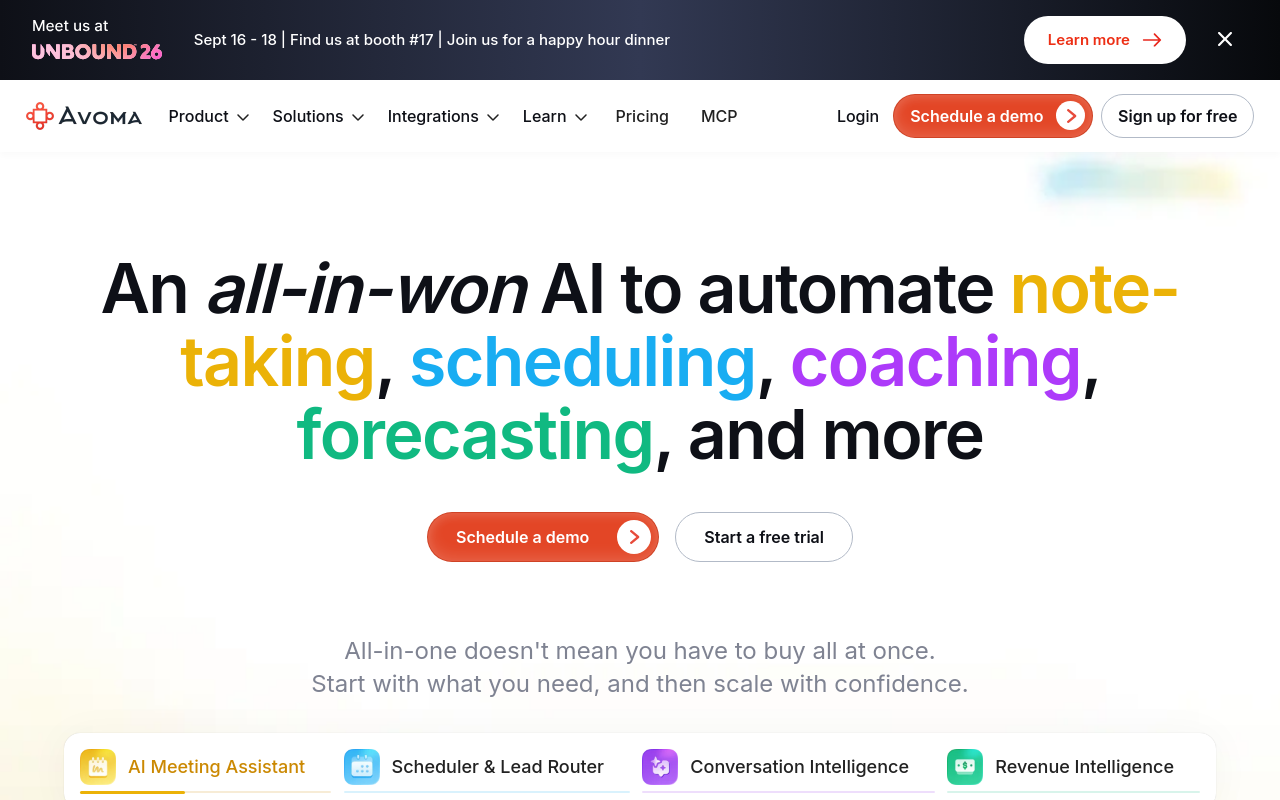
Avoma combines bot-first meeting transcription with structured note templates, conversation intelligence scorecards, and win/loss deal analysis, targeting mid-market sales teams that need more coaching depth than Fireflies.ai but less complexity than Gong. It integrates natively with Salesforce, HubSpot, and Zoom and auto-fills CRM fields post-call. The limitation: Avoma's per-seat pricing starts well above Otter AI Business, making it a poor fit for solo users or small teams on tight budgets.
Related Reading
- Best AI Transcription
- Interview Transcription Software
- Best AI Summarizer
How These 17 Otter Alternatives Compare on Price and Core Features
Cockatoo sits firmly in the file-first transcription family, built around uploading recorded audio or video rather than capturing live meetings.
"Otter AI feels limited to transcription only, it lacks the post-meeting workflow automation that I actually need."
— what we hear from meeting-heavy knowledge workers

Cockatoo processes uploaded audio and video files directly, with no meeting bot, no calendar connection, and no per-seat pricing. The Pro plan covers files up to 10 hours, unlimited transcription, and exports in DOCX, PDF, SRT, and TXT. That last format matters: SRT subtitle export means a podcast episode or lecture recording goes from raw audio to publishable captions in minutes, without a separate captioning tool in the chain.
The interface and output are not English-only, either. Cockatoo supports transcription across 90+ languages, so a multilingual team or a researcher pulling interviews from different markets is not forced to work around an English-first product. Accuracy is stated as up to 99.8%, with a 95% accuracy quality guarantee.
As with any transcription tool, test it on your own audio first. Cockatoo holds a 4.3 out of 5 TrustScore on Trustpilot, and the free tier needs no credit card, so you can verify output on a short recording of your own before committing to a paid plan.
Category matters more than any single feature comparison, and the category distinction solves a real structural problem many professionals face. Cloud-based transcription tools built around team accounts and meeting bots are unusable for professionals operating under strict NDAs: lawyers, doctors, and HR practitioners cannot upload confidential recordings to a shared corporate cloud without violating compliance requirements. That is not a niche concern. It is a hard architectural block that disqualifies entire product categories before price even enters the conversation.
Key takeaway: Bot-first transcription tools are architecturally built for corporate buyers. The per-seat enterprise model is not just a cost barrier for solo users; it is a structural access barrier that disqualifies the entire category before price enters the conversation.
Cockatoo's file-first model, where a transcript comes back on the first upload with no setup and no credit card required on the free tier, keeps the workflow in the hands of the individual rather than routed through an IT-administered platform.
Similarly, professionals who need to do real work after a transcript exists, editing, annotating, extracting action items, often discover that transcription-only tools leave a gap between the raw text and anything useful. The Pro plan's AI Notes editor addresses that gap directly: unlimited AI Notes are included, so the transcript is a starting point for structured output rather than the final deliverable.
The real comparison a solo prosumer or small-team employee needs is not "Otter vs. Fireflies vs. Fathom" but "bot-first vs. file-first," because the entire bot-first tier is architecturally built for corporate buyers, not individuals. Cockatoo's pitch is simple: full file-first capability at a price one person can justify.
How to Pick the Right Otter Alternative for Your Specific Use Case
Most people evaluating transcription tools start by scanning feature columns. The problem is they measure the wrong thing. Feature count is not a proxy for fit. The tool with the longest integration list is useless if it requires a live calendar invite and your audio already exists as a file on your desktop.
The fastest shortcut to the right Otter alternative is answering a single upstream question first: does your audio already exist as a file, or does it need to be captured from a live call? If the audio already exists, the entire meeting-bot column of every comparison table becomes irrelevant regardless of price or accuracy rating, and the decision collapses to a simpler set of criteria: supported file types, language coverage, export formats, and error handling.

Filter 1 - Workflow Type First - File Uploads vs. Live Meeting Bots
Does your audio already exist, or does it need to be captured from a live call? If the file already exists, every meeting bot on the list, Fireflies, Fathom, the bot-era Otter, becomes irrelevant before you check a single price or accuracy rating. Journalists, podcast editors, and admins turning recorded client calls into Word documents need a file-upload tool.
Cockatoo is built precisely for this: upload a recording, an interview, a client call, a lecture, or a podcast, and a transcript comes back in minutes, with no setup and no credit card required. Solo users and small teams who answer "file already exists" can skip IT approval, per-seat pricing, and calendar permissions entirely, and evaluate only the self-serve, file-upload tier.
Choosing a bot-first tool by mistake means repeating this evaluation in three months.
Filter 2 - Budget Reality Check for Solo Users Without IT Approval
Per-seat team plans are a structural dead end for a single employee with no procurement process. If you have no IT approval path, you need a self-serve individual plan you can buy with a personal card today. Anything requiring a minimum seat count, like Cockatoo's Team tier, which starts at three people, is off the list immediately for a solo user.
Cockatoo's Free tier requires no credit card and gives 3 free transcripts per day; you can verify the output quality before spending anything. When you're ready to move to unlimited transcription, unlimited file translations, and exports in PDF, DOCX, TXT, and subtitle (SRT) formats, the Pro plan, marked "Most Popular" on Cockatoo's pricing page, is an individual, self-serve upgrade that needs nothing more than a personal card.
Filter 3 - Language Coverage That Is Actually Verified
Claimed language counts vary wildly. Working with a tool whose interface and output are not English-only matters the moment your audio is in French, Mandarin, Arabic, or any other language your source or subject happens to speak. A transcription tool that forces everything through English is a barrier. If your audio is non-English, verify the specific language against Cockatoo's supported list before committing.
Filter 4 - Export Format Before You Commit
A transcript locked inside a proprietary viewer is a half-finished product. Cockatoo's Pro plan exports to PDF, DOCX, TXT, and subtitles (SRT), which covers the formats that journalists need for filing copy, podcast editors need for show notes, and video producers need for published captions. If the tool you are evaluating cannot hand you an SRT file or a Word document, it is adding a conversion step, and a potential error point, to every single project. Check the export list before the feature list.
Next steps
If your recordings already exist as files and every "top alternative" list keeps sending you back to meeting bots that need a calendar invite, the path forward starts with recognizing that bot-first and file-first tools are different product categories, not different price points on the same product. Start with our AI transcription.
The market data shows that AI transcription growth is almost entirely a meeting-bot story, which means comparison tables built around that growth are measuring the wrong category for anyone working with pre-recorded audio. At the same time, per-seat enterprise pricing is not just expensive for solo users, it is a structural access barrier, one that requires IT approval and a procurement cycle before a single file gets transcribed. Together, those two facts point to skipping the bot column entirely and evaluating only self-serve, file-upload tools against the criteria that actually matter for your workflow: supported file types, language coverage, export formats, and error transparency.
Start with AI transcription on the free tier, three transcripts per day at up to 30 minutes each, no credit card required, and test it against the specific audio you actually work with before spending anything.
Frequently Asked Questions
I already have a recorded interview - do I need a meeting bot to transcribe it?
No. File-first tools like Cockatoo accept any pre-recorded audio or video file you upload directly, with no calendar connection or bot invitation required. Meeting bots are built around live calendar-connected calls, so if there is no live call to join, they cannot help you.
Why did Otter AI stop letting me upload files after only three recordings?
Otter's free tier limits users to 3 lifetime file imports - not per month, ever. Once you hit that cap mid-project, the door closes regardless of how many transcription minutes you have left.
Is Notta actually better than Otter AI for multilingual recordings?
For recordings that include speakers in languages other than English, Notta is a materially better pick because it supports transcription in 58 languages, whereas Otter's transcription is built primarily around English. Notta also accepts file uploads, so it bridges both live-meeting and pre-recorded workflows, though you should verify your specific language is supported before committing to a paid plan.
I want video highlights from sales calls, not just a text transcript - which type of tool covers that?
Grain is the tool in this category: it creates shareable video clips and highlights from recorded sales calls, which is a different capability from plain transcription. That said, if your primary deliverable is an editable text document rather than a video clip, Grain is more tool than you need.
Can I try a file-first transcription tool without entering a credit card?
Yes. Cockatoo's Free tier requires no credit card and gives you three transcripts per day at up to 30 minutes each, so you can test the tool on real audio before spending anything.