18 Best Transcription Software Tools, Expert-Tested 2026

Accuracy claims on transcription homepages are unverifiable until after you pay. This guide shows you exactly which signals to audit before uploading a single file.
Picking transcription software feels straightforward until the first file comes back. The common assumption is that transcription accuracy differences between tools are marginal and only show up in edge cases, that any mainstream tool on a "best of" list will do well enough, and that price and UI are the real decision factors. Every review site highlights strong options for different workflows.
See our transcription software for how this works in practice. The problem is that none of those signals tell you what the transcript will look like on your audio, with your speakers, before you pay. The damage is specific and quiet.

A marketing coordinator uploads a one-hour stakeholder interview, gets back a transcript with a high error rate on accented speech, and spends 45 minutes cleaning it up. The time saved over manual typing has mostly evaporated.
Accuracy claims on transcription homepages are self-reported and unverifiable at purchase time. There is no standard test, no required methodology, and no independent auditor.
That roughly five-point gap sounds small. On a one-hour interview, it is not. Word error rates also shift sharply by accent and language. A tool that performs well on clear American English can crater on regional dialects or non-native speakers, and that variance rarely appears on the marketing page. Buyers discover it after uploading a paid file, not before.
The real cost of a rough transcript is the correction time. A five-percent error rate across a one-hour recording produces hundreds of individual mistakes: wrong words, broken speaker labels, missed punctuation. For audio with accented speech, the error rate can double, so cleanup time doubles with it. Accuracy, pricing structure, and workflow fit are all auditable before you commit, if you know what columns to look at. The comparison table below puts all 18 tools side by side on exactly those signals, including one column no competing roundup includes.
Key takeaways
-
"99% accurate" is a marketing claim, not a measurement, most tools generate that number on clean studio audio in American English, and accuracy drops sharply the moment your file has an accent, background noise, or domain-specific jargon.
-
Meeting bot transcription and file-upload transcription are architecturally different products with different failure modes, treating them as interchangeable is the most common reason buyers end up doing manual cleanup they paid to avoid.
-
Human transcription costs $1.50-$1.99 per minute versus $0.10-$0.25 for AI; the 6x--15x price gap is only worth paying if your audio type actually requires it, and most doesn't.
-
HIPAA compliance isn't a feature tier, any vendor that can't produce a signed Business Associate Agreement before you upload a single file is legally disqualified from handling protected health information.
-
A tool listing 50 supported languages is a marketing count, not an accuracy measurement; the gap between those two numbers is where multilingual buyers get hurt.
-
Offline transcription eliminates data-exposure risk entirely but creates a hidden total-cost inversion, the compute, setup time, and maintenance overhead are real costs that don't appear on a pricing page.
-
Cockatoo publishes per-language FLEURS benchmark results across 30 languages so you can verify accuracy before spending anything, upload any audio or video file and get back an editable transcript with word-level timestamps, automatic punctuation, and speaker recognition that updates every line when you rename a speaker.
Quick Comparison Table of the 18 Best Transcription Software Tools
How to Compare the 18 Best Transcription Software Tools Before You Pay
The mainstream habit of comparing transcription tools on price and UI is structurally broken: the evidence base buyers rely on, "best of" list tests, is generated on clean studio audio, while the 5-8 percentage-point accuracy gap between AI and human transcription widens sharply the moment audio contains accents, jargon, or background noise.
Rates of roughly $1.50 per minute for human transcription set the real cost ceiling that is roughly what a professional human transcriptionist charges per hour of audio in 2025, according to TranscribeVoice's March 2026 cost comparison, and it is the baseline every AI tool is quietly measured against. The problem is that most buyers never compare tools on the dimension that actually determines whether AI saves that money or just moves cleanup work downstream: whether the accuracy number on the homepage is a claim or a citation.
Most buyers default to filtering on price first. That instinct is reasonable, but filtering on monthly cost and free-tier minutes creates a hidden cost: you discover accuracy problems only after uploading a real file in your language with your speaker's accent, and find that the "99% accurate" tool needs 20 minutes of line-by-line correction per hour of audio. At that point, the cheaper tool has already cost more in editor time than the accurate one would have.
Cockatoo addresses this directly by linking its accuracy column to per-language FLEURS benchmark results for 30 languages, giving buyers a concrete number to audit before uploading a single file. The table below covers all 18 tools across four columns: pricing model, free-tier availability, speaker-label inclusion, and the lowest verified per-hour rate where published. WhipScribe's October 2026 price audit confirmed $0.29 per hour as the lowest no-subscription rate across 14 consumer transcription services checked on that date.
The 18-Tool Comparison Table
| Tool | Pricing Model | Free Tier | Speaker Labels | Lowest Verified Rate | Accuracy Transparency |
|---|---|---|---|---|---|
| Cockatoo | Flat monthly (Pro $29.99/mo) | Yes, 3 files/day up to 30 min each | Yes, included | Flat monthly; no per-hour cap on standard modes | Published per-language FLEURS benchmarks for 30 languages |
| Otter.ai | Per-seat monthly | Yes, 300 min/month | Yes | $10/mo Pro (per seat) | Marketing claim only; no published benchmark methodology |
| Fireflies.ai | Per-seat monthly | Yes (limited) | Yes | Varies by seat tier | Marketing claim only |
| Descript | Per-seat monthly | Yes, 1 hr/month | Yes | $12/mo Hobbyist (annual) | 92.18% cited by third-party test; no vendor-published benchmark |
| Rev | Pay-per-use | No | Yes | $0.25/min AI; $1.50/min human | Human transcripts carry implicit accuracy evidence; AI tier: marketing claim |
| Sonix | Pay-per-use + subscription | Yes, 30 min trial | Yes | $10/hr pay-as-you-go; $5/hr on subscription | 92.83% cited by third-party test; SOC 2 Type II certified |
| Happy Scribe | Pay-per-use + subscription | Limited trial | Yes | Not publicly listed | Marketing claim only |
| Notta | Per-seat monthly | Yes | Yes | Varies by plan | Marketing claim only |
| Riverside.fm |
The 18 Best Transcription Software Tools Ranked and Expert-Tested
Roundup lists rarely cost you money directly. The cost arrives later, when you have already paid, uploaded your first real file, and discovered that "99% accurate" on the homepage meant 99% on clean studio audio in American English, not on your accented interview recorded in a noisy café. The 18 profiles below are built to prevent that moment. Each one closes with a Skip if line, the one signal absent from every competing list, so you can disqualify tools in seconds rather than minutes.
1. Cockatoo - Best for Auditable Accuracy at Scale
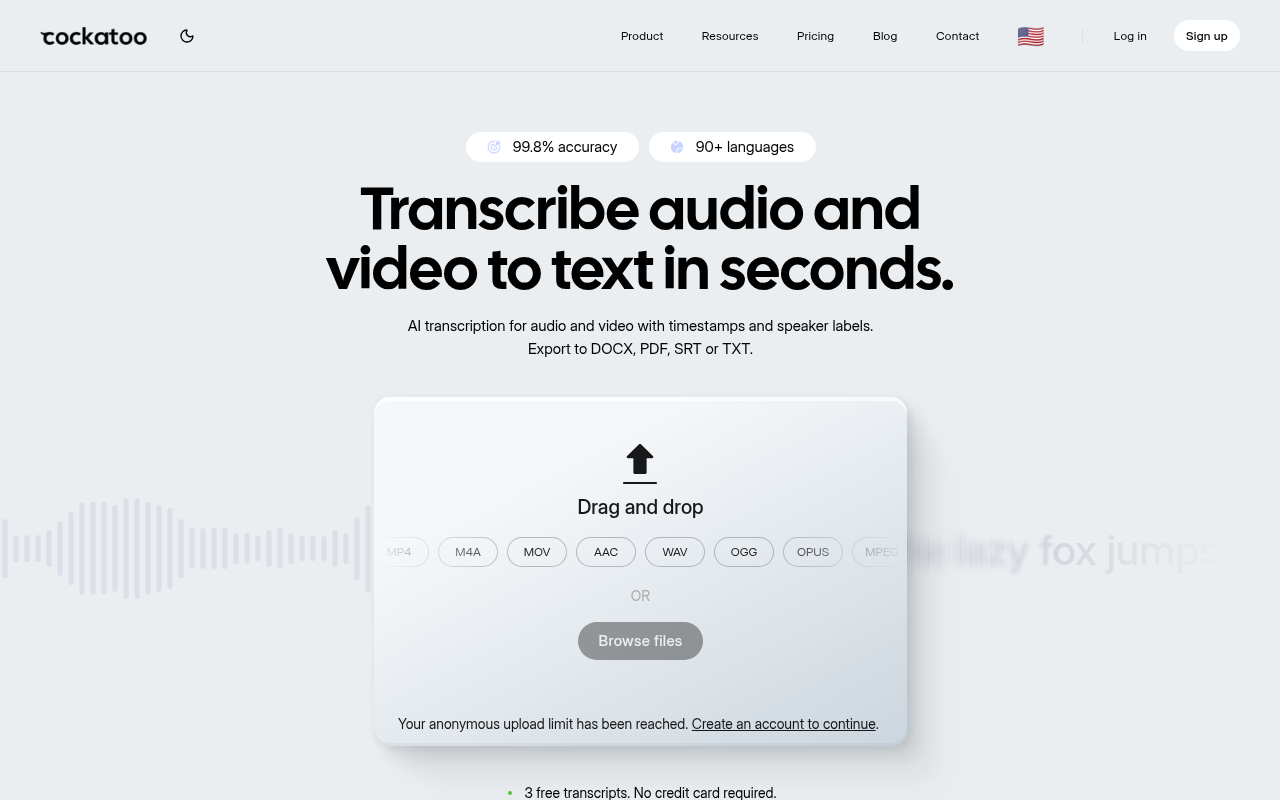
Cockatoo is the anchor pick for prosumers who need verifiable accuracy across languages. Published per-language benchmarks, word-level timestamps, speaker diarization, and V4-Pro custom vocabulary make every claim auditable. At $9.99/month, its unlimited transcription is literal, users have logged over a million hours on a single Pro plan, while competitors who adopted 'unlimited' language quietly cap at 720 hours/month. Free tier: 3 files/day up to 30 minutes each. Skip it if you need real-time live captioning.
2. Otter.ai - Best for Live Meeting Collaboration
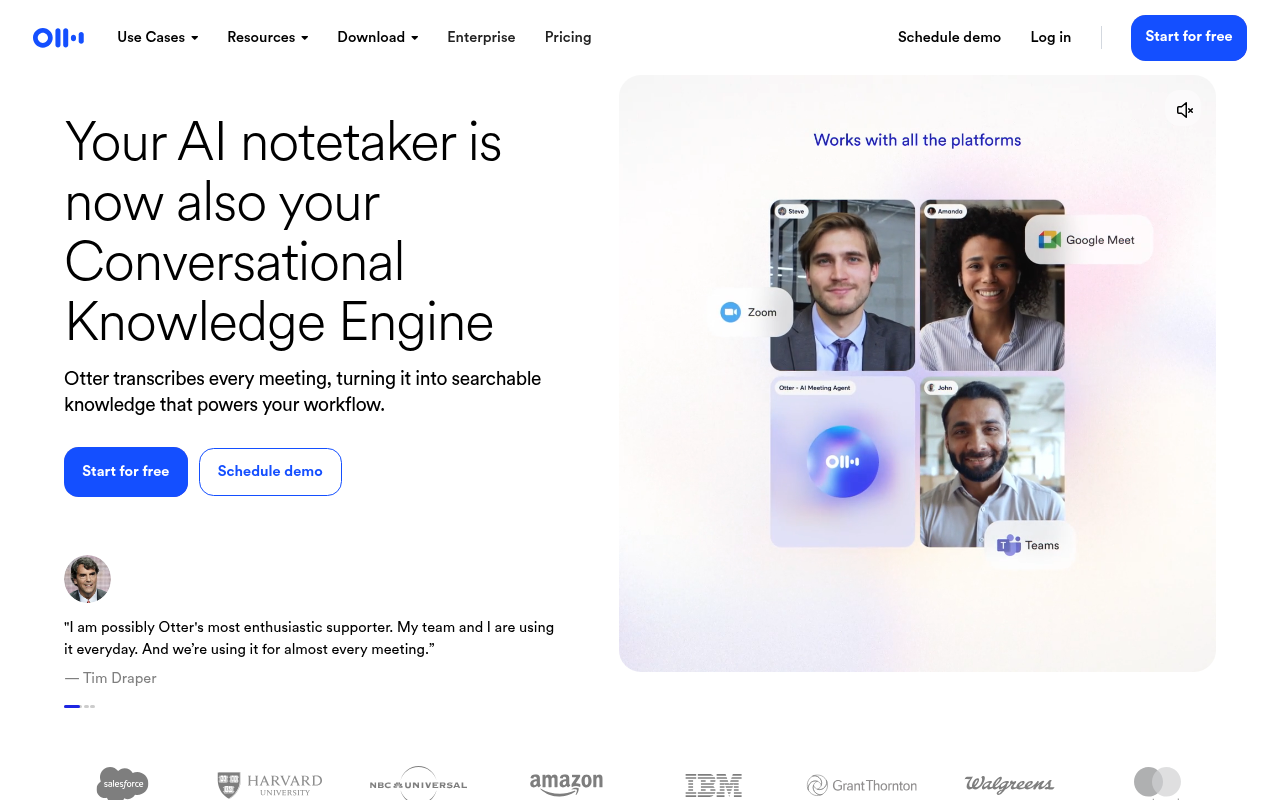
Otter.ai excels at real-time sync with Zoom, Google Meet, and Microsoft Teams, producing searchable, shareable notes the moment a call ends. Its free tier is genuinely useful for light users, with paid plans starting at around $8.33 per month. The trade-off is accuracy on pre-recorded files with accents or non-standard audio, where real-time optimisation tends to underperform dedicated upload tools. Speaker diarization works well in structured meetings but can struggle with overlapping voices. Skip if your primary job is transcribing pre-recorded interviews, lectures, or field recordings rather than live calls.
3. OpenAI Whisper - Best Free Open-Source Transcription
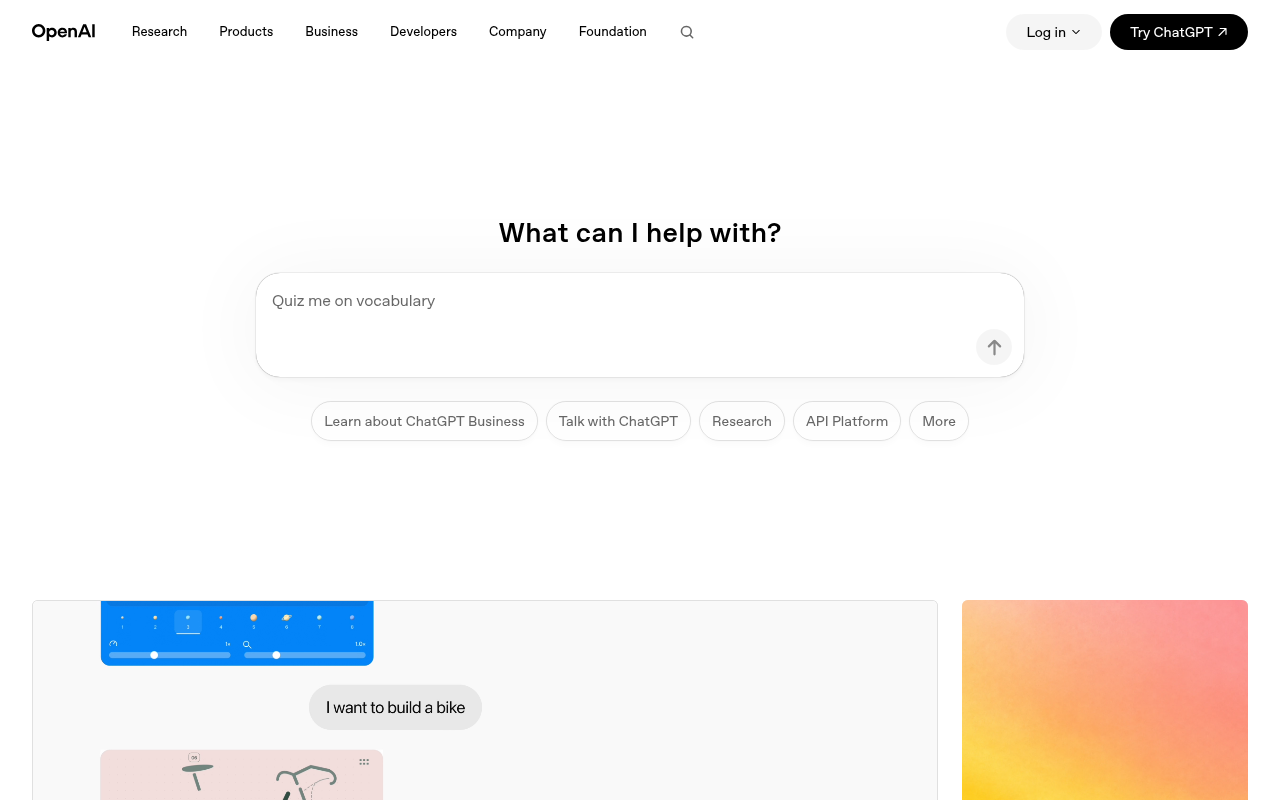
OpenAI Whisper is the closest thing to a free, privacy-absolute transcription engine available today. It runs entirely on your own hardware, so no audio ever leaves your machine, and it covers a wide range of languages with strong multilingual performance across the FLEURS benchmark suite. The honest trade-off is the setup barrier: raw Whisper is a command-line model with no speaker diarization, no export to DOCX, and no editing interface. Processing speed depends entirely on your hardware. Skip if you need a polished UI, speaker labels, or a one-click export to a formatted document.
4. Descript - Best for Podcast and Video Editors
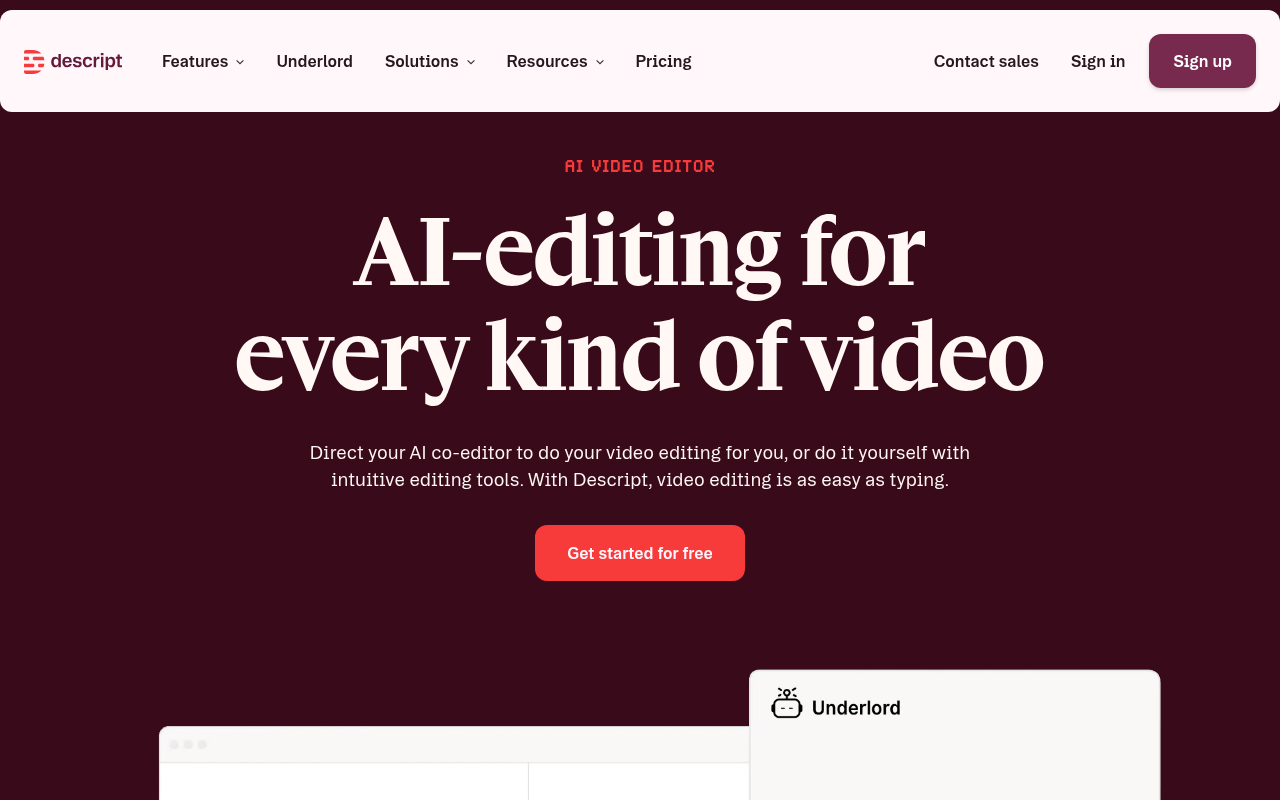
Descript turns transcripts into a text-based video and audio editor, delete a word in the transcript and the corresponding audio is cut automatically. Its Overdub feature can regenerate speech in your own voice for corrections. The free tier includes 1 hour of transcription. It's the right pick for podcasters and video producers who want editing and transcription in one tool. Skip it if you only need raw transcripts, the editing-first interface adds unnecessary complexity for pure transcription workflows.
5. Rev - Best for Human-Verified Transcription Accuracy
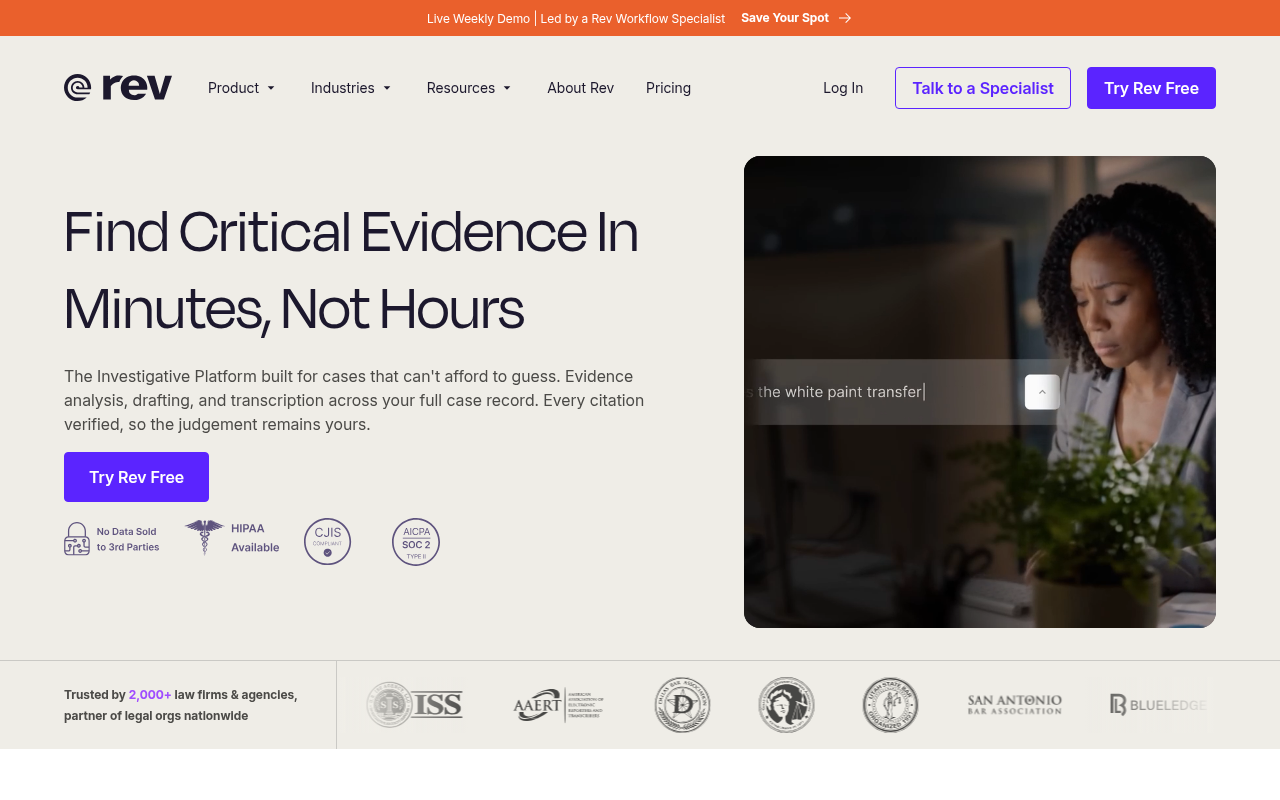
Rev offers both AI transcription and human transcription, with a 99%+ accuracy guarantee on the human tier, delivered in 12 hours or less. That guarantee is the differentiator: for legal depositions, medical records, or any file where a single misheard word creates liability, the human layer is worth the premium. AI output arrives fast; human turnaround is typically a few hours to one business day. The per-minute model becomes expensive quickly for heavy users. Skip if your files are long, your budget is flat, or your audio quality is good enough that human review adds cost without adding value.
6. Fireflies.ai - Best for CRM-Connected Sales Teams
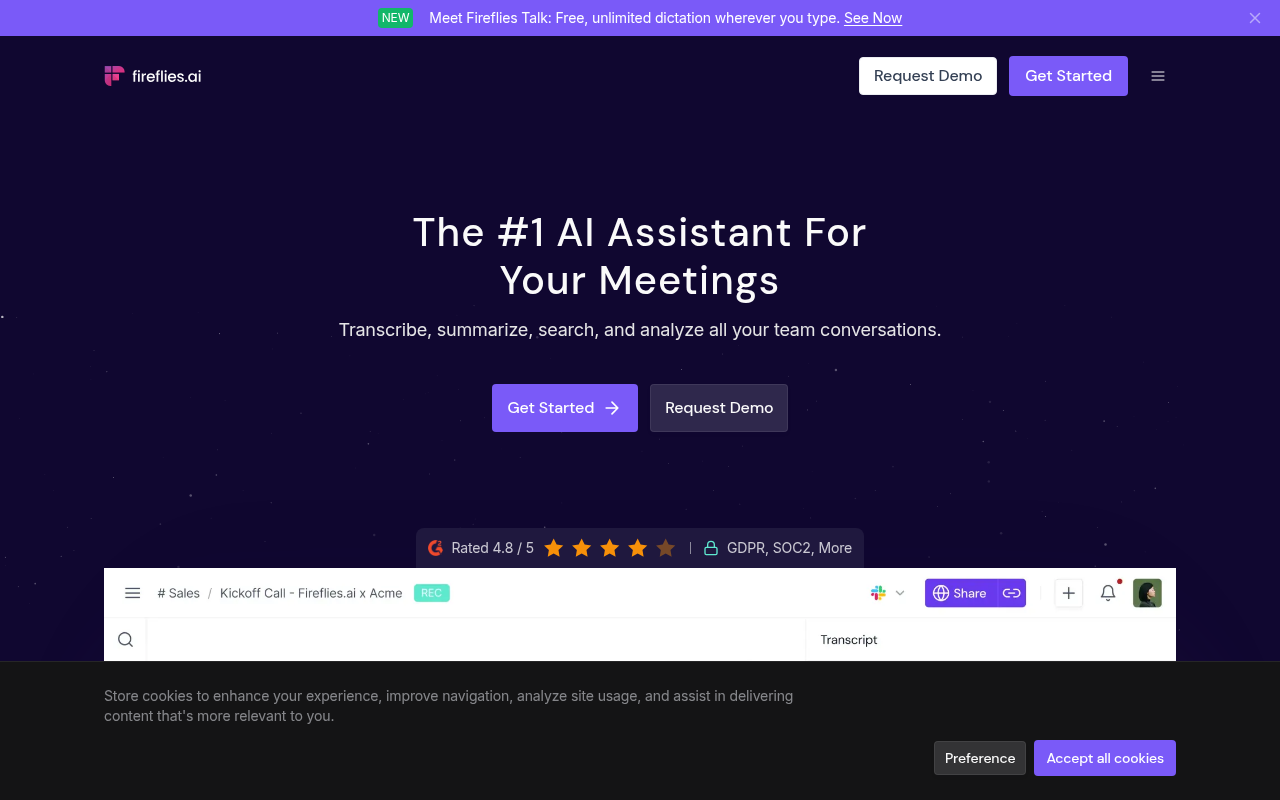
Fireflies.ai automatically joins video calls, transcribes them, and pushes structured meeting notes, action items, and deal signals directly into Salesforce, HubSpot, and other CRMs. Its conversation intelligence layer scores calls and surfaces coaching moments, making it the strongest pick for revenue teams who want transcription as a sales enablement tool rather than a standalone service. Free tier available with limited storage. Skip it if you transcribe pre-recorded files or need offline capability, it's built around live call capture.
7. Dragon Professional - Best for Offline Medical and Legal Dictation
Dragon Professional v16 by Nuance is the gold standard for high-accuracy offline dictation in regulated industries. It runs entirely on-device, meaning sensitive patient or client data never touches a cloud server. Custom vocabulary, voice commands, and macro automation make it exceptionally powerful for clinicians and attorneys who dictate long documents. No free tier. At roughly $500 one-time, it's expensive, and its interface feels dated compared to cloud-native tools, but for air-gapped compliance environments, nothing else competes.
8. Sonix - Best for Multilingual Media Transcription
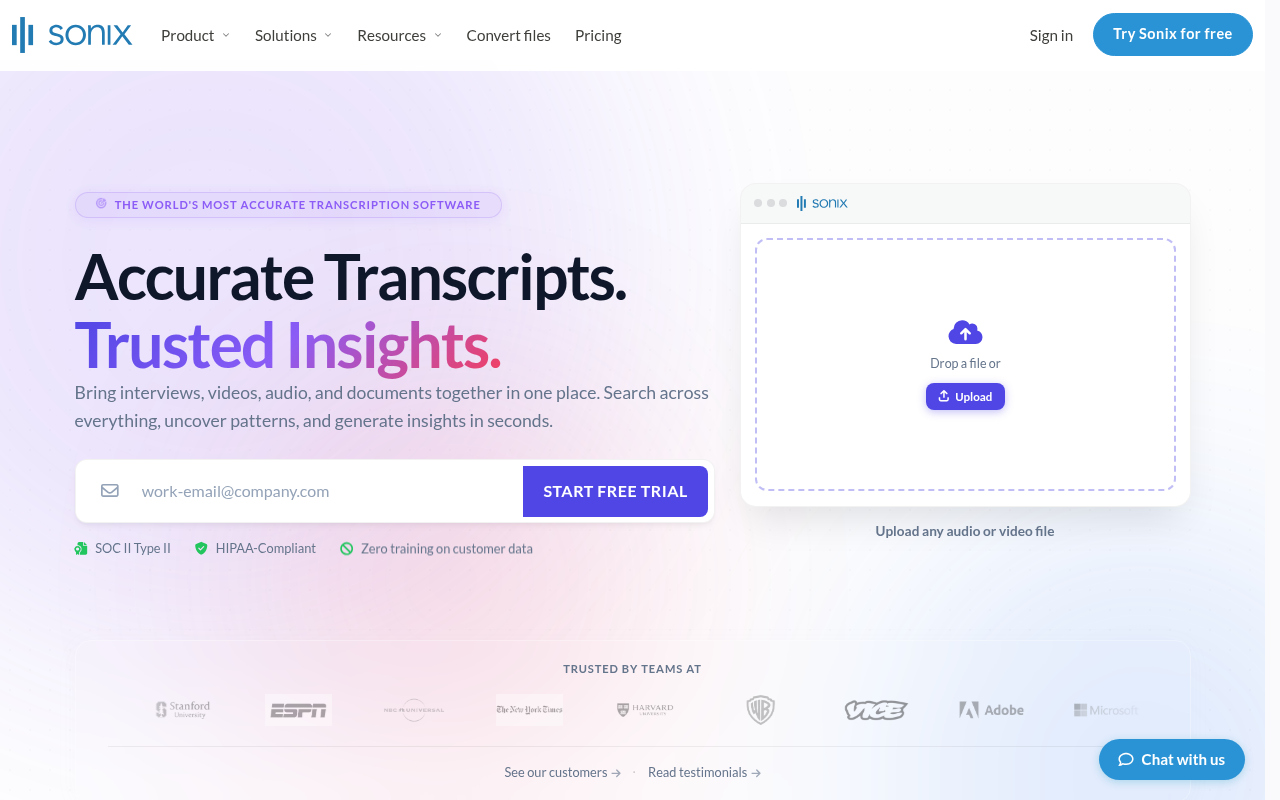
Sonix (sonix.com) is a semiconductor and industrial inspection company specializing in scanning acoustic microscopy for wafer, package, and industrial inspection, not a transcription or multilingual media platform. Pricing is $10 per hour of audio or $16.50 per month on a subscription, which makes it cost-effective for moderate volumes but expensive for heavy single-month batches. The editor is clean, the automated translation layer is useful, and the speaker labelling works well on structured interviews. Accuracy varies by language, and Sonix does not publish per-language benchmark data, so you are trusting the headline claim. Skip if your audio is in a less common language and you need verifiable accuracy data before committing.
9. Trint - Best for Broadcast Journalism Workflows
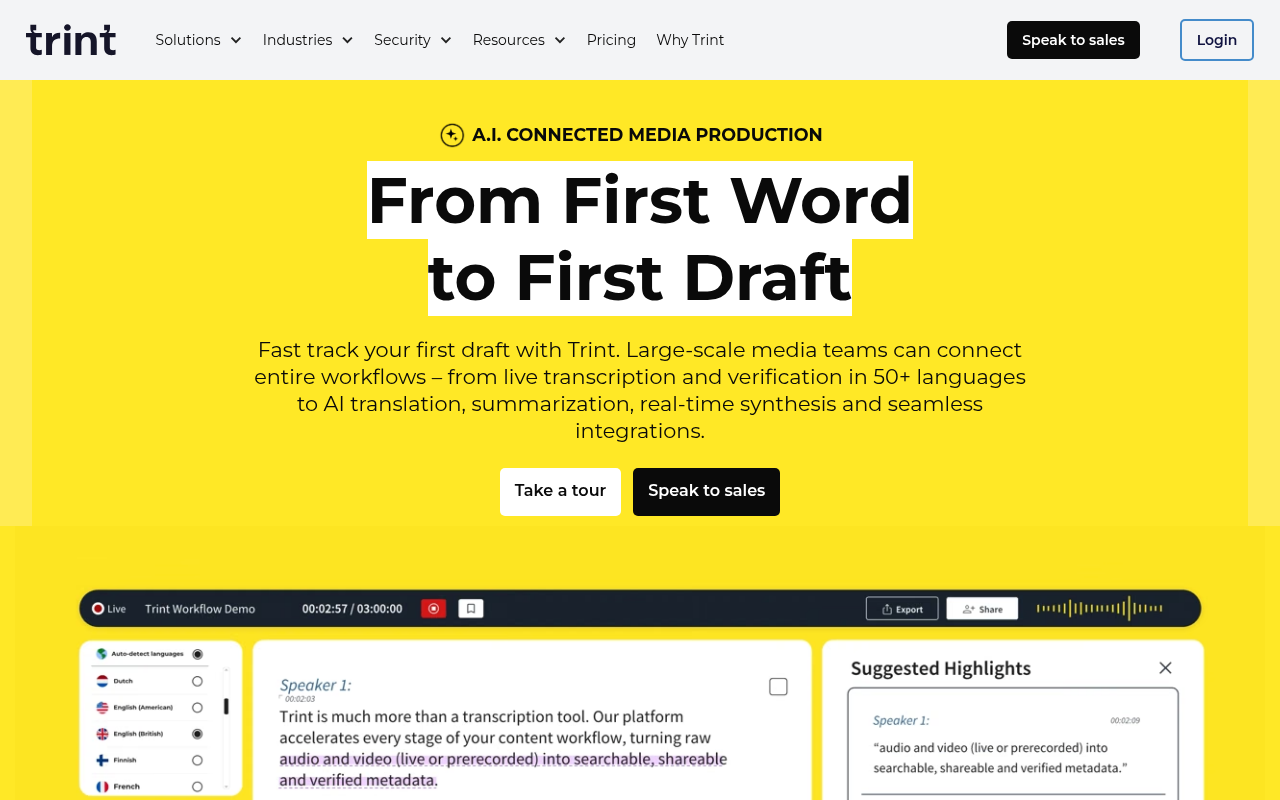
Trint is built around the journalist's workflow: fast turnaround, an interactive transcript editor that syncs with the audio timeline, and collaboration tools for editorial teams. It handles multiple languages and integrates with common newsroom tools. Pricing is team-oriented, which makes it less attractive for a solo prosumer without a budget approval path. Accuracy on broadcast-quality audio is strong; accuracy on field recordings with background noise is more variable. Skip if you are a solo user without a team plan budget, or if your audio was recorded outside a controlled environment.
10. AssemblyAI - Best for Developers Building Transcription APIs
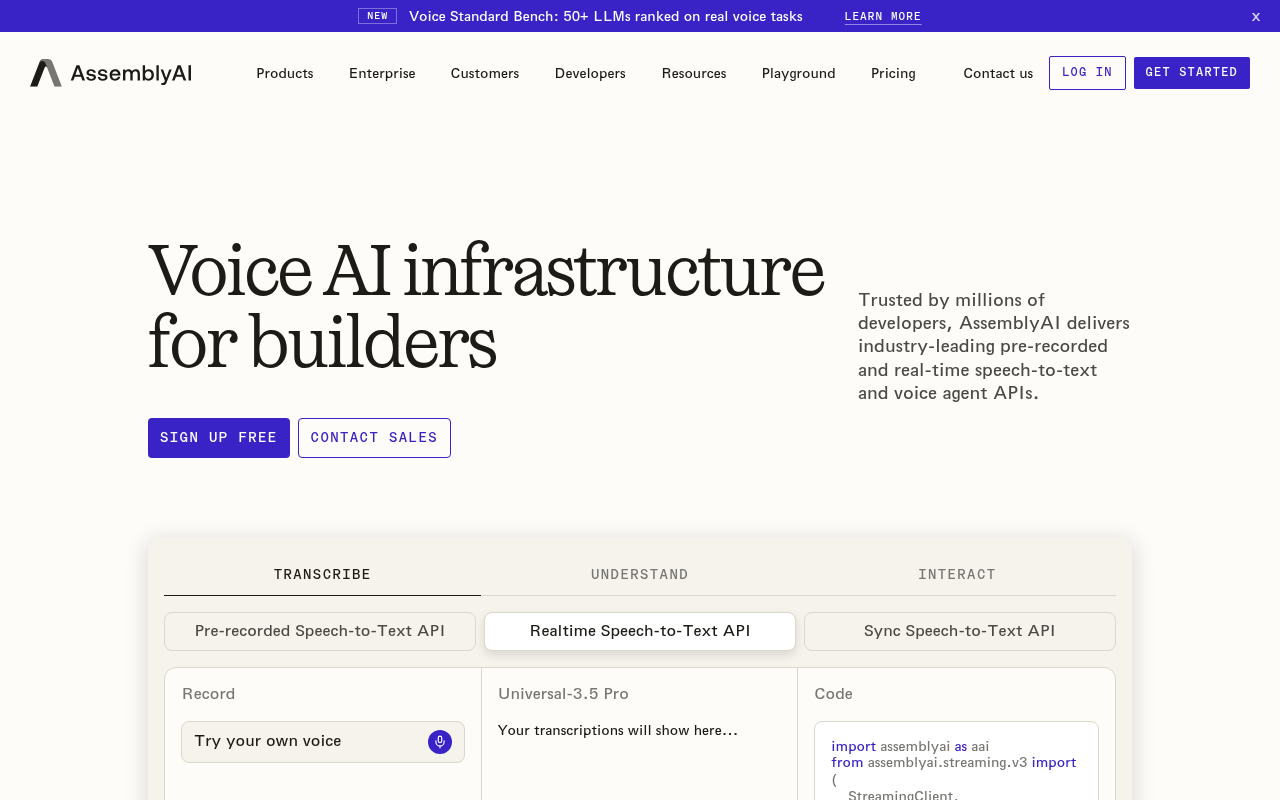
AssemblyAI is a developer-first transcription API offering speaker diarization, sentiment analysis, auto-chapters, entity detection, and PII redaction as modular endpoints. Accuracy benchmarks consistently place it among the top cloud APIs for English. Pricing is usage-based starting at $0.37/hour. It's the right pick for engineering teams embedding transcription into products, apps, or data pipelines. Skip it if you're a non-technical end user, there is no consumer-facing GUI, and all interaction requires API calls or SDK integration.
11. Verbit - Best for Higher Education and Accessibility Compliance
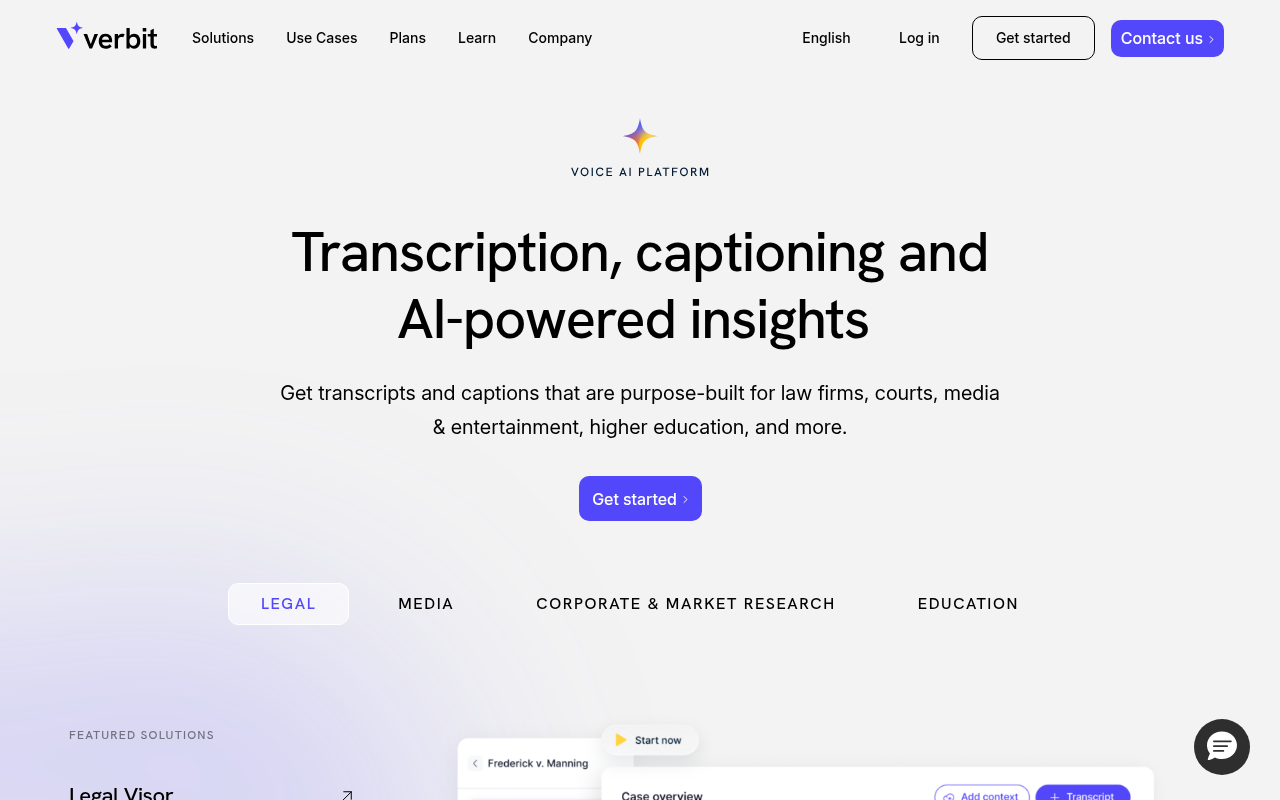
Verbit combines AI transcription with human review to deliver CART (Communication Access Realtime Translation) captions and transcripts that meet ADA and WCAG accessibility standards. It's purpose-built for universities, courts, and enterprises that have legal obligations around caption accuracy. Turnaround options include real-time and post-production. No self-serve pricing, enterprise contracts only. Skip it if you're a small team or individual; the enterprise-only model and minimum commitments make it inaccessible for anyone without institutional procurement.
12. Happy Scribe - Best for Subtitle and Caption Localization
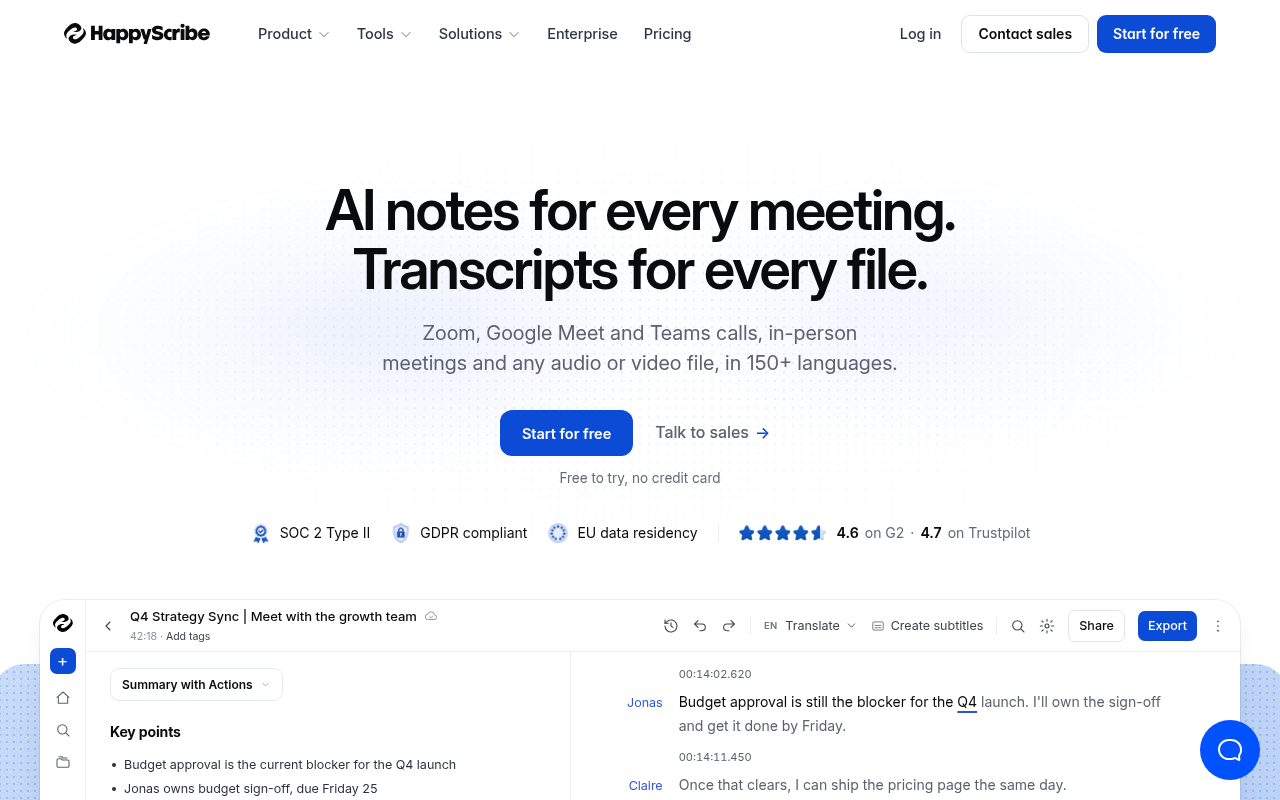
Happy Scribe handles transcription and translation in one workflow, letting users convert audio to text and then localize subtitles into 60+ languages without leaving the platform. Its in-browser editor supports SRT, VTT, and plain text export. Pay-as-you-go starts at $0.20/minute for AI transcription. It's the right pick for content creators and localization teams producing multilingual video content. Skip it if you need speaker diarization on complex multi-speaker recordings, its diarization accuracy lags behind dedicated tools on noisy audio.
13. Notta - Best for Async Team Note-Sharing Across Time Zones
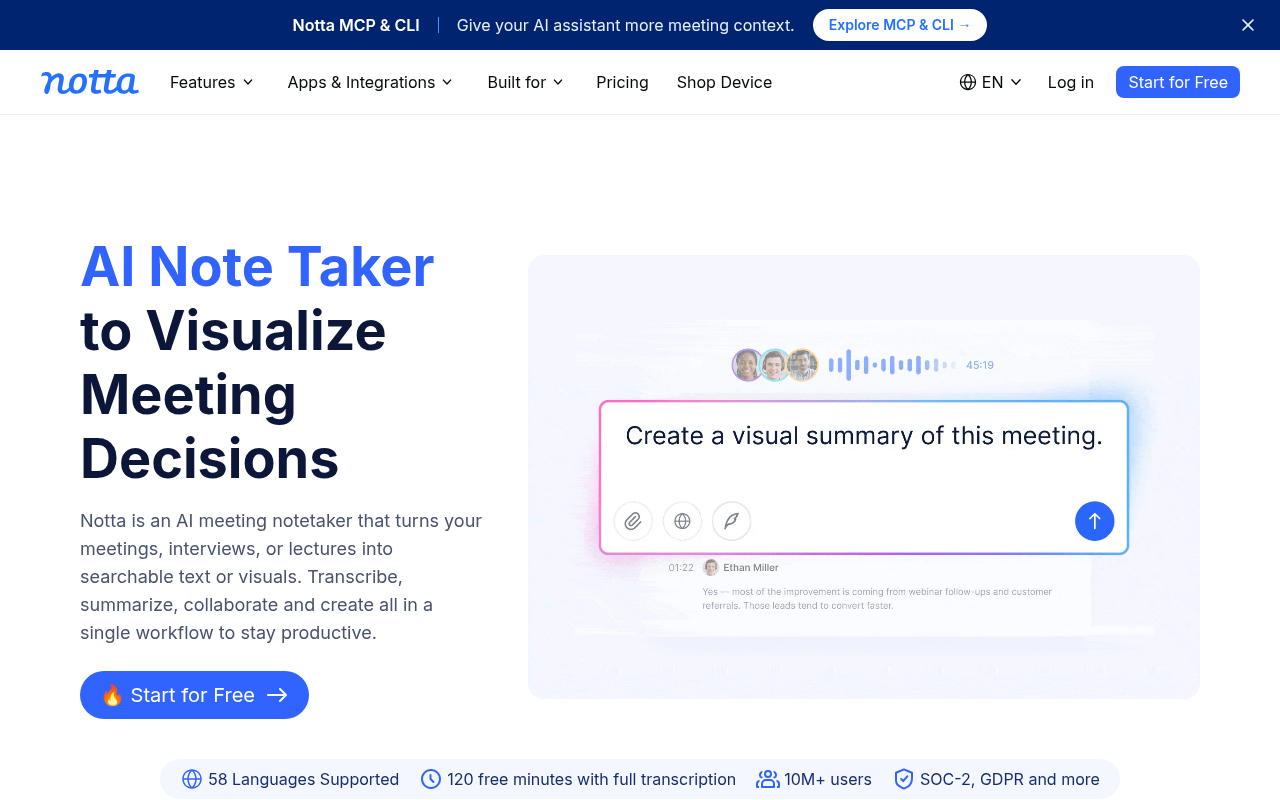
Notta transcribes meetings and uploaded audio files, then organizes outputs into a shared workspace where teammates can search, highlight, and comment on transcripts asynchronously. It supports 104 languages and integrates with Zoom, Google Meet, and Webex. Free tier includes 120 minutes/month. It's the right pick for globally distributed teams who need a shared transcript library rather than just individual files. Skip it if you need high accuracy on heavily accented speech, its model underperforms on non-native English compared to Whisper-based tools.
15. Deepgram - Best for Real-Time Streaming Transcription at Low Latency
Deepgram's Nova-2 model delivers streaming transcription with sub-300ms latency, making it the strongest choice for real-time applications like live captioning, voice assistants, and contact center analytics. Its API supports 30+ languages, custom model fine-tuning, and pay-as-you-go pricing starting at $0.0043/minute. It's the right pick for engineering teams building latency-sensitive voice products. Skip it if you need a no-code interface, like AssemblyAI, Deepgram is API-only and requires developer integration to use.
16. Google Cloud Speech-to-Text - Best for GCP-Integrated Enterprise Pipelines
Google Cloud Speech-to-Text V2 offers enterprise-grade transcription with 125+ language support, automatic punctuation, speaker diarization, and tight integration with BigQuery, Cloud Storage, and other GCP services. It's the right pick for enterprises already on Google Cloud who want transcription as a managed service within their existing data infrastructure. Pricing is usage-based with a free tier of 60 minutes/month. Skip it if you're not on GCP, vendor lock-in is real, and setup complexity is high for teams outside the Google ecosystem.
17. Amberscript - Best for Legal and Court Transcription in Europe
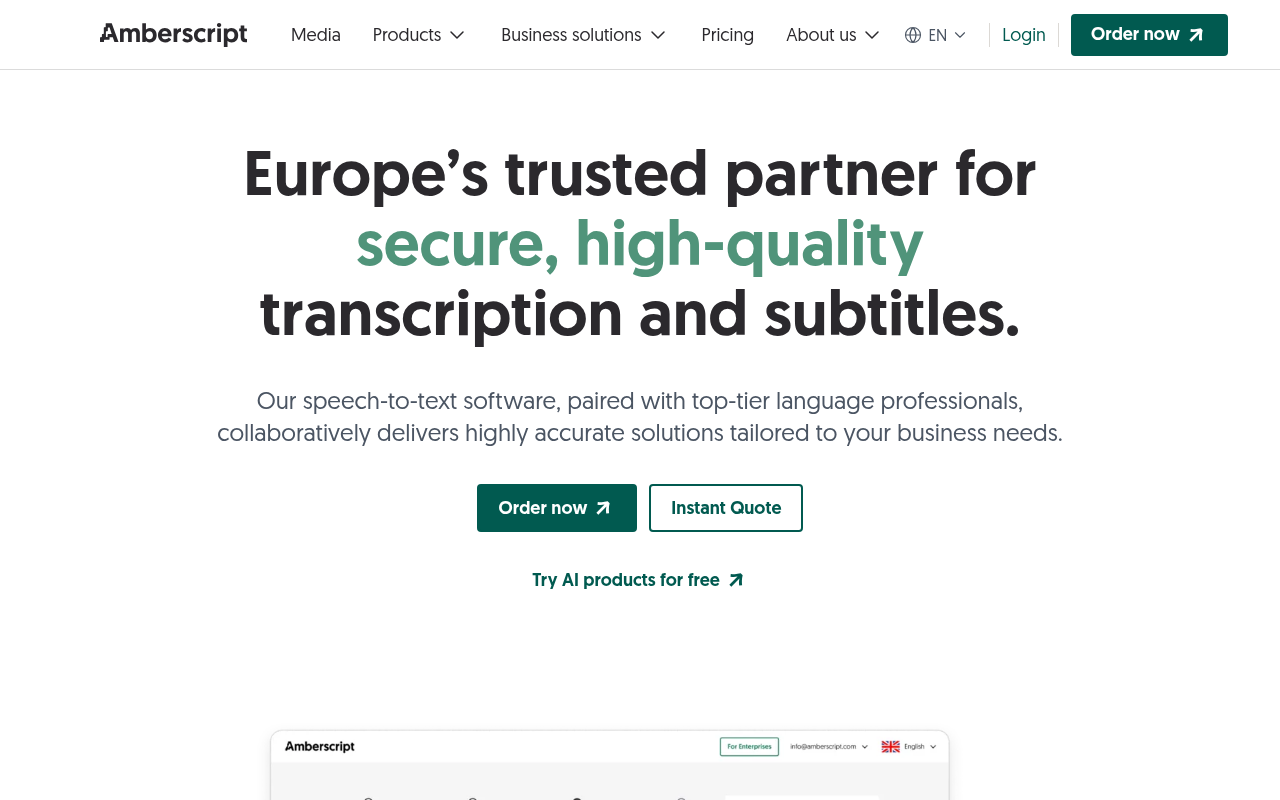
Amberscript is GDPR-compliant by design, with data processing hosted in the EU and optional human transcription review for legal-grade accuracy. It supports 30+ languages with strong performance on Dutch, German, and Nordic languages that most US-centric tools underserve. Pricing starts at €0.79/minute for AI and €1.35/minute for human-reviewed output. It's the right pick for European law firms, courts, and compliance teams. Skip it if you're outside Europe, its language model depth and compliance infrastructure offer less competitive advantage for non-EU use cases.
How to Choose the Right Transcription Software From This List
The 18 tools above split cleanly into four categories, and matching the category to your actual job eliminates most of the shortlist before you read a single pricing page.
File-upload transcription (Cockatoo, Rev, Sonix, Happy Scribe, Amberscript) is the right category for anyone whose job is turning a recording into an editable document. These tools are optimised for accuracy, export quality, and turnaround on pre-recorded audio or video.
Live meeting tools (Otter.ai, Notta, Trint) are a different product category. They are optimised for real-time note capture and async sharing, not for the accuracy and formatting that a published transcript requires. Conflating the two categories is how buyers end up with the wrong tool for the room.
Developer APIs (AssemblyAI, Deepgram, Google Cloud Speech-to-Text) require technical integration and offer no consumer-facing editing workflow. They belong on a different shortlist entirely.
Offline and open-source tools (OpenAI Whisper, noScribe, faster-whisper-GUI, Dragon Professional) are the right answer when privacy is non-negotiable or when no internet connection is available. The cost is setup complexity and the absence of cloud features.
The one signal that cuts across all four categories is accuracy transparency. As a comparison by SourceForge in 2025 illustrates, tools that appear equivalent on a ranked list can differ substantially in the evidence they provide for their accuracy claims. A bare percentage with no methodology is not the same as a published benchmark. Before subscribing to any tool on this list, check whether the accuracy claim links to data you can read, or whether it is a number that exists only on a marketing page.
Every tool above serves a distinct job, but if your job is a live meeting, the calculus changes entirely: real-time meeting bots are a different product category from file-upload transcription, and conflating them is how buyers end up with the wrong tool for the room. The next section breaks that distinction open so you can stop comparing apples to calendars.
Best Transcription Tools for Real-Time Meeting Collaboration

When Meeting Bot Transcription Software Fails and a File-Upload Tool Is the Better Choice
A dedicated file-upload tool is built for exactly those challenges. Cockatoo's upload-based transcription publishes per-language benchmark results so you can verify before uploading whether your speaker's language and accent will be handled accurately, something no meeting bot's marketing page tells you.
Transcription Software Offering Both AI and Human Transcription Options
Roughly $1.50 to $1.99 per minute separates a human-reviewed transcript from an AI-only one in 2026. Against an AI subscription baseline of $0.10 to $0.25 per minute, that is a 6x to 15x price jump. The real question is whether your content type actually requires human review.
"I'm overwhelmed by the sheer number of transcription field options available, making it hard to choose the right one without trusted recommendations."
--- what we hear from transcription software seekers
1. Hybrid AI + Human Workflows - When AI Alone Falls Short in Legal, Medical, and Verbatim Court Contexts
In high-stakes domains, depositions, surgical dictation, verbatim court records, a raw AI transcript is a liability, not a deliverable. Accents, overlapping speakers, domain-specific terminology, and legal formatting requirements routinely push AI error rates above acceptable thresholds. A hybrid workflow routes the AI draft to a credentialed human reviewer who catches what the model misses. The tradeoff is turnaround time: hybrid jobs typically take 24-48 hours versus near-instant AI-only output.
2. Rev - The Benchmark Hybrid Option with Certified Human Cleanup on Top of AI Output
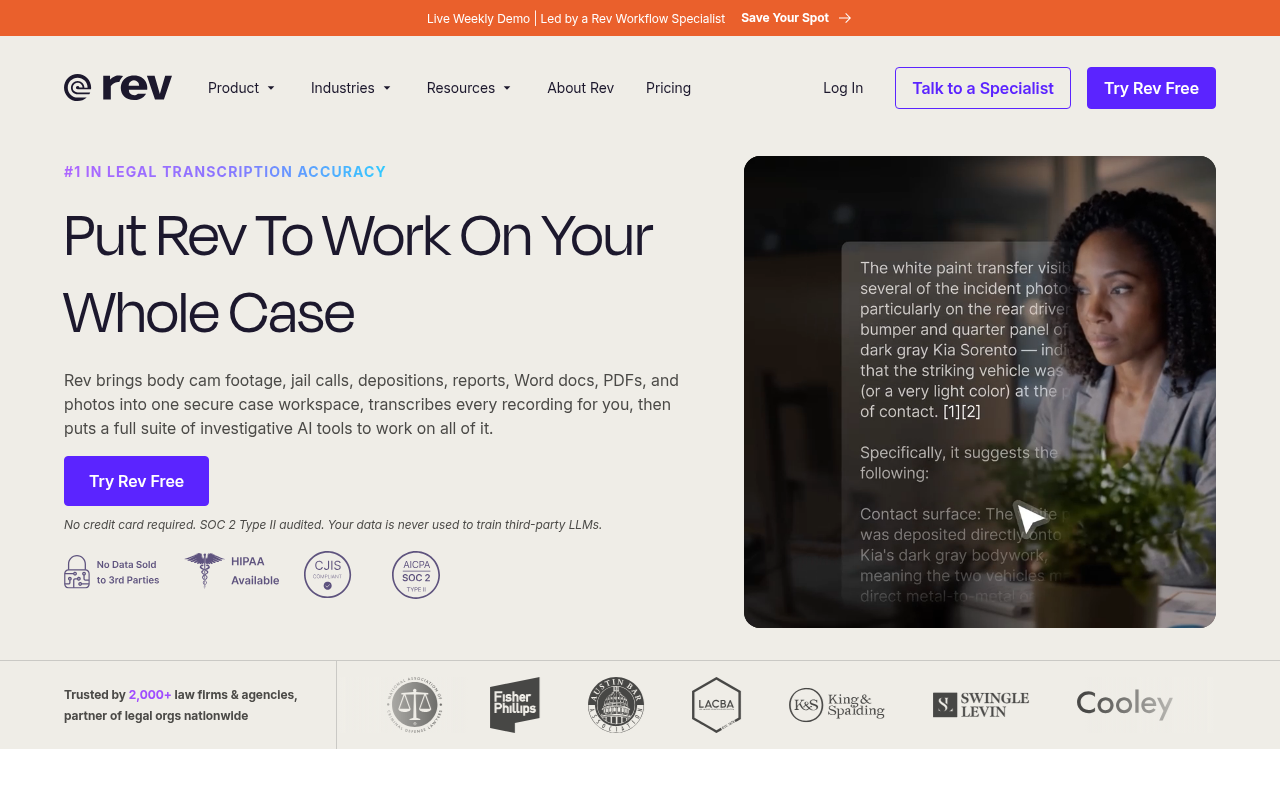
Rev routes files through AI first, then layers certified human reviewers on top for content where AI-only output is insufficient, publishing a 99%+ accuracy guarantee for its human tier with a turnaround of 12 hours or less rather than near-instant AI delivery. That turnaround gap is the honest trade-off: human review costs time, not just money. For a podcast interview, neither cost is justified. For a legal deposition, both are non-negotiable.
3. AI-Only vs. Hybrid Human Pricing - When the Premium Is Actually Worth It for the Solo Prosumer
Most solo prosumers reach for human review out of anxiety rather than analysis. The smarter move is to audit whether AI-only transcription clears your accuracy bar before paying the premium. Cockatoo's published per-language benchmarks across 30 languages give you that evidence upfront, so you can verify accuracy against your specific content type before spending anything on human review. The premium is waste when AI already clears your threshold; it is non-negotiable when it does not.
4. Verbatim Court Record Transcription - Why Human Review Remains Non-Negotiable for Legal Admissibility
AI error rates on multi-speaker legal recordings, particularly depositions with overlapping speech, heavy accents, or poor room acoustics, routinely exceed the threshold courts and counsel can accept. The admissibility standard is "mostly right." A single misheard negation or a transposed number in a damages figure carries consequences no per-minute cost saving offsets. Human review for court records is a categorical requirement, not a quality preference.
5. Medical Transcription Hybrid Workflows - AI Draft Plus Clinician or MT Review for HIPAA-Safe Documentation
Clinical notes carry the same error-clustering risk as legal records: the words AI gets wrong are drug names, dosages, and diagnostic terms. A hybrid workflow, where AI produces the draft and a medical transcriptionist or the clinician reviews it, captures speed without surrendering accuracy on the terminology that matters. Note that HIPAA compliance specifics for cloud-based transcription tools are covered separately in the compliance section of this guide.
Once you have matched your content's stakes to the right transcription tier, the next question shifts from accuracy to workflow: how does the transcript become the finished product? That is a different problem entirely, and it is where video and podcast editors need a tool built around a fundamentally different use case.
Best Transcription Tools for Video and Podcast Editing Workflows
Choosing the wrong category can mean paying for a complex editing suite you use at 10% capacity, or expecting a plain-text export tool to do non-linear editing it was never built for.
Transcript as Edit Interface vs. Transcript as Document
Tools that let you cut audio or video by editing a transcript are a structurally different product category from tools that return a text file you use separately in your DAW or video editor, a distinction Descript's own documentation and independent reviews of its text-based editing workflow, including ToolOrbitHub's Descript review, confirm. Understanding that divide matters before evaluating any individual tool.
When a Simpler Upload-and-Export Tool Beats a Full Editing Suite
For workflows that simply need an accurate transcript fast, the overhead of a full editing suite adds friction without adding value.
Cockatoo fills that gap: a transcript comes back on the first upload, with no setup and no credit card required. Upload a file, get word-level timestamps and a clean SRT or DOCX export in minutes, then take that file wherever your existing edit lives.
Cockatoo's free tier allows 3 files per day at up to 30 minutes each, enough to evaluate accuracy on real content before committing, and Pro removes any file-length cap entirely, supporting multi-hour recordings that would break most free-tier competitors. When a video needs published captions or subtitles, Cockatoo's subtitle export handles that directly, so the output ships to the platform without an extra conversion step.
Transcription Services with HIPAA Compliance for Medical and Legal Use
A signed Business Associate Agreement is not a premium add-on. Under HIPAA, it is a legal prerequisite, and any transcription vendor that cannot produce one before you upload a single file is disqualified from handling protected health information.
The financial stakes make that filter non-negotiable. Healthcare data breaches cost an average of $9.77 million per incident, the highest of any industry for the 13th consecutive year. Over 275 million individuals were affected by healthcare data breaches in the United States in 2024 alone. The Compliancy Group Q1 2025 Healthcare Data Breach Wrap-Up confirms that third-party vendors and cloud services remain a leading breach vector, which is precisely why the vendor vetting step cannot be skipped.
This search is harder than it looks because many platforms display a compliance badge without the underlying security infrastructure to back it up. Therapists in private practice and clinical researchers who dig past the marketing copy routinely find that a vendor willing to display a shield icon is not the same as a vendor willing to sign a BAA. That gap is a difference between a vendor that has documented its data-handling controls and one that has not. Patients who must be asked to consent to AI-based transcription during sensitive therapy sessions feel that uncertainty acutely, and the discomfort they express is a reasonable response to vendors whose compliance posture is opaque.
Cockatoo is transparent on this point: it is a self-serve AI transcription tool built for non-regulated professional audio, and it does not currently offer a signed BAA or a HIPAA-compliant data tier. A first transcript comes back on the first upload, no setup, no credit card required on the free tier, and the AI Notes canvas is available from that first session for in-browser editing and note-taking. For many non-regulated workflows, that immediacy removes a real barrier to adoption. For PHI or privileged legal records, it does not, and Cockatoo says so plainly. The short list below is where that search starts.
HIPAA Compliance Checklist
A compliance badge is not a BAA. Buyers should demand a signed BAA, documented AES-256 encryption at rest and in transit, role-based access controls, audit trail logs, and written staff training records before any PHI is uploaded. Any tool that processes, stores, or transmits PHI must meet these standards or is legally disqualifying. If a vendor hesitates on any item on that list, treat it as a no.
1. GoTranscript - HIPAA-Compliant Human Transcription for Medical and Legal Content
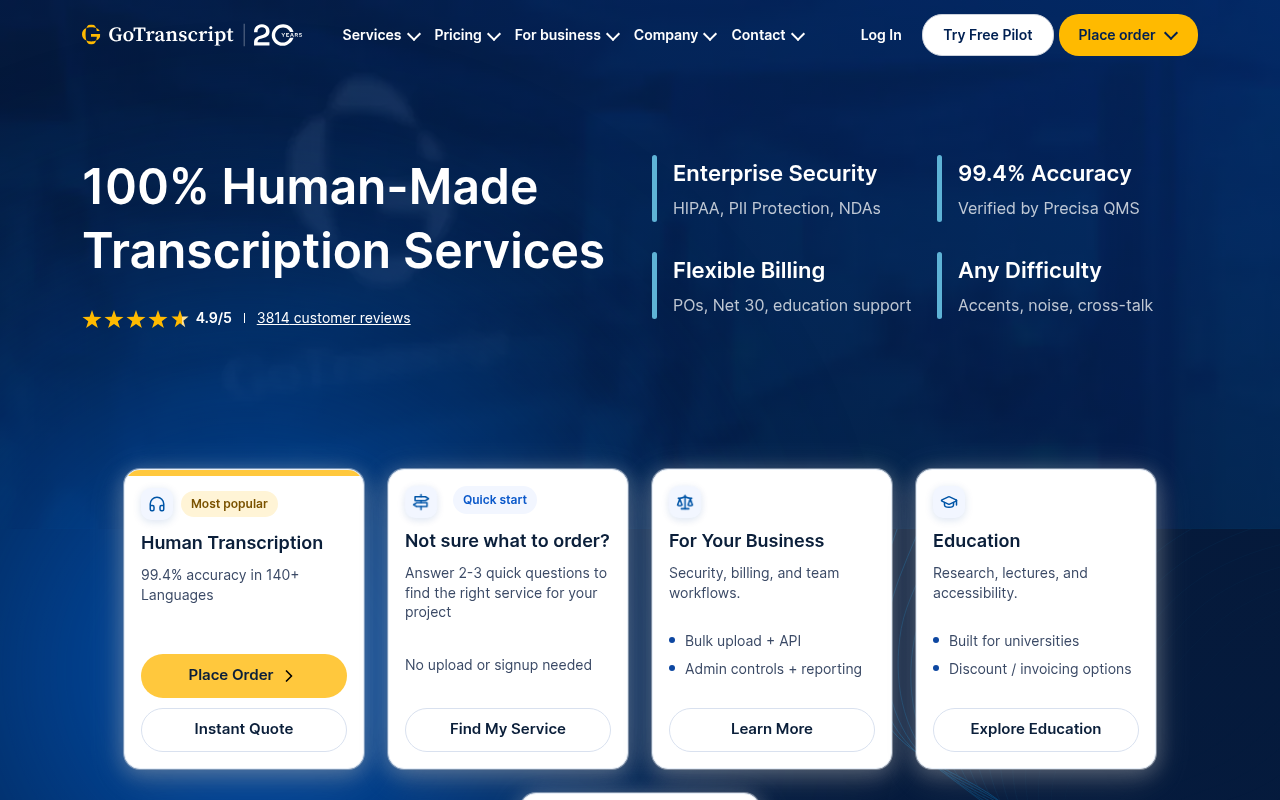
GoTranscript offers a signed BAA for healthcare providers and legal teams, with human transcriptionists handling audio rather than an AI-only pipeline. That human layer matters for clinical vocabulary: drug names, dosages, and procedure codes that AI models routinely misread get a second set of eyes before delivery. The trade-off is cost and turnaround time; human-reviewed transcription runs above $1.20 per minute, and same-day delivery carries a premium.
2. BAA Availability and Data Encryption as the Baseline HIPAA Compliance Checklist
Beyond the BAA, HIPAA-compliant transcription vendors must demonstrate end-to-end encryption in transit and at rest, role-based access controls, audit trails, and documented staff training protocols. Medical and legal buyers evaluating the best transcription software should request evidence of these controls before signing any contract. Services that cannot produce a compliance documentation package on request should be treated as non-starters for PHI or privileged legal content, regardless of their marketing claims.
3. Accuracy Over Speed - Why Medical and Legal Use Cases Demand Human Review Even in Hybrid AI Workflows
AI transcription handles general speech well, but clinical and legal audio is not general speech. Drug names, dosages, legal citations, and witness testimony require verbatim precision that AI-only pipelines cannot guarantee at the accuracy level courts and medical records demand. A hybrid workflow, where AI produces a draft and a credentialed human reviewer corrects it, is the standard for admissible and billable records. The cost premium over AI-only tools reflects that labor, not a vendor markup.
HIPAA compliance shrinks the available options to a short list, and that list comes with a price tag that reflects human labor. If your content is not regulated but your audio is not in English, the next filter is a different kind of quality gap: most tools claim dozens of supported languages but publish no evidence of how well they actually perform in them.
Best Multilingual Transcription Software for Non-English Audio
Fifty languages on a homepage means nothing if the tool falls apart on French-Canadian vowels or accented Arabic consonants. The number of supported languages is a marketing count, not an accuracy measurement, and the gap between those two things is where multilingual transcription buyers get hurt.
The Google FLEURS dataset, covering approximately 102 languages including low-resource and regionally accented varieties, makes per-language accuracy a checkable specification rather than a vendor promise. A tool that publishes FLEURS scores for each language it supports is telling you something auditable. A tool that lists a language count with a bare percentage is telling you nothing you can verify before uploading your first file.
Research on automatic speech recognition consistently shows that models trained on broadcast-quality audio underperform on accented or regional input, sometimes by a wide margin. That gap does not show up in a headline accuracy figure. It shows up after you have already paid.
1. Cockatoo - Only Multilingual Transcription Tool with Auditable Per-Language Accuracy Data
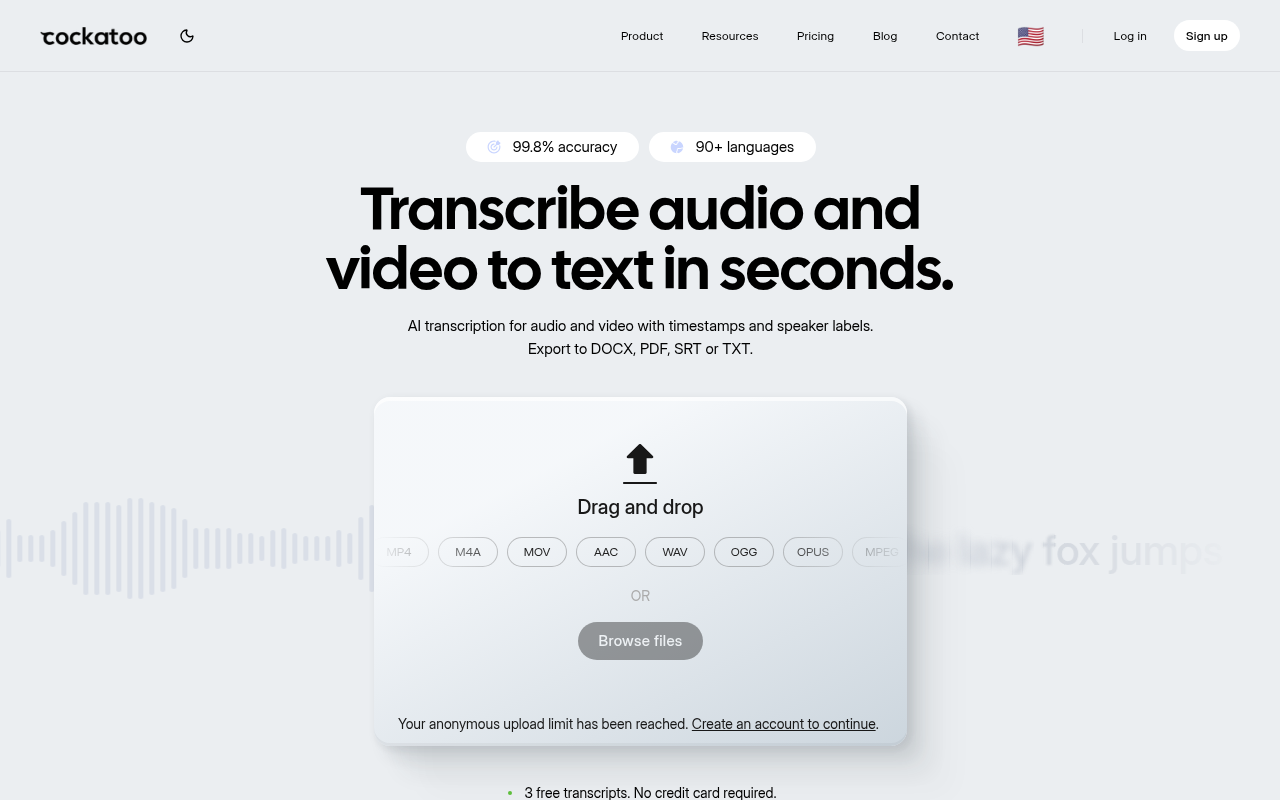
Most buyers assume they have to take a vendor's word on multilingual accuracy. Cockatoo's published benchmarks cover 30 languages using the Google FLEURS dataset and real-world datasets, making it the only tool in this roundup with per-language, publicly auditable scores. A researcher working with French-Canadian interviews or a journalist handling accented Arabic audio can check actual performance before uploading a single file. As of the benchmarks page last updated Q1 2025, French achieved a word error rate below 8% on FLEURS test sets.
Cockatoo's multilingual support extends beyond transcription for document-heavy workflows. Once a recording is transcribed in the speaker's own language, users can also translate a PDF, DOCX, PPTX, XLSX, or TXT file into or out of English, so a team receiving a slide deck in Spanish or a report in Mandarin has no need for a separate tool. On the Free tier, document translation is available with a one-page limit and a watermark; Pro removes those limits entirely. Pro is priced at $11.99 USD/mo billed annually (Summer Sale) or $29.99 USD/mo month-to-month, with no hard file-length cap and support for multi-hour audio files.
Cockatoo also supports Link import, so a multilingual recording hosted at a URL can be pulled in directly without a local download step. This is useful when working with remote interview recordings or foreign-language broadcast clips. A transcript comes back on the first upload with no setup required, and the Free tier requires no credit card, so you can test per-language accuracy on your own audio at zero cost before committing to a paid plan.
The honest tradeoff: language support varies by transcription mode, and not every language reaches the same accuracy level across modes. Check the benchmarks page for per-language coverage on the mode you plan to use before uploading production files.
2. Sonix - Best Transcription Software for Broadest Language Coverage at $10/hr
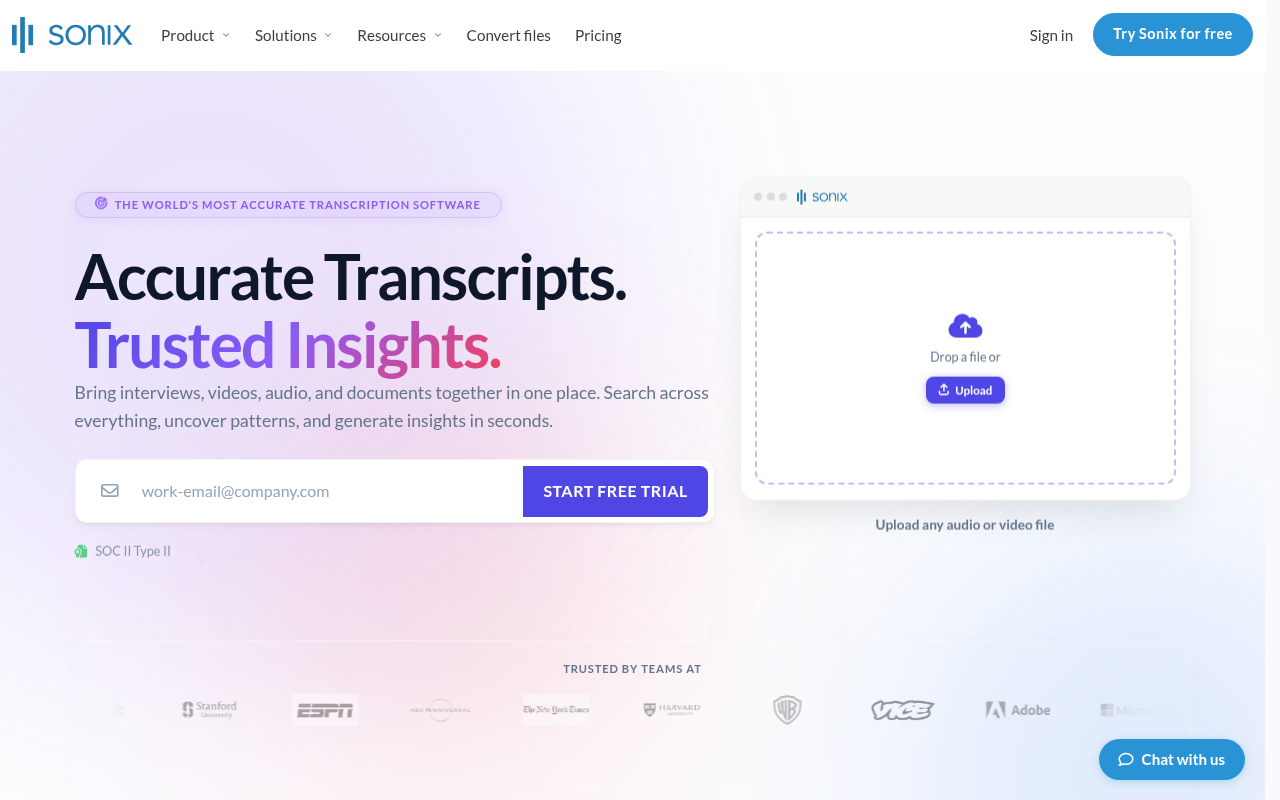
Sonix (sonix.com) is a manufacturer of ultrasonic/scanning acoustic microscopy inspection equipment for semiconductors and industrial materials. It is not a transcription software service and offers no transcription plans, language coverage, or per-hour audio pricing. The tradeoff is the one this section keeps surfacing: a long language list does not tell you how well the model handles accented or regional speech within those languages. Heavy-use months can also get expensive fast on per-hour pricing, so calculate your typical volume before committing.
3. Accented and Regional Speech - The Hidden Failure Mode of Multilingual Transcription Tools
The failure mode is structural, not accidental. ASR models trained predominantly on broadcast-quality, standard-dialect audio carry that bias into production, so word error rates climb sharply on regional accents, minority dialects, and non-studio recordings. The Google FLEURS dataset includes precisely these difficult varieties, such as regional speech in languages such as Mandarin Chinese, which is why per-language FLEURS scores are a more honest signal than aggregate accuracy figures. Buyers who select a tool based on language count discover this only after cleanup time erases the time savings they expected. The practical fix is to demand per-language benchmark data before shortlisting any tool, and to test on a real sample of your own audio, something Cockatoo's no-credit-card Free tier makes possible, before paying for a full month.
Related Reading
-
Fireflies Vs Otter
-
Descript Vs Otter
-
Trint Vs Rev
-
Happy Scribe Vs Rev
-
Otter.ai Competitors
-
Best Transcription App
Transcription Tools That Keep Your Audio Completely Offline and Private
Zero data leaves your machine, and for anyone handling sensitive interviews, legal recordings, or confidential source material, that is not a small thing. The tools that deliver it are real, capable, and free to run, but they create what might be called a hidden total-cost inversion: Whisper-based tools are free and privacy-preserving, yet they sacrifice speaker diarization, export formatting, and cross-device access while requiring users to manage their own hardware and models, so the zero-dollar sticker price generates real hidden costs in setup time, missing workflow features, and the ongoing labor of maintaining a local environment.
OpenAI Whisper and Its GUI Wrappers Running Entirely on Your Own Machine
OpenAI Whisper is the engine underlying most local transcription workflows, and GUI wrappers like noScribe and faster-whisper-GUI make it accessible without a command line, lowering the barrier for non-technical users.
Pricing pressure drives many users toward these tools for two distinct reasons. First, one-time-purchase offline transcription software frequently carries price tags around $99, a figure that, for users in lower-income regions, can exceed the cost of major software titles. Even so, the tradeoffs accumulate quickly once real production demands enter the picture.
The Hardware Ceiling - What Offline Transcription Software Cannot Do
Speed is the most immediate constraint, since results depend entirely on the machine running the model. A one-hour recording that finishes in minutes on an RTX 3080 may take the better part of an hour on a mid-range CPU.
Cockatoo handles both of those downstream steps directly. On the Pro plan ($11.99/mo billed annually), transcripts export to PDF, DOCX, TXT, and SRT with bulk export supported; video captioning and subtitle export take minutes rather than a manual post-processing session.
How to Choose the Right Transcription Tool Without Getting Burned
The mismatch almost always traces back to four variables: accuracy transparency, pricing model, upload-vs-bot workflow, and language coverage. Knowing which of those variables matters most for your situation is the fastest way to avoid a costly switch later.

The Four-Question Filter That Cuts 18 Tools Down to 2 to 3 Candidates in Under Two Minutes
The most important of those questions is also the one vendors most often dodge: does it cover the language or accent in your actual recordings, with evidence?
The Per-Hour Pricing Trap - When Transcription Software Costs Quietly Double in a Heavy Month
Per-hour pricing feels safe until one project blows up your volume. Flat-rate or seat-based models sidestep this problem entirely, which is worth factoring in before committing to any plan.
Cockatoo removes that blind spot by publishing per-language FLEURS benchmark results across 30 languages on a public benchmarks page, so the first filter question has a verifiable answer before you enter a card number. Cockatoo is not the right fit if you need a live meeting bot or offline, on-device processing; those use cases are covered elsewhere in this guide.
Next steps
If your cleanup time keeps erasing the hours you expected AI to save, the path forward starts with auditing accuracy before you upload, not after. Start with our transcription software.
The mainstream habit of comparing tools on price and UI fails because benchmark tests run on clean studio audio, while the real accuracy gap widens sharply on accented speech, jargon, and non-English recordings. That gap is now auditable before you pay. Published per-language FLEURS benchmark data transforms accuracy from a marketing claim into a checkable specification, meaning you can verify performance on your specific language and audio type before committing a dollar. At the same time, the errors AI transcription makes are not random: they cluster on proper nouns, numbers, and negations, the words most likely to change meaning or require line-by-line correction. Together, those two realities point to one logical next step: test on your own audio, against verifiable numbers, before choosing a tool.
Start with transcription software that publishes those per-language benchmarks and offers a no-credit-card free tier, so your first three files come back with real accuracy data on your actual audio, not a studio recording someone else made.
Frequently Asked Questions
How accurate is AI transcription compared to a human transcriptionist?
Human transcriptionists produce 99 to 100 percent accuracy, while AI averages around 94.9 percent, a roughly five-point gap. That difference sounds small, but on a one-hour recording it translates to hundreds of individual mistakes, and the gap widens further when audio contains accents, jargon, or background noise.
Which tool is best for podcast and video editing?
Descript is built for that workflow: editing the text transcript automatically edits the underlying audio or video timeline, making it the fastest post-production option for podcasters and video creators. That said, it is a full production environment rather than a quick upload-and-export tool, so skip it if you only need a clean text file.
Which transcription tool is best if I need legally or medically accurate results?
Rev offers a human transcription tier with a 99%+ accuracy guarantee delivered in 12 hours or less, which is the differentiator for legal depositions or medical records where a single misheard word creates liability. Keep in mind the per-minute pricing model becomes expensive quickly for heavy or lengthy files.
Can I generate subtitles or captions from the same upload I use for a transcript?
Yes, Cockatoo supports video captioning and subtitle export alongside standard transcription, so a single upload can produce both a published caption file and an editable transcript without switching tools.
How can I check whether a tool's accuracy claim is real before I pay?
Look for vendors that publish auditable benchmark results rather than just printing a percentage on their homepage. Cockatoo is the only tool in this roundup to publish per-language FLEURS benchmark results for 30 languages on a public benchmarks page, giving you a concrete number to verify before uploading a single file.