13 Best Otter.AI Competitors and Alternatives in 2026

Otter.ai was built for live meetings, not the audio file sitting on your desktop. Here is how to find the tool that actually matches your real job.
That assumption is wrong for most searchers, and it leads them to the wrong tools. The reality is simpler and more frustrating. A recording is already sitting on a desktop or in a downloads folder.
Someone needs accurate text from that file, today. Uploading it and getting clean output is the actual job. ai's architecture was built around something different entirely.
ai's core product is a meeting bot that auto-joins Zoom, Google Meet, and Microsoft Teams calls, produces live transcripts, and generates AI summaries from those sessions. It is an independent company, not a built-in Zoom feature, despite how often the two are confused. File upload exists, but it is secondary to that live-capture architecture, which means accuracy, workflow, and feature depth all reflect that priority order.
See our transcription software for how this works in practice.
Three structural problems drive most departures. First, the free plan imposes a monthly minute cap that forces users to ration transcription or stop mid-workflow; journalists and researchers hit this wall fast. Second, paid plans are structured around team seats, so a solo operator who needs more than the free tier must pay for a multi-user tier. There is no individual power-user plan between free and team. Third, accented speech and non-native English audio degrades output quality noticeably, and no independent benchmark data is published to help buyers evaluate this before committing, meaning the only way to know whether the tool handles your audio is to upload it and find out after the fact.

A large share of transcription demand is file-based: recorded interviews, downloaded Zoom MP4s, podcast audio, field recordings. Otter.ai's upload feature exists, but what we see across the market is that non-removable upgrade prompts can appear mid-workflow when files exceed certain lengths. That friction is a product of the architecture, not a bug that will be patched. The real cost of a bad transcription tool isn't the subscription fee; it's the hours spent cleaning up what it got wrong. The next section puts a number on that.
Key takeaways
-
Most people searching for Otter.ai alternatives already have a recording on their desktop, they need accurate text from a file, not a bot invited to their next Zoom call.
-
Picking a meeting-intelligence tool when you need a file transcriber means paying for summaries, CRM integrations, and coaching dashboards you will never open, while still cleaning up the transcript by hand.
-
A bad transcript doesn't cost you editing time, it costs you the full job twice, because correcting dense errors is slower than retyping from scratch.
-
"Unlimited" transcription plans routinely hide a monthly hour ceiling in the fine print; reading that line before buying is the only way to know what you're actually getting.
-
Accuracy claims mean nothing without a benchmark, a bare percentage attached to no test set, no language, and no audio condition is marketing, not evidence.
-
The thirteen tools on this list split into distinct categories, file transcribers, meeting bots, and knowledge-management platforms, and choosing from the wrong category is the most common and most expensive mistake.
-
Cockatoo closes the gap for file-first transcription: upload any audio or video file, get an editable transcript with automatic punctuation, word-level timestamps, and speaker recognition where renaming one line updates every instance, accuracy backed by per-language FLEURS benchmarks across 30 languages, not a floating percentage.
The Hidden Costs That Make Otter.ai Alternatives Worth the Switch
The common assumption is that any transcription tool appearing on a "best alternatives" list will produce output accurate enough to use without significant editing, that the tools are roughly interchangeable on quality.
That assumption is what makes the real friction point so surprising for anyone who has spent an afternoon replaying a one-hour recording, jumping between audio and a garbled text file, fixing speaker names, and guessing at mangled words. The average professional needs about 4 hours to transcribe 1 hour of audio manually. When AI output quality drops, that same 4:1 ratio reasserts itself through correction time rather than typing time.

The Cleanup Tax on Low-Accuracy Transcripts
Every error in a low-accuracy transcript demands individual attention, and each requires rewinding, re-listening, and verifying context before fixing. Voice Control Pro notes that this correction loop replicates the manual transcription burden: listening, pausing, checking, correcting. If correction takes 60 to 90 minutes on a one-hour file, the tool has delivered roughly zero net productivity gain. Export friction compounds the problem further: a transcript stranded in a proprietary dashboard is a draft no one else can touch. Cockatoo exports directly to PDF and DOCX on every plan, including the self-serve free tier, so the file that leaves the tool is already a document a colleague or client can open and edit without needing an account.
Hidden Caps Inside "Unlimited" Transcription Plans
The word "unlimited" in transcription pricing rarely means what it appears to mean. Some plans cap monthly usage at a fixed hour ceiling; others gate genuinely unlimited access behind per-seat team pricing, which prices out the one person in a small business who handles all the transcription. These structures can make the effective cost per hour far higher than the headline rate suggests.
Cockatoo's Pro plan, the tier marked "Most Popular" on the pricing page, offers truly unlimited transcription on standard modes with no monthly hour cap and no hard file-length limit, so multi-hour recordings are supported without workarounds. Users who need to share and co-edit transcripts across a team can step up to the Team plan, which requires a minimum of three seats and adds centralised billing, priority support, and 2 TB of encrypted storage per person. Both tiers are designed so that the price paid at signup is the price that holds as usage grows.
Otter.ai's Real Strengths and the Gaps That Push Users Away
Otter.ai's live meeting integration and real-time captions are genuine advantages for teams that live inside video-call workflows, but accuracy claims on the marketing page carry no published benchmark evidence, leaving buyers with no way to verify quality before committing a file.
Cockatoo's transcription software publishes FLEURS benchmarks and real-world accuracy data across 30 languages, turning an unverifiable marketing claim into something a buyer can evaluate. That transparency matters in practice: as the fact that manually transcribing one hour of audio takes a professional transcriptionist approximately 4 hours illustrates, transcription time compounds quickly at scale, which is precisely why the path from raw audio to a polished, shareable document needs to be short.
13 Best Otter.ai Competitors and Alternatives Ranked for 2026
Thirteen tools occupy this list, but they are not thirteen versions of the same thing. Some fix your microphone. Some coach your sales reps. Some are knowledge-management platforms that happen to produce a transcript as a byproduct. If you pick from the wrong category, you will spend money on features you never open and still spend your afternoon cleaning up text by hand.
The real split is simpler than most comparison lists admit: are you trying to transcribe a file you already have, or are you trying to automate note-taking on future calls? That one question eliminates most of the list for most readers. The tools below are ranked by their single strongest use-case differentiator, so you can match a tool to your actual workflow rather than the workflow the vendor assumed you had.
One more thing worth naming before the list: "99% accurate" is a marketing number, not a measurement. Accuracy is a language-by-language, audio-condition-by-audio-condition variable, and published benchmark data (like FLEURS) shows meaningful per-language variation across every major model. A tool that scores well on clean American English can fall apart on accented speech, background noise, or a language outside its training core. Any list that treats these tools as interchangeable on accuracy, without specifying the language and audio conditions tested, is giving you information that is worse than useless. Check whether the provider publishes per-language, real-world benchmark results before you commit a single file.
1. Cockatoo - Best Overall Otter.ai Alternative for Accuracy and Unlimited Transcription
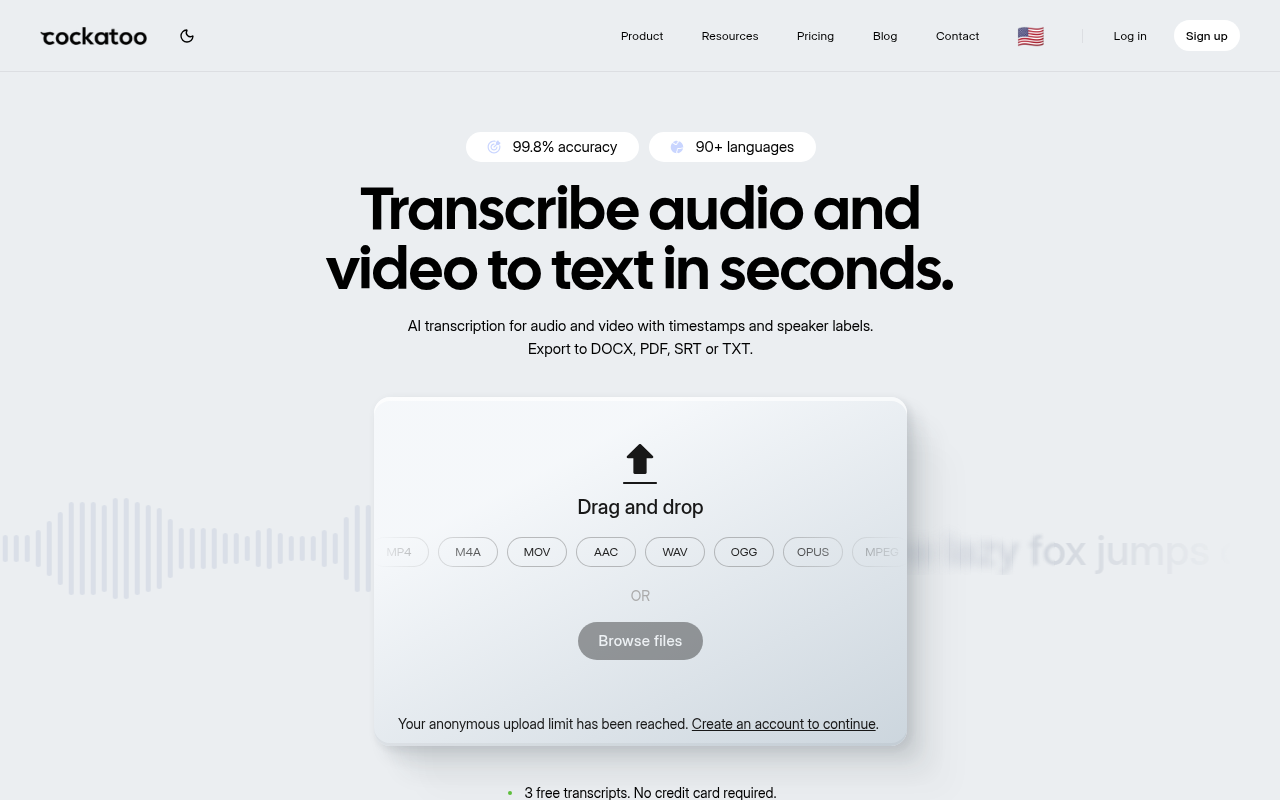
The gap most people hit mid-month is a usage-cap surprise. Cockatoo's Pro plan imposes no monthly hour cap on standard transcription modes, and single users have processed over a million hours on one plan because the platform runs its own in-house inference rather than reselling a capped API. Upload any audio or video file and a transcript with speaker labels and word-level timestamps comes back in minutes, with no setup and no credit card required to start.
The honest tradeoff: V4-Thinking and V4-Pro carry a weekly usage limit shown in Settings, so if you need the highest-precision mode at very high volume, check that limit before committing. For the operations manager transcribing six hours of recorded interviews in one upload batch, this is the tool that does not quietly throttle you after a few hundred hours.
2. Fireflies.ai - Best Multilingual Meeting Transcription with Strict Data Privacy
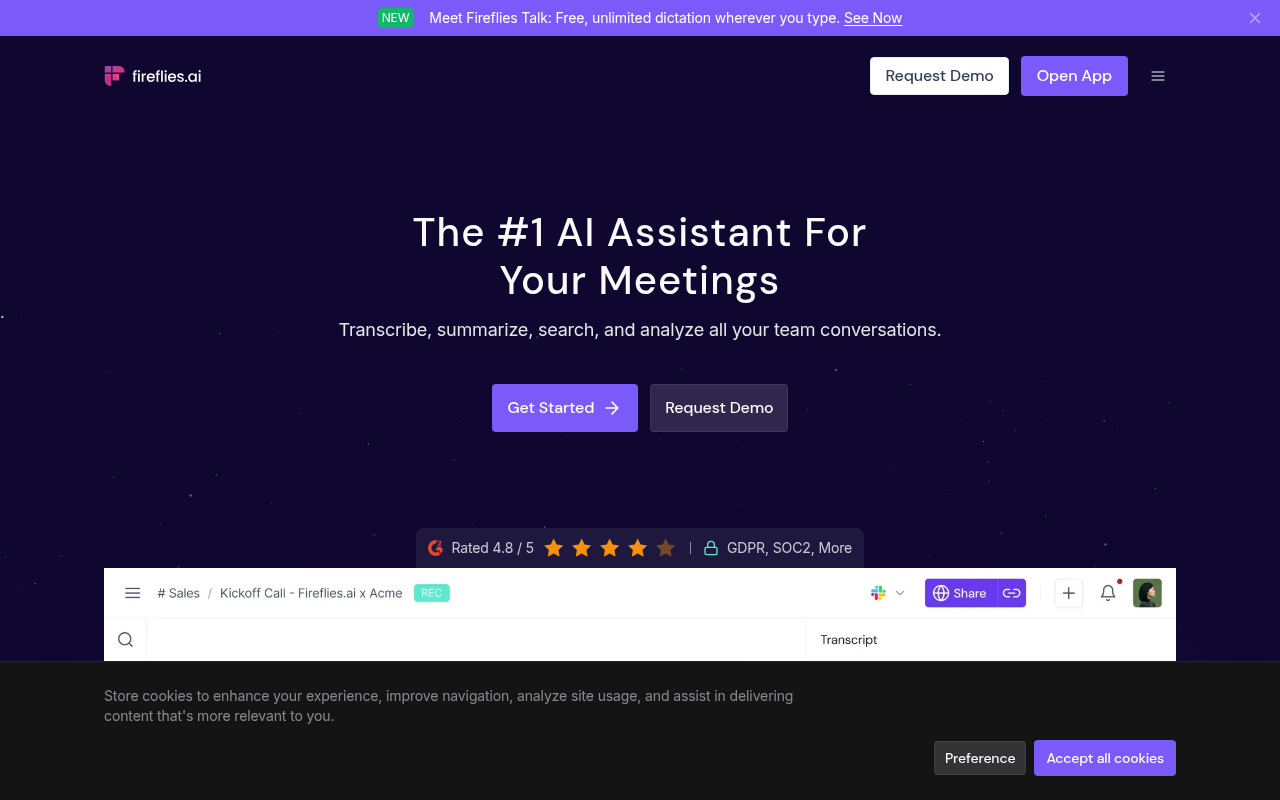
For teams working across languages, Fireflies.ai supports over 100 languages, making it the practical choice when one account needs transcripts in Spanish, French, and Mandarin from the same meeting queue. Its data privacy policy explicitly states that transcripts are not used to train public models, which matters to teams handling client conversations. Fireflies.ai explicitly supports transcription of pre-recorded audio and video files (MP3, MP4, WAV, M4A) as a named feature alongside its meeting bot, so users focused on pre-recorded files are not paying for unused infrastructure. Most beneficial when your team spans multiple language regions and data handling is a contractual concern.
3. Fathom - Best Free Tier for Unlimited Meeting Recording and AI Summaries
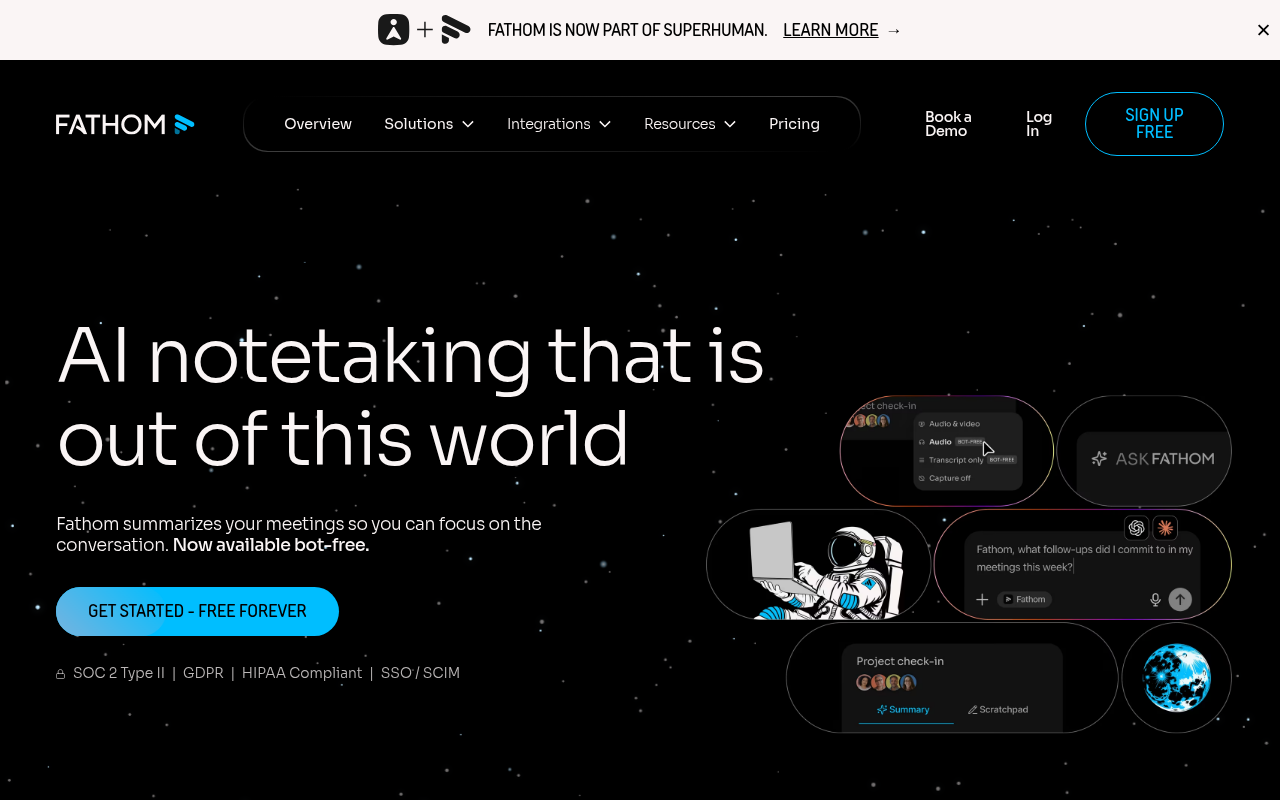
Fathom is a financial reporting, analysis, and forecasting platform for businesses and accountants. It integrates with accounting platforms (QuickBooks, Xero, MYOB, Excel, Google Sheets), not CRM tools, and has no connection to meeting recording or AI meeting summaries.
4. Krisp - Best for Audio Quality, Noise Cancellation, and Accented Speech Clarity
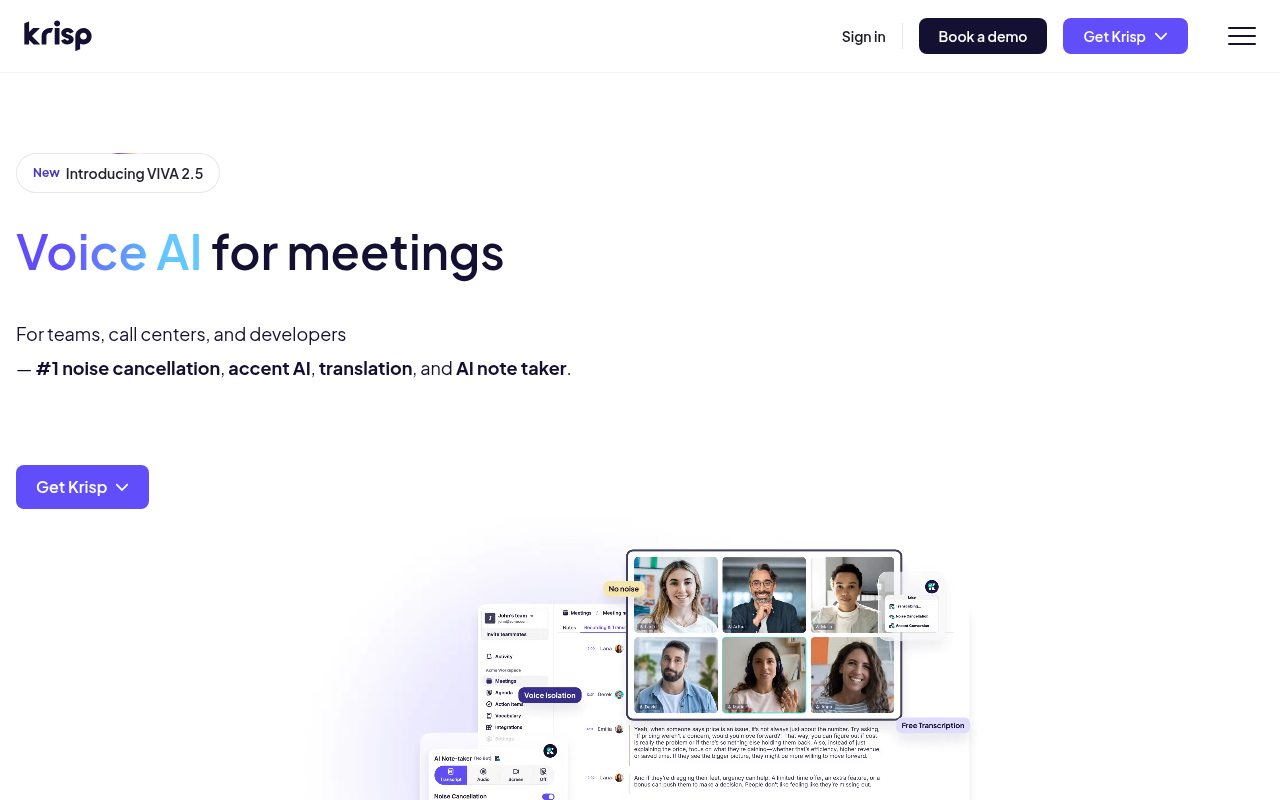
Krisp operates at the audio layer before transcription happens, which is a fundamentally different intervention than anything else on this list. It runs noise cancellation locally on your device, so no external bot joins your call, and the cleaner audio it produces feeds better input to whatever transcription engine you use downstream. For speakers with strong accents or anyone recording in a noisy environment, improving the input signal is often more effective than switching transcription vendors. The tradeoff is that Krisp is an audio quality tool first; its meeting notes feature is secondary. Most beneficial when poor audio quality is the reason your transcripts need heavy cleanup.
5. tl;dv - Best for Sales Teams Needing Clip-Sharing and BANT/MEDDIC Framework Tracking
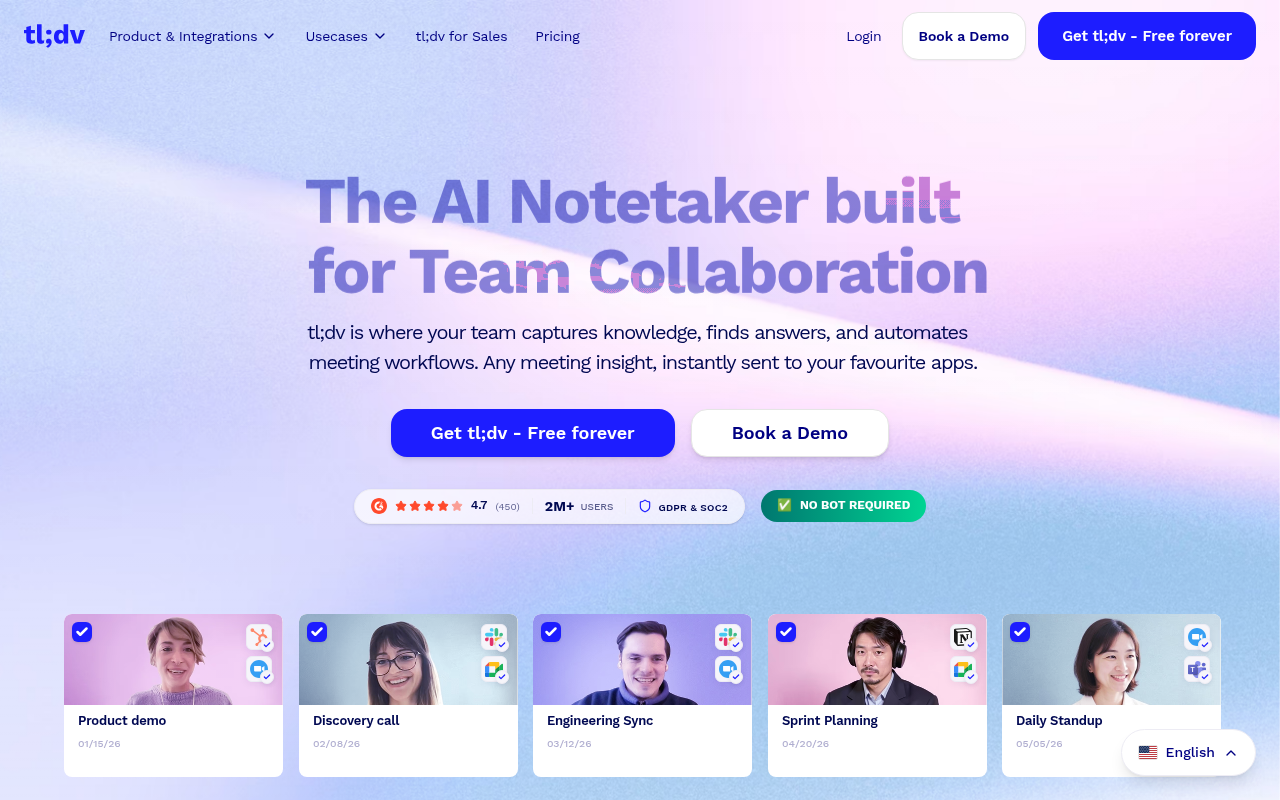
Sales teams comparing tl;dv against other meeting tools consistently surface two specific needs: the ability to clip a moment from a call and share it with a manager or prospect, and structured tracking of deal-qualification frameworks like BANT or MEDDIC. tl;dv is built around both. It records calls, timestamps objections, and lets reps create short clips without downloading the full recording.
CRM sync pushes those clips and notes directly into the deal record. The tradeoff is that tl;dv is a sales-intelligence platform, not a general-purpose transcription tool. If you are not running a structured sales process, you are paying for a framework you will never open.
6. Zoom AI Companion - Best for Organizations Already Fully Inside the Zoom Ecosystem
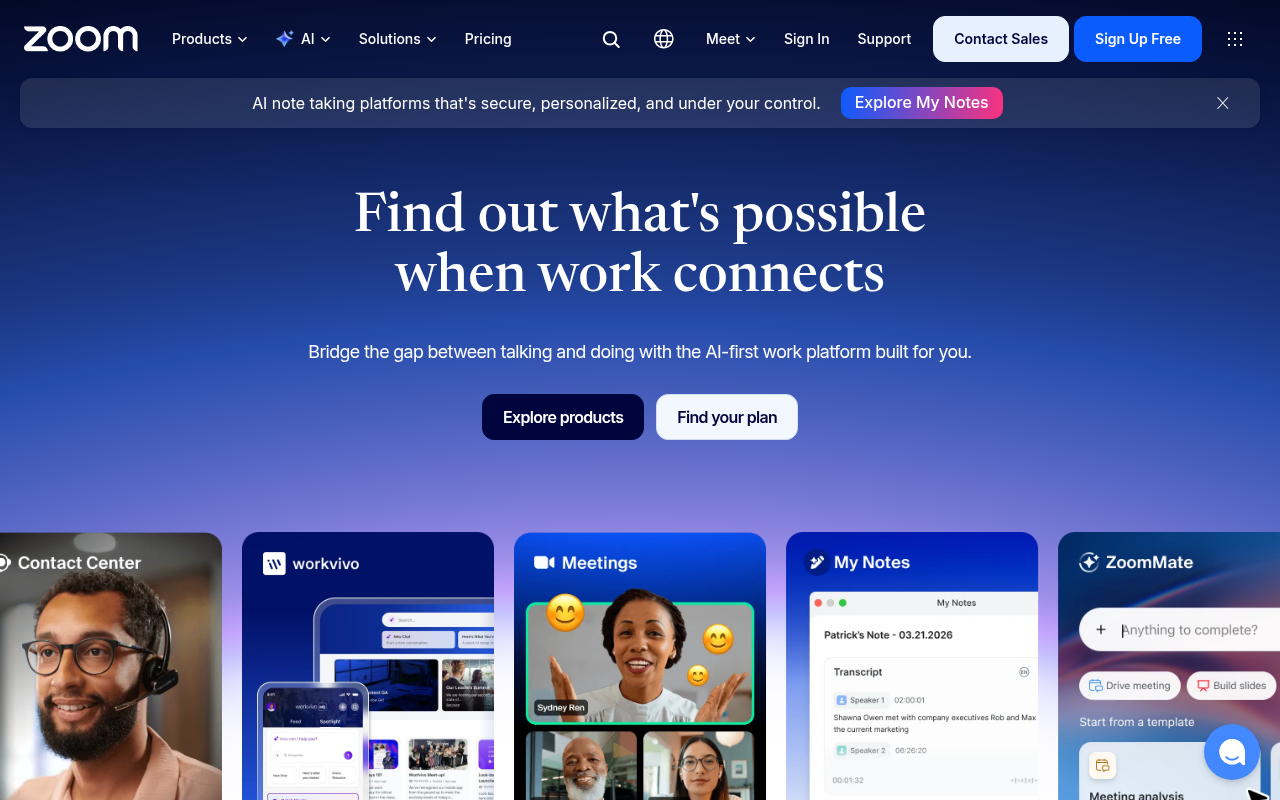
Zoom AI Companion answers a specific question: if your organization already pays for Zoom and everyone on your team uses it every day, why add a third-party tool at all? The Companion generates meeting summaries, action items, and transcripts inside the Zoom interface, with no additional login or file transfer. The tradeoff is tight: it works only inside Zoom meetings, produces transcripts only for calls that happen on the platform, and offers no path for uploading pre-recorded files from other sources. Most beneficial when standardization and reducing tool count matter more than best-in-class accuracy or multilingual support.
7. Microsoft Copilot - Best for Microsoft 365 Enterprises Needing Integrated Meeting Intelligence
Microsoft Copilot in Teams pulls meeting transcripts, summaries, and action items into the Microsoft 365 environment where the rest of the work already lives: Word documents, Outlook follow-ups, SharePoint records. For organizations running on Microsoft 365, the integration removes a manual copy-paste step that compounds across hundreds of meetings a month. The tradeoff is that Copilot requires a Microsoft license tier that includes it, so the effective cost is not the Copilot subscription alone. It is also a Teams-native tool; it does not transcribe files from outside the Microsoft ecosystem. Not the right pick for a solo operator or a small business on a mixed-platform stack.
8. Avoma - Best for End-to-End Meeting Lifecycle Management Including Scheduling and Agenda Prep
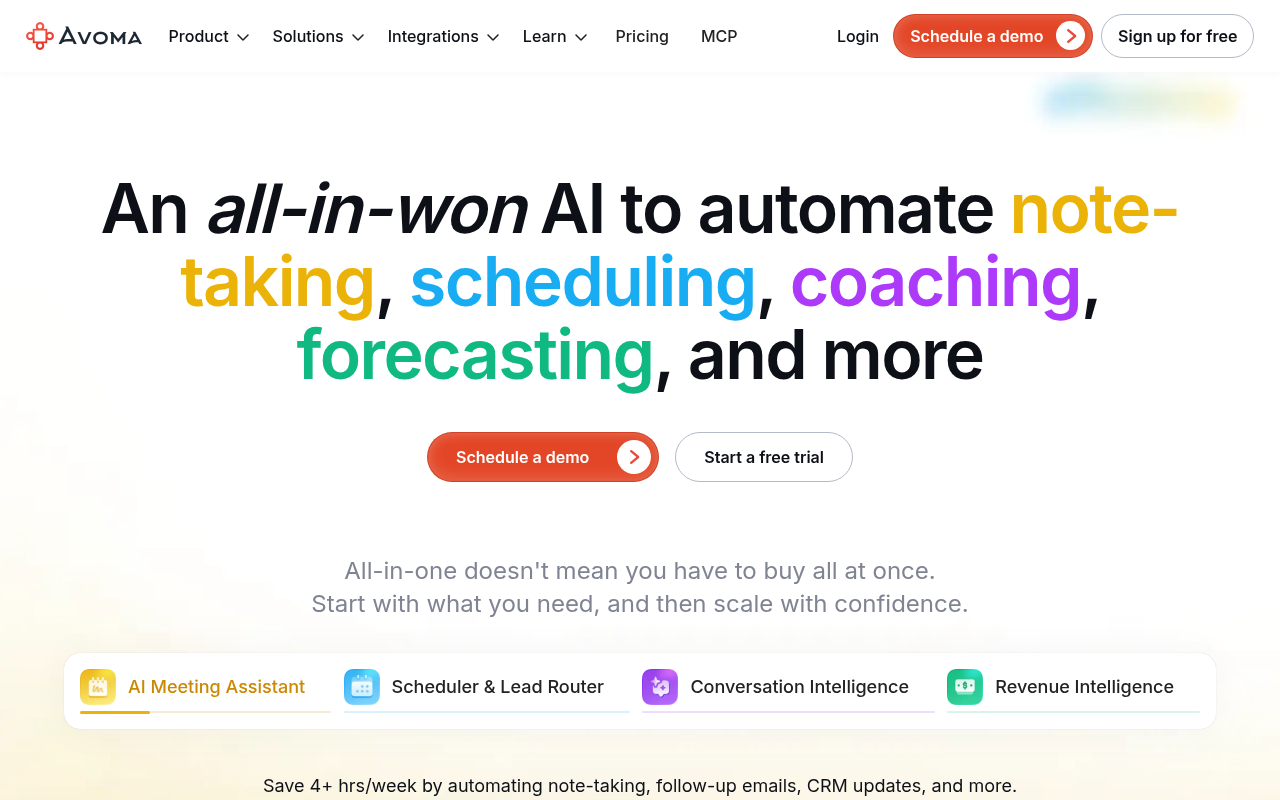
Avoma extends further into the meeting lifecycle than any other tool on this list, covering agenda preparation and scheduling alongside transcription and post-meeting summaries. For teams that run structured recurring meetings, such as weekly pipeline reviews or client check-ins, having one tool manage the agenda template, the transcript, and the action items reduces the coordination overhead that otherwise falls on a single person. The tradeoff is complexity and price: Avoma is a meeting-management platform, and its pricing reflects that. If you just need accurate transcripts of files you already have, Avoma is significant overkill. Most beneficial for revenue teams running high-volume, structured meeting programs.
9. Sembly AI - Best for Turning Meeting Transcripts into Trackable Project Action Items
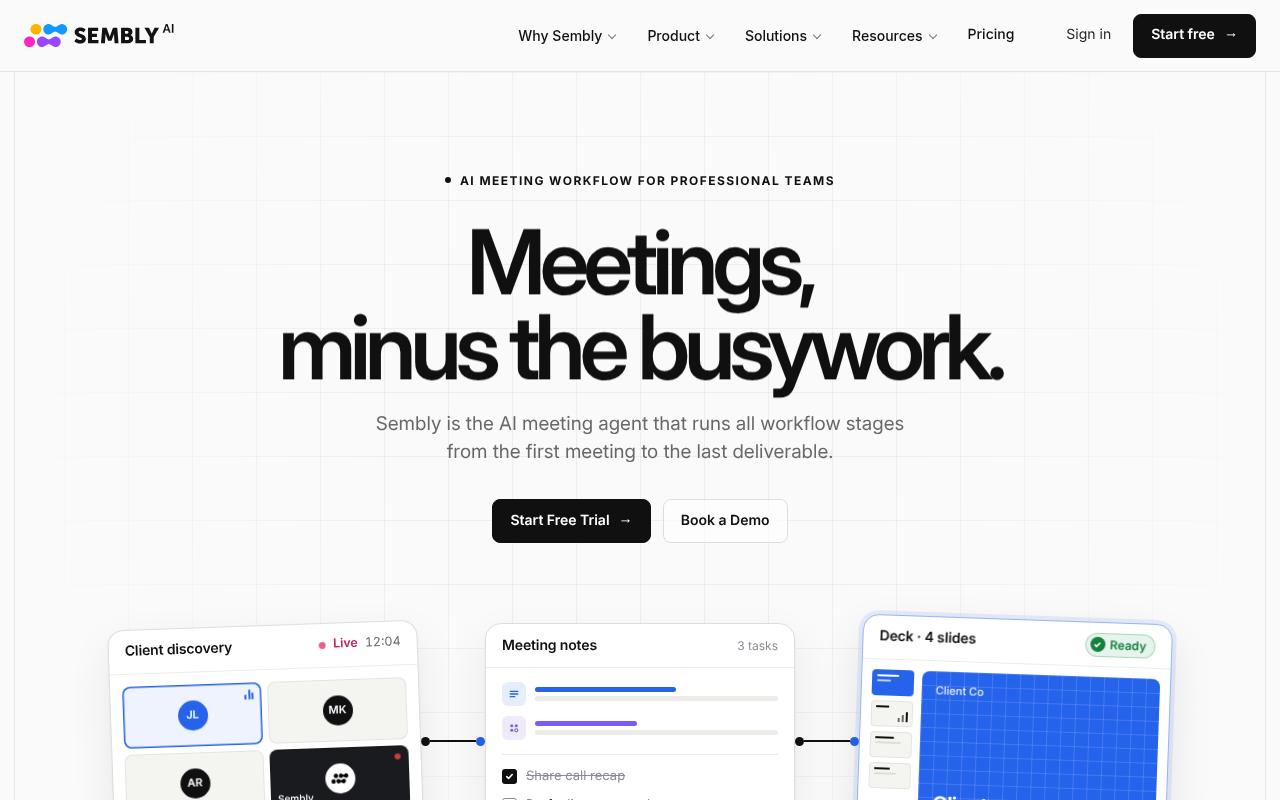
Sembly AI's differentiator is what it does after the transcript is produced. It identifies action items, decisions, and risks inside the meeting content and surfaces them as structured, trackable items rather than leaving them buried in a wall of text. For project managers who attend many meetings and need to extract commitments without re-reading every transcript, that post-processing layer saves real time. The tradeoff is that Sembly AI is a meeting-intelligence tool built around live calls; it is not optimized for uploading pre-recorded audio files from outside its supported meeting platforms. Most beneficial when the output you need is a task list, not a transcript.
10. Granola - Best for Solo Mac Users Who Want Local-First Meeting Notes Without a Bot
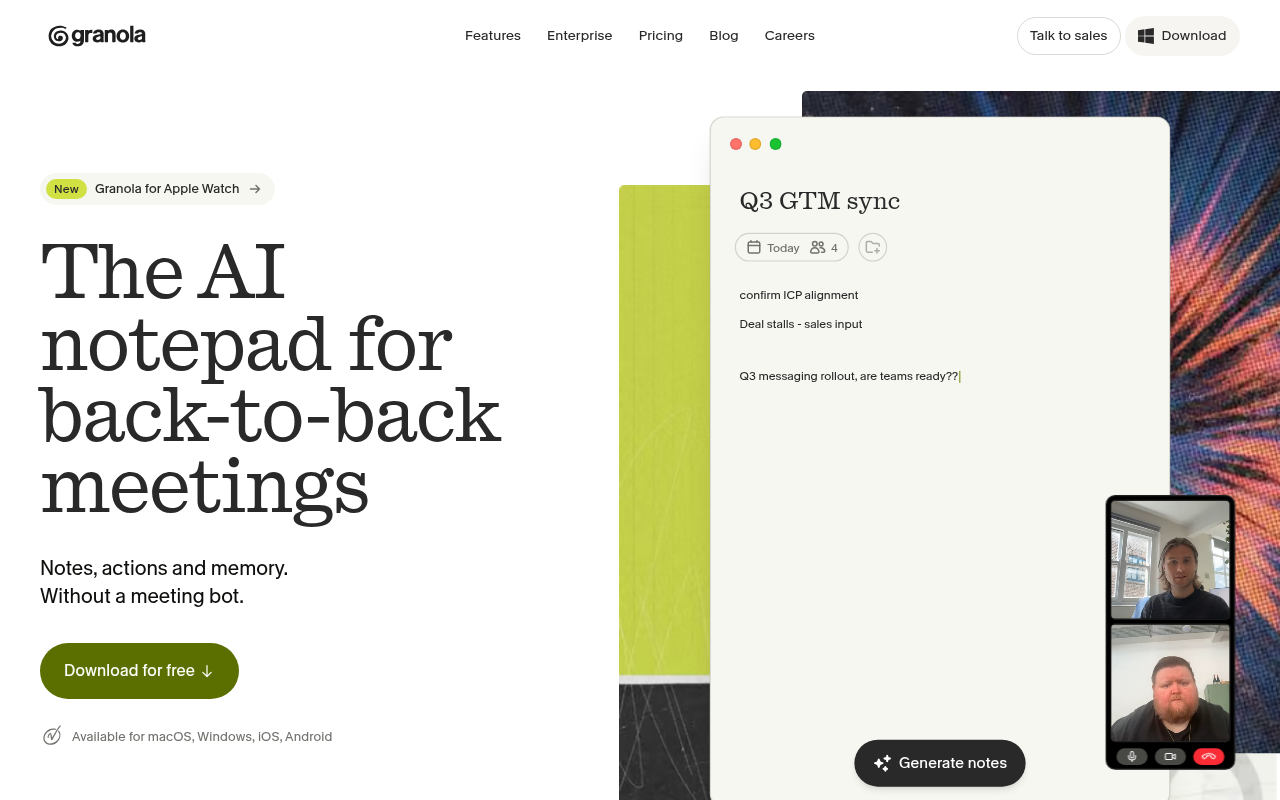
Granola runs on macOS and captures meeting audio locally, without a bot joining the call, which means no external recorder appears in the participant list and no audio leaves the device during the meeting. For solo users who value privacy or work with clients who object to recording bots, that local-first approach removes a friction point that other tools create. The notes Granola produces are AI-generated from the local audio.
The tradeoffs are real: it is Mac-only, it is built for live meetings rather than file uploads, and it does not offer the multilingual depth or export flexibility of cloud-based tools. Most beneficial for the individual Mac user who records sensitive conversations and wants the processing to stay on their machine.
11. Rev - Best for Human-Verified Transcription Accuracy on High-Stakes Audio Files
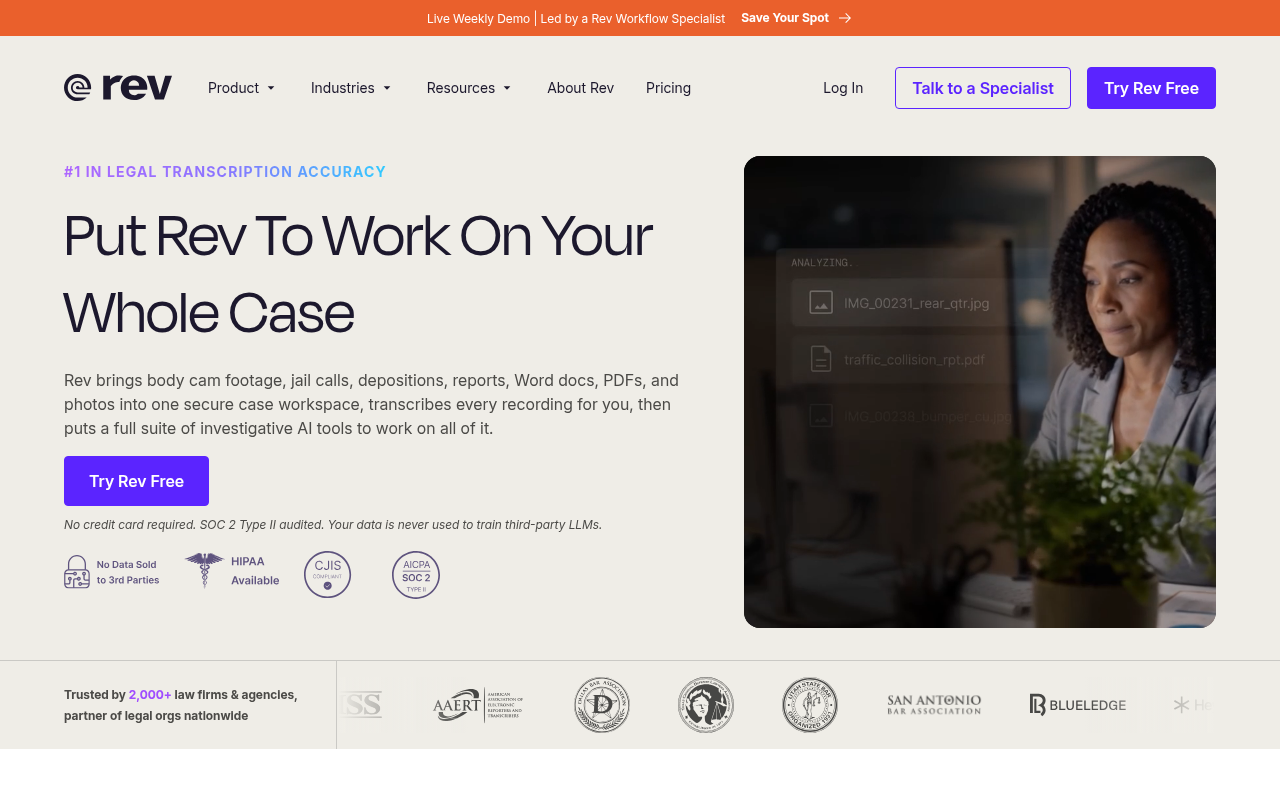
Rev offers human-verified transcription at a per-minute price, with accuracy that reaches 99% or above on qualifying audio, making it the right call when the cost of a transcription error is higher than the cost of the service itself. Legal depositions, medical dictation, and broadcast captions are the canonical use cases. The tradeoff is time and price: human transcription takes longer than automated processing and costs more per minute than any AI-only tool on this list. For a solo operator transcribing routine interviews or meeting recordings, that cost-per-minute model adds up fast. Most beneficial when the audio is complex, the stakes are high, and accuracy cannot be approximated.
12. Notta - Best for Async Teams Needing Real-Time Transcription Across Multiple Languages Simultaneously
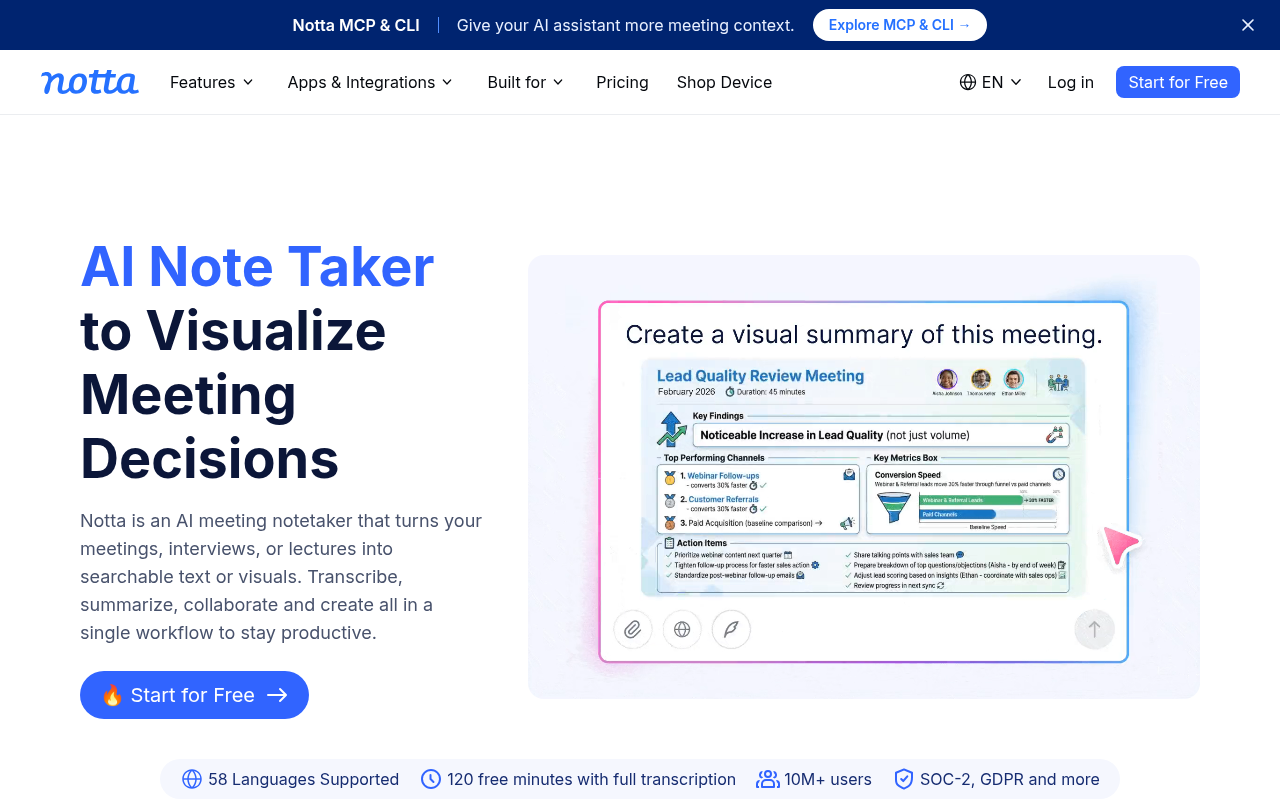
Notta supports transcription across 58 or more languages and offers a real-time transcription mode that makes it useful for multilingual async teams who need a written record of conversations as they happen, not just after the fact. Its free tier provides 120 minutes of transcription per month, which is enough to evaluate accuracy on your specific audio before upgrading. The tradeoff is that the free tier is a meaningful constraint for anyone with regular transcription volume, and the paid plans introduce per-seat pricing considerations that solo operators should check before committing. Most beneficial for distributed teams where participants speak different languages and a shared written record needs to exist immediately after each session.
13. Descript - Best for Content Creators Who Need to Edit Audio and Video by Editing the Transcript
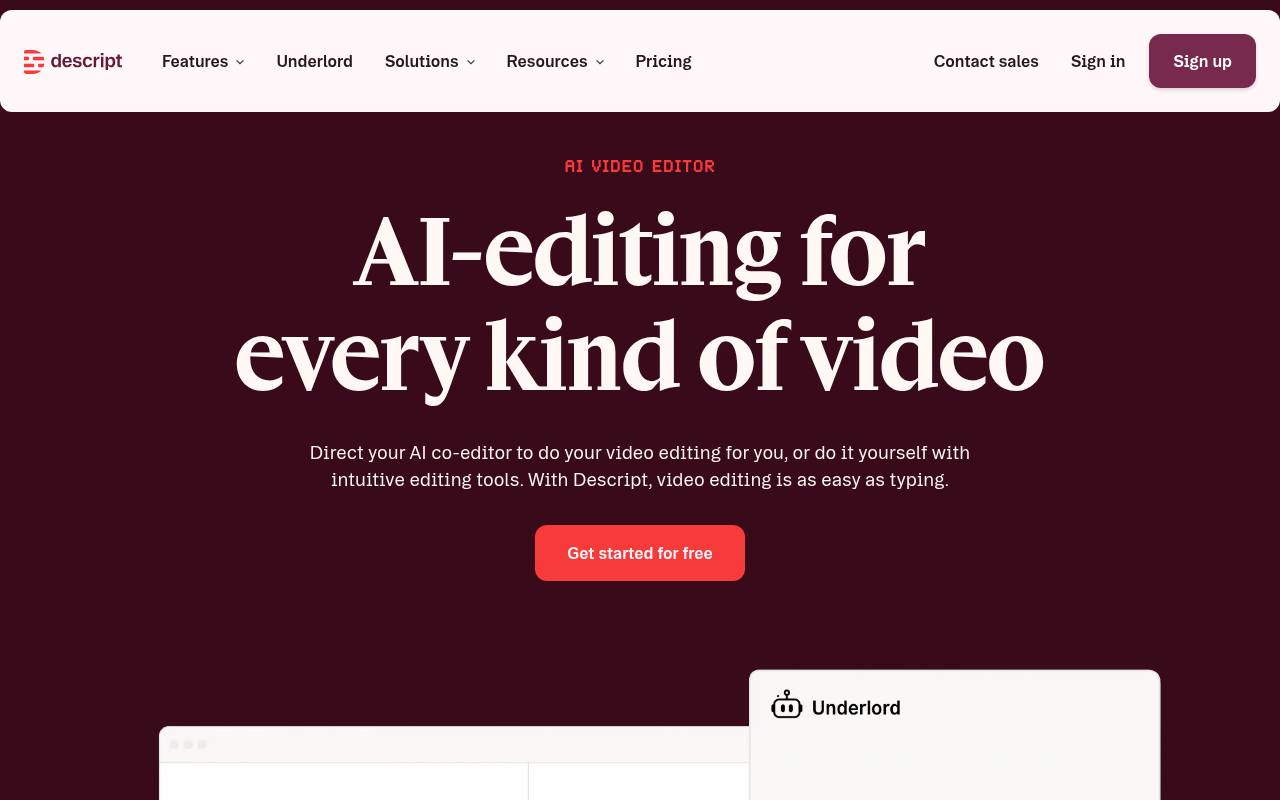
Descript inverts the editing workflow: instead of cutting a timeline, you edit the transcript and the audio or video follows. Delete a sentence from the text and the corresponding audio disappears. That interaction model is faster for podcast producers, video editors, and anyone who publishes recorded content regularly. The tradeoff is that Descript is a production tool, not a transcription tool in the narrow sense.
Its accuracy on raw, unedited recordings is competitive, but the platform is built for people who will do something creative with the output, not for someone who needs a clean text file to hand off to a colleague. Most beneficial when the transcript is a means to a published piece of content, not the final deliverable itself.
Each of these 13 tools earns its spot for a specific job, but knowing which one wins on paper is different from knowing which one wins for your budget, your language, and your actual usage volume. The next section puts every tool side by side in a single comparison table, with an honest-usage-cap column that makes the hidden limits visible before you commit.
Related Reading
-
Fireflies Vs Otter
-
Descript Vs Otter
-
Trint Vs Rev
-
Happy Scribe Vs Rev
-
Best Transcription App
Feature and Pricing Comparison of Otter.ai Alternatives
Scan any transcription pricing page and the numbers look simple, but the details behind them tell a different story.
"Otter.ai has inconsistent transcription quality. I've noticed that Loom occasionally outperforms it in transcription accuracy, which raises real reliability concerns about using Otter.ai as a primary tool."
--- what we hear from remote workers and meeting notetakers

Side-by-Side Feature Table for File-Upload Transcription Across Key Tools
| Tool | File Upload | Languages | Speaker Diarization | Export Formats |
|---|---|---|---|---|
| Cockatoo | Yes | Varies by mode (see benchmarks) | Yes, on uploads | PDF, DOCX, TXT, SRT |
| Otter.ai | Yes (3 imports, lifetime limit on free) | 6 (EN, ES, FR, DE, JA, ZH) | Yes | TXT, DOCX, PDF |
| Notta | Yes | 58 | Yes | PDF, DOCX, TXT, SRT |
| Fireflies.ai | Meeting bot primary; upload supported | 100+ | Yes, meetings primarily | PDF, DOCX, SRT |
| Fathom | Meeting bot; no file import | 38 | Yes | Limited |
| AudioPen | Yes (up to 60 min, 100 MB, no account needed) | Limited | No | Text/style output |
| TurboScribe | Yes | 98+ | Yes | PDF, DOCX, SRT, VTT, CSV, TXT |
| Rev | Yes | English primary | Yes | PDF, DOCX, SRT |
Free Tier Finder and Neralvo both document these gaps in their independent coverage of the tool.
Cockatoo's design addresses this directly: the free tier (no credit card required) supports file upload with speaker diarization and exports in all four formats:
-
PDF
-
DOCX
-
TXT
-
SRT
The Honest Usage-Cap Pricing Table for Each Price Point
| Tool | Free Tier | Cheapest Paid Plan | "Unlimited" Fine Print |
|---|---|---|---|
| Otter.ai | 300 min/month, 30 min/conversation cap | $99.96/year (Pro) | Check plan terms for monthly ceiling |
| Cockatoo | 3 files/day, up to 30 min each | $11.99/mo billed annually | V4-Fast: no monthly hour cap; V4-Thinking/V4-Pro: weekly limit shown in Settings |
| Notta | 120 min/month, 3 min/conversation | $97.99/year (Pro) | Minute caps apply above free tier |
| TurboScribe | 3 files/day, 30 min each, lower priority | $120/year (Unlimited) | Unlimited Transcriptions and Unlimited Minutes; no hidden cap on minutes or transcriptions for paid subscribers |
| AudioPen | Up to 60-min files, no account | $99/year (Prime) | File length caps apply |
| Rev | None | $0.25/minute (pay-as-you-go) | Per-minute billing, no subscription cap |
Cockatoo's paid plan is the one row where fine print is disclosed upfront: V4-Fast carries no monthly hour cap and supports truly unlimited transcription, file translations, transfers, and Canvas on standard modes. V4-Thinking and V4-Pro show a weekly limit directly in Settings, so you find it before you hit it. Pro also removes the per-file length cap entirely, supporting multi-hour files (audio is stripped in-browser before upload for reliable large uploads), and lets you upload 20 files per batch.
Accuracy Evidence - Published Benchmark Data vs. Asserted Percentages
How a tool substantiates its accuracy claims matters as much as the claims themselves. As Free Tier Finder's analysis notes, some tools publish independently verifiable benchmark results while others assert a percentage with no methodology disclosed, a meaningful quality differentiator, particularly when the reliability of the output determines whether you spend ten minutes reviewing a transcript or an afternoon correcting it.
| Tool | Accuracy Claim | Benchmark Published? | Notes |
|---|---|---|---|
| Cockatoo | References per-language FLEURS + real-world results | Yes, benchmarks page | 30 languages; public-domain examples |
| Otter.ai | Percentage stated on marketing pages | Not publicly documented | No WER or FLEURS data found |
| Notta | Percentage stated | Not publicly documented | No methodology disclosed |
| TurboScribe | Percentage stated | Not publicly documented | No methodology disclosed |
| Rev | Human-verified option available | Partial (human QA process) | AI tier has no published WER |
| Others | Various claims | Not publicly documented | No verifiable WER or FLEURS data |
That gap in transparency is where Cockatoo stands apart. Cockatoo's benchmarks page publishes per-language FLEURS results alongside real-world examples, giving buyers a concrete basis for evaluating accuracy before committing to a file that needed to be right the first time.
How to Choose the Right Otter.ai Alternative for Your Situation
Four variables separate a transcription tool that saves you an afternoon from one that costs you one. Most buyers skip to the pricing page, pick the "unlimited" plan, and assume the rest is roughly equal. The decisive comparison axis, however, is first-pass transcript accuracy on your specific audio, because a cleaner draft on upload eliminates the correction tax entirely while a shinier meeting bot that stumbles on your accent or jargon leaves you worse off than before.

The Google FLEURS benchmark published in August 2026 compared Gemini 3.5 Transcribe, Chirp 3, ElevenLabs Scribe v2, OpenAI GPT Live Transcribe, and Deepgram Nova-3 across languages simultaneously, and the per-language accuracy gaps are large enough to turn a clean draft into a correction project.
The FLEURS benchmark exists because per-language, standardised data allows real comparison, so insist on a link before you trust a headline figure.
Rule 2: Match the tool's architecture to your actual job. Industry data suggests the majority of transcription jobs involve a pre-recorded file, not a live meeting. Check whether file upload is a first-class feature or buried in settings.
Rule 3: Find the real cap before you pay. "Unlimited" plans routinely carry weekly or monthly ceilings in fine print. Look for "fair use" clauses inside account settings, not the marketing copy.
Rule 4: Confirm solo pricing exists. Several leading tools gate their highest-accuracy tiers behind a minimum seat count. A solo operator forced into a three-seat plan pays for capacity she will never use.
Cockatoo passes all four rules: accuracy claims link to a published per-language FLEURS benchmark, the product is file-upload-first with no meeting bot required, usage limits are stated plainly in plan documentation, and the Pro tier is available to a single user with no minimum seat count.
The one honest trade-off: V4-Thinking and V4-Pro modes carry a weekly usage limit shown in Settings, so very high-volume weeks require switching to V4-Fast, which remains genuinely unlimited.
Next steps
If your afternoon keeps disappearing into transcript correction rather than actual work, the path forward starts with matching your tool to the job you actually have: a finished recording that needs fast, accurate, editable text, not a meeting bot built for someone else's workflow. Start with our transcription software.
The accuracy gap between tools is measured in hours of cleanup time, not percentage points. A vendor claiming "99% accuracy" with no published benchmark is asking you to bet your afternoon on a marketing number, and FLEURS data confirms that accuracy rankings shift substantially by language and audio condition. At the same time, "unlimited" plans routinely hide a monthly hour ceiling in fine print, meaning a solo operator can hit a paywall mid-project that was never disclosed on the pricing page. Together, those two facts point to one practical action: test any shortlisted tool on your own audio, in your own language, before paying anything.
Start with Cockatoo. Upload a real file from your downloads folder, check the output against your own speakers and background noise, and export a finished PDF or DOCX before a credit card enters the conversation. Three files per day, up to 30 minutes each, no account setup required beyond an email address.
Frequently Asked Questions
What is Otter.ai and how does it actually work?
Otter.ai is an independent company whose core product is a meeting bot that auto-joins Zoom, Google Meet, and Microsoft Teams calls, produces live transcripts, and generates AI summaries from those sessions. File upload exists as a secondary feature, but the entire architecture, including accuracy priorities and workflow depth, is built around live meeting capture, not uploaded recordings.
Which Otter.ai alternative is best for transcribing files I already have, including batch uploads and translation?
Cockatoo is built around exactly that workflow: upload any audio or video file and get a transcript with speaker labels and word-level timestamps back in minutes, with no monthly hour cap on its Pro plan and support for multi-hour recordings without workarounds. It also covers the post-transcript step, exporting to PDF, DOCX, TXT, and SRT, and supporting document translation across PDF, DOCX, PPTX, XLSX, and TXT files so a recording in one language becomes a shareable file in another.
Which alternative works best for teams and enterprises already using Microsoft or Zoom?
For organizations fully inside the Zoom ecosystem, Zoom AI Companion generates meeting summaries, action items, and transcripts inside the Zoom interface with no additional login, though it only works for calls that happen on the platform and cannot process pre-recorded files from other sources. Microsoft Copilot in Teams serves the same function for Microsoft 365 enterprises, pulling transcripts and summaries directly into Word, Outlook, and SharePoint, but it requires a Microsoft 365 license tier that includes it and does not transcribe files from outside the Microsoft ecosystem.
How well do these tools handle multiple languages and accented speech?
Multilingual support varies significantly across tools, and the post cautions that accuracy is a language-by-language variable, a tool that scores well on clean American English can fall apart on accented speech or languages outside its training core. Cockatoo publishes FLEURS benchmarks and real-world accuracy data across 30 languages so buyers can evaluate quality before committing a file, rather than discovering the gap after the fact.
Does using a noise-cancellation tool like Krisp actually help with transcript accuracy?
Yes, because Krisp operates at the audio layer before transcription happens, it runs noise cancellation locally on your device, producing cleaner input for whatever transcription engine you use downstream. For speakers with strong accents or anyone recording in a noisy environment, improving the input signal is often more effective than switching transcription vendors.