12 Best Transcription Apps in 2026 for Fast, Accurate Results

Free auto-captions are not transcription apps, and that confusion is costing you hours. Here is how to cut through the accuracy myths and pick a tool that actually works for your voice.
Free auto-captions feel like a solved problem. The common assumption is that transcription accuracy claims can't be verified independently, so you just have to trust the "99% accurate" marketing and hope it works for your accent or language. They ship inside tools you already pay for, they run automatically, and they cost nothing extra. The catch surfaces the first time you open the output file and realize the transcript reads like it was typed by someone who had never heard your accent, your job title, or the name of any product you sell.
These three categories do different jobs, and mixing them up leads to real wasted hours:

-
Auto-captions (built into Zoom, YouTube, Teams) are designed for live accessibility, not for producing a clean, editable document.
-
Dictation software converts your voice to text in real time as you type.
-
Transcription apps take a recorded audio or video file and return a structured, editable transcript, usually with speaker labels, timestamps, and export options like PDF or DOCX.
That last category is what most people actually need when they have a recorded interview, client call, or meeting they cannot retype from scratch. The distinction matters because accuracy requirements differ. Auto-captions tolerate a 10-15% error rate because a viewer can follow context. A transcript you hand to a colleague, publish, or bill time against cannot.
Automated tools struggle with accented speech and technical vocabulary, creating "cleanup debt" where time spent correcting errors erases the time the tool was supposed to save. The math is brutal: industry estimates put manual transcription effort at roughly four hours per recorded hour, a ratio that makes even modest AI error rates expensive in correction time. Even a 20% error rate on a free caption file can push correction time close to that baseline, leaving you no better off than if you had typed the whole thing. The failure is structural, not accidental. Free captioning engines are trained primarily on broadcast-quality, standard-accent English. Non-native speakers, regional accents, and domain-specific vocabulary fall outside that training distribution, and error rates climb fast.
The failure is structural, not accidental.
Key takeaways
-
Free auto-captions built into Zoom, YouTube, and Google Docs fail on accents, overlapping speakers, and domain-specific vocabulary, not occasionally, but predictably.
-
A bare '99% accurate' claim is a marketing assertion, not a specification, no vendor defines the test audio, the language, or the word-error-rate methodology behind it.
-
Independent benchmarks already exist to verify transcription accuracy, and they reveal nearly a 4× gap between the best and worst tools on the same audio file.
-
Price-per-hour is the wrong primary filter: matching your audio conditions and language to a verifiable benchmark first, then checking price, is the financially rational order.
-
Speaker recognition matters more than most buyers realise, if renaming a speaker doesn't update every line in the transcript, you're doing manual find-and-replace across a long document.
-
Cockatoo publishes per-language FLEURS benchmarks across 30 languages so you can audit accuracy before uploading a file, and backs that with word-level timestamps, automatic punctuation, settable speaker counts, and a V4-Pro custom vocabulary that carries edits across every future transcript.
The Three Traps That Make Picking a Transcription App Harder Than It Should Be
The common assumption is that transcription accuracy claims can't be verified independently, so you just have to trust the "99% accurate" marketing and hope it works for your accent or language. That framing hides three structural traps that catch buyers regardless of budget, and understanding them before you commit saves you from a decision you cannot easily undo.

Trap 1 - Cleanup Debt
A human transcriber works at roughly a 4:1 ratio, so 20 minutes of audio demands about 80 minutes of total effort.
Add a non-native speaker, a technical term, or a noisy room, and the same research notes that accuracy degrades sharply across accents and specialist vocabulary, making headline figures unreliable as a purchasing guide. The transcript comes back fast. The correction work does not.
A subtler version of cleanup debt hits anyone who needs to work in a language other than English. Many tools are built around English-first models and quietly underperform on everything else, so a researcher, journalist, or ops manager who needs to transcribe a recording in their own language absorbs a hidden accuracy penalty on every file. Cockatoo's language support spans multiple transcription modes, with per-language FLEURS and real-world results published on its benchmarks page, so you can check coverage for your specific language before uploading a single file.
Trap 2 - Pricing Structures Built for Teams, Billed to You Alone
Per-seat pricing assumes you have colleagues to split the cost. Per-hour pricing sounds fair until a batch of recordings lands at once. An ops manager who commits to a per-hour plan and then processes six hours of interviews in a single week faces a cost spike that was never visible in the pricing page headline. The pricing structure was designed for a procurement conversation that solo operators never have.
Cockatoo sidesteps this with a self-serve free tier, no credit card required, no sales call, that lets you run a real transcript on the first upload to verify it fits your workflow before any money changes hands. When volume increases, the Pro plan moves to truly unlimited transcription on standard modes with no monthly hour cap and support for multi-hour files, at $11.99 USD per month billed annually. Teams of three or more have a dedicated multi-seat tier with centralised billing, 2 TB of storage per person, and shared transcript editing. There is no minimum commitment to discover whether the tool works for you.
Trap 3 - The "99% Accurate" Claim Nobody Can Actually Verify Before Buying
Accuracy claims are the hardest part of this market to evaluate. As industry research notes, there is no standardised, independently published benchmark that buyers can consult to verify accuracy against their specific accent or dialect before committing. A number measured on standard US English tells a French-speaking user or a regional-dialect researcher almost nothing.
There is a related trap that is easy to overlook. Most transcription tools require you to upload your files to a cloud you cannot inspect, creating real data-control concerns that rarely appear on a pricing page. Cockatoo stores files in 2 GB of encrypted cloud storage on the Free tier (2 TB on Pro and Team), and files remain yours until you delete them, giving you a clear and explicit answer to that question upfront. Cockatoo's published benchmarks page covers per-language FLEURS and real-world results across 30 languages, a public, standardised audit path buyers can consult before entering a credit card number.
Knowing which trap you're most likely to fall into is only half the job; the next step is matching that awareness to a tool whose pricing, accuracy evidence, and data handling you can verify before committing.
Key Features to Evaluate in a Transcription App Before You Spend a Dollar
That checklist starts with the one criterion vendors hope you never ask about: whether their accuracy figure means anything at all. A bare "99% accurate" badge is not a specification; it is a marketing assertion, and here is the synthesis claim buyers are rarely told: vendor accuracy figures are unverifiable by design, yet the independent tools to verify them already exist and reveal a nearly 4× performance gap between engines. The figure collapses the moment your audio has an accent, a technical term, or a non-native speaker, and no standardised independent benchmark exists that vendors are required to cite.
Character Error Rate (CER) and Word Error Rate (WER) on named datasets like FLEURS already expose that gap, so the escape route from marketing exists; most buyers have never been pointed toward it. Before you spend a dollar, you need a framework for what actually separates a usable transcript from an afternoon of cleanup.
Accuracy Evidence - The One Spec Almost Every App Hides
CER and WER are the standard, independently verifiable metrics for comparing transcription engines on a like-for-like basis, and a benchmark by Pikka AI across 95 languages found a substantial spread in Character Error Rate between the best and worst engines tested, a gap large enough that, on a one-hour interview, it separates light proofreading from a near-complete retype.
Check the current results at Pikka AI's published speech-accuracy page before citing a specific figure in downstream materials. The dataset buyers should ask vendors about is FLEURS, a standardised multilingual benchmark covering dozens of languages and accents.
If a vendor cannot point you to their CER or WER on a named benchmark, their accuracy claim is unverifiable. Cockatoo's public benchmarks page publishes per-language results across 30 languages so you can audit the actual word-error rate before you enter a credit card number.
Speaker Diarization and Export Formats
Speaker diarization quality varies independently of transcription accuracy. A tool can transcribe words correctly and still merge two speakers into one label or split one speaker across three, errors that multiply cleanup time on any multi-person recording. A checklist for this layer should confirm the tool:
-
Lets you set expected speaker count before processing
-
Lets you rename speakers so every line updates across the whole transcript
-
Exports to PDF, DOCX, TXT, and SRT
Export flexibility matters equally: a transcript locked to one format forces manual copy-pasting.
Cloud vs. Offline Processing and File Compatibility
Cloud-based apps process audio on remote servers, faster, but your recording leaves your device. For sensitive client recordings, legal interviews, or privacy-obligated audio, that is a real risk to name before you commit. File compatibility is the other check most buyers skip, so before finalising any tool:
-
Confirm the tool accepts your core formats: MP3, MP4, WAV, and M4A
-
Confirm whether the tool strips audio from video automatically
-
Check whether hard caps exist on file length or batch size, limits that surface only after you have committed to a plan
-
Decide whether cloud processing is acceptable for your audio's sensitivity level
Once you know which specs to demand, verifiable accuracy data, reliable speaker diarization, flexible exports, and a clear answer on cloud vs. offline processing, evaluating twelve tools becomes a filter, not a guessing game.
12 Best Transcription Apps in 2026 Ranked for Fast Accurate Results
Sorting transcription apps by price-per-hour is the equivalent of choosing a car by fuel tank size: the number looks decisive, and it tells you almost nothing about the drive. The real separators are whether "unlimited" actually means unlimited, whether accuracy claims survive contact with your specific audio, and whether the tool fits the job you actually have. Ranked against those three signals, twelve apps split into clear tiers.
"Users are frustrated that most transcription apps require monthly subscriptions, making them costly for regular use, a key differentiator to highlight when ranking the best transcription apps in 2026."
--- what we hear from transcription app reviewers
1. Cockatoo - Best Transcription App for Unlimited High-Volume Use
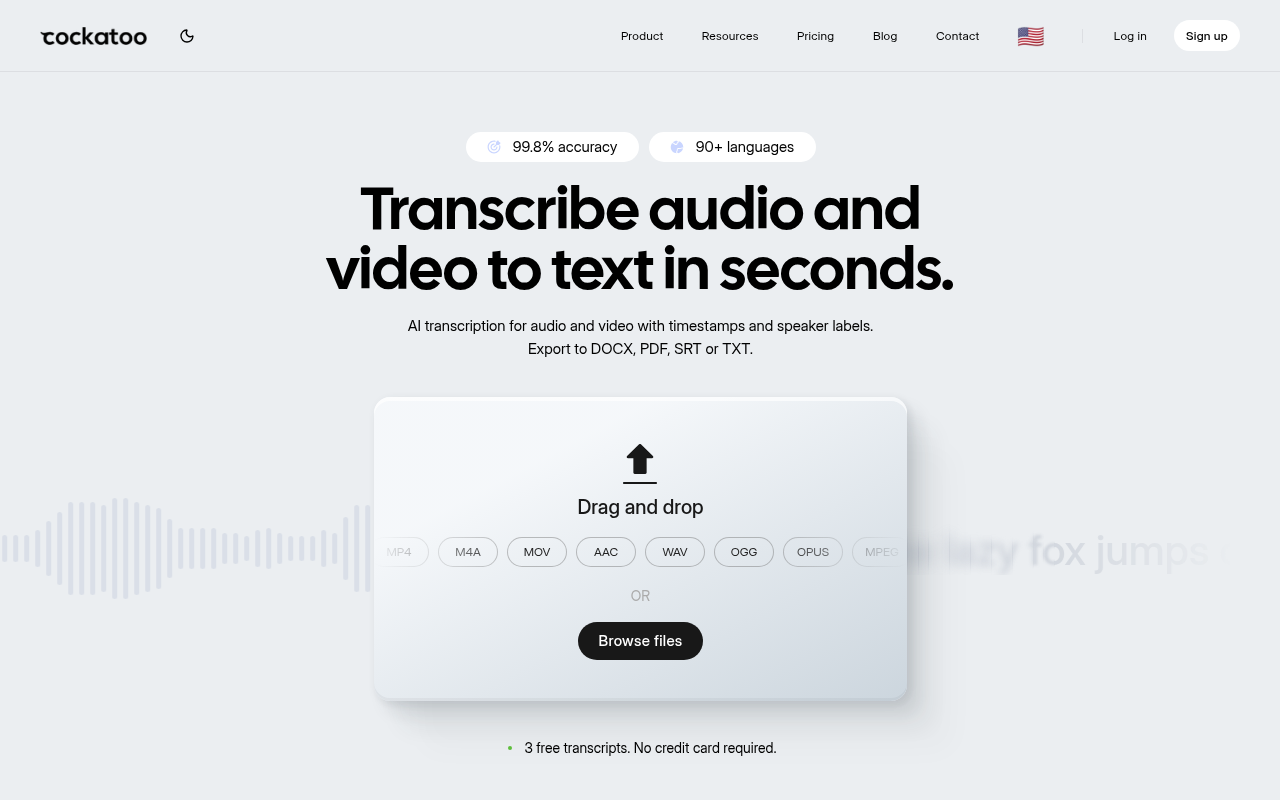
Cockatoo's infrastructure runs on in-house inference rather than third-party API reselling, a structural choice that enables the standard-mode unlimited model without the per-hour cost exposure that makes competing "unlimited" plans unsustainable at high volume. Some unlimited-branded plans in this category carry fine-print monthly caps; Cockatoo's standard V4-Fast mode carries no monthly hour ceiling, which is worth confirming in any competitor's terms before committing. The benchmarks page publishes per-language FLEURS scores across 30 languages, so you can audit accuracy before you pay rather than trusting a bare percentage.
Speaker renaming propagates to every line the moment you change one name, which removes the most tedious part of post-production cleanup. The one honest trade-off: V4-Thinking and V4-Pro carry a weekly usage limit shown in Settings, so truly unlimited applies to standard V4-Fast mode. For a solo operator who needs AI transcription on uploaded files at volume, without per-hour billing surprises, this is the benchmark the rest of the list is measured against.
2. Otter.ai - Best for Live Meeting Transcription with Team Collaboration
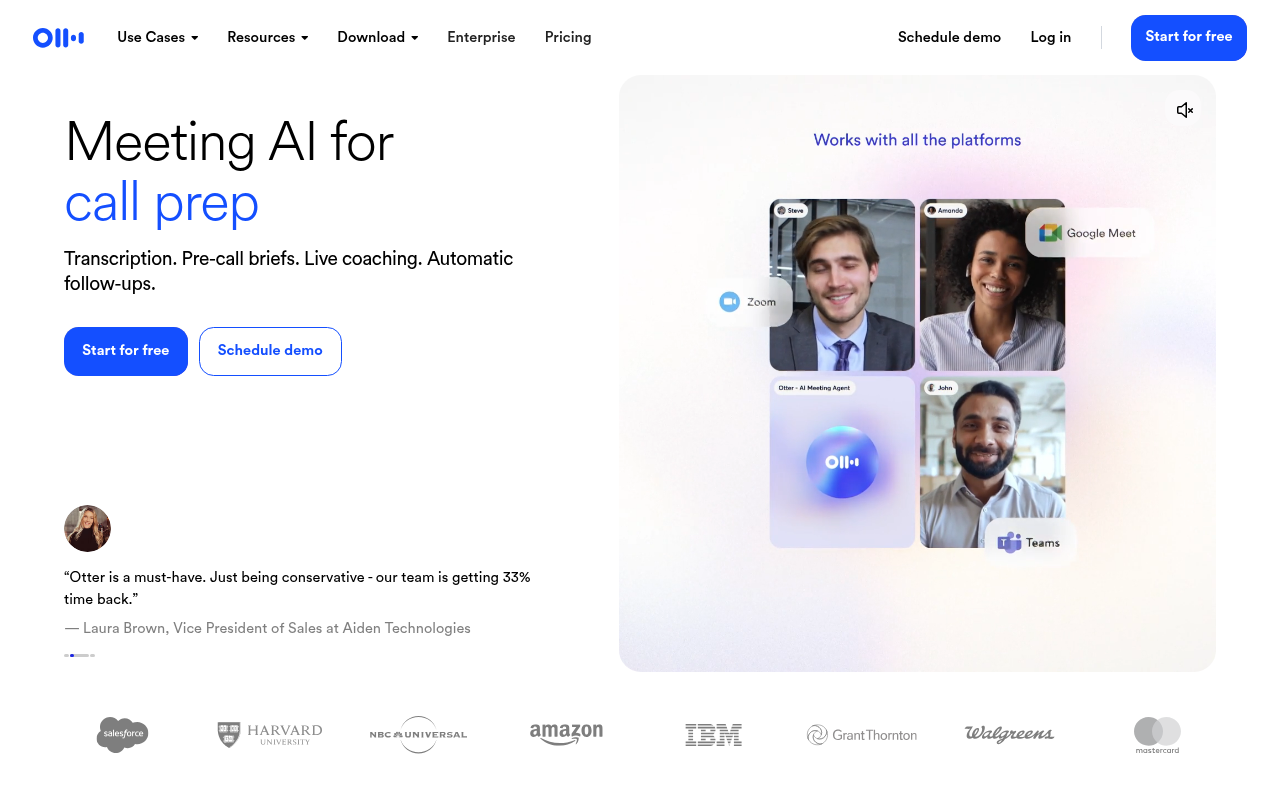
Otter.ai is the right pick when your primary job is capturing live meetings across Zoom, Google Meet, and Teams: the bot joins automatically from calendar invites, transcribes in real time, screenshots slides, and outputs action items and summaries without any manual upload. The free tier is genuinely useful for occasional use, though it limits you to 300 minutes per month, a 30-minute cap per conversation, and only 3 lifetime file imports, as confirmed by Otter.ai's own plan documentation.
That last constraint, 3 lifetime imports, is the one most people discover mid-project rather than before signing up. For teams who live in scheduled meetings and want searchable shared transcripts, Otter.ai is a mature, well-integrated choice. For solo users who primarily upload pre-recorded files, the more binding constraint is the 3 lifetime file import limit, a ceiling that has nothing to do with usage frequency and is easy to miss before signing up. Paid plans are also structured for teams rather than individual buyers.
3. Rev - Best for Human-Verified Transcription with Legal-Grade Accuracy
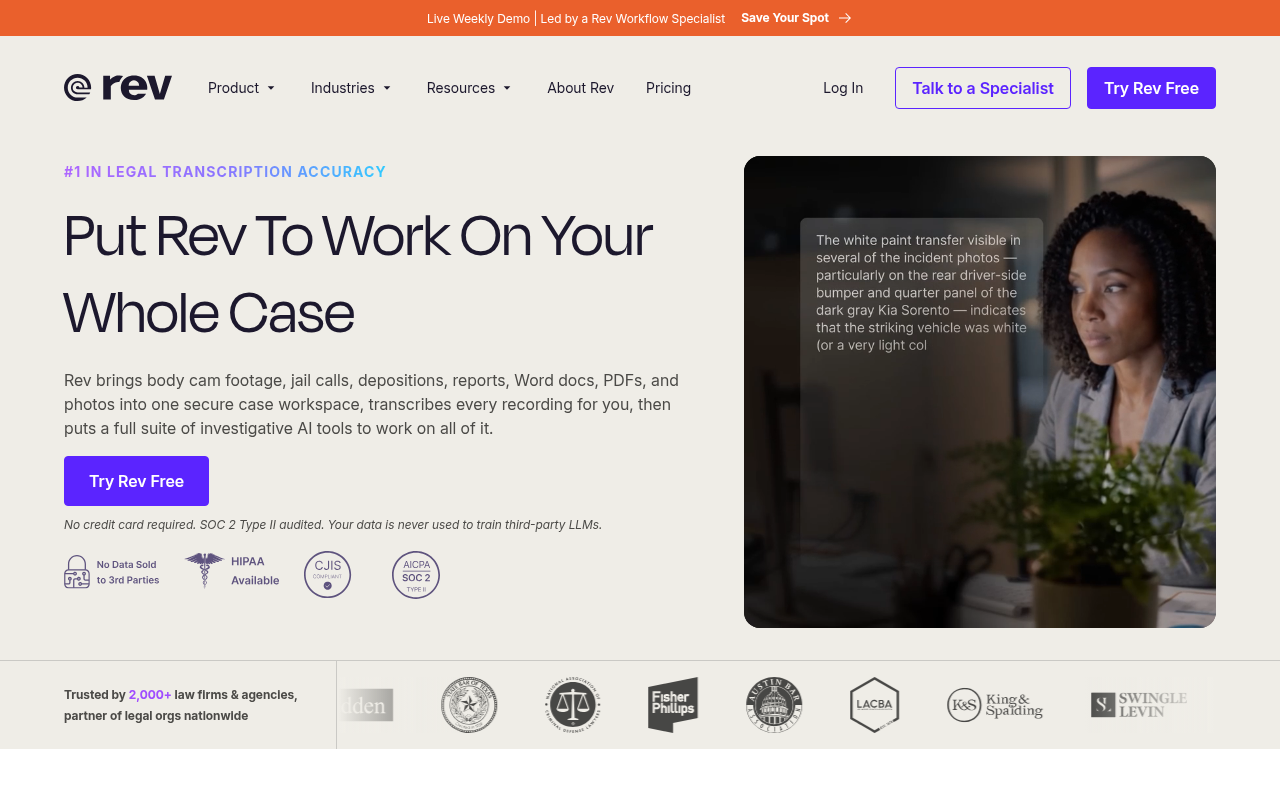
Rev operates a hybrid model: a fast AI engine for budget-conscious jobs, and human transcriptionists for work where errors carry real consequences. The human transcription service delivers 99% or better accuracy at $1.99 per minute, making it the standard reference point for legal depositions, broadcast captioning, and academic research where a misquoted word creates liability. That per-minute rate adds up quickly on long recordings, so Rev is not the right default for high-volume everyday use.
It is, however, the clearest answer to "what do I use when I cannot afford a mistake?" The AI tier is competitive on price and turnaround, though accuracy on heavily accented or multi-speaker audio is closer to the broader AI category than to the human tier.
4. GoTranscript - Best Budget Human Transcription Service for Accented Audio
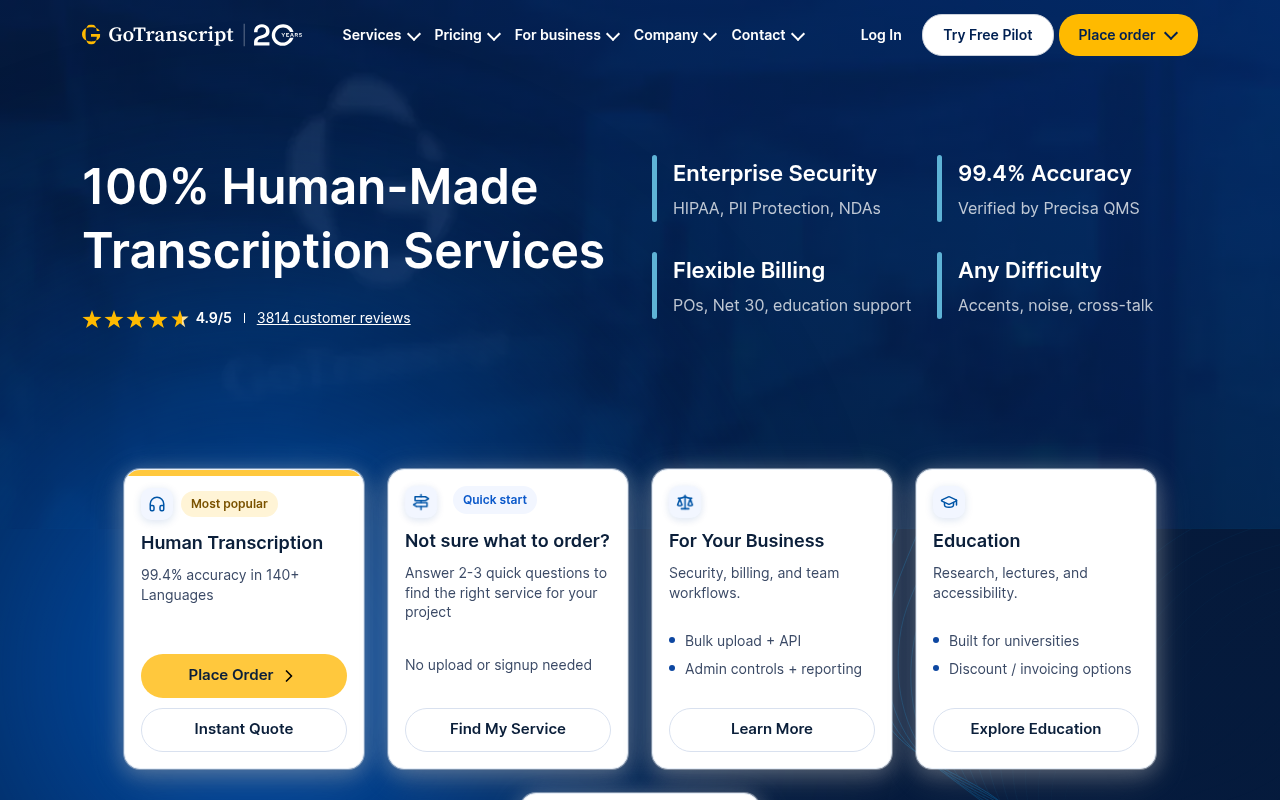
GoTranscript is the most affordable human transcription option in this category, with rates around $1.40 per minute and typical turnaround of 24 to 48 hours. Human transcriptionists handle complex industry jargon, overlapping speakers, and audio quality that defeats AI models, which makes GoTranscript the practical choice for interviews with non-native English speakers or recordings from noisy environments. The tradeoff is turnaround time: if you need a transcript in minutes rather than hours, a human service cannot compete with AI. For researchers, journalists, and compliance teams who prioritize accuracy over speed and need a lower price point than Rev, GoTranscript occupies a clear and defensible position.
5. Castmagic - Best Transcription App for Podcast and Content Repurposing
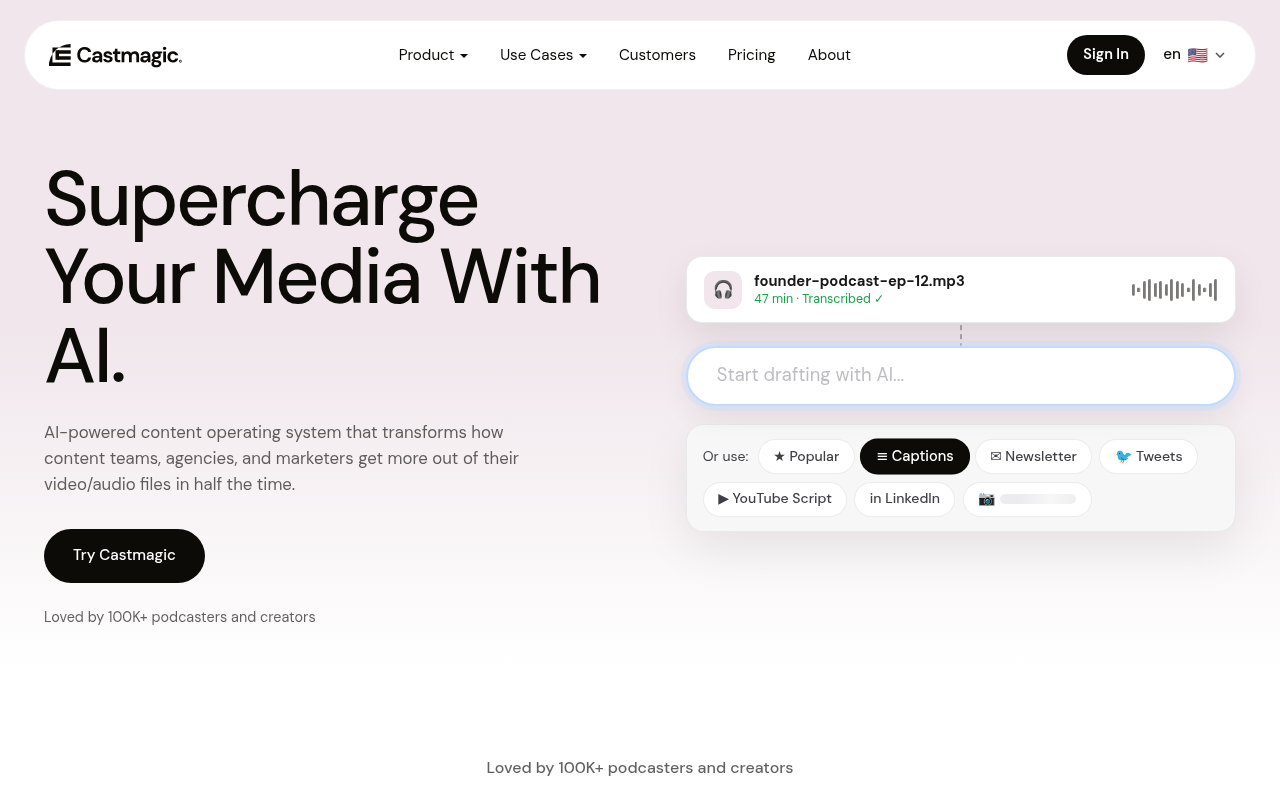
Castmagic is a content pipeline that starts with transcription. Upload an audio file and it produces structured outputs:
-
Blog drafts
-
Social media posts
-
Timestamps
-
Newsletters
-
Show notes alongside the raw transcript
For podcasters and content creators who would otherwise spend hours reformatting a transcript into publishable assets, that automation is the core value proposition. The pricing starts at $21 per month, which is harder to justify if you only need the transcript itself. Most solo knowledge workers find Castmagic earns its cost only when they publish consistently across multiple channels and the downstream content work is the actual bottleneck.
6. Descript - Best Transcription App for Audio and Video Editing Workflows
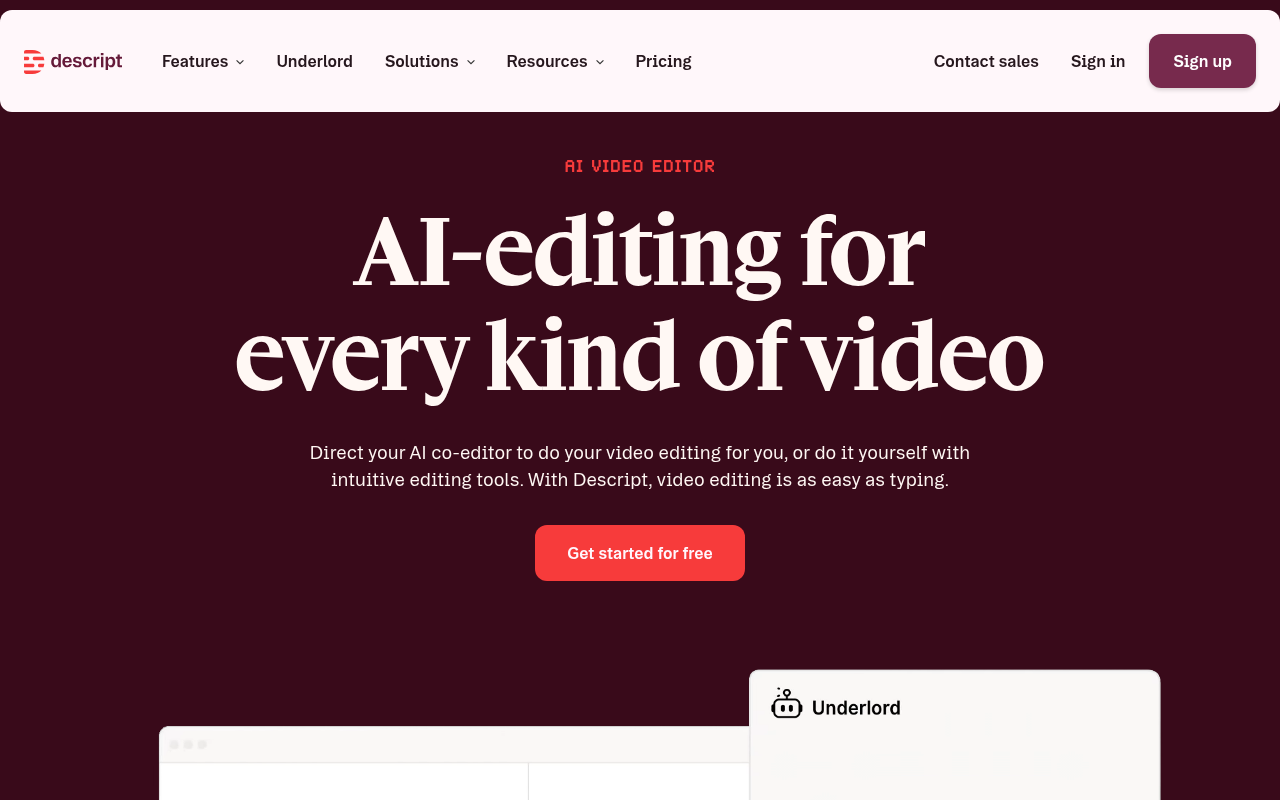
Descript's defining capability is transcript-based editing: delete a sentence from the text and it disappears from the video timeline. For anyone who edits interview footage or podcast recordings, that workflow compresses hours of timeline scrubbing into a text editing session. Transcription accuracy matters here because every error becomes a potential edit mistake, and Descript's accuracy on standard English is solid. The tool is heavier and more expensive than a pure transcription app, so it is overkill if your only job is getting text out of a recording. Pick Descript when editing the media is the primary task and transcription is the means to that end.
7. Wispr Flow - Best Transcription App for Voice-to-Text Dictation on Desktop
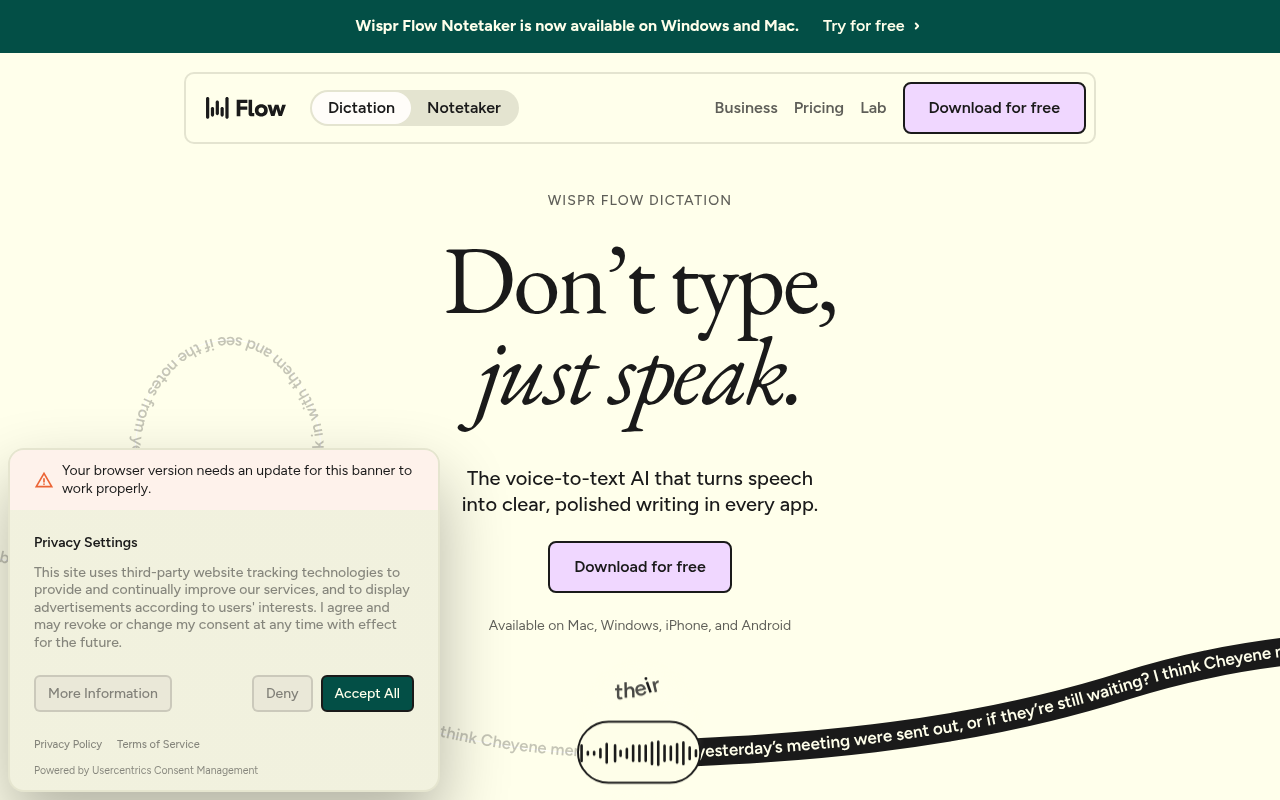
Wispr Flow is a system-wide dictation tool, not a file transcription service. It works across any app on your desktop, turning spoken input into typed text wherever your cursor sits, which makes it useful for knowledge workers who draft long documents, emails, or notes by voice. The free tier provides a meaningful trial, with Pro at $12 per month. The limitation is the use case: Wispr Flow does not process uploaded recordings, so it does not help if your job is turning a recorded interview or call into a transcript. It is the strongest option in this list for voice-to-text input, and the wrong tool for batch file processing.
8. Fireflies.ai - Best Transcription App for CRM-Connected Sales Teams
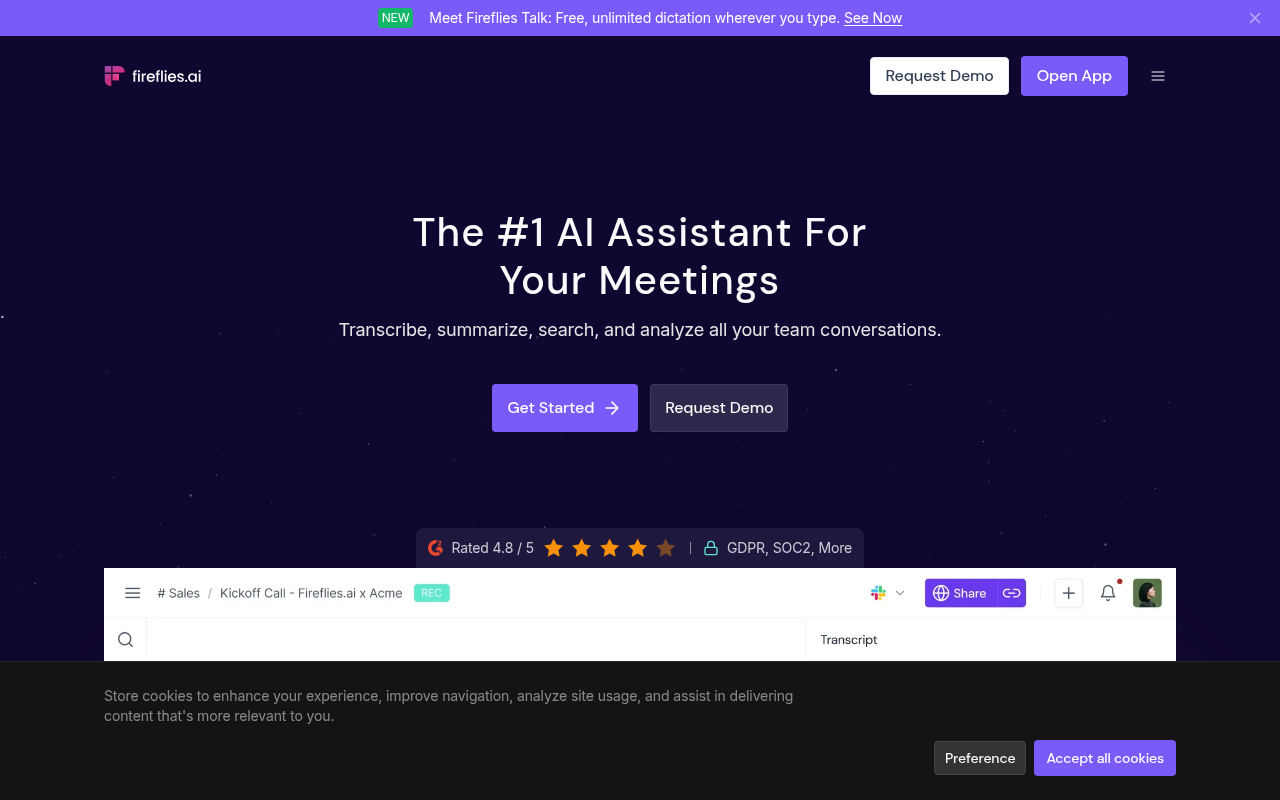
Fireflies.ai is built around a specific workflow: it captures audio from calls, produces structured summaries, and pushes those summaries into CRM platforms such as Salesforce. For a sales team that wants call notes entered automatically without manual data entry, that pipeline integration removes a real operational friction point. The tool is less compelling for solo operators or teams outside that workflow; the CRM connection adds cost and complexity without a matching benefit when the job is turning a recorded file into an editable transcript.
Accuracy on clean, structured audio is reliable; performance on technical vocabulary or heavily accented speech is closer to the broader AI-engine average. Fireflies.ai explicitly supports general-purpose file-based transcription, allowing users to upload and transcribe audio and video files (MP3, MP4, WAV, M4A) with AI meeting summaries.
9. Google Recorder - Best Free Transcription App for Android Users On-Device
Google Recorder transcribes live audio on-device with no upload, no account, and no internet connection required. On Pixel hardware, it is widely regarded as the most accurate free live-transcription experience available on Android, and the privacy argument is straightforward: nothing leaves the phone. The hard constraint is hardware lock-in; the full feature set requires a Pixel device, which makes it irrelevant to anyone on a non-Pixel Android phone or any other platform. For Pixel owners who need quick, private transcription of a meeting or voice note, it is the obvious default. For everyone else, it is not an option at all.
10. Apple Voice Memos - Best Built-In Transcription for iPhone and Mac Users
The processing stays on-device, which satisfies basic privacy requirements for sensitive conversations. The practical limitations are significant for professional use: transcription is English-centric, export options are limited, and the transcript is not easily moved into an editable document format for sharing. For a quick personal reference transcript, Voice Memos is a capable zero-cost option. For anything that needs to be edited, formatted, or shared, the export gap becomes a real workflow problem.
11. Samsung Voice Recorder - Best Built-In Transcription for Galaxy Device Users
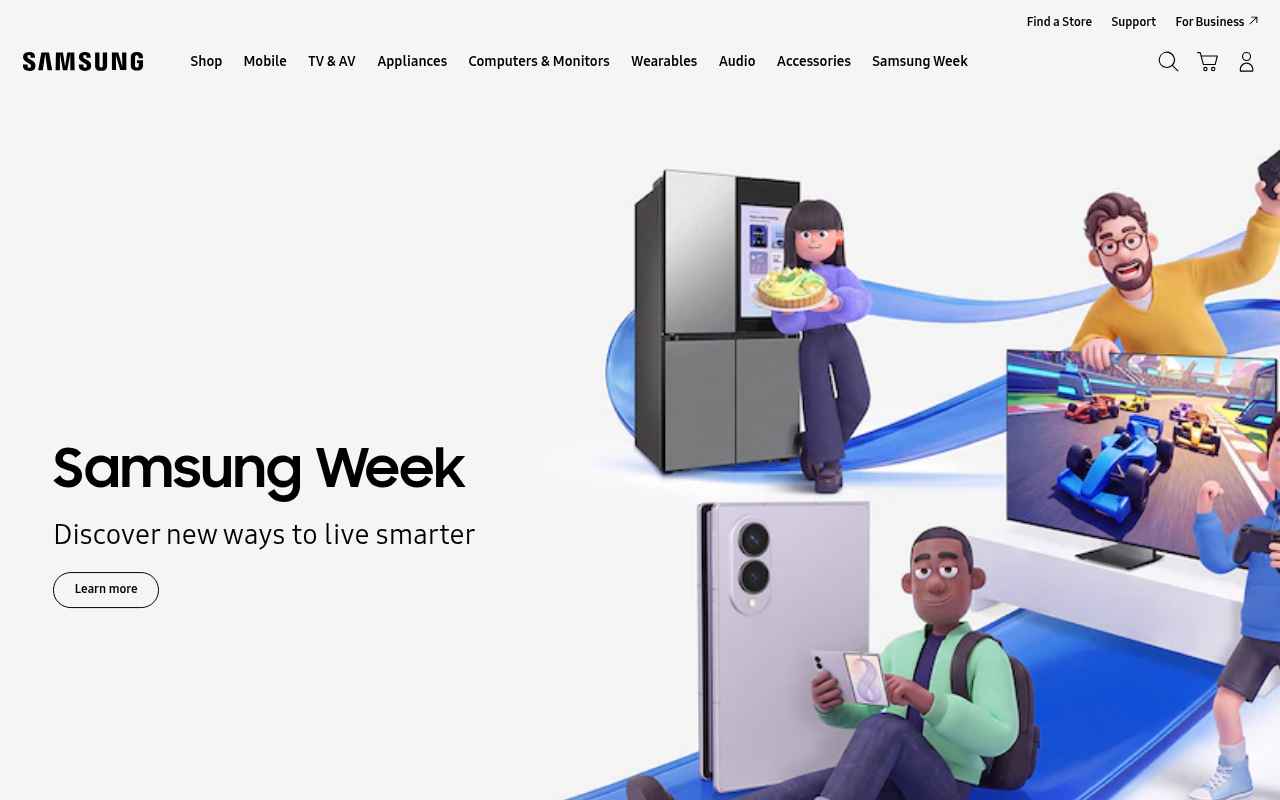
Samsung Voice Recorder with Galaxy AI brings on-device transcription to supported Galaxy devices, covering the same core use case as Google Recorder: private, no-account, no-upload transcription for personal notes and meetings. The accuracy and language coverage vary by device generation, and like Google Recorder, it is hardware-locked. Galaxy AI features are available on select flagship models, so users on older or mid-range Samsung phones may not have access to the transcription features at all. For Galaxy flagship owners, it is a capable built-in option. For everyone else, it is not on the table.
12. TurboScribe - Best Unlimited AI Transcription App for Budget-Conscious Creators
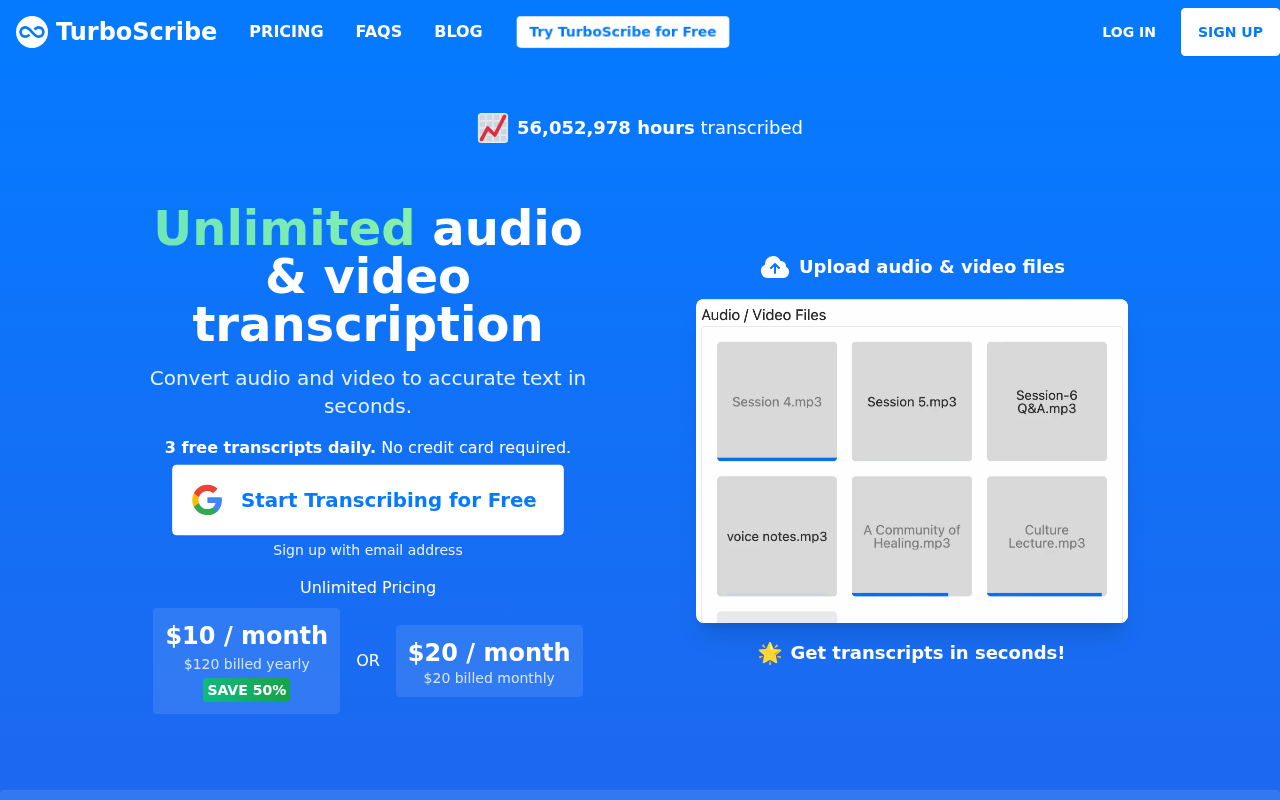
TurboScribe positions itself as a flat-rate unlimited alternative, with a paid plan at $10/month when billed annually ($120/year) or $20/month when billed monthly, and support across a wide range of languages. The free tier allows up to 3 files per day, which is a workable entry point for occasional use. Accuracy is solid for standard English; performance on accented or non-English audio is harder to verify independently because published per-language benchmarks are not available.
That verification gap is the meaningful structural difference from Cockatoo: TurboScribe asks you to trust a claimed accuracy figure, while Cockatoo publishes auditable per-language FLEURS scores you can check before committing. For creators who work primarily in standard English and want a low-cost unlimited plan, TurboScribe is a credible option. For anyone whose audio falls outside that profile, the accuracy blind spot is a real risk.
Three of the twelve tools above, Google Recorder, Apple Voice Memos, and Samsung Voice Recorder, cost nothing and require no account, which makes them tempting defaults for anyone on a phone. The next section examines exactly what you get (and what you give up) when you rely on a built-in mobile tool instead of a dedicated transcription app.
Related Reading
-
Fireflies Vs Otter
-
Descript Vs Otter
-
Trint Vs Rev
-
Happy Scribe Vs Rev
-
Otter.ai Competitors
Free and Built-In Transcription Apps Worth Using on Mobile Devices
Built-in transcription apps split into two very different categories: tools that genuinely transcribe, and tools that only record. Knowing which category your phone's default app falls into saves you from discovering the gap at the worst possible moment, like when you need a written record of a field interview and your phone hands you a plain audio file.

Google Recorder, Apple Voice Memos, and Samsung Voice Recorder - What Each Actually Delivers
Three apps dominate the built-in mobile transcription conversation, and they are not equivalent. Google Recorder on Pixel phones creates transcriptions entirely on-device and in real time, without sending any data to the internet, made possible by a language-processing model that runs entirely on the phone. The ability to transcribe recordings is uncommon among voice recorder apps, let alone free ones, which makes Google Recorder a standout in the free mobile transcription app space.
Apple Voice Memos records audio and stores it for playback, but does not offer transcription functionality in the traditional sense. iOS 18 added a transcription feature, but it is English-centric and export is limited to a plain text view rather than a properly formatted, editable file. Samsung Voice Recorder gains transcription through Galaxy AI, but only on supported Galaxy S and Z series hardware from 2023 onward, not on older or mid-range devices.
Hardware Lock-In Is the Hidden Cost of Every Built-In Transcription Tool
Every one of these apps is a device perk. Google Recorder is Pixel-exclusive, so switching to any other Android phone eliminates the capability entirely. Voice Memos transcription cannot export an editable Word or PDF file, stalling any workflow the moment a colleague needs to edit or comment. A solo operator or field researcher who upgrades devices will find their process broken through no fault of their own; that is the structural problem with treating a hardware perk as a long-term workflow tool.
Pros and cons at a glance
| ✓ Pros | ✗ Cons |
|---|---|
| Google Recorder transcribes on-device in real time, no internet needed | Google Recorder is Pixel-exclusive; switching phones eliminates capability |
| Google Recorder is free and uncommon among voice recorder apps | Apple Voice Memos transcription is English-centric with limited export |
| No data sent to the internet; strong privacy | Samsung Galaxy AI transcription restricted to supported 2023+ models only |
| , | Hardware lock-in means upgrading devices can break your workflow |
Beyond hardware constraints, many transcription apps lock meaningful features, broader language support, audio translation, document export, behind expensive subscriptions, leaving mobile users caught between hardware-locked free tools and paywalled platform alternatives. That friction is real, and it is why a no-credit-card free tier matters more than it might appear on a spec sheet.
Is a Server-Dependent Free Transcription App Actually Free?
Server-dependent free transcription software trades the privacy and speed of on-device processing for broader device support. Apps that perform transcription on a server require uploading recordings to a third party and then waiting for the transcription to process, unlike Google Recorder's offline approach. Free tiers are also capped at monthly minute limits that a single busy week of interviews can exhaust. On-device hardware-locked tools and server-dependent apps with minute caps both leave a solo or small-business user without the combination of language breadth, verifiable accuracy, and workflow portability they need.
That is where Cockatoo fills the gap. Its free tier requires no credit card and no setup: drag in a file from whatever device you are already working on and a structured, editable transcript comes back on the first upload. For work that crosses language lines, Cockatoo also offers audio translation and document translation (PDF, DOCX, PPTX, XLSX, and TXT), so a recorded interview or a source document does not have to stay locked in one language. When the volume of your work grows, the Pro plan, marked "Most Popular" on the pricing page, removes daily file limits on standard transcription modes, supports multi-hour files, and adds bulk export across PDF, DOCX, TXT, and SRT formats, all without a monthly hour cap on standard modes. See how dedicated platforms stack up against built-in alternatives in the transcription app comparisons above.
How to Choose the Right Transcription App for Your Workflow Without Overpaying
Three variables collapse the decision faster than any comparison table: how your audio enters the tool, whether your language has a verifiable accuracy benchmark, and whether your monthly volume fits a free tier. The core synthesis here is that price tier is the wrong primary decision variable. The financially rational sequence is to match audio conditions and language benchmarks first, then compare price, because a genuinely unlimited plan with auditable accuracy almost always outperforms both free built-ins and expensive enterprise tools once you account for the 4:1 hour multiplier that poor output imposes on correction time. Match those three variables in order, and the right tool becomes obvious. The feature list is secondary.
Key takeaway: Price tier is the wrong primary filter. Match your audio conditions and language benchmarks first, because poor accuracy imposes a 4:1 correction-time multiplier that makes a cheap plan more expensive than it looks.

Match Your Input Method First
Podcast recording workflows for small teams span five distinct stages, planning through promotion, and transcription sits at a different point in each one. That placement determines your input method, and your input method is the first filter to apply:
-
File-upload workflows need flexible export formats (SRT, DOCX, TXT) so transcripts move cleanly into editing or publishing tools.
-
Live conversations need live-capture tools.
-
Mobile dictation needs voice-dictation apps built for mobile.
Buying a live-capture tool when your whole workflow is post-recording file uploads means paying for a capability you will never use.
The Language and Accent Audit Before You Pay
"99% accurate" on standard American English may mean 70% accurate on your regional accent or technical vocabulary, and you will not find out until after you have committed. Independent benchmarks are therefore worth consulting before you spend anything.
The FLEURS benchmark covers dozens of languages with consistent methodology, so you can read results before you buy. Cockatoo publishes per-language FLEURS results across 30 languages on a public benchmarks page, giving the language-audit step a direct, verifiable answer rather than a marketing claim, so cross-referencing your language there takes minutes rather than a support ticket.
Free Tier, Hourly Plan, or Flat Unlimited
Volume is the third filter. A podcast team producing four one-hour episodes a month will hit the ceiling of most free tiers inside a single week. Human transcription services run roughly $1.50 to $3.00 per audio minute, making even a mid-tier paid app look inexpensive once volume climbs. Some "unlimited" plans cap usage at 720 hours per month in the fine print; genuinely unlimited plans with no monthly hour cap exist and are worth identifying before you commit.
Related Reading
-
Happy Scribe Alternatives
-
Sonix Alternatives
-
Turboscribe Alternatives
-
Trint Alternatives
-
Trint Vs Otter
Next steps
If your current shortlist was built on unverifiable accuracy claims and pricing structures that assume a team budget, the path forward starts with treating accuracy as a readable spec rather than a marketing assertion. Start with our transcription software.
The 4:1 correction-time multiplier means a cheaper tool that degrades accuracy by even a few percentage points can silently cost more total hours than the accurate option. Published per-language FLEURS benchmarks already exist to close that gap, yet most buyers are never told to use them. Together, those two facts point to one logical next step: test a tool that publishes auditable per-language accuracy data before you enter a payment method.
Start with transcription software that offers a no-credit-card free tier. Upload a real file, read the result, and check the benchmarks page for your specific language before deciding anything else.
Frequently Asked Questions
Why do free auto-captions keep getting words wrong even when I speak clearly?
Free captioning engines are trained primarily on broadcast-quality, standard-accent English, so non-native speakers, regional accents, and domain-specific vocabulary fall outside that training distribution and error rates climb fast. The failure is structural, not accidental, auto-captions are designed for live accessibility, not for producing a clean, editable document, and they tolerate a 10-15% error rate because a viewer can follow context.
How do I actually verify a transcription app's accuracy claim before I pay?
Ask the vendor for their Character Error Rate (CER) or Word Error Rate (WER) on a named benchmark like FLEURS, if they cannot point you to those figures, their accuracy claim is unverifiable. Cockatoo's public benchmarks page publishes per-language FLEURS results across 30 languages so you can audit the actual word-error rate before you enter a credit card number.
What's the best transcription app if I regularly work with multiple languages?
Many tools are built around English-first models and quietly underperform on everything else, meaning users absorb a hidden accuracy penalty on every non-English file. Cockatoo's language support spans multiple transcription modes, with per-language FLEURS and real-world results published on its benchmarks page so you can check coverage for your specific language before uploading a single file.
Which transcription app is best for high-volume business use without surprise costs?
Cockatoo is built for exactly this scenario: its standard V4-Fast mode carries no monthly hour ceiling, and the Pro plan moves to truly unlimited transcription at $11.99 USD per month billed annually with no per-hour billing surprises. Teams of three or more also have a dedicated multi-seat tier with centralised billing and 2 TB of storage per person.
What should I check about speaker labels before committing to a transcription app?
Confirm the tool lets you set the expected speaker count before processing, lets you rename speakers so every line updates across the whole transcript, and exports to formats like PDF, DOCX, TXT, and SRT. Speaker diarization quality varies independently of transcription accuracy, a tool can transcribe words correctly and still merge two speakers into one label, multiplying cleanup time on any multi-person recording.