13 Best Happy Scribe Alternatives in 2026

Happy Scribe's pricing bites harder than the headline rate suggests, and its accuracy promise breaks exactly when you need it most. Here is how to spot both traps before you pay.
The common assumption is that if a transcription tool appears on a reputable "best alternatives" list, its accuracy and pricing claims must be trustworthy enough to make a decision on. That assumption is what makes price frustration so costly. At that point, the search hasn't helped, it has just restarted. See our transcription software for how this works in practice.
For the one person at a small business turning recordings into usable text, that loop costs real hours, not just real money. Understanding why Happy Scribe loses serious buyers means looking at two specific structural problems. One is in the pricing model. The other is in what the accuracy promise actually covers. A good transcription software comparison has to name both before any list of alternatives can be useful. The next section lays out the three questions every serious buyer should ask before paying for anything.

Users leaving Happy Scribe because of price are usually not leaving because the monthly rate is too high. They're leaving because the bill is impossible to predict. 20 per extra minute is where the math turns painful. A solo podcast editor running two-hour interviews twice a week generates roughly 960 minutes of audio per month. On the Pro plan, that's 360 minutes of overage, $72 added to the bill without warning. The plan that looked like a fixed cost becomes a variable one, and avoiding it requires counting minutes like a taxi meter.
$72
surprise overage added to monthly bill
$0.20
per extra minute in overage charges
: Question 2: What Does the Accuracy Claim Actually Cover?
The gap opens on anything other than clean, standard-English recordings. The same VideoTranscriber.ai review notes that automatic transcription accuracy "falls short on non-standard accents and non-English audio", a structural limitation, not a one-off complaint.
For a buyer whose audio involves regional accents, non-native English speakers, or any language other than English, this is the real cost. Lower accuracy on a one-hour interview doesn't mean a slightly worse transcript; it means an extra hour of manual correction. That cleanup time is the hidden cost no pricing page shows.
Question 3: Can the Accuracy Number Be Verified? "99% accurate" appears in the marketing copy of tools at every price point, with no methodology, no language breakdown, and no benchmark source attached. That makes the accuracy claim useless as a comparison signal. You cannot tell, from a percentage alone, whether a tool performs at that level on your accent, your language, or your recording conditions. Breaking the cycle requires a tool whose accuracy numbers are published at the per-language level. Cockatoo publishes per-language FLEURS benchmarks covering 30 languages, accuracy you can read and verify before committing to a plan.
Key takeaways
-
Almost every transcription tool on the market claims 99% accuracy, none of them disclose which audio conditions, which accents, or which languages that number was measured on.
-
A language listed on a features page and a language that produces a usable transcript are two different things; the gap hits hardest on accented speakers and anything outside clean American English.
-
Pricing frustration compounds the accuracy problem: hour caps, credit systems, and per-minute overages mean the cost you see at signup rarely matches what you pay at scale.
-
The three ways alternatives lists fail buyers are the bare accuracy claim, the hidden language ceiling, and the pricing structure that only becomes clear after the first invoice.
-
No tool on this list has published per-language accuracy benchmarks, except one, and that difference is the only thing that lets you audit a claim before you hand over a credit card.
-
Cockatoo closes the loop: upload any audio or video file, get an editable transcript with automatic punctuation, word-level timestamps, and speaker recognition where renaming one speaker updates every line, and the accuracy evidence lives on a public benchmarks page covering FLEURS and real-world results across 30 languages, not a bare percentage.
How to Judge Any Happy Scribe Alternative Before You Pay
Before comparing any Happy Scribe alternative, including Cockatoo, it is worth knowing exactly where those lists tend to mislead: in how accuracy figures are reported, what "unlimited" actually means in the fine print, and how language counts are presented.

The Three Ways Alternatives Lists Quietly Fail the Buyer
The common assumption is that if a transcription tool appears on a reputable "best alternatives" list, its accuracy and pricing claims must be trustworthy enough to make a decision on. That assumption breaks down in three specific and recurring ways.
The first is unverifiable accuracy claims. As industry research documents, vendors routinely self-report accuracy figures with no published, per-language benchmark data, making independent verification impossible for buyers before they commit.
The second is misleading "unlimited" pricing. A plan advertises unlimited transcription, then buries a 720-hour monthly fair-use cap in the terms of service, discovered only after paying. Cockatoo's Pro plan takes a different approach: truly unlimited transcription, file translations, transfers, and Canvas on standard modes with no monthly hour cap. The only exceptions are two specific modes, each with limits shown transparently in Settings:
-
V4-Thinking, which carries a weekly usage limit shown transparently in Settings
-
V4-Pro, which carries a weekly usage limit shown transparently in Settings
The third is inflated language counts. A tool lists 70 languages as "supported," but that support collapses on accented speakers or non-English audio, exactly when an international user needs it most, whether they are trying to caption a video for an international audience, translate a PDF or DOCX for a colleague, or turn a long multilingual recording into the specific action points that actually need following up on. All three of these failure modes are addressable, and the checklist below is designed to expose each one before you spend anything.
The Pre-Purchase Checklist That Cuts Through Marketing Noise
-
Can you read the accuracy data before you pay? Not a percentage on a marketing page, but actual per-language word error rates on a named test set. The research community uses word error rate measured against a defined corpus; the FLEURS benchmark evaluates speech recognition across 102 languages on a consistent, public-domain dataset so results can actually be compared. Cockatoo publishes per-language FLEURS and real-world word error rates across 30 languages on a public benchmarks page, and notes openly that language support varies by transcription mode, so you can check coverage for your specific language before uploading a single file. That transparency directly resolves the first and most consequential item on this checklist.
-
Does the pricing page spell out what "unlimited" covers, including fair-use thresholds? Cockatoo's Free tier, which requires no credit card, gives you three transcripts per day at up to 30 minutes each, 2 GB of encrypted cloud storage, all export types, and files kept until you delete them, with document translation (PDF, DOCX, PPTX, XLSX, TXT) available on the free tier, albeit limited to one page with a watermark. That is the honest version of a free tier: scope stated plainly, limits stated plainly. The Happy Scribe Review illustrates why this matters: competing tools frequently advertise free access while quietly constraining the exports, languages, or file types that make the free tier usable.
-
Does the tool list your specific language with real accuracy data attached, not just a flag icon in a grid? A flag grid tells you nothing about whether a tool can handle your speaker's accent, audio quality, or domain vocabulary. The practical need, turning a long recording into what actually needs acting on, or exporting subtitles for a video that has to reach a non-English audience, requires accuracy you can verify, not accuracy you have to assume. Cockatoo's public benchmarks page exists precisely to answer that question before you pay.
The 13 alternatives below are ranked against exactly those standards, not against each other's marketing copy.
The Ranking Method and What Each Entry Covers
Each alternative in the list below is evaluated against the same three criteria from the checklist: published accuracy evidence, pricing transparency, and verifiable language support. Where a tool meets a criterion clearly, that is noted; where it falls short, that is noted too.
The 13 Best Happy Scribe Alternatives Ranked for 2026
That benchmark page changes what the rest of this list is for. Every tool below has a homepage, and almost every homepage carries the same claim: ninety-nine percent accurate. Tools that have never published a single test result carry it. Tools that have never disclosed what audio conditions they used carry it. Tools that have never specified which languages that number applies to carry it. A list that repeats those claims without checking them is not a shortcut; it is vendor copy with a numbered format bolted on.
A list that repeats those claims without checking them is not a shortcut, it is vendor copy with a numbered format bolted on.
The deeper problem is structural, not incidental: the "best alternatives" list genre is itself incapable of helping a prosumer make a real purchasing decision, because the curators who produce these lists neither test the tools under real-world conditions nor disclose who funds the rankings, while the tools they feature compete on the same unverifiable accuracy claims. The result is a closed loop in which a vendor publishes "99% accurate," a list curator repeats it without testing it, and the buyer assumes the list's endorsement constitutes validation. Breaking out of that loop requires demanding two things no current top-10 list provides: the specific audio conditions and speaker populations used to generate any published accuracy figure, and transparent disclosure of whether the curator received affiliate revenue or sponsored placement fees from the tools they ranked highest.
The frustration is real and understandable. You spend twenty minutes reading a "best alternatives" roundup, you still cannot tell which tool will handle your accent, your language, or your recording quality, and you are no closer to a decision than when you started. That is not a research failure on your part. It is a structural problem with how these lists are built: curators rarely test the tools under real conditions, and the accuracy figures they repeat come directly from the vendors being ranked.
A second frustration runs just as deep: most transcription tools hand you a static document and stop there. If you recorded an hour-long interview or a two-hour strategy call, a flat text file forces you to switch back and forth between the reference doc and the live app, hunting for the moments that actually matter. That context-switching is where research time disappears. The tools that solve the transcription problem but leave the comprehension problem untouched are only half a solution.
The one signal that actually separates tools is published, auditable accuracy data broken down by language and audio type. Almost no alternative on this list provides it. One does, and that distinction shapes the ranking below.
Each entry below is evaluated on three criteria:
-
Whether its accuracy claims are auditable
-
Whether its pricing is genuinely transparent for a solo user
-
Whether its language coverage holds up beyond English
Every item also names the single use case where it earns its place on your shortlist, and the one real limitation that should disqualify it for the wrong buyer.
1. Cockatoo - Best Overall Happy Scribe Alternative for Auditable Accuracy
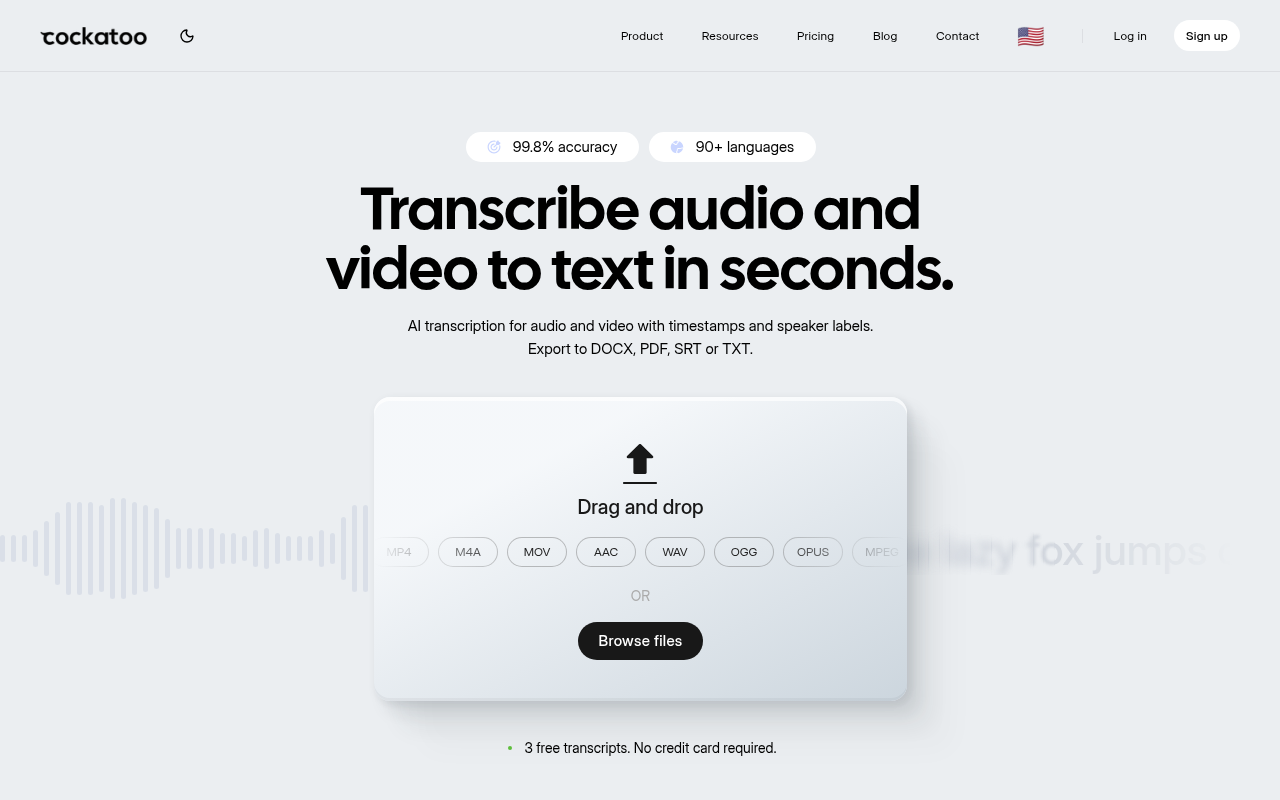
Most buyers scanning an alternatives list have already been burned once: they trusted a badge, paid for a month, and then spent an afternoon correcting a transcript that clearly was not 99% accurate on their audio.
The Pro plan runs at $29.99 per month with no monthly hour cap on standard modes. Multi-hour files are supported, with audio stripped in-browser before upload for reliable large uploads, and batch uploads of up to 20 files at a time mean you are not queuing recordings one by one. The in-house inference engine (not a resold API) means the accuracy you see on the benchmarks page reflects what the engine actually does on your audio, not a cherry-picked lab condition. The honest trade-off: V4-Thinking and V4-Pro carry a weekly usage limit shown in Settings, so extremely high-volume users on those advanced modes should check that limit before committing.
Where Cockatoo earns the "best overall" label is not just transcription fidelity; it is what happens after the transcript lands. Canvas, the AI notes editor included on every plan including the free tier, lets you summarise a long recording down to what actually needs acting on without switching to a separate app. That matters most when your recording is a two-hour strategy call or a long research interview and the deliverable is not the transcript itself but the three decisions buried inside it. The loop from audio to actionable notes closes inside a single tool.
For buyers who need output formats beyond a plain text file, Pro exports to PDF, DOCX, TXT, and SRT, covering captions and subtitles for video work alongside document formats. Document translation (PDF, DOCX, PPTX, XLSX, TXT) and audio translation are also available, so a single workflow can move from foreign-language audio to a translated, formatted document without routing through a second platform.
If you want to evaluate before paying, the free tier, no credit card required, gives you three transcripts per day, up to 30 minutes each, 2 GB of encrypted cloud storage, all export types, and Canvas included. Document translation on the free tier is limited to one page with a watermark, which is enough to verify the translation quality on your language pair before upgrading.
2. Sonix - Best for Subtitle Creation and Multi-Language Translation Workflows
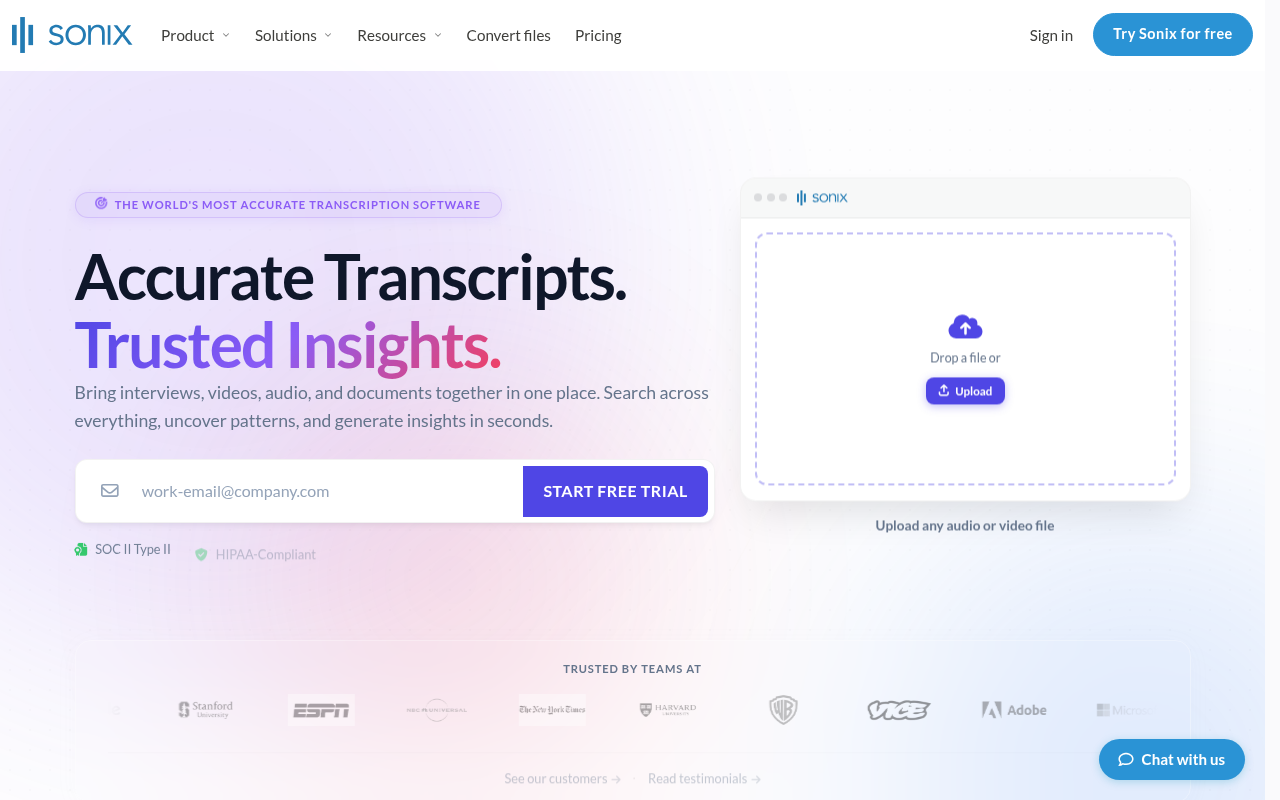
Sonix is the clearest answer to the question "which Happy Scribe alternative is best for subtitle creation and translation workflows?" Its subtitle editor is purpose-built, with fine-grained timing controls and multi-language export that most general transcription tools treat as an afterthought. Sonix's pay-as-you-go pricing sits at roughly $10 per hour of audio, with a premium subscription available for teams that process consistent volume.
The real trade-off for solo operators is that the pay-as-you-go model can become expensive fast if your monthly volume is unpredictable, and the subscription tier adds a fixed cost that only makes sense above a certain hours-per-month threshold. Best fit: video producers, localization teams, and anyone whose primary output is captioned or subtitled content rather than a plain transcript.
3. TurboScribe - Best Flat-Rate Unlimited Transcription for Volume-Heavy Users
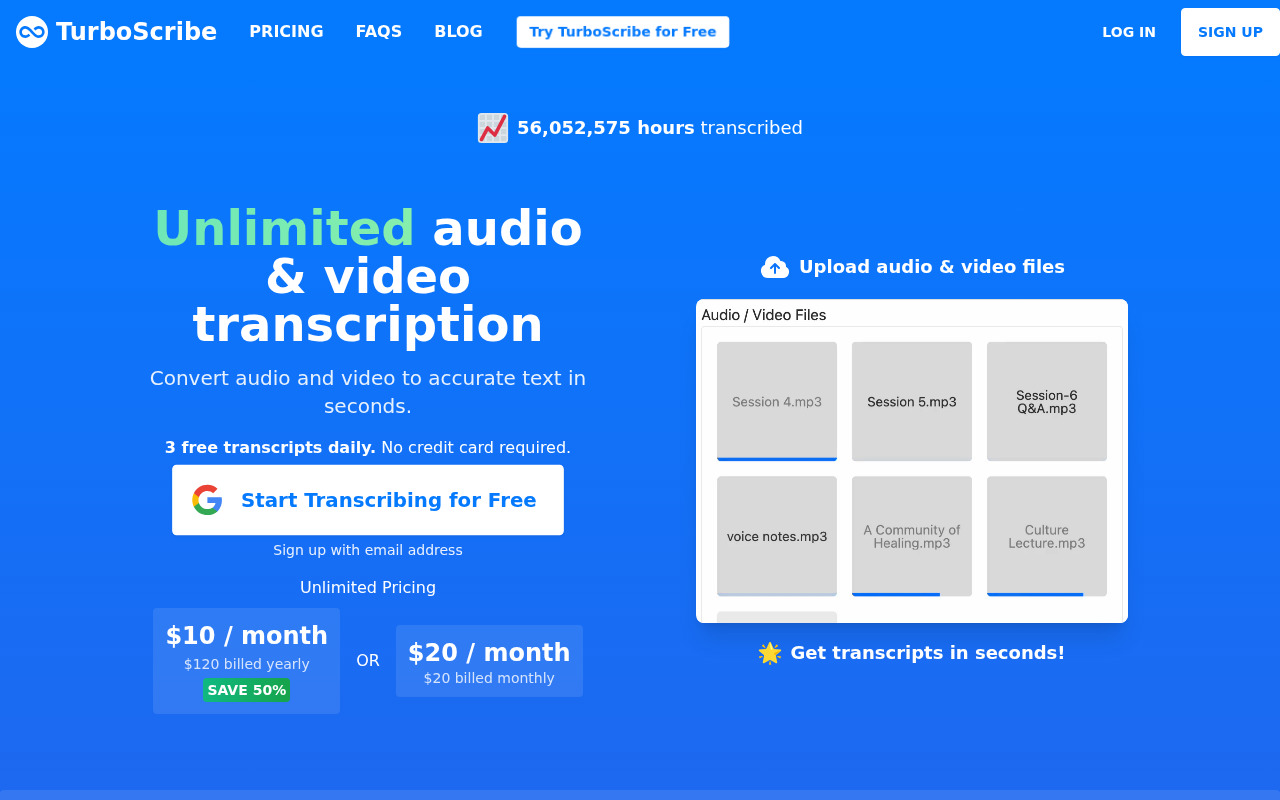
Which alternative offers unlimited transcription without per-minute pricing? TurboScribe is the direct answer. It offers flat-rate plans with no per-minute caps, which removes the anxiety of watching a minute meter tick upward on a long recording session.
For users who process dozens of hours per week and want a predictable monthly line item, the model is genuinely useful. The limitation worth naming: TurboScribe's accuracy claims follow the same unverifiable pattern as most tools on this list, with no published per-language benchmark data to back the percentage on its homepage. If volume predictability matters more than auditable accuracy, it earns its place; if you need to verify performance on a specific language before committing, the published evidence is not there.
4. Otter.ai - Best for Live Meeting Transcription Across Zoom, Teams, and Google Meet
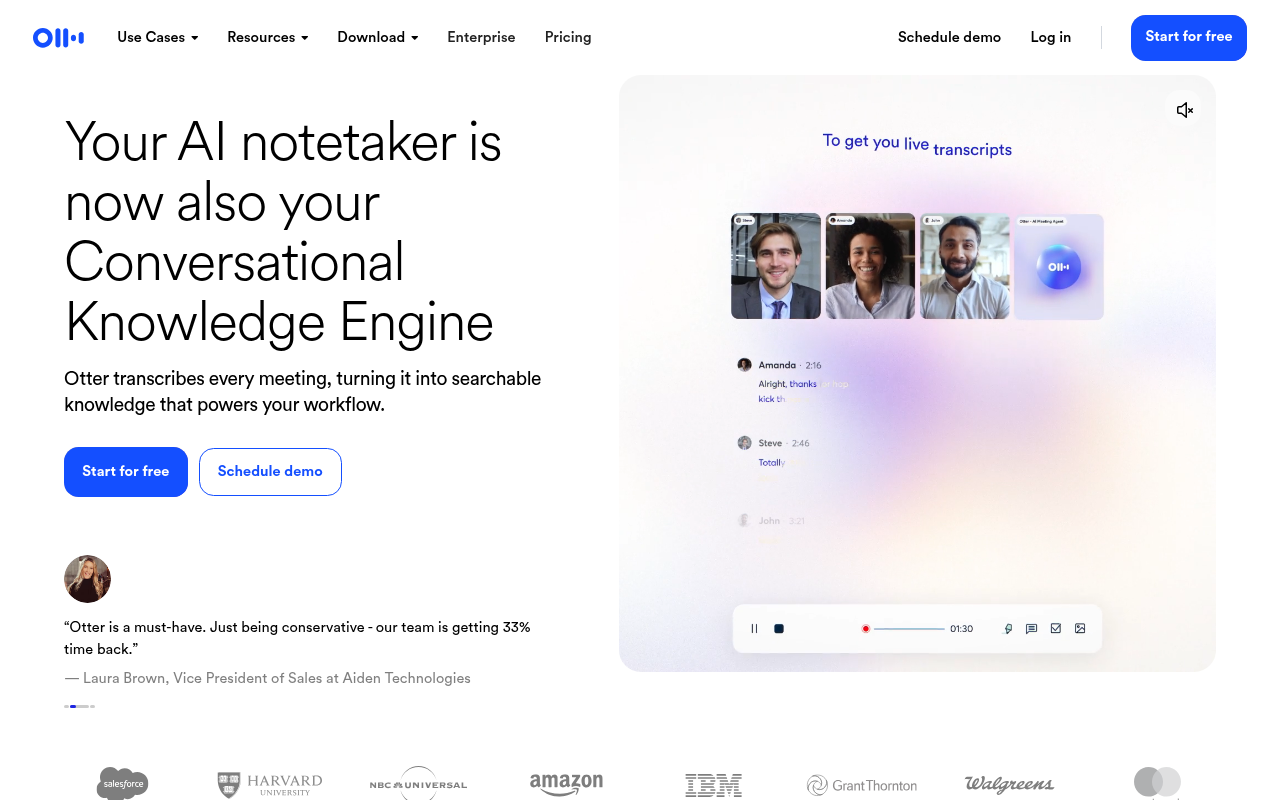
Which tool is best for live meeting transcription and collaboration? Otter.ai joins virtual calls on Zoom, Microsoft Teams, and Google Meet to record, transcribe, and summarize conversations in real time, which makes it a fundamentally different product from file-upload transcription tools. Otter.ai's free plan caps users at 300 minutes per month and 3 lifetime imports, so anyone relying on the free tier for regular use will hit the ceiling quickly.
The core limitation for the solo operator who works primarily with pre-recorded files: Otter.ai is optimized for live meeting workflows, and its accuracy on uploaded audio with heavy accents or non-English speakers is not its strongest use case. Pick it when your primary need is a bot that joins calls; look elsewhere when your audio comes from interviews, field recordings, or non-English sources.
5. Descript - Best for Podcasters and Video Creators Who Edit by Text
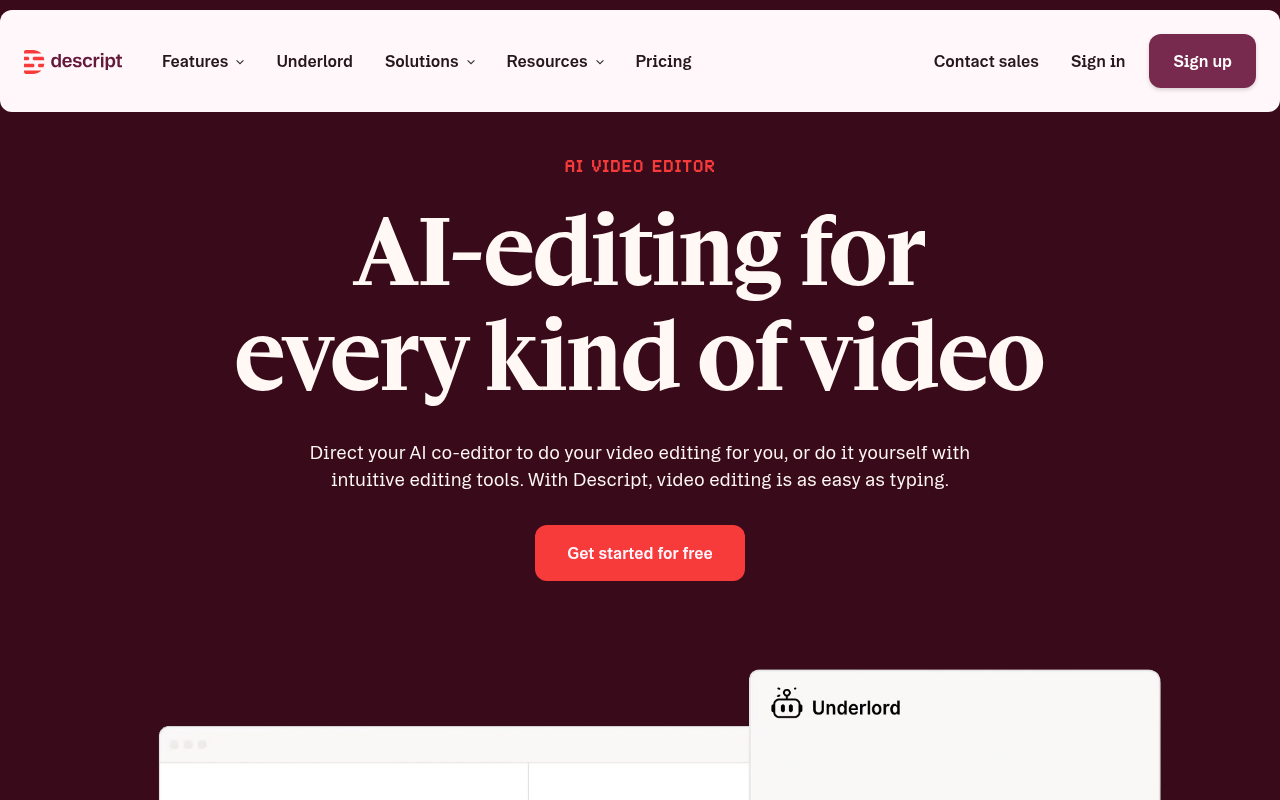
Which alternative is designed for podcasters and video creators? Descript turns a transcript into an editable document where deleting a line of text automatically cuts the corresponding audio or video from the timeline. That single mechanism changes the editing workflow entirely for anyone who currently scrubs through a waveform to find a sentence they want to remove. The trade-off is scope: Descript explicitly supports importing external media (footage, Zoom calls, etc.) and offers an API/MCP integration, meaning it can be dropped into an existing workflow rather than functioning solely as a self-contained production environment.
If you already have a video editor you trust and you only need an accurate transcript to hand to someone else, Descript's feature set is more than you need and its pricing reflects that. Best fit: solo podcasters and video creators who want to edit and publish from a single tool.
6. Rev - Best for Human-Verified Transcription in Legal, Medical, and Formal Publishing
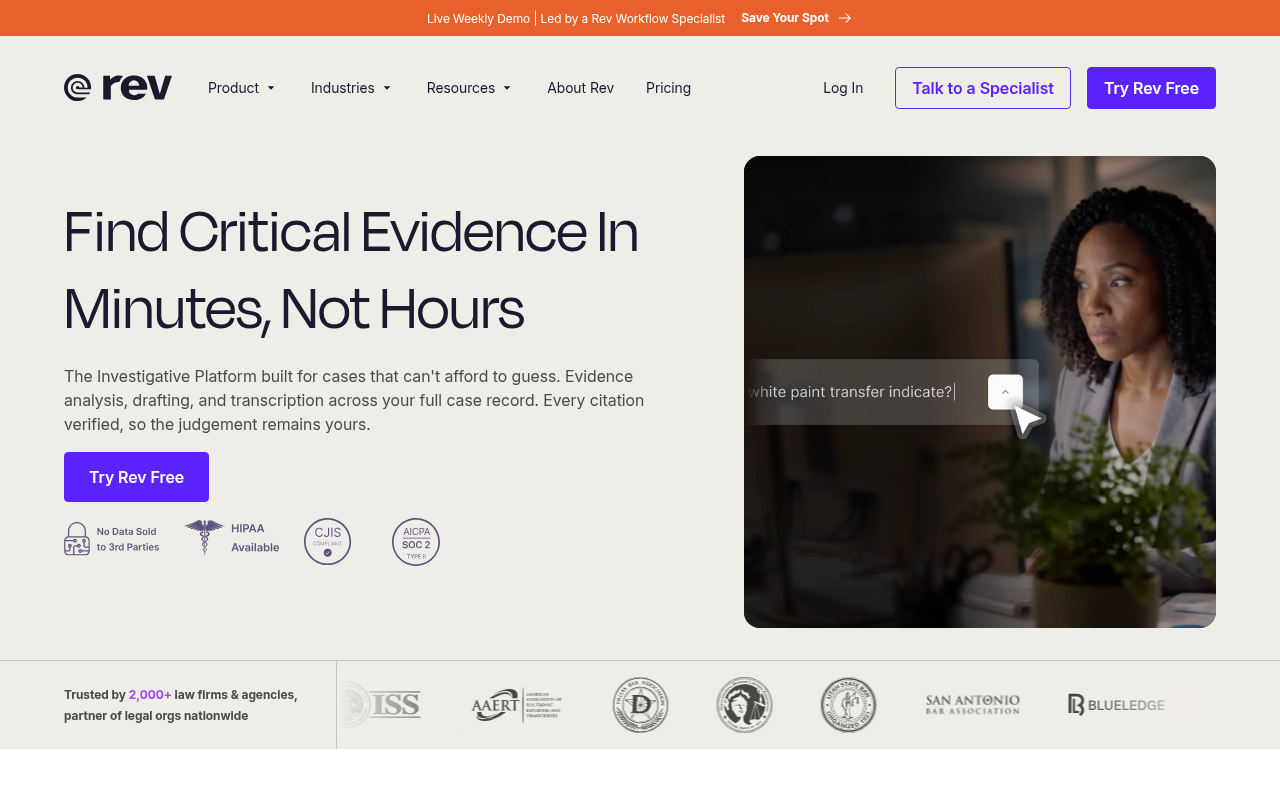
Which service offers human transcription for maximum accuracy? Rev offers both AI and professional human transcription, with its human service carrying a 99%+ accuracy guarantee and directing users to a Pricing Calculator rather than publishing a per-minute price range. For legal depositions, medical dictation, or formal publishing where a transcript may be cited in a document or submitted to a court, the human-verified output is the only defensible choice.
The limitation is straightforward: prospective buyers should use Rev's Pricing Calculator to determine the cost for their specific volume, which is a budget conversation most solo operators need to have before they commit. Rev earns its place when accuracy is non-negotiable and the cost can be justified by the stakes of the output.
7. Speechy - Best for Budget-Conscious Teams Needing Broad Language Coverage with AI Features
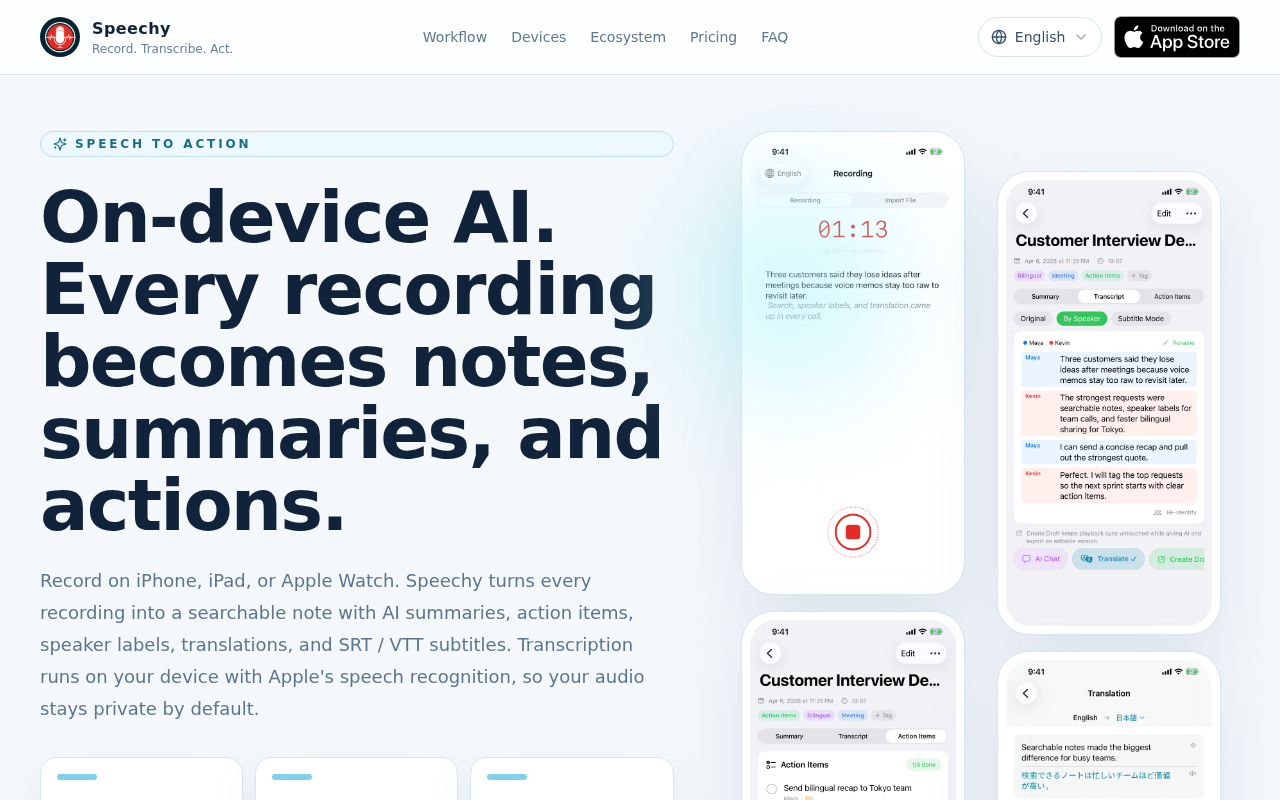
Speechy is a wedding (and celebration) speechwriting service, not a transcription or language-coverage platform, offering human bespoke writing, AI speech generation (SpeechyAI), templates, editing, and delivery coaching, with no mention of transcription, broad language coverage, or annual pricing tiers. The honest limitation: Speechy does not belong on a transcription alternatives list at all. It is included here only to flag a recurring problem with alternatives roundups: tools are sometimes listed by curators who have not verified what the product actually does. If you arrived here looking for a transcription tool with broad language coverage on a tight annual budget, the other entries on this list are where to look.
8. Fireflies.ai - Best for Searchable Meeting Intelligence and CRM-Connected Note-Taking
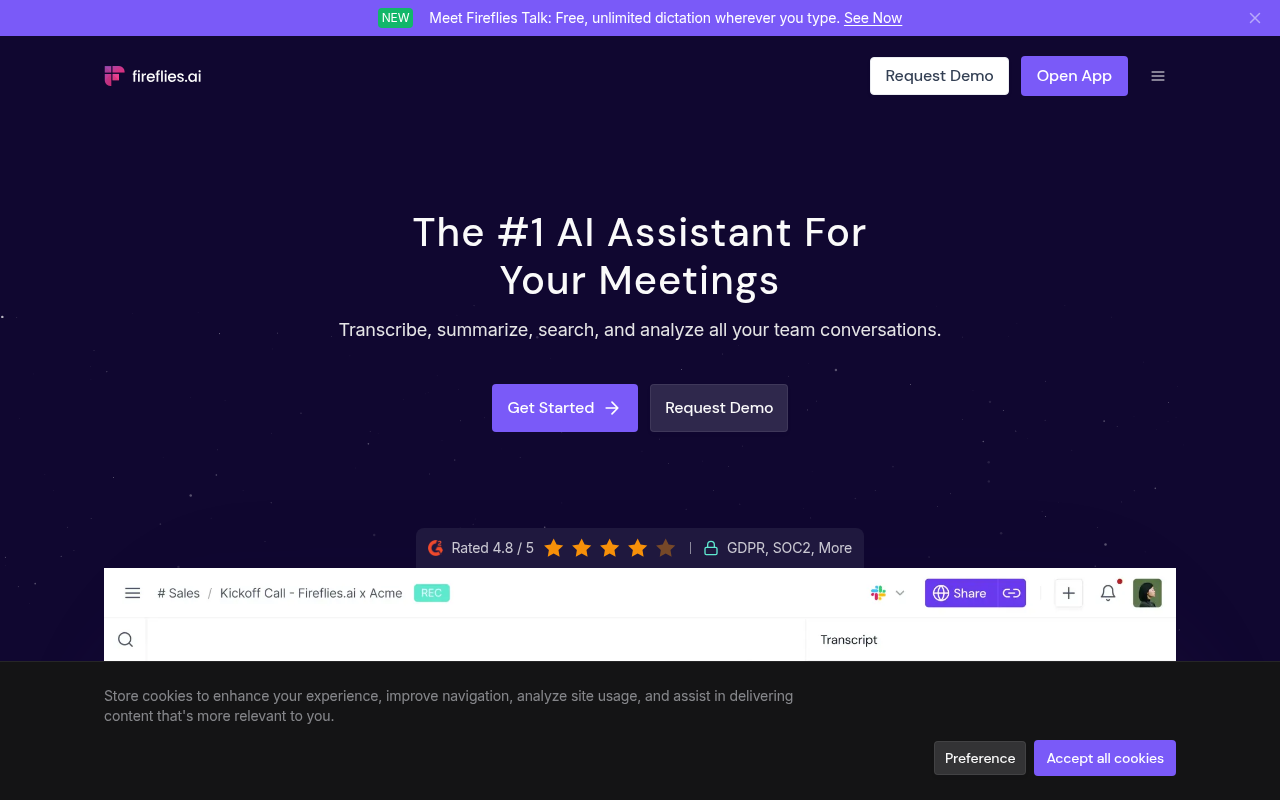
Fireflies.ai is built around a specific workflow: it joins meetings, captures the conversation, and then makes that content searchable and connectable to CRM tools like Salesforce and HubSpot. For a sales or customer-success team that wants every call automatically logged and retrievable by keyword, it solves a real problem that general transcription tools do not address. The limitation for the solo operator or content creator: Fireflies.ai explicitly supports file-upload transcription, allowing users to upload MP3, MP4, WAV, and M4A audio/video files for transcription and AI meeting summaries. Pick it when CRM integration and searchable meeting history are the actual jobs to be done.
9. Trint - Best for Collaborative Newsroom and Editorial Transcription Teams
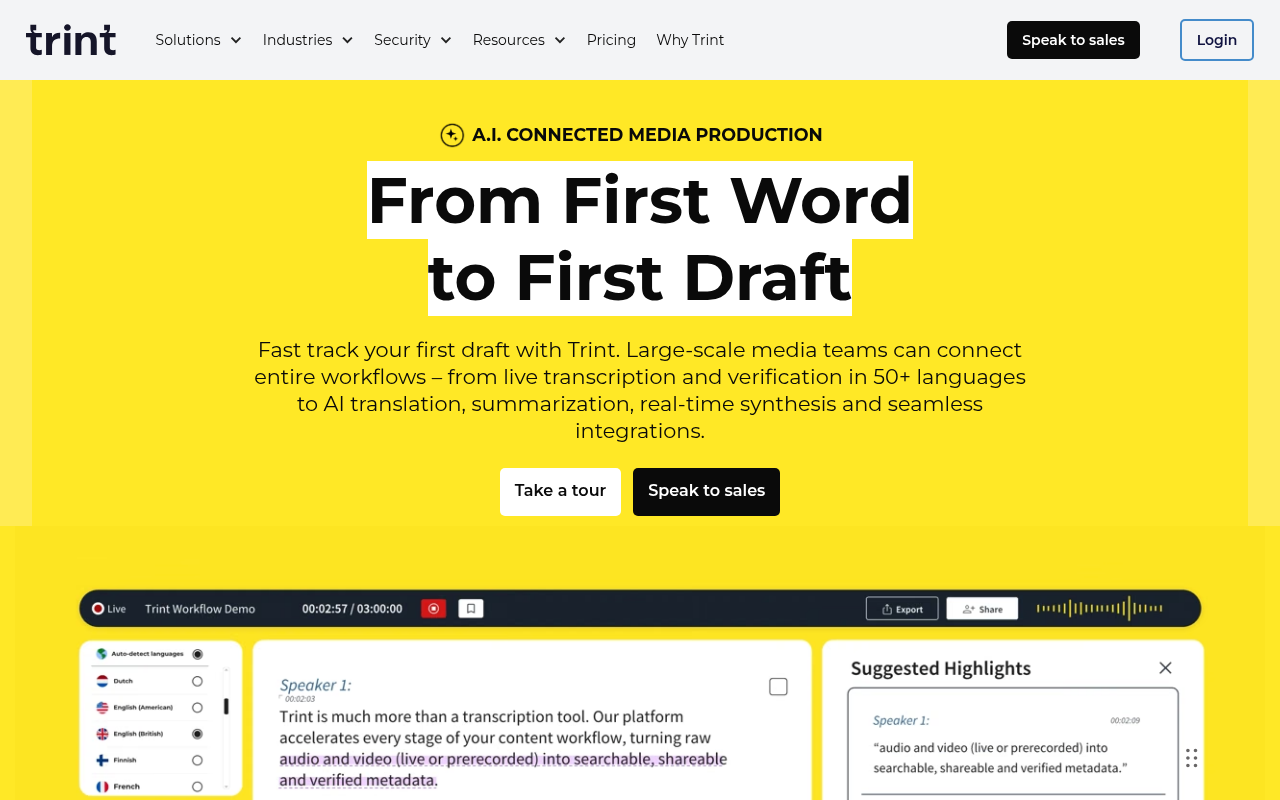
Trint is purpose-built for editorial teams that need multiple people working on the same transcript simultaneously, with commenting, version history, and publication-ready export built into the workflow. Newsrooms and documentary production teams that route transcripts through an editorial review process before publication will find the collaboration layer genuinely useful. The trade-off for individual users is pricing: Trint's plans are structured around team seats, and a solo operator paying for a team-tier product to access collaboration features they will never use is paying for overhead. It belongs on the shortlist only when two or more people need to edit the same transcript as part of a structured editorial process.
10. Notta - Best for Multilingual Meeting Summaries with Instant AI Action Items
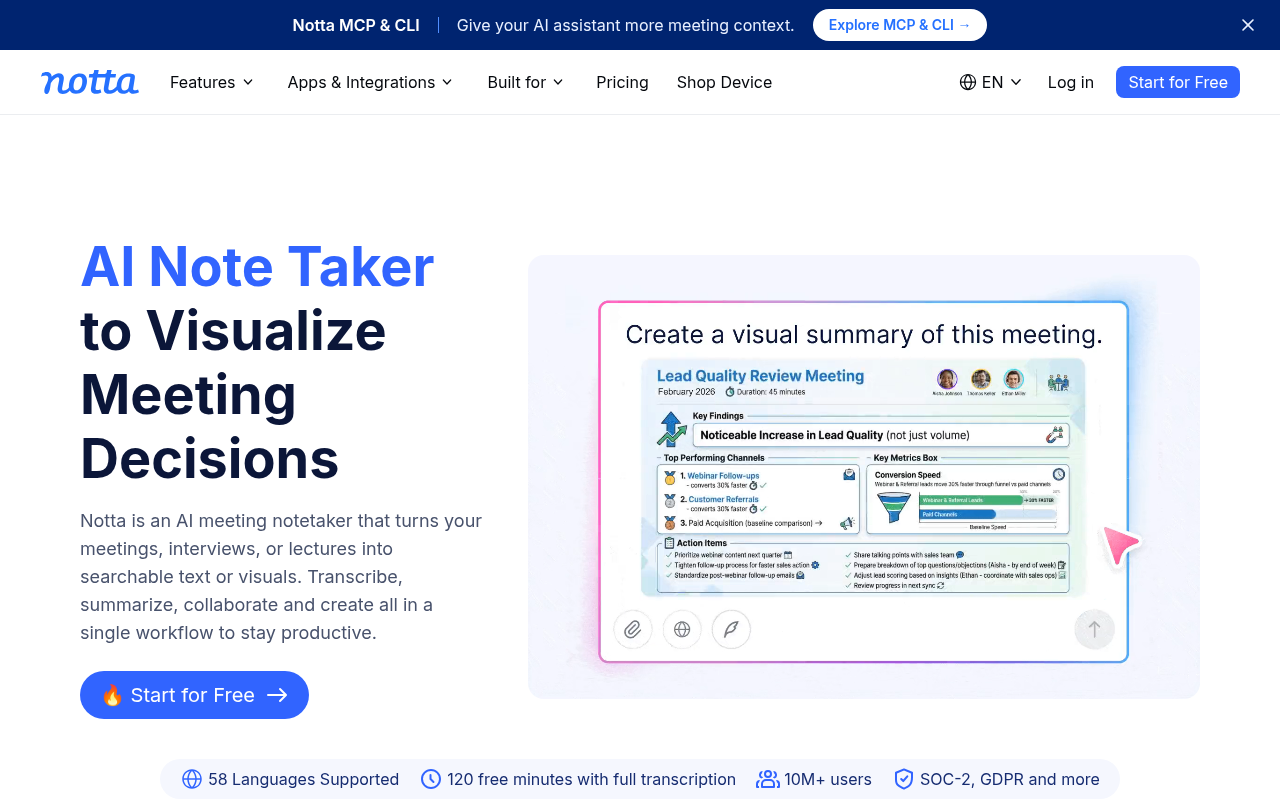
Notta combines live meeting transcription with AI-generated summaries and action items, with multilingual support that makes it a practical option for teams that run meetings in more than one language. The AI summary layer is the differentiator: rather than delivering a raw transcript, Notta surfaces what was decided and what needs to happen next, which reduces the time between a meeting and its follow-up. The limitation is the same one that applies to most meeting-intelligence tools: its value is concentrated in the live-meeting workflow, and users who primarily work with pre-recorded audio or video files will find the feature set mismatched to their actual job. Best fit for distributed teams with multilingual participants who want structured outputs, not raw text.
11. OpenAI Whisper - Best for Developers Wanting Free, Self-Hosted Transcription Infrastructure
OpenAI Whisper is an open-source transcription model that any developer can download, run locally, and integrate into a custom pipeline at no per-minute cost. For a technical team that needs full control over where audio data goes, wants to run transcription on-premise, and has the engineering capacity to manage infrastructure, it is the only option that makes sense. The limitation is equally clear: Whisper is a model, not a product.
There is no interface, no file management, no export formatting, and no support. A solo operator or small-business user who needs to turn a recording into an editable document without writing code should look elsewhere. Pick Whisper when the job is infrastructure, not transcription as a finished output.
12. Scribie - Best for Pay-Per-File Human Transcription Without a Subscription
Scribie offers human transcription on a pay-per-file basis with no subscription required, which makes it a practical option for users who need occasional high-accuracy transcription but cannot justify a monthly commitment. The per-file model removes the risk of paying for a plan you underuse, and human transcription means the output is reviewed before delivery. The trade-off is turnaround time: human transcription takes longer than AI, and Scribie's pricing reflects the labor involved. It is not the right tool for anyone processing high volume or working to a tight deadline. It earns its place for the user who has one important recording per month, needs it done accurately, and does not want a recurring charge on their card.
13. Verbit - Best for Enterprise Accessibility, Captioning Compliance, and Education Workflows
Verbit is built for organizations that need transcription and captioning to meet accessibility compliance requirements, with a particular focus on higher education, media, and legal sectors. Its combination of AI and human review is designed around the accuracy thresholds that accessibility standards require, and its integrations target the platforms those sectors use. The limitation for the buyer reading this list is scope: Verbit is an enterprise product with enterprise pricing and an enterprise sales process.
A solo operator, a small-business owner, or a prosumer who needs accurate transcripts at an individual price point will find Verbit's onboarding, contract structure, and cost well beyond what their use case requires. It belongs on the shortlist only when institutional compliance is the actual driver of the purchase.
Every tool above makes some version of an accuracy promise, but a promise and a proof are not the same thing. The next section breaks down the specific accuracy rates these alternatives actually achieve, language by language, so you can see exactly which claims hold up under scrutiny and which ones evaporate the moment you move beyond English.
Related Reading
-
Happy Scribe Alternatives
-
Trint Vs Otter
-
Turboscribe Alternatives
-
Trint Alternatives
-
Sonix Alternatives
What Specific Accuracy Rates These Alternatives Actually Achieve

Why "99% Accurate" Is a Marketing Number Not a Measurement
Most transcription vendors publish a single accuracy figure with no named benchmark, no test corpus, and no description of the speaker population used. That figure is, in practice, a marketing artifact. Interspeech 2022 research evaluating state-of-the-art ASR systems on non-native English found that accuracy rates vary substantially across speaker language backgrounds, so a system that performs well on native-English studio audio can perform far worse on the same sentence spoken with a different accent.
The gap is theoretical only until you test: independent testing has found tools scoring as low as roughly 62% overall accuracy under ideal conditions, loud, clear audio, zero background noise, which makes them unreliable for any precision use case.
Happy Scribe's 85% AI Transcription Accuracy Baseline
Happy Scribe's own documentation describes its AI transcription accuracy at approximately 85% for standard audio. At 85% accuracy on a one-hour recording, roughly 150 words per minute produces around 9,000 words. A 15% error rate means approximately 1,350 words need correcting, which at a realistic editing pace of 400 corrected words per hour adds over three hours of cleanup to a single recording, before any substantive work with the transcript can begin.
Key takeaway: At 85% accuracy on a one-hour recording, you face roughly 1,350 words to correct, adding over three hours of cleanup before you can do any real work with the transcript.
Cockatoo's Published FLEURS Benchmarks as the Only Auditable Accuracy Data on This List
Cockatoo's transcription software breaks that pattern by publishing per-language WER results for 30 languages against the FLEURS benchmark, a recognised public evaluation framework used in academic ASR research, and consistent with what most teams working across languages report as the meaningful standard for auditable accuracy.
Where accuracy holds up, Cockatoo is built to carry the next step: its Canvas AI notes editor, included on every plan from Free upward, lets you compress a long transcript into only what actually needs acting on, decisions, follow-ups, key quotes, rather than leaving you to skim thousands of words yourself.
One honest limitation: FLEURS tests read speech from fixed prompts, which differs from spontaneous conversation or noisy field recordings.
How Many Languages Each Alternative Supports for Real-World Audio
For that French-speaking marketing manager uploading an accented interview to a tool advertising "40+ languages supported," the FLEURS caveat matters immediately, because benchmark scores on clean studio audio may tell very little about how the system handles real-world accented speech.

Dialect and Accent Coverage - The Hidden Variable That Breaks Non-English Transcripts
The right question is not raw language count but: what accent, dialect, and speaker variety was the model tested on? Even for English, accuracy can swing dramatically between a received-pronunciation BBC speaker and a regional or non-native accent. For non-English audio, the degradation is steeper and less predictable.
Non-English buyers need one concrete check before committing: does the tool publish accuracy results broken down by language, tested on real-world audio rather than clean studio recordings? That standard is rarer than the headline language counts suggest. Cockatoo's published benchmarks page covers 30 languages using the FLEURS benchmark alongside real-world internal datasets, which means a Spanish-language podcast editor or a Hindi-speaking researcher can check measured accuracy for their specific language before uploading a single file.
That check costs nothing: Cockatoo's free tier requires no credit card, and a transcript comes back on the first upload, so a non-English speaker can run a real file through the system and see actual output quality within minutes, without a sales call or a trial-period negotiation. The result is a direct, evidence-based answer rather than a marketing claim.
And once you have a transcript in hand, Cockatoo's AI notes editor (included on every plan, free through Pro) can summarise a long recording down to what actually needs acting on, which is especially useful when the source audio is in a language your broader team does not speak and the goal is a fast, actionable brief rather than a verbatim archive.
Related Reading
-
Fireflies Vs Otter
-
Descript Vs Otter
-
Trint Vs Rev
-
Happy Scribe Vs Rev
-
Otter.ai Competitors
-
Best Transcription App
Which Happy Scribe Alternative Is Actually Right for You
"Users struggle to configure recording hardware (e.g. the field) for their specific workflows, and existing transcription tools, including Happy Scribe alternatives, often lack seamless hardware integration or onboarding support."
--- what we hear from transcription tool users

| Your primary use case | Best fit | Why |
|---|---|---|
| Unlimited interview or podcast transcription, individual pricing | Cockatoo | No monthly hour cap on standard modes; benchmarks published per language so you can verify accuracy before paying |
| Subtitle and caption export (SRT, VTT) at scale | Zubtitle | Per-hour pricing model built around caption workflows |
| Human-grade output for legal or medical files | Rev | Human transcription available when AI accuracy is not sufficient |
| Text-based video editing for solo creators | Descript | Transcript-driven edit timeline accessible on individual plans |
Each niche winner solves one problem well and creates friction everywhere else. Rev's human transcription is priced for occasional high-stakes files, not daily volume. Descript explicitly markets its transcription as having "industry-leading accuracy & speed," meaning raw transcription accuracy is also a stated strength, not an absent capability.
Why Cockatoo Is the Default Pick When Auditable Accuracy and Individual Pricing Both Matter
The real cost comparison for prosumers is headline subscription price against total correction workload. A tool with a lower sticker price but an unauditable accuracy claim can easily cost more in aggregate than a slightly pricier tool with published, per-language benchmarks, because those benchmarks let you predict correction workload before you subscribe rather than absorb it afterward.
Cockatoo publishes accuracy results by language, letting you audit performance on your specific language before your credit card is charged.
The Pro plan is priced at $11.99 per month billed annually with no monthly hour cap on standard transcription modes.
If your primary need is a live meeting bot, Cockatoo transcribes uploaded files and doesn't offer that today. If you need human-reviewed output for a legal proceeding, Rev's human transcription tier is worth the premium for those specific files.
Next steps
If your search for a Happy Scribe alternative keeps landing you in the same loop, another list, another unverifiable percentage, still no way to know if the tool handles your accent or your language, the path forward starts with demanding accuracy data you can actually read before paying. A published benchmark tied to a named test set is the only thing that separates a proof from a promise. Start with our transcription software.
The research on ASR accuracy across speaker populations makes one implication unavoidable: a single headline percentage measured on clean, native-English audio systematically overstates performance for anyone outside that condition. The hidden cost math compounds that problem. At 85% accuracy on a one-hour recording, you are absorbing more than three hours of correction time before you even reach the work the transcript was meant to support. Together, those two realities point to one logical next step: test a tool on your own audio, against published per-language benchmarks, before any money changes hands.
Start with transcription software that publishes word error rates across 30 languages on a named public benchmark, then upload your own hardest file on the free tier (three transcripts per day, no credit card required) and compare what comes back against the published numbers for your language. The verification loop closes in minutes, not subscription cycles.
Frequently Asked Questions
What are the real downsides of Happy Scribe that make people switch?
The two structural problems are unpredictable billing and unreliable accuracy on non-standard audio. Overages on the Pro plan are charged at $0.20 per extra minute, a solo podcast editor running two-hour interviews twice a week could easily add $72 to their monthly bill without warning. On top of that, automatic transcription accuracy falls short on non-standard accents and non-English audio, meaning lower accuracy on a one-hour interview can cost an extra hour of manual correction.
Is there a free option I can actually try before paying for a Happy Scribe alternative?
Cockatoo's free tier requires no credit card and gives you three transcripts per day at up to 30 minutes each, 2 GB of encrypted cloud storage, all export types, and Canvas included. Document translation on the free tier is limited to one page with a watermark, which is enough to verify translation quality on your language pair before upgrading.
Can I export subtitles or captions, like SRT files, from these alternatives?
Cockatoo's Pro plan exports to PDF, DOCX, TXT, and SRT, so SRT subtitle files are covered alongside standard document formats. That makes it usable for video caption workflows without routing through a second platform.
How can I actually verify a transcription tool's accuracy before I pay for it?
Look for per-language word error rates measured against a named, public test set, not a bare percentage on a marketing page. The FLEURS benchmark evaluates speech recognition across 102 languages on a consistent, public-domain dataset so results can be compared. Cockatoo publishes per-language FLEURS and real-world word error rates across 30 languages on a public benchmarks page, and notes openly that language support varies by transcription mode, so you can check coverage for your specific language before uploading a single file.
What happens after I get my transcript, do any of these tools help me make sense of a long recording?
Most transcription tools hand you a static document and stop there, leaving you to switch back and forth between the transcript and your work to find what actually matters. Cockatoo includes Canvas, an AI notes editor, on every plan including the free tier, so you can summarise a long recording, like a two-hour strategy call, down to the decisions that need acting on without switching to a separate app.