
13 Best Voice Transcription Apps for 2026

Most transcription apps don't save time. They just move it. Here's how to pick the one that actually stops the cleanup clock.
Choosing a voice transcription app feels like the hard part is already done once you hit download. The common assumption is that free or cheap voice transcription tools are good enough for most tasks, the cleanup is just part of the process and doesn't cost that much time. The reviews look good, the price seems fair, and the promise is simple: upload the recording, get the text.
Buyers rarely factor in what happens in the thirty minutes after the transcript lands. The hidden cost is the editing pass that follows every low-accuracy output, turning a time-saving tool into a time-trading one.

See our voice transcription app for how this works in practice.
The hidden cost isn't the subscription. It's the editing pass that follows every low-accuracy output, turning a time-saving tool into a time-trading one.
The person who feels this most is usually working alone. A marketing coordinator at a small agency records a client call in Spanish, runs it through a free tool, and then spends 90 minutes untangling broken sentences before the brief can be written. It takes about four hours to manually transcribe one hour of audio. A bad app doesn't eliminate that cost. It disguises it as "light editing" until the afternoon is gone.
Free auto-generated captions carry a specific failure pattern: punctuation dropped, proper nouns mangled, and speaker turns collapsed into a single unbroken block of text. A known quirk in some widely used speech models is that silence gets filled with phantom phrases. That hallucination doesn't announce itself.
The cleanup pass that follows is, structurally, the same job you were trying to avoid. The use case determines the accuracy floor, and most buyers only discover the mismatch after the upload. Cockatoo's published accuracy benchmarks, run on real-world audio across multiple languages, exist so a solo user can check accuracy on their specific conditions before committing.
The right app is the one whose accuracy holds up on your audio, your language, and your deadline.
Key takeaways
- Manual transcription of one hour of audio takes roughly four hours, every minute you spend fixing a bad automated transcript adds directly to that debt.
- Most 'unlimited' transcription plans cap usage at 720 hours a month; the limit lives in the footnotes and surfaces mid-project, not at sign-up.
- A bare '99% accurate' badge is unverifiable without knowing what audio was tested, in which language, with what accent, and under what recording conditions, the methodology is the only part that matters.
- Grabbing the wrong tool category costs more than grabbing the wrong brand, a live-meeting bot was not built to handle a pre-recorded file upload, and the output will show it.
- Speaker labels, word-level timestamps, and export format all determine how much editing lands back on you after the transcript arrives.
- Cockatoo closes that gap with file-based transcription that returns an editable transcript with speaker recognition, word-level timestamps, and automatic punctuation, and backs its accuracy with published tests across 30 languages run on real-world recordings with background noise and accents, not a marketing badge.
How to Choose the Right Voice Transcription App Before You Upload a Single File
That is how long manual transcription of a single hour of recorded audio takes, according to industry benchmarks.

Dictation vs. File Upload - The Fork in the Road That Most Reviews Ignore
A solo operations employee records a client call, searches for a transcription tool, and downloads an app built for live dictation. The app expects a microphone, not an MP3.
The Four Decision Axes That Actually Matter Before You Commit to Any App
- Tool type: dictation engine or file-upload platform.
- Pricing model: individual self-serve or team-minimum; if you cannot expense the plan without IT approval, the tool is not available to you in practice.
- Language and accent coverage: many tools are English-first and accuracy drops sharply on accented speech or non-English audio; published per-language accuracy tests, not a bare percentage claim, are the only credible signal.
- Offline capability: cloud-only tools raise questions about where your files go; knowing whether a tool processes files locally or server-side matters before you upload a sensitive recording.
Cockatoo transcribes at up to 120x real-time in its fastest mode (a one-hour file in about 30 seconds); highest-accuracy modes run around 25x real-time and carry a weekly usage limit shown in Settings. The engine has had four major releases since 2023, with published accuracy benchmarks on the standard public test set researchers use, no seat minimum, and subtitle export for video files. With those four decision axes in hand, the ranked list that follows applies them to 13 real tools so you can skip straight to the row that matches your use case, platform, and budget.
The 13 Best Voice Transcription Apps for 2026 Ranked by Real-World Use Case
The thirteen tools below are ranked by the workflow they were actually built for, because grabbing the wrong tool category costs more than grabbing the wrong brand. A solo operations manager who uses a live-meeting bot to transcribe a recorded client call, or runs a file-upload engine to dictate a Slack reply, will spend the next hour fixing output that was never designed for that job.
Pros and cons at a glance
1. Cockatoo - Best Voice Transcription App for Uploading Audio and Video Files
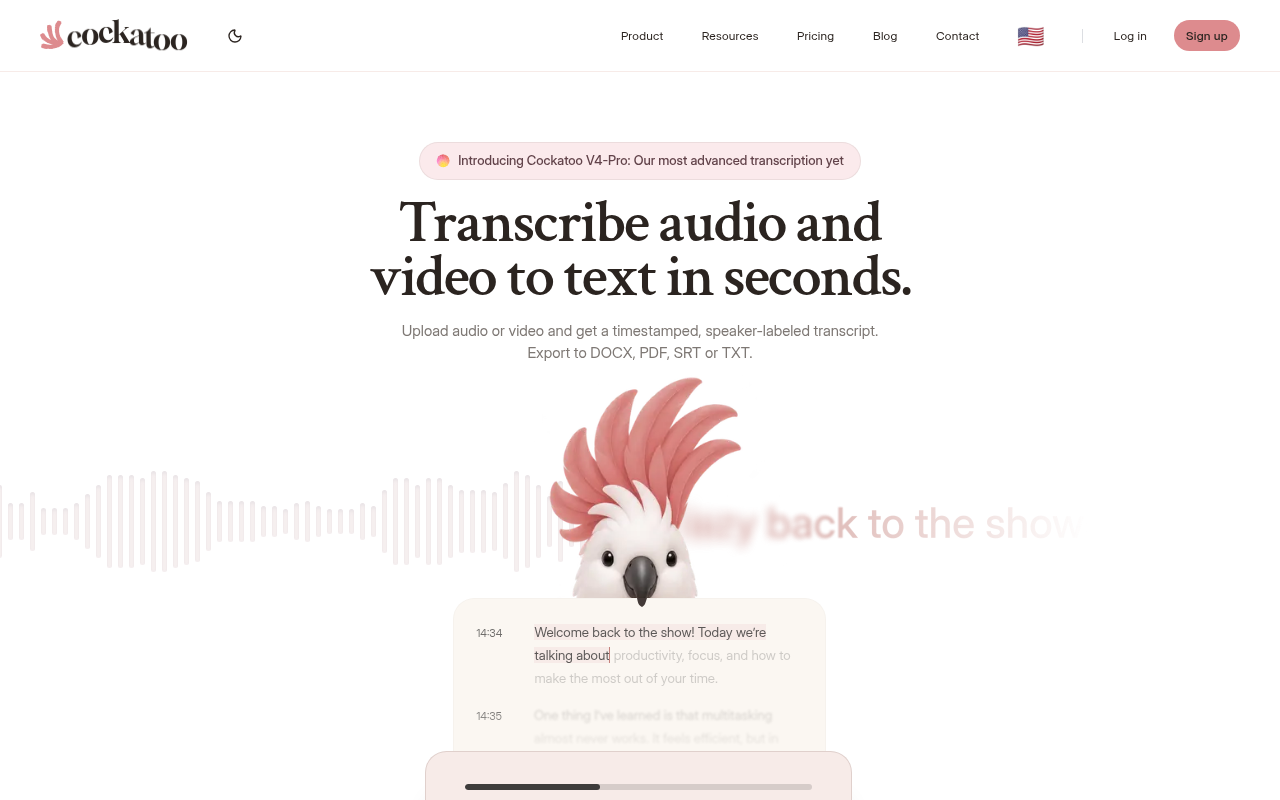
The clearest case for Cockatoo is the prosumer who has a recording and needs an accurate, editable transcript without configuring anything or waiting for a credit card approval. The free tier requires no credit card and no setup: upload a file and the transcript comes back in minutes, with speaker labels you can rename once and have updated across every line. That zero-friction start matters more than it sounds, most people discover mid-project, not before it, that a tool's onboarding is the actual bottleneck.
One pain that surfaces repeatedly among people transcribing at any volume: needing to upload 50-plus audio files one at a time, waiting for each to finish before queuing the next. That workflow collapses a day's worth of work into a week. Cockatoo's Pro plan addresses this directly, it supports 20 files per upload batch, with truly unlimited transcription on the default modes and no monthly hour cap, so a backlog of large MP3s can be processed in a fraction of the time single-file tools require.
Accuracy is verified rather than asserted. Cockatoo's V4-Pro mode is tested on the standard public benchmark researchers use, real-world recordings evaluated across languages, and independently on an internal benchmark of human-labeled recordings with accents and background noise, compared against Whisper, Deepgram, and AssemblyAI; the full methodology, per-language results including the weakest, and the deliberate 36-language focus (rather than inflated 90-plus counts) are published at cockatoo.com/benchmarks (updated October 27, 2026), which measured V4-Pro across 36 languages on FLEURS and found the lowest error rate in 25 of 36 languages on both tests (ties included) and 12 languages under 5% word error rate on FLEURS, so you can check the numbers yourself rather than take a marketing figure at face value.
Pro, marked "Most Popular" on the pricing page, adds 2 TB of storage, PDF, DOCX, TXT, and SRT exports with bulk export support, and no hard file-length cap, so multi-hour recordings upload without issue (audio is stripped in-browser before upload for reliable large-file handling). Both tiers support PDF and document translation, DOCX, PPTX, XLSX, and TXT, and video captioning and subtitle export, which matters when a video needs published captions or a document has to be sent in another language. Free document translation is limited to 1 page with a watermark; Pro removes that restriction. Pro is currently $29.99 per month, with an annual sale price of $11.99 per month billed annually.
The one honest tradeoff: Cockatoo transcribes uploaded files and is not a live meeting bot. If your primary need is a bot that joins Zoom calls in real time, look one slot down.
2. Wispr Flow - Best System-Wide Voice Dictation Across Any App or Text Field
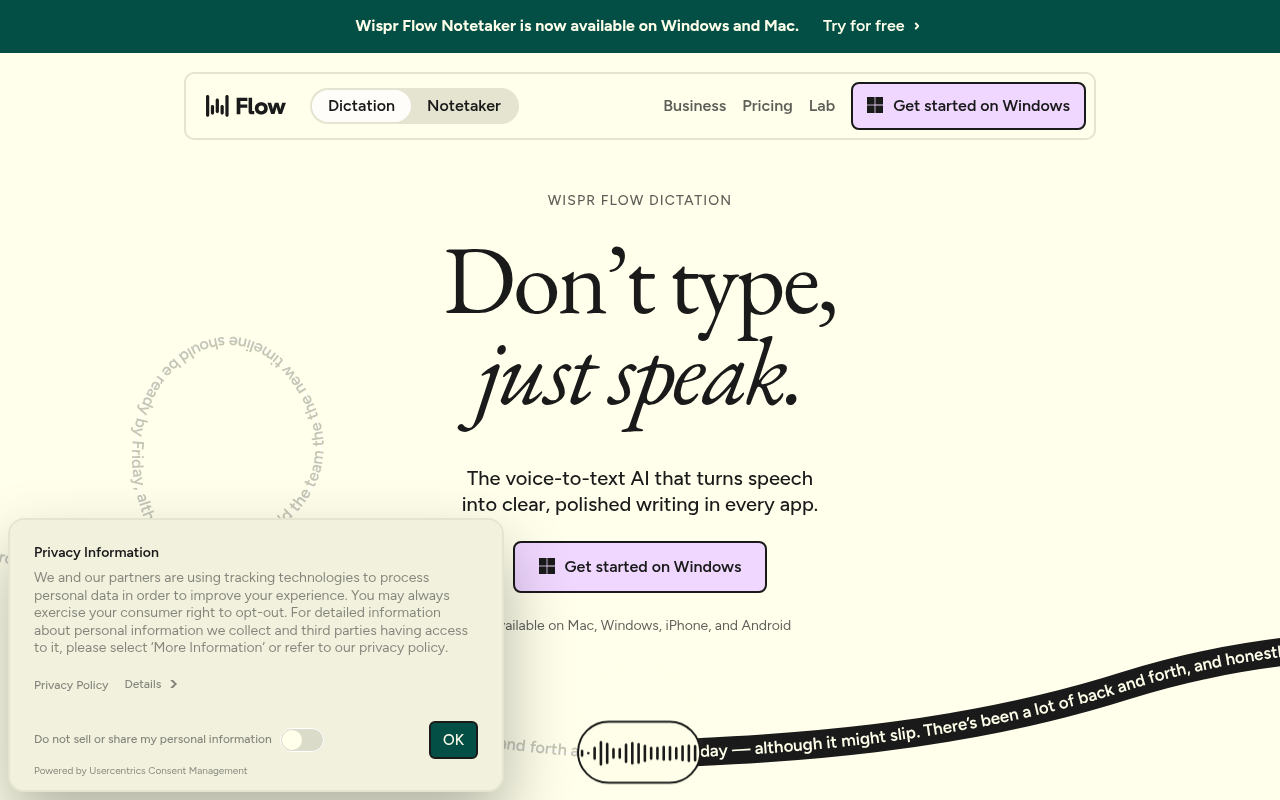
Wispr Flow is available on Mac, Windows, iPhone, and Android, which means you can dictate into any text field across those platforms without switching apps or copying output. Independent testing puts accuracy at 95 to 98 percent with automatic punctuation and custom vocabulary support, making it a strong pick for anyone who writes long-form content by voice. The free tier caps you at 2,000 words per week, and the Pro subscription runs around $15 per month. Most beneficial when you spend most of your day writing inside different apps and want voice to replace typing rather than to transcribe a recording.
3. Otter.ai - Best Voice Transcription App for Live Meeting Transcription
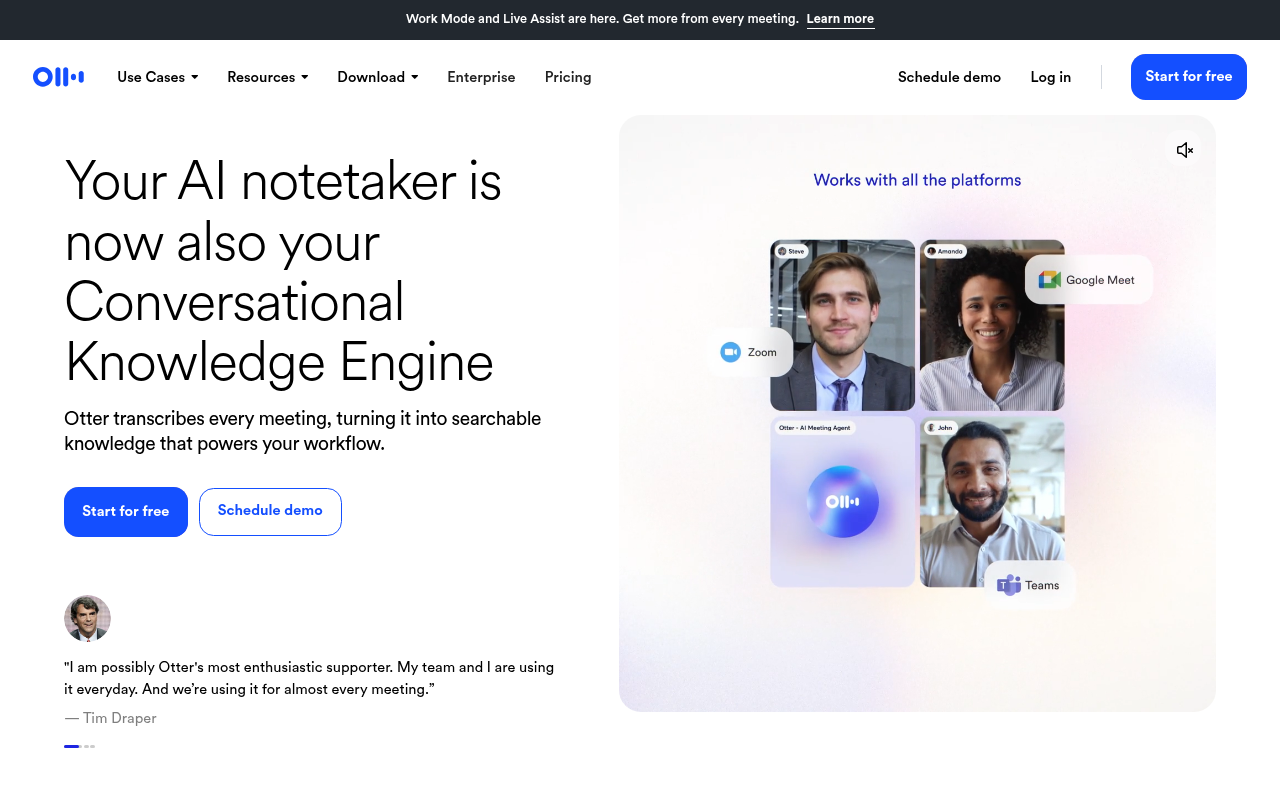
Otter.ai's OtterPilot bot auto-joins Zoom, Google Meet, and Microsoft Teams calls, transcribes in real time, separates speakers, and surfaces action items, so teams dealing with meeting overload have a ready fit. According to Vorec's October 2026 analysis of Otter.ai's pricing, a free Basic tier exists alongside paid Pro ($8.33 per user per month billed annually) and Business plans. The same analysis notes that free and cheap Otter plans carry minute caps, meeting-length limits, and import limits, so the word "unlimited" does not apply cleanly until you reach higher tiers. Most beneficial for team meeting notes; less suited to transcribing pre-recorded audio files where per-minute caps become a ceiling mid-project.
4. Apple Dictation - Best Free Built-In Option for Mac and iPhone Users
Apple Dictation is built into every modern Mac and iPhone, works offline on Apple Silicon devices, and costs nothing. It handles short bursts of dictation well and is accurate enough for messages, emails, and quick notes. The limitation is structural: it is a dictation layer, not a transcription engine, so it cannot process an uploaded audio file or produce a timestamped, speaker-labeled transcript. Pick it when you need to dictate a sentence or two into any app on an Apple device and have no interest in paying for anything.
5. Gboard - Best Built-In Android Voice Typing Without Installing a New App
Gboard's voice typing is the zero-friction default for Android users who want to dictate text into any field without installing a dedicated app. It handles conversational dictation reliably and supports a wide range of languages. The practical ceiling appears fast: it is not built for long-form transcription, has no speaker separation, and produces no exportable transcript file. Users in productivity communities regularly note that Gboard is accurate enough for short notes but falls apart on anything longer than a paragraph, where punctuation and formatting require constant manual correction. Pick it for quick messages; skip it for anything that needs to become a document.
6. Microsoft Word Dictate - Best Free Voice Transcription for Microsoft 365 Users
Microsoft Word's built-in Dictate feature is free for anyone with a Microsoft 365 subscription and delivers roughly 97 percent accuracy with voice commands that handle formatting, punctuation, and paragraph breaks. The Transcribe tab, separate from Dictate, lets you upload a pre-recorded audio file and get a transcript back inside Word, which is a genuine capability most users overlook. The constraint is platform lock-in: it works best inside the Microsoft ecosystem, and the output lives in a Word document rather than a purpose-built transcript editor. Most beneficial when your workflow already runs through Microsoft 365 and you want transcription without adding a new subscription.
7. SuperWhisper - Best Privacy-Focused Offline Dictation Running Local Speech Models on Mac
SuperWhisper runs speech recognition on your Mac using either local models or cloud-based processing, giving you the choice of keeping your audio on-device or routing it through online engines depending on your privacy requirements. That flexibility is the deciding factor for legal professionals, medical practitioners, and anyone handling confidential client recordings who cannot accept cloud processing; they can select the local option and ensure audio never leaves their device. Pricing sits in the $9 to $10 per month range.
Discussions among privacy-conscious Mac users consistently surface SuperWhisper as the top pick precisely because data sovereignty is non-negotiable in regulated work, and the local processing holds up well on Apple Silicon hardware. The tradeoff is that accuracy on local models is not yet at the level of cloud-based engines on heavily accented or noisy audio.
8. VoiceInk - Best Offline Voice Transcription App for Privacy-Conscious Mac Users
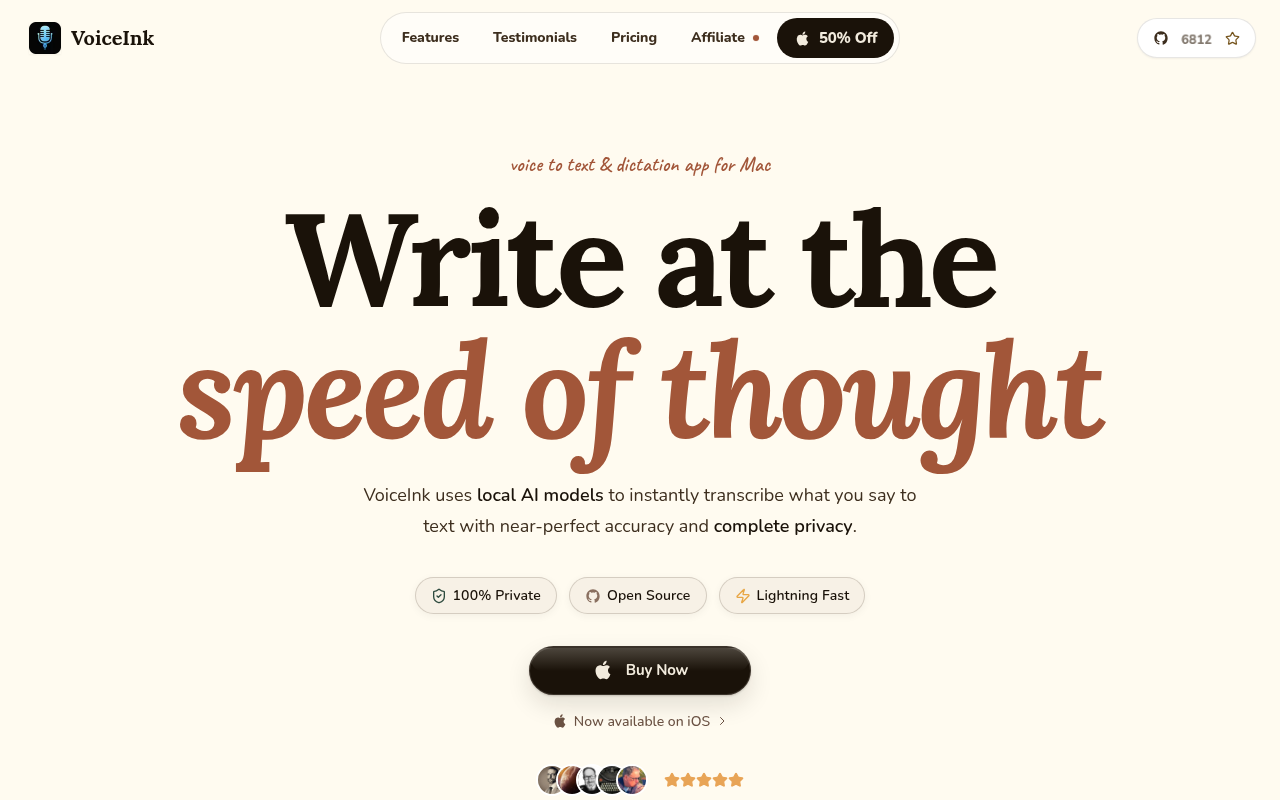
VoiceInk occupies the same offline-first niche as SuperWhisper, also running local models on Mac at a comparable price point in the $9 to $10 per month range. The two apps are close enough that the choice often comes down to interface preference and which one's model performs better on your specific accent or subject matter. VoiceInk tends to attract users who want a slightly more focused dictation experience with less configuration overhead. Most beneficial when you need offline dictation on Mac and want an alternative to SuperWhisper's feature set without paying more.
9. Granola - Best Free System-Wide Voice Typing for Mac and Windows with Note-Taking Integration
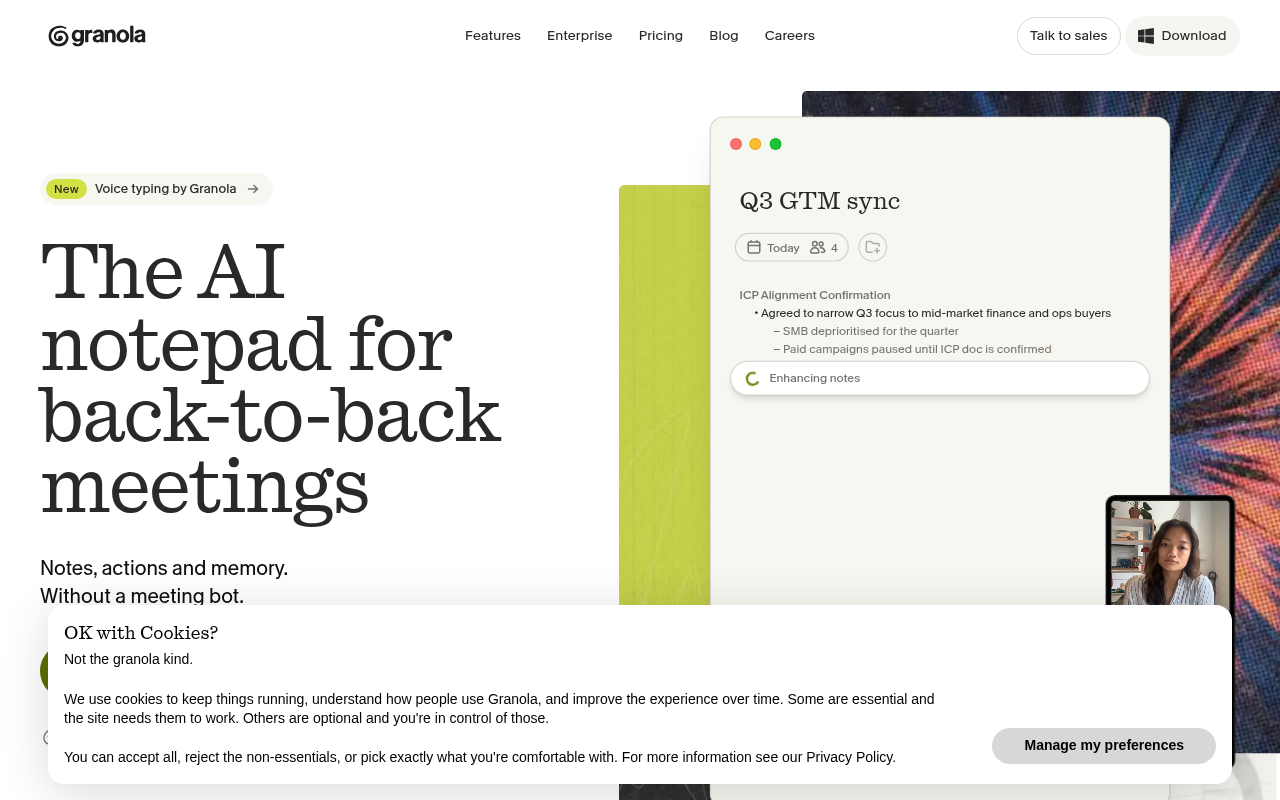
Granola.com is a consumer lifestyle website exploring an online store selling products like tie-dye clothing, scented candles, soaps, and health/wellness items, it has no relation to voice typing, dictation, or note-taking software. It works on both Mac and Windows, which immediately separates it from the Mac-only offline tools above. The free tier is genuinely functional for light use. The tradeoff is that Granola is optimized for note-taking rather than producing a clean, exportable transcript with speaker labels and timestamps. Pick it when the output you need is organized notes rather than a verbatim record.
10. Dragon Professional - Best Enterprise Voice Transcription App with Legal and Medical Dictionaries
Dragon Professional carries a $699 one-time desktop license for Windows and is the only tool on this list purpose-built with specialized legal and medical dictionaries, custom command sets, and a vocabulary that learns from correction over time. For a practicing attorney or physician who dictates dozens of documents per week, that one-time cost amortizes quickly against the labor saved on terminology errors alone. The limitation is obvious: $699 is not a reasonable entry point for a solo user who needs occasional transcription, and the software is Windows-only. Pick Dragon Professional when your dictation volume is high, your vocabulary is specialized, and you need the tool to work without an internet connection.
11. Google Docs Voice Typing - Best Free Browser-Based Voice Transcription with No Install
Google Docs Voice Typing requires nothing beyond a Chrome browser and a Google account, which makes it the lowest-friction free option for anyone on any platform. It handles live dictation into a Google Doc with reasonable accuracy and supports a wide range of languages. It does not transcribe uploaded audio files, has no speaker separation, and produces no timestamped export. The practical use case is narrow but real: you need to dictate a document right now, you are on any device with Chrome, and you want to pay nothing. For anything more structured, it hands the job back to you.
12. Fireflies.ai - Best Voice Transcription App for Sales and Revenue Teams Needing CRM-Integrated Meeting Notes
Fireflies.ai is built for sales workflows: it joins calls, transcribes, identifies speakers, and pushes structured notes directly into CRM platforms. That CRM integration is the single capability that separates it from every other tool on this list and makes it the obvious pick for account executives and revenue operations teams who need call notes to live inside Salesforce or HubSpot rather than in a separate transcript file. The tradeoff is that Fireflies.ai is priced and designed for teams, which means a solo user pays for infrastructure built around collaboration. Most beneficial when your team runs a high volume of sales calls and the transcript's final destination is a CRM record.
---
The real cost of picking the wrong tool rarely shows up in the subscription price. It shows up in the editing session that follows every upload. At the industry-standard ratio of roughly four hours of cleanup work per hour of audio, even a modest error rate converts what looks like a free or cheap tool decision into a multi-hour labor expense per file. That cost scales directly with file length, speaker count, and subject complexity, and it never appears on any comparison chart.
It is the deadline they missed. Most competitor "unlimited" plans are contractually capped, which means the word does the marketing work on page one and the fine print does the damage on day 29.
Cockatoo's unlimited file-upload transcription on default modes, built on an in-house inference engine rather than resold per-hour APIs, is backed by published per-language accuracy benchmarks at cockatoo.com/benchmarks (updated October 27, that same figure), where V4-Pro was measured across 36 languages on FLEURS and on an internal real-world benchmark of human-labeled recordings with accents and background noise, compared against Whisper, Deepgram, and AssemblyAI, with results showing the lowest error rate in 25 of 36 languages on both tests (ties included) and 12 languages under 5% word error rate on FLEURS, so the accuracy claim is checkable rather than asserted. Coverage per language is documented on the benchmarks page rather than buried in marketing copy, including the weakest-performing languages and a deliberate 36-language focus instead of inflated 90-plus counts.
Each of the twelve tools above earns its slot for a specific workflow. Reading twelve individual listings to find your one answer is its own kind of friction. The comparison table in the next section collapses all twelve into a single scannable view of pricing, platform availability, and accuracy evidence, so you can confirm your pick in under two minutes.
Related Reading
- How To Transcribe Youtube Video
- Best Transcription Software For Qualitative Research
- Meeting Transcription And Summary Ai Tools
- Best Lecture Transcription App
- Best Transcription App For Iphone
- Best Closed Captioning Software
- Qualitative Research Transcription
- Business Transcription
- Automatic Video Transcription Software
- Market Research Transcription
- Podcast Transcription Software
- Best Medical Transcription Software
- Zoom Ai Transcription
- Best Transcription Software For Interviews
Voice Transcription App Comparison Table - Pricing, Accuracy and Platform in One View

The Full 13-App Grid
| App | Free Tier | Paid (monthly) | iOS | Android | Mac | Windows | Browser |
|---|---|---|---|---|---|---|---|
| Cockatoo | 3 files/day, up to 30 min each; no credit card required | $29.99/mo (Pro); no monthly hour cap on default modes | Yes | No | Yes | Yes | Yes |
| Otter.ai | 300 min/month | $16.99/mo (Pro) | Yes | Yes | Yes | Yes | Yes |
| Fireflies.ai | Limited seats | $18/mo per seat | No | No | No | No | Yes |
| Descript | Limited hours | $24/mo per user | No | No | Yes | Yes | Yes |
| Notta | Limited minutes | $13.49/mo | Yes | Yes | No | No | Yes |
| Rev | None (pay-as-you-go) | $0.20/hr AI; $29.99/mo service | No | No | No | No | Yes |
| Happy Scribe | Unlimited recordings | $8.50/mo (billed annually); $17/mo monthly | Yes | Yes | No | No | Yes |
| Sonix | None | $10/hr (pay-as-you-go) | No | No | No | No | Yes |
| Trint | None | $100/mo | No | No | No | No | Yes |
| Riverside | Free (no transcription) | $14/mo (transcription on paid) | Yes | No | No | No | Yes |
| Google Recorder | Free | Free | No | Yes | No | No | No |
| Granola | Free (voice typing) | Free | No | No | Yes | Yes | No |
| Wispr Flow | 300 min/month | Subscription required | Yes | No | Yes | No | No |
Document translation is included on the free tier (up to 1 page, with a watermark), and Canvas, Cockatoo's AI notes editor, is included at no cost.
The Accuracy Column Other Tables Leave Out
Google Recorder's 85-88% figure comes from sourced testing. Happy Scribe cites 95-plus percent with speaker detection.
Cockatoo's transcription engine runs in two distinct modes:
- The fastest mode processes audio at roughly 120× real-time, a one-hour file returns in about 30 seconds, and carries no weekly usage ceiling on Pro.
- The highest-accuracy mode trades some speed for precision and does carry a weekly usage limit visible in Settings; when that limit is reached, the faster mode remains fully available.
How to Read the Table
A 300-minute monthly cap sounds generous until a single two-hour interview consumes 40 percent of it.
Anyone processing a large backlog, say, 50 or more audio files, quickly discovers that one-by-one uploads make batch work impractical. Cockatoo's Pro plan supports 20 files per upload batch, and because audio is stripped in-browser before upload, large multi-hour files transfer reliably without hitting size ceilings. Plans that describe themselves as unlimited but enforce a contractual hour ceiling behave differently at scale, a distinction Vorec flags as a consistent gap between how paid tiers are marketed and how they perform.
Cockatoo's Pro plan also covers file translation (PDF, DOCX, PPTX, XLSX, and TXT), video captioning and subtitle export in SRT format, and link-based file transfers of up to 10 GB per month on the free tier, features that determine real per-project cost as much as the transcription rate itself.
How Accurate Are the Top Voice Transcription Apps Across Real-World Audio

Why a "99% Accurate" Badge Is Statistically Meaningless Without a Methodology
The "99% accurate" label that dominates voice transcription marketing is structurally unverifiable, a direct consequence of every major vendor omitting the test set, recording conditions, language mix, and accent profile behind their published figure. As Hissper's May figure comparison notes, bare percentage claims are unverifiable without knowing those details, and the leading tools generally fall in the 95-98% range on vendor-reported figures anyway.
A "99% accurate" badge and a "95% accurate" badge could have been measured on completely different audio under completely different conditions, so direct comparison tells you nothing.
How the Top Tools Actually Stack Up on Verified Rates
Hissper's analysis finds that Wispr Flow's 95-98% accuracy figure comes from internal or reviewer benchmarks rather than a standardised public test set. Microsoft Word Dictate's often-cited figure of roughly 97% similarly lacks a published methodology tying it to real-world recording conditions, leaving both claims difficult to evaluate on equal footing.
Where Every Tool's Accuracy Quietly Collapses
Accented speech, background noise, and non-English audio are where the gap between a marketing claim and real-world performance becomes painful. Hissper's research confirms that accuracy figures are typically derived from clean-audio, native-speaker conditions, and that performance degrades meaningfully across all three of those variables, a gap most tools do not disclose in their marketing.
This is the blind spot Cockatoo's published accuracy tests address directly. Cockatoo publishes per-language Word Error Rate results across 30 languages run on the FLEURS benchmark researchers use to compare transcription engines, with results at cockatoo.com/benchmarks, plus separate real-world recordings with background noise and accents, so you can see exactly where performance holds and where it drops.
Cockatoo's free tier, no credit card, no setup, lets you upload an audio or video file and receive a transcript on the first try. Three files per day, up to 30 minutes each, with all export types available, means you can run your own real-world accuracy test on your own audio before you decide anything.
Next steps
If your recordings keep handing you an editing job instead of a finished document, the path forward starts with matching the tool to the accuracy your audio actually demands, not the accuracy a marketing badge claims. Start with our voice transcription app.
The hidden labor cost insight makes this concrete: at four hours of cleanup per hour of audio, even modest error rates convert a free or cheap tool into a multi-hour expense per file, one that never appears on any comparison chart. The silent failure mode insight makes it urgent: accuracy degradation on accented speech, background noise, and non-English audio only surfaces after you have already committed time to upload and initial review, at which point the remaining work is reconstruction, not editing. Together, they point to testing a tool on your own audio before the cleanup bill arrives.
Start with the voice transcription app that publishes per-language Word Error Rate benchmarks on a named public test set, so the accuracy claim is checkable before you upload anything. The free tier requires no credit card, processes three files per day up to 30 minutes each, and returns all export formats, giving you a real-file accuracy test on your own recordings before you decide anything.
Frequently Asked Questions
What's the best free voice transcription app for uploading audio files?
Cockatoo is the strongest free option for uploading audio files, its free tier requires no credit card, no setup, and returns a transcript in minutes with speaker labels. Most other free tools are built for live dictation, not file uploads, which is the wrong starting point for anyone who already has a recording.
How much time does it really take to transcribe audio manually if I skip the app?
Manual transcription of one hour of recorded audio takes about four hours, according to industry benchmarks cited in the post. A low-accuracy app doesn't eliminate that cost, it just moves it from typing to editing, which the post describes as "time-trading" rather than time-saving.
What should I check before committing to any transcription app?
The post recommends four decision axes: whether the tool is a dictation engine or a file-upload platform, what the pricing model is and whether you can access it without IT approval, whether it covers your specific language and accent with published per-language accuracy results, and whether it processes files locally or on a server, which matters before you upload anything sensitive.
Which transcription app is best for people who need to keep their audio files private and off the cloud?
The post highlights SuperWhisper and VoiceInk as offline-first options that run local speech models on Mac, letting you keep audio on-device, a deciding factor for legal, medical, or confidential work. Both are priced in the $9 to $10 per month range, and the choice between them typically comes down to interface preference and which model performs better on your accent.
Is there a transcription app that handles multiple languages accurately?
Cockatoo's V4-Pro mode is benchmarked across 36 languages on the standard public FLEURS test set, achieving the lowest word error rate in 25 of 36 languages and under 5% word error rate in 12 languages. The post notes that many other tools are English-first and that accuracy drops sharply on accented speech or non-English audio, making published per-language results, not a bare percentage claim, the only credible signal to look for.