11 Best What Is AI Transcription Tools Debated by Users

Every AI transcription tool claims 99% accuracy. None are required to tell you under what conditions. Here is what actually happens to your audio before a word hits the page.
AI transcription converts spoken audio or video into written text using artificial intelligence, not simple sound matching. The common assumption is that a tool advertising "99% accuracy" must be accurate enough for any use case, and that the safest move is simply to pick the most popular option. The process combines three distinct technologies: Automatic Speech Recognition (ASR), which decodes the raw audio signal into words; Natural Language Processing (NLP), which interprets grammar, context, and meaning; and Machine Learning (ML), which continuously refines predictions based on patterns in training data. See our transcription software for how this works in practice.
The Three-Layer Pipeline and Where It Fails ASR listens. NLP understands. ML improves. That three-part pipeline matters because each layer can fail independently:

- ASR trained on studio-quality recordings struggles with background noise.
- NLP models built on formal text stumble on domain jargon.
- ML models trained on narrow datasets underperform on accented speech or noisy call recordings.
The Speech-to-Text Leaderboard tracks more than 178 competing models, and rankings shift depending on what audio type you feed them. A model topping the leaderboard on clean English interviews may rank far lower on accented speech or noisy call recordings.
No vendor is required to disclose what audio conditions, language, or benchmark produced their accuracy claim. Two tools can both truthfully print "99% accurate" while producing wildly different results on the same file. Research on ASR performance consistently shows accuracy degrading significantly for non-native English speakers and accented speech, yet most published figures come from clean, native-English test sets that don't reflect real user conditions. That gap between claim and reality is structural, baked into the pipeline every AI transcription tool runs your audio through. Understanding each step is the only way to predict where your specific recording will succeed or fall apart.
Cockatoo's Self-Serve Model for Real-World Accuracy Testing Users regularly report that AI transcription captures the main idea acceptably but fails on names, numbers, and specialist terminology, turning a time-saving tool into a correction project. Transcription software's self-serve model lets a single user upload their own audio and verify output before committing to a subscription, a structural advantage over tools that require a paid plan before any real-world accuracy test is possible. This turns the accuracy question from a leap of faith into a personal benchmark run on the recording that actually matters.
Key takeaways
- "99% accuracy" is a marketing claim, not a benchmark, no major AI transcription vendor publishes test results broken down by accent, language, or audio quality, which makes the number functionally unverifiable before you pay.
- AI transcription runs four distinct processing steps, and each one carries its own failure mode; knowing which step broke is the only way to diagnose why a transcript came back wrong.
- The benefits, minutes-not-hours turnaround, costs as low as $0.10 per audio minute, are real, but every one of them collapses the moment accuracy is wrong for your specific audio.
- Use-case risk is not uniform: a garbled speaker label in a meeting recap is a nuisance; a garbled dosage in a clinical note is a liability, yet vendors print one accuracy number and leave you to sort out the difference.
- 68% of negative AI transcription reviews on G2 and Capterra cite accuracy worse than advertised as the primary complaint, a predictable outcome when buyers can't test on their own audio before subscribing.
- Cockatoo's free tier, three files a day, no credit card, lets you upload the recording that would expose a tool's weaknesses before you commit, closing the gap between a homepage claim and what the tool actually does on your audio.
How AI Transcription Works in Four Steps That Determine Accuracy
Four steps sit between a raw recording and a finished transcript. The common assumption is that a tool advertising "99% accuracy" must be accurate enough for any use case, and that the only real decision is picking the most popular option. Each step carries its own failure mode, and knowing which one broke tells you whether better mic placement will fix it or whether you need a fundamentally different tool.
A pattern worth naming up front: beginners in this space routinely stitch together three or four separate free tools, one for transcription, one for translation, one for diarization, and spend more time managing the handoffs than they do on the actual content. Cockatoo is built to collapse that fragmented workflow into a single pipeline. Upload an audio or video file, get a transcript back on the first upload, with no setup and no credit card required on the free tier. What that single upload actually triggers is the four-step process described below.
1. Audio Ingestion and Preprocessing - Noise Removal Before Recognition Begins
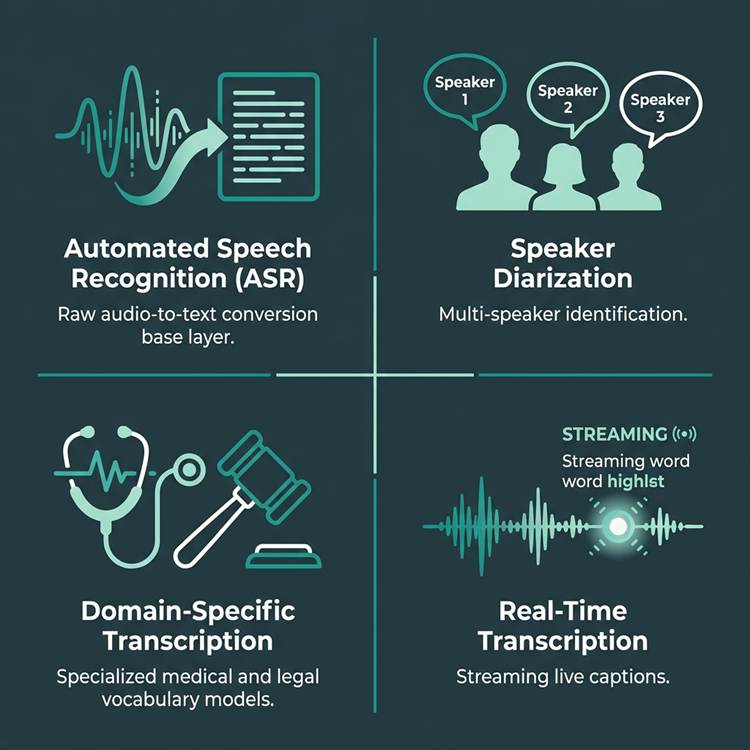
Noise reduction is applied to audio before any speech recognition begins, cleaning background sounds such as dog barks or overlapping ambient noise before the acoustic model ever sees the signal. This matters because the signal-to-noise ratio of the input sets a hard ceiling on everything downstream, a point confirmed by Trabelsi et al. SCITEPRESS 2024 ("Is Noise Reduction Improving Open-Source ASR Transcription Quality?"), whose findings make clear that noise conditions shape what any ASR system can recover. A recording made in a quiet room with a single speaker gives the acoustic model the cleanest possible input. A recording made on a busy street, or in a kitchen during a podcast interview, hands the model degraded data it cannot fully recover from, no matter how sophisticated the next steps are.
The practical consequence: audio preprocessing is the step most within your control. Better mic placement, a quiet room, or a directional microphone can lift accuracy before any AI model is involved. Upload any audio or video file and get an editable transcript back.
- Speaker recognition with a settable speaker count; renaming a speaker updates every line.
- Word-level timestamps, with paragraph, sentence, and speaker-turn export options; punctuation and capitalisation applied automatically.
- Clean-verbatim style by default; no noise reduction is applied to uploads.
Accuracy evidence lives on the published benchmarks page (per-language FLEURS + real-world results for 30 languages) rather than a bare percentage. V4-Pro adds a dynamic custom vocabulary that remembers edits across transcripts, and a true-verbatim setting that keeps ums and false starts.
2. Acoustic and Language Modeling - Neural Networks That Map Sound to Words in Context
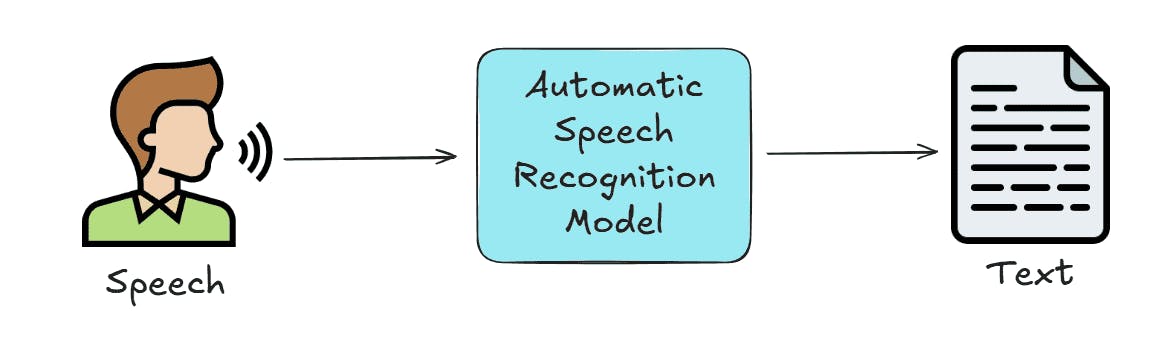
Automatic Speech Recognition (ASR) breaks audio into phonemes using an acoustic model, then maps those phonemes to likely words and phrases using a language model that reads each sound in context. The two models work in tandem. The acoustic model handles the raw sound frequencies; the language model resolves ambiguity by predicting which word fits the surrounding context.
The failure point here is vocabulary. Generic language models are trained on broad, general-purpose text. The moment a recording contains medical terminology, legal phrasing, or technical jargon, out-of-vocabulary words spike the word error rate sharply.
A doctor's consultation that uses standard conversational English will transcribe cleanly. The same doctor describing a differential diagnosis in clinical shorthand will not. As Trabelsi et al. SCITEPRESS 2024 note, choosing the right ASR tool for a specific use case is described as "crucial" precisely because accuracy outcomes differ by audio context, not by advertised capability alone.
A second dimension that beginners consistently underestimate is language. Users who rely on device-level transcription, Apple's built-in tools, for instance, notice a stark quality gap the moment they move off English or into accented speech, because the underlying model was never optimized for that input. Cockatoo's interface and output are not English-only; language support varies by transcription mode, and per-language coverage benchmarks are published on Cockatoo's benchmarks page so you can verify coverage for your specific language before committing to a workflow.
3. Speaker Diarization - Voice Labeling That Degrades Under Overlapping Speech and Heavy Accents
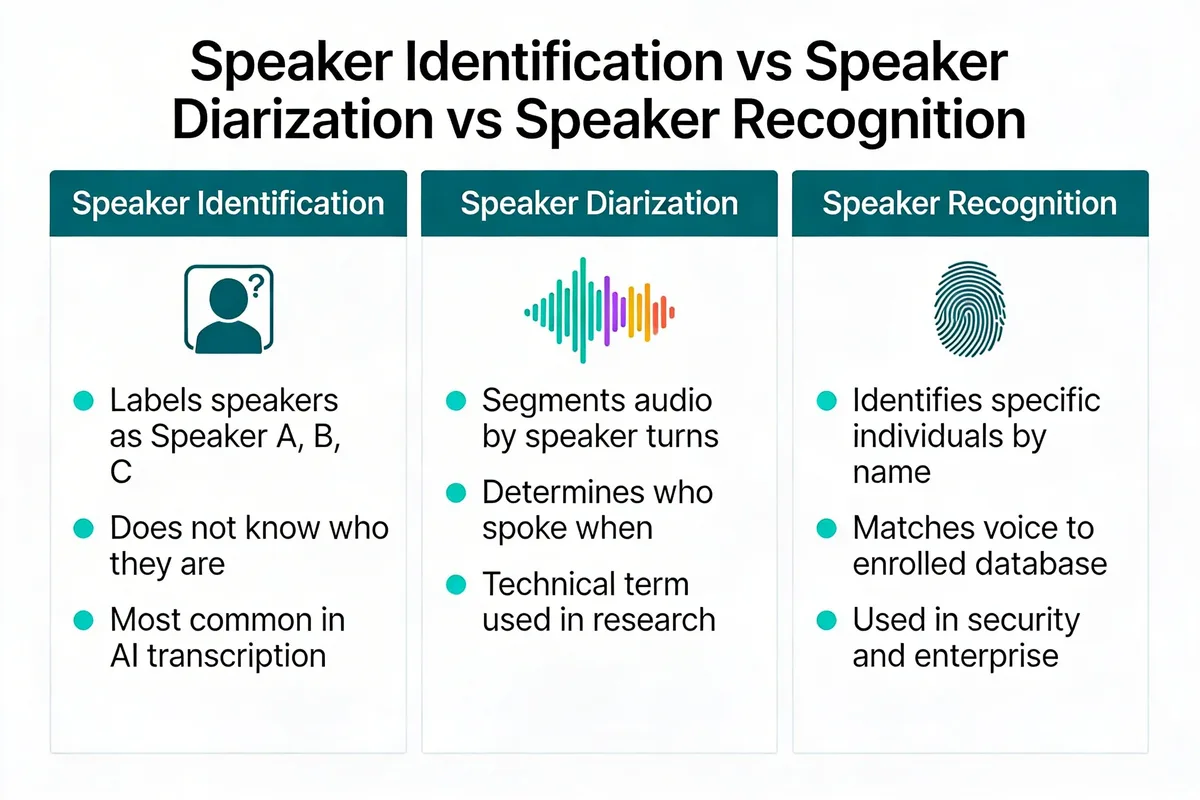
Diarization is the step that assigns a speaker label to each segment of transcript. It is also the most fragile step for real-world recordings. The moment two people talk over each other, even briefly, the model must split overlapping audio into distinct speaker streams. In practice, it often cannot. The result is misattributed lines, merged speaker turns, or segments dropped entirely.
Consider a multi-speaker panel recording where three participants talk over each other. Diarization assigns the wrong speaker label, and the transcript becomes unusable for attribution. That is not a hypothetical edge case; it is the default outcome for any lively conversation, interview, or group call. Heavy accents compound the problem further, because the acoustic fingerprint the model uses to distinguish speakers becomes less reliable when pronunciation patterns fall outside the training distribution, a dynamic documented in noisy-speech research including data published by SourceX on signal-to-noise coverage across speaker conditions.
For teams dealing with this at scale, Cockatoo's Team tier adds shared transcript editing and collaborative review, so a misattributed speaker label can be corrected once and propagated, rather than each team member fixing the same error independently.
4. Real-Time vs. Asynchronous Processing - Two Delivery Modes With Opposite Accuracy-Latency Tradeoffs

Real-time transcription generates captions as audio arrives. It cannot wait to hear the end of a sentence before committing to a word choice, which means it makes more errors on ambiguous phrasing and cannot apply a second decoding pass to correct early mistakes. Asynchronous processing works on a complete uploaded file, which means the model can analyze the full audio context before producing output.
The tradeoff is direct: lower latency costs accuracy. For live captions during a meeting, real-time is the only option. For a recorded interview, a podcast episode, or a call you need to turn into an editable document, asynchronous processing consistently produces cleaner output. Cockatoo's transcription runs asynchronously on uploaded audio and video files, applying the full pipeline to the complete recording, unlike real-time tools, which must commit to word choices before the sentence ends and cannot apply a second decoding pass.
Most solo operators do not realize that the hour of cleanup after a noisy or multi-speaker file is not inevitable. It is often the direct cost of using a tool built for live delivery on a file that deserved batch processing, and the further cost of re-uploading that file into a second or third tool to handle what a unified pipeline would have handled in one pass.
When all four steps execute cleanly on your specific audio, quiet input, single dominant speaker, standard vocabulary, uploaded as a complete file, the time and cost savings are substantial. The next section maps exactly what those benefits look like in practice, and what happens to each one the moment any step in the pipeline breaks.
Benefits of AI Transcription That Disappear When Accuracy Is Wrong
Those savings are real, and under the right conditions they are dramatic. Time drops, cost drops, and the turnaround that once took a day collapses to minutes. Every one of those gains, however, rests on a single condition: the accuracy of the tool you choose.
1. Speed - AI Transcription Delivers Results in Minutes, Not the 3-4 Hours Human Labor Requires
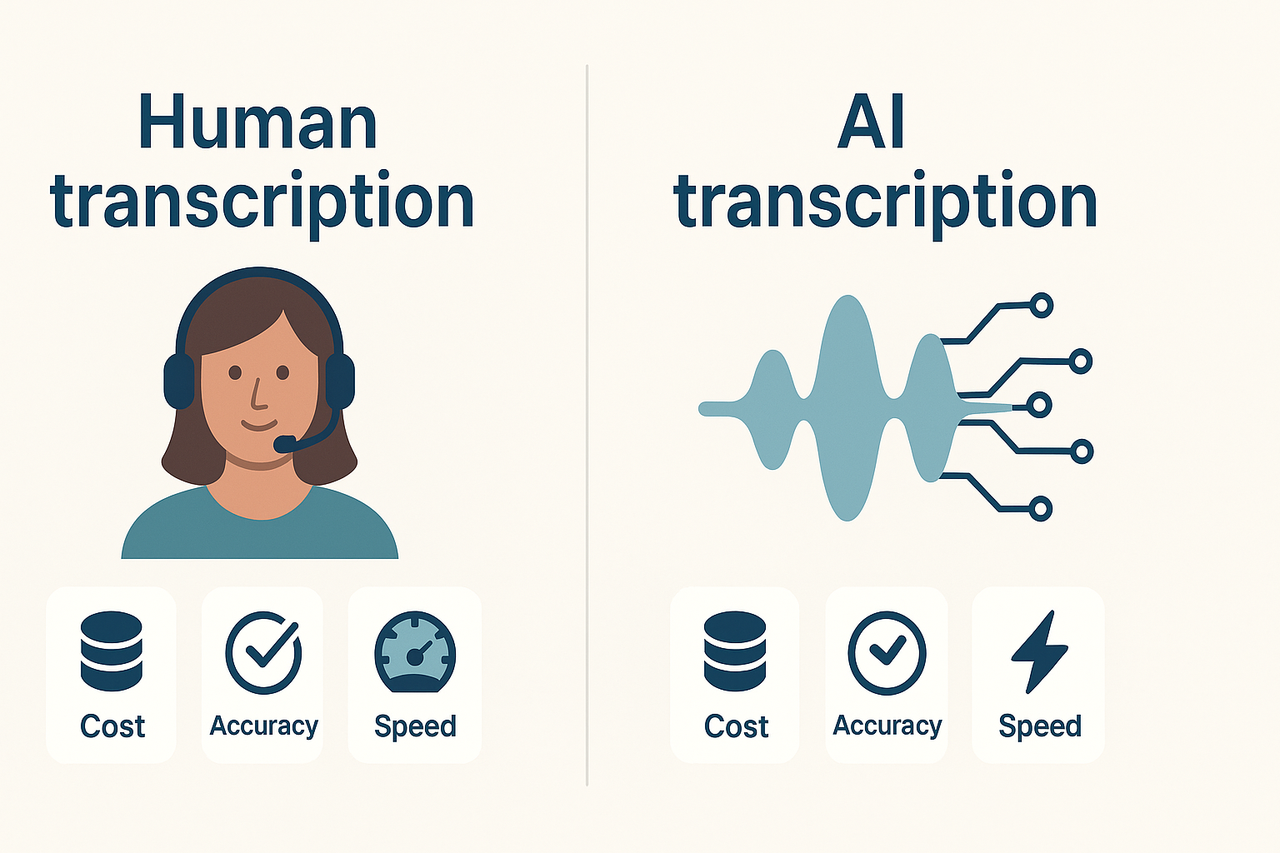
Speed is the most immediate benefit of AI transcription. According to Ditto Transcripts, human transcriptionists typically require 3-4 hours of labor for every one hour of recorded audio. AI transcription collapses that window to minutes. A one-hour interview that would occupy a human for most of a working morning comes back before your next coffee.
That speed advantage is real, but only when the output is clean enough to use. A transcript full of errors is not a finished file. It is a first draft that still needs a human to read every line.
This is why the transcription mode you select matters as much as the tool itself. V4 is the fourth major release of Cockatoo's in-house transcription engine since 2023, launched June 2026: V4-Fast (~120x real-time) and V4-Thinking (~25x real-time median), with V4-Pro arriving October 2026. A mode selector lets users stay on a prior mode when a new release changes output style, the same way LLM products version their models.
V4-Thinking and V4-Pro carry a weekly usage limit shown in Settings; standard modes stay unlimited. Choosing the right mode for your audio is the first decision that determines whether speed stays a benefit or becomes a liability.
2. Cost - AI Transcription Undercuts Human Services Priced at $0.75-$2.00+ Per Audio Minute

The cost gap is substantial. Ditto Transcripts' 2024 pricing analysis puts professional human transcription services at $0.75-$2.00+ per audio minute. A 60-minute recording can cost $45-$120 or more before you factor in turnaround time. AI transcription brings that marginal cost down to cents per minute.
The savings are genuine when accuracy holds. For a marketing coordinator transcribing five interview recordings a week, switching to accurate AI transcription can recover hours of budget and dozens of dollars per project. The condition is accuracy. Without it, the math reverses.
That means you can verify how the tool performs on your specific audio before spending anything. The Pro plan, built for individuals and marked "Most Popular" on the pricing page, removes file and hour caps on standard V4-Fast mode entirely, so a heavy week of recordings does not trigger an overage bill.
3. Scalability - AI Processes Hundreds of Hours Simultaneously - No Human Team Can Match That
No human team can transcribe 200 hours of audio in parallel. AI can. This scalability matters most for teams managing large backlogs, content libraries, or ongoing recording workflows. A single upload batch can return multiple transcripts at once, with no scheduling, no handoff, and no overtime.
For the solo operator at a small business, scalability shows up differently: the ability to drop five files in at once and move on to other work, rather than waiting for each one to return before sending the next. Cockatoo's Pro plan supports batches of up to 20 files per upload, and outputs land as PDFs, Word DOCX files, plain TXT, or SRT subtitle files, whichever format the next step in your workflow actually needs. Teams working across multiple seats can share and edit those transcripts centrally under the Team plan, which includes encrypted cloud storage and large-file transfer bundled into the subscription. Free accounts get 2 GB storage and 10 GB/month of transfers; Pro accounts get 2 TB storage and unlimited transfers; Team accounts get 2 TB per person, broadening Cockatoo past transcription into a WeTransfer-style utility.
4. The Hidden Cost Trap - Low Accuracy Wipes Out Every Speed and Cost Gain AI Promised

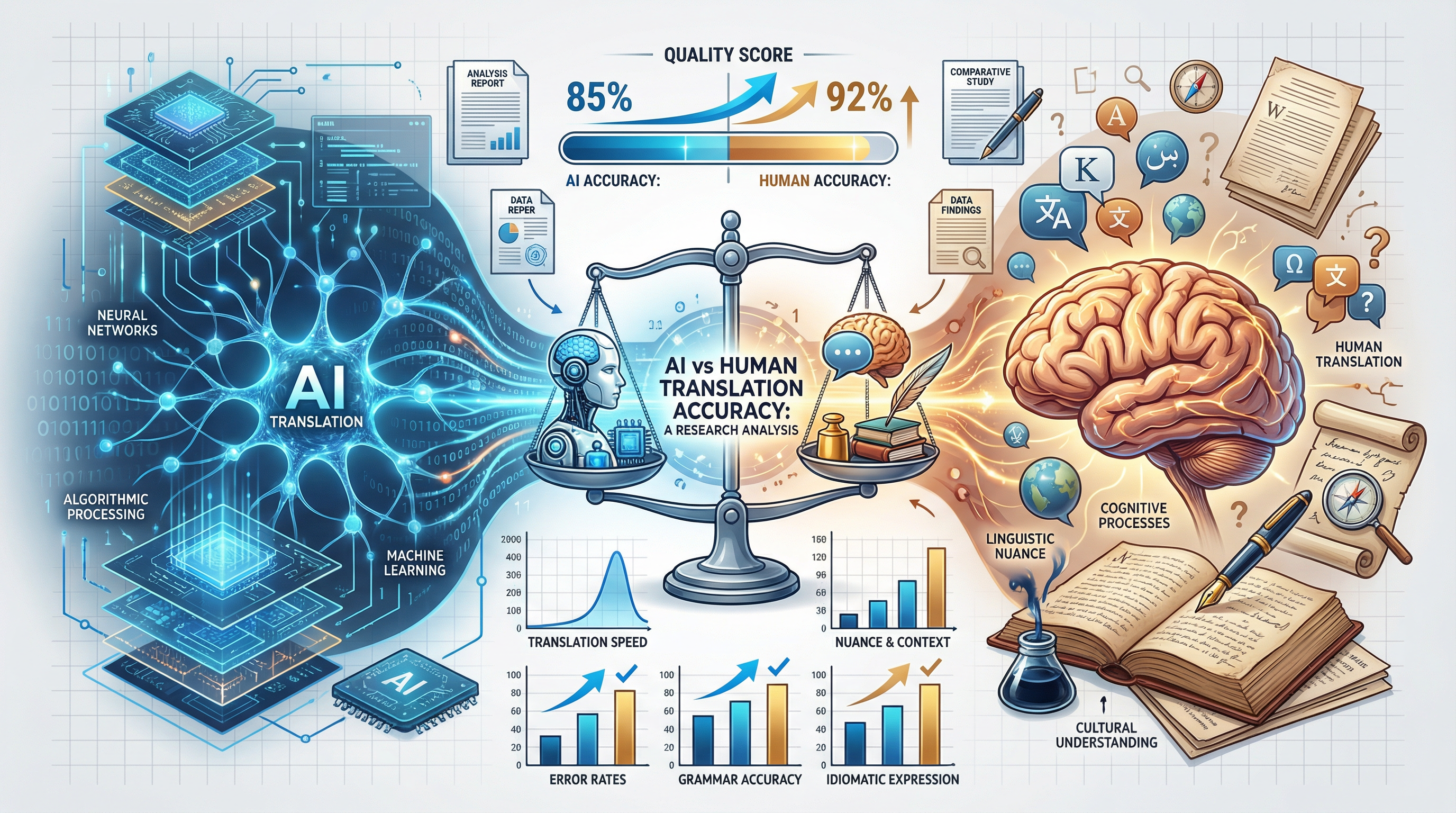
Here is where the common assumption breaks down. Ditto Transcripts notes that when AI transcription accuracy is poor, the time spent on manual error correction wipes out the speed and cost advantages entirely, meaning a cheaper, less accurate tool can end up costing more in labor than a human transcriptionist would have. That is not a hypothetical. It is the experience of anyone who has spent an afternoon fixing a transcript that was supposed to save them the afternoon.
Consider what an 85% accuracy rate actually means on a 60-minute recording. At roughly 8,000 words, that leaves around 1,200 words wrong. Finding and fixing each error, in context, takes longer than it sounds. You are not correcting a typo; you are re-listening, re-reading, and re-typing. The time cost compounds fast.
This accuracy trap is especially costly in professional contexts where there is no tolerance for a misheard word. A clinician who cannot trust an AI transcript does not simply shrug and move on; they revert to manual note-taking, which carries its own accuracy risks and eliminates the time benefit of AI entirely. The tool only removes the burden if the output can actually be trusted. Cockatoo's V4 transcription modes exist specifically to give users a meaningful choice at this decision point, rather than forcing everyone onto a single quality setting regardless of what is at stake in the recording.
AI transcription tools promise speed, searchability, and reduced manual effort, but those benefits depend entirely on output accuracy. A transcript that misquotes a speaker, drops a key term, or garbles a technical phrase requires manual correction, which consumes more time than transcribing from scratch would have.
5. The Free Auto-Caption Trap - Cleanup Burden Makes 'Free' Tools Nearly as Slow as Retyping
Most people who need a quick transcript start with whatever their video platform already offers. That is a reasonable first move. Ditto Transcripts' research found that free auto-caption and low-cost AI transcription tools often produce output requiring so much manual correction that they barely save time over retyping the transcript from scratch. Free auto-captions built into video platforms are optimized for display, not accuracy, and they show it on any recording with background noise, a non-standard accent, or two speakers talking close together.
Most solo operators at small businesses discover this the hard way: they export the auto-generated captions, open the file, and realize they are effectively starting over. The afternoon they were trying to save is gone. Cockatoo is built for exactly that moment. For the person who just needs one interview turned into a clean, editable file, that is enough to verify accuracy on their own audio before committing to anything. And if the volume grows, upgrading to Pro unlocks truly unlimited transcription on V4-Fast, multi-hour file support, and 20-file upload batches, without changing how the tool works.
The benefits of AI transcription come from the accuracy rate the technology delivers on your specific recording. The size of that accuracy risk varies by use case. A podcast interview and a legal deposition do not share the same tolerance for a misheard word. The next section maps the most common AI transcription use cases against the accuracy threshold each one demands, so you can locate where your work sits on that spectrum before you choose a tool.
Common Use Cases for AI Transcription and Where Each One Demands Higher Accuracy
A garbled speaker label in a Zoom recap is annoying. A garbled drug dosage in a clinical note is a liability. The same AI transcript, from the same tool, on the same recording day, can be perfectly acceptable for one workflow and genuinely dangerous for another. Yet almost no vendor segments their accuracy claims by use-case risk. They print a single percentage on the homepage and leave you to discover the mismatch only after the cleanup has already begun.
The use case determines whether transcription software saves you time or creates new problems. Here is where each common use case sits on that risk spectrum.
Why Subtitle and Caption Errors Hurt Brand Credibility
Podcast transcription and video subtitles are public-facing, which changes the stakes. Caption errors are visible to every viewer and reader. Creators in this space consistently report that subtitle mistakes generate audience complaints and erode trust faster than almost any other production error. The accuracy threshold here is driven by brand perception: a misspelled guest name or a mangled quote in show notes reflects directly on the creator's professionalism.
1. Meetings and Interviews - Moderate Accuracy Is Acceptable When Human Review Follows
Meetings and interviews are the highest-volume use case for AI transcription, and they carry the lowest accuracy stakes. A 2-3% word error rate rarely changes the meaning of an action item or a speaker summary. The real tradeoff: accuracy degrades with overlapping speech and heavy accents, so a chaotic six-person call will produce a messier transcript than a clean one-on-one. Human review still adds value here, but it takes minutes rather than hours.
2. Legal and Medical Fields - Near-Perfect Accuracy Required; AI Output Is a Preliminary Draft Only
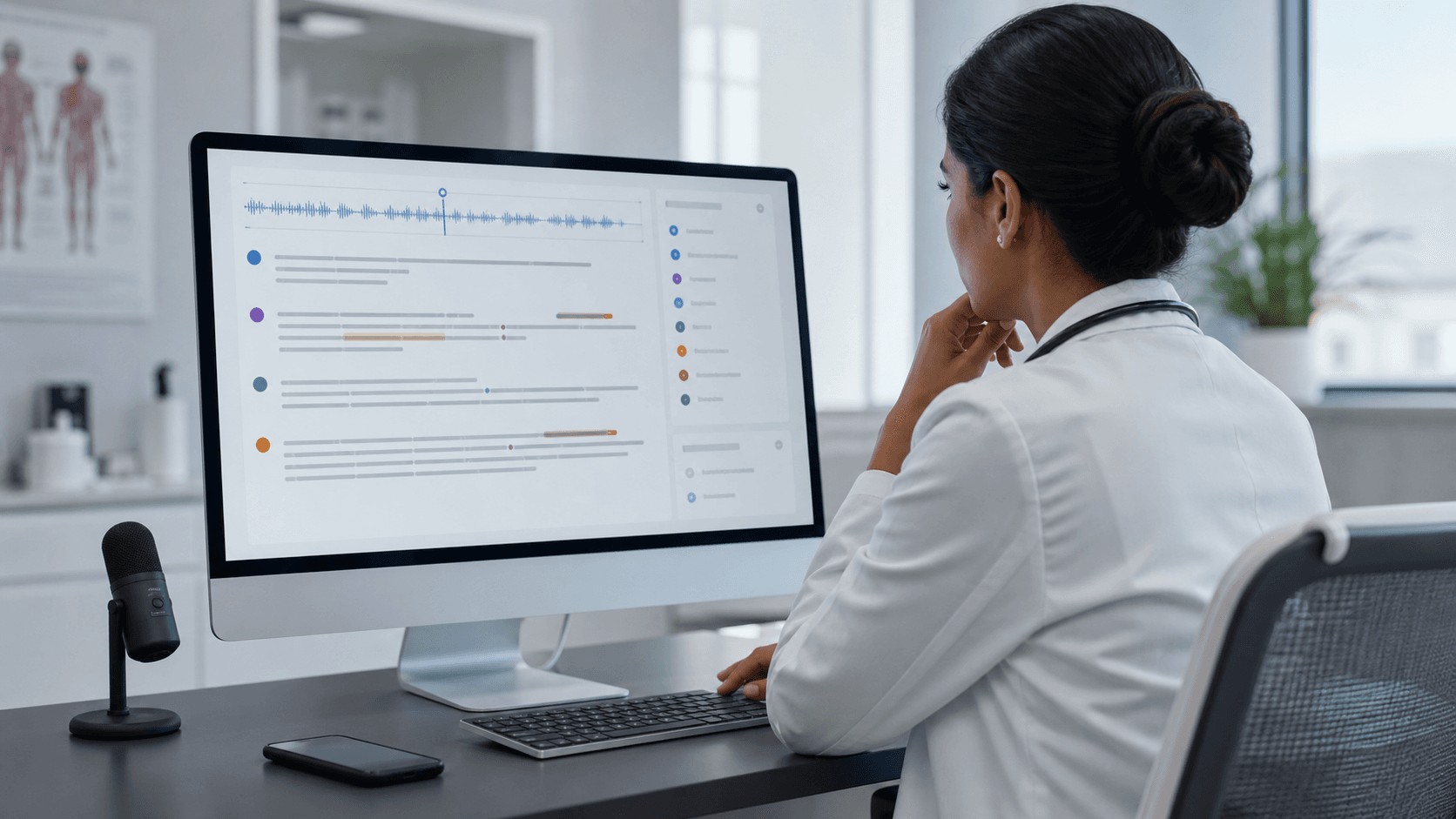
Legal depositions and medical dictation sit at the opposite end of the risk spectrum. Errors in these fields can carry serious consequences, so AI output is reliably used only as a preliminary draft requiring human review before it can be relied upon. A single misheard word can alter dosage, alter testimony, or alter liability. Data security adds a second layer of constraint: HIPAA compliance work affects which tools are even eligible for clinical documentation workflows, independent of accuracy alone.
3. Education - Lecture Transcripts and Accessibility Captions Where Accuracy Drives Comprehension and Compliance
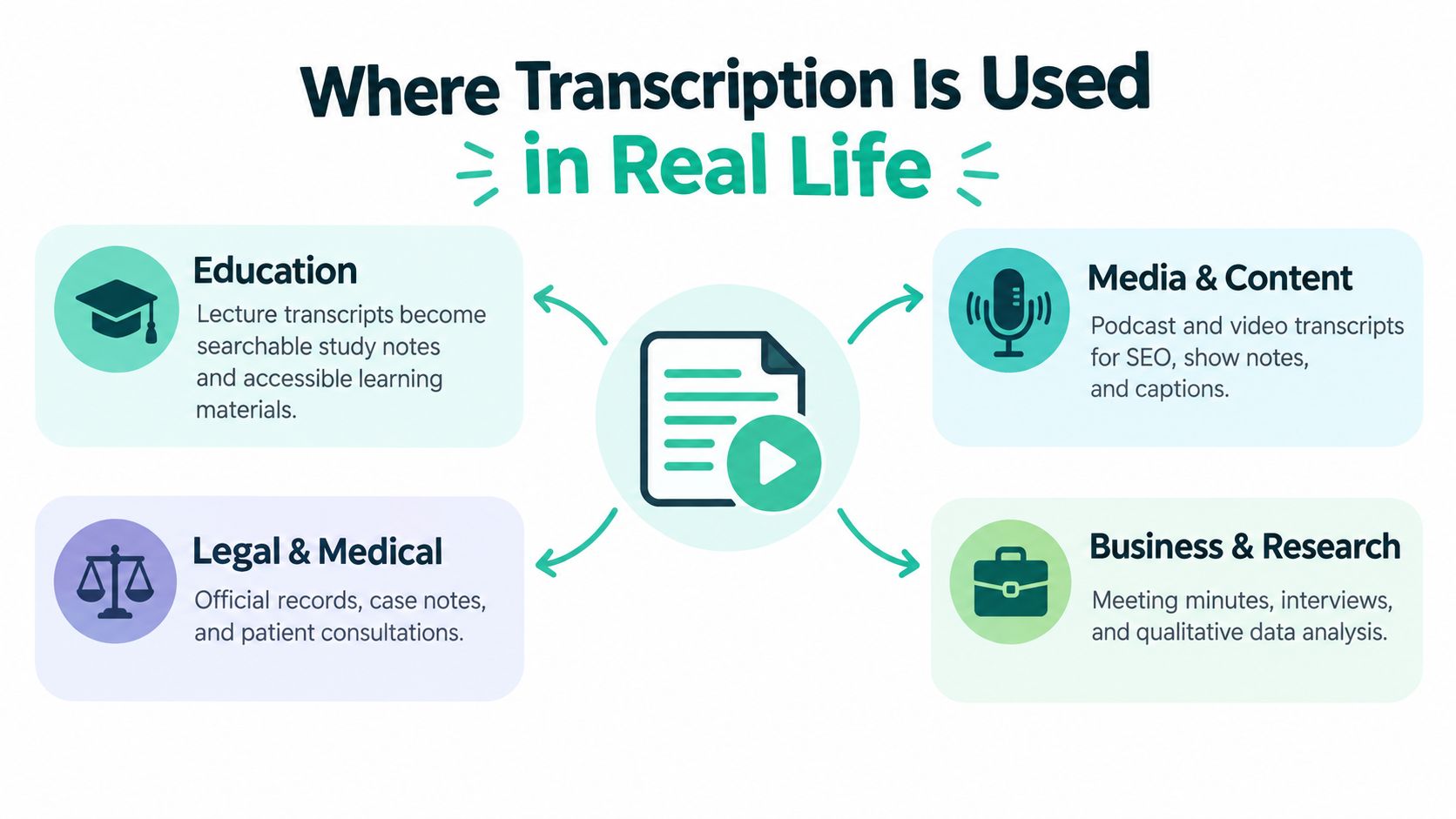
Lecture transcription sits in a middle tier: accuracy matters more than in meetings because students rely on the text to study, and accessibility captions carry a regulatory floor. Section 508 and ADA guidance for higher education online courses frequently cite a 99% accuracy requirement for captions, making this a compliance obligation rather than a quality preference. A transcript that is "good enough" for an internal recap is not good enough for a student with a hearing impairment who depends on it as their primary record.
4. Media and Content Creation - Public-Facing Errors in Subtitles, Captions, and Show Notes Damage Brand Credibility
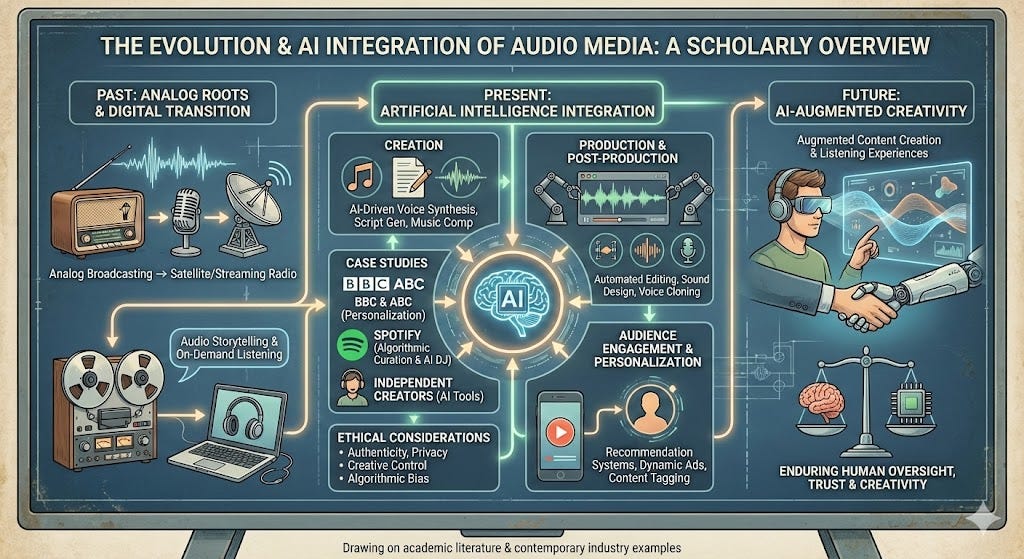
Podcast producers, YouTube creators, and video marketers rely on AI transcription to generate subtitles, closed captions, and SEO-rich show notes at scale. Unlike internal meeting notes, these outputs are visible to the public, so a garbled caption or misquoted guest becomes a brand liability. The key tradeoff is speed versus polish: AI drafts arrive in minutes but almost always require a dedicated editing pass before publication to catch homophones, proper nouns, and timing sync errors.
5. Research and Journalism Interviews - Verbatim Accuracy Matters for Quotation Integrity
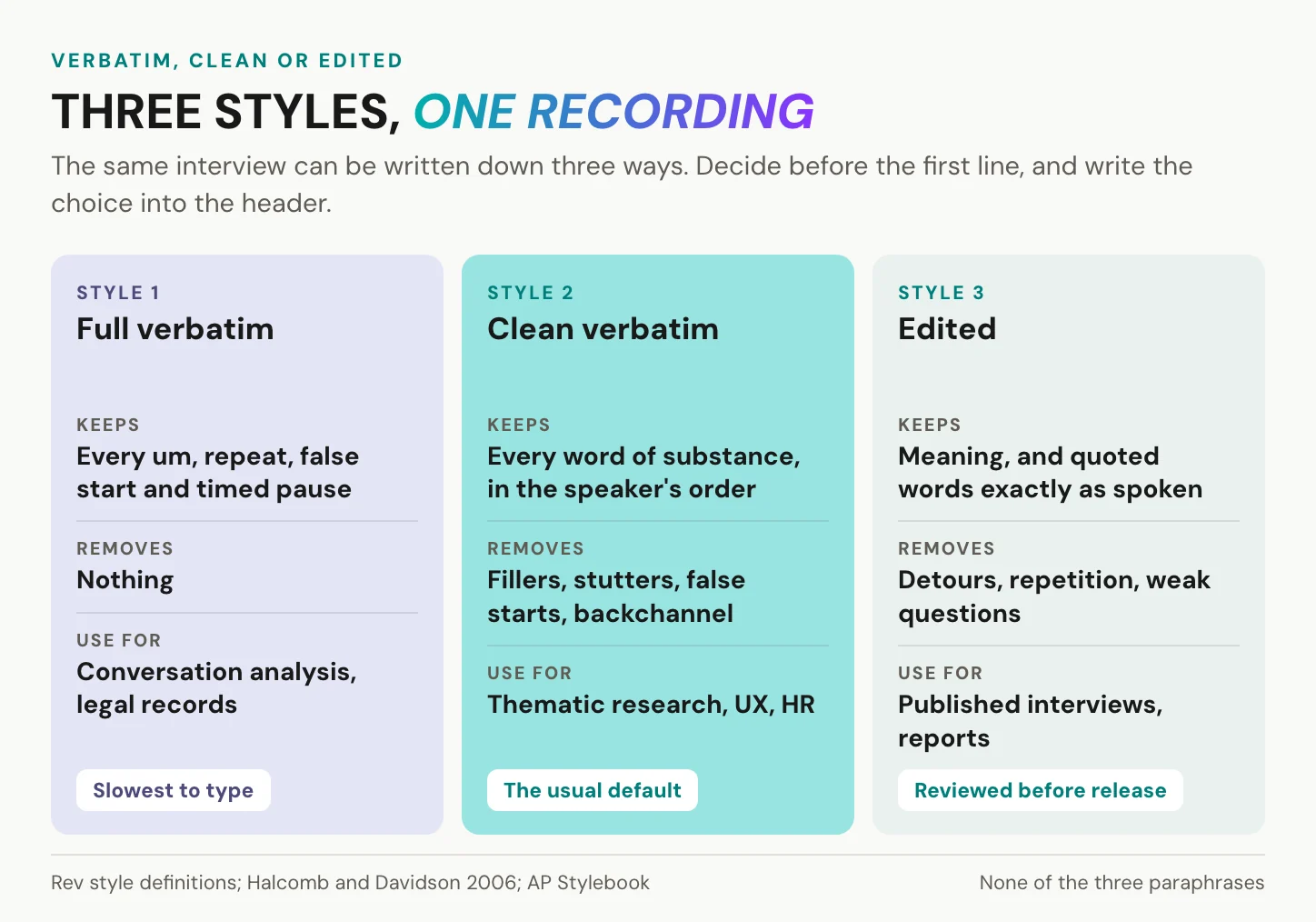
Research interviews and journalism recordings demand verbatim accuracy because the transcript feeds directly into published quotes. A paraphrased word is a factual error in a paper or an article. AI transcription can reduce the time spent on manual transcription significantly for researchers, but that productivity gain disappears if every quote still requires line-by-line verification against the original recording. The tradeoff is real: speed is the benefit, and verbatim fidelity is the condition under which that speed is actually usable.
Most solo operators assume they need a different tool for each risk tier. In practice, the smarter move is to test one tool against your own audio before committing. Cockatoo's self-serve model lets a single user run a free accuracy check on their own file, whether that file is a podcast episode or a research interview, without a team plan or a budget approval conversation. That test is the only reliable way to know whether the output meets your specific use case's threshold.
Knowing which use case you are in tells you how much accuracy you need. It still does not tell you whether AI can actually deliver that accuracy on your audio, or whether a human transcriptionist is the only safe option. That is the comparison the next section settles head-on.
AI Transcription vs Human Transcription When Accuracy Is the Only Thing That Matters
AI transcription typically costs between $0.10 and $0.25 per audio minute and returns a finished file in roughly the time it takes to upload it. Human transcription runs from $1.00 to $3.00 per audio minute at standard turnaround, climbing higher for rush delivery or technical subject matter, reaching $3.00 or more per audio minute. AI processes the same file in minutes at near-zero marginal cost per upload.

That cost gap narrows quickly once correction time enters the calculation.
| Factor | AI Transcription | Human Transcription |
|---|---|---|
| Speed | Minutes (near real-time) | 3 to 4 hours per audio hour |
| Cost per audio minute | Near zero marginal cost | that same figure to $2.00+ (what most teams report) |
| Correction time (clean audio) | Minimal | None needed |
| Correction time (heavy accent) | 10 to 30 minutes per hour | None needed |
| Best for | Single speaker, clean audio | Complex, multi-speaker, accented |
Where AI Breaks Down and Where Human Transcribers Still Win
Three specific failure conditions for AI emerge consistently across the broader industry: heavy accents, overlapping speech, and severe slang. In each of these scenarios, human transcribers maintain a clear accuracy advantage that no amount of post-editing fully offsets.
How to Decide - When AI Transcription Is Enough and When You Need a Human
The right choice depends on your audio conditions, your accuracy threshold, and how much correction time you can absorb. For operators who want to verify output quality before committing, Cockatoo's per-use model lets you upload your specific file and check accuracy against your actual audio conditions before subscribing.
Related Reading
- Best Transcription Software
- Turboscribe Pricing
- Local AI Transcription
- How To Transcribe A Video
- Multilingual Transcription
- Offline AI Transcription
Advanced Features AI Transcription Tools Offer Beyond Raw Text Output
Automated Summaries and Chapter Breakdowns Turn a Wall of Text Into a Usable Document
Modern AI transcription tools apply Natural Language Processing to produce structured output well beyond a raw text file. As the International Journal of Scientific Research in Science and Technology documented in April 2026, transformer-based models enable automated summarization and keyword extraction, turning a wall of text into an executive summary, timestamped chapter markers, and a list of key discussion points, so the transcript is immediately navigable without a full read-through.
Action Item Extraction and Sentiment Tagging Features That Justify a Paid Subscription
Named Entity Recognition extends that structure further. NER identifies people, tasks, and deadlines automatically, surfacing deliverables that would otherwise require a full read-through, precisely the gap that opens up in long sessions where dozens of names and locations are mentioned in passing. Sentiment tagging goes further, flagging conversation segments as positive, negative, or neutral, which is useful for reviewing sales calls or research interviews for emotional signal.
Cockatoo's Canvas, its built-in browser editor for correcting and working with the transcript, plus one-click AI summaries, is included on the Pro plan at $29.99/month, so a single user gets a cleaned transcript and structured notes without purchasing a team seat, a structure most competing tools reserve for multi-seat plans.
Built-In Translation Turns One Upload Into a Multilingual Asset
Language support varies significantly across tools, so specificity matters. Cockatoo's benchmarks page lists per-language coverage by transcription mode rather than collapsing everything into one figure. When language support is genuine, one upload produces a transcript, summary, and translated document without a separate workflow.
Cockatoo translates PDF, DOCX, PPTX, XLSX, and TXT files between languages while keeping the document usable; scanned PDFs and photos are supported via OCR (formatting less precise). The Free tier adds a watermark and a 1-page limit; paid plans have neither.
The breadth of that coverage is reflected in the product's reach. The translation feature is backed by roughly 55 directional translation landing pages.
Checking per-language benchmark data before committing to any plan is the first step, since headline marketing claims rarely reflect how a tool performs on your audio, your accent, and your language.
Pros and cons at a glance
| ✓ Pros | ✗ Cons |
|---|---|
| Translated PDFs come back as PDF with in-app preview before download | Free tier adds a watermark and a 1-page limit |
| One upload produces transcript, summary, and translated document | OCR formatting less precise for scanned PDFs and photos |
| Supports PDF, DOCX, PPTX, XLSX and TXT file translation | Glossary and side-by-side bilingual output not yet supported |
| Scanned PDFs and photos supported via OCR | Translating into several languages at once not yet supported |
11 Best AI Transcription Tools Debated by Users and Ranked by Verified Accuracy
Ranked review lists promise objectivity but deliver something closer to a popularity contest. The tools that dominate "best AI transcription" roundups are typically ranked by feature count, pricing tiers, or affiliate relationships, not by independently verified accuracy data. The tools most frequently debated in real user communities are debated precisely because their marketed accuracy figures do not hold up on accented speech, technical jargon, or noisy recordings.
That gap between homepage promise and real-world performance is where purchasing decisions go wrong, and it is the gap this list is built to close.
No single provider dominates across all audio conditions. Benchmark studies consistently show that the tool winning on clean English audio loses ground on non-standard accents, domain-specific vocabulary, or overlapping speakers. That means the "best" tool is always relative to the audio profile of the person asking. The eleven entries below are structured around what users actually experience on their specific audio, not what vendors say about themselves.
1. Cockatoo - Best for Unlimited High-Volume Transcription Across 30 Languages
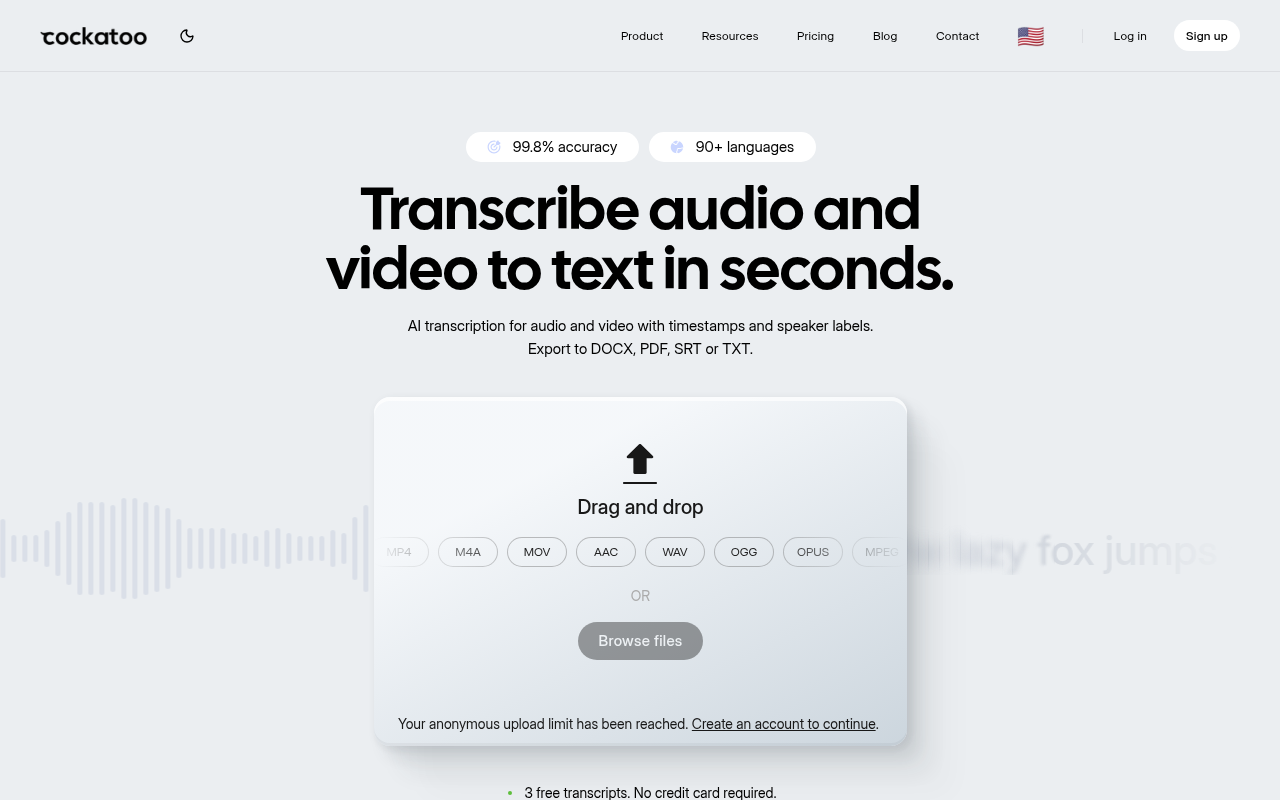
Where most subscription tools quietly enforce monthly hour caps without publishing per-language accuracy breakdowns, Cockatoo publishes benchmark data across 30 languages using the FLEURS dataset and real-world internal recordings, the same open dataset used to benchmark OpenAI Whisper, so you can verify accuracy on your specific language before committing. The Pro plan is confirmed at $29.99 per month with genuinely unlimited transcription on standard modes, no hidden queue throttling. The honest tradeoff: V4-Thinking and V4-Pro modes carry a weekly usage limit shown in Settings, so extremely heavy users of those advanced modes will hit a ceiling.
2. OpenAI Whisper - Best Open-Source Baseline for Developers Who Control Their Stack
Whisper is the reference point every other tool benchmarks against, and for good reason. Its word error rate on the FLEURS multilingual dataset established an honest open-source baseline that closed-source vendors now have to beat or at least match. The real-world debate centers on accented speech: Whisper performs well on standard accents but degrades noticeably on heavy regional accents or fast-paced technical dialogue. It is the right call if you control your own infrastructure and want full data ownership. It is the wrong call if you need a browser-based upload, a clean export, or any kind of support.
3. Otter.ai - Best for English-Language Meeting Transcription with Calendar Integration
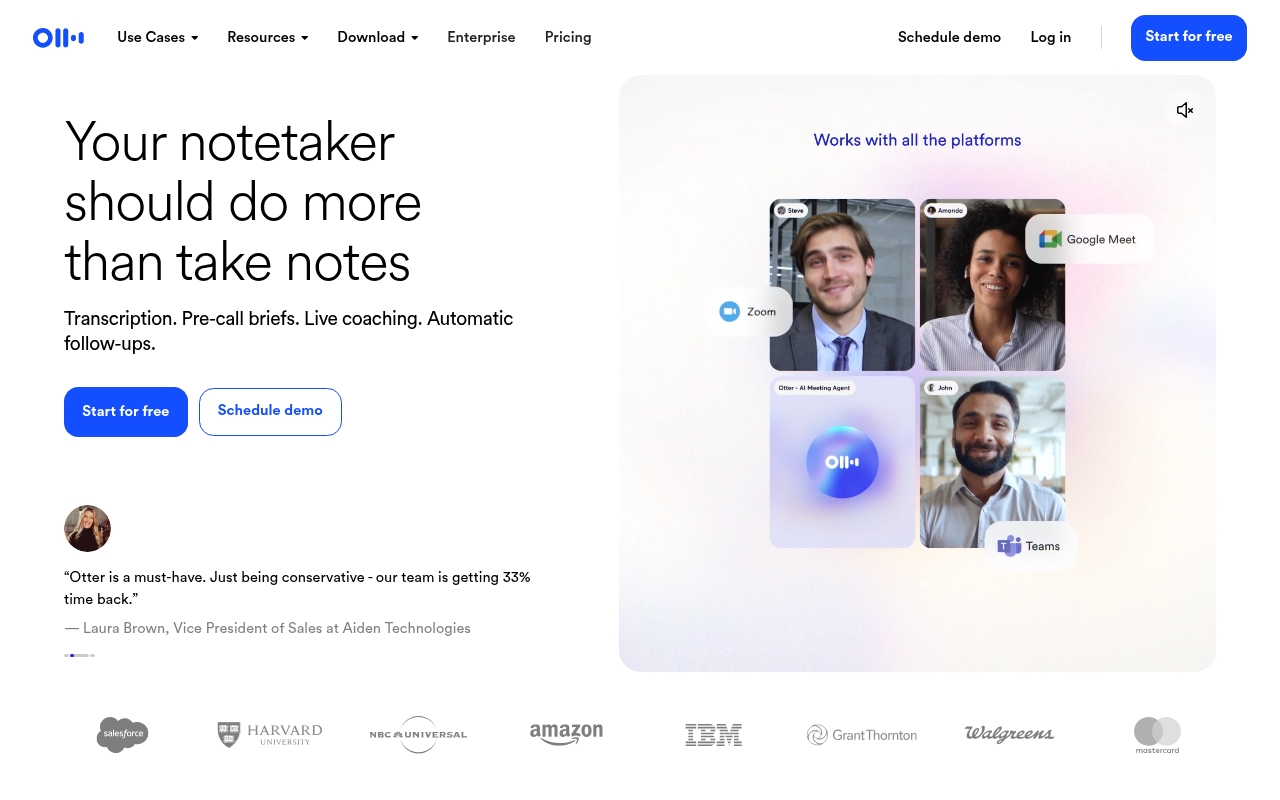
Otter.ai's free tier offers 300 minutes per month, which is enough for light users to evaluate the product before paying. The calendar integration and live-meeting sync are genuinely useful for English-language teams. The debates in user communities center on two hard limits: the free tier's 300-minute cap runs out faster than most users expect, and multilingual support is effectively absent, making Otter a poor fit for anyone transcribing non-English audio. If your recordings are English-only and meeting-focused, it competes well. If your audio is multilingual or heavily accented, accuracy drops in ways the homepage does not advertise.
4. Rev - Best for Human-Verified Transcription When Accuracy Is Non-Negotiable
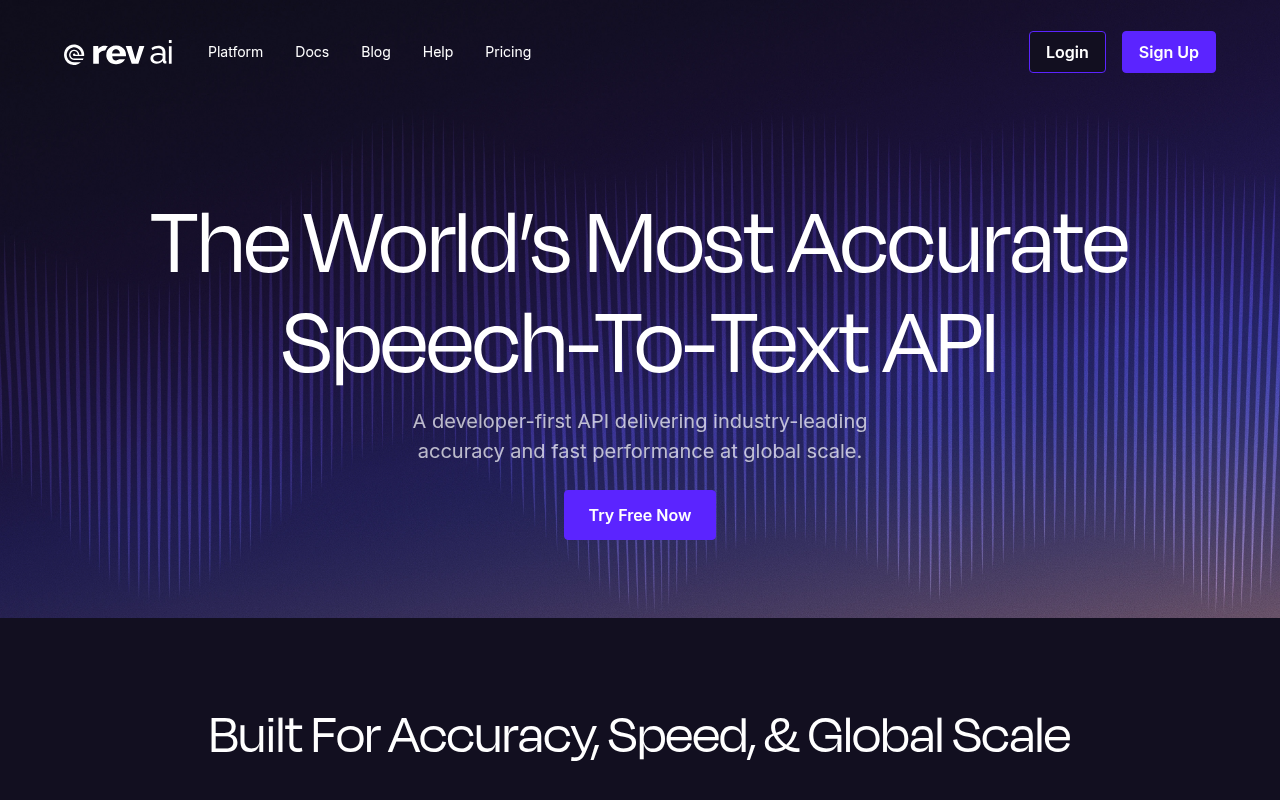
Rev operates a dual-track pricing model: AI transcription and human transcription, with a published 99%+ accuracy guarantee on the human tier, delivered in 12 hours or less. That guarantee is the key differentiator for compliance-grade use cases where a wrong word creates a legal or regulatory problem. The tradeoff is straightforward: the human tier is expensive at scale. For a solo operator transcribing dozens of hours per month, that cost compounds quickly. Rev is the right call when accuracy on a specific file is genuinely non-negotiable; it is not a volume play.
5. Sonix - Best for Multilingual Academic and Interview Transcription at Pay-As-You-Go Rates
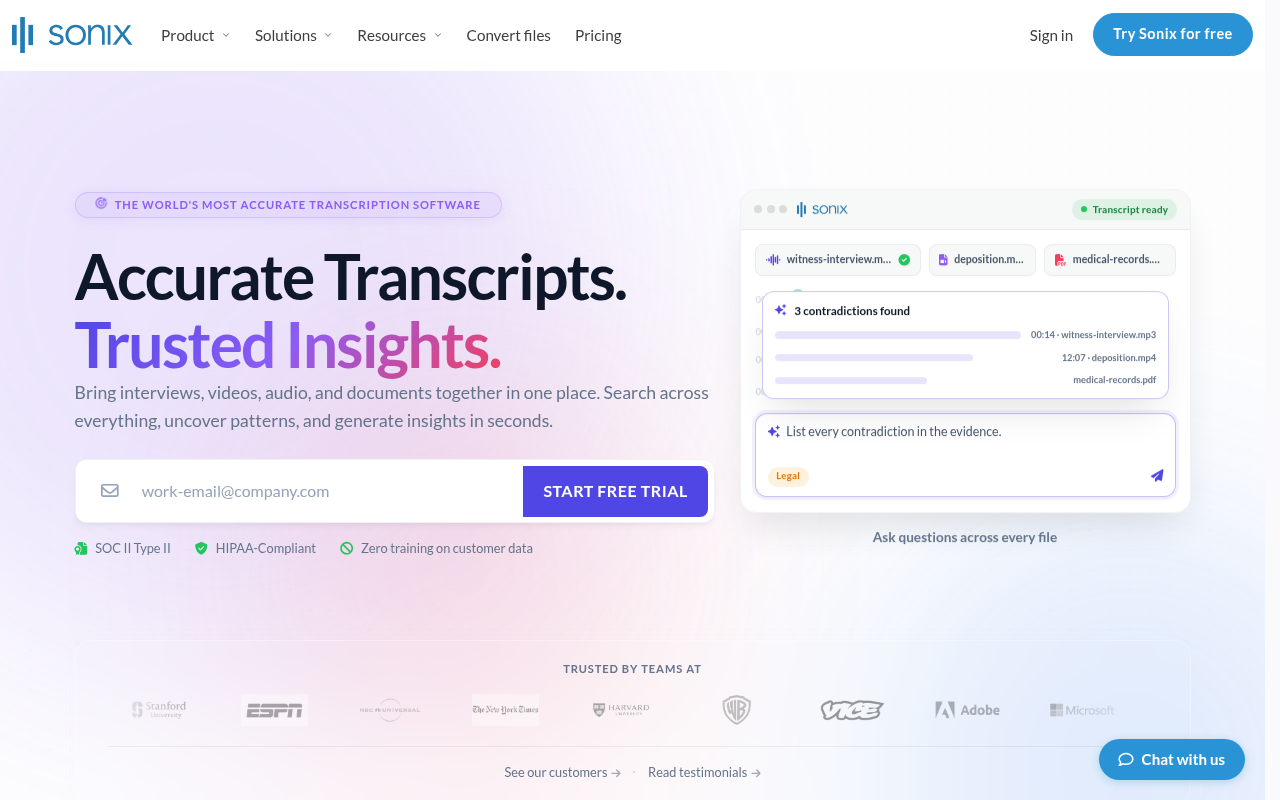
Sonix earns consistent Reddit mentions from researchers transcribing interviews in German, Spanish, and other non-English languages where Otter.ai falls short. At $5/hour on the standard plan, it suits thesis work and sporadic professional use without a subscription commitment. Sonix also markets heavily to legal teams requiring precision. The limitation: its editor is functional but less polished than Descript's, and accuracy on heavily accented or overlapping speech trails dedicated tools.
6. Descript - Best for Podcast and Video Creators Who Edit Audio by Editing Text
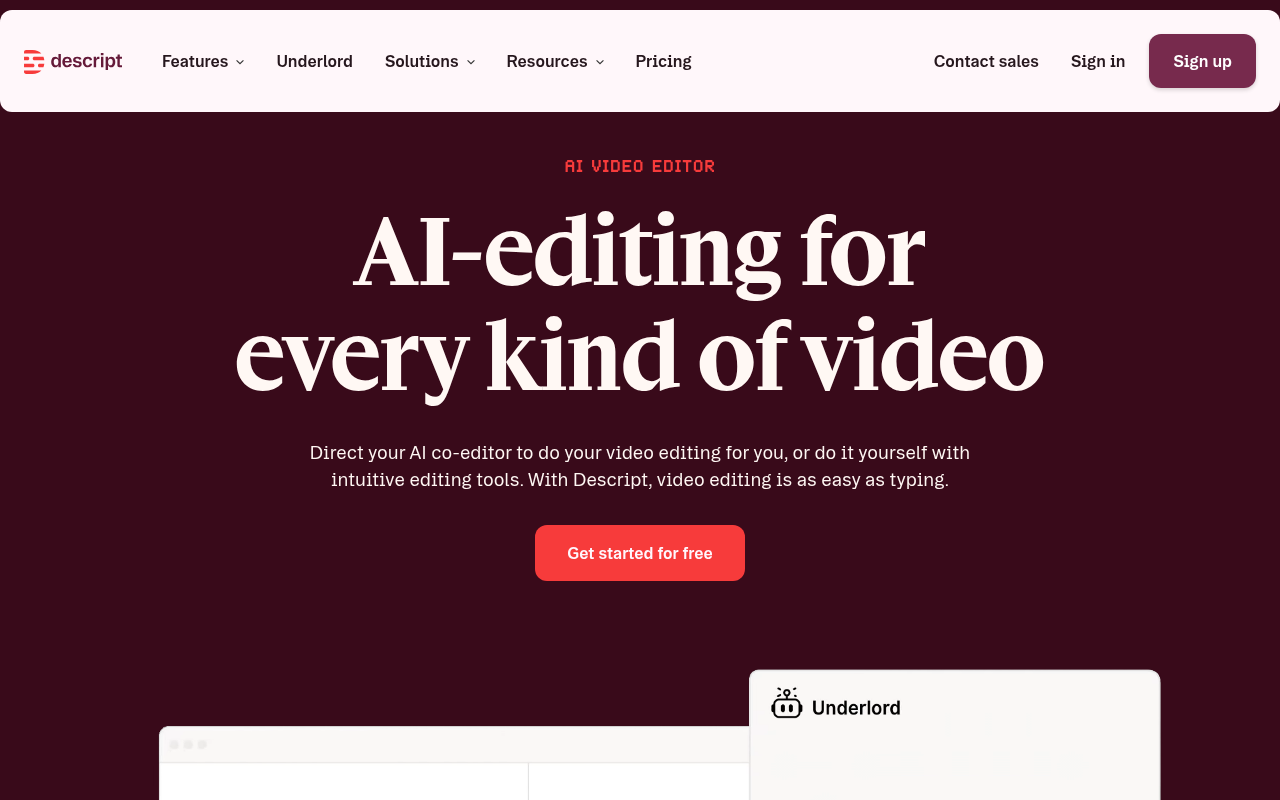
Descript's core differentiator is its text-based editing interface: change the transcript and the audio changes with it. For podcast producers and video editors, that workflow saves real time on post-production. The accuracy debates are less about raw word error rate and more about how errors propagate: a misrecognized word in Descript does not just produce a wrong transcript, it produces a wrong edit. Users working with heavy accents or non-standard speech report that the edit-by-text workflow becomes a liability when the underlying transcript is unreliable. It is the right tool for creators whose audio is clean and whose workflow is edit-heavy.
7. Trint - Best for Broadcast Journalists and Newsrooms Requiring Fast Turnaround and Team Collaboration
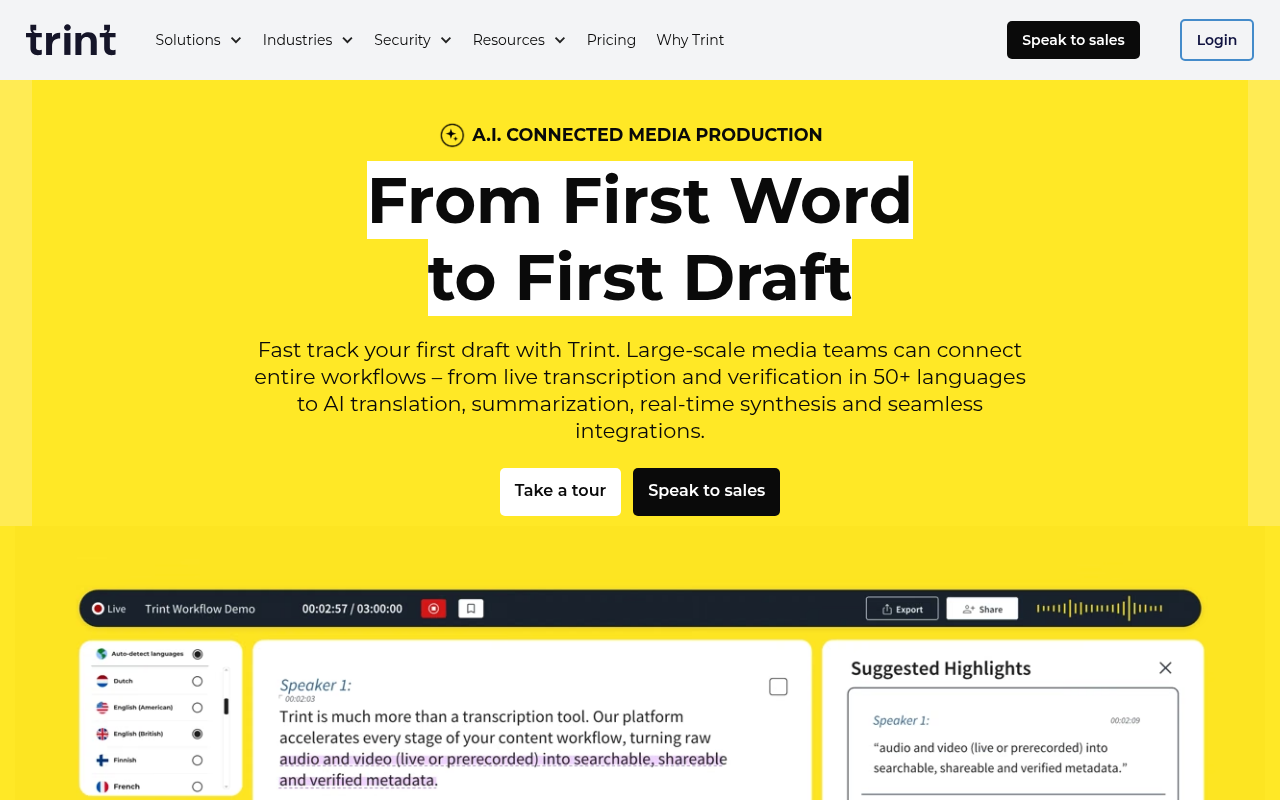
Trint's pricing page does not publish a per-seat price of $60/month; instead, it segments plans by number of users (1-3, 4-10, 11+) and directs visitors to "Speak to a Trint expert," indicating pricing is quote-based rather than a stated $60 per seat per month, which makes it prohibitive for solo operators but defensible for newsroom teams where collaborative editing and fast turnaround justify the cost. The accuracy debates among journalists focus on speaker diarization in multi-person interviews: Trint handles clean two-person conversations well but struggles when speakers overlap or talk at similar volumes. For broadcast contexts where turnaround speed and team access matter more than per-minute cost, Trint is a legitimate choice. For individuals, the per-seat model simply does not make economic sense.
8. Happy Scribe - Best for European Language Transcription with Human Correction Add-On
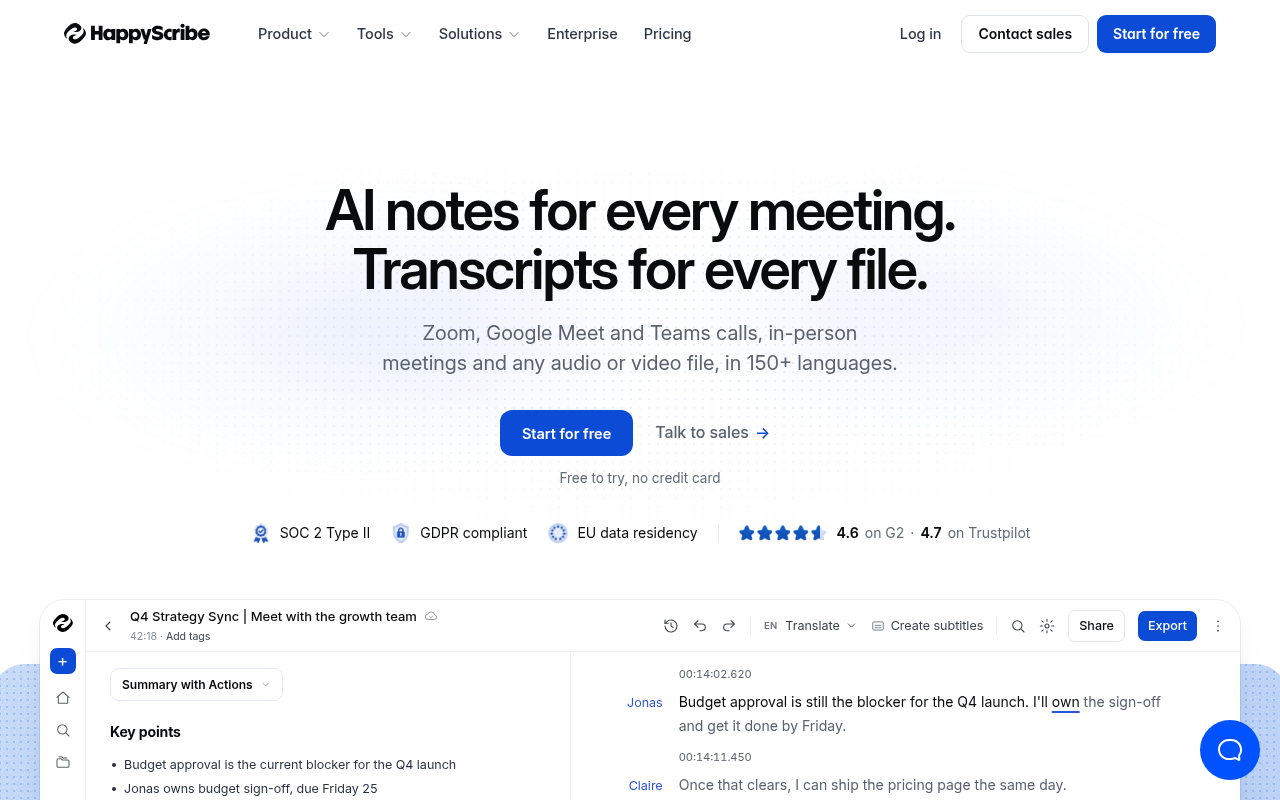
Happy Scribe has built a reputation in European markets for language coverage that US-centric tools do not match. The human correction add-on lets users submit a file for AI transcription and then pay for a human reviewer to clean it, which is a practical middle path between full AI and full human transcription. The accuracy debates center on whether the AI layer is accurate enough to make the human correction step genuinely fast or whether reviewers are effectively retyping. For European languages specifically, Happy Scribe consistently outperforms tools benchmarked primarily on English audio.
9. Turboscribe - Best for Solo Creators Wanting Unlimited Files at a Flat Monthly Rate
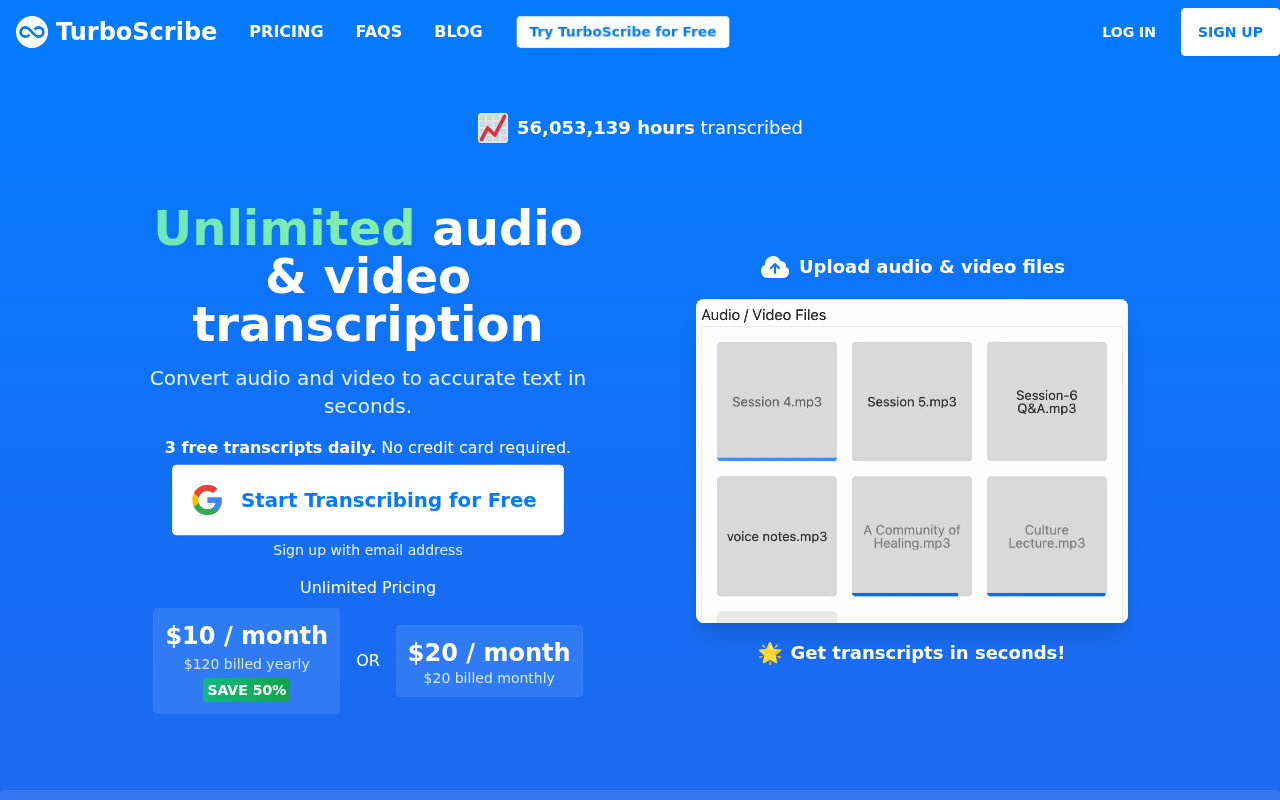
Turboscribe markets itself on unlimited volume at a flat price, and community debates have tested that claim directly. Users transcribing at high volume have reported discovering queue throttling during peak periods, meaning "unlimited" in practice means unlimited file submissions, not unlimited processing speed. For solo creators with moderate volume and clean English audio, Turboscribe delivers on its promise. For users with heavy accents, non-English recordings, or genuinely high daily volume, the accuracy and throughput gaps surface quickly. It competes on price and simplicity rather than on published benchmark data.
10. Notta - Best for Multilingual Real-Time Meeting Transcription with AI Summary Output
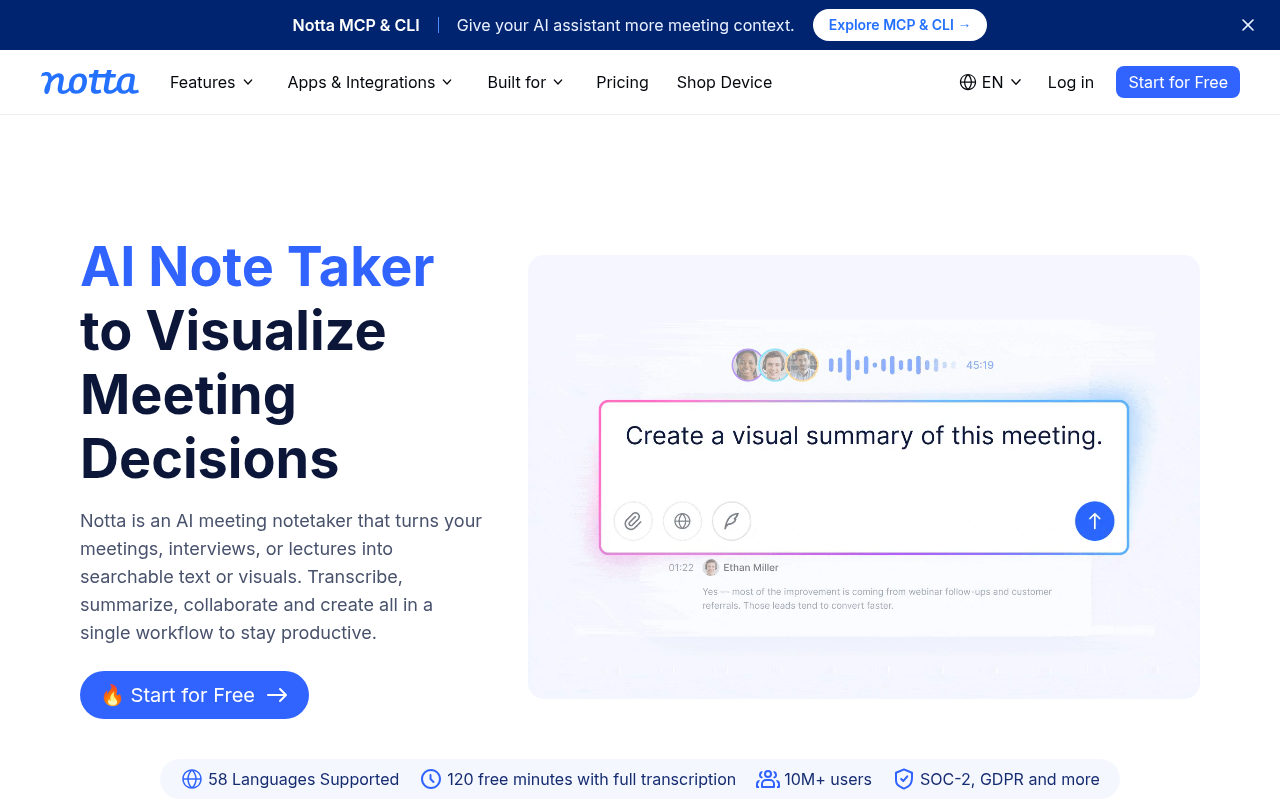
Notta's primary use case is live meeting transcription with AI-generated summaries, and it supports a wider range of languages in that real-time context than most meeting-focused tools. For teams that need a multilingual meeting record with a quick summary, Notta is a practical option. For users who need verbatim accuracy on the underlying transcript, the summary layer adds noise rather than value.
11. Fireflies.ai - Best for Sales and RevOps Teams Tracking Conversation Intelligence Across Calls
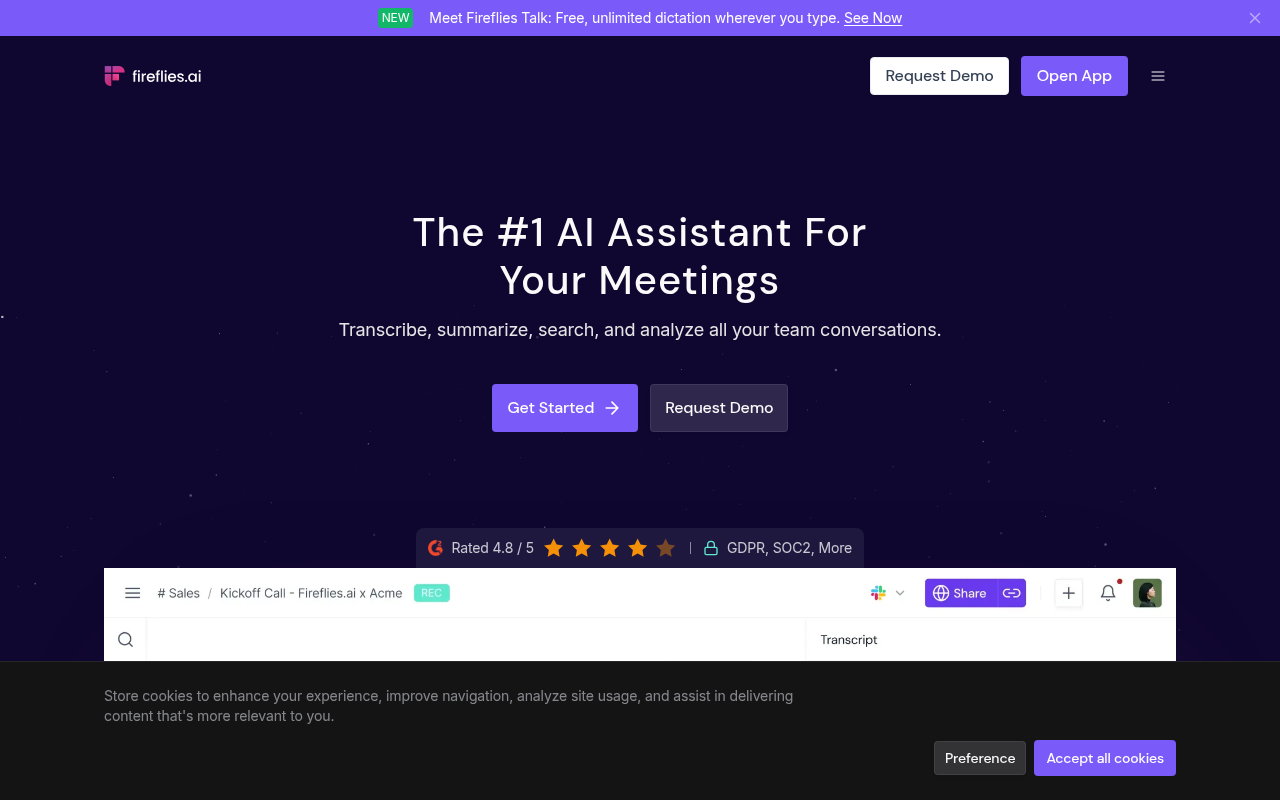
Fireflies.ai sits at the intersection of transcription and CRM workflow, automatically logging call transcripts and surfacing conversation intelligence for sales teams. The accuracy debates in sales and RevOps communities focus on two concerns: first, whether the transcript is accurate enough to be trusted as a verbatim record of a customer commitment; second, whether call data processed through a third-party tool creates privacy exposure that enterprise procurement would flag. For teams where conversation intelligence and CRM integration matter more than verbatim accuracy, Fireflies.ai earns its place. For users who need a clean, accurate transcript they can share as a legal or compliance record, the verbatim quality is not its strength.
Every tool on this list makes accuracy claims, but as the entries above show, the gap between a homepage promise and what users actually experience on their audio is where purchasing decisions go wrong. The next section gives you a repeatable three-question filter to pressure-test any of these tools against your specific language, accent, and audio type before you hand over a subscription fee.
Related Reading
- Best Transcription App
- Descript Vs Otter
- Fireflies Vs Otter
- Trint Vs Rev
- Happy Scribe Vs Rev
- Otter.AI Competitors
How to Choose an AI Transcription Tool Without Getting Burned by Unverifiable Accuracy Claims
Most buyers who left negative reviews of AI transcription tools on G2 and Capterra cited accuracy worse than advertised as their primary complaint, according to industry research on transcription software. That gap between claim and reality is the central problem buyers face.
"Users cannot easily verify transcription accuracy claims before committing. The tool is promoted as accurate but provides no benchmarks, error rate data, or independent validation, leaving users to take the developer's word for it."
— what we hear from transcription tool users
The Three Questions That Expose Whether an Accuracy Claim Is Real
The first question: does the tool publish benchmark data broken down by language or audio type, not a single blanket percentage? A single number tells you nothing about performance on your specific content. If a vendor cannot point you to a per-language or per-audio-type breakdown, the headline number is marketing copy.
The third question: can you cancel without contacting a sales team? If the answer requires an enterprise conversation, the tool is not built for a solo operator.
Pricing Structures That Kill the Purchase Before It Starts
Pricing is the second barrier, and it compounds the accuracy problem. Those seat minimums are rarely flagged clearly on the pricing page. It is a filter that pushes individual users toward paying for seats they will never fill. If the pricing page routes you to a "Contact Us" button before you can subscribe, the tool is not designed for you.
Cockatoo's self-serve Pro plan sidesteps both problems. There are no seat minimums and no sales calls required to subscribe or cancel.
What the Refund and Support Policy Reveals About Risk Allocation
A tool's cancellation and refund terms are not administrative fine print. They are the clearest signal of where the vendor believes the risk of a wrong purchase should sit. When those terms are buried or absent, the vendor has already decided the buyer absorbs that risk.
For a solo operator, that cost covers more than the subscription fee. It includes the hours spent correcting a transcript that was supposed to save hours, plus the time spent navigating a cancellation process designed to create friction. The practical standard to apply before purchasing is straightforward: the tool should offer a no-card free tier or a documented refund window, cancellation should require no more than a settings toggle, and support response time should be published rather than implied.
If none of those conditions are met, the vendor's confidence in their own accuracy claim is lower than their marketing suggests, and the cleanup cost of finding that out after payment belongs entirely to the buyer.
Related Reading
Next steps
If you spent time comparing accuracy percentages across tool homepages only to discover that no vendor segments their claims by language, accent, or audio type, the path forward starts with treating those numbers as marketing copy and running your own test on your own file. Start with our transcription software.
The use case, not the headline figure, determines whether AI transcription saves time or creates a correction project. A casual meeting recap tolerates a 2 to 3 percent error rate; a research interview or legal recording does not, and almost no vendor tells you which audio conditions produced their published benchmark. That gap compounds when advanced features enter the picture. Automated summaries and action-item extraction are multipliers, not correctives: every layer of intelligence built on a flawed transcript compounds the original error rather than containing it. Together, those two realities point to one logical step before any subscription decision: test the tool on the recording that would actually expose a weakness, not a clean demo clip.
Start with transcription software that publishes per-language benchmark data and lets you upload your own audio on the free tier before a credit card enters the picture. Three files per day, up to 30 minutes each, no commitment required. Upload the interview with the heavy accent, the noisy call recording, the multi-speaker meeting. If the output holds up against your actual audio, the purchase decision answers itself. If it does not, you have lost nothing.
Frequently Asked Questions
Does background noise really hurt accuracy that much?
Yes, the signal-to-noise ratio of your recording sets a hard ceiling on everything that follows, and no AI model can fully recover from degraded input. Research by Trabelsi et al. (SCITEPRESS 2024) confirms that noise conditions fundamentally shape what any ASR system can recover. The most actionable fix is within your control before you ever hit upload: better mic placement, a quiet room, or a directional microphone can lift accuracy more than switching tools.
Will AI transcription handle multiple speakers talking over each other?
Overlapping speech is the most fragile scenario for any AI transcription pipeline, when two people talk at the same time, the diarization model often misattributes lines, merges speaker turns, or drops segments entirely. Heavy accents compound the problem because the acoustic fingerprint used to distinguish speakers becomes less reliable. For teams dealing with this at scale, shared transcript editing means a misattributed speaker label can be corrected once and propagated rather than fixed independently by every team member.
Is batch processing or real-time transcription more accurate?
Batch (asynchronous) processing consistently produces cleaner output for recorded files. Real-time transcription must commit to word choices before a sentence ends and cannot apply a second decoding pass to correct early mistakes, while asynchronous processing analyzes the full audio context before generating a transcript. If you're working with a recorded interview, podcast, or call rather than live captions, uploading the complete file as a batch will give you better results.
How do I know if an AI transcription tool will actually work for my language or accent?
You can't rely on a vendor's advertised accuracy figure alone, because most published benchmarks come from clean, native-English test sets that don't reflect real conditions, and no vendor is required to disclose what audio conditions or language produced their claim. The practical move is to test the tool on your own audio before committing to a subscription. Per-language coverage benchmarks (covering 30 languages using FLEURS and real-world results) are published on Cockatoo's benchmarks page so you can verify support for your specific language before building a workflow around it.
When does the cost of AI transcription stop being worth it?
The savings reverse the moment accuracy is low enough to require heavy manual correction. At an 85% accuracy rate on a 60-minute recording, roughly 8,000 words, around 1,200 words will be wrong, and fixing each one in context means re-listening, re-reading, and re-typing rather than skimming for typos. As Ditto Transcripts notes, when AI accuracy is poor, the time spent on manual error correction wipes out the speed and cost advantages entirely, meaning a cheaper, less accurate tool can end up costing more in labor than a human transcriptionist would have.