10 Best Local AI Transcription Tools I Switched To in 2026

Local AI transcription keeps your audio off third-party servers, but the hidden costs in hardware, setup time, and accuracy failures often outweigh the privacy win.
Cloud transcription tools expose sensitive recordings to third-party infrastructure, charge fees that compound fast, and stop working the moment your connection drops. But the path most guides recommend, running a local AI transcription tool on your own machine, arrives with its own costs that rarely appear in the headline.
Per-minute pricing hits harder than it looks. Local and cloud-based transcription tools each combine three distinct friction points:
Image: Cloud privacy risks versus messy local AI transcription setup on a split desk
- Data-privacy exposure on third-party servers
- Per-minute or per-hour fees that scale painfully
- A hard dependency on a live internet connection
itsoli.ai's January 2025 research found that cloud tools exposing sensitive audio to third-party servers is one of the top reasons professionals hesitate to adopt AI at all. This concern is widespread: 73% of employees believe generative AI introduces new security risks, underscoring why data privacy remains a critical barrier to AI adoption. Those grievances are valid, but they are only half the story.
73%
of employees see AI as a security risk
Getting a local transcription engine running is not a ten-minute job. The hardware wall is steep: the large Whisper model requires at least 8 GB of GPU VRAM to run at usable speed, ruling out most consumer laptops.
Many users discover that requirement only after downloading the model, then settle for smaller, less accurate models just to get something working.
Word error rates for local engines rise sharply on accented or non-native English speech, and that failure is invisible until you have already spent an hour on setup and another hour post-editing a transcript that missed every third sentence. The privacy win is real, but the accuracy gap surfaces at the worst possible moment. The bottleneck was never really where your audio goes; it was whether the engine is accurate enough to trust on your audio.
The bottleneck was never really where your audio goes, it was whether the engine is accurate enough to trust on your audio.
Key takeaways
- "Local AI transcription" covers three different technical realities, fully offline, browser-based, and hybrid, and picking the wrong one means starting over after hours of setup.
- Downloading a local model takes minutes; getting it to produce usable output on your actual audio can take days, especially without a dedicated GPU or command-line experience.
- Most self-hosted tools never publish accuracy benchmarks, so you only discover the error rate after you've already committed to the workflow.
- Privacy is a real and legitimate reason to go local, regulated industries in healthcare, legal, and finance often have no choice, but privacy alone doesn't make a transcript accurate enough to use.
- OS and hardware are the first filters that eliminate most tools before features even matter; a model optimized for Apple Silicon may refuse to run on a Windows machine with no discrete GPU.
- Accuracy, privacy, and setup effort form a triangle, no fully offline tool tops all three, and the trade-off is almost always accuracy or time.
- Cockatoo runs transcription in the browser with no per-minute fees, publishes per-language accuracy benchmarks, and pairs the engine with an AI Notes editor, Drive storage, and an iOS note-taker, closing the gap between verifiable quality and the privacy expectations that sent most people searching for a local tool in the first place.
What Local AI Transcription Actually Is and How It Differs From Cloud Transcription
Local AI transcription and cloud transcription represent fundamentally different approaches to converting speech to text, each with distinct privacy, cost, and performance trade-offs that matter before you commit to either.
Image: Triptych comparing local on-device, browser-side, and cloud AI transcription privacy spectrum
Local AI Transcription - What It Is and How It Differs
Local AI transcription puts the speech-to-text engine on your own hardware so no audio ever reaches a remote server, but that privacy guarantee comes with real trade-offs in cost, setup time, and processing speed.
Three distinct technical realities hide behind the single phrase "local AI transcription," and treating them as one thing leads people to the wrong tool for a job they needed done yesterday.
What "Local AI Transcription" Actually Means
Local AI transcription means the transcription model runs entirely on your device. No audio file travels over a network. No vendor receives a recording.
Tools like MacWhisper fit that definition precisely: once the model weights are downloaded and cached to disk, the app works with no internet connection at all. Cloud transcription works differently: your recording leaves the device, travels to a vendor's server, gets processed there, and a transcript comes back.
The Privacy Spectrum - Why Local, Browser-Side, and Cloud Are Three Different Things
Most people draw one line: local or cloud. In the middle sits browser-side processing, where audio is stripped from a video file inside the browser tab before anything reaches a remote server. The critical question is at exactly which point in the pipeline your audio becomes accessible to a third party.
Hybrid pipelines add another layer: raw audio stays on the device; only the finished text travels to a cloud API for cleanup, which means the privacy boundary sits somewhere between fully local and fully cloud.
Four Ways Local Transcription Is Actually Implemented
Desktop GUI apps like MacWhisper download model weights once and run inference locally on every subsequent file. CPU inference on consumer hardware is slow enough that a one-hour recording can take longer than real-time to process, a real constraint for anyone transcribing a full day of interviews. Command-line tools give more control; self-hosted server setups extend local processing to a team.
Browser-strip tools occupy the practical middle ground. Audio processing happens inside the browser before upload, addressing data custody without requiring a GPU or a command line. Cockatoo uses this approach, and its published per-language benchmarks let a user verify accuracy before committing, a combination of data control and verifiable quality that most fully local CLI tools cannot offer together.
Related Reading
- Turboscribe Pricing
- Offline Ai Transcription
- How To Transcribe A Video
- What Is Ai Transcription
- Transcription Accuracy
- Multilingual Transcription
- Best Transcription Software
The Real Hardware and Setup Cost of Running Local Transcription Tools
The common assumption among prosumers at small businesses, the one person responsible for turning a recording into text, is that local and offline tools are the only safe, affordable option for private transcription, and that anything cloud-based will either leak their data or charge them per minute. Both assumptions deserve closer scrutiny before committing to either path.
Pros and Cons at a Glance
| ✓ Pros | ✗ Cons |
|---|---|
| Audio never leaves your machine | Setup process can itself generate a data-exposure surface |
| Satisfies regulated-industry data custody requirements | Self-reported word error rates rarely benchmarked across accents |
| Works in air-gapped or low-connectivity environments | Timing drift on long-form content creates recurring correction cost |
| No business associate agreement or third-party sub-processor to vet | GPU depreciation and command-line overhead add hidden costs |
CPU vs. GPU, What Hardware Each Whisper Model Size Actually Demands
Running local transcription on CPU alone is technically possible but practically painful for anything beyond short clips. According to whisper.cpp (Georgi Gerganov / ggerganov), model weights in GGML format range from roughly 75 MB (tiny) to 1.5 GB (large), so storage is rarely the bottleneck. Processing speed, however, scales sharply with available compute. A large-v3 model processing a 30-minute interview on a 2021 MacBook Air CPU takes around 12 minutes; the same file on an RTX 3080 finishes in roughly 90 seconds. A capable discrete GPU closes the gap, but consumer cards with 8 GB VRAM suitable for larger Whisper models currently start around $300 to $500 USD used.
Key takeaway: A meaningful GPU is a practical prerequisite for usable speed on large models, and per-minute cloud pricing may not exceed that capital cost for moderate workloads.
The Maintenance Bill Nobody Quotes
Hardware is only the first line item; the software stack compounds the cost over time. Python virtual environments introduce their own tax: dependency conflicts between faster-whisper, CUDA drivers, and PyTorch versions are a recurring time sink consuming hours per environment update. Model updates add further friction, since each new release requires manual download, re-quantization checks, and re-validation against existing workflows. The total hidden time cost across initial setup, first conflict, and first model update regularly reaches 4 to 8 hours for a non-technical user.
For those who would rather spend that time on the work itself, Cockatoo offers a different trade-off. Cockatoo strips audio on the device before any network call, preserving the same data-privacy benefit that draws people to local tools in the first place, while the hardware bill, the Python environment, and the maintenance calendar all disappear. A transcript comes back on the first upload, with no setup and no credit card required: the free tier supports three files per day, up to 30 minutes each, with 2 GB of encrypted cloud storage and no installation step between the recording and the result. For workloads that outgrow the free tier, paid plans scale by volume rather than by the minute.
10 Best Local AI Transcription Tools I Actually Switched To in 2026
Ten tools claim the "local AI transcription" label in 2026, but they sit at wildly different points on a triangle of trade-offs: how private the tool actually is, how accurate the engine is on your specific audio, and how much technical effort it takes to get a single file through. No tool tops all three. What follows is an honest ranking of each one across those dimensions, so you can match the tool to your real constraint rather than its marketing copy.
The accuracy-discovery problem is the one cost nobody warns you about. Because most local tools reveal accent and dialect failures only after a full installation and a complete test run, you absorb setup time, troubleshooting hours, and post-editing labour before you can even confirm the engine fits your audio. That total-cost profile quietly undercuts the "free local tool" argument for anyone who values their time as much as their privacy.
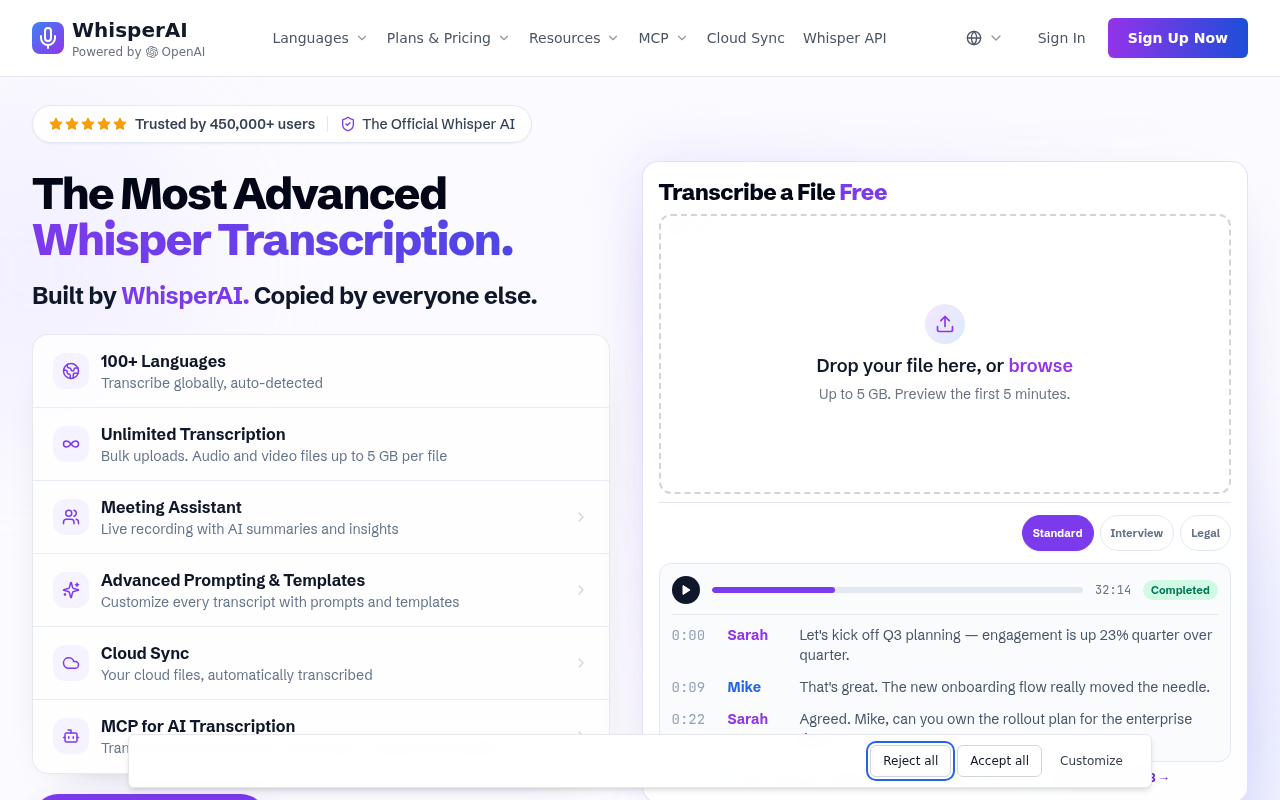
A real and widely felt frustration in this category is the subscription trap: paying monthly for Otter, Fireflies, or Granola just to get reliable accuracy, while those same tools upload every audio file to third-party servers, exposing confidential meeting content to cloud infrastructure you do not control. That combination of cost and privacy risk is precisely why so many people go looking for local or free alternatives in the first place. The tools on this list each respond to one or both of those pressures in different ways, which is worth keeping in mind as you read the rankings below.
1. Cockatoo - Best for Verified Per-Language Accuracy Benchmarks on a Privacy Spectrum
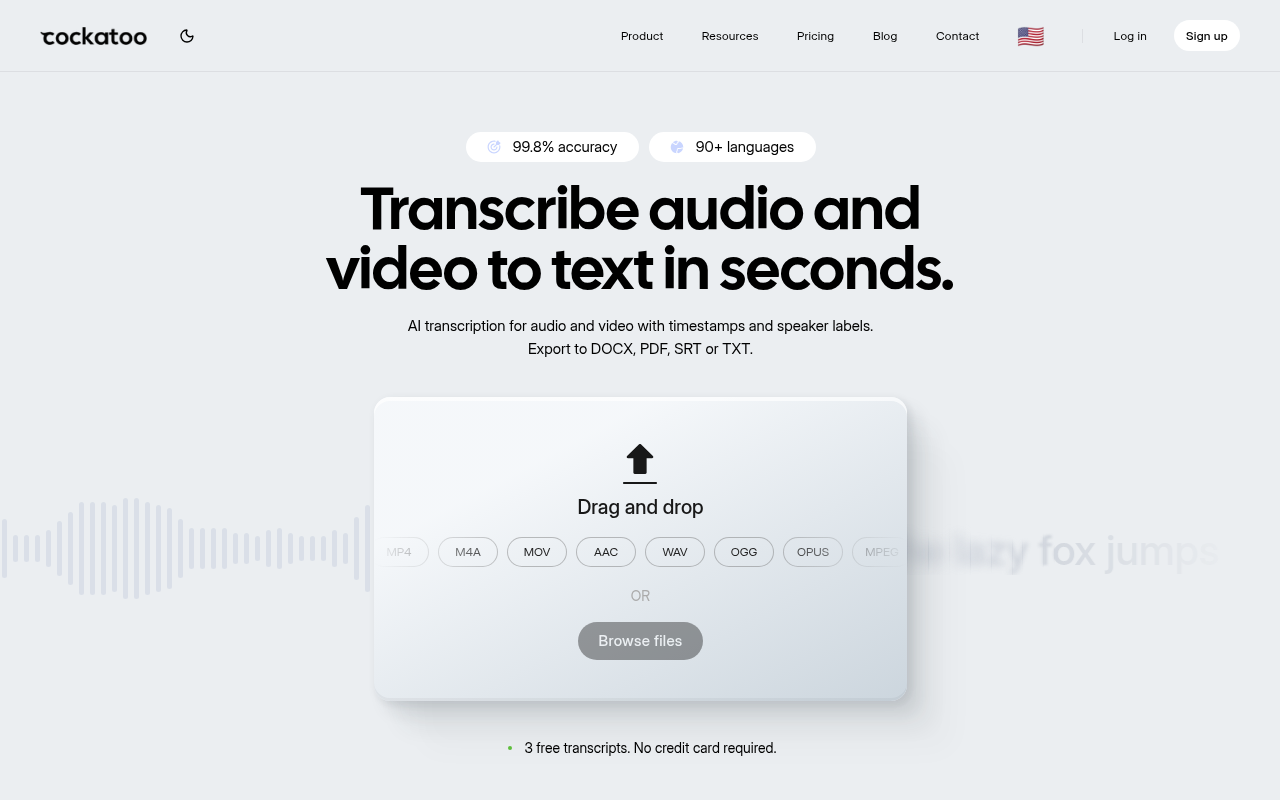
Image: Local AI Transcription - cockatoo best verified per
Cockatoo strips audio in-browser before any file reaches a server, so the recording never travels to the cloud in its raw form, a meaningful privacy guarantee for anyone handling confidential meetings or sensitive interviews. What separates it from every other entry on this list is that it publishes per-language word-error-rate benchmarks across 30 languages using FLEURS and real-world datasets, so you can audit accuracy before you upload a single file. No GPU, no terminal, no Python environment.
Beyond raw transcription, Cockatoo extends into workflows that local CLI tools cannot touch. Its Link import feature lets you paste a URL, a YouTube video, a podcast episode, a recorded webinar, and pull the audio directly, without downloading a file first. That matters when the source lives online and you need a transcript fast.
Multilingual recordings are handled in the same session, so a call that switches between English and Spanish does not require you to split the file and run two separate tools. Once the transcript exists, the Canvas AI notes editor distils a long recording down to what actually needs acting on, the decisions, the action items, the open questions, rather than leaving you to skim a wall of text. For teams, that compression of a 90-minute meeting into a prioritised summary is where the time saving actually lives.
The plan structure is straightforward and worth stating plainly. The free tier costs nothing and requires no credit card: it covers 3 files per day at up to 30 minutes each, includes Canvas, 2 GB of encrypted cloud storage, and all export types, with document translation capped at 1 page with a watermark. Pro, the most popular paid plan for individuals, removes the per-day file cap, supports multi-hour files with no hard length or size limit (audio is stripped in-browser before upload for reliable large uploads), adds bulk export across PDF, DOCX, TXT, and SRT formats, and scales storage to 2 TB. For groups of three or more, the Team tier adds shared transcript editing, priority support, and centralised billing on top of everything in Pro.
The one honest trade-off: Cockatoo requires a browser and an internet connection for the transcription step itself, so it is not the right pick for a fully air-gapped environment. But for anyone whose real constraint is verified accuracy across languages, confirmed before a single file is uploaded, and who also needs downstream tools like document translation (PDF, DOCX, PPTX, XLSX, TXT), video subtitle export, or audio translation, it is the only entry on this list that covers all of those in a single product, as Tinrec Blog notes in its review of the current transcription landscape.
2. OpenAI Whisper - Best Open-Source Baseline for Accuracy-First Users
Image: Local AI Transcription - openai whisper best open
OpenAI Whisper is the reference engine that every other tool on this list either wraps, forks, or benchmarks against, and for good reason. Its large-v3 model delivers strong word-error rates across a wide language range, making it the honest accuracy baseline for the category. The real cost is setup: you need Python, the right CUDA or CPU build, and enough patience to troubleshoot dependency conflicts before you see a single transcript. Most beneficial when you are comfortable in a terminal and want a foundation you can extend with scripts or downstream tools.
3. whisper.cpp - Best for CPU-Only and Apple Silicon Local Transcription
whisper.cpp is a C++ port of the Whisper architecture that runs without Python, without CUDA, and without a discrete GPU. On Apple Silicon it uses Metal acceleration, which makes it genuinely fast on a MacBook Air with no external hardware. The trade-off is that you still compile from source, and the accuracy ceiling matches Whisper's large model only if you have enough RAM to load it. Best for users on Apple Silicon or older Windows machines who want fully offline transcription and are comfortable with a one-time build step.
4. faster-whisper - Best for GPU-Accelerated Throughput on Windows and Linux
Image: Local AI Transcription - faster whisper best gpu
faster-whisper uses CTranslate2 to run Whisper inference at a fraction of the memory cost, delivering throughput that benchmarks show can reach several times the speed of the original Whisper implementation on the same GPU hardware. The critical warning: that speed gain evaporates if your CUDA installation is misconfigured, and diagnosing a silent CUDA fallback to CPU is not a beginner task. Most beneficial for developers or technically confident users on Windows or Linux who already have a working CUDA environment and need to process large batches of files.
5. WhisperX - Best Open-Source Engine for Speaker Diarization and Word-Level Timestamps
WhisperX extends the Whisper architecture with forced alignment and speaker diarization via pyannote.audio, producing word-level timestamps and labeled speaker turns that the base Whisper model cannot generate. A podcast editor who needs to know not just what was said but who said it, and exactly when, will find this the most capable open-source option available. The setup cost is higher than base Whisper: Pyannote requires a Hugging Face token, model downloads are larger, and GPU memory requirements climb quickly. Not the right pick if your only goal is a plain transcript.
6. MacWhisper - Best No-Code GUI for Mac Users Who Want Drag-and-Drop Local Transcription
MacWhisper wraps Whisper model inference in a native macOS interface, so non-technical users can download a model and drag a file in without touching a terminal. The accuracy ceiling is the same as the underlying Whisper model you choose, and the free tier limits you to smaller, less accurate models. Worth paying for if you are on a Mac and want offline transcription without any command-line work.
7. Superwhisper - Best for Real-Time Mac Dictation with System-Wide Hotkey Integration
Superwhisper is built for a different job than the other tools on this list: live dictation anywhere on your Mac, triggered by a hotkey, with the transcript inserted directly into whatever app is in focus. It runs Whisper models locally, so your audio stays on-device. The trade-off is that it is optimised for short, real-time dictation bursts rather than long-form file transcription. If you need to transcribe a 90-minute interview recording rather than dictate a paragraph into a document, a different tool on this list will serve you better.
8. Scriberr - Best Self-Hosted Web UI for Team or Home-Server Local Transcription
Scriberr gives a home-lab or small-team setup a browser-based transcription interface running on your own hardware via Docker. The appeal is that multiple people on a local network can submit files without installing anything on their own machines. Honest reports from self-hosters flag two recurring issues: Docker on Windows can be unstable enough to require WSL2 configuration, and diarization support is limited compared to WhisperX. Most beneficial when you have a Linux server already running and want a shared transcription queue without paying per-file cloud costs.
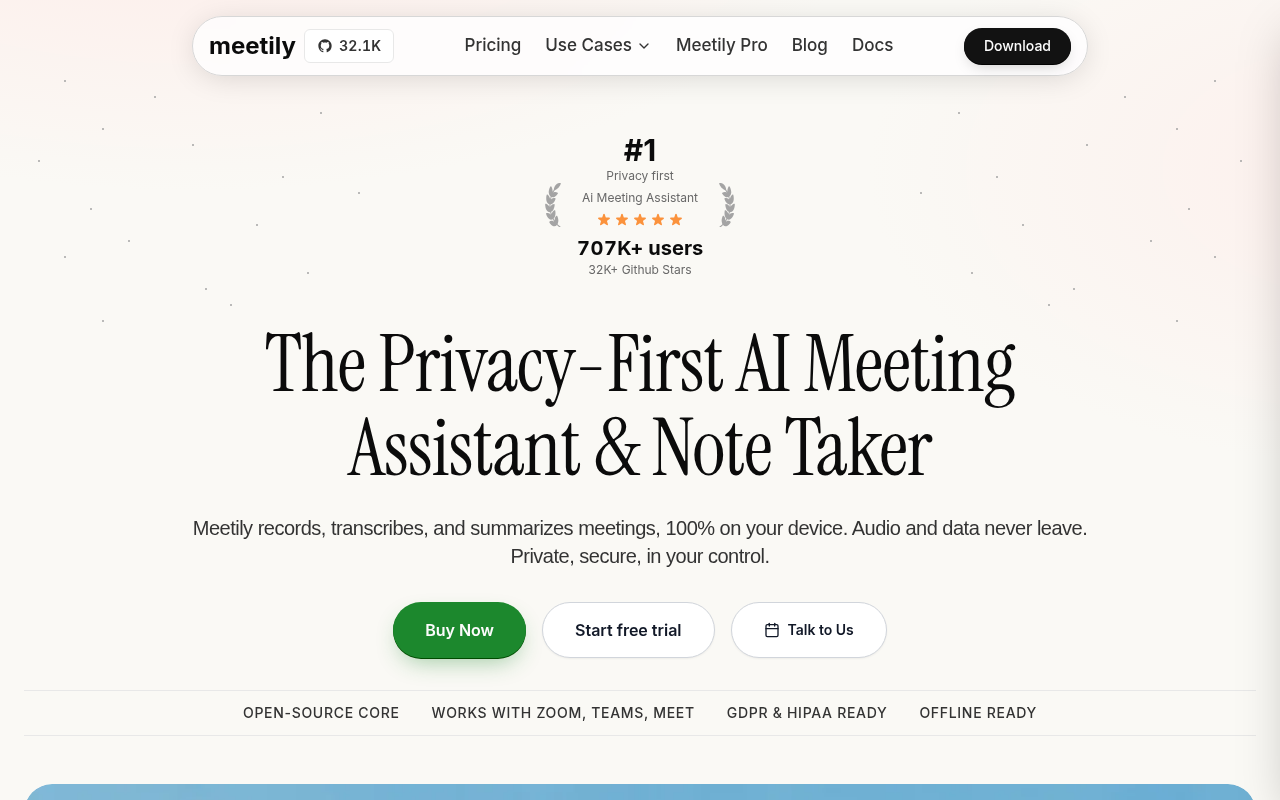
9. Meetily - Best Local AI Meeting Assistant with Rust-Based Real-Time Pipeline
Image: Local AI Transcription - meetily best meeting assistant
Meetily captured significant developer attention on GitHub after launch, with its Rust-based real-time audio pipeline and on-device processing model drawing users who wanted meeting transcription without a cloud service joining their calls. The architecture is genuinely local: no bot, no third-party server. The practical limitation is that it targets macOS and requires a working local model setup, so Windows users and non-technical users face a steeper path. Best for technically confident Mac users who want real-time meeting transcription and are willing to invest in the initial configuration.
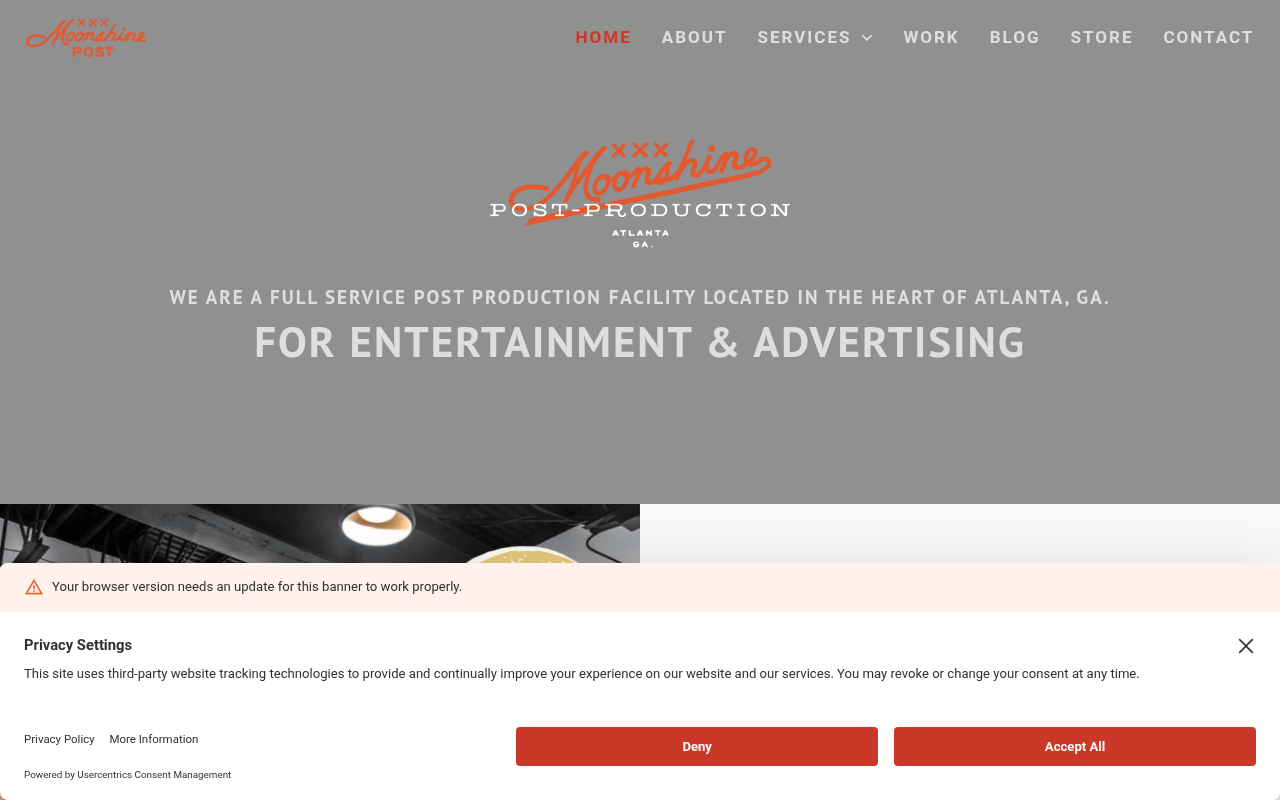
10. Moonshine - Best Emerging Lightweight Engine for Edge and Low-Resource Local Transcription
Image: Local AI Transcription - moonshine best emerging lightweight
Moonshine is a purpose-built speech recognition model designed to run on hardware where Whisper Tiny is already too slow or too large. Early benchmarks from Useful Sensors, the team that developed Moonshine, show it delivers lower latency than Whisper Tiny on resource-constrained ARM devices while keeping the model footprint small enough for edge deployment. It is not a drop-in replacement for a full Whisper large-v3 pipeline: accuracy on complex audio or non-English content trails the larger models. The right pick for developers building transcription into a device with limited compute, not for a user who needs production-quality accuracy on a standard laptop today.
The pattern across all ten tools is consistent. The ones that are genuinely private tend to demand the most from your hardware and your patience, while the ones that are easiest to use tend to leave accuracy as something you discover after the fact rather than verify in advance. As LumeVoice's October 2026 head-to-head review of ten transcription options confirms, the category has matured enough that the local-versus-cloud framing is less useful than the verified-versus-unverified-accuracy framing. Those ten tools are:
- Cockatoo
- OpenAI Whisper
- whisper.cpp
- faster-whisper
- WhisperX
- MacWhisper
- Superwhisper
- Scriberr
- Meetily
- Moonshine
The frustration of spending an afternoon wrestling with Python environments or Docker configs to get a "free" local tool running is real, and the hidden cost is not just time. It is the compounding of a one-time GPU capital outlay, version-locked dependency management, and the accuracy-discovery problem: you only find out the engine fails on your dialect after the full installation and a complete test run. Flat-rate tools with published benchmarks routinely undercut that total-cost profile, which is why the "local is always cheaper" assumption deserves more scrutiny than most comparison posts give it.
Every tool on this list solves a real problem for someone, but knowing which one solves yours depends on more than the privacy model or the engine name. The next section stress-tests the genuine advantages of local transcription that still hold up, so you can decide whether the trade-offs are worth it for your specific workflow before you spend another hour in a terminal.
Related Reading
- Fireflies Vs Otter
- Descript Vs Otter
- Trint Vs Rev
- Happy Scribe Vs Rev
- Otter.ai Competitors
- Best Transcription App
Key Benefits of Local Transcription That Still Hold Up in 2026
The compliance argument is therefore the strongest one in local transcription's corner, but it sits alongside costs that rarely appear in setup guides: the GPU hours, the storage overhead, the time spent maintaining model versions, and the productivity lost each time a workflow stalls.
"I worry that mainstream transcription tools harvest voice data and use it for unknown purposes, the field feels like the primary barrier to adoption."
— what we hear from transcription tool users
Image: Three-tier trade-off target showing privacy, accuracy, and ease icons for local AI transcription
The synthesis claim that local transcription marketing consistently obscures is this: the setup process required to run local tools can itself generate a data-exposure surface before a single file is ever transcribed. Faster-whisper on Windows, for instance, requires downloading CUDA Toolkit, cuDNN, and version-locked system libraries, each a network call that can be logged by corporate firewalls, ISPs, or model-distribution endpoints, meaning the assumption that "local equals private" quietly collapses under real-world conditions.
Where Local Transcription Wins Without Asterisks
As CloudNuro's review of HIPAA and GDPR compliance tools confirms, regulated industries including healthcare, finance, and legal require that sensitive data not leave a designated custody boundary, and on-premise processing directly satisfies that requirement.
The Honest Three-Way Trade-Off
No single tool tops privacy, accuracy, and ease simultaneously, and the gap between those three priorities shapes every practical decision a team has to make.
- Truly local tools win on custody control but absorb GPU depreciation and command-line overhead.
- The easiest tools offer the least verifiable data handling.
- The most accurate rarely publish per-language benchmarks you can check before committing.
Cockatoo's V4 transcription modes strip audio in-browser before any upload and publish per-language accuracy benchmarks, giving users verifiable quality and custody control without the setup overhead that makes truly local expensive in practice. On the Pro plan, transcription, file translations, and transfers on standard V4-Fast mode are truly unlimited with no monthly hour cap, a meaningful difference for operators who run audio regularly and cannot absorb unpredictable per-minute billing.
For video work, subtitle export is included, which matters when caption timing on a 90-minute recording needs to be right the first time rather than corrected frame by frame after the fact.
Which Local Transcription Tool to Choose Based on Your OS and Use Case
A tool that runs natively on Apple Silicon may crawl or refuse to install on a Windows machine without WSL, and choosing a developer pipeline tool when you just need one interview transcribed multiplies setup time without improving accuracy.
Image: Prosumer at laptop choosing local transcription tool via OS decision flowchart
OS-First Decision Matrix - Native vs Emulated vs Browser by Platform
Platform compatibility shapes installation difficulty more than any other single factor. According to a 2023 installation guide, faster-whisper on Windows requires CUDA Toolkit 11.x specifically; the 12.x series is not supported.
Key takeaway: The real barrier is not hardware cost but operating-system-specific setup complexity: Windows users still face manual compilation steps requiring build toolchains that are non-trivial for non-technical users, a friction point that tool comparison guides consistently undercount.
For language coverage, Cockatoo publishes per-language coverage on its benchmarks page, so you can confirm coverage before uploading a single file.
Use-Case Routing - Match Your Workflow to the Right Engine Before You Install
- Solo interviewers and podcast editors who need speaker diarization: confirm you have a GPU with sufficient VRAM before attempting WhisperX with pyannote; the pipeline is not worth attempting without it.
- Air-gapped office deployments: use whisper.cpp running fully offline on CPU; self-hosted options like Scriberr extend that model for teams needing a simple web interface without cloud exposure.
- Solo interview transcription and captioning without a terminal or GPU: use a browser-based tool that strips audio client-side before any upload, no OS constraint, first transcript in under 60 seconds rather than 90 minutes.
That browser-based path is where Cockatoo's Pro plan adds the most immediate value, pairing fast upload with AI Notes, a Canvas-based editor that lets you build and edit notes directly inside your transcript the moment processing completes, collapsing the gap between transcription and usable output.
For workflows that extend beyond transcription into document work, Cockatoo's Free tier also supports translation of PDF, DOCX, PPTX, XLSX, and TXT files (one page with watermark), and the Pro plan removes that page cap. Video captioning and subtitle export are available across plans, making the same account useful whether the source is a recorded interview, a meeting file, or a video that needs published captions.
Pricing Reality Check - What Unlimited Actually Means Across Plans
The trade-off worth naming: V4-Thinking and V4-Pro carry a weekly usage limit shown in Settings, and unlimited modes remain available when that limit is hit. For most solo interview and captioning workflows, V4-Fast is the right mode and the unlimited framing holds. Teams of three or more can step up to the Team tier, which adds shared transcript editing, centralised billing, and 2 TB of encrypted cloud storage per person.
Related Reading
- Happy Scribe Alternatives
- Trint Vs Otter
- Turboscribe Alternatives
- Trint Alternatives
- Sonix Alternatives
Next steps
If your setup hours keep disappearing before a single file is transcribed, the path forward starts with auditing accuracy before you commit, not after. Start with our transcription software.
The accuracy-discovery problem means you absorb full installation cost, troubleshooting time, and post-editing labour before learning whether a local engine handles your audio at all. The "local equals private" assumption compounds the problem: the setup process itself, downloading CUDA Toolkit, cuDNN, and version-locked libraries, generates a data-exposure surface before any recording is ever processed. Together, they point to a tool that strips audio client-side before upload and publishes per-language word-error-rate benchmarks you can check in advance, so neither the privacy bet nor the accuracy bet is made blind.
Start with transcription software that covers both. Upload your actual audio on the free tier, three files per day, no credit card, no terminal, and verify the output against your real content before committing to anything.
Frequently Asked Questions
Do I really need a dedicated GPU to run local transcription, or can my laptop handle it?
CPU-only processing works but is painfully slow for anything beyond short clips, a 30-minute interview can take around 12 minutes on a 2021 MacBook Air CPU, compared to roughly 90 seconds on an RTX 3080. Consumer GPU cards with the 8 GB VRAM needed for larger Whisper models currently start around $300-$500 used, so the hardware cost alone can rival what you'd spend on a cloud tool for moderate workloads.
If I switch away from Otter or a similar subscription tool, what am I actually trading off?
Subscription tools like Otter upload every audio file to third-party servers, exposing confidential meeting content to cloud infrastructure you don't control, which is the core reason people look for alternatives. Cockatoo strips audio in-browser before anything reaches a server, removing that exposure while also eliminating the per-minute fees, and its free tier covers 3 files per day at up to 30 minutes each with no credit card required.
How do I know whether a transcription tool will be accurate on my accent or language before I commit to the setup?
Most local tools only reveal accent and dialect failures after a full installation and a complete test run, meaning you absorb all the setup time before learning the engine doesn't fit your audio. Cockatoo publishes per-language word-error-rate benchmarks across 30 languages using FLEURS and real-world datasets, so you can audit accuracy before you upload a single file.
Does browser-based transcription actually keep my audio private, or does it still go to a server?
Browser-side processing sits in the middle of the privacy spectrum: audio is stripped from your file inside the browser tab before anything is sent over a network, so the raw recording never travels to a remote server. Only the finished text reaches the cloud at the transcription stage, which addresses data custody for most use cases, though users with strict air-gap requirements will still prefer a fully offline desktop app.
Beyond getting a transcript, can these tools help me actually do something with a long recording?
Most local CLI tools stop at the raw transcript and leave the post-editing to you. Cockatoo's Canvas AI notes editor distils a long recording down to decisions, action items, and open questions rather than leaving you to skim a wall of text, and its Link import feature lets you paste a URL, a YouTube video, a podcast episode, a recorded webinar, to pull audio directly without downloading a file first.