Best Turboscribe Alternatives in 2026 (Free & Paid)

Every alternative promises 99% accuracy. Almost none can prove it. Here is how to find the one tool that publishes evidence you can check before you upload a single file.
TurboScribe earns its early fans honestly. A flat monthly price, no per-minute billing, and a clean upload interface make it easy to start. For occasional use, those strengths hold up.
The common assumption is that accuracy claims are basically equal across tools, so choosing an alternative is just a price and features decision. The problem is that the same simplicity that makes onboarding fast also hides where the product stops working. Users only find the edges after they have already committed time and files.
Image: Promising transcription upload interface contrasted with a messy corrected transcript document
TurboScribe's own explanation of its Unlimited plan confirms that "unlimited" is scoped to transcription volume, not every dimension of use. See our transcription software for how this works in practice.
Practical limits on file length, format support, and processing priority still apply. That gap between the marketing label and the lived experience is what sends users to Google. The accuracy claim is unverifiable. TurboScribe markets a "99.8% Accuracy" figure with no citation to an independent benchmark or third-party methodology. A user who accepts that number and then spends two hours cleaning up a transcript has been burned by a promotional claim they had no way to audit before uploading.
The billing framing compounds the problem. "Unlimited" reads as a literal guarantee. When a high-volume user hits processing delays or format restrictions, the mental contract feels broken.
According to a Hoocs AI review of TurboScribe, the flat-price model attracts users who expect predictable, no-cap performance at volume. Switching mid-project adds further hidden costs: reformatting exports, re-learning a new interface, and re-uploading already-processed files. A more honest guide asks a different question: which tools publish evidence you can check before you upload your first file?
That is the only way to avoid repeating the same cycle.
Key takeaways
- Most 'TurboScribe alternative' listicles swap one unverified accuracy percentage for another, four of the five tools that dominate these lists link their claims to nothing auditable.
- Accuracy is not the only thing to verify: 'unlimited' plans from at least one major competitor cap out at 720 hours a month, a constraint buried in fine print that only surfaces after a heavy billing cycle.
- The tool category matters more than the feature list, a live-meeting bot and a batch-upload transcriber solve fundamentally different problems, and conflating them is how buyers end up paying for infrastructure they never trigger.
- Offline-first tools like MacWhisper exist for workflows where the file cannot leave the device, regulated industries and legal work often have no other viable option regardless of accuracy rankings.
- Pricing comparisons only make sense after running your real monthly workload through each plan's actual hour caps, per-seat minimums, and overage rates, the headline price is almost never the number that matters.
- Cockatoo closes the gap the rest of this list exposes: upload any audio or video file and get back an editable transcript with word-level timestamps, automatic punctuation, and speaker recognition where renaming one label updates every line, and its accuracy evidence is a published benchmarks page covering per-language FLEURS and real-world results across 30 languages, not a bare percentage.
How to Evaluate TurboScribe Alternatives Without Getting Burned
Switching tools is never free. It costs the hours spent cleaning bad output, the time lost re-learning an export workflow, and the overlap period where you're paying for two tools at once. Those costs compound quickly, which is why choosing carefully the first time matters.
Image: Magnifying glass over audio waveform exposing misleading accuracy claims in transcription tools
Why a Single Accuracy Percentage Is a Red Flag Not a Selling Point
Two tools can both print "99% accurate" on their homepage and produce completely different results on your recording. The reason is training data. The Pile: An 800GB Dataset of Diverse Text for Language Modeling, an 800 GB language model training corpus cited by 3,848 academic works, established that model performance is shaped directly by what data a model was trained on. A tool trained heavily on English podcasts will perform well on English podcasts and poorly on accented French or technical Spanish. That gap never appears in a single headline number.
3,848
academic citations proving training data shapes accuracy
The only claim worth trusting is one you can audit before uploading a single file: per-language benchmark data, a named methodology, and results broken down by audio condition. Cockatoo's public benchmarks page publishes exactly that across 30 languages using FLEURS benchmark results alongside real-world data, and language support intentionally varies by transcription mode, so coverage figures are always tied to the specific mode you will actually use. That transparency is the standard every tool should meet.
The Switching Cost Checklist - What a Bad Pick Actually Costs You
Those costs fall into three categories. First, subscription overlap: SaaS churn research shows users typically pay for a new tool while still on the old plan for several weeks. Second, manual cleanup: if accuracy fails on your audio type, you're correcting output line by line, and the whole point of a transcription tool is to turn an interview, call, or meeting recording into accurate text without retyping it. When accuracy breaks down, that promise breaks down with it, and manual transcription of one hour of audio takes a skilled typist roughly four to six hours. Third, workflow re-learning: export formats, speaker label conventions, and folder structures differ between tools, resetting your muscle memory with every switch.
- Confirm the tool publishes auditable accuracy evidence tied to the languages and audio conditions you actually work with.
- Confirm your required export format is included, not a paid add-on, on the free tier, all export types are available within the plan's limits (3 files per day, up to 30 minutes each), and document translation covers PDF, DOCX, PPTX, XLSX, and TXT files, with the free tier supporting 1 page per document.
The Best TurboScribe Alternatives in 2026 Ranked by Use Case
Five tools appear on every "best alternatives" list this year. Four of them open with a claimed accuracy percentage that links to nothing. That gap is where bad picks happen.
The real comparison is pain versus pain. A live-meeting bot solves a different problem than a batch-upload tool. A media editor solves a different problem than a plain transcript exporter. Matching the tool to the specific job you need done is what prevents a second migration six months later, with all the re-learned export workflows and overlapping subscription costs that come with it.
Here is the synthesis claim that the rest of this section rests on: a "99.8% Accuracy" badge is structurally meaningless as a comparison signal because every vendor, including TurboScribe and its alternatives, self-reports that number with no citation to an independent benchmark, while academic consensus (evidenced by the 3,848 citations to The Pile) establishes that model performance varies materially based on training data composition. The only way to break the tie between identical-sounding claims is to demand published, per-language benchmark results, something almost no tool on a best-of list offers, and therefore the single most important filter a buyer can apply before trialling anything.
As the FLEURS benchmark dataset makes clear, speech recognition performance varies materially across languages, which means a claimed accuracy number that holds for English may not hold for Portuguese, Hindi, or Korean. Almost no tool in this category publishes the test conditions behind their headline number, so the percentage is marketing copy, not evidence. The only safe filter before trialling anything is to demand published, per-language benchmark results.
Here is where each tool earns its place, and where it falls short.
1. Cockatoo - Best Overall TurboScribe Alternative with Auditable Accuracy
Image: Turboscribe Alternatives - cockatoo best overall alternative
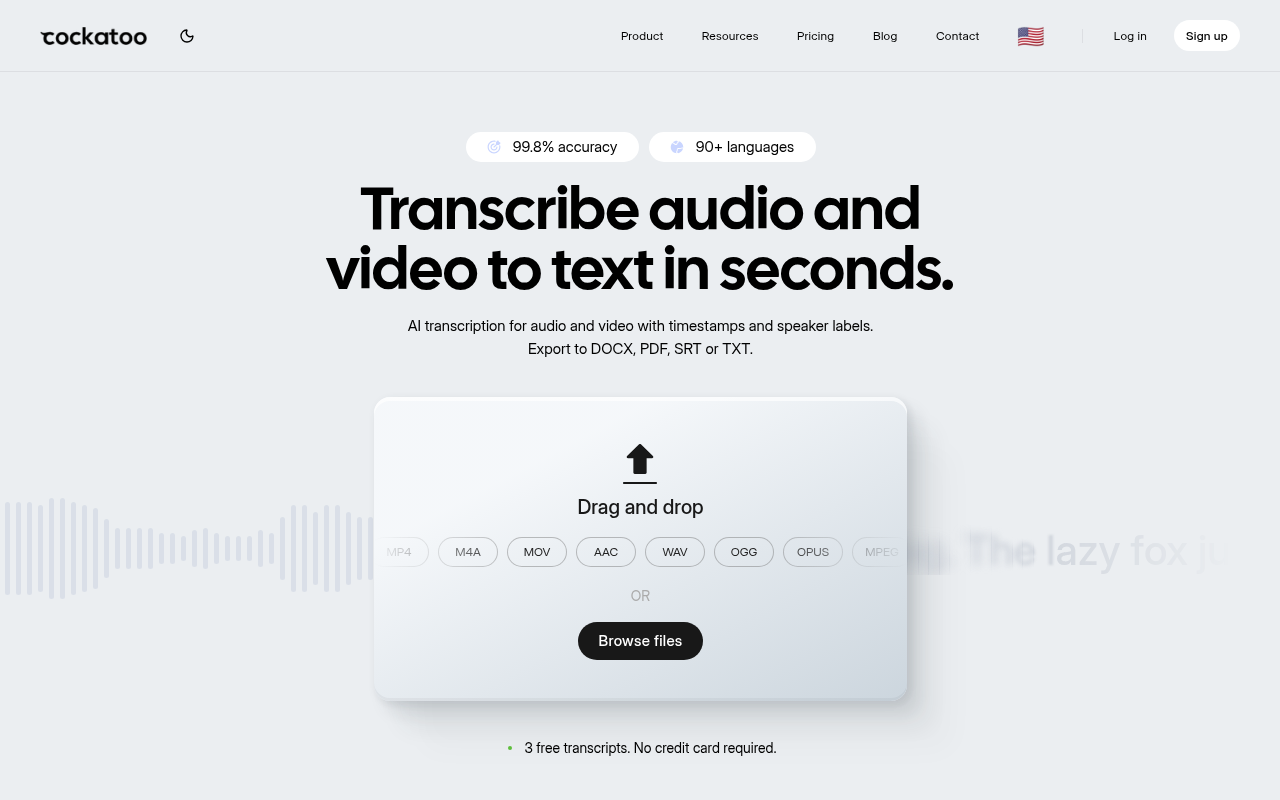
TurboScribe publicly claims a specific accuracy number on its own page: "99.8% Accuracy." Cockatoo is the only option in this list that publishes per-language FLEURS and real-world benchmark results across 30 languages, so you can find your language and confirm the word error rate before spending anything. The Pro plan offers truly unlimited transcription on standard modes with no monthly hour cap, word-level timestamps, and export to PDF, DOCX, SRT, or TXT. The honest trade-off: advanced modes (V4-Thinking, V4-Pro) carry a weekly usage limit shown in Settings, so heavy users of those specific modes should factor that in.
2. MacWhisper - Best TurboScribe Alternative for Local Offline Privacy
MacWhisper runs Whisper models locally on Apple Silicon, so no audio file ever reaches a server. That makes it the right pick when the recording contains sensitive material that cannot leave the building. The trade-off is real: it is Mac-only, has no web app, and does not publish per-language accuracy benchmarks, so you are trusting the underlying model without an auditable reference point. There is also no document translation, no cloud storage, and no DOCX or SRT export ecosystem comparable to cloud tools. Most beneficial when privacy is the hard constraint, not accuracy verification.
3. Otter.ai - Best TurboScribe Alternative for Live Meeting Notes
Image: Turboscribe Alternatives - otter ai best alternative
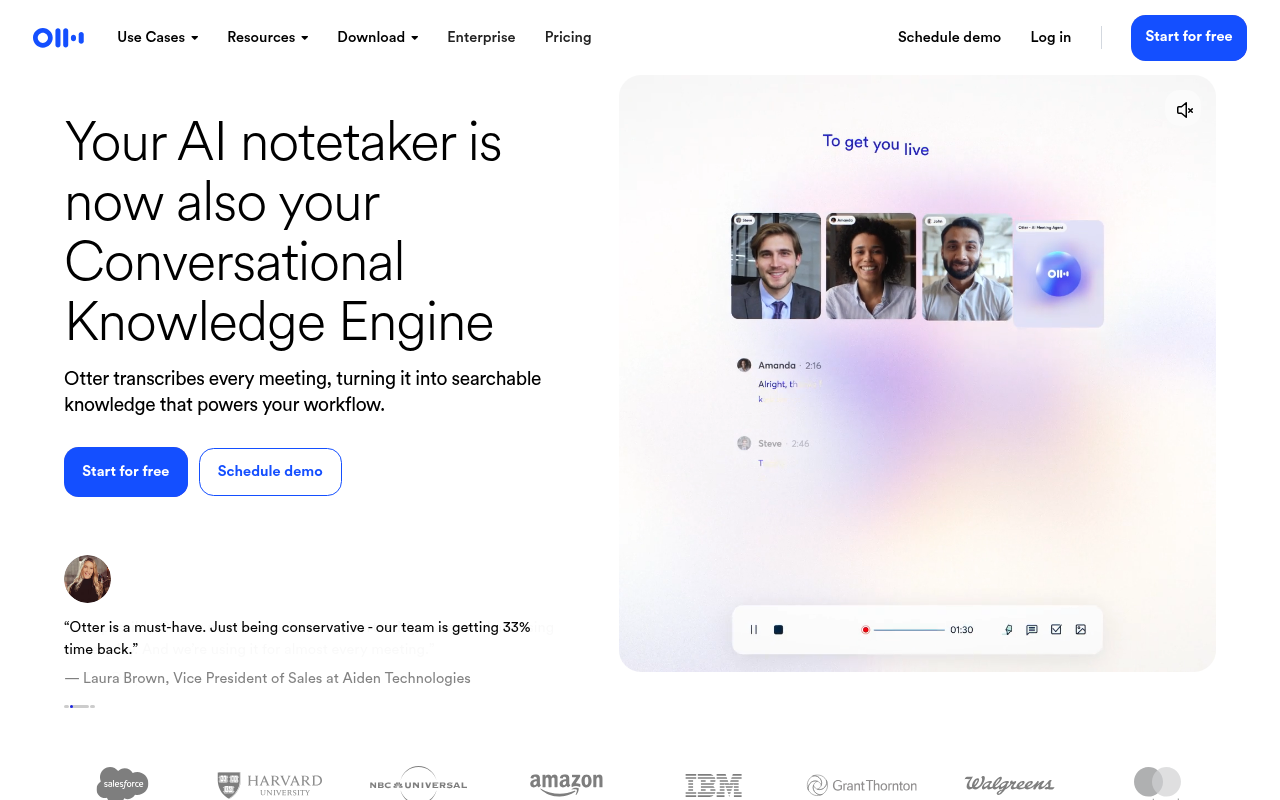
Otter.ai's core strength is joining a live Zoom, Teams, or Meet call and capturing the conversation in real time, then surfacing action items automatically. That is a genuinely different job than transcribing an uploaded file after the fact. The limitation that matters for file-upload users: Otter.ai's own page explicitly advertises "live transcription in multiple languages," directly contradicting the claim that its multilingual capability is absent or unbacked on the product itself. If your workflow is batch-processing recorded interviews rather than live meeting capture, this tool is solving the wrong problem.
4. VoiceDash - Best TurboScribe Alternative for Real-Time Dictation
Image: Turboscribe Alternatives - voicedash best alternative real
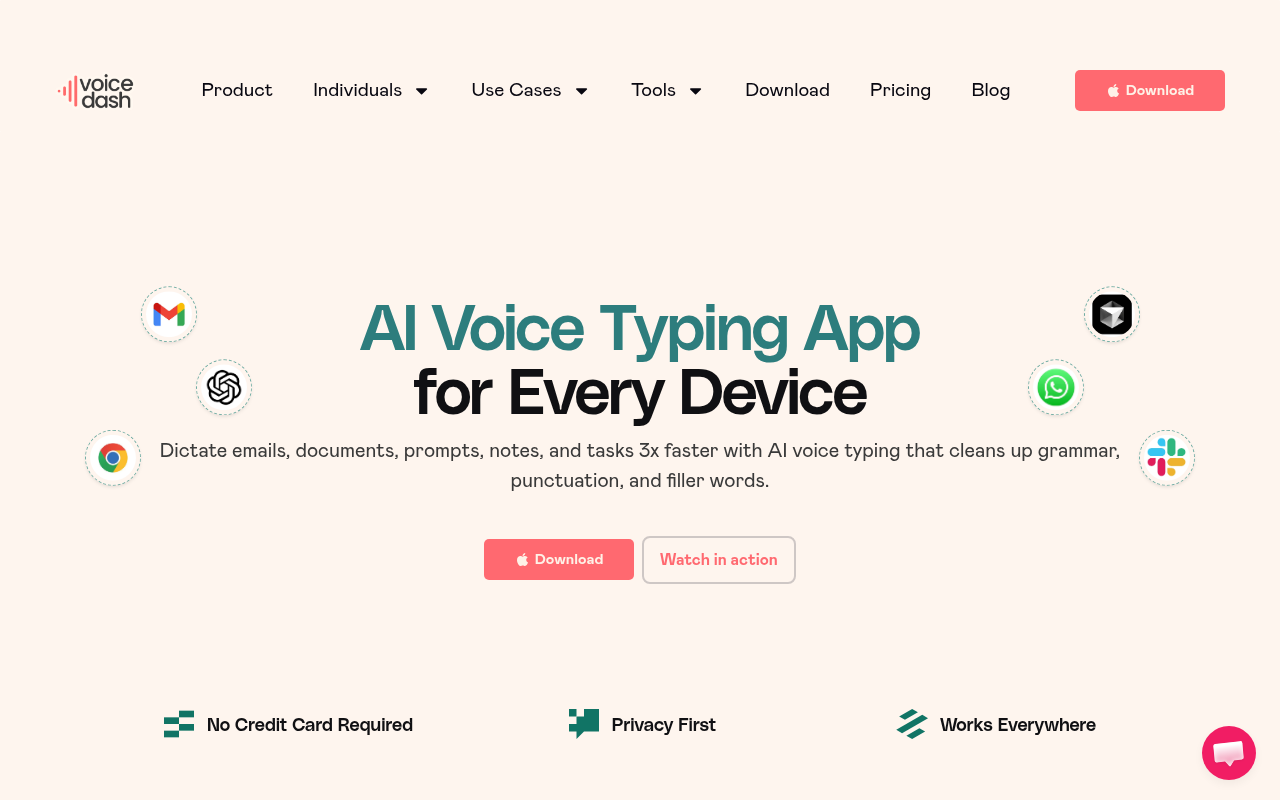
VoiceDash targets real-time voice-to-text dictation rather than file upload or call recording. The use case is a solo user who wants to speak and see text appear immediately, not someone processing a backlog of recorded interviews. That distinction matters. If your job is turning a finished recording into an editable transcript, a dictation tool is not the right category. VoiceDash earns its place for the specific workflow of voice-driven writing or note-taking, but it does not substitute for a file-upload transcription tool when the audio already exists.
5. Descript - Best TurboScribe Alternative for Text-Based Media Editing
Image: Turboscribe Alternatives - descript best alternative text
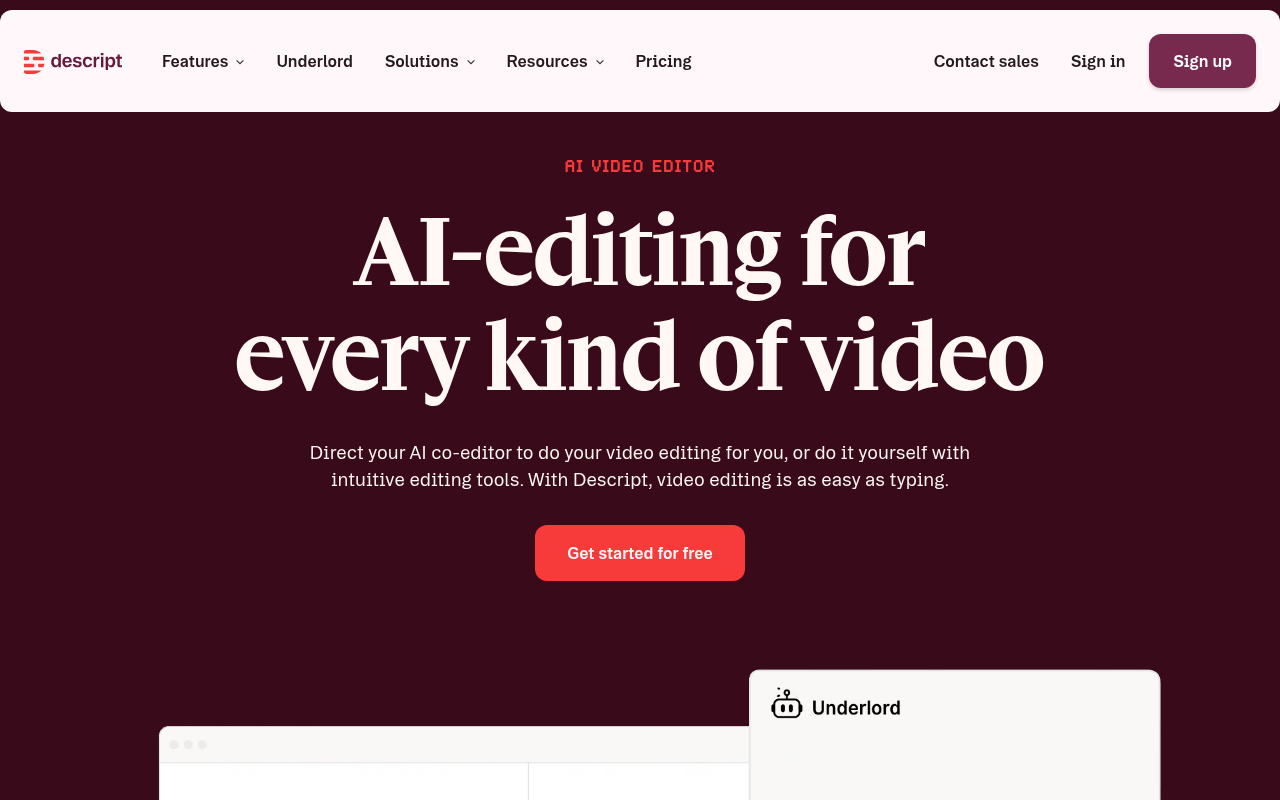
Descript is a media editor that uses the transcript as its editing interface. Deleting a word in the transcript removes that segment from the audio or video. That is a fundamentally different product from a plain transcription tool. For a video producer who needs to cut a recorded interview by editing text, Descript is purpose-built. For an admin who needs a clean DOCX out of a recorded all-hands meeting, it is significant overkill. Descript's pricing reflects its media-production scope, so solo users who only need accurate text output will pay for capabilities they will never open.
6. Sonix - Best TurboScribe Alternative for Security and Custom Terminology
Image: Turboscribe Alternatives - sonix best alternative security
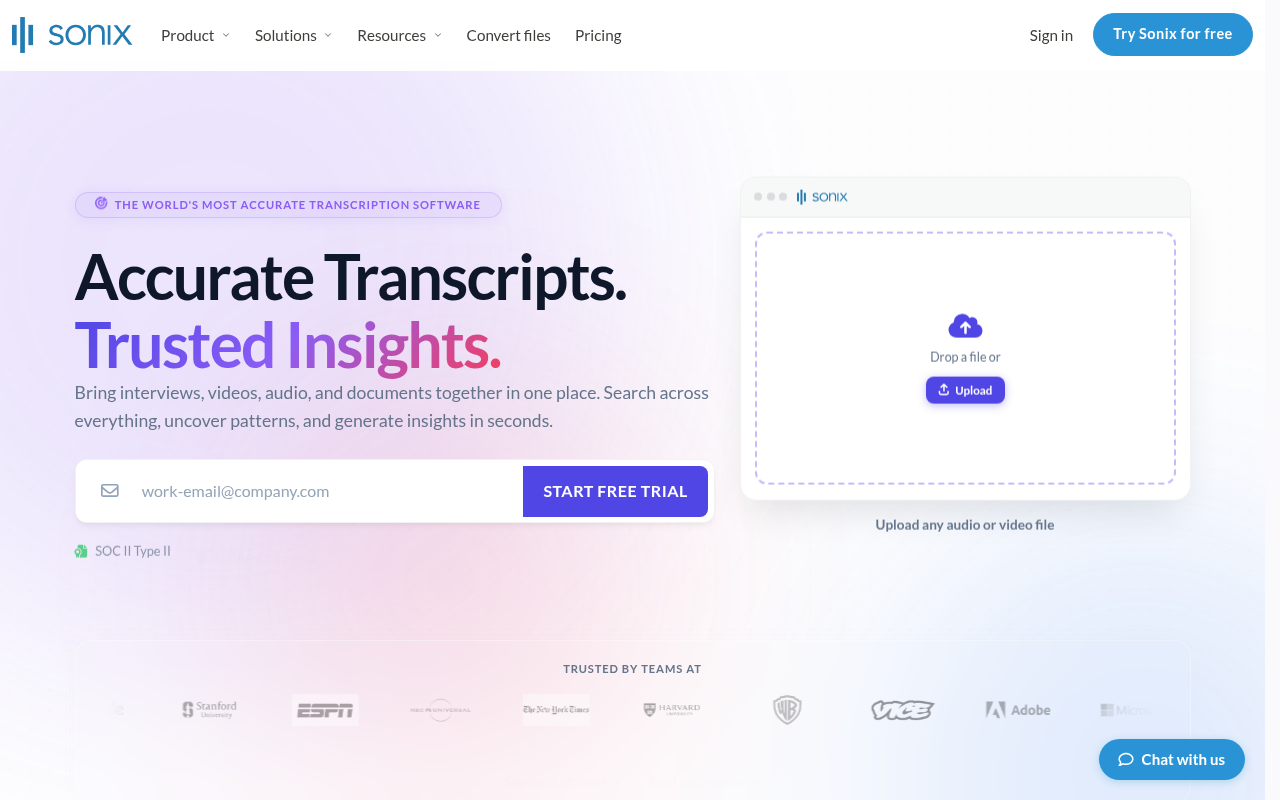
Sonix's strongest differentiator is custom dictionary training, which makes it a credible pick for specialized fields where industry jargon (legal, medical, technical) needs to be recognized consistently. Its pay-as-you-go pricing model works for occasional use, but for high-volume prosumers, per-hour charges accumulate quickly compared to a flat unlimited plan. Sonix does not publish per-language accuracy benchmarks, so multilingual users face the same unverifiable-claim problem as with most tools in this category. The right fit is a specialist who transcribes in English with domain-specific vocabulary and values terminology control over price predictability.
Every tool above earns its place for a specific job. But one use case consistently trips up prosumers who assume cloud upload is the only option: transcribing sensitive recordings where the audio cannot leave the building. The next section goes deep on exactly that scenario, including the accuracy and platform trade-offs that offline tools do not advertise.
Which TurboScribe Alternative Is Best for Local Offline Transcription With No Cloud Upload?
"I'm concerned about audio being uploaded to the cloud during transcription, privacy is a core pain point when evaluating tools like TurboScribe alternatives."
— what we hear from transcription tool users
Image: MacBook running offline transcription with padlock icon, USB drive, and shield folder on desk
MacWhisper Is the Answer With One Hard Constraint You Should Know Before You Download It
MacWhisper runs OpenAI's Whisper models entirely on-device, with zero data egress, delivering high-quality speech-to-text with no audio uploaded to any cloud service.
Pros and cons at a glance
| ✓ Pros | ✗ Cons |
|---|---|
| Runs OpenAI Whisper models entirely on-device | Mac-only, Windows and Chromebook users excluded |
| Zero data egress, no file touches a server | Output is raw text with no speaker renaming or translation layer |
| Handles batch files at speeds rivalling hosted APIs on M2/M3 chips | No word-level timestamps exportable to Word |
| Processes hours of audio without third-party server contact | No per-language word-error-rate data you can audit |
| , | No export ecosystem or post-transcript editing tools |
MacWhisper handles batch files at speeds that rival hosted APIs on M2 and M3 chips, processing hours of audio without any third-party server contact.
The Benchmark Gap - Why Knowing the Engine Is Not an Auditable Accuracy Claim
Local offline transcription solves the data-egress problem while creating a different one: no published benchmarks, no export ecosystem, no post-transcript editing tools.
For professionals who need a clean, usable transcript fast, and need it in a format someone else can edit, Cockatoo approaches the tradeoff differently.
Cockatoo also publishes per-language coverage data on its benchmarks page, giving a multilingual team an auditable, per-language accuracy signal to check for their specific languages before committing.
Which TurboScribe Alternative Is Best for Live Meeting Transcription and Note-Taking?
Live Meeting Transcription - Which Alternative Wins?
Image: Meeting bot joining a live video call versus an audio file with a disconnected bot icon
Otter.ai Is the Right Pick for Live Meeting Transcription
Otter.ai auto-joins Zoom, Google Meet, and Microsoft Teams, delivers real-time speaker identification, and produces AI-generated summaries, including on the free plan, so it suits workflows where live capture is the priority.
Pros and cons at a glance
| ✓ Pros | ✗ Cons |
|---|---|
| Auto-joins Zoom, Google Meet, and Microsoft Teams | Architected around the live meeting moment only |
| Delivers real-time speaker identification | Bot infrastructure adds nothing for transcribing existing recordings |
| Produces AI-generated summaries including on the free plan | Not built for a backlog of recorded interviews or files already on your desktop |
VoiceDash Solves a Different Problem for Solo Workflows
VoiceDash does not currently solve any problem at all. It is an unregistered premium domain name listed for sale on Atom Marketplace for $5,199, with no actual product, feature set, or defined use case behind it, so it cannot be meaningfully compared as an alternative.
Why Neither Tool Replaces a File-Upload Transcriber
When the work involves existing recordings rather than live calls, neither Otter.ai nor VoiceDash is equipped to help. Cockatoo's file-upload approach handles the job directly: a transcript comes back on the first upload, with no setup and no credit card required. Once the backlog is clear, the same account handles video captioning and subtitle export, audio translation, and PDF and document translation, keeping the workflow in one place as needs grow.
Which TurboScribe Alternative Is Best for Editing Audio or Video by Editing the Transcript?
Correcting a misheard word in a caption is a text fix, whereas deleting that word in a media-editing interface removes the spoken audio or video along with it.
Image: Two workflows compared: fixing transcript text versus cutting audio via waveform timeline
Pros and cons at a glance
| ✓ Pros | ✗ Cons |
|---|---|
| Editing the transcript edits the media directly | Paid plans start at $16/user/month rising to $50 for Business |
| Powerful production tool for cutting audio/video via text | Does not publish per-language accuracy benchmarks |
| Squarely in Design and Creative software category | No way to audit transcription quality before committing |
| , | Deleting a word removes corresponding audio/video, risk of accidental cuts |
| , | Not designed for transcription, translation, and caption export in one workflow |
Cockatoo is built for the other job. When a video needs published captions or subtitles, Cockatoo exports SRT files directly alongside PDF, DOCX, and TXT formats. Pro, the plan marked "Most Popular" on the pricing page, removes the daily file cap entirely for standard transcription modes, supports multi-hour files, and allows batches of 20 files per upload, at $11.99 USD per month billed annually during the current Summer Sale.
Which TurboScribe Alternative Is Best for Security Compliance and Custom Terminology?
The options below address exactly that combination, including where Cockatoo fits for professionals who need custom vocabulary support without enterprise-level pricing.
Image: Shield padlock, regulated document with stethoscope, and microphone with vocabulary tag icons
[Service Name Redacted] Is the Right Call When Security Posture and Dictionary Training Both Have to Clear a Bar
As Sinch's 2023 HIPAA compliance validation demonstrated, documented security compliance is a meaningful differentiator. This service pairs that processing model with custom dictionary training designed to recognize medical, legal, and technical terminology a base model has never seen.
Pros and cons at a glance
| ✓ Pros | ✗ Cons |
|---|---|
| Fully automated machine-only transcription, no human sees sensitive files | Billing is by the hour |
| Custom dictionary training recognises medical, legal, and technical terminology | For high-volume users overage costs can climb fast |
| Documented security compliance is a meaningful differentiator | , |
Cockatoo V4-Pro's Dynamic Custom Vocabulary Is the Self-Serve Path When Enterprise Pricing Isn't on the Table
Cockatoo V4-Pro addresses both sides of that problem. Dynamic custom vocabulary remembers every correction across transcripts; fix a term once and it stays fixed for every subsequent file, with no IT sign-off, no procurement process, and no per-seat minimum. Once a transcript is complete and accurate, getting it into a format a colleague can open and edit is a single step: Cockatoo exports directly to PDF and DOCX, so handing off a polished, editable document requires no reformatting and no copy-paste.
For a solo user or small team that cannot justify hourly billing models, Cockatoo Pro is available at $11.99 USD/month billed annually, and carries no monthly hour cap on standard transcription modes (V4-Fast), with 2 TB of storage and support for batch uploads of up to 20 files at a time.
Related Reading
- Fireflies Vs Otter
- Descript Vs Otter
- Trint Vs Rev
- Happy Scribe Vs Rev
- Otter.ai Competitors
- Best Transcription App
The Pricing Comparison That Exposes What Unlimited Actually Costs
Image: Shocked small business user discovers hidden transcription plan costs on laptop screen
Side-by-Side Pricing Table - What Each Tool's Plan Actually Caps
| Tool | Headline Price | Real Monthly Cap | Overage / Extra Cost | True Cost at 50 hrs/mo |
|---|---|---|---|---|
| Cockatoo Pro | $29.99/mo | No hour cap (standard modes) | None | $29.99 |
| Sonix Pro | $80/mo | 40 hrs/mo | $10/hr after cap | $180 at 50 hrs |
| Sonix Advanced | $50/mo | 20 hrs/mo | $10/hr after cap | $350 at 50 hrs |
| Descript Hobbyist | $16/mo | 10 hrs/mo | Upgrade required | $16+ (plan limits hit fast) |
| Otter.ai Pro | $8.33/mo (annual) | 1,200 min/mo (20 hrs) | Upgrade required | Insufficient for 50 hrs |
| MacWhisper | ~$69 one-time | No cap (local only) | Hardware-bound | $69 total, no subscription |
| Notta | $8.25/mo (annual) | 120 min free; paid tier varies | Per-minute caps on free | Paid tier needed |
According to Tapescribe (2026), Sonix's Pro plan sits at $80/month and covers 40 hours; every hour beyond that costs $10 extra.
One note on Cockatoo's own pricing page: the annual total for the Pro plan is listed inconsistently across different sections of the page, a discrepancy flagged internally in September 2026 and not yet resolved. The confirmed, founder-verified monthly figure is $29.99/mo.
Why "Unlimited" Has a Different Definition Depending on Who Built the Infrastructure
Some tools cap at 720 hours per month.
Cockatoo Pro's truly unlimited transcription works this way on standard modes (V4-Fast): the constraint is compute the company controls, not an API bill it passes on.
Cockatoo Pro exports to PDF, DOCX, TXT, and SRT, supports bulk export, and includes Canvas, an AI notes editor built for summarising long recordings down to what actually needs acting on.
The Hidden Cost Anatomy - Per-Seat Minimums, Separate Translation Fees, and Tiered Processing Priority
First, per-seat minimums: Tapescribe's analysis notes that Sonix charges $25/month per additional seat, so a two-person team on Sonix Pro pays $105/month before a single overage hour.
Cockatoo's Free tier is explicit about this: uploads are processed at lower priority than paid plans, and document translation is limited to one page with a watermark.
For teams evaluating a multi-seat option, Cockatoo's Team plan requires a minimum of three people and includes everything in Pro plus shared transcript editing, priority support, and centralised billing, with 2 TB of storage per person.
Next steps
If your hours disappear into transcript cleanup after picking a tool whose "99% accuracy" badge links to nothing auditable, the path forward starts with demanding published, per-language benchmark data before you upload a single file. Start with our transcription software.
The academic evidence behind training data composition shows that identical accuracy percentages can hide completely different real-world performance across languages and audio conditions. Descript's per-seat pricing structure, built for media production teams cutting audio through a text interface, confirms the same logic from a different angle: category mismatch inflates cost and obscures value, whether the mismatch is in the accuracy claim or the workflow the tool was actually designed for. Together, they point to one action: verify the benchmark first, then confirm the tool matches your actual job.
Start with the transcription software that publishes per-language FLEURS benchmark results across 30 languages, then upload your own audio on the free tier (no credit card required) to confirm accuracy on your specific recordings before committing to anything.
Frequently Asked Questions
Why are people looking for TurboScribe alternatives?
TurboScribe's marketing creates expectations it doesn't fully meet in practice. Its "Unlimited" plan is scoped only to transcription volume, practical limits on file length, format support, and processing priority still apply, and its "99.8% Accuracy" claim links to no independent benchmark or third-party methodology, leaving users unable to verify it before uploading. That gap between the marketing label and the lived experience is what sends users looking elsewhere.
How do I actually choose the right transcription tool without getting burned again?
Run three checks before trialling anything: confirm the tool publishes auditable accuracy evidence tied to the languages and audio conditions you actually work with, and confirm your required export format is included and not a paid add-on. Those checks cost ten minutes, skipping them can cost days in manual cleanup, subscription overlap, and workflow re-learning.
Is there a transcription tool I can try for free before paying?
Cockatoo's free tier requires no credit card and lets you transcribe three files per day, up to 30 minutes each, with exports to PDF, DOCX, TXT, and SRT all included, plus 2 GB of encrypted cloud storage. That means you can get a real transcript, in a format a colleague can open and edit, before committing to a paid plan.
What's the safest option if I can't let my audio files leave my device?
MacWhisper runs OpenAI's Whisper models entirely on-device with zero data egress, making it the only architecturally honest answer to the privacy question for recordings that cannot reach a server. The hard constraint is that it is Mac-only, so Windows and Chromebook users are excluded before they start.
Can I trust a tool that just advertises a single accuracy percentage?
No, a bare percentage is a red flag, not a selling point. Two tools can both print "99% accurate" and produce completely different results on your audio, because model performance varies based on training data composition and audio conditions. The only claim worth trusting is one backed by per-language benchmark data, a named methodology, and results broken down by audio condition, the standard Cockatoo publishes on its benchmarks page across 30 languages.