15 Best Trint vs Otter Alternatives to Consider in 2026

Both tools were built for teams and meeting bots, not solo users with a folder of files. Here is why that architectural mismatch costs you more than the price difference ever will.
The common assumption is that any transcription tool accurate enough to rely on will either cost enterprise money or require a live meeting bot, so solo users are stuck paying too much or accepting bad output. Most people searching Trint vs Otter then assume the gap between them is simple: one costs more, one is cheaper, pick based on budget. That framing misses the more consequential problem entirely.
The real issue is architectural. Trint was built for newsrooms. Otter was built to join your Zoom call.

Neither was built for the person sitting with a folder of recorded interviews, client calls, or video files who just needs accurate text out of them, without a team licence or a live meeting running. That person is the most common transcription buyer, and both tools structurally ignore them. A genuinely file-upload-first tool exists precisely because this gap is real and large.
Trint's primary audience is media teams, journalists, and broadcast organisations who need collaborative editing workflows across multiple seats, and for that audience, it is genuinely well built. Real-time multi-user editing, audio snippet extraction, and data residency controls are features a newsroom actually uses. Trint's pricing is structured on a per-seat basis rather than a single-user flat rate, which makes sense when the cost is split across a team and the collaboration layer is in constant use. Its design optimises for a shared editorial workflow. A solo marketing coordinator who needs to transcribe six client interviews this month is buying infrastructure sized for a team she does not have.
Otter's core product is a bot that joins your Zoom, Teams, or Google Meet call and produces notes automatically. File upload exists on Otter's platform, and for English-language recordings it is functional and fast. Where Otter excels is live session capture, real-time collaborative notes, action-item summaries, and integrations with Zoom and Google Meet that work well for hybrid teams. That meeting-bot architecture is Otter's core strength and also its constraint: users who come to it with a folder of pre-recorded interviews or audio files are working against the grain of a product that was designed to join a call, not process a queue.
This is the problem neither tool advertises. GetApp's 2026 coverage of Trint confirms it publishes no per-language accuracy benchmarks or word-error-rate data for any of the languages it supports. A Spanish-speaking researcher, a French journalist, a Portuguese podcaster, or a Japanese content creator has no verifiable evidence to evaluate before paying. The structural mismatch between what these tools were built for and what solo file-upload users actually need shows up in every pricing tier, every feature priority, and every accuracy claim that goes unverified. The next section puts Trint and Otter side by side on the specific dimensions that matter most to that user, so the trade-offs become impossible to ignore.
Key takeaways
- Otter's live-meeting bot is useless against a backlog of recorded files, it was built for Zoom, not your hard drive.
- Trint's per-seat pricing model means accuracy costs enterprise money the moment you need it most, leaving solo users priced out or settling for worse output.
- The meaningful split between transcription tools isn't price, it's architecture: built around a live meeting bot, or built around the file you already have.
- Sorting alternatives by star rating or headline price picks the wrong axis; the three variables that actually predict fit are how your audio gets made, what language it carries, and whether you're on a team budget or a personal deadline.
- Most tools hide accuracy behind a single bare percentage, a number that tells you nothing about how the tool performs on your language, your accent, or your audio conditions.
- Cockatoo closes the gap: upload any audio or video file and get an editable transcript back with word-level timestamps, automatic punctuation, and speaker recognition that updates every line when you rename a speaker, accuracy evidence lives on a published benchmarks page covering 30 languages, not a marketing claim.
The Trint vs Otter Feature Comparison That Exposes the Real Trade-offs
Both tools carry structural assumptions that exclude the solo user before pricing even enters the picture. But the common assumption is that any transcription tool accurate enough to rely on will either cost enterprise money or require a live meeting bot, so solo users are stuck paying too much or accepting bad output. The gap that ends careers with these tools is structural, and it shows up most clearly in how each platform is architected.

Pricing Architecture - Where Both Models Hit a Wall
Trint's Starter plan runs approximately $52 per month per seat, rising to around $80 per month for the Advanced tier, with no free plan available (Capterra). That per-seat structure means a solo user pays the same rate as someone on a ten-person team, with no volume benefit and no middle ground. Otter.ai's free tier offers 300 minutes per month, and paid plans start near $8.33 per month billed annually, a roughly 6x price difference at entry level. Neither price point solves the underlying workflow problem: Trint's accuracy costs more than most individual budgets can absorb, and Otter's cheapest plan is designed around a meeting bot, not a file queue.
Cockatoo's Free tier addresses both walls directly: it costs $0, requires no credit card, and gives individuals the ability to upload any audio or video file and get an editable transcript back. Speaker recognition with a settable speaker count; renaming a speaker updates every line. Word-level timestamps, with paragraph, sentence, and speaker-turn export options; punctuation and capitalisation applied automatically.
Clean-verbatim style by default; no noise reduction is applied to uploads. Accuracy evidence lives on the published benchmarks page (per-language FLEURS + real-world results for 30 languages) rather than a bare percentage. V4-Pro adds a dynamic custom vocabulary that remembers edits across transcripts, and a true-verbatim setting that keeps ums and false starts, a self-serve entry point that neither Trint nor Otter offers at that friction level.
99 USD per month billed annually during the current Summer Sale.
File Caps and the 7-File Ceiling That Makes Trint's Starter a Trial
Trint's Starter plan caps users at 7 files per month. For anyone processing a week of interviews, a podcast backlog, or a batch of client calls, that ceiling arrives fast. Freelancers and solo operators we work with consistently describe finishing their monthly allowance by mid-month and facing a choice between upgrading or waiting, a penalty rather than a workflow. Otter's free tier uses a minutes-based limit (300 minutes per month) rather than a file count, which is more forgiving for short recordings but still hits hard on longer audio. Neither tool offers uncapped file processing at an individual price point, which is exactly the gap that flat-rate, file-upload-first tools exist to fill.
Cockatoo's Pro plan removes that ceiling entirely: no hard file length or size cap, multi-hour files supported, and up to 20 files per upload batch. When a transcript needs to reach a colleague or client in an editable format, Pro exports to PDF, DOCX, TXT, and SRT, covering the practical reality that most finished transcripts have to be handed off to someone who needs to open and edit them in Word or Acrobat. Bulk export is supported, so a batch of recordings doesn't require one download at a time.
For teams, Cockatoo's Team tier (minimum three people) adds shared transcript editing and centralised billing, encrypted cloud storage and large-file transfer bundled into the subscription: 2 GB and 10 GB/month of transfers on Free, 2 TB and unlimited transfers on Pro, 2 TB per person on Team. This broadens Cockatoo past transcription into a WeTransfer-style utility.
Language Support: 50+ vs. 4 and Why It Matters
Trint supports transcription in 50+ languages and translation into 70+ languages (Capterra). Otter.ai supports four: English, Spanish, French, and a limited form of Chinese in some contexts. A researcher transcribing Portuguese interviews, a journalist working with Arabic sources, or a content team producing German video hits a hard wall with Otter before opening a file. The 50+ vs. 4 contrast also exposes a deeper issue: neither platform publishes per-language accuracy benchmarks, so users with accented audio or regional dialects have no way to verify whether the language they need is handled well, or just listed.
Cockatoo's language support varies by transcription mode; per-language coverage is documented on its benchmarks page, giving users a concrete reference before committing to a workflow rather than discovering a gap after upload. Beyond audio, Cockatoo translates PDF, DOCX, PPTX, XLSX, and TXT files between languages while keeping the document usable; scanned PDFs and photos are supported via OCR (formatting less precise). Translated PDFs come back as PDF, with an in-app preview before download.
The Free tier adds a watermark and a 1-page limit; paid plans have neither. A glossary / do-not-translate list and side-by-side bilingual output are planned; translating into several languages at once is not yet supported. Backed by roughly 55 directional translation landing pages.
Pro removes that restriction, supporting full-document translation alongside audio translation, which matters when a source file is a slide deck or a report rather than a recording.
Data Privacy and AI Training Policies
Privacy policy transparency varies significantly across all three platforms. Trint's published privacy policy states it does not use customer audio to train its AI models, and offers flexible data storage in either EU or US regions, critical for users with regulatory obligations (Capterra). Otter.ai's privacy policy discloses that de-identified audio may be used to improve its models, with data stored primarily in the United States. A journalist protecting a source, a therapist transcribing session notes, or a legal professional handling depositions needs to know exactly what happens to audio after upload. Trint's published policy and regional storage flexibility make it a comparatively transparent choice on this dimension, worth reviewing directly before uploading sensitive audio to any platform.
Cockatoo stores files in encrypted cloud storage, 2 GB on the Free tier, 2 TB on Pro, and files are kept until the user deletes them, not auto-purged after a retention window. For users who share finished work externally, transfer links expire after seven days and are capped at 10 GB per month on the Free tier, giving a defined and auditable footprint for what leaves the account.
The Solo User Problem - Both Tools Were Built for Someone Else
Both Trint and Otter were designed with team workflows as the default, and that assumption is embedded in every layer of their architecture. Trint's collaboration layer adds cost per seat whether or not a second person ever opens the file. Otter's integrations assume the recording is happening live in a meeting platform, leaving anyone working from a file queue without a natural fit in either product.
Cockatoo's Free tier, no credit card, upload any audio or video file and get an editable transcript back with speaker recognition, word-level timestamps, and clean-verbatim output by default, exports in every format, 2 GB encrypted storage, Canvas AI notes editor included, is designed to be a usable daily driver rather than a capped preview. When a transcript needs to ship as a PDF someone can mark up, or a DOCX a client can edit, that export is available on the free tier without an upgrade prompt. The next section ranks the 15 tools that were built for that person, starting with the one that publishes its accuracy numbers rather than just claiming them.
Related Reading
- Best Transcription Software
- Turboscribe Pricing
- Local AI Transcription
- How To Transcribe A Video
- Multilingual Transcription
- Offline AI Transcription
15 Best Trint and Otter Alternatives Ranked for File-Upload Accuracy in 2026
Sorting transcription tools by headline price or star rating is the wrong axis. The split that actually predicts whether a tool fits a solo file-upload workflow is architectural: was it built around a live meeting bot, or around the file you already have sitting on your desktop? Once you see that split, the 15 tools below stop looking like a confusing pile and start sorting themselves.
"Users struggle with rapidly changing AI tool landscapes, noting that even 4-month-old rankings can feel outdated, directly relevant to evaluating whether a 2026 ranked list of Trint and Otter alternatives remains current."
— what we hear from AI tool researchers
1. Cockatoo - Best Overall for Unlimited File-Upload Transcription
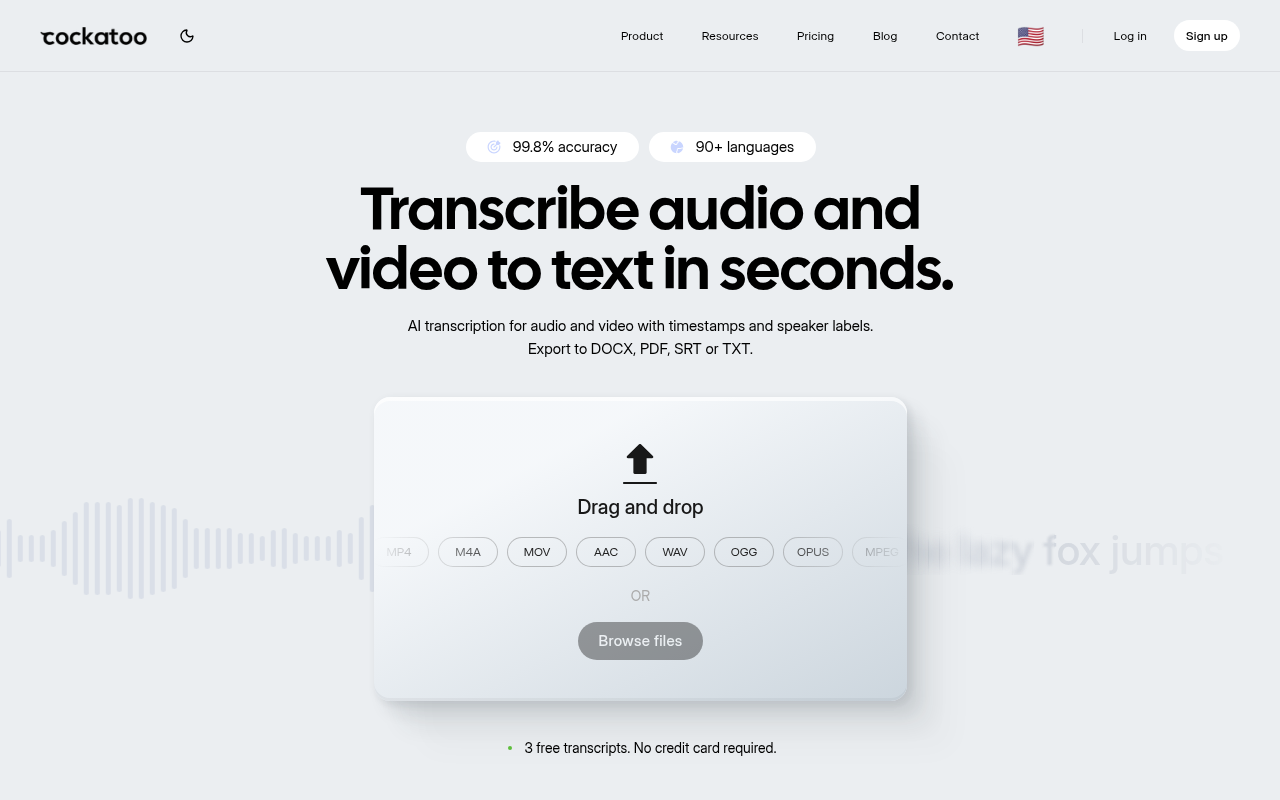
Cockatoo runs its own in-house transcription engine, which is why the Pro plan carries no monthly hour cap on standard modes. A single user processing a backlog of 200 interview recordings pays one flat monthly rate whether they upload 10 files or 10,000; see Cockatoo's pricing page for the current plan price, which reflects an active sale discount. Per-language word error rate figures are published on Cockatoo's benchmarks page, broken down by language against the FLEURS evaluation set, rather than collapsed into a single averaged percentage, giving non-English users something concrete to check before paying. The one honest tradeoff: V4-Thinking and V4-Pro carry a weekly usage limit shown in Settings, so users who need the highest-accuracy mode at very high volume should factor that in.
2. TurboScribe - Best Unlimited Alternative with a Generous Free Tier
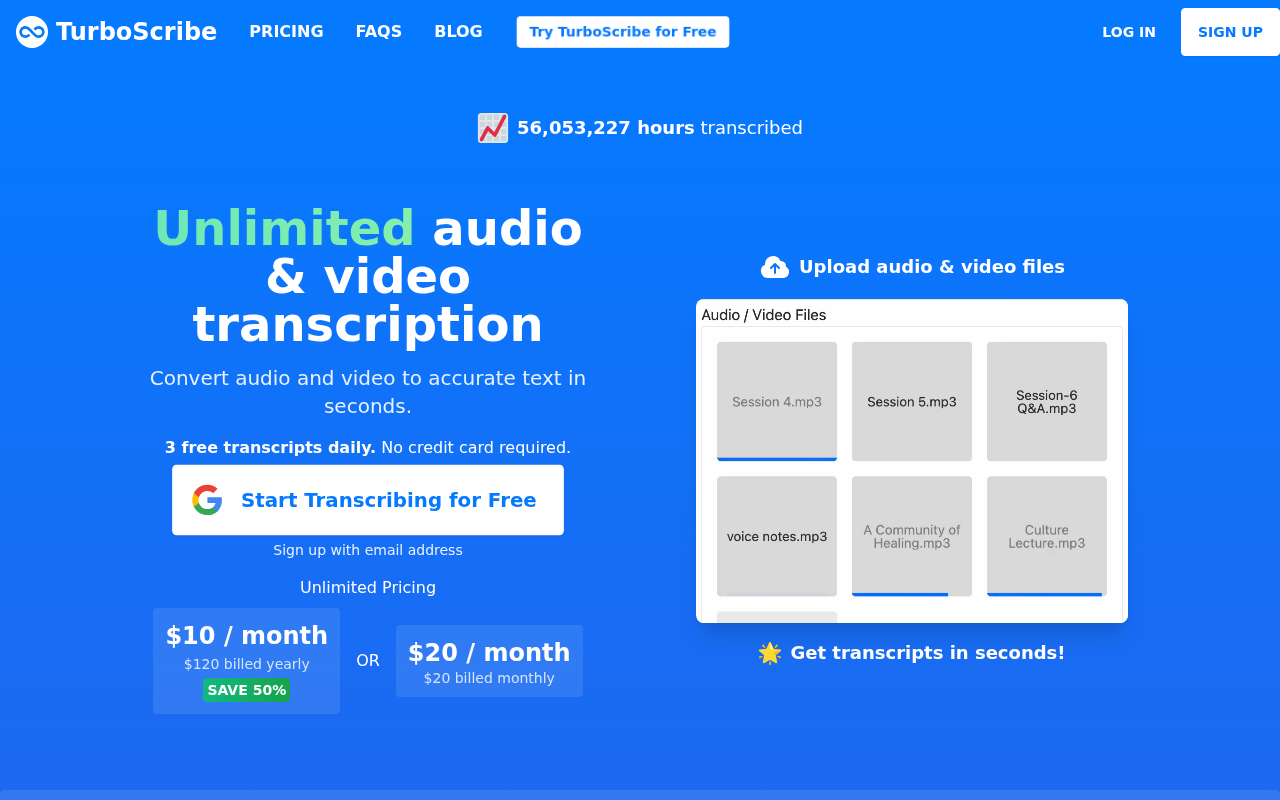
TurboScribe offers flat-rate unlimited transcription, and its free tier is a practical no-cost entry point for light users. The pricing model works well for moderate volume, but the fine print on the unlimited plan quietly caps usage at 720 hours per month, a ceiling most solo users will never hit but one that matters if you are clearing a large archive fast. Accuracy evidence is limited compared to tools that publish per-language benchmarks, so non-English users are taking the accuracy claim on faith. Best pick for English-first users who want a low entry price and do not need published WER data.
3. Happy Scribe - Best for European Language Coverage and Human Review Add-On
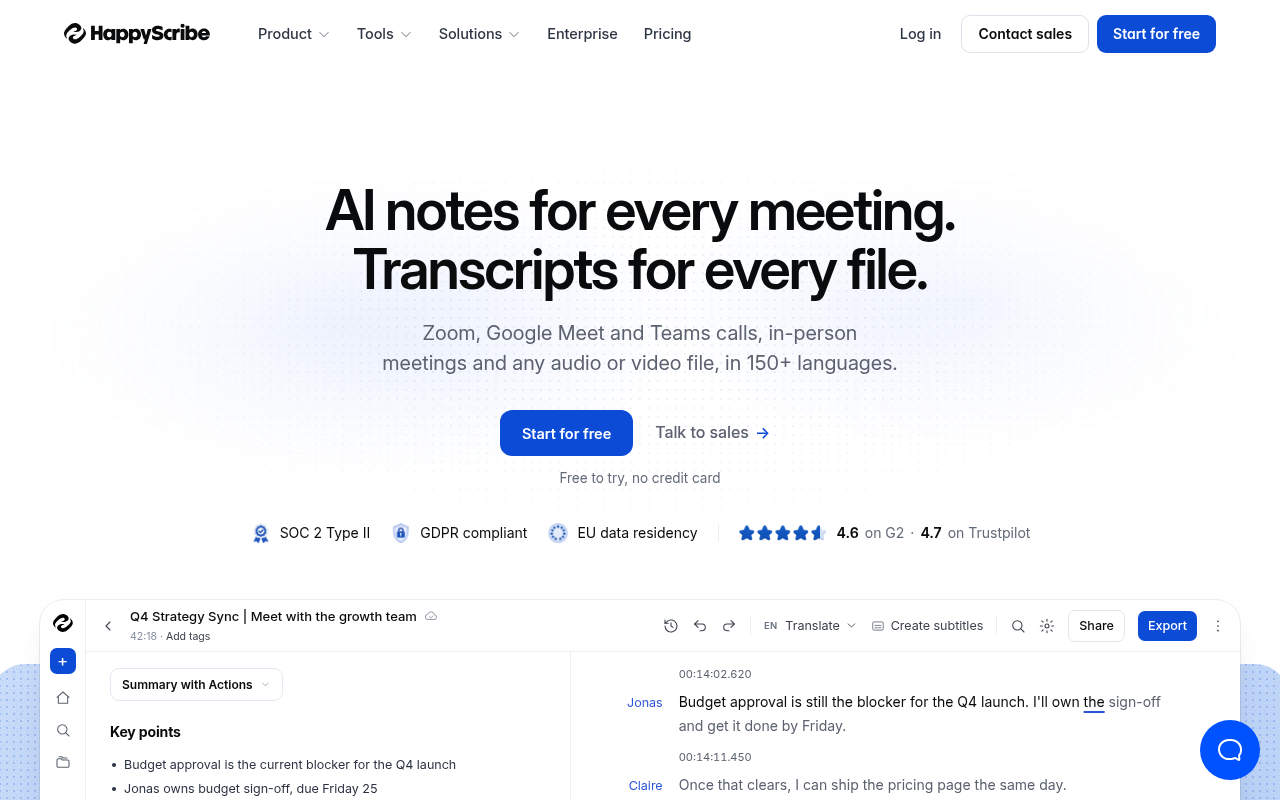
Happy Scribe covers a wide range of European languages and lets you add a human review layer to any AI transcript at a per-minute rate, a practical option for legal or journalistic work where a single mistranscribed name matters. The hybrid model does raise the effective cost above flat-rate tools, and the per-minute pricing structure can surprise users who assumed a flat monthly fee. Best for solo researchers or journalists working in French, German, Spanish, or Portuguese who occasionally need a verified human output alongside the AI draft.
4. Sonix - Best for Automated Subtitle Workflows and Team Collaboration
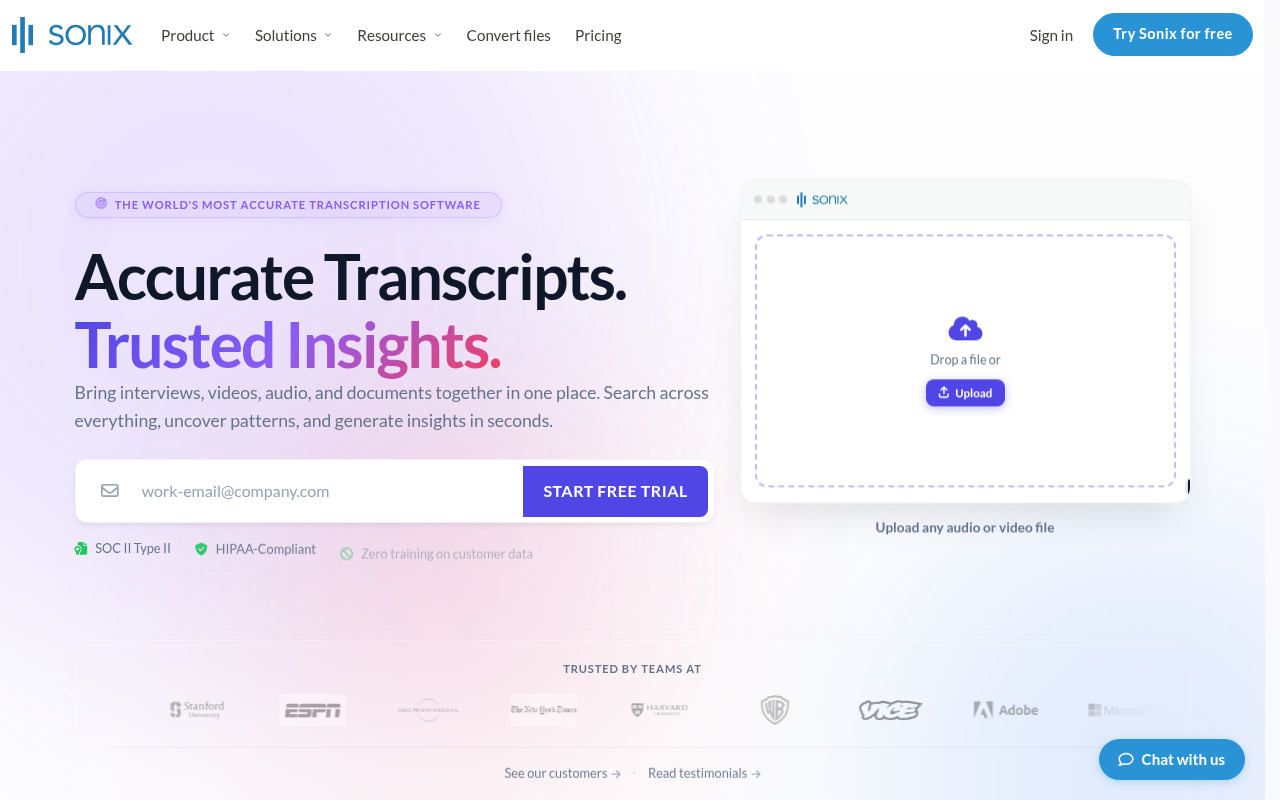
Sonix (sonix.com) is a manufacturer of scanning acoustic microscopy systems for wafer, package, and industrial inspection; it has no relation to AI transcription, subtitle export, or video captioning. Pricing is per-hour for transcription plus a monthly base fee, so costs scale with volume in a way that can feel unpredictable for users with irregular workloads. The collaboration features are genuinely useful for small teams, but a solo user who only needs a transcript and an SRT file may find they are paying for team infrastructure they will never use.
5. Rev - Best for On-Demand Human Transcription with AI Fallback
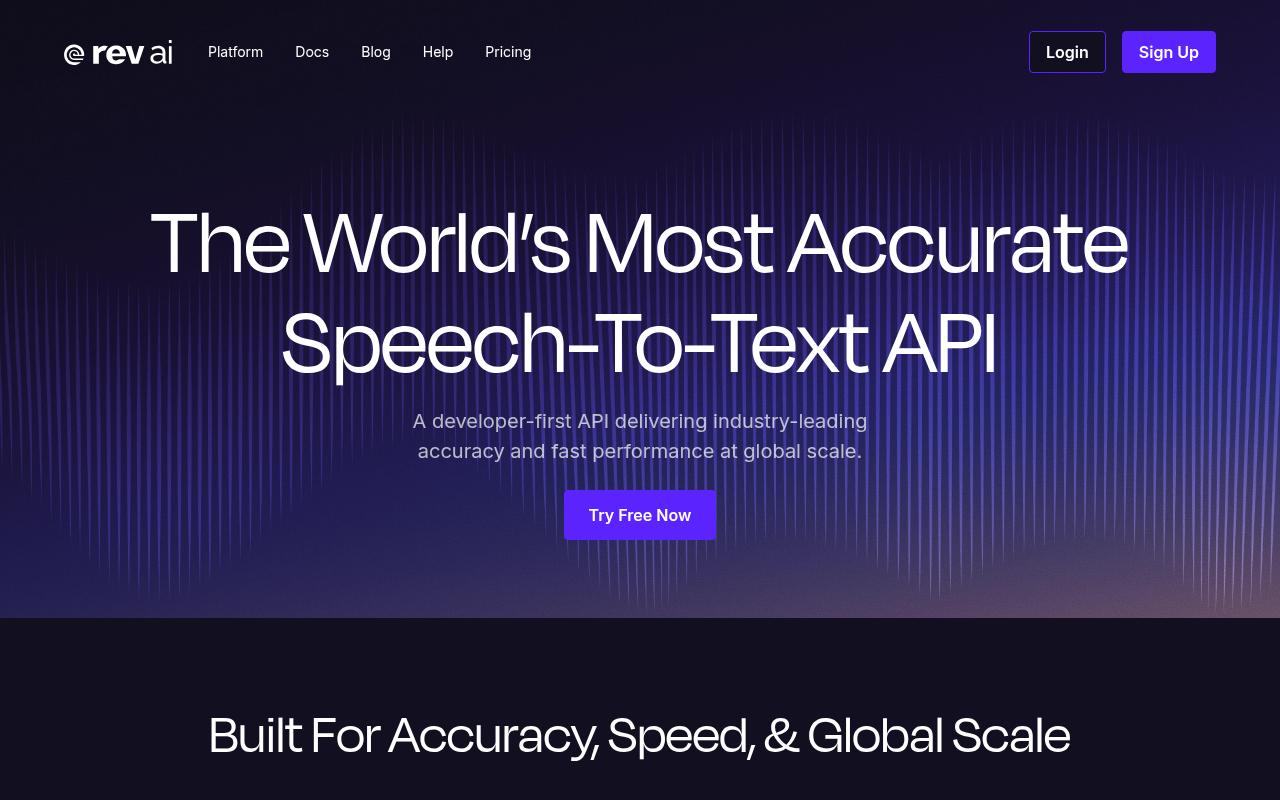
Rev's human transcription tier does not publicly list a flat per-minute rate; instead, it directs users to a Pricing Calculator to estimate costs, so the per-minute price requires going through a calculator tool rather than reading a published figure. This is more transparent than tools that quote only monthly plan totals in that you can calculate total cost before ordering, but less immediately readable than a single published figure. The AI tier is faster and cheaper, but Rev has not published per-language word error rates, so the accuracy claim for non-English audio is unverified. The right use case is a high-stakes English recording where a single error could cause a real problem and budget is not the primary constraint. For routine file-upload transcription at volume, the per-minute cost adds up quickly.
6. Descript - Best for Podcast Editors Who Want Text-Based Audio Editing
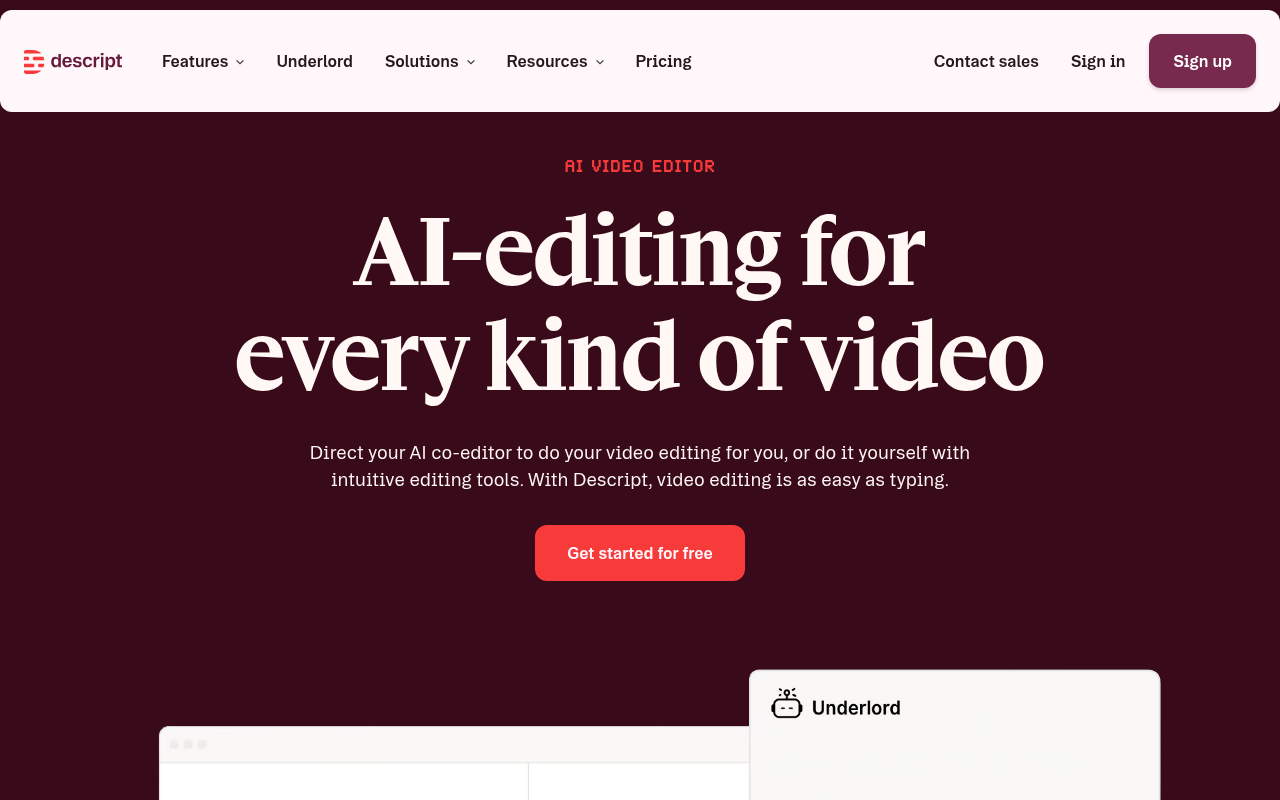
Descript is less a transcription tool and more a text-based audio editor that happens to transcribe your file first. The transcript becomes the editing interface: delete a word from the text and the audio cuts with it. That is genuinely powerful for podcast producers, but it means the tool is optimised for editing sessions inside Descript's own environment rather than exporting a clean transcript to Word or a subtitle file for another platform. Solo users who just need the words out of the file will find they are paying for a production suite they may not need.
7. Fireflies.ai - Best Meeting-Bot Transcription for Sales and RevOps Teams
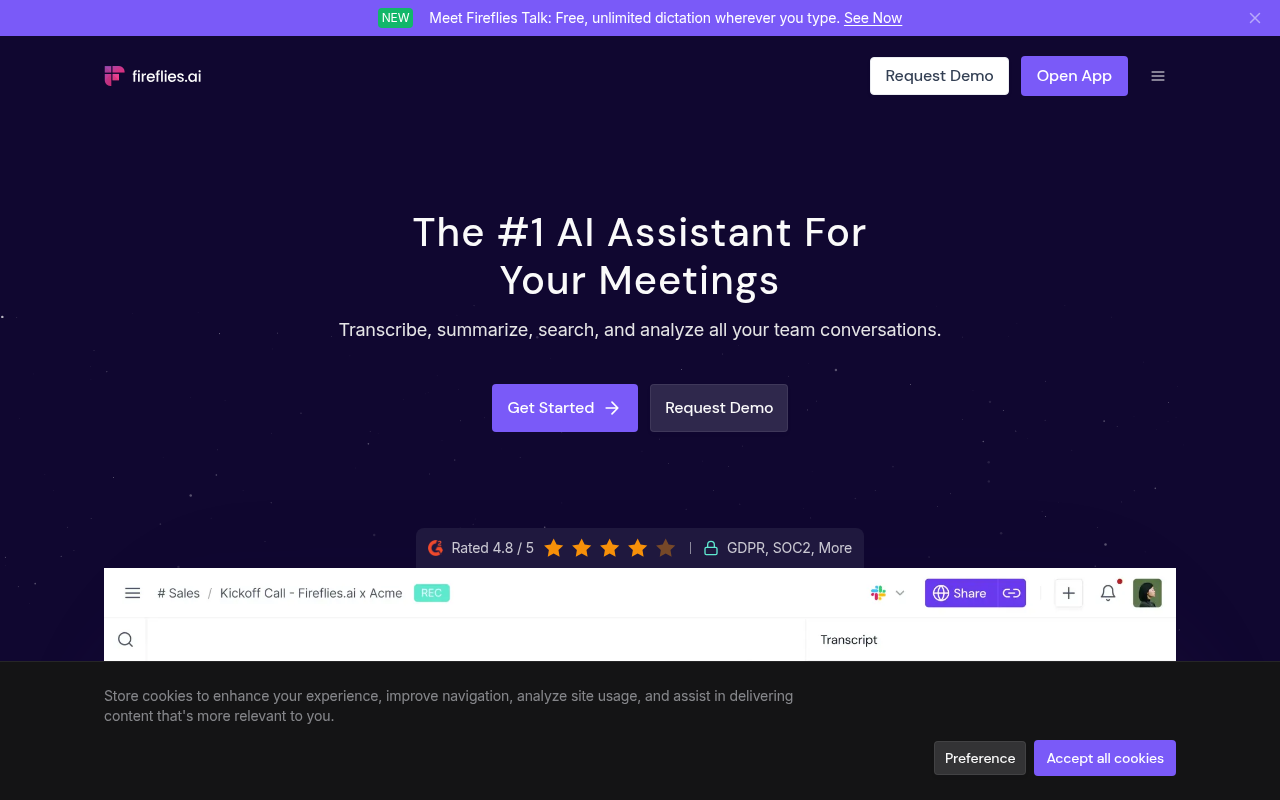
Fireflies is built around a bot that joins your Zoom, Teams, or Google Meet call and transcribes live, then surfaces action items and CRM-ready summaries. For sales teams logging call notes, that workflow is well designed. For a solo user with a backlog of recorded interviews or lectures, the fit is poor: Fireflies' value proposition, live-call capture, CRM summaries, action-item extraction, assumes an active meeting workflow rather than a queue of files recorded last week.
The product does support file upload, but its roadmap and pricing reflect its meeting-bot identity, so users whose primary need is async file processing will find they are paying for a suite of features they cannot use.
8. Otter.ai - Best Real-Time Live Transcription for Students and Hybrid Teams
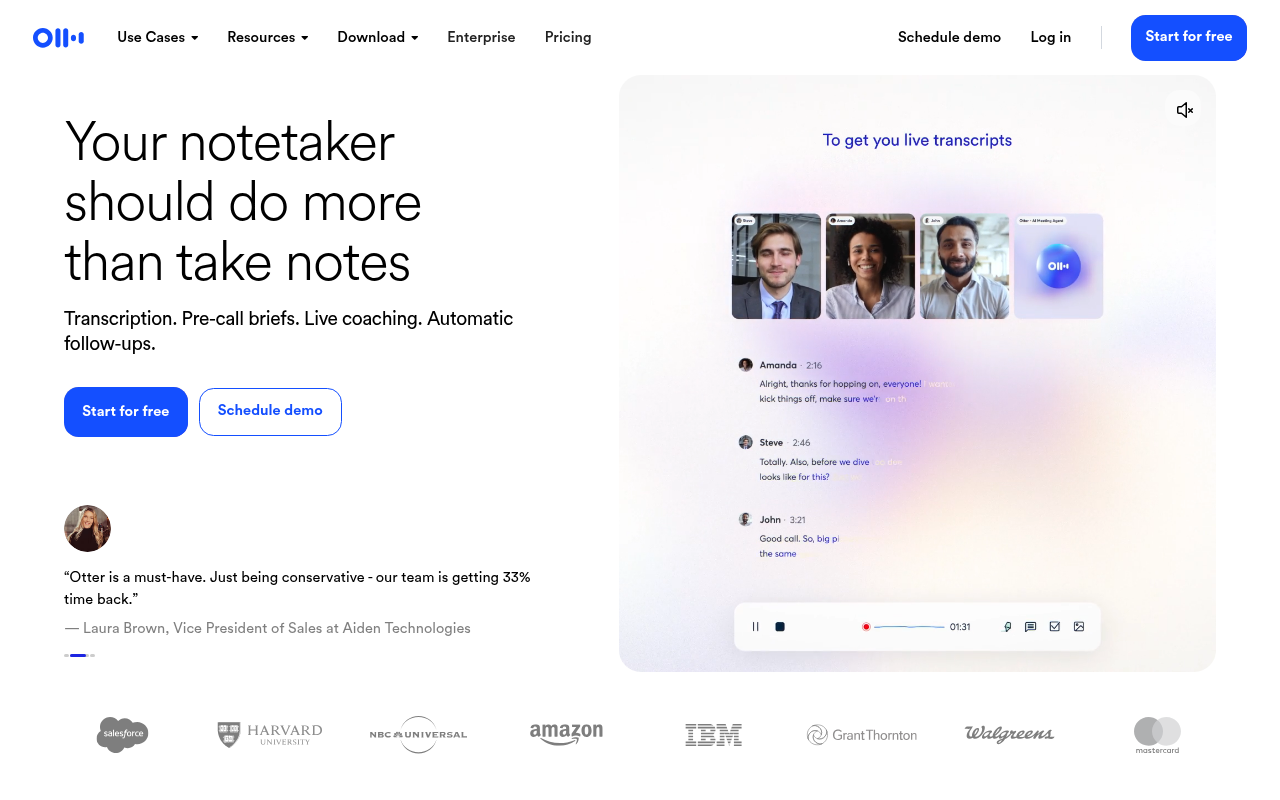
Otter's Pro plan caps file-upload transcription at 1,200 minutes per month and language support covers multiple languages, as stated on Otter.ai's own page. The live transcription experience for English-language meetings is genuinely good, and the real-time collaborative features work well for hybrid classrooms or team standups. The friction shows up the moment a user brings a recorded file or tries to clear a backlog: the cap bites, and the meeting-bot design becomes visible. Best used for what it was built for: live transcription.
9. Trint - Best Enterprise Transcription Platform with Compliance Controls
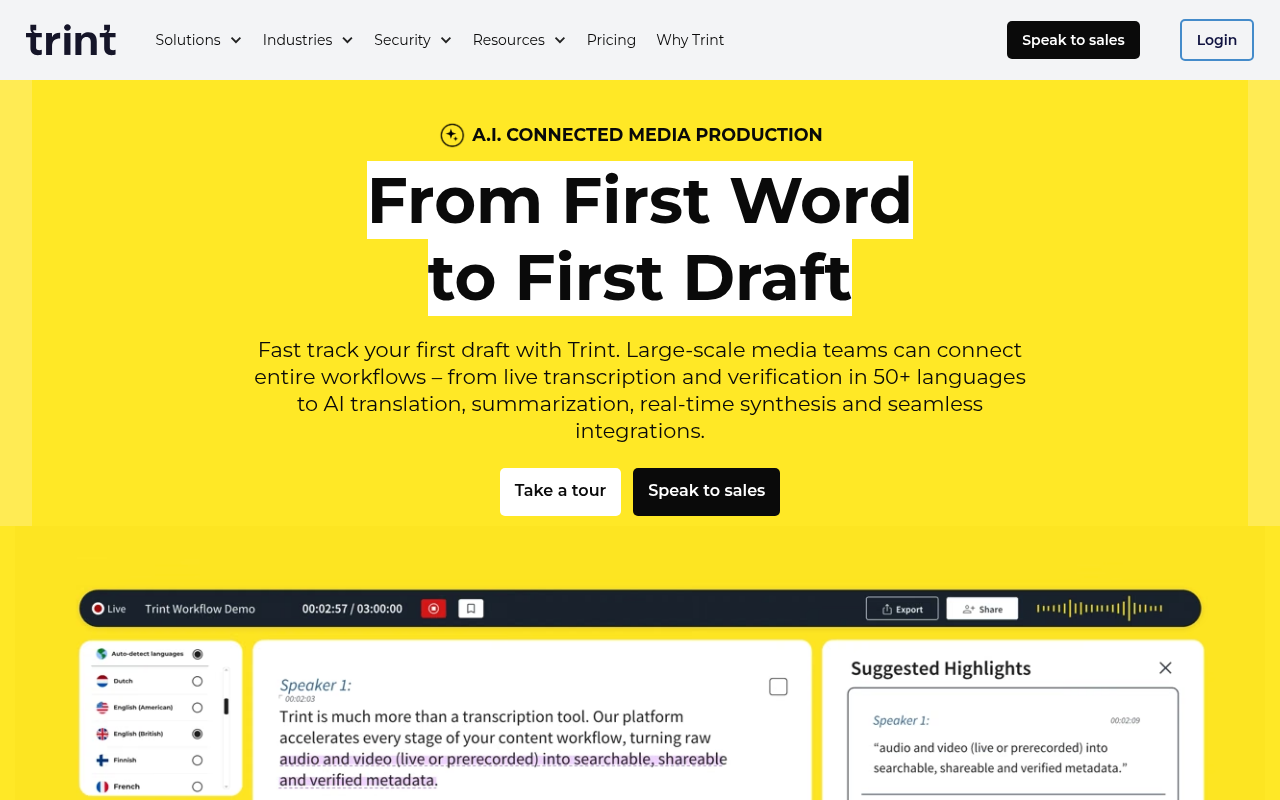
Trint supports 50-plus languages and offers multi-user real-time editing, audio snippet extraction, and data residency controls that matter to media organisations and legal teams. For a solo user, the per-seat pricing structure means the cheapest meaningful tier still carries an enterprise-sized bill, and there is no affordable middle ground between the free tier and a full licence. The tool is well built for the newsroom or compliance-heavy team it was designed for. Recommending it to an individual contributor who just needs a transcript is like recommending a commercial kitchen because you need to boil an egg.
10. Whisper (Local / OpenAI API) - Best Zero-Cost Option for Technical Users Comfortable with CLI
OpenAI's Whisper model achieves competitive word error rates on the FLEURS multilingual benchmark, and running it locally costs nothing beyond compute. The gap is everything around the raw transcript: adding speaker diarization, word-level timestamps, and a clean export format requires additional libraries, configuration, and ongoing maintenance that most solo users are not set up to handle. A technical user who is comfortable at the command line and wants zero recurring cost will find Whisper a capable foundation. Anyone who needs a finished, editable transcript in under five minutes without a setup session should look elsewhere.
11. Notta - Best for Multilingual Real-Time and File-Upload Transcription on Mobile
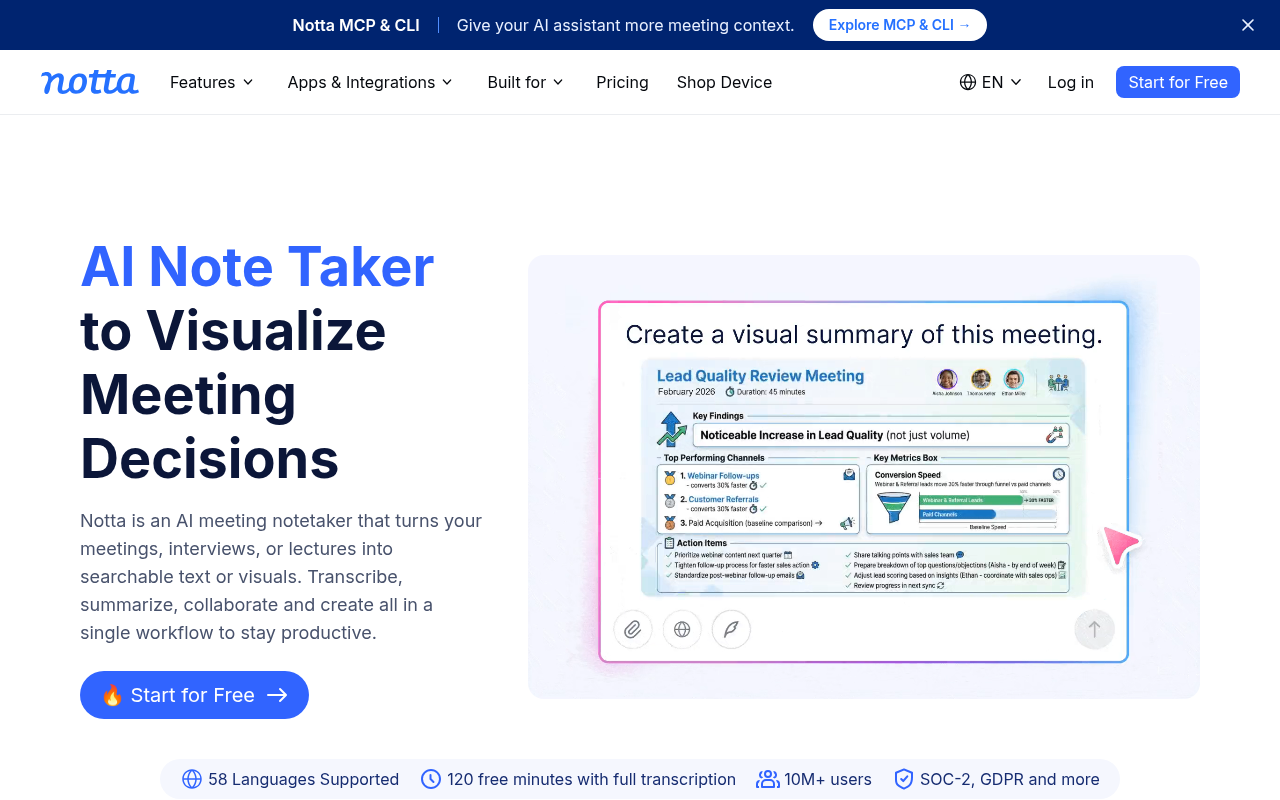
Notta covers both live transcription and file upload, with a mobile app that has accumulated strong user ratings on both the App Store and Google Play; worth checking the current store listings directly, as ratings in this category shift frequently. Language coverage is broad for an AI-only tool, and the interface is clean enough that non-technical users can get a transcript without a learning curve. The free tier is limited, and the paid plans price per seat in a way that is better suited to small teams than to a single user with irregular volume. Best pick for a solo user who frequently transcribes on a phone and needs multilingual support without a desktop-first workflow.
12. Amberscript - Best for Accessibility Compliance and Subtitle Certification in Europe
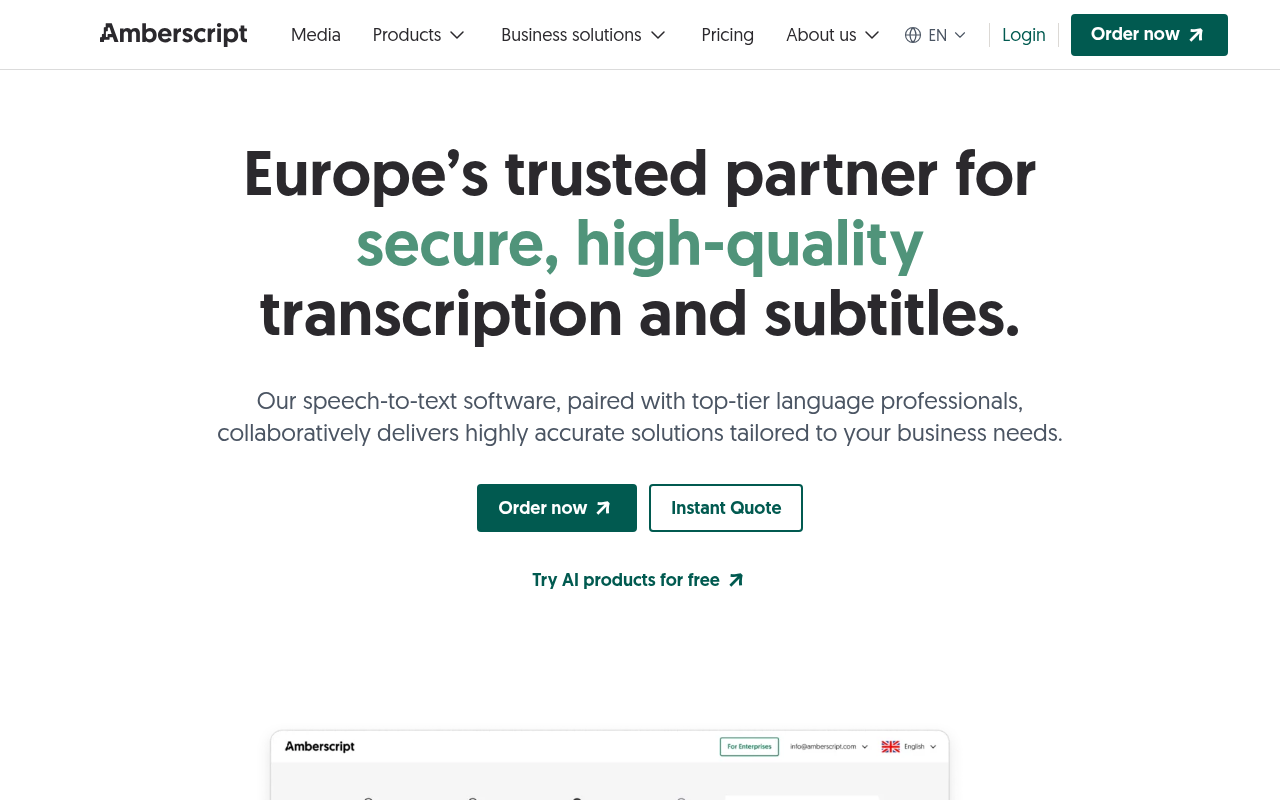
Amberscript is built for subtitle and caption work that needs to meet European accessibility standards, including certified outputs for broadcast and public-sector clients. The human review option and compliance-grade export formats are its core differentiators. For a solo user who needs a plain transcript of an interview or a call recording, those features are overhead: the pricing reflects the compliance infrastructure, not the basic transcription use case. Best for accessibility professionals, broadcasters, or public-sector teams in Europe where certified subtitle output is a legal requirement.
13. Riverside.fm - Best for Podcast Hosts Who Record and Transcribe in One Platform
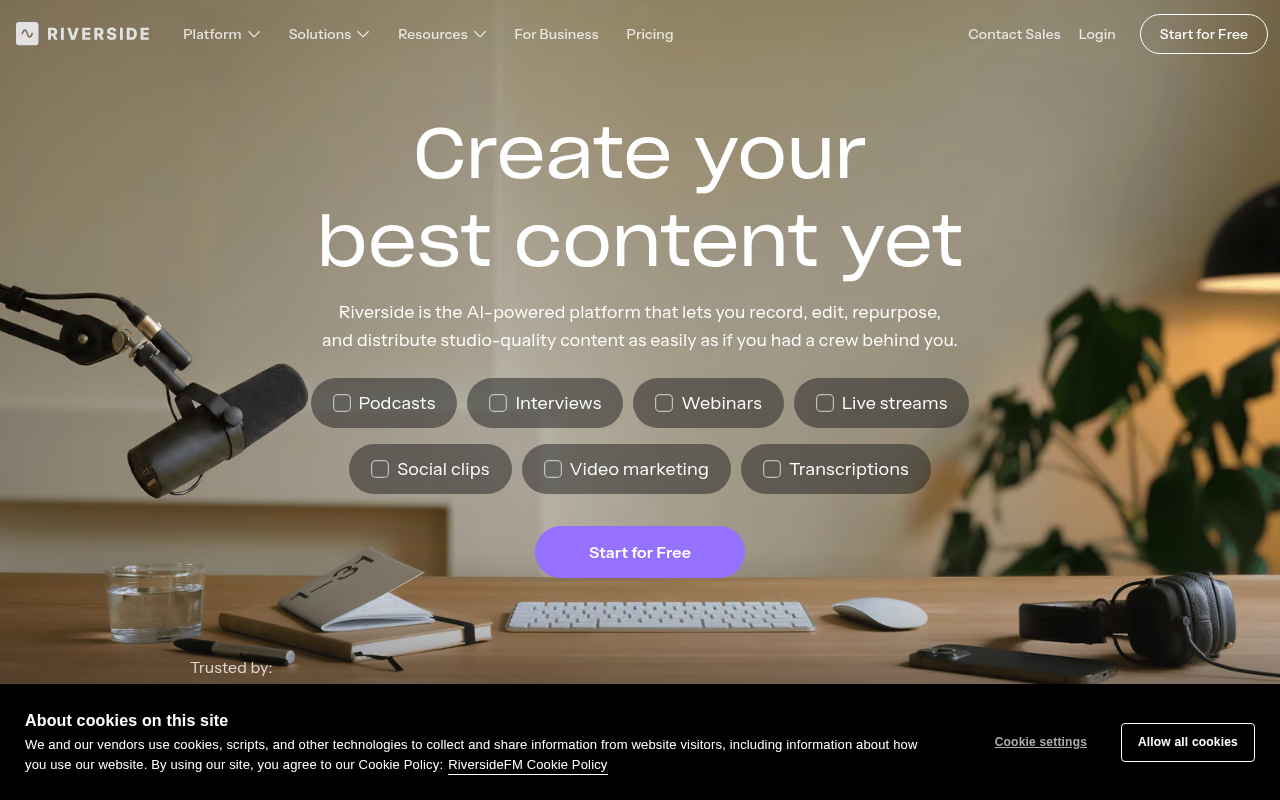
Riverside records remote podcast interviews at local quality on each participant's device, then transcribes the session in the same platform. The integrated record-and-transcribe workflow removes a step for podcasters who would otherwise record in one tool and transcribe in another. The tradeoff is that Riverside is priced and positioned as a recording studio, so users who already have their recordings and only need transcription are paying for studio infrastructure they will not use. If your workflow starts before the record button, Riverside earns its place; if you already have the file, it does not.
14. Verbit - Best High-Volume Enterprise Transcription with Dedicated Account Management
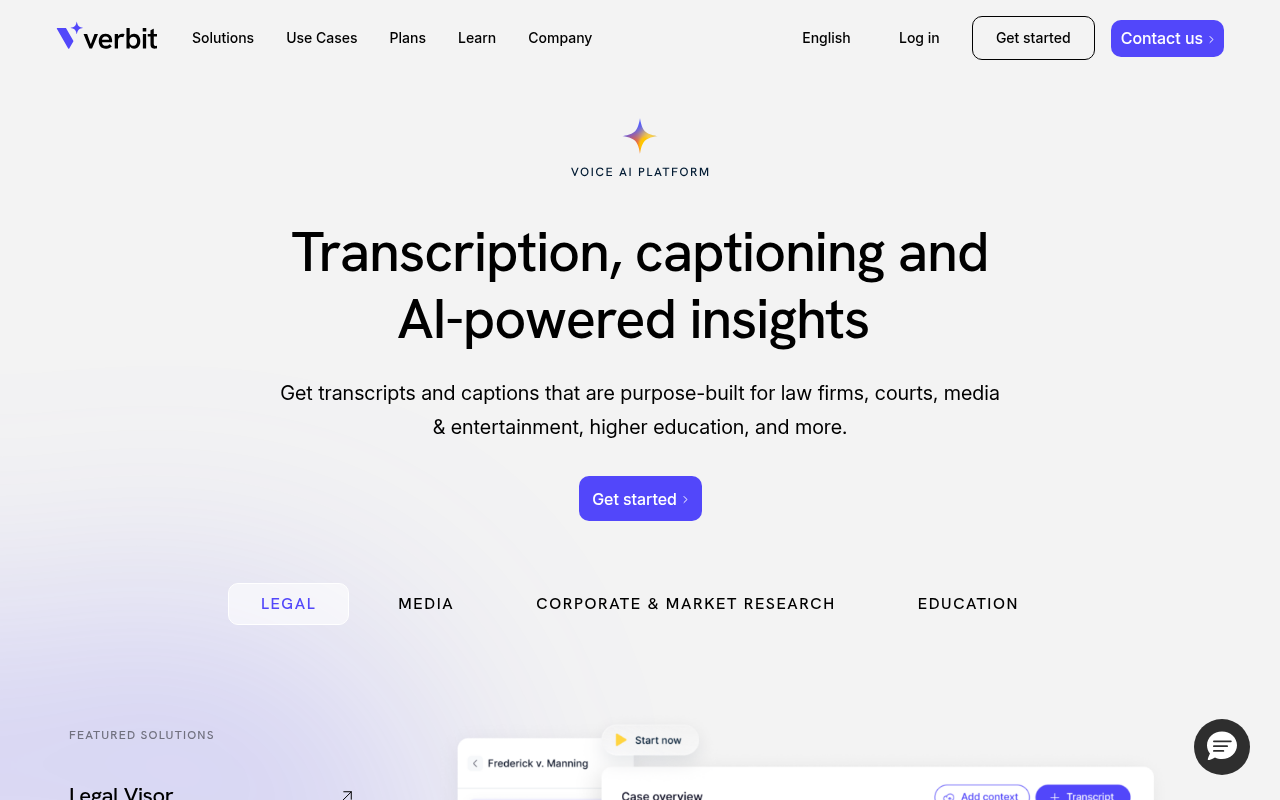
Verbit combines AI transcription with human editors and account management designed for universities, legal firms, and media companies processing thousands of hours per month. The accuracy and turnaround guarantees are real, and the dedicated support model matters when a missed deadline has contractual consequences. For a solo user or small business, the pricing and onboarding process are built for procurement cycles, not a self-serve subscription. Verbit is excellent at what it does, but what it does is serve institutional volume, not a single person with a deadline.
15. Simon Says - Best for Film and Video Post-Production Transcription Workflows
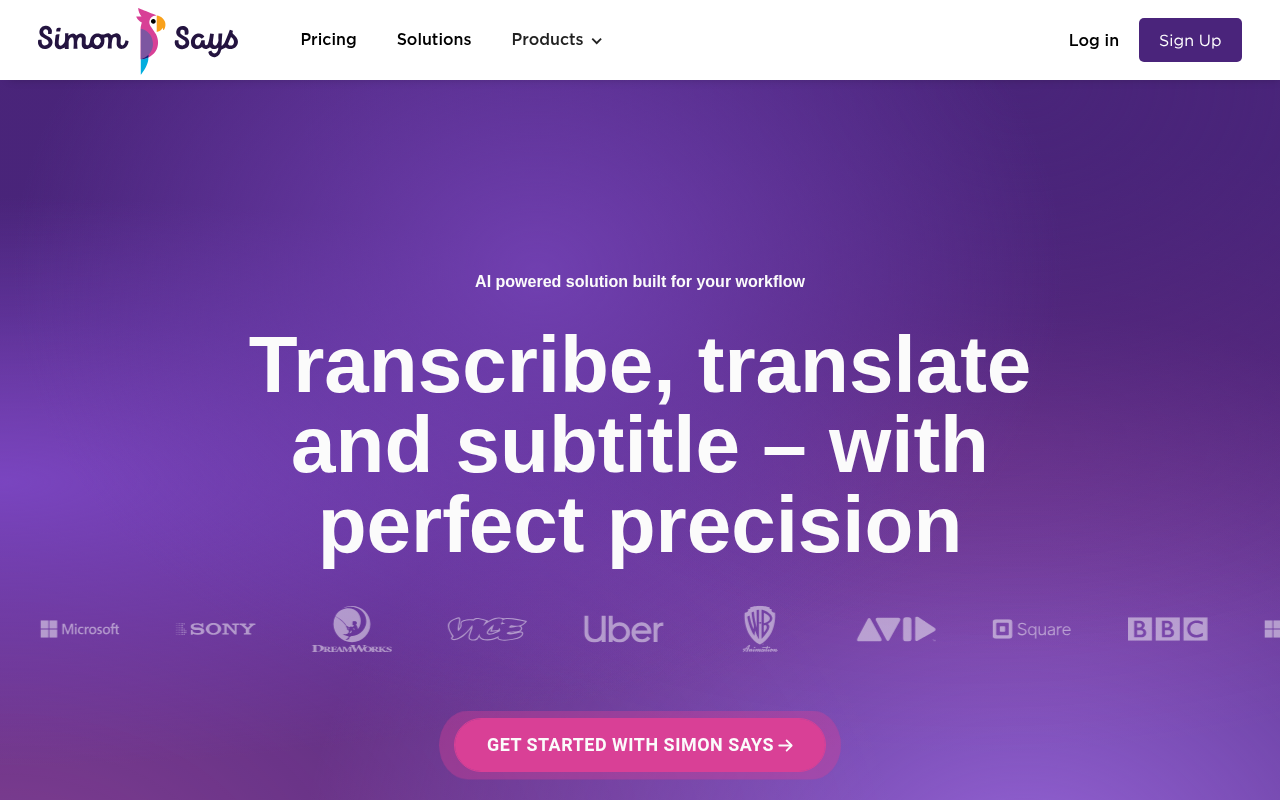
Simon Says is designed for the post-production pipeline: it transcribes footage, syncs transcripts to timecode, and exports formats that connect directly to Avid, Premiere, and Final Cut. For a documentary editor or a video journalist, that timecode-linked workflow is difficult to replicate in a general transcription tool. For anyone outside that specific post-production context, the tool's specialisation is a cost rather than a benefit. If your output is a Word document or a subtitle file rather than a cut sequence, Simon Says is solving a problem you do not have.
The real split in this market is bot-first versus file-first, and that architectural difference predicts pricing structure more reliably than any accuracy tier does. Tools built around a live meeting bot price and behave like meeting tools even when you upload a file; tools built around the file you already have tend to price and perform accordingly. Sorting by that axis collapses 15 options into a much shorter shortlist faster than any star rating will.
Fifteen tools, fifteen different bets on what "accurate transcription" actually means for your workflow. But a ranked list only gets you to a shortlist. The next step is a three-question litmus test that collapses these options into a single confident pick based on how your audio gets made, what language it is in, and whether you have a team budget or just a deadline.
Related Reading
- Best Transcription App
- Descript Vs Otter
- Fireflies Vs Otter
- Trint Vs Rev
- Happy Scribe Vs Rev
- Otter.AI Competitors
How to Choose the Right Transcription Tool When Trint and Otter Both Miss the Mark
That litmus test runs on three variables: how your audio gets made, what language it carries, and whether you're spending from a team budget or racing a personal deadline.
Three questions take less than a minute to answer and together eliminate roughly 80% of the tools on any comparison list.

80%
of the tools on any comparison list
| # | Question | If YES → remove these tools | If NO → keep evaluating |
|---|---|---|---|
| 1 | Do you upload pre-recorded files (not live calls)? | Fireflies, Otter, Riverside | All remaining tools |
| 2 | Do you work in a language other than English? | Tools without published per-language WER benchmarks (Rev AI, TurboScribe, Otter) | English-only users may skip this filter |
| 3 | Are you buying solo without a team budget or approval process? | Per-seat tools: Trint, Verbit, Notta team plans | Budget-holders may consider team tools |
Shortlist after all three YES answers: Cockatoo, Happy Scribe, Whisper (CLI), Amberscript
Each filter does a specific job. The first removes every live meeting bot if your work is a backlog of recorded interviews, lectures, or call recordings. The second removes tools with no verifiable accuracy data for your language. The third removes per-seat pricing models that assume a finance team signs off on software; per-seat costs scale fast and punish individual buyers.
Buyers should prefer tools that provide verifiable language benchmark evidence over those that cite unverified percentages. Published benchmark data is a faster and more reliable decision filter than any review-site star rating, because solo users can run the same audio file through any shortlisted tool's free tier in under 20 minutes and use that external reference point to validate the result, whereas vague percentage claims with no methodology tell you nothing about whether the number applies to your accent, your recording equipment, or your subject matter.
File-Upload vs. Live Meeting Bot
This is an architectural difference that determines whether a tool can help you at all. A live meeting bot requires an active call to join; if your audio already exists as a file, the bot has nothing to connect to. Across the market, file-upload tools process recordings asynchronously while live bots require real-time call access, so the two categories are functionally incompatible for most solo workflows.
Which Trint or Otter Alternative to Pick for Each Answer Combination
For solo users uploading pre-recorded files in a non-English language, the matrix points to Cockatoo.
Cockatoo's transcription software is the matrix's answer for solo file-upload users because its pricing is flat for individuals rather than per-seat, its accuracy evidence is published by language on a benchmarks page rather than presented as a single averaged figure, and it processes uploaded files rather than waiting for a live call. One honest trade-off: if your primary need is live meeting capture with shared team notes, Cockatoo does not operate as a meeting bot and is not the right fit.
Related Reading
Next steps
If your folder of recorded interviews keeps running into per-seat pricing built for teams you don't have, the path forward starts with sorting tools by architecture first, price second. Bot-first products like Otter were designed to join a call, not process a queue. File-first products price and perform accordingly. Start with our transcription software.
The finding that the bot-first versus file-first split predicts pricing structure more reliably than accuracy tier means evaluating Trint and Otter against each other was always the wrong comparison. The finding that published per-language benchmark data is a faster decision filter than any review-site star rating means you can validate a shortlisted tool in under 20 minutes by uploading one existing file and checking the output against a real reference point. Together, they point to trying a file-first tool that actually publishes its accuracy numbers rather than averaging them into a single unverifiable percentage.
Start with transcription software built around the file you already have. Upload an existing recording on the free tier, no credit card required, and compare the transcript against the per-language benchmarks published on the site. Every export format, speaker recognition, and word-level timestamps are available before any payment.
Frequently Asked Questions
How many free minutes does Otter AI actually give you per month?
Otter's free tier offers 300 minutes per month. That limit is minutes-based rather than file-count-based, which is more forgiving for short recordings but still hits hard on longer audio.
Which of these tools is actually built for uploading pre-recorded files rather than joining a live meeting?
Cockatoo is built around the file you already have on your desktop, its Free tier lets you upload any audio or video file and get an editable transcript back with speaker recognition, word-level timestamps, and clean-verbatim output, with no meeting bot required. Both Trint and Otter were architected for other primary use cases: Trint for newsroom team collaboration and Otter for live meeting capture.
Does Trint or Otter work well if my recordings are in French, Portuguese, or another non-English language?
Otter.ai supports only four languages, English, Spanish, French, and a limited form of Chinese, meaning users with Portuguese, Arabic, German, or Japanese recordings hit a hard wall before opening a file. Trint lists 50+ languages but publishes no per-language accuracy benchmarks, so there is no verifiable evidence of how well it handles accented audio or regional dialects in those languages.
Can more than one person on a team use these tools, and how does that affect pricing?
Trint's pricing is structured on a per-seat basis, meaning a solo user pays the same rate as someone on a ten-person team with no volume benefit. Cockatoo offers a Team tier (minimum three people) that adds shared transcript editing, centralised billing, encrypted cloud storage, and large-file transfer bundled into the subscription, making it a purpose-built option when collaboration is genuinely needed.