Turboscribe Pricing, Plans, and Top Alternatives (2026)

TurboScribe's pricing looks simple until three hidden free-tier limits hit at once. Here is what the plan page does not show you, and what it actually costs to remove those walls.
Evaluating an AI transcription tool should take five minutes when the pricing page shows two tiers and a single number. The common assumption is that a visible price and a plan label are enough to make a fair comparison. With TurboScribe, the surface looks clean, but the detail underneath rewards a slower read. TurboScribe is an AI transcription tool that converts audio and video files to text, covering use cases from client interviews and call recordings to transcription software and meeting notes. The workflow is simple: upload a file, receive a transcript, export it. No setup, no integration required.
The accuracy claim rests on the same engine powering a wide range of transcription tools across the market. Whisper's word error rate shifts significantly by language and recording condition; a clean English studio recording performs very differently from a four-person call in a second language or a noisy environment. Buyers transcribing in anything other than high-resource languages are paying for accuracy they cannot verify before subscribing, because no per-language benchmark data is published alongside the price.

The "unlimited" label on the paid plan does real heavy lifting. As HokAI's October 2026 tool profile notes, the free plan's constraints are not clearly surfaced at upload time, so buyers often discover the mismatch after files are already in the queue. That gap between label and lived experience is exactly where pricing scrutiny begins. Before any pricing number makes sense, the plan limits behind it do too, and TurboScribe's free tier has a few that tend to surface at the worst possible moment.
Key takeaways
- TurboScribe's free plan caps you at three transcriptions per day, enough to poke around, not enough to test a real project.
- The word 'unlimited' on TurboScribe's Pro plan masks a soft throttle that only surfaces when a heavy batch lands mid-month.
- TurboScribe's accuracy figures trace back to OpenAI's Whisper benchmarks, which were measured on clean, well-recorded audio, not the accented, noisy, or multilingual files most buyers actually upload.
- At $11.99 a month billed annually, you're paying per minute of accuracy you have no independent way to verify before subscribing.
- Competing tools that also advertise 'unlimited' transcription quietly enforce a ceiling around 720 hours per month in their terms of service.
- The real comparison axis between transcription tools is per-language accuracy on your audio type, not the headline plan price.
- Cockatoo closes the verification gap directly: upload any audio or video file and get back an editable transcript with speaker recognition, word-level timestamps, and automatic punctuation, backed by a published 95% accuracy quality guarantee and benchmark results across 30 languages you can audit before paying.
TurboScribe Free Plan Limits That Catch Users Off Guard
TurboScribe's support documentation confirms the free plan allows exactly three transcriptions per day, with a hard 30-minute file length cap per upload, and places free users on a lower-priority processing queue.

The Three Hard Caps on TurboScribe's Free Tier
These limits apply simultaneously, not as separate fallbacks, and together they define the ceiling of what the free tier can realistically handle.
- Three files per day
- Thirty minutes per file
- Lower queue priority
Cockatoo's free tier ships that export step without a credit card: every export type, including PDF and DOCX, is available on the free plan, and files are kept until the user deletes them.
Why a 30-Minute File Cap Breaks the Prosumer Workflow Immediately
A typical business interview, client call, or team meeting runs 45 to 90 minutes. A single 90-minute recording hits both caps at once: split into two files, you have used two of your three daily transcriptions before the morning is half over. An ops admin with a 45-minute team call will see the upload rejected outright.
Cockatoo's free tier sets the per-file ceiling at 30 minutes as well, the same structural cap, but pairs it with the full export suite, so the files you do process come back as finished, editable documents rather than raw text you still have to format.
Lower-Priority Processing When You Have a Deadline
TurboScribe's support documentation states that free users are placed on a lower-priority processing queue, resulting in longer wait times than paid tiers. You split a long recording, upload the first file, and wait longer than a paid user would. By the time it returns, you may have exhausted your remaining daily quota on the other segments.
Key takeaway: On TurboScribe's free tier, the three limits, file count, file length, and queue priority, hit simultaneously, meaning your slowest processing always coincides with your tightest deadline and fewest remaining uploads.
On TurboScribe's free tier, the three limits, file count, file length, and queue priority, hit simultaneously, meaning your slowest processing always coincides with your tightest deadline and fewest remaining uploads.
Cockatoo's free tier carries the same lower-priority processing note, and that is an honest constraint worth naming.
TurboScribe Pricing and Plans Broken Down for 2026
TurboScribe offers two tiers, free and Pro, and the gap between them is wide enough that the plan you choose will either suit your workflow or actively limit it. What follows breaks down exactly what each tier costs, what it includes, and where the current pricing has a known discrepancy worth understanding before you commit.
At $11.99 a month billed annually, the word "unlimited" carries real weight, but whether it holds up depends on two numbers most buyers never see before they pay: the per-file ceiling that determines whether your recordings fit, and the soft throttle that surfaces only when a big project lands all at once.

$11.99
Pro plan price per month, billed annually
Free vs Pro at a Glance - The Plan Comparison Table
| Feature | Free | Pro |
|---|---|---|
| Price | $0 | $11.99/mo billed annually (Summer Sale) |
| Transcripts per day | 3 | Truly unlimited on standard modes (V4-Fast) |
| Max file length | 30 minutes | No hard cap, multi-hour files supported |
| Bulk uploads | 1 at a time | Up to 20 files per batch |
| Processing priority | Lower than paid | Standard and above |
| Storage | 2 GB encrypted cloud | 2 TB |
| Document translation | 1 page with watermark | Unlimited (PDF, DOCX, PPTX, XLSX, TXT) |
| Canvas (AI notes editor) | Included | Included |
| Transfers | Up to 10 GB/mo; links expire after 7 days | Unlimited |
Cockatoo Pro Costs $11.99 a Month Billed Annually
Cockatoo Pro is priced at $11.99 USD per month on annual billing (currently listed as a Summer Sale saving 60%), or $29.99 per month on a monthly cycle. One pricing note worth flagging before you decide: Cockatoo's pricing page currently shows conflicting annual total figures.
A flat monthly fee means the 200th episode costs exactly the same to process as the first, with no arithmetic required mid-project.
What Unlimited Actually Covers - Features Included in Pro
Cockatoo Pro includes truly unlimited transcription on standard modes (V4-Fast) with no monthly hour cap, batch uploads of up to 20 files at a time, unlimited file and document translation (PDF, DOCX, PPTX, XLSX, TXT), unlimited Canvas sessions, Cockatoo's AI notes editor, unlimited transfers, and 2 TB of storage. V4-Pro adds a dynamic custom vocabulary that remembers edits across transcripts and a true-verbatim setting that keeps ums and false starts.
The File-Length Reality That Determines Whether the Plan Fits Your Work
V4-Thinking and V4-Pro modes have a weekly ceiling, and buyers who push those modes heavily on large batches will encounter it.
The harder question is whether the accuracy Cockatoo delivers on your specific language and recording type justifies the switch.
TurboScribe Whisper Accuracy Claims Buyers Cannot Actually Verify
Whisper is OpenAI's open-source automatic speech recognition model, released in 2022 and trained on roughly 680,000 hours of multilingual audio pulled from the internet. Those headline figures can sound reassuring, but they reflect performance on clean, well-recorded speech in high-resource languages like English, Spanish, and French.
680,000
Hours of audio Whisper was trained on

According to Speko Benchmarks, the STT leaderboard tracks 35 distinct speech-to-text models, each with its own word error rate, latency, and cost profile, so direct comparison carries far more weight than any single vendor's self-reported number.
Why a Single Accuracy Percentage Without Benchmark Data Is a Buying Risk
Without independent benchmark data, a stated accuracy figure tells you little about how a model will perform on your actual audio. As Speko Benchmarks shows, a tool with high stated accuracy can still carry hidden costs in per-error correction time that a headline percentage never reveals.
The Hidden Cost of Unverifiable Accuracy
- A phone interview
- A noisy café
- A speaker with a regional accent
Cockatoo publishes per-language benchmark results across 30 languages using the FLEURS dataset, a publicly auditable standard, so you can check whether your language clears the accuracy bar before you enter a credit card number, rather than spending an afternoon cleaning up a transcript afterward.
Related Reading
- Best Transcription Software
- Local AI Transcription
- How To Transcribe A Video
- Multilingual Transcription
- Offline AI Transcription
TurboScribe Pros and Cons Worth Knowing Before You Subscribe
TurboScribe's pricing page presents only two clearly labeled plans (Free and Unlimited) with straightforward feature lists, and the key differences (upload limits, priority, file count, features) are explicitly spelled out in the plan cards without requiring the reader to read past headline numbers.

Pros and cons at a glance
| ✓ Pros | ✗ Cons |
|---|---|
| Self-serve access, no IT approval or sign-off needed | "Unlimited" label carries ambiguity; limits discovered mid-project not before |
| Translation bundled into paid plan for 134+ languages at no extra cost | No per-language accuracy benchmark to check before subscribing |
| Exports to DOCX, PDF, TXT, SRT, VTT on paid plans | Free plan's 3-file daily cap and 30-minute ceiling exhaust allowance in one sitting |
| Unlimited transcriptions on paid plan with no monthly hour cap mentioned | Key constraints buried in support documentation, not shown at comparison point |
| Cancellation is self-serve through account settings, no support ticket required | Lower-priority queue placement on free tier adds deadline pressure |
Where TurboScribe Genuinely Delivers for Solo Operators
Translation bundled into the paid plan is also concrete: the same review confirms support for 134+ languages without an add-on fee, saving a separate tool purchase for anyone working across markets.
The Three Scenarios Where TurboScribe's Limits Will Actually Hurt You
TurboScribe's paid plan explicitly advertises "Unlimited Transcriptions" with no monthly hour cap mentioned anywhere on the page, and that label is the constraint most buyers never interrogate before paying. The 3-file daily cap and 30-minute per-file ceiling on the free tier mean a single standard interview batch exhausts the allowance in one sitting.
How to Cancel TurboScribe and What That Tells You About Vendor Lock-In
Cancellation is self-serve through account settings, with no support ticket required. Prosumers who want to audit the claim before committing can compare against transcription software that publishes per-language benchmark results, grounding the decision in verifiable data rather than a headline percentage.
Related Reading
- Best Transcription App
- Descript Vs Otter
- Fireflies Vs Otter
- Trint Vs Rev
- Happy Scribe Vs Rev
- Otter.AI Competitors
TurboScribe Alternatives That Surface the Differentiators Worth Comparing
Comparing transcription tools by monthly price and plan label feels logical until the label stops meaning what you think it means. The word "unlimited" appears on plans that quietly enforce a ceiling around 720 hours per month in their terms, a wall that stays invisible until a heavy project lands mid-month and processing slows or stops. The real comparison axis is whether the tool's architecture matches your actual workflow, whether its accuracy claim is auditable before you pay, and whether "unlimited" is backed by infrastructure or just branding. Paying roughly €100 on a subscription only to get back transcripts too inaccurate to use is a loss that a free trial with auditable benchmark data would have prevented entirely.
1. Cockatoo - Benchmark-Backed Accuracy With Genuinely Unlimited Transcription
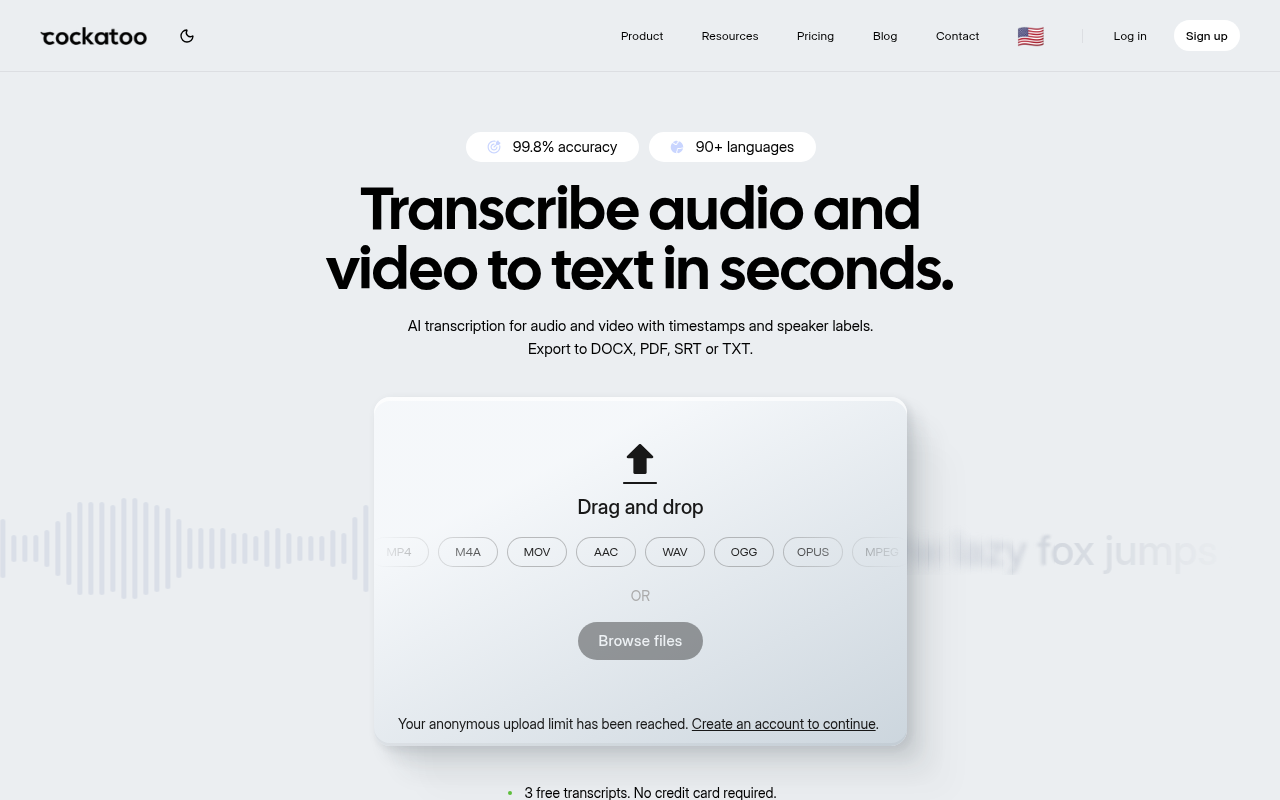
Cockatoo transcription software is the right pick when you need to verify accuracy before committing. Its Pro plan publishes per-language benchmark results across 30 languages using the FLEURS dataset, so you can check performance for your specific language before handing over a credit card. Beyond transcription, exports land as Word (.docx), PDF, SRT, or plain text, formats a colleague or editor can open and revise without conversion steps, and bulk export is supported so you are not downloading files one at a time. Most beneficial when your month is unpredictable and a soft cap would cost you a deadline.
If you are not ready to pay, Cockatoo's free tier requires no credit card and includes 3 transcripts per day, up to 30 minutes each, with 2 GB of encrypted cloud storage and the same export types. Document translation, covering PDF, DOCX, PPTX, XLSX, and TXT files, is also available on free (limited to 1 page with a watermark) and unlocked fully on Pro, so you can test whether the output quality justifies upgrading before committing to a paid plan.
2. TurboScribe vs Otter.ai - A File-Upload vs Live-Meeting Apples-to-Oranges Warning
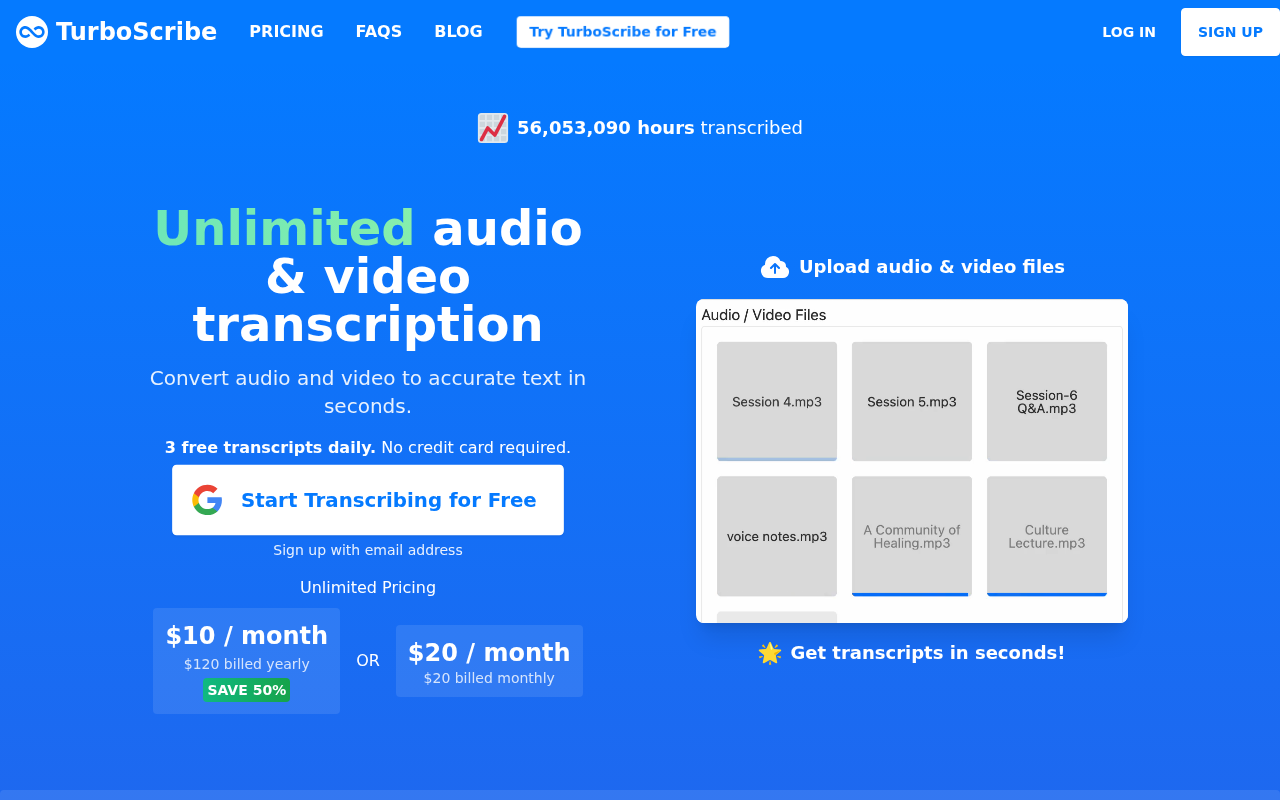
Otter.ai is built around live meeting transcription and a calendar-connected meeting-bot model, it joins your calls, captures in real time, and integrates with Zoom, Meet, and Teams. TurboScribe is built around file-upload transcription. Buyers who only need to upload pre-recorded audio or video files will pay for Otter.ai features they never use. This comparison exists to flag that mismatch explicitly: if your workflow is file-upload only, Otter.ai is the wrong category of tool, not just a weaker one.
3. Fast Honest Differentiator Table - Accuracy Evidence, True Unlimited, Translation, and Pricing Transparency
A one-row-per-tool comparison table cutting through marketing language on the four criteria that actually separate these tools: published accuracy evidence (benchmark data vs. unverified claims), true unlimited versus soft-capped plans (Cockatoo verified unlimited; competitors who adopted 'unlimited' quietly cap at roughly 720 hours/month), document translation availability, and pricing transparency. No enterprise complexity, this table is sized for individuals and small teams evaluating TurboScribe pricing against realistic alternatives.
4. TurboScribe Alternatives and Competitors - The Shortlist Worth Evaluating
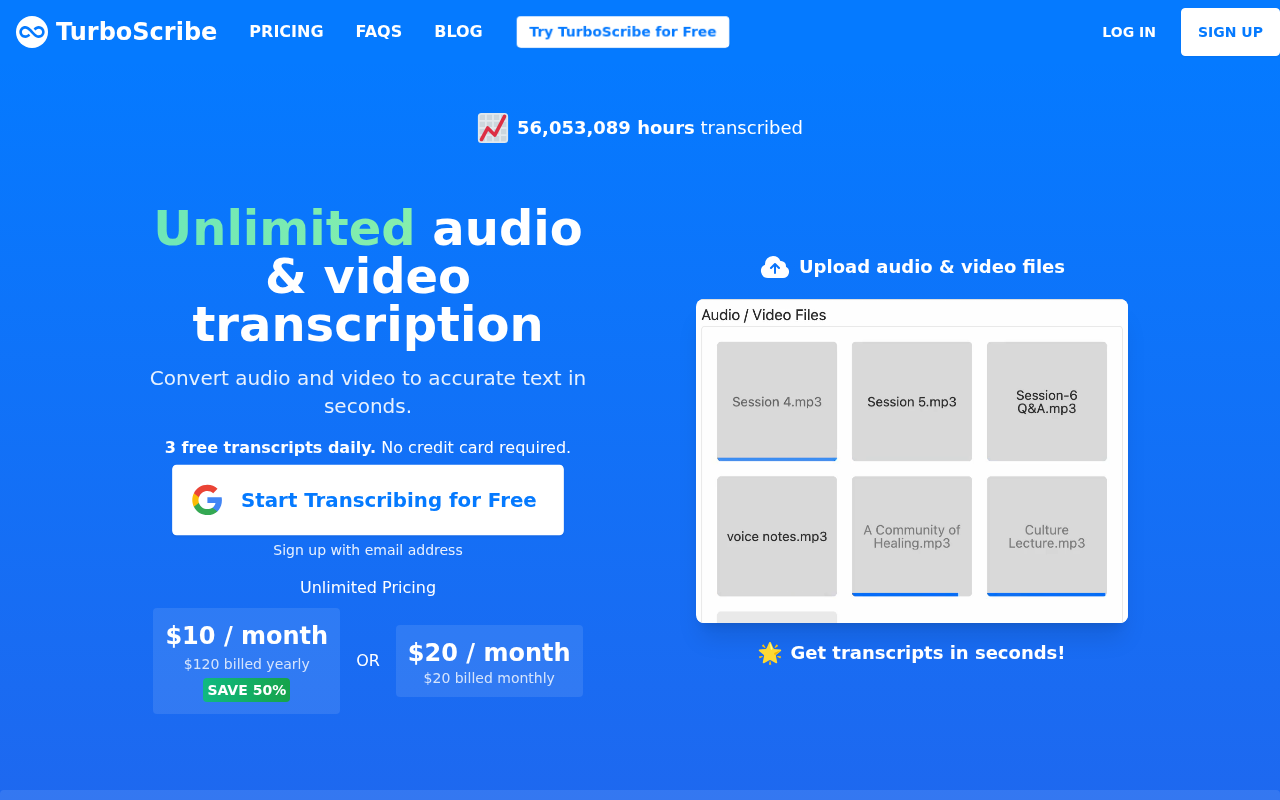
Three tools belong on a serious shortlist alongside TurboScribe. Happy Scribe suits buyers who prefer pay-per-minute pricing for occasional batch work rather than a flat monthly fee; its subscription tier covers multiple languages but accuracy evidence varies by language pair, so checking your specific language before buying matters. Cockatoo suits buyers who transcribe in languages other than English and want auditable benchmark data before committing, and who need the output as an editable Word or PDF file ready to share. Its Pro plan starts at $11.99 USD/mo billed annually (current Summer Sale pricing) with no credit card required to try the free tier first. AssemblyAI is API-first and priced per audio hour, making it the right fit for developers building a pipeline rather than a solo operator uploading files in a browser.
Once you have seen how these tools differ on accuracy evidence, true unlimited usage, and pricing transparency, the final call comes down to one question: which tool fits your specific language, file type, and volume, and can you verify that fit before you commit? That is exactly what the next section works through.
Related Reading
- Turboscribe Alternatives
- Trint Alternatives
- Happy Scribe Alternatives
- Sonix Alternatives
- Trint Vs Otter
Next steps
If your monthly transcription volume makes an "unlimited" label feel like enough information to decide, the path forward starts with recognizing that a bare price and an unverified accuracy percentage leave the hardest questions unanswered. The post showed how TurboScribe's free plan is structurally designed to force a purchase decision before a buyer can run a meaningful real-world test, with caps that exhaust the allowance on a single interview batch, not a stress test of real project volume. Start with our transcription software.
That free-tier gating problem means you cannot verify accuracy before committing, and a vendor's headline accuracy percentage is the least useful number a buyer can look at, because word error rate, latency, and correction cost all move independently by language and recording condition. Together, they point to one action: test on your own audio, in your own language, against a tool that publishes the benchmark data publicly, before any subscription decision.
Start with transcription software that publishes per-language FLEURS results across 30 languages, so the accuracy question is answered by auditable data rather than a vendor-issued percentage. Upload one real file on the free tier, no credit card required, and make the plan decision after you have seen the output on your hardest case.
Frequently Asked Questions
What are TurboScribe's free plan limits, and will they be enough for real work?
TurboScribe's free plan caps you at three transcriptions per day, a 30-minute maximum per file, and places you on a lower-priority processing queue, all three limits apply simultaneously. A single 90-minute recording split into two files consumes two of your three daily slots before the morning is half over, making the free tier a genuine trial tool rather than a production environment.
What does 'unlimited' actually mean on TurboScribe's paid plan?
On the paid plan, the three-file daily cap and 30-minute file ceiling are removed, supporting uploads of up to 10 hours per file and batch uploads of up to 20 files at a time. However, the 'unlimited' label carries some ambiguity, V4-Thinking and V4-Pro modes carry a weekly ceiling that is surfaced in Settings rather than on the pricing page, so standard modes (V4-Fast) are where truly unlimited transcription applies.
Does TurboScribe support speaker recognition?
The post confirms speaker recognition with a settable speaker count is supported, and renaming a speaker updates every line of the transcript. Word-level timestamps are also available, with paragraph, sentence, and speaker-turn export options.
What export formats are available, and do I need a paid plan to access them?
Exports cover PDF, DOCX, TXT, and SRT formats, with bulk export supported on the paid plan. All export types are available on the free plan as well, so files you do process come back ready to share in a format a collaborator can open and edit directly.
How accurate is TurboScribe, and can I check that before subscribing?
TurboScribe builds on the Whisper engine, whose accuracy shifts significantly by language and recording condition, clean English studio recordings perform very differently from multi-speaker calls or low-resource languages. No per-language benchmark data is published alongside the price, so buyers cannot audit the accuracy claim for their specific use case before committing.