How to Do Focus Group Transcription Fast and Accurately

One hour of focus group audio costs four to five hours before analysis starts. Most of that time is not inevitable: it is decided before you press record.
A market researcher facing three 90-minute sessions is not looking at an afternoon of typing. She is looking at many hours of work before a single theme gets coded. This is not a typing-speed problem. It is a structural one. See our voice transcription app for how this works in practice.
One hour of focus group audio typically requires four to five hours of transcription and proofreading time, a ratio that makes a two-hour session the work of a full day before analysis begins. Standard one-on-one interview recordings carry a meaningfully lower transcription ratio, and that difference compounds across every session in a research project. The reason is mechanical.

A single-speaker recording lets a transcriptionist find a rhythm: play, type, play, type. Focus group audio breaks that rhythm constantly. Speakers shift without warning, energy spikes during debate, and the transcriptionist must stop, rewind, and replay the same five seconds multiple times to catch one contested exchange.
Those replay loops are where the hours go.
The most overlooked cost in focus group transcription is speaker identification. Before any word can be attributed, coded, or quoted, the transcriptionist must establish who said it, cross-referencing voice against voice and building a mental map of multiple participants who may sound similar under room acoustics. According to a Scribd presentation on focus group discussion methodology, overlapping dialogue and crosstalk make this significantly harder than a controlled one-on-one recording. This work is a pre-condition for analysis, and it consumes time most researchers do not budget for. The time tax is not inevitable; much of it is determined before you press record.
Key takeaways
- One hour of focus group audio costs four to five hours at a keyboard, three 90-minute sessions means the transcript isn't ready before the debrief call, let alone before analysis starts.
- The microphone placement before a single participant arrives sets a ceiling no transcription tool can raise later, recording quality is the first transcription decision, not an admin afterthought.
- Transcription style (clean-verbatim vs. strict verbatim) is a structural commitment made on line one; converting between styles after the fact costs roughly as much time as starting over.
- Speaker labels and word-level timestamps aren't formatting polish, a transcript without them can't be coded, shared with a client, or stored with confidence.
- Crosstalk is where focus group transcripts break down in concentrated, predictable bursts, not randomly, knowing exactly when AI needs a human check is what keeps cleanup time contained.
- Export format is a coding decision, not a final step; choosing paragraph, sentence, or speaker-turn output before you open a coding tool determines how fast you can actually work.
- Cockatoo closes the loop by returning a speaker-labeled, timestamped, editable transcript from any audio or video upload, set the speaker count once, rename a speaker and every line updates, and accuracy is backed by published per-language benchmarks across 30 languages rather than a bare percentage claim.
What Recording Setup Actually Makes Focus Group Transcription Easier
The microphone you place on the table before a single participant arrives is not an admin detail. It is the first transcription decision you make, and it sets a ceiling that no tool, human or AI, can push past later.
The microphone you place on the table before a single participant arrives is not an admin detail.

Individual Lavs or a 360-Degree Table Mic - Which Hardware Actually Separates Voices
Speaker separation in post-production becomes a simple labelling task rather than an audio forensics problem. A single omnidirectional table mic blends every voice into one channel. As PodcastVideos (2024) notes, this shared-channel approach makes speaker separation during transcription significantly harder than per-person setups.
When two participants speak at the same time into a table mic, the crosstalk is baked into the waveform permanently. The recording equipment you choose is, as PodcastVideos (2024) puts it, a foundational pre-session decision that cannot be fully corrected in post-production.
Tent Cards, Camera Angles, and the Pre-Session Prep That Saves Playback Hours
Place a numbered or named tent card in front of every participant, facing the camera or recording device. When you hit unclear audio during review, you can cross-reference the video frame and match the voice to a face in under five seconds. Combined with a seating map sketched before the session starts, you have two independent ways to confirm speaker identity during playback.
Audio alone rarely resolves simultaneous speech; a visual reference breaks the tie.
Room Acoustics and Playback Tools
Hard-walled rooms are the enemy of clean focus group audio. Soft furnishings, a closed door, and a room away from HVAC vents reduce reverb before it reaches the microphone, the difference between a transcript you can edit in an hour and one that takes a full afternoon.
For playback, noise-canceling headphones are not optional for manual review. Pair them with software that slows audio to 75 percent speed without pitch distortion and a keyboard shortcut that rewinds five seconds on a single keystroke.
Cockatoo's speaker recognition lets you set the number of speakers before upload, then rename a speaker once to update every line in the transcript at once, so setup work pays off immediately rather than just making manual transcription slightly less painful.
How to Choose the Right Transcription Style for Your Focus Group Data
Transcription style is not a formatting preference you can revisit later. It is a structural decision, and the moment you type the first line of a transcript, you have committed to one. Researchers who treat it as cosmetic routinely discover that converting a strict verbatim file into a clean one (or the reverse) costs as much time as starting over, because the two outputs are structurally incompatible at the sentence level.
"We struggle to find transcription tools that accurately distinguish between multiple speakers, a critical need for focus group data where multiple voices overlap or alternate."
— what we hear from qualitative researchers
Strict Verbatim Captures What Clean Transcripts Deliberately Discard
Two main verbatim transcription styles exist for focus group work, and they serve genuinely different analytical purposes. According to broader industry convention, strict verbatim captures every utterance, fillers like "um" and "uh," false starts, repetitions, and non-verbal cues, and is best suited for research analyzing conversational dynamics, hesitation patterns, or psychological undercurrents in group discussion. A psychologist studying how participants hedge before disagreeing with a moderator needs every false start preserved; strip those out and the hesitation pattern disappears.
Intelligent Verbatim Is the Default for Most Market Research and Thematic Coding
Intelligent verbatim (also called clean verbatim or cleanized transcription) removes filler words and false starts while keeping the full meaning of every speaker turn intact. Looppanel identifies it as the preferred style for general market research and thematic coding, because filler words create noise that slows analysis without adding analytical value. For most focus group projects, it is the right starting point.
Non-Verbal Cues Belong in Brackets Regardless of Which Style You Choose
One rule applies to both styles without exception. Laughs, sighs, groans, and nods are noted in square brackets at the point where they occur, for example, [laughter] or [long pause]. This matters because non-verbal cues can fundamentally alter the meaning of a spoken statement. A participant saying "I'd probably buy it" followed by [nervous laughter] carries different analytical weight than the same sentence delivered flatly. Bracket notation is the established convention across qualitative coding software; a transcript that omits it forces the analyst back to the audio for context that should already be on the page.
Once the style is locked, every line needs a name attached to it, and how those names are structured determines whether the file is analytically useful or just readable.
How to Label Speakers and Format a Focus Group Transcript Correctly
A transcript without speaker labels and timestamps is not a draft waiting to be polished. The formatting layer converts raw text into something a researcher can code, share with a client, and store without legal risk.

Use Participant IDs Not Names as Your First Confidentiality Act
Speakers in a focus group transcript should be labeled with participant IDs (P1, P2, P3) and MOD rather than real names. This labeling convention protects confidentiality and enables immediate anonymization the moment the first line is typed.
The confidentiality benefit is practical. Writing "P3" instead of "Marcus" allows you to share the transcript with a client, store it in the cloud, or hand it to a second coder without exposing personal data. Waiting to rename speakers after the fact means every intermediate version carries real names, the version most likely to be accidentally forwarded or saved in the wrong folder. Decide on the ID scheme before transcription begins; retroactively renaming every speaker turn across a 90-minute session consumes the time analysis was supposed to use.
The Six Header Fields Every Focus Group Transcript Needs Before Line One
Every focus group transcript should open with date, time, location or platform, moderator name, session duration, and a participant ID mapping key linking anonymous IDs to internal records.
Date: that same figure-03-15 | Platform: Zoom | MOD: J. Osei | Duration: 72 min | P1 = Participant A, P2 = Participant B, P3 = Participant C
The ID mapping key is the bridge between the anonymized transcript and internal records kept separately. Without it, anonymization becomes permanent in the wrong direction: you cannot reconnect a participant's responses to their screener data when analysis requires it.
Where to Drop Timestamps and How to Mark Crosstalk Without Breaking the Flow
Timestamps in [HH:MM:SS] format should appear every 2 to 5 minutes, or at every major topic or question change. Simultaneous speech should be marked with a consistent notation such as [CROSSTALK] or bracketed speaker labels. The specific symbol matters less than consistency: pick one and use it every time, so a coder can filter or flag those moments programmatically. Crosstalk moments still benefit from a human review pass; automated speaker recognition degrades on true simultaneous speech, and those are exactly the exchanges worth verifying against the audio.
Related Reading
- Market Research Transcription
- Qualitative Research Transcription
- How To Transcribe Youtube Video
- Business Transcription
- Podcast Transcription Software
- Automatic Video Transcription Software
- Meeting Transcription And Summary Ai Tools
- Best Lecture Transcription App
- Best Medical Transcription Software
- Best Closed Captioning Software
- Best Transcription App For Iphone
- Best Transcription Software For Qualitative Research
- Zoom Ai Transcription
- Best Transcription Software For Interviews
How AI Transcription Tools Handle Focus Group Audio and Where They Still Need You
AI Transcription Tools and Focus Group Audio
AI transcription breaks down in focus group audio in specific, repeatable ways. Not gradually, not randomly, but in concentrated bursts when two participants talk at once, someone interrupts mid-sentence, or three voices pile up during a heated moment. Those failure points are predictable before you press play on the recording. Understanding where AI transcription succeeds and where it breaks down lets research teams build a faster, more reliable review process from the start.
Where AI Gets Focus Group Audio Right
Word error rate rises sharply during overlapping speech and high-energy crosstalk segments, making those moments the highest-priority targets for human review. Diarization accuracy degrades significantly when speakers have similar vocal characteristics or when speech overlaps, so a participant who speaks in a similar register to another gets misattributed consistently across every turn they share.
The AI makes predictable errors, at the same structural moments, every time.
A compounding factor that many researchers underestimate: recording setup shapes how badly these errors bite. In-person sessions with multiple participants are particularly vulnerable, because a single centrally placed microphone picks up every voice at roughly equal volume, giving the transcription engine no acoustic separation to work with. Individual clip or boundary microphones dramatically reduce this problem before the file ever reaches a transcription tool.
Because word error rate and diarization failures spike at the same crosstalk moments, a researcher who knows this pattern can audit an hour-long transcript in a bounded, targeted pass, reviewing only the flagged high-risk segments rather than re-listening to the full recording. AI transcription replaces human judgment selectively, and the boundary between the two is identifiable before playback begins, converting open-ended cleanup into a structured, time-capped task.
What to Look for in a Transcription Tool
The features that matter most for focus group work are speaker diarization controls, renaming, and word-level timestamps. Specifically, look for a settable speaker count, global speaker renaming, and word-level timestamps. Global renaming means changing "Speaker 1" to "P1" updates every instance at once, saving significant cleanup time across a long transcript. Cockatoo's transcription tool includes all three.
One capability that matters more than it first appears: multilingual handling. Focus groups conducted in a language other than English, or sessions that mix languages, are a reality for many research teams, and the tool you choose should not force you into an English-only workflow. Cockatoo's interface and output are not limited to English; language support varies by transcription mode, with per-language coverage detailed on the benchmarks page, so you can match the mode to your session's language before you upload. For teams that also need to share findings across language barriers, Cockatoo supports document translation for PDF, DOCX, PPTX, XLSX, and TXT files, and video captioning with subtitle export, practical when a focus group recording or a summary document has to be distributed to stakeholders working in a different language.
If you want to try Cockatoo before committing, the Free tier requires no credit card and gives you a set number of transcripts per day, enough to test a real focus group segment and confirm the speaker-labeling workflow fits your process. Research teams running multiple concurrent projects can step up to the Team tier, which adds shared transcript editing, centralised billing, and generous encrypted cloud storage per person.
The Focused Proofreading Pass
Human review should be concentrated, not comprehensive. Use word-level timestamps to jump directly to crosstalk windows, near-simultaneous interruptions, and moments where two acoustically similar voices trade turns quickly. In practice, a focused proofreading pass on a 60-minute session means reviewing only a small share of flagged audio segments rather than the full recording. Fix the speaker labels in those windows, confirm the word-level text matches what was said, and the transcript is done.
Once the transcript is clean, Cockatoo's export options, PDF, DOCX, TXT, and SRT, mean you can deliver the output in whatever format a client or colleague expects, without reformatting by hand. If a deliverable needs to cross a language boundary, document translation is available directly in the same tool, keeping the final step of the research workflow inside a single platform.
From Transcript to Analysis - Coding Qualitative Focus Group Data Without Losing the Thread
The moment you open a coding tool with a well-formatted focus group transcript, something shifts. The mechanical work of locating, attributing, and sorting participant contributions largely disappears. What remains is the analytical thinking, which is exactly where a researcher's time should go.
Why Export Format Is the First Coding Decision
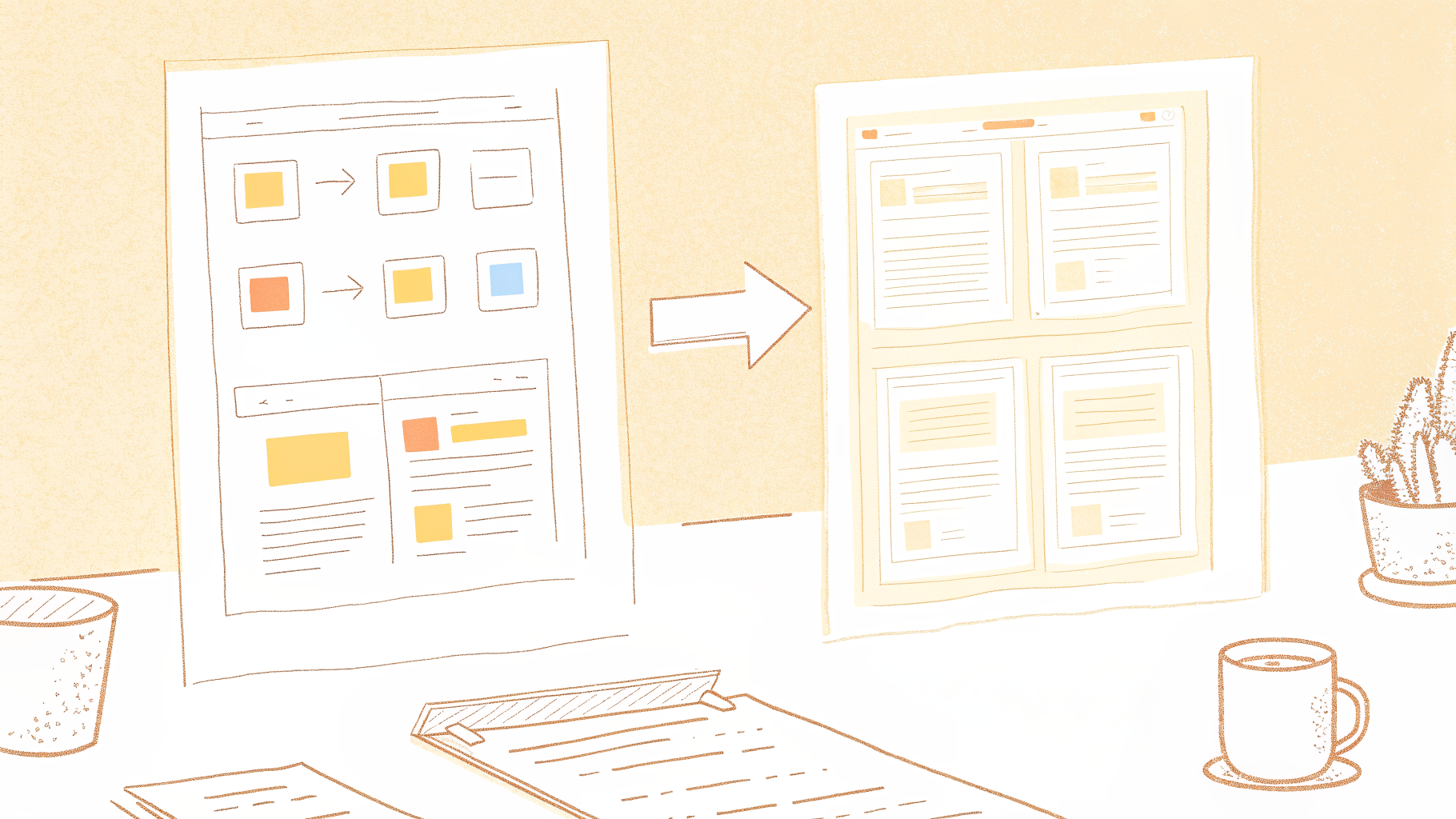
Most researchers treat export format as a final step. In practice, that choice determines how much manual restructuring happens before a single code can be applied. NVivo, ATLAS.ti, and MAXQDA all import speaker-turn format natively, preserving each speaker's contribution as a discrete, addressable unit. Paragraph format collapses those boundaries, forcing the researcher to re-split dialogue by hand. That is administration the export decision already baked in. Choose based on where the coding actually happens, not on how the file looks at a glance.
Open Coding With Speaker Structure
How to run a first pass without losing who said what: Braun and Clarke's thematic analysis framework places open coding at the centre of the first analytical pass: read the full dataset, generate initial codes, and stay close to the language participants used. In a focus group, speaker structure adds a layer that individual interview transcripts do not require. You are coding what was said, who said it, and in what sequence. A participant who agrees with the previous speaker carries different analytical weight than one who pivots the conversation entirely.
Speaker labels preserved into the coding tool make that pattern visible without a second read. When every coded segment carries a speaker ID, the researcher can filter by participant and see whether a theme is held by one voice or distributed across the group. Researchers who skip this step often end up with hundreds of overlapping in-vivo codes because the speaker context that would have distinguished them is gone.
Using Word-Level Timestamps to Audit Quotes Without Rewatching the Whole Recording
A word-level timestamp converts every flagged quote into a direct address in the audio file, allowing the researcher to jump to that exact moment rather than scrubbing through the full recording. That saving matters most when non-verbal context is in question: a bracketed notation like [laughter] or [long pause] signals that something happened, but the timestamp lets the researcher hear the tone behind it. A voice transcription app that attaches word-level timestamps at upload, rather than as a post-processing step, means the retrieval structure is present from the first line.
How Cockatoo Cuts Focus Group Transcription From Hours to Minutes
That is a structural shift supported by how speaker-labeling time accumulates in practice, and it changes what a researcher can accomplish before the debrief call even ends. The familiar approach treats speaker labeling as cleanup: transcribe first, then go back through every line replacing "Speaker 1" with "P3" or "Moderator." For a session with many participants, that pass alone can consume a substantial block of time on a standard 90-minute recording.
Global Speaker Rename - How to Turn 40 Minutes of Labeling Into 30 Seconds
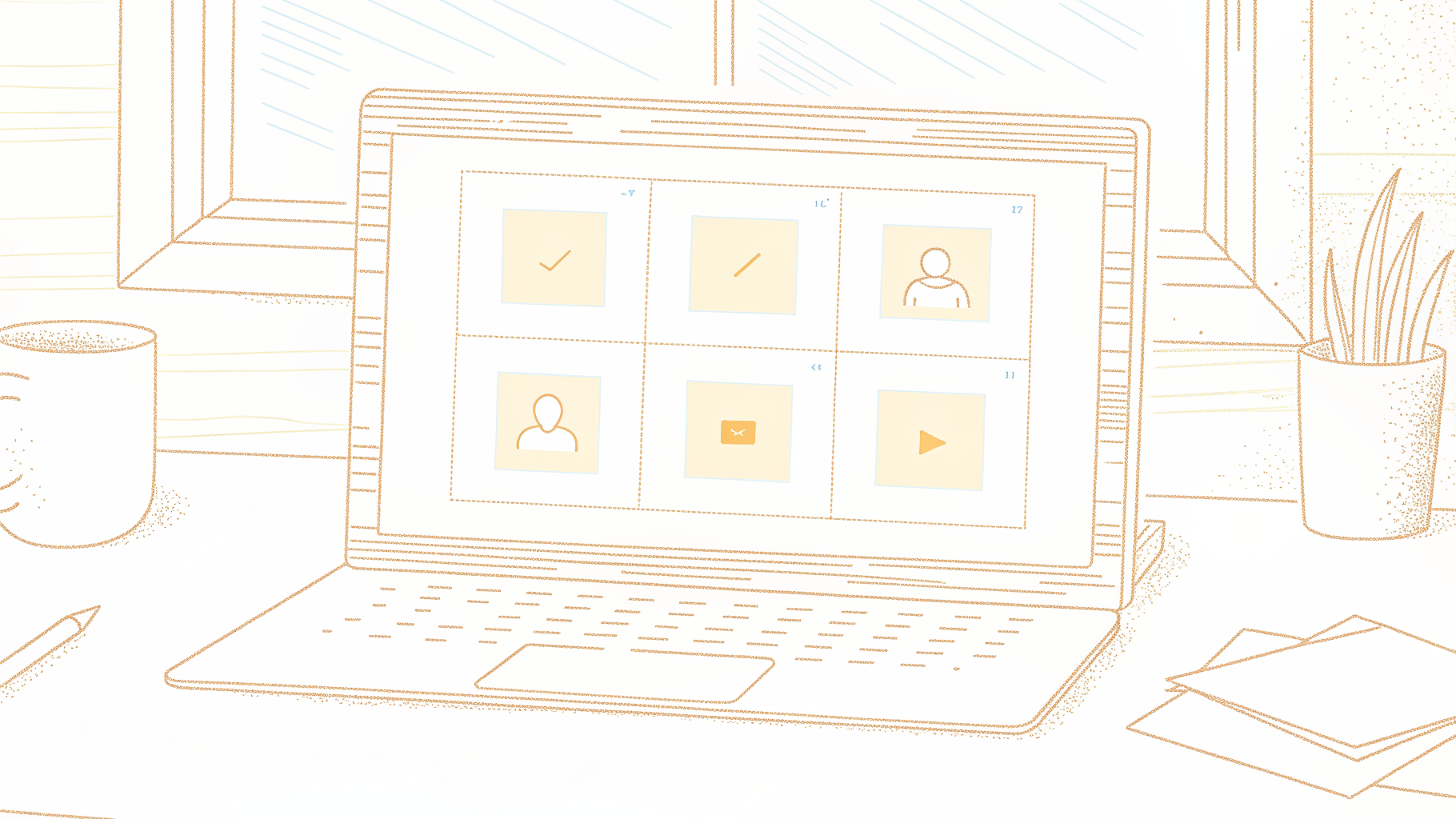
Cockatoo's speaker diarization asks you to set the number of speakers before processing. For a 90-minute session, you enter the total number of speakers, including the moderator, and the engine assigns each a numbered label throughout the transcript.
Then, one rename updates every instance of that label across the entire transcript simultaneously, collapsing what would otherwise be a lengthy cleanup pass into a few seconds of work.
Speed without speaker attribution leaves a wall of text requiring manual reconstruction before a single code can be applied. Cockatoo's in-house inference engine handles speaker separation during processing, so the researcher's first view already has distinct speakers, and because that engine runs on Cockatoo's own infrastructure rather than a third-party API, it powers both the fastest and highest-accuracy transcription modes without passing per-minute costs to the user.
Word-Level Timestamps and Flexible Export Formats That Slot Into Any Coding Workflow
Every word in a Cockatoo transcript carries a timestamp, so when a coder flags a quote, they can jump directly to that moment without scrubbing. On the Pro plan, export options, PDF, DOCX, TXT, and SRT, cover the formats qualitative researchers actually use: DOCX for manual coding in Word, SRT for captioned video review and published subtitles, TXT for analysis software import. The SRT format is particularly useful when a session recording needs published captions: the same file that feeds your coding workflow can go directly to a video platform without a separate captioning pass.
The speaker-turn export groups each continuous block of speech under a single speaker label with a timestamp, mirroring the structure most codebooks expect. Pro also supports bulk export and batch uploads of up to 20 files at once, so a multi-session study does not require manual file-by-file processing.
Pricing That Matches How Solo Researchers Actually Work - What to Look For
99 per month billed annually for a single user, with truly unlimited transcription on default modes and no hour caps. There is no hard file length or size cap on Pro, so a three-hour debrief recording processes the same way a 20-minute interview does. That pricing is structurally possible because Cockatoo runs its own in-house transcription engine rather than reselling a third-party API, where per-minute costs accumulate with every file.
Researchers who want to evaluate the tool before committing can start on the free tier, no credit card required, which allows a set number of transcripts per day and includes encrypted cloud storage with files kept until the user deletes them.
Related Reading
- Best Asr Transcription Software
- Notta Alternatives
- Rev Alternatives
- Happy Scribe Vs Trint
- Happy Scribe Vs Otter
- Rev Vs Scribie
- Rev Vs Otter
- Rev Vs Gotranscript
- Trint Vs Temi
Next steps
If your focus group recordings are still costing you a full day of speaker-labeling and cleanup before analysis can begin, the path forward starts with recognizing that the time cost is a tool problem, not a category problem. Start with our voice transcription app.
Choosing your transcription style before the session is a time-budget decision, not a stylistic one, because converting strict verbatim to clean verbatim after the fact costs as much time as starting over. Speaker labels and timestamps are not finishing touches but structural prerequisites that determine whether a transcript can support analysis at all. Together, these two realities point to one practical next step: upload to a tool that handles both decisions at the structural level, so the researcher's clock starts on coding, not on formatting.
Start with Cockatoo. Set your speaker count before processing, rename one label to update every instance across the full transcript, and export a timestamped, speaker-labeled file in the format your coding software expects. Analysis can begin before the debrief call ends.
Frequently Asked Questions
How long does it actually take to transcribe a focus group session?
One hour of focus group audio typically requires four to five hours of transcription and proofreading time, so a two-hour session can consume a full day of work before analysis even begins. This ratio is higher than for one-on-one interviews because focus group audio constantly breaks the transcriptionist's rhythm with speaker shifts, crosstalk, and overlapping speech that require repeated replaying of the same segments.
What's the difference between strict verbatim and intelligent verbatim transcription?
Strict verbatim captures every utterance including filler words like "um" and "uh," false starts, repetitions, and non-verbal cues, it's best suited for research analyzing conversational dynamics or hesitation patterns. Intelligent verbatim (also called clean verbatim) removes filler words and false starts while keeping the full meaning of every speaker turn intact, making it the preferred style for general market research and thematic coding.
Does it matter where I place the microphone in the room?
Yes, microphone placement is a foundational decision that cannot be fully corrected in post-production. A single centrally placed omnidirectional table mic blends every voice into one channel, making speaker separation during transcription significantly harder, whereas individual lavalier microphones clipped to each participant capture voices in isolation, turning speaker identification into a simple labelling task rather than an audio forensics problem.
How do I keep background noise from ruining my focus group recording?
Hard-walled rooms are the enemy of clean focus group audio, soft furnishings, a closed door, and a room away from HVAC vents reduce reverb before it reaches the microphone. The post notes this prep can be the difference between a transcript you can edit in an hour and one that takes a full afternoon.
Does video recording a focus group actually help with transcription?
Yes, a fixed camera angle keeping all participants in frame gives you a visual reference that helps resolve simultaneous speech, since audio alone rarely breaks the tie when two people speak at once. Combined with named tent cards in front of each participant, you can cross-reference a video frame and match a voice to a face in under five seconds during review.