15 Best Podcast Transcription Software Tools for 2026

Most podcast transcription tools don't save time. They just move the work. Here is what to look for before you upload your first file.
Uploading a recording and getting text back feels like the hard part is over. It is not. The common assumption is that good-enough auto-captions are as accurate as you're going to get without paying for an expensive team plan or hiring a human transcriptionist, and there's no middle ground.
For most podcasters running field interviews, remote guest calls, or episodes with more than one speaker, the transcript that lands is just the beginning of a much longer job. The gap between "file processed" and "transcript ready to publish" is where hours quietly disappear, and a voice transcription app that publishes its accuracy results before you pay is the clearest way to know which side of that gap you are landing on. Cockatoo's public benchmarks page, for example, reports per-language word error rates across 36 languages tested against the same standard public datasets used by academic researchers.

See our voice transcription app for how this works in practice.
According to Verbit's transcription research, a professional human transcriptionist takes four to six hours to transcribe a single hour of clean audio. When a transcript comes back as one unpunctuated block with speaker labels scrambled and proper nouns mangled, the correction pass matches or exceeds that manual baseline. The hidden cost is not the subscription fee a podcaster avoided. It is the correction hours they never budgeted for.
The hidden cost is not the subscription fee a podcaster avoided. It is the correction hours they never budgeted for.
That is not an edge case. Remote guests, international contributors, and field-recorded interviews are standard production conditions. Accented speech transcription and crosstalk are where free podcast transcription tools fail hardest.
Verbit's research confirms that accented speech and field recordings are the primary conditions forcing significant manual correction. A solo operator cannot absorb an unplanned two-hour correction session per episode. The time math only works when the transcript comes back accurate enough to publish with light review.
Cockatoo's published accuracy benchmarks, run on recordings including background noise and accented speech, let a podcaster verify that middle ground before committing, not after the first messy transcript lands.
The Hidden Hour Cap That Makes Unlimited Podcast Transcription Plans a Lie
A hard monthly cap buried in a fair-use or acceptable-use clause is the most common mechanism. Several transcription platforms advertising unlimited plans impose usage restrictions through terms of service that most buyers never read before subscribing, leaving solo producers to discover the limits only after hitting them.

GetApp's directory data also identifies team-seat pricing as the dominant model, with per-seat costs that require organisational budget approval to access the highest-accuracy tiers, structurally inaccessible to the solo producer who needs them most.
Cockatoo's Pro plan, the one marked "Most Popular" on the pricing page, takes a different position. Pro also supports uploading 20 files per batch, which matters when clearing a backlog quickly. Beyond raw transcription, the plan includes video captioning and subtitle export, link import, and multilingual handling, practical for producers whose interview subjects don't all speak the same language.
Where Cockatoo is especially useful for collaboration is in getting finished transcripts into formats other people can actually edit, with export options suited to a range of editorial workflows.
One pricing note worth flagging before subscribing: the Pro plan's annual total currently appears as more than one figure on the pricing page, a discrepancy Cockatoo's team is aware of and working to resolve. The confirmed individual price is $29.99 USD per month on the monthly plan, or $11.99 USD per month billed annually (Summer Sale).
15 Best Podcast Transcription Software Tools Ranked for 2026
Fifteen tools, four architectural categories, and one decision that trips up more podcasters than any other: picking the wrong category before the first file is even uploaded.
The market for podcast transcription has fractured in ways that matter. Some tools record and transcribe at the same time. Some treat the transcript as a content production line. Some run entirely on your own hardware. And some back their "unlimited" pricing with in-house infrastructure rather than resold per-minute API costs. The category mismatch, not the feature gap, is what sends podcasters shopping again six months later.
Here is how the fifteen leading options break down, matched to the workflow that makes each one worth its price.
1. Cockatoo - Best Unlimited Podcast Transcription for Individual Creators
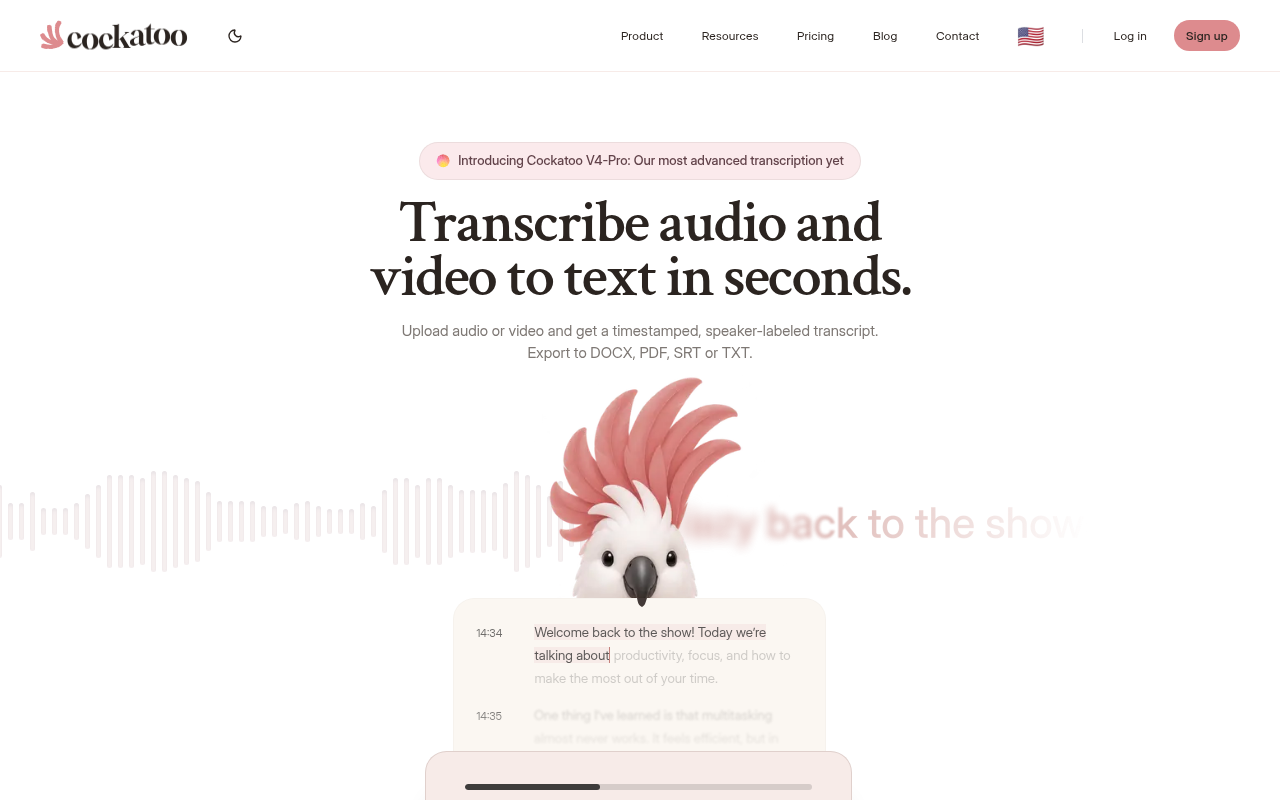
The case for Cockatoo starts with structure, not marketing language. The Pro plan is built around truly unlimited transcription on default modes, no monthly hour cap, because Cockatoo runs its own in-house inference engine rather than reselling per-minute API costs. That architecture is what makes the pricing hold at scale. Pro is $11.99 USD/mo billed annually (current Summer Sale) or $29.99 USD/mo month-to-month, and it supports uploading 20 files per batch with no hard file-length cap, multi-hour recordings upload reliably because audio is stripped in-browser before the file reaches the server.
That last detail matters more than most transcription roundups acknowledge. One of the most damaging and least-discussed problems in podcast transcription is timestamp drift on long recordings: a four-hour interview that loses caption sync at the three-hour mark means manual correction across the entire back third of the file, erasing every minute the tool was supposed to save. Cockatoo's handling of multi-hour uploads without a hard file-length cap is a direct answer to that failure mode, and it is the reason long-form podcasters and archival batch processors should weight file-length handling as a primary criterion rather than an afterthought.
Cockatoo's transcription accuracy is documented on a public benchmarks page, the kind of standard evaluation researchers use to compare models, at cockatoo.com/benchmarks (updated October 27, 2026). The V4-Pro engine was measured across 36 languages on FLEURS, the standard public benchmark dataset researchers use to compare speech recognition models on a consistent set of test recordings, and on an internal real-world benchmark of human-labeled recordings featuring accents and background noise. Those results were compared against Whisper, Deepgram, and AssemblyAI.
Published results: V4-Pro achieved the lowest error rate in 25 of 36 languages on both tests, with ties included in that count, and reached under 5% word error rate on FLEURS in 12 languages. The page explains its methodology, shows per-language results including the weakest performers, and states a deliberate 36-language focus rather than an inflated 90-plus language count. For podcasters evaluating multilingual or accent-heavy content, that level of per-language transparency is the right format for making an actual decision, a blanket language count without per-language data is not actionable.
The highest-accuracy mode carries a weekly usage limit shown in Settings, when that limit is reached, the unlimited default modes remain available. For the overwhelming majority of podcast episodes recorded in reasonable acoustic conditions, the fastest mode produces output that needs minimal correction. The highest-accuracy mode is the right call for dense crosstalk, heavy accents, or content that will be published verbatim.
25 of 36
Languages where V4-Pro had lowest error rate
The output side is equally practical: exports cover PDF, DOCX, TXT, and SRT; bulk export is supported; and the Canvas AI notes editor is included on every plan including the free tier. For podcasters who need captions alongside a transcript, SRT export is available without an upgrade. Document translation covers PDF, DOCX, PPTX, XLSX, and TXT, useful when a producer or collaborator works in a different language and needs a translated brief alongside the episode transcript. Language support across transcription modes varies, and per-language accuracy figures are published on Cockatoo's benchmarks page rather than stated as a blanket claim, which is the honest way to represent multilingual performance.
The free tier, no credit card required, gives new users three transcription files per day, up to 30 minutes each, with 2 GB of encrypted cloud storage and the full range of export types. Files are kept until the user deletes them. Document translation on the free tier is limited to one page with a watermark. It is a genuine entry point for a podcaster who wants to verify accuracy on their own audio before committing.
API access for Team users is planned but not yet live.
The one honest tradeoff: Cockatoo is a file-upload tool, not a live meeting recorder. If your workflow starts before you have a finished recording, pair it with a recording tool first. Everything else, transcription, translation, caption export, AI notes, and long-file handling, is handled in a single upload.
2. Descript - Best for Podcast Editing + Transcription in One Workflow
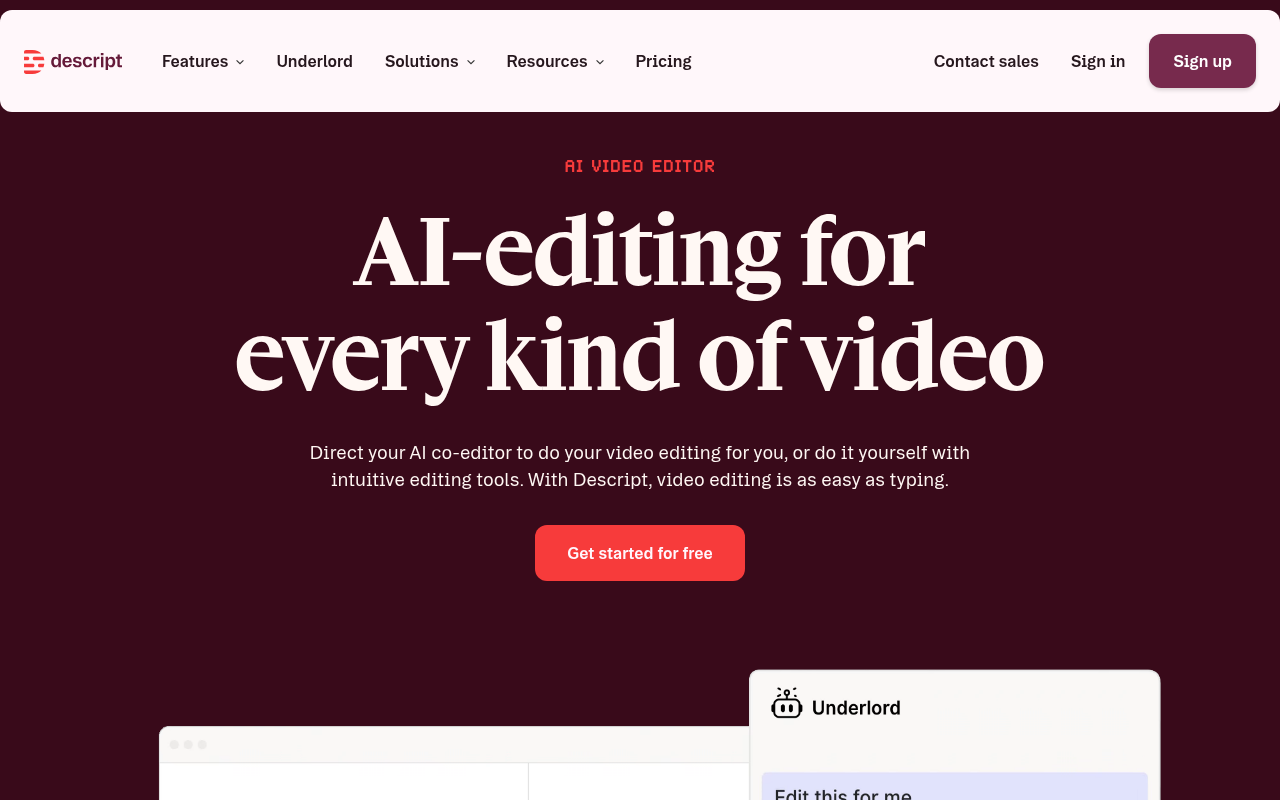
Descript earns its place for podcasters whose biggest bottleneck is tightening a rambling conversation after recording. The text-based editing model is the differentiator: delete a word in the transcript and the corresponding audio disappears with it. Filler word removal works the same way, one click across the full file.
Descript's own page states that transcription completes in seconds, which keeps the edit loop tight. The limitation that matters: the full editing suite sits behind a paid plan, and the free tier is restrictive enough that most working podcasters will need to budget for it. Paid plans start from $12 to $16 per month.
3. Otter.ai - Best Free Podcast Transcription Option for Conversational Shows
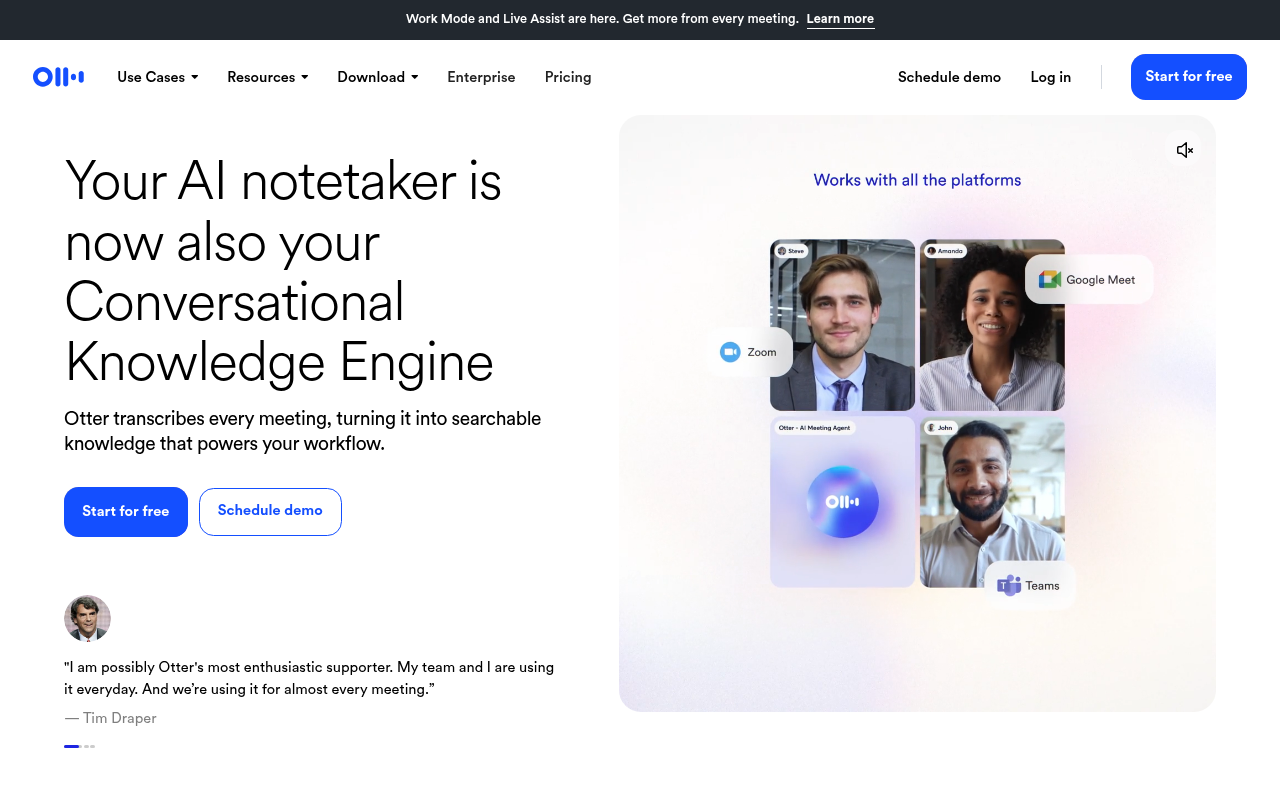
Ai's free tier gives you 300 minutes per month with a 30-minute session cap per recording. Its core design supports recording finished and offline conversations directly from desktop, mobile, or browser, it is not limited to joining live video calls. For podcasters working from pre-recorded files, the session cap means a 45-minute episode must be split before upload, which adds friction.
The interactive AI chat feature, which lets you query the transcript to find a specific quote, works equally well on uploaded files. 33 per month. Best for: solo hosts running conversational episodes under 30 minutes who want a free entry point before committing to a dedicated podcast transcription tool.
4. Riverside.fm - Best Podcast Transcription Software for Remote Recording Studios
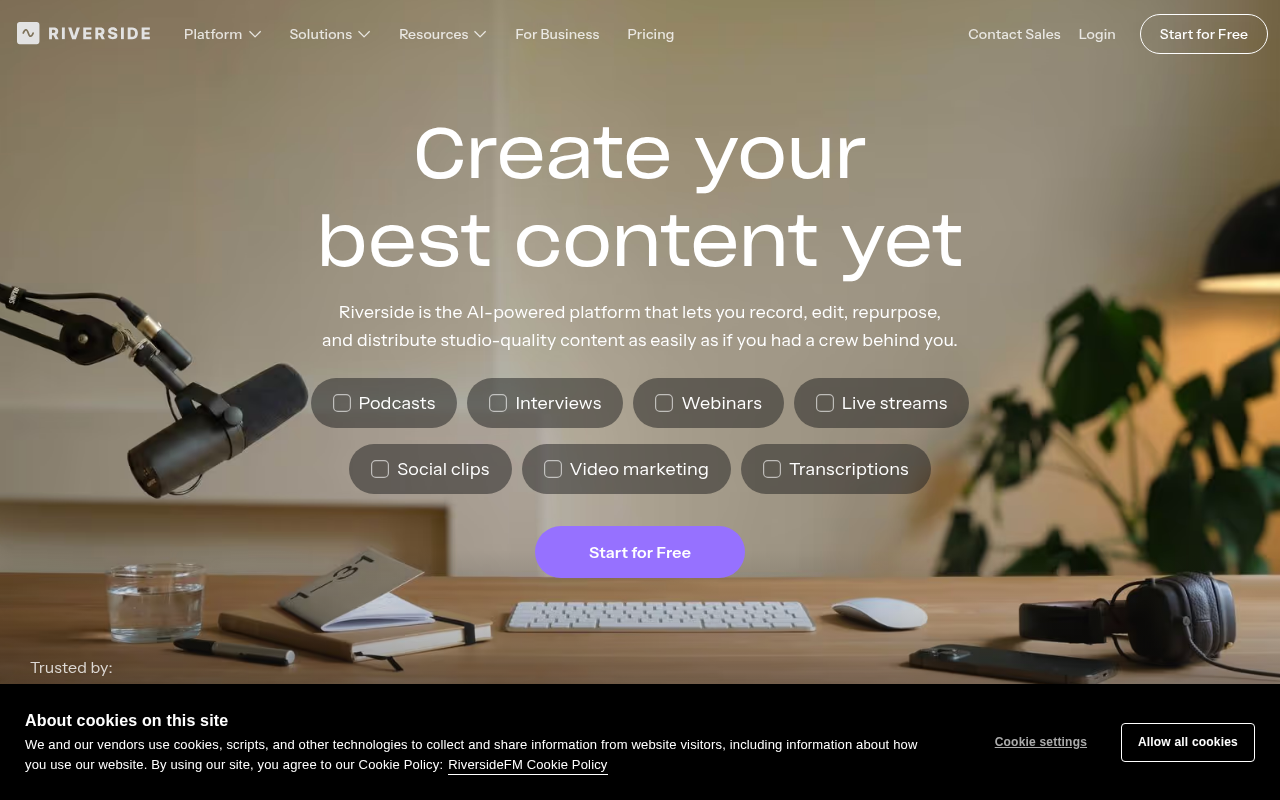
Riverside.fm solves a different problem from every other tool on this list: it records local, high-quality multi-track audio from each remote speaker and converts it to synchronized text, rather than asking you to upload a mixed-down file afterward. Auto-chapterization, AI show notes, and YouTube descriptions generate alongside the transcript. Built-in remote recording is the architectural differentiator; if your guests are always in the same room, you are paying for infrastructure you will not use. Free plan available; paid from $15 per month.
5. Whisper by OpenAI - Best Open-Source AI Transcription Engine for Technical Podcasters
Whisper is the engine that many commercial tools are built on top of, made available directly by OpenAI for anyone willing to run it themselves. Accuracy on clean audio is strong, and it handles a wide range of languages. There is no interface, no speaker labeling out of the box, and no cloud dashboard. You are working in a terminal or building your own wrapper. Best for technical podcasters who want maximum control and zero subscription cost and are comfortable with a command-line setup. If setup time is a cost, this is not the right pick.
6. Sonix - Best AI-Powered Podcast Transcription for High-Volume Production Teams
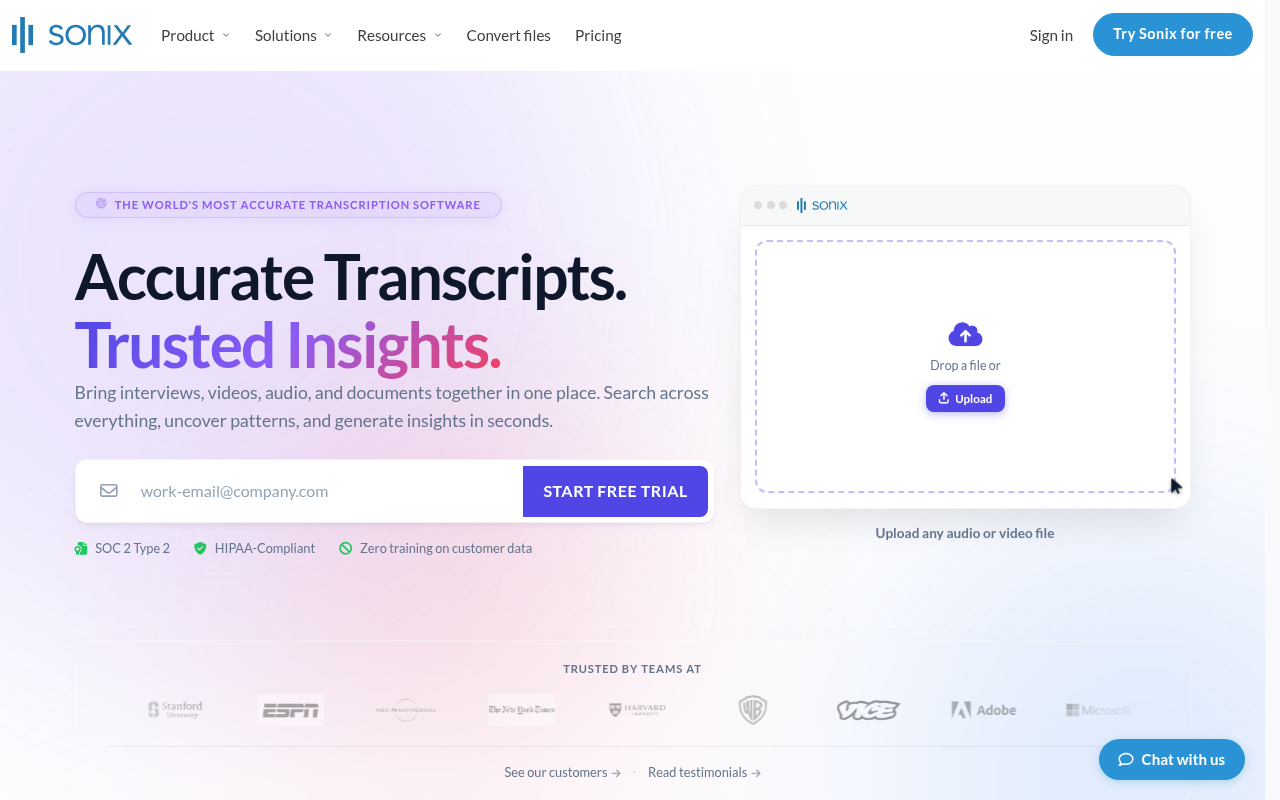
Sonix (sonix.com) is a manufacturer of scanning acoustic microscopy systems for wafer, package, and industrial inspection, it has nothing to do with podcast transcription, AI transcription, or media production workflows.
7. Rev - Best Human-Reviewed Podcast Transcription for Accuracy-Critical Content
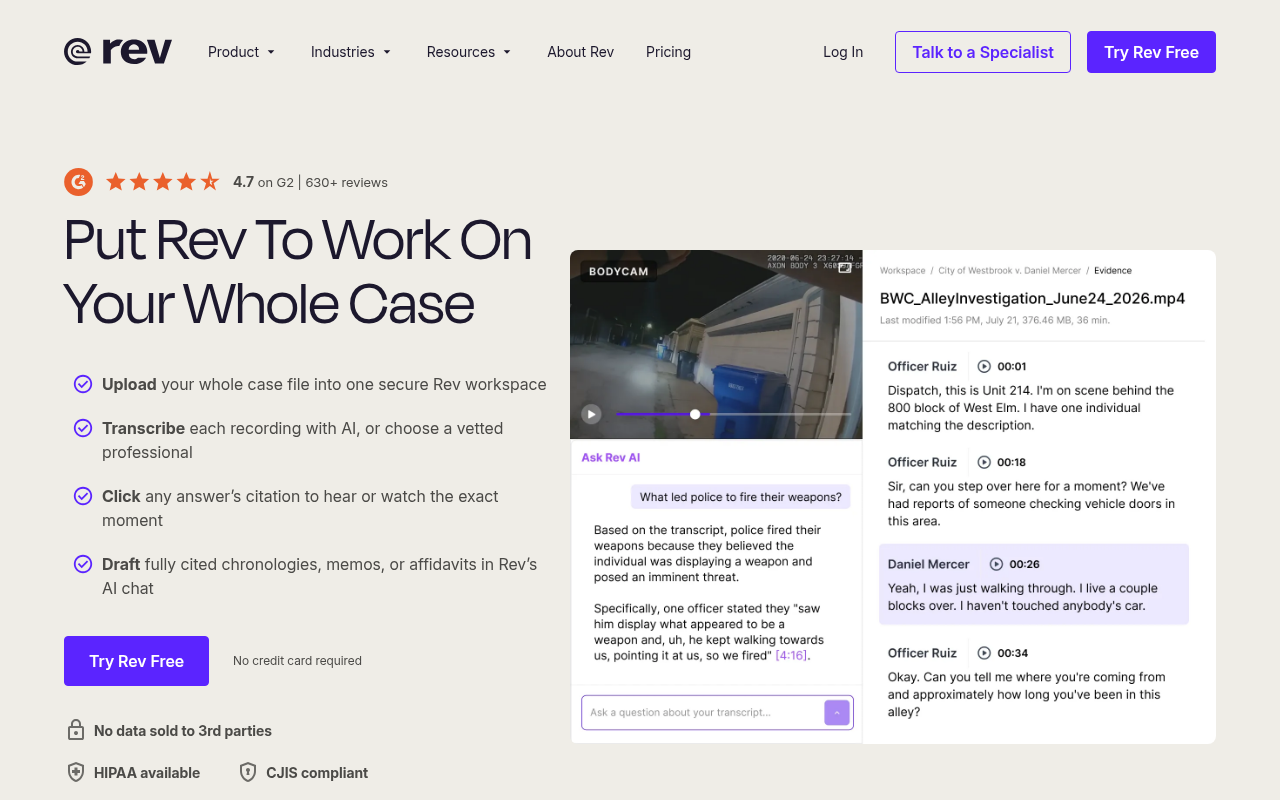
Rev occupies a specific and defensible niche: human transcriptionists review the AI output before delivery, which matters when the content will be published verbatim, used in legal or medical contexts, or features heavy accents and crosstalk that automated tools handle inconsistently. The tradeoff is turnaround time and price. AI-only transcription from Rev is faster and cheaper; human-reviewed output costs more per minute and takes longer. For a weekly podcast where the transcript feeds a blog post, the AI tier is usually sufficient. For a documentary interview that will be quoted in print, the human review tier earns its cost.
8. Trint - Best Podcast Transcription App for Broadcast Journalists and Media Teams
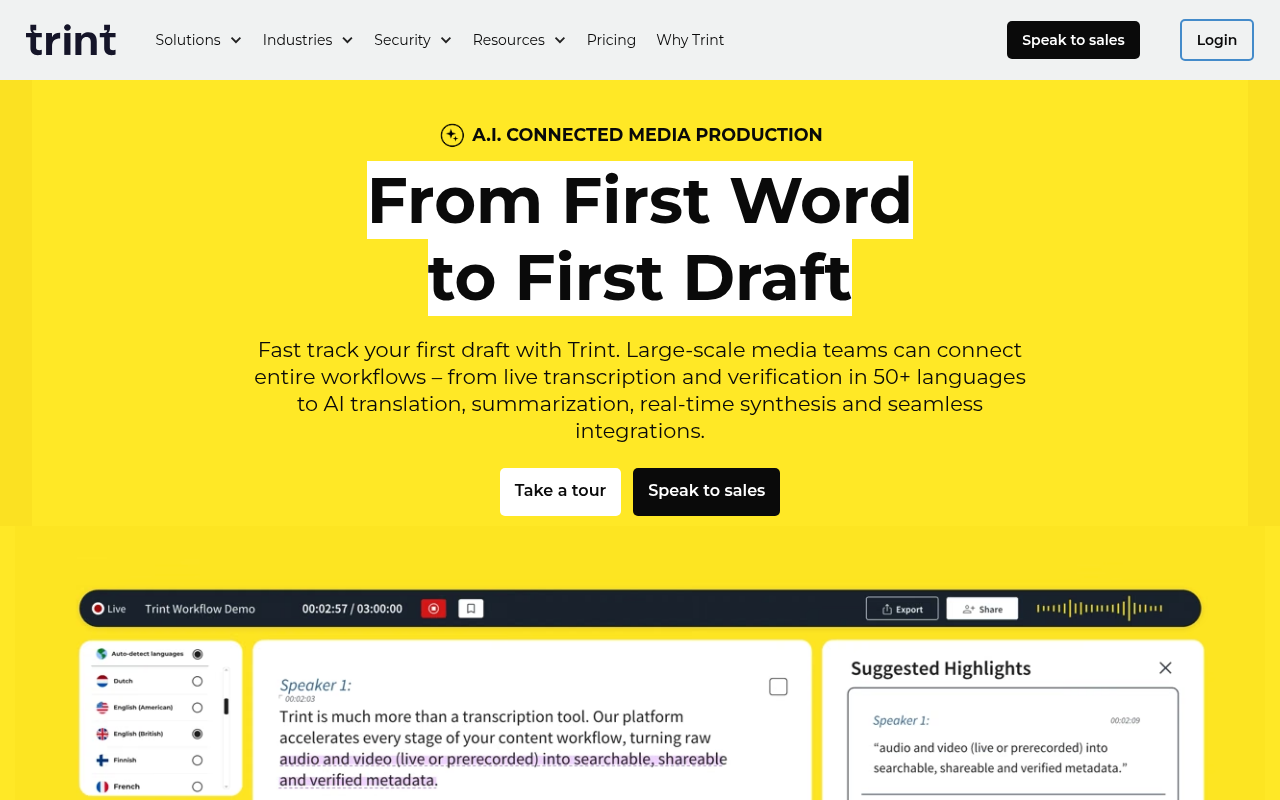
Trint was built for newsrooms and broadcast teams, and that heritage shows in the collaboration features: multiple editors can work a transcript simultaneously, comments are threaded, and the audit trail is clear. The accuracy on clean, studio-recorded audio is solid. Trint explicitly markets itself to podcasters as an industry vertical, offering a dedicated "Trint for Podcasters" use case focused on enhancing solo/individual podcast production workflows. Best for: podcast teams embedded inside media organizations where the transcript feeds a broader editorial workflow with multiple stakeholders.
9. Castmagic - Best Podcast Transcription Software for Automated Content Repurposing
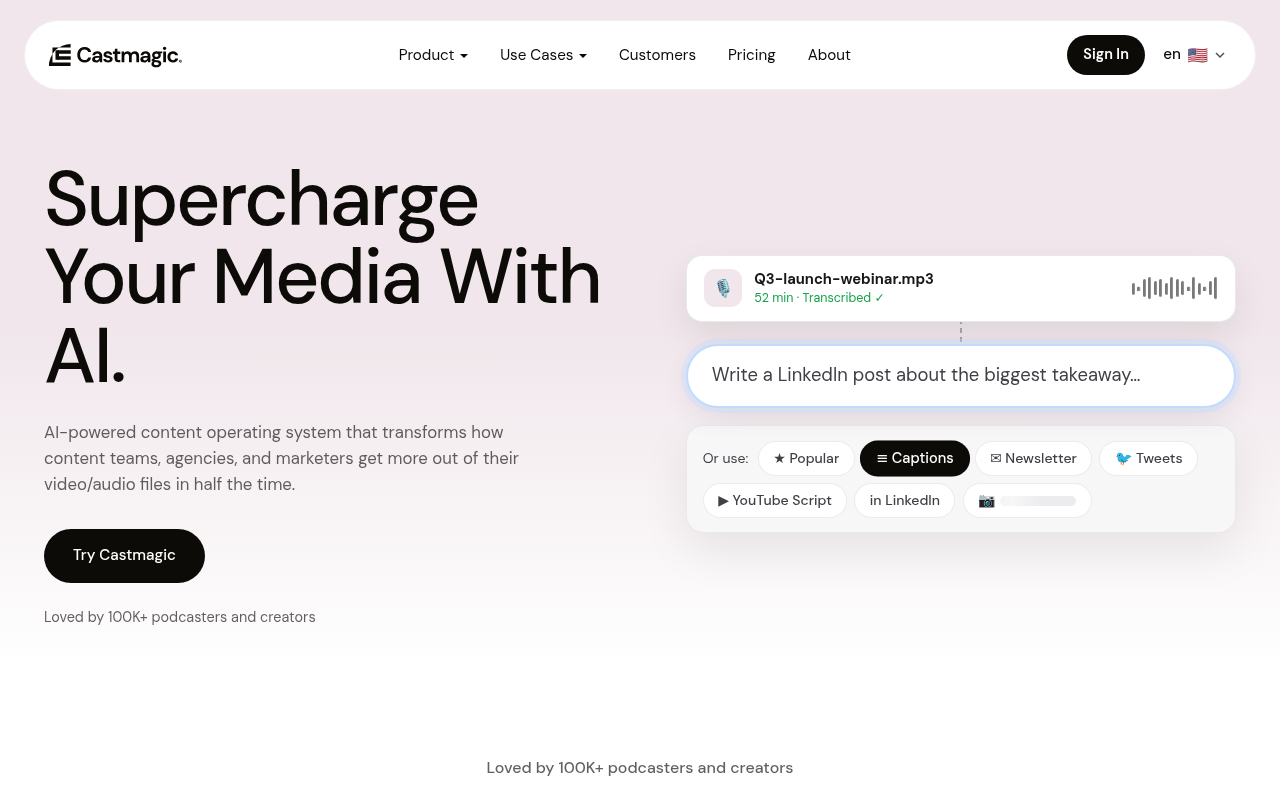
Castmagic is purpose-built to extract timestamps, speaker diarization, quotes, and structured promotional copy from a single audio upload. The output is not just a transcript; it is a content assembly line that generates blog posts, social hooks, and episode summaries in the same session. The UI is genuinely well-designed for this workflow. The constraint is price and purpose: Castmagic pricing starts from $39 per month, and if you only need a plain transcript, you are paying for content-repurposing infrastructure you will not use. Best for: podcasters who publish across multiple channels and want one upload to produce a week of content.
10. Happy Scribe - Best Multilingual Podcast Transcription for International Shows
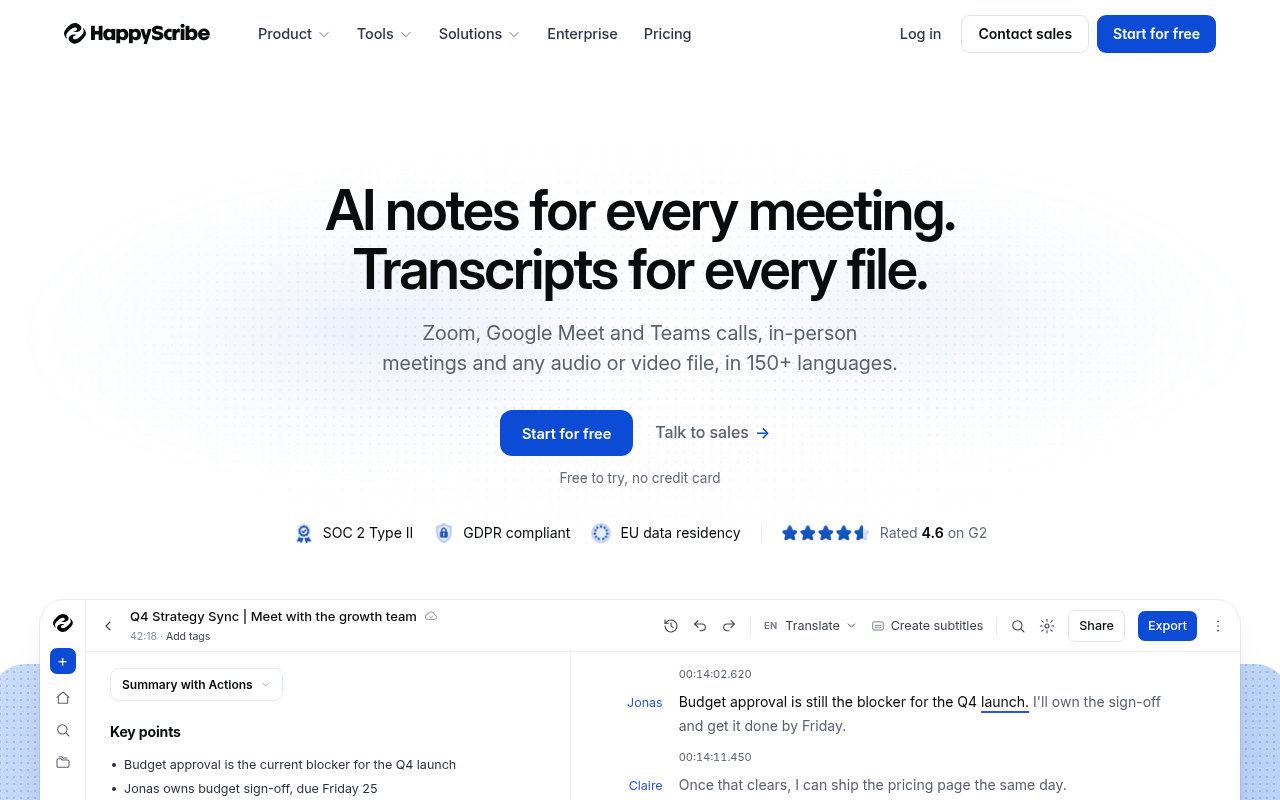
Happy Scribe handles transcription in a wide range of languages and pairs it with human subtitling services for teams that need broadcast-quality captions. The automatic transcription is fast and the editor is straightforward. For English-language shows, Happy Scribe is a competent option but not a standout. The multilingual support is where it earns its ranking: if your show publishes in more than one language, or your guests regularly speak a language other than English, Happy Scribe's language coverage and human-review option for non-English content is a meaningful differentiator.
11. Podium - Best Podcast Transcription Tool Built Specifically for Podcasters

Podium is built around one job: turning a podcast episode into a full set of show assets. Transcript, show notes, chapter markers, and social clips come out of a single upload. The product is narrower in scope than Descript or Castmagic, which makes it faster to learn and cheaper to justify for a solo host. The limitation is that it does not offer audio editing; it is a post-production content tool. Best for: independent podcasters who have their editing workflow sorted and want to automate the publishing assets that follow.
12. Fireflies.ai - Best Free Podcast Transcription Software for Interview-Format Shows
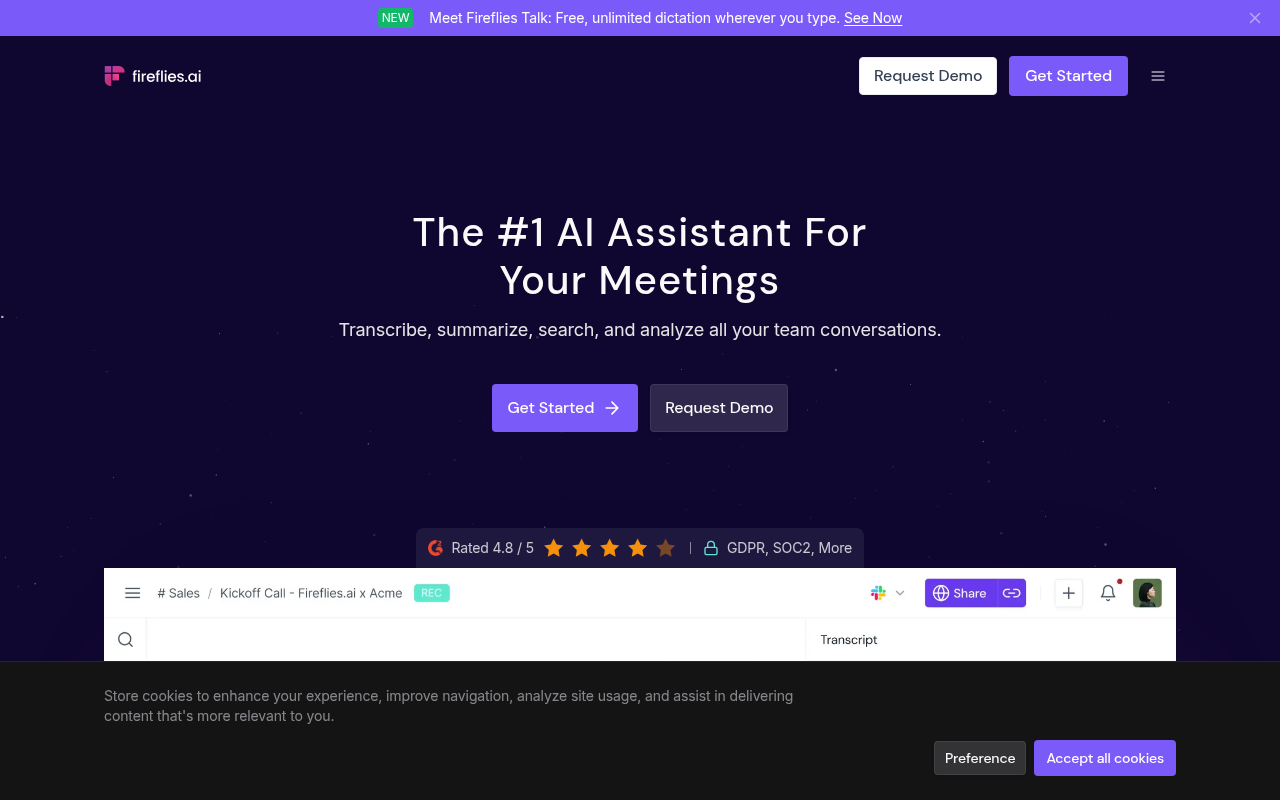
Fireflies.ai started as a meeting notetaker and has expanded to handle uploaded audio files, which makes it a reasonable option for interview-format shows where the transcript feeds internal notes or a research archive. The free tier is generous relative to most tools on this list. The honest limitation: Fireflies.ai is optimized for meeting and conversation structure, so the AI summaries and action items it generates are more useful for internal review than for podcast publishing workflows. Best for: podcasters who also run a lot of recorded interviews or calls and want one tool to handle both.
13. Auphonic - Best Podcast Transcription Software for Audio Quality + Transcript Bundling
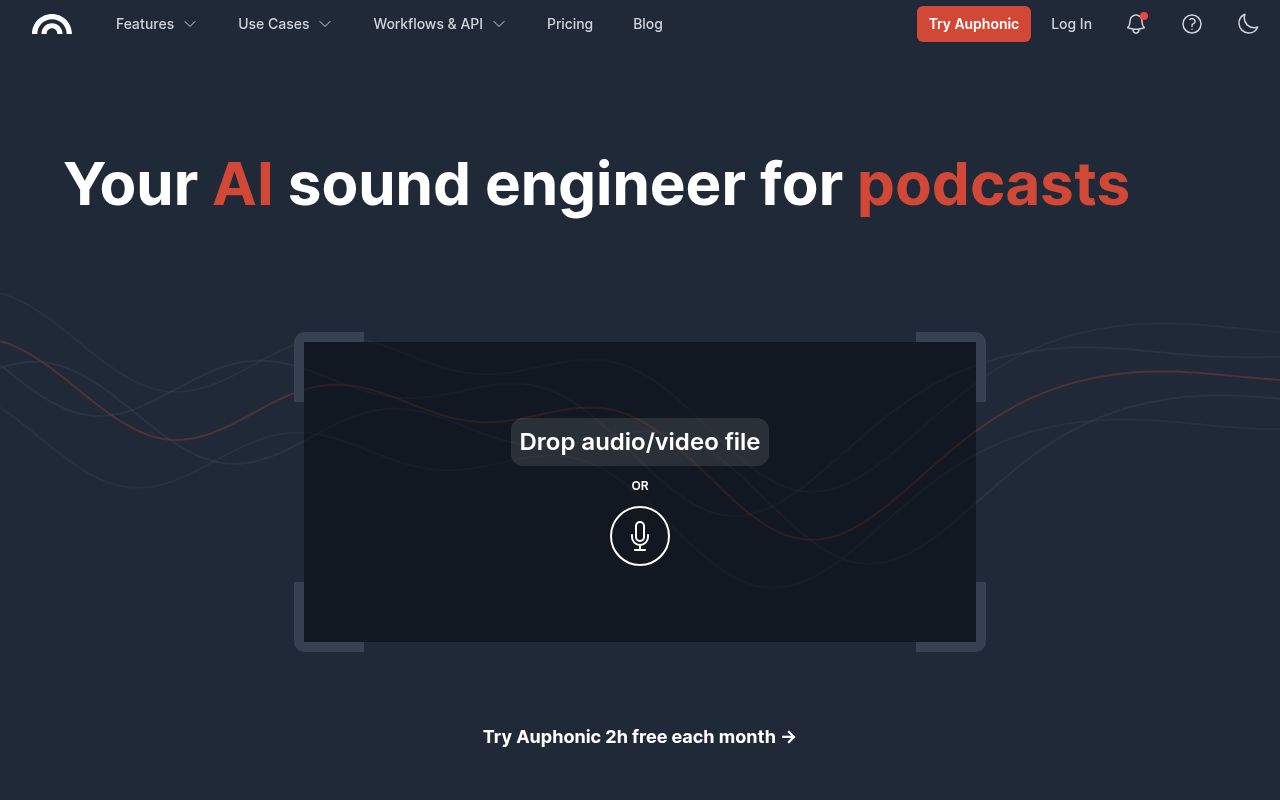
Auphonic is the only tool on this list that processes audio quality and generates a transcript in the same step. Loudness normalization, noise reduction, and leveling run alongside the transcription, so the output file is ready for distribution and the transcript is ready for editing simultaneously. For podcasters recording in imperfect acoustic environments, this bundled workflow saves a separate step. The tradeoff: Auphonic does include an editing environment, it has an edit page and the ability to cut filler words, coughs, and silence, and the transcription accuracy on heavily accented or overlapping speech is not the strongest on this list. Best for: solo hosts who record in less-than-ideal conditions and want a single upload to handle both audio polish and transcription.
14. Notta - Best Podcast Transcription App for Cross-Device Mobile-First Creators
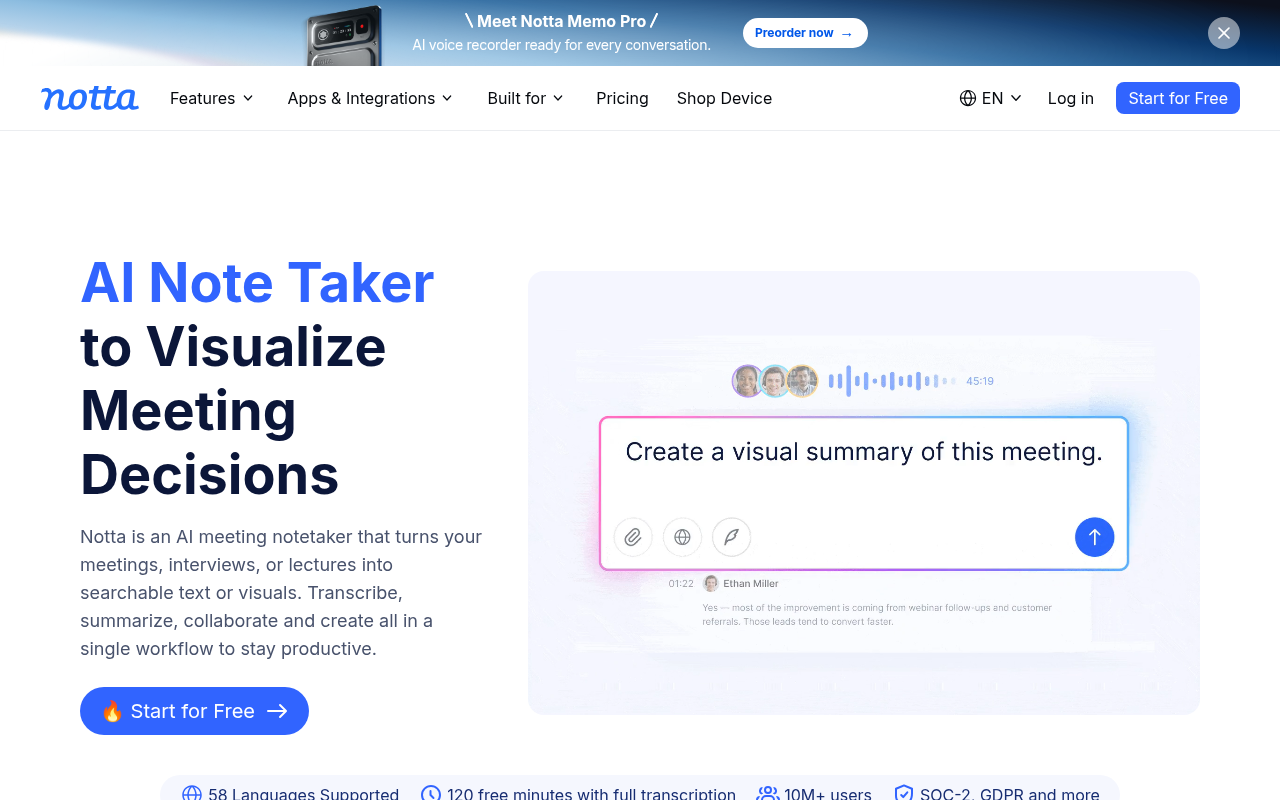
Notta's strongest argument is its cross-device consistency: the app works across iOS, Android, and browser with a shared library, which matters for podcasters who record on a phone, edit on a tablet, and publish from a laptop. The transcription accuracy is solid on clear audio, and the export options cover the standard formats. The limitation is that heavy-accent audio and field recordings with background noise produce output that needs more correction than the top-tier tools on this list. Best for: mobile-first creators who need their transcript accessible across devices without a desktop-only workflow.
15. Ebby - Best Affordable Podcast Transcription Service with Collaboration and Captioning
Ebby (Ebby Halliday Realtors) is a Texas-based residential real estate brokerage, not a podcast transcription or captioning service.
How to Match Your Workflow to the Right Category
AI transcription accuracy across the mid-tier has improved significantly over recent years, but pricing architecture on several platforms still creates a structural barrier for solo creators. The real barrier is how these tools are sold, not what the underlying AI can actually do. As the Lemonfox.ai Blog has documented, the per-minute reseller model is a primary driver of that barrier, which is precisely why in-house inference architectures like Cockatoo's produce a structurally different cost outcome for high-volume users.
For solo podcasters, the decision usually comes down to three questions. First: do you need to record and transcribe in the same tool, or do you already have a recording workflow? Riverside.fm is the answer to the first; every other tool on this list assumes you bring a finished file. Second: is your primary output a clean transcript, or do you need the transcript to generate a week of content?
Castmagic and Podium answer the second; Cockatoo, Rev, and Happy Scribe answer the first. Third: does your audio include accented speech, crosstalk, or field-recorded noise? That question is where published accuracy benchmarks matter more than any marketing claim, because "99% accurate" on studio-quality English tells you nothing about your actual recording conditions. Cockatoo publishes per-language accuracy figures by transcription mode on its benchmarks page, which is the right format for evaluating multilingual or accent-heavy content; a blanket language count without per-language data is not actionable.
The pricing architecture insight is worth sitting with. Tools like Cockatoo are built around individual pricing with genuinely unlimited default-mode transcription, backed by in-house inference rather than resold API costs. Most "unlimited" plans on this list are unlimited until they are not; the fine print usually surfaces a monthly hour ceiling that a heavy user will hit. Checking the terms before the first upload is a better use of ten minutes than discovering the limit mid-project.
For long files specifically, timestamp drift is a real problem on lower-quality tools. A four-hour recording that loses sync at the three-hour mark means manual correction across the back third of the transcript, which erases the time the tool was supposed to save. This is one of the most underweighted evaluation criteria in podcast transcription, and it compounds on archival projects where dozens of long recordings are processed in sequence. Tools with robust handling of long files, including multi-hour uploads without a hard file-length cap, and in-browser audio stripping for reliable large-file delivery, are worth prioritizing if your show runs long or you batch-process archive recordings. Cockatoo's Pro plan has no hard file-length or size cap and handles that stripping step automatically before upload.
Each of the fifteen tools above earns its place in a specific workflow, but one workflow question separates a good transcript from a finished episode faster than any other: can you edit the audio by editing the text? The next section goes deep on exactly that decision, and the answer changes depending on whether your bottleneck is tightening a rambling guest or cutting your own verbal tics.
Which Podcast Transcription Tool Is Best for Editing Audio by Editing Text
Cutting a 60-minute interview down to 40 minutes is not a transcription job.

Descript Is the Right Answer When Editing Is the Actual Job
According to Scriptivox's June 2026 review, Descript's text-based editing model means that deleting a word in the transcript automatically removes the corresponding audio segment, with no timeline scrubbing required.
One-Click Filler-Word Removal Turns the Transcript Into a Production Step
Scriptivox's review confirms that filler word removal in Descript is a one-click workflow step, stripping every "um" and "uh" from the entire recording in a single action. For a 60-minute interview, that would otherwise mean removing several hundred individual clips by ear in a DAW.
When the Job Ends at the Transcript, the Right Tool Changes
Cockatoo's free tier requires no credit card and no setup; a transcript comes back on the first upload: drop in an audio or video file and accurate text comes back without retyping a word.
Which Podcast Transcription Tool Is Best for Recording Remote Guests and Getting Transcripts
Remote podcast recording carries a hidden tax: the moment a guest's voice travels over the internet as compressed VoIP audio, the transcript that comes back later pays the price in errors. That compression problem is what makes the choice of recording tool matter before transcription software even enters the picture.
"I struggle to find a single tool that handles both high-quality podcast/interview recording (especially with remote guests) AND accurate transcription in one workflow."
— what we hear from podcast creators

Riverside.fm - Why Local Multi-Track Capture Changes Transcript Accuracy Before the AI Even Starts
Riverside.fm records each participant's audio locally on their own device, then uploads the lossless track after the session ends. That architecture sidesteps the compression problem entirely, which is where it pulls away from conventional video-call tools. Zoom and similar tools compress audio down to standard VoIP bitrates; Riverside captures audio at up to 48kHz WAV quality per speaker, so the AI transcription engine receives clean input rather than artefact-laden audio it must work around.
One Session, One Output - Auto-Chapters, AI Show Notes, and Transcript Generated Together
After a session ends, Riverside's AI layer produces a transcript, speaker-labelled chapters, and a draft of show notes inside the same platform, without a separate upload step. For many podcasters that single-workflow output is enough, though some productions require a higher accuracy ceiling than Riverside's native engine provides.
When Riverside's Native Transcription Falls Short
Podcasters who record in Riverside but need benchmark-backed accuracy can export the local audio track into a dedicated transcription app like Cockatoo.
The exported local track preserves the accuracy advantage Riverside built at capture, while Cockatoo's published word error rate benchmarks give buyers a verifiable number before they commit, closing the confidence gap Riverside's native engine leaves open. Where Cockatoo earns its place in this workflow is in what it does after the transcript exists: its Canvas AI notes editor distils a long recording down to what actually needs acting on, surfacing action items and key moments rather than leaving you to skim a wall of text.
Teams producing podcasts across multiple hosts or editors can step up to the Team plan, which adds shared transcript editing, centralised billing, and 2 TB of storage per person, useful when multiple people need to annotate or pull quotes from the same session.
Which Podcast Transcription Tool Is Best for Automated Marketing Content Generation

Castmagic Is the Answer When Your Bottleneck Is Repurposing Not Accuracy
According to ZORGO AI, Castmagic is purpose-built to turn podcast audio into marketing content, generating show notes, social posts, newsletters, and clips directly from transcripts rather than functioning as a transcription utility, which makes it a strong fit when content volume is the bottleneck rather than transcript quality.
Pros and cons at a glance
| ✓ Pros | ✗ Cons |
|---|---|
| Generates draft blog post, social captions, highlights without writing | Starts at $39/month, not justified when only job is accurate transcript |
| Purpose-built to turn podcast audio into marketing content | Per-minute and premium-tier pricing becomes cost-prohibitive as episodes grow |
| Produces show notes, social posts, newsletters, and clips directly from transcripts | Not suited when bottleneck is transcript accuracy rather than content volume |
| , | Raises data risk concerns for sensitive interviews or confidential sources |
Where Castmagic Ends and a Pure Transcription Tool Begins
For creators whose friction is transcript accuracy rather than content volume, especially those recording accented speech or field audio, a dedicated transcription tool with published, per-language accuracy benchmarks lets them verify quality before committing, without funding a repurposing suite they will never open.
That is precisely where Cockatoo's free tier removes the barrier: three transcripts per day with no credit card required, all export types supported, and files kept until you delete them, so you can generate show notes content, accessibility captions, and subtitle exports from the same transcript without paying a content-operations premium. When your recordings also include non-English speakers, Cockatoo's multilingual handling and video captioning with subtitle export mean the interface and output are not English-only, an advantage that matters as soon as your guest list or audience crosses a language boundary.
For that use case, Cockatoo's Pro plan offers truly unlimited transcription on its default modes, no monthly hour cap, with PDF, DOCX, TXT, and SRT export, bulk export supported, and multi-hour files handled without size restrictions, since audio is stripped in-browser before upload for reliable large uploads.
Which Podcast Transcription Tool Is Best for Handling Sensitive Content or Avoiding Subscriptions

MacWhisper Is the Right Answer for On-Device Privacy and a Constrained One
According to Brandwave, MacWhisper processes audio entirely on-device using OpenAI's open-source Whisper model, so audio never touches a remote server. In Brandwave's (2024) analysis, the one-time purchase price is €29, with no recurring subscription.
Brandwave's analysis confirms MacWhisper offers no cloud features, no collaboration tools, and no cross-device access. It is a deliberately constrained tool suited to users whose priority is keeping audio local above all else.
When a Cloud Tool With a Strong Data Policy Is the Better Privacy Trade-Off
Cockatoo publishes per-language accuracy benchmarks, not a headline percentage, but verifiable coverage data broken down by transcription mode, so you can confirm fit for your specific language before committing to anything. Cockatoo handles multilingual audio and, on paid plans, extends that reach to document translation across PDF, DOCX, PPTX, XLSX, and TXT formats.
Cockatoo's Pro plan, marked "Most Popular" on the pricing page, is priced at $29.99/month and adds cross-device access, truly unlimited transcription on default modes, 2 TB of encrypted cloud storage, and flexible export options, PDF, DOCX, TXT, and SRT, that MacWhisper's offline model cannot offer.
Podcast Transcription Software Pricing Compared Across Every Major Tool
The table below compares free tiers, entry paid prices, and the specific conditions that change the real cost across every major tool, from Cockatoo and Descript to Rev and MacWhisper.

Side-by-Side Pricing Table
| Tool | Free Tier | Entry Paid Price | Fine Print That Changes the Cost |
|---|---|---|---|
| Cockatoo | 3 files/day, 30 min each | $11.99/mo billed annually (Summer Sale; list $29.99/mo) | No published monthly hour cap on default modes; single-user plan |
| Descript | Yes, with limits | $24/mo | The full text-based audio editing suite requires a paid plan; free tier restricts transcription and export, most working podcasters will need a paid subscription |
| Riverside.fm | Yes | $15/mo | Transcription is tied to recording sessions within the platform; most useful when Riverside is also your remote recording tool |
| Otter.ai | Yes, with minute cap | $16.99/mo | Monthly minute caps enforced even on paid plans; meeting-bot focus |
| Rev | Yes | Pay-as-you-go per minute or subscription plans that their own pricing calculator confirms can deliver significant savings over per-minute pricing | Per-minute pricing scales with episode length; human-reviewed transcription costs more and takes longer but delivers higher accuracy on accented or complex audio |
| MacWhisper | No subscription | approx. €225/year | macOS only; offline; no cross-device access |
| Castmagic | No | $39/mo | Best-in-class speaker identification; priced for content pipelines, not raw transcription |
| FlexClip | Yes | $0-$20/mo | Part of a broader video editing suite; transcription is one feature among many |
Costs shift considerably depending on episode length, output volume, and which features a plan actually unlocks. That variability is why high-volume creators consistently move to flat-rate plans as output grows.
Unlimited Plans, Genuinely Uncapped vs. Hidden Hour Ceilings
A podcaster running a daily show or back-catalogue archive project can exhaust a "720-hour monthly cap" plan before the month ends and face overage charges or a forced stop. Cockatoo's Pro plan carries no published monthly hour cap on its default transcription modes. Individual users have processed over a million hours on a single Pro plan, making it one of the few options that holds up under sustained, high-volume use.
Solo-Creator Cost Reality, Per-Seat vs. Single-User Pricing
Most team-oriented tools price per seat, which inflates the effective cost for an independent podcaster who needs only one account.
For creators who want straightforward transcription without paying for features they won't use, the pricing model matters as much as the headline number. Cockatoo's Pro plan is built for a single user at a single price, with no seat minimum, keeping the cost predictable regardless of how much audio that user processes.
Related Reading
- Happy Scribe Vs Otter
- Rev Alternatives
- Notta Alternatives
- Happy Scribe Vs Trint
- Rev Vs Scribie
- Rev Vs Otter
- Rev Vs Gotranscript
- Trint Vs Temi
- Best Asr Transcription Software
How to Choose the Right Podcast Transcription Software for Your Workflow
Those four variables, how you edit, how you record guests, what you do with the transcript afterward, and how sensitive your audio is, cut through feature-list noise faster than any spec sheet. Get them right before you open a pricing page, and the shortlist writes itself.

Match Your Primary Bottleneck to the Right Tool Category Before Comparing Features
The real cost of a wrong choice shows up in post-production. Solo podcasters spend three to five hours per episode on post-production editing, and a tool that doesn't fit that workflow adds to that number. If your bottleneck is cutting audio, you need a tool whose transcript is the timeline, not a reference document in a separate tab.
If your bottleneck is turning episodes into blog posts and social content, you need a repurposing-first tool, even if its raw transcript accuracy is slightly lower. These are structurally different products that happen to share a feature name. Start with one question: what breaks first in your current workflow?
The answer routes you to the right category before a single feature comparison begins.
Why Published Benchmark Results Are the Only Accuracy Claim Worth Trusting
A podcaster recording a guest with a non-native English accent, or producing content in Spanish or Portuguese, cannot know from that number whether the tool will perform on their audio at all. Cockatoo's benchmarks page publishes per-language word error rates across 36 languages on standard public benchmarks, so a producer can check their own language before committing a dollar.
Once you are down to two or three tools, three practical criteria separate them:
- Export format
- Speaker labels
- Language coverage
Check the benchmarks page for your specific language, not a headline count. Cockatoo publishes word error rates before any payment, so the accuracy audit happens before the purchase decision, not after it. Every criterion here, workflow fit, verified accuracy, export fidelity, points toward the same practical test: try the tool on a real episode before you pay.
Related Reading
- How To Transcribe Youtube Video
- Best Transcription Software For Qualitative Research
- Meeting Transcription And Summary Ai Tools
- Best Lecture Transcription App
- Best Transcription App For Iphone
- Best Closed Captioning Software
- Qualitative Research Transcription
- Business Transcription
- Automatic Video Transcription Software
- Best Medical Transcription Software
- Market Research Transcription
- Zoom Ai Transcription
- Best Transcription Software For Interviews
Next steps
If your episodes keep bleeding hours to transcript cleanup despite switching tools, the path forward starts with verifying accuracy before you pay rather than discovering the limits after upload number one. That inversion, accuracy evidence first, payment decision second, is what separates a productive tool evaluation from an expensive guessing game. Start with our voice transcription app.
The pricing-structure illusion identified earlier in this post means the real barrier for solo creators is how tools are sold, not what the AI can actually do. Mid-tier accuracy is already strong enough for most podcast workflows, but team-seat models on competing platforms structurally block individual producers from accessing it. At the same time, the product-category split between transcription utilities and content-operations platforms means buying the wrong type wastes money regardless of which tool wins on features. Together, those two realities point to one logical next step: test on your own audio, with your own language and recording conditions, before any billing information changes hands.
Start with the voice transcription app to run a real episode through the pipeline on the free tier, no credit card required. Three files per day, all export formats included, and word error rates across 36 languages published on the benchmarks page before you create an account. If the accuracy holds on your actual recording conditions, the Pro plan is waiting with no monthly hour cap and no file-length ceiling.
Frequently Asked Questions
What is the best app for transcribing podcasts?
Cockatoo is the strongest option for individual creators who need unlimited transcription without a hidden monthly hour cap, because it runs its own in-house inference engine rather than reselling per-minute API costs. Its Pro plan supports batch uploads of 20 files, multi-hour recordings with no hard file-length cap, and exports to PDF, DOCX, TXT, and SRT, and accuracy results are published on a public benchmarks page before you pay.
How accurate is AI transcription really, and where can I check before I subscribe?
Accuracy varies significantly by tool, acoustic conditions, and language, and most platforms don't publish per-language results before you pay. Cockatoo's public benchmarks page reports per-language word error rates across 36 languages tested against FLEURS, the standard public benchmark dataset used by academic researchers, and includes results on real-world recordings with accents and background noise, letting you verify performance on the conditions that matter most before committing.
How do I turn a podcast into a transcript?
The basic workflow is uploading your finished recording to a transcription tool and receiving a text file back, but as the post explains, that moment is just the beginning. The gap between a processed file and a publish-ready transcript is where hours disappear, especially for episodes with multiple speakers, accented guests, or field-recorded audio. Choosing a tool with documented accuracy on those specific conditions, like Cockatoo's benchmarked handling of accented speech and background noise, is what determines whether the correction pass is light or matches the hours a human transcriptionist would take.
Does the "unlimited" label on transcription plans actually mean unlimited?
Often, no. Many platforms advertising unlimited plans bury a hard monthly hour ceiling in a fair-use or acceptable-use clause, a daily show plus archive imports can hit that ceiling in three weeks, and unused hours in a slow month don't roll forward. Cockatoo's Pro plan takes a different position: unlimited transcription on default modes with no monthly hour cap, backed by in-house inference infrastructure rather than resold per-minute API costs.
Can I try podcast transcription software before paying?
Cockatoo offers a free tier that requires no credit card, includes three transcription files per day (up to 30 minutes each), 2 GB of encrypted cloud storage, the full range of export types, and Canvas, enough to run a real file through the pipeline and export the result before deciding whether a Pro upgrade fits your workload.