Zoom AI Transcription vs Top Rivals: Which Wins in 2026

Zoom AI transcription is locked behind licences, admin portals, and awkward exports. Here is what it actually delivers, where it falls short, and when a standalone tool is the faster path.
Zoom AI Companion is a distinct AI layer built on top of Zoom Workplace that converts live speech into searchable text, generates structured summaries, and stores everything in a persistent notes workspace. According to community documentation, it differs from Zoom's long-standing auto-captions. The common assumption is that because Zoom records the meeting, Zoom's AI transcription must be the simplest path to a finished transcript, it's already right there.
Zoom AI Companion uses automatic speech recognition (ASR) and natural language processing (NLP) to turn spoken audio into text as a meeting happens. The engine runs natively inside Zoom Workplace, so no third-party bot joins the call to capture audio. That native integration matters at scale: a solo user or small-team member gets a transcript without authorising an external app or managing a separate login.

Zoom AI Companion dashboard showing live speaker diarization and real-time transcript on laptop
See our voice transcription app for how this works in practice.
Three capabilities define what Zoom AI Companion delivers once active. First, real-time speaker diarization identifies and labels each participant automatically, so the transcript reads as a conversation rather than undivided text. Second, automated meeting summaries pull out key topics, decisions, and action items. Third, the My Notes workspace stores transcripts and summaries in a searchable format that persists after the meeting ends. A voice transcription app built around uploaded files covers the same output need for recordings that did not originate inside Zoom.
Zoom does not run every transcription task through a single model. Its federated AI architecture routes tasks across multiple AI models based on context and data residency requirements. The model handling your summary may differ from the one processing your live transcript, depending on your account's regional data settings.
Conditions that shift the routing, language, accent, account configuration, can shift the result, which matters before treating a Zoom summary as a finished record. The harder question is who can actually turn these features on, and what it costs them to find out. That is where the next section begins.
Key takeaways
- Zoom AI Companion is a separate paid licence on top of Zoom Workplace, auto-captions are not the same thing, and most users hit the paywall before they realise the distinction.
- Three gates block a finished transcript before a meeting even starts: the right Zoom plan, an AI Companion add-on, and admin-level settings that no attendee can flip mid-call.
- A single aggregate accuracy number covers nothing useful, it flattens language, accent, and recording condition into one figure that tells you nothing about your specific file.
- Zoom's no-model-training pledge is real, but it answers a different question than data portability, your transcript can disappear the moment a licence lapses or an admin changes a retention setting.
- Third-party tools sidestep the licence problem entirely, but most still give you no way to verify accuracy before you commit a file, you're trusting a marketing claim.
- Cockatoo closes that gap: upload any audio or video file, get an editable transcript back with speaker recognition, word-level timestamps, and automatic punctuation, and check its published accuracy tests across 30 languages on real-world recordings before you upload a single file.
The Zoom AI Transcription Setup Friction Most Users Hit First
Three gates stand between a Zoom user and a finished transcript, and none of them can be opened from inside a meeting.

Three locked steps blocking Zoom AI transcription setup for small business users
You Need a Paid AI Companion Licence Before a Single Word Gets Transcribed
Zoom AI Companion is not included in standard Zoom plans. According to the Carly AI Blog, the add-on must be purchased separately at the account level before transcription becomes available to anyone on the account. That means the cost decision sits entirely with whoever controls the company's Zoom billing, not the person who actually needs the transcript. For a solo freelancer or small-business employee who cannot approve their own software spend, this is a hard stop.
Enabling Transcription Requires Admin Portal Access and Individual Users Are Locked Out
Even after the licence is purchased, transcription does not switch on automatically. An account or group admin must enter the Zoom admin portal and manually toggle on Smart Recording or the AI Companion feature before any user can access it, as the Carly AI Blog confirms. Individual contributors have no path into that portal. At most small operations, the person who controls Zoom's account settings wears a dozen other hats. The toggle stays off because it hasn't reached the top of the list.
Getting Your Transcript Out of Zoom Is Its Own Obstacle Course
Assume both gates are cleared. The transcript still lives inside Zoom's ecosystem. VTT files are designed for captions, not human-readable documents, so anyone who downloads the raw file gets output cluttered with timestamps on nearly every line. Cockatoo removes the entire chain: upload a file, get a transcript back, export to PDF, DOCX, TXT, or SRT.
No admin, no licence request, no one else's permission required.
Getting past the setup gates is only half the problem, and transcript quality raises its own questions. The next section puts Zoom's published accuracy numbers head-to-head with third-party tools to find out.
Zoom AI Transcription vs Third-Party Tools on Accuracy and Platform Reach
A single aggregate accuracy figure tells you almost nothing useful. When a vendor publishes one number covering dozens of languages, recording conditions, and speaker accents, that number flattens every variable a real user actually cares about. For the solo content producer or operations coordinator who needs a transcript they can hand to a client, the question is never "what's the average WER?" It's "how accurate is this on my language, my recording, my conditions?", and that question hits harder when your work isn't conducted in English, or when your meetings happen in person rather than inside a Zoom or Google Meet window.
“Most AI transcription and recording tools are designed around Zoom or Teams, leaving users with predominantly in-person meetings underserved in terms of platform reach.”
— What we hear from in-person meeting professionals

Blurry aggregate accuracy gauge contrasted with auditable per-language transcription benchmarks
Zoom AI Companion's 7.4% WER and 30+ Language Coverage
Zoom reports a Word Error Rate of approximately 7.4% across 30+ languages for its AI Companion product. That number sounds precise. It isn't verifiable.
According to industry analysis, Zoom discloses no public test-set methodology and no per-language breakdown. No named benchmark. No breakdown by accent or background noise.
There is no way to know whether that figure holds for Spanish specifically, or whether it is pulled up by strong English performance. The user is asked to trust the number, not verify it. That is the structural problem, and it is not Zoom-specific.
Most rival transcription tools publish a single aggregate figure with the same absence of methodology. The headline WER is marketing copy dressed as measurement.
Native Bot-Free Transcription vs Third-Party Meeting Assistants - What Each Side Actually Wins
Zoom AI Companion has one genuine structural advantage: no bot joins the call. That bot-blocking reality is one of the most common friction points users face today, and when an IT or client policy kills a bot mid-call, the user is left with either no transcript or a cumbersome manual workaround. The practical fix is a tool that works from a simple file upload after the meeting ends, with no bot involved at any stage.
Standalone upload-based tools can accept any uploaded audio or video file from any source, useful across platforms and for pre-recorded content. There is no bot to approve, no calendar integration to configure, and no dependency on which video-conferencing platform your client happens to use.
This matters especially for users whose work is built around in-person meetings rather than Zoom or Microsoft Teams calls, and a file-upload model removes that platform dependency entirely. Cockatoo's free tier includes no credit card required, a daily file allowance of up to 30 minutes each, encrypted cloud storage, and all export types, letting a user verify that the tool works for their specific recording before committing to anything. The Pro tier removes the daily file limit and the 30-minute per-file cap, supporting multi-hour recordings with no hard file-length ceiling.
If you work across recording types, platforms, or languages, or if a client policy makes bots a non-starter, native convenience stops being an advantage.
Published Per-Language Benchmarks Are the Only Accuracy Claim a Buyer Can Actually Audit
Without a named test set and per-language results, there is no way to check accuracy before committing, only after a transcript comes back wrong. Cockatoo's published accuracy tests run on the same public benchmark datasets academic researchers use, covering 30 languages including real-world audio with background noise and accents. The benchmarks page shows per-language error rates, names the test set, and lets a buyer check their specific language before uploading a single file. For users whose interface and output need to be something other than English, a Spanish-speaking content team, a French operations coordinator, a multilingual podcast producer, that per-language transparency is the only accuracy claim in this comparison a solo user can independently verify before a single file is uploaded.
Accuracy and platform reach, though, are only part of the decision calculus.
Related Reading
- Market Research Transcription
- Qualitative Research Transcription
- How To Transcribe Youtube Video
- Business Transcription
- Podcast Transcription Software
- Automatic Video Transcription Software
- Meeting Transcription And Summary Ai Tools
- Best Transcription Software For Interviews
- Best Lecture Transcription App
- Best Medical Transcription Software
- Best Closed Captioning Software
- Best Transcription App For Iphone
- Best Transcription Software For Qualitative Research
Zoom Transcription Privacy Settings and What Happens to Your Audio
Zoom's no-model-training pledge is genuine, and it matters. But the moment you treat it as a complete privacy guarantee, you have answered the wrong question. Data governance covers two separate things: what a platform does with your audio, and whether you can actually reach your own words after the meeting ends. Most users conflate the two. They are not the same.
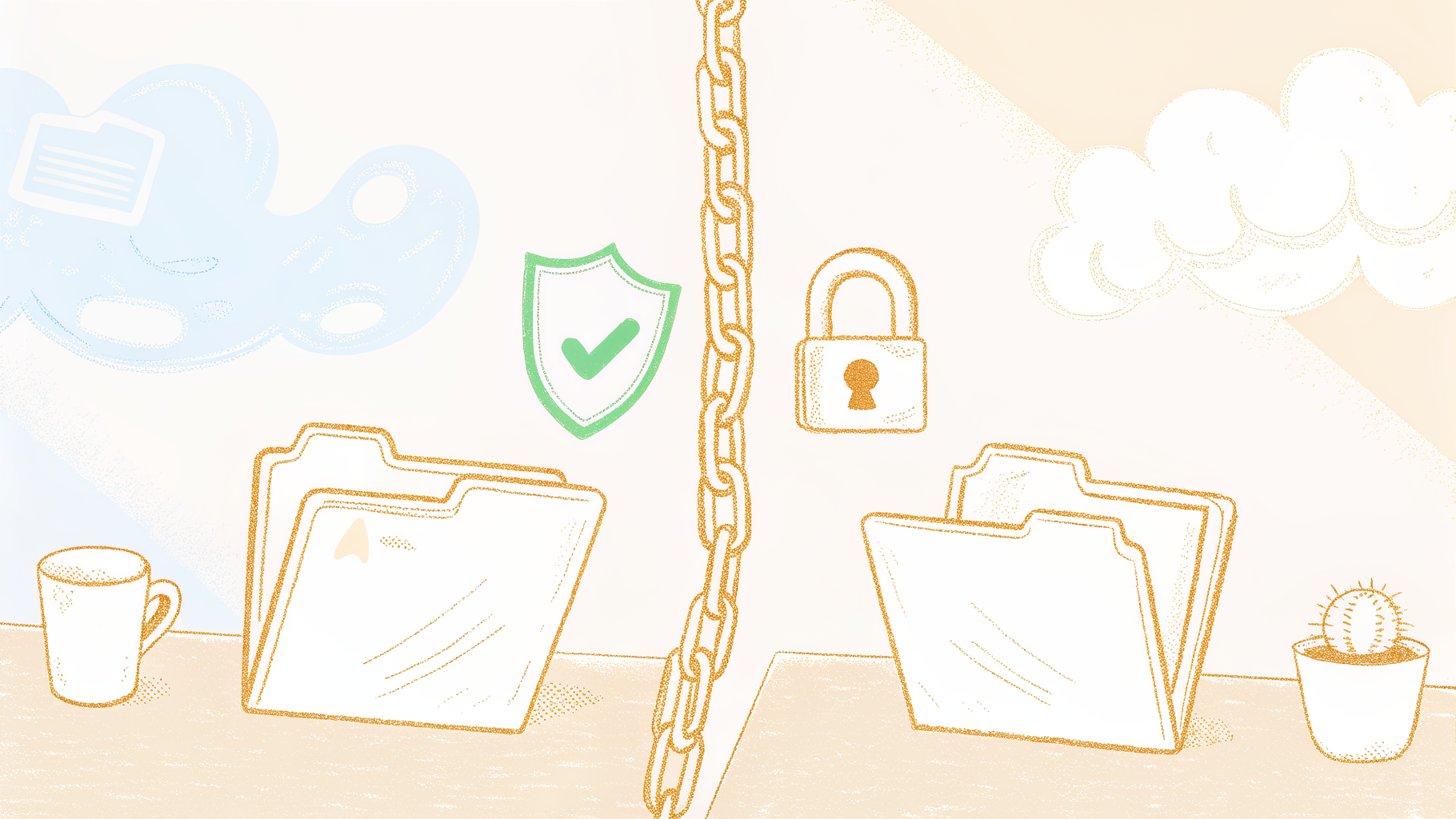
Padlock shield beside a locked cloud folder showing two sides of meeting transcript privacy
Zoom's Data-Use Promises Are Real But They Only Cover Model Training
For covered healthcare entities, Zoom offers a Business Associate Agreement that makes AI Companion HIPAA-eligible, a meaningful credential for organisations that require it. That commitment governs what Zoom does with your audio internally, and it is a separate question from how long transcripts stay reachable and whether you can export them once a licence lapses.
This distinction matters because a genuine, widespread concern among people recording meetings is that audio and transcripts are being processed on remote servers they do not control. That anxiety is understandable, and Zoom's no-training pledge addresses one part of it. But it does not address the structural fact that your content lives inside a platform you rent, not a file you hold.
The no-training pledge says nothing about how long transcripts stay reachable, what format they live in, or whether you can take them somewhere else. Security certifications and data-use policies are a floor.
Searching and Retrieving Transcripts Depends on Keeping the Subscription Active
Zoom's web portal lets you search transcripts by meeting ID, topic, or keyword. The catch is structural: transcripts created through AI Companion live inside the My Notes workspace, and that workspace is tied to an active paid licence. Cancel or downgrade, and those transcripts become inaccessible. Not deleted, but locked. You cannot export what you cannot open.
Consider a freelance researcher who records client interviews and needs to retain them for three years. If her AI Companion licence lapses, the transcripts from prior months are inaccessible from her workflow until the licence is reinstated. Zoom still holds the data, but access requires an active paid subscription to retrieve it. Ownership and access are two different things.
Why Transcript Portability Is the Privacy Risk Nobody Talks About
The real data-ownership risk is not what Zoom does with your audio. It is that your words live inside a platform you rent access to, not a file you hold. A voice transcription app built on an upload-and-export model changes that equation entirely.
The real data-ownership risk is not what Zoom does with your audio. It is that your words live inside a platform you rent access to, not a file you hold.
Cockatoo is built on exactly that model. That is not a promise about future functionality; it is what the free tier does on day one. The free plan requires no credit card, processes a daily allowance of files each up to thirty minutes long, stores them in encrypted cloud storage until you choose to delete them, and exports in every available format. The transcript is a file you download the moment processing finishes, living in your own storage, in your chosen format, with no ongoing subscription required to open, search, or share it.
For individuals who need more, longer files, unlimited transcription volume, or bulk exports across PDF, DOCX, TXT, and SRT, Cockatoo Pro removes every cap on the default modes, supports multi-hour files with no hard file-length limit, and is available at $20.97 USD/mo billed annually ("save 56%"), minimum 3 people. There is no annual total to quote here with confidence: the pricing page currently shows conflicting figures for the annual plan, and that discrepancy is under review. Check the pricing page directly for the current monthly and annual figures before purchasing.
That is not a privacy policy. It is a different architecture, one where you are never locked out of your own words because a subscription lapsed.
Which Zoom AI Transcription Alternative Actually Wins for Solo Users
Raw audio and no IT ticket collapses the feature debate immediately. The real question is which tool lets a single user start processing that recording in the next sixty seconds, and that question reliably points to a different answer than which tool has the most capabilities.
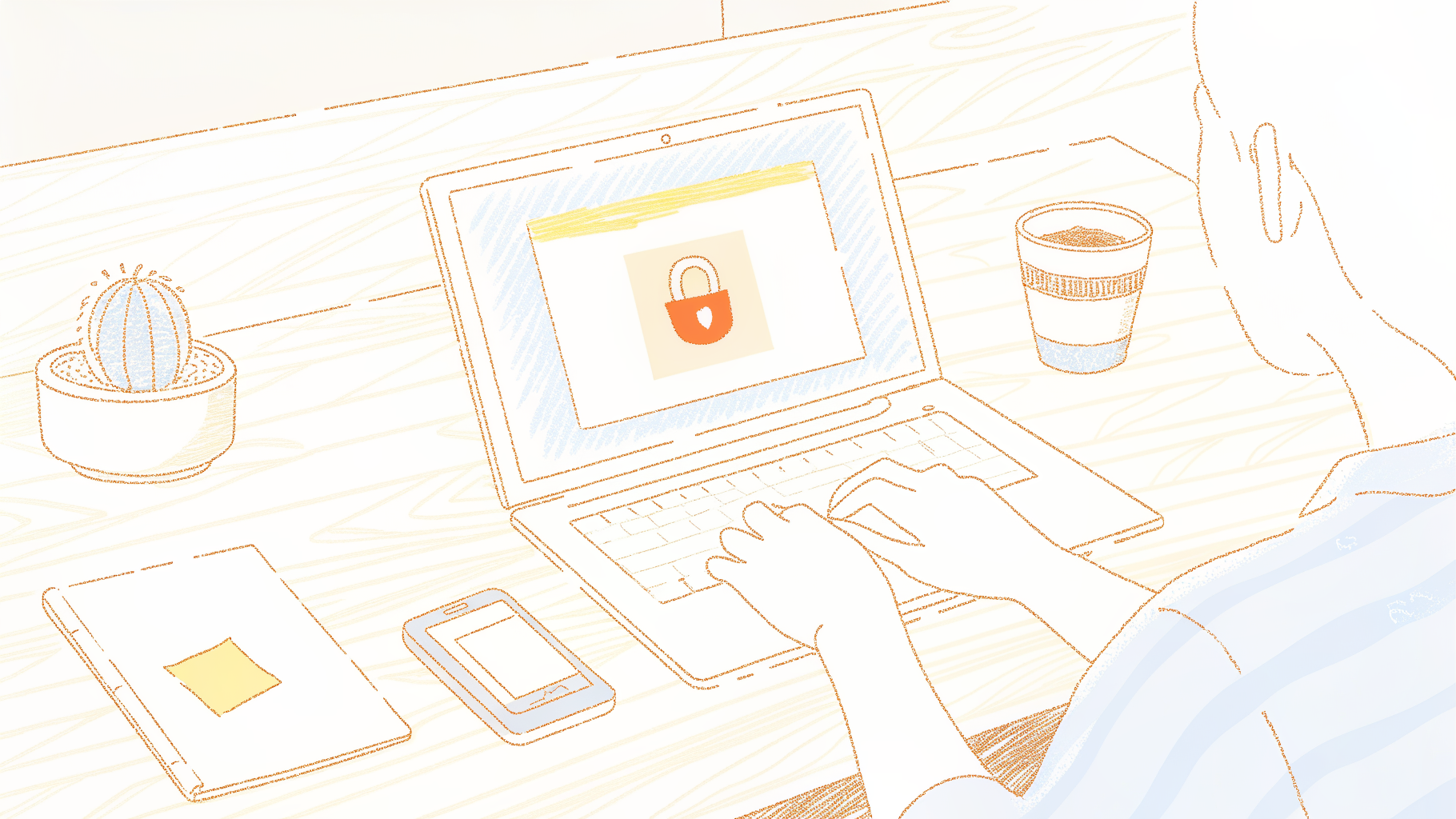
Solo user uploading audio file in browser while a locked admin portal sits blocked nearby
Licence Friction vs Self-Serve Access - The Decision Criterion Most Comparisons Skip
The familiar assumption is that a tool already inside your company's stack is the lowest-friction path. But this assumption conceals a structural trap: for a solo user who doesn't control Zoom's admin portal, the true cost of "it's already right there" is a workflow that never actually starts. Zoom AI transcription requires a paid AI Companion licence assigned at the account level, plus an admin configuration that must be enabled before the feature is usable, so the person holding a raw recording may wait until someone with account access gets to it, however long that takes.
That single structural fact changes the entire comparison: a feature list is irrelevant if the feature is behind a door you cannot open. Self-serve access is the decision criterion. A voice transcription app that accepts a file upload from any browser, on any device, with no licence request and no IT dependency, collapses the entire admin chain into a single step, the same workflow the admin-assistant scenario in Section 4 completes in under three minutes of active effort. The convenience Zoom implies is real only for users already inside a fully configured enterprise account. For everyone else, the wait can stretch from days to indefinitely.
Why Cockatoo's Unlimited Transcription Beats Per-Hour API Caps
Most transcription tools quietly cap monthly usage because their underlying cost is tied to third-party API calls billed by the hour. That cap is an economics decision forced by the infrastructure. Cockatoo runs its own in-house transcription engine. Because the marginal cost of processing one more hour of audio does not scale linearly with a per-call API fee, Cockatoo's Pro plan offers unlimited transcription on its standard modes, with no monthly hour ceiling. Worth noting before you commit: the highest-accuracy mode carries a weekly usage limit visible in Settings, so users with very high weekly volume should check that threshold and know that the standard unlimited modes remain available once it is reached.
How the Zoom Alternative Workflow Actually Works for Solo Users - Upload, Edit, Export
Consider an admin assistant turning a lengthy recorded strategy session into a Word document her manager can edit. She uploads to Cockatoo, receives a transcript with speaker turns labelled, renames each speaker once (the rename applies across every line automatically), and exports to DOCX. No external dependency, and the whole sequence takes only a few minutes of active effort.
A video producer captioning a multilingual client testimonial faces a different job. She checks Cockatoo's published accuracy benchmarks for Spanish, which report published accuracy tests for 30 languages run on the same public test set researchers use to compare transcription engines (a benchmark called FLEURS), plus real-world recordings with background noise and accents, confirms the accuracy meets her quality bar, and exports an SRT file directly into her editing timeline. A single aggregate percentage is not auditable; a per-language breakdown on a named test set is.
Both workflows share the same shape: upload, review, export to PDF, DOCX, or SRT. For the one person who has to turn a recording into something a colleague can actually open and edit, that complete path without hidden gates is what makes the difference.
Zoom AI Companion vs Standalone Transcription Tools
| Criterion | Zoom AI Companion | Standalone Tool (e.g. Cockatoo) |
|---|---|---|
| Requires paid licence? | Yes, AI Companion add-on | No, free tier available |
| Requires admin to enable? | Yes, portal toggle required | No, self-serve upload |
| Works outside Zoom meetings? | No, Zoom recordings only | Yes, any audio/video file |
| Bot joins the call? | No, native integration | N/A, file upload model |
| Transcripts portable if you cancel? | No, locked in My Notes | Yes, downloaded file, yours to keep |
| Per-language accuracy auditable? | No, aggregate WER only | Yes, named benchmark, per-language |
| Unlimited transcription? | Depends on plan/admin config | Yes (Pro, default modes) |
| Export formats | Portal viewer + .vtt download (captions format) | PDF, DOCX, TXT, SRT |
Use this table to match your situation: if your admin has already assigned AI Companion and you work exclusively inside Zoom meetings, the native path is lowest friction. If any cell in the Zoom column is a blocker, the standalone path removes it.
Related Reading
- Best Asr Transcription Software
- Notta Alternatives
- Rev Vs Otter
- Rev Alternatives
- Rev Vs Scribie
- Rev Vs Gotranscript
- Happy Scribe Vs Trint
- Happy Scribe Vs Otter
- Trint Vs Temi
Next steps
If your admin ticket is still open and your recording has been sitting untouched for days, the path forward starts with recognizing that built-in does not mean frictionless. Zoom's transcription requires a paid licence assigned at the account level and an admin portal toggle that individual contributors cannot reach, meaning the person who most needs the transcript is structurally the last person who can enable it. Start with our voice transcription app.
The licence-and-admin gate means you may wait indefinitely for a feature that was always theoretically present. The ecosystem lock-in means that even users who clear both gates face a second hidden friction layer: getting text out of Zoom and into the document or CMS where actual work happens, with post-export cleanup compounding the time cost at both ends of the workflow. Together, they point to a file-upload model where the transcript arrives as a portable, editable file the moment processing finishes, with no licence dependency and no admin chain in between.
Start with Cockatoo on a free tier, no credit card required. Upload a real recording from your actual work, check the per-language accuracy benchmarks for your specific language on a named public test set before committing anything sensitive, and export to PDF, DOCX, or SRT in the same session. The finished document is yours immediately, living in your own storage, with no subscription required to open it later.
Frequently Asked Questions
Do I need to buy a separate licence just to get Zoom AI transcription?
Yes. Zoom AI Companion is not included in standard Zoom plans and must be purchased as an add-on at the account level before transcription becomes available to anyone on the account. The cost decision sits entirely with whoever controls the company's Zoom billing, not the person who actually needs the transcript.
What happens to my Zoom transcripts if I cancel my subscription?
They become inaccessible. Transcripts created through AI Companion live inside the My Notes workspace, which is tied to an active paid licence, cancel or downgrade and those transcripts are locked until the licence is reinstated. Zoom still holds the data, but you cannot export what you cannot open.
How accurate is Zoom AI Companion's transcription, and can I verify it for my language?
Zoom reports a Word Error Rate of approximately 7.4% across 30+ languages, but there is no public test-set methodology and no per-language breakdown to verify that figure. If you need accuracy for a specific language, say, Spanish rather than English, there is currently no way to check whether that headline number holds for your use case before a transcript comes back wrong.
What's the difference between using Zoom AI Companion and a third-party transcription tool?
Zoom AI Companion runs natively inside Zoom with no bot joining the call, which matters when IT or client policy blocks third-party bots. However, it only works for Zoom meetings, requires an admin-assigned licence, and stores transcripts inside Zoom's ecosystem. A file-upload tool like Cockatoo works with any audio or video file from any source, no bot, no admin portal, no platform dependency, and gives you a downloadable transcript the moment processing finishes.
How do I get a transcript from an audio or video file without going through Zoom at all?
Upload the file directly to a transcription tool that accepts any audio or video format. Cockatoo's free tier, no credit card required, processes a daily allowance of files each up to 30 minutes long, stores them in encrypted cloud storage, and lets you export the finished transcript in PDF, DOCX, TXT, or SRT the moment it's ready, with no admin setup or subscription needed to access it afterwards.